
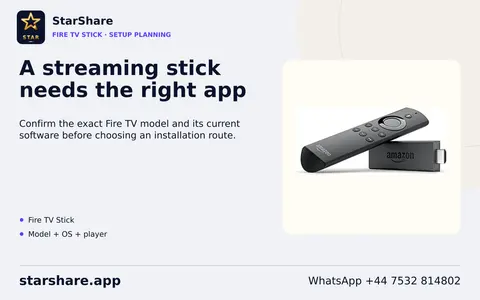
Amazon Fire TV Stick
Record the exact generation and operating system before choosing a player. Fire OS and Vega OS devices need different application builds; confirm an app listing for that model.
Read the setup guideChoose the actual model and operating system. Find its documented app route and the account questions that matter.
Record the exact generation and operating system before choosing a player. Fire OS and Vega OS devices need different application builds; confirm an app listing for that model.
Read the setup guide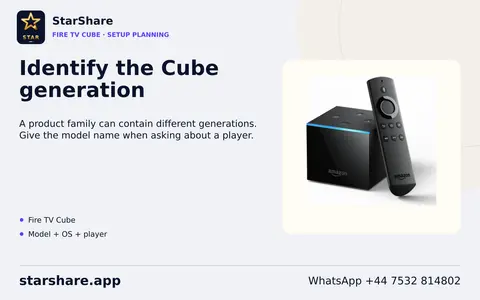
A Cube generation is a separate compatibility record from a Stick generation. Use the exact model and installed software when asking for a player.
Read the setup guideA manufacturer name or Fire TV badge alone does not identify the operating-system version. Ask for the full TV model and its software details.
Read the setup guide
A phone layout is not evidence of remote-control usability on a television. A Play account purchase does not provision a StarShare account.
Read the setup guide
Use the TV-specific listing rather than assuming a phone APK supports a remote. Keep access details saved before reinstalling or removing an app.
Read the setup guide
App availability must be checked on the actual device/profile. The Google TV interface and an individual service account perform different jobs.
Read the setup guide
A downloaded player and its in-app licence are separate from StarShare access. Do not present an Android package as an iOS installation source.
Read the setup guide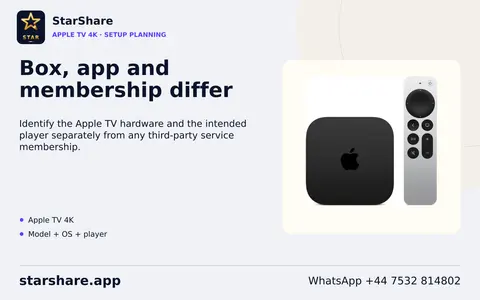
The third-generation Apple TV lacks this app-download route. The Apple TV app, an Apple subscription and the Apple TV streaming box are separate entities.
Read the setup guide
An iPhone app is not automatically a Mac app; any Apple-silicon availability is listing-specific. macOS is not the MAC identifier used by some portal systems.
Read the setup guide
A Windows desktop player and browser playback are different routes. Do not disable operating-system protections merely because an unverified installer is blocked.
Read the setup guide
Confirm model year, software and store region. A phone/Android app file is not evidence of a compatible Samsung TV app.
Read the setup guide
If the intended app does not appear, do not substitute an Android APK. Confirm an appropriate alternative route with support.
Read the setup guide
Hisense is the hardware brand; VIDAA is one possible operating system. The VIDAA phone remote app is not a STAR TV player. Check the model manual before offering menu-specific instructions.
Read the setup guide
NVIDIA does not treat arbitrary sideloaded applications as validated Android TV apps. A SHIELD model's capabilities do not establish the StarShare account's connection allowance.
Read the setup guide
The verified product source identifies Google TV on TV Box S second generation. Do not apply that software/version assumption to every older Mi Box or TV Stick.
Read the setup guide
Customized firmware can hide menu items. A model-specific portal compatibility issue should go to the operator or manufacturer. Do not publish real portal addresses or device identifiers.
Read the setup guide
The manufacturer supplies hardware/software, not subscription content. MAC-ID uses a portal address; XC also needs the supplied login; M3U uses the supplied playlist. Keep identifiers, URLs and passwords private.
Read the setup guide
Menus can differ by region or update. Do not describe a generic Android APK as a Roku app or claim a native StarShare player listing without evidence.
Read the setup guide
AirPlay video streaming and whole-screen mirroring are different routes. Some video apps do not support AirPlay, so casting must be checked separately from native playback.
Read the setup guide
A Cast icon or compatible receiver does not prove every stream can be sent. App, media and network discovery support must all be checked.
Read the setup guide
Tab or whole-screen display is not evidence that a service offers native browser playback. Confirm the actual authorised web-player address separately.
Read the setup guide
OpenPLi documentation applies to that image ecosystem, not every Linux receiver. Do not propose flashing or replacing firmware as a routine first setup step.
Read the setup guideUse the exact model and software version when following installation, remote-control, update or playback guidance.
Browse device workflows