
Brand & home
Your screen. Your next story.
Bring your viewing plans together with clear subscriptions, real player screens and help choosing your setup.
Open artwork520 topic compositions, plus 195 country editions. Explore the artwork by subject and keep the original master count separate from adaptations.
715 artwork records.
No matching subjects. Reset the filters to browse the collection.
Bring your viewing plans together with clear subscriptions, real player screens and help choosing your setup.
Open artwork
Start with what you want to watch, then choose the player and subscription term that fit.
Open artwork
The original gold STAR identity sits at the centre of a new multicolour StarShare collection.
Open artwork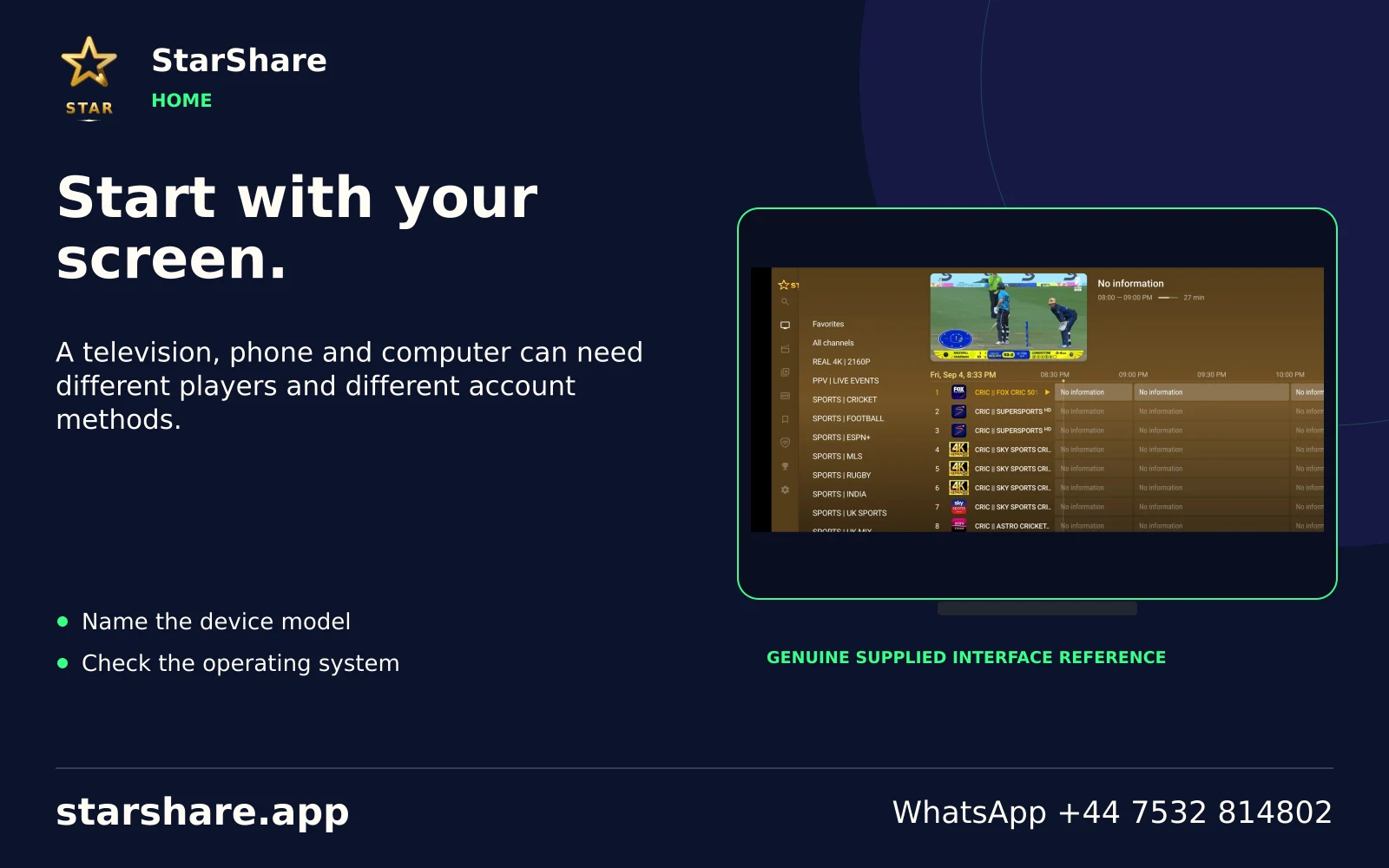
A television, phone and computer can need different players and different account methods.
Open artwork
Compare the term, discuss compatibility and enter only the access details supplied for your account.
Open artwork
Name the event you want, the date and your region before asking about a viewing source.
Open artwork
A film title, release year and preferred language make a much better starting point than a vague catalogue request.
Open artwork
Your device, player, subscription and internet connection each play a different role.
Open artwork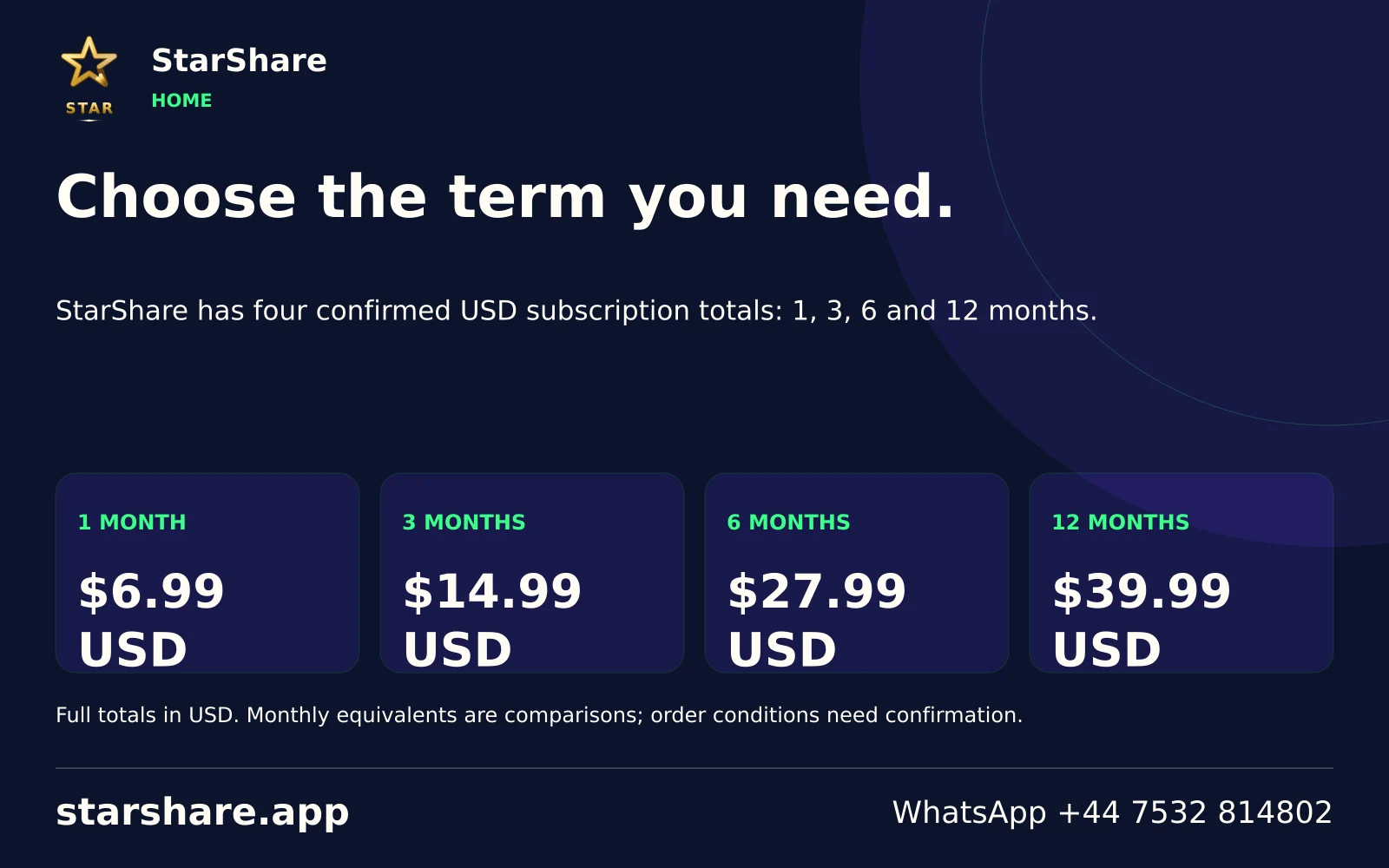
StarShare has four confirmed USD subscription totals: 1, 3, 6 and 12 months.
Open artwork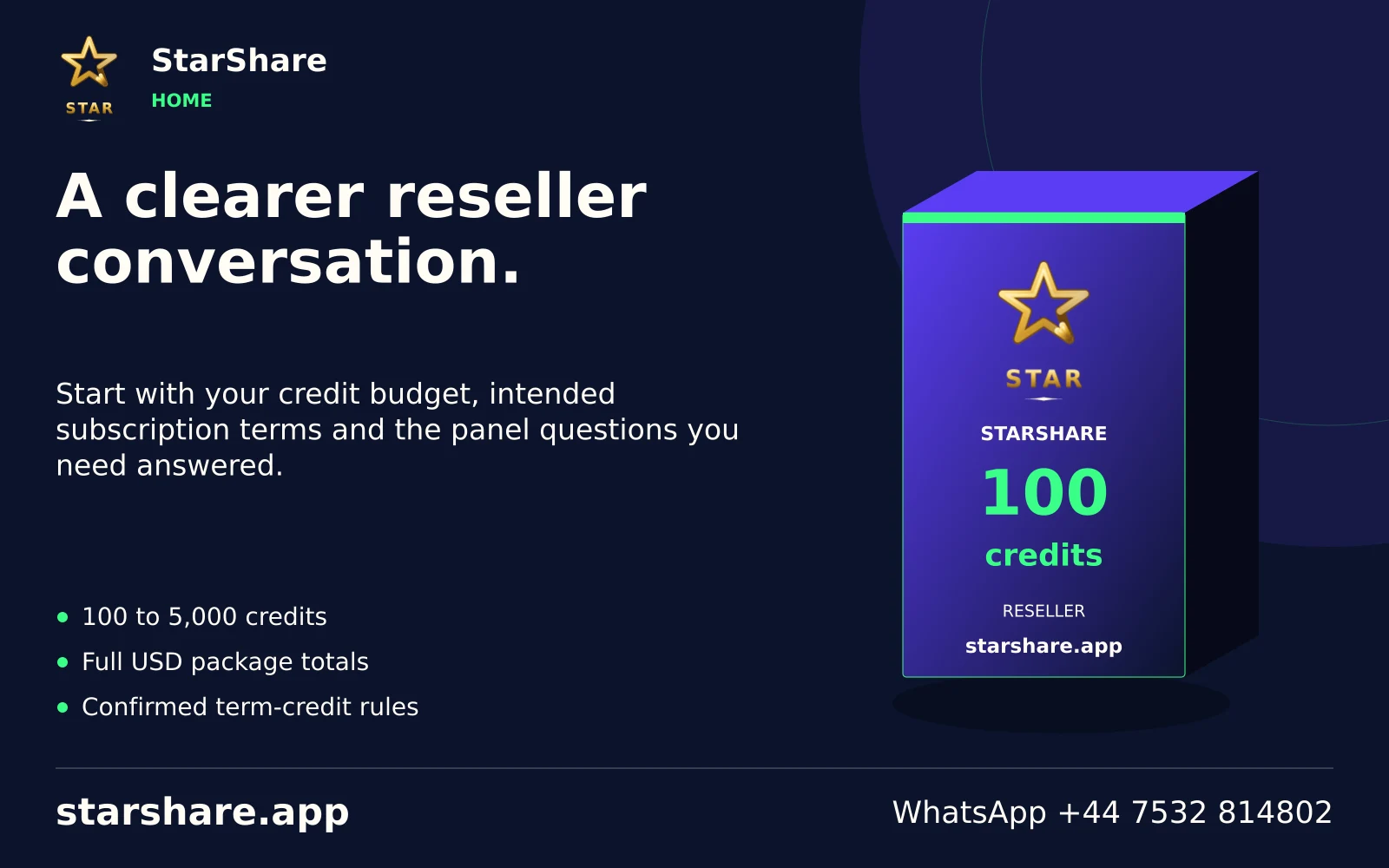
Start with your credit budget, intended subscription terms and the panel questions you need answered.
Open artwork
Write down the channels, languages and devices that matter to you and discuss them before ordering.
Open artwork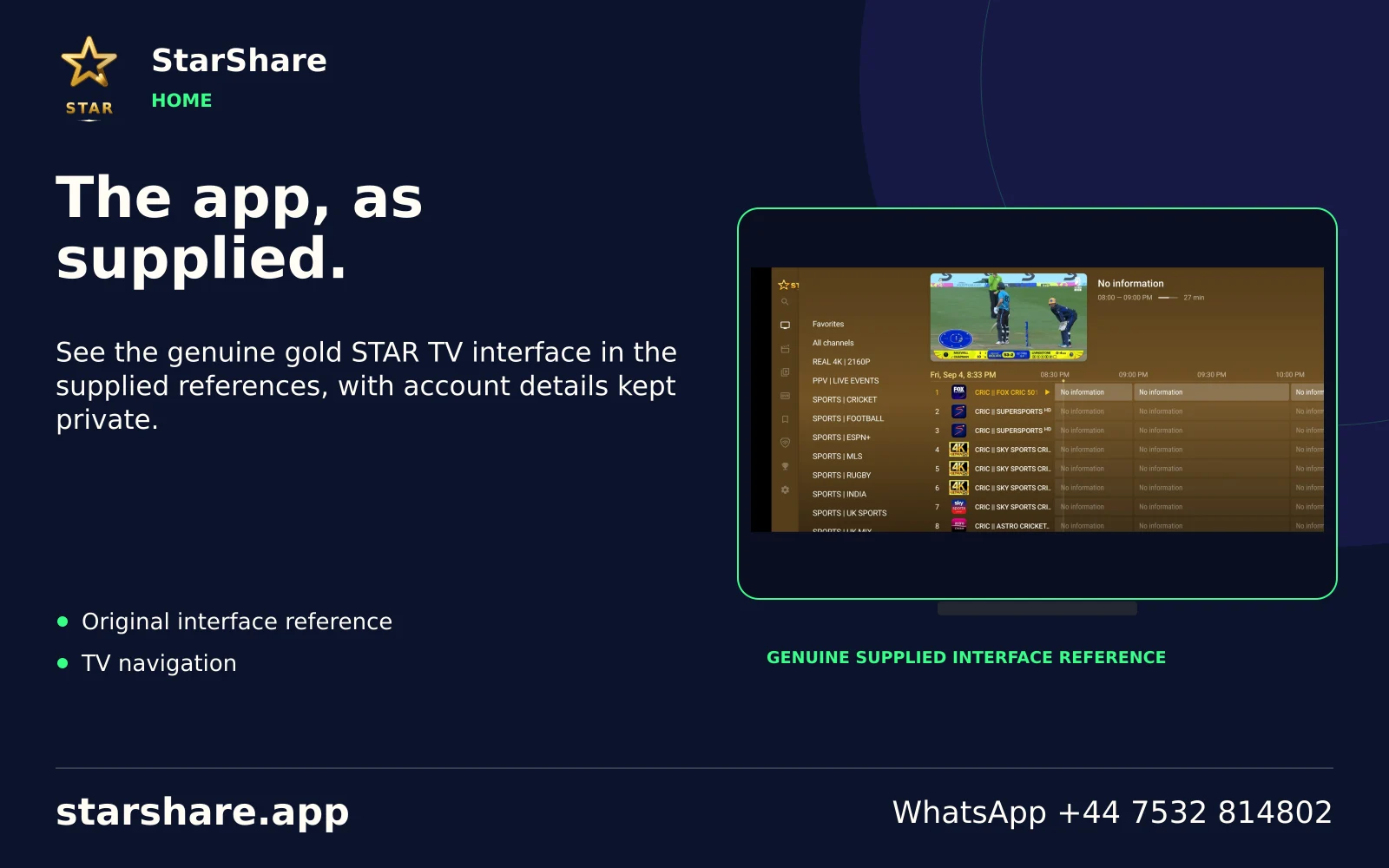
See the genuine gold STAR TV interface in the supplied references, with account details kept private.
Open artwork
Send the device model, player name and exact error message so support can understand the problem.
Open artwork
Browse 195 country editions to organise regional viewing questions and the languages you use.
Open artwork
A platform logo identifies a service or subject. Its membership and content rights remain separate from StarShare.
Open artwork
Treat passwords, playlist URLs and device identifiers as account information, including in screenshots.
Open artwork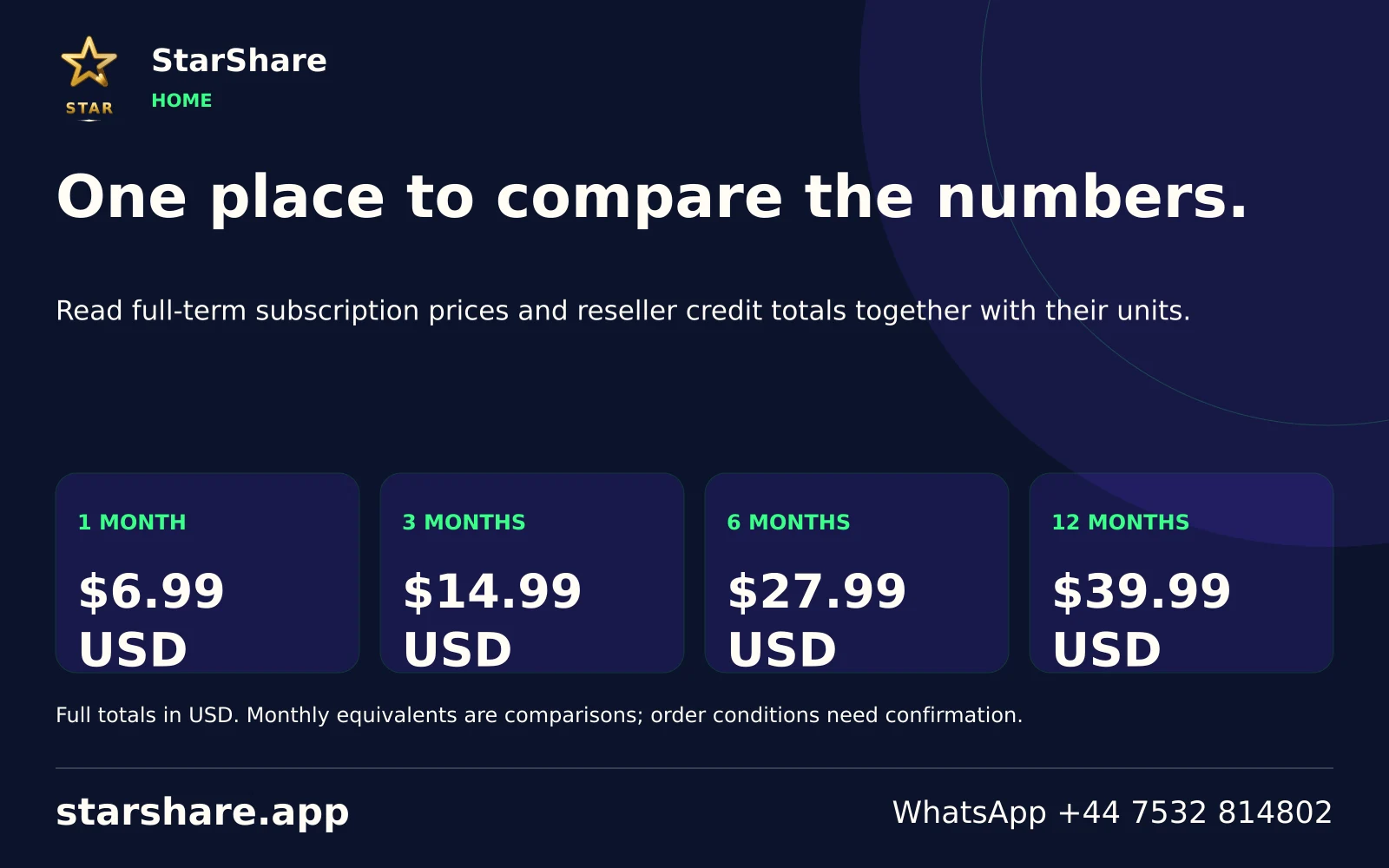
Read full-term subscription prices and reseller credit totals together with their units.
Open artwork
Choose your subject, check the source and discuss the account conditions before paying.
Open artwork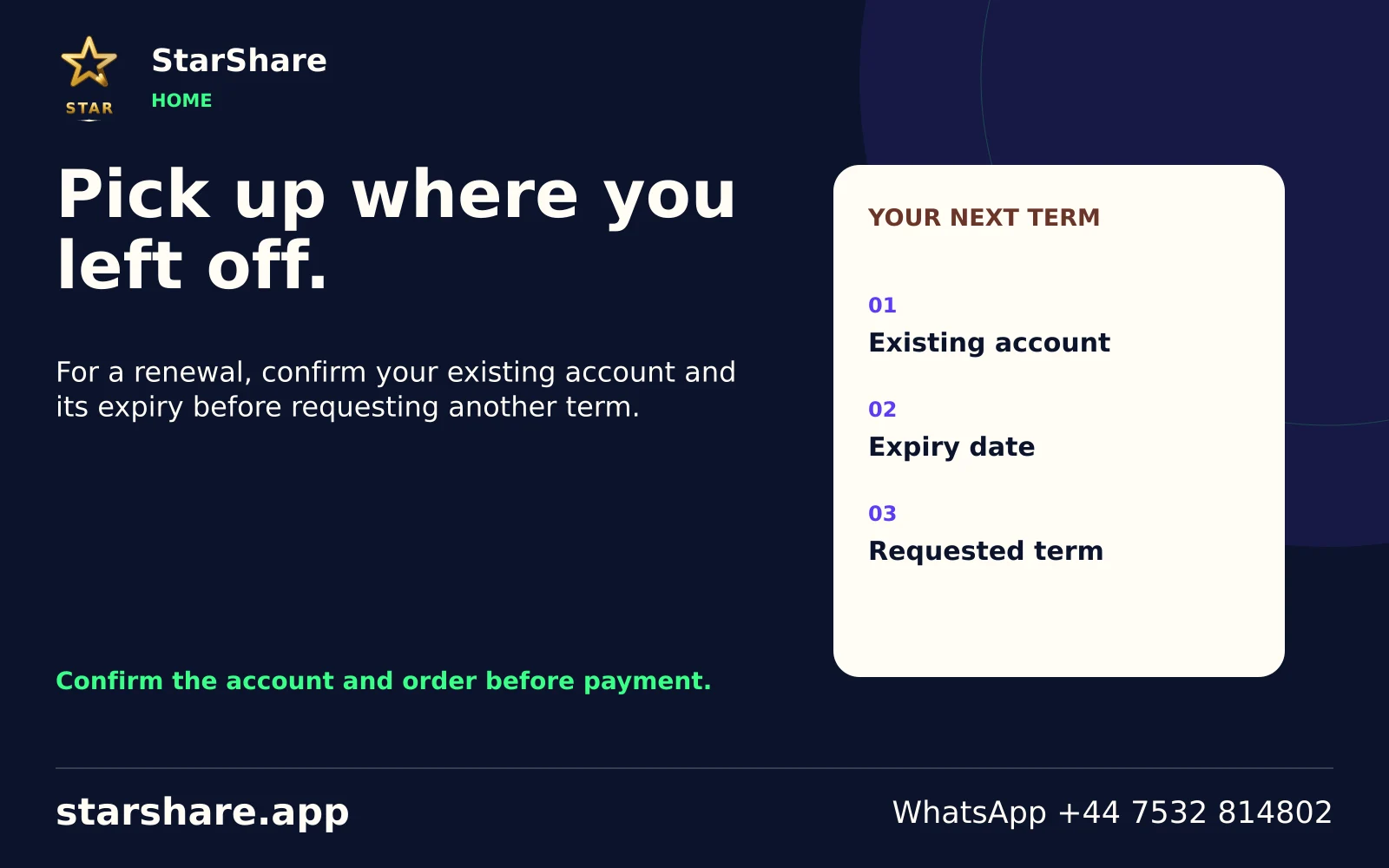
For a renewal, confirm your existing account and its expiry before requesting another term.
Open artwork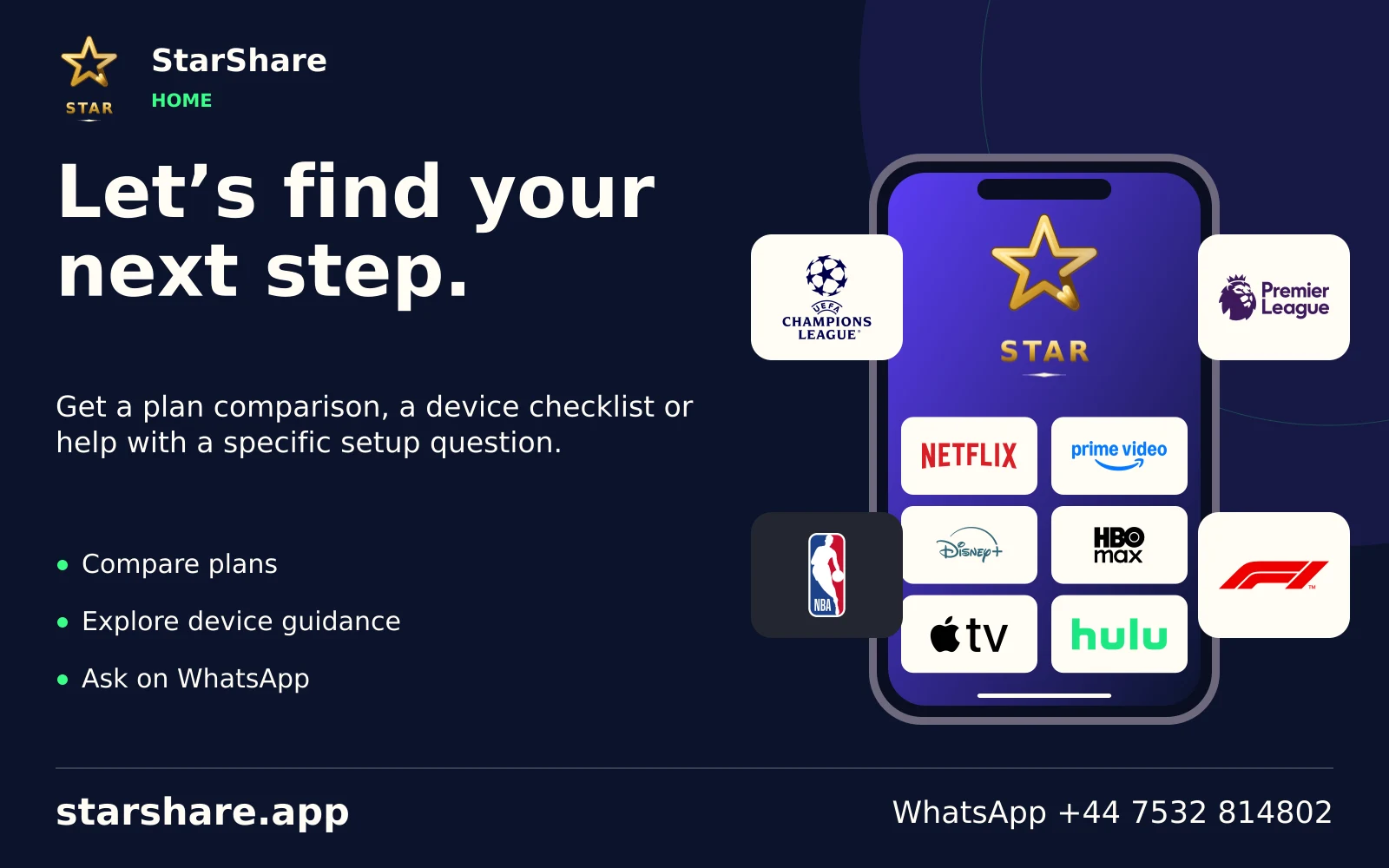
Get a plan comparison, a device checklist or help with a specific setup question.
Open artwork
Match the title and release year before comparing an audio track, subtitle language or screen edition.
Open artwork
Treat a rental or purchase separately from a platform membership and from your StarShare subscription.
Open artwork
Make a household shortlist by age suitability, language and the actual account you intend to use.
Open artwork
Include the programme name, season and episode when asking about a series rather than only the brand.
Open artwork
Separate Apple TV hardware, the Apple TV app and any paid membership when describing your setup.
Open artwork
A service name alone does not establish availability in your region. Check the provider’s current local terms.
Open artwork
A familiar franchise can have different distribution arrangements across markets. Name the exact programme.
Open artwork
A live event, a replay and an on-demand programme can follow different access rules.
Open artwork
Use the documentary or factual series title to compare editions and languages rather than only a genre.
Open artwork
A creator channel, a live broadcast and a paid product are different subjects even within one platform.
Open artwork
Keep a television subscription separate from an ordinary video account when checking access.
Open artwork
Do not enter a video-platform account into an IPTV login field. Use each service’s intended sign-in route.
Open artwork
An ad-supported service and a paid IPTV plan have separate catalogues, access methods and terms.
Open artwork
Distinguish a scheduled streaming channel from choosing an individual on-demand title.
Open artwork
Name whether you mean a Roku device, an app or The Roku Channel when asking for help.
Open artwork
Before buying a television package, check the exact current line-up and connection conditions with its provider.
Open artwork
An event, competition and broadcaster are useful details for a sports-focused viewing enquiry.
Open artwork
List the actual entertainment channels you use and compare current package terms directly with the provider.
Open artwork
Streaming and other television products can share a parent brand. Identify the product you already have.
Open artwork
Sports access can be sold by territory and event. Check the organiser or broadcaster for the relevant market.
Open artwork
A network channel, a streaming product and a sports event are not interchangeable entitlements.
Open artwork
A title and preferred commentary or dialogue language make a regional viewing request more precise.
Open artwork
Use the exact show or event name when discussing access, especially where names or editions overlap.
Open artwork
List your preferred programme language and subtitle needs before comparing a title across services.
Open artwork
Send the original title spelling alongside an English title where more than one programme has the same name.
Open artwork
A channel name and a specific on-demand episode can need different catalogue checks.
Open artwork
Check programme suitability and any account controls directly in the service you use.
Open artwork
Remakes and similarly named films are easier to distinguish when the release year accompanies the title.
Open artwork
Identify the developer and exact application before assuming that similarly named apps do the same job.
Open artwork
Keep a programme’s original title and chosen language together when preparing a viewing request.
Open artwork
A common word can also be a service brand. Include the app name and device to avoid confusion.
Open artwork
A platform membership does not establish access to every live event or additional package.
Open artwork
Specify whether you want live coverage, highlights or a full replay when discussing a sporting event.
Open artwork
Check the exact streaming product and current account conditions before adding another television service.
Open artwork
A device or interface helps you open apps; paid services still have their own terms.
Open artwork
The same programme can be distributed differently across countries. Confirm the local service listing.
Open artwork
A television-provider login is not automatically a username and password for an unrelated player.
Open artwork
Include the full product or membership name rather than only a short brand word in a support message.
Open artwork
Separate the linear channel, a live app stream and an on-demand programme when checking availability.
Open artwork
Ask for the programme and intended viewing route; a broadcaster identity alone does not specify access.
Open artwork
A channel number, broadcaster brand and streaming app can share a name. Be explicit about the source.
Open artwork
When a service changes its public name, include both the current and familiar name in your enquiry.
Open artwork
An original series, a remake and a special can share a title. Add the year and season to your shortlist.
Open artwork
A series title and episode number are more useful than a broad request for a genre or national style.
Open artwork
Check the current included services and billing terms directly rather than inferring them from a brand collage.
Open artwork
Content ratings and household preferences belong in a viewing decision as much as picture quality.
Open artwork
Use the actual film or series name when asking about a library, especially if the studio name is familiar.
Open artwork
A purchased title, a rental and a scheduled channel can have different access periods and costs.
Open artwork
A sports enquiry is easier to answer when it includes the event and the country of viewing.
Open artwork
Identify the channel or app you mean instead of treating every service with the same parent name as one.
Open artwork
Read the provider’s current account conditions before assuming a programme is included in a particular tier.
Open artwork
The regional station or feed can matter when comparing a television service across countries.
Open artwork
A preferred audio language and a readable subtitle track are separate requirements worth listing.
Open artwork
Alternate translated titles can point to different shows. Keep the original name when possible.
Open artwork
Add the programme year and season where translated titles are similar or shortened.
Open artwork
Keep a creator, an official programme page and a repost separate when deciding what you are watching.
Open artwork
Check the film year, language and any rental period with the service before buying access.
Open artwork
Name the language you read comfortably and the exact series edition you want to follow.
Open artwork
Ask the provider about local access and the programme you want rather than relying on a logo alone.
Open artwork
Read the relevant service’s current membership and device rules separately from StarShare’s plan totals.
Open artwork
The group brand can refer to several products. A precise source name avoids an unnecessary account change.
Open artwork
A broadcaster’s live channel and an individual archive programme can have different access conditions.
Open artwork
Include the original show name and intended live or on-demand route when discussing a Spanish-language title.
Open artwork
Include the broadcaster and programme name together so an older app name does not cause confusion.
Open artwork
Identify the national product and channel before comparing offers or asking about a sporting event.
Open artwork
State your preferred dialogue and subtitle languages, then identify the programme and edition.
Open artwork
Check the provider’s current product and programme availability for the country where you will watch.
Open artwork
A linear broadcast and an on-demand programme listing are separate viewing routes.
Open artwork
Say whether you want a live programme or an on-demand episode when checking the source.
Open artwork
A film or series name, year and preferred language help avoid confusion between similarly named editions.
Open artwork
Start with the director, exact title and year when comparing an edition of a film.
Open artwork
Send the documentary or series name, rather than assuming every factual programme belongs to one library.
Open artwork
A creator’s channel, a series and a paid platform page are separate identities.
Open artwork
A third-party access arrangement should be checked with the relevant provider before assuming membership.
Open artwork
A creator stream, an official event and a replay can have different rights and schedules.
Open artwork
Release year, original title and version help distinguish remakes, specials and restored editions.
Open artwork
A scheduled channel plays to a timetable. An on-demand item starts when you select an available title.
Open artwork
Check dialogue, commentary and subtitles independently instead of assuming one language setting changes them all.
Open artwork
A full platform membership and one rented title can have different prices, expiry rules and playback terms.
Open artwork
A group can publish channels, apps and programme archives with separate access arrangements.
Open artwork
Hardware displays the picture. Software opens an account. Neither creates a paid content entitlement by itself.
Open artwork
Write the service name, full price, billing period and renewal arrangement together before making a payment.
Open artwork
Agree on programme suitability, languages and the titles the household actually wants before comparing offers.
Open artwork
Choose the broadcaster and relevant regional edition when following a developing story.
Open artwork
An available replay, a catch-up window and a local recording can follow different rules.
Open artwork
A precise film or series title gives you a better way to check access than assuming a whole brand is included.
Open artwork
Read the seller and billing period in the actual checkout; a separate player or platform fee is not a StarShare plan.
Open artwork
A free or ad-supported service can have different availability and account conditions from a paid service.
Open artwork
Programme distribution and service availability can differ across markets even when the logo looks identical.
Open artwork
Original title, director and year help identify a particular film across language editions.
Open artwork
Specify the work and, where relevant, the season and episode when discussing a factual programme.
Open artwork
A creator’s own page, an event page and a repost are different sources and may have different permissions.
Open artwork
Use a trusted store or a confirmed publisher route. Artwork and installation instructions serve different jobs.
Open artwork
A television channel, add-on and separate streaming plan can share branding without sharing account access.
Open artwork
Check the exact language, track availability, size and contrast in the player you will actually use.
Open artwork
Ask the provider about its actual travel and account conditions before relying on a service in another country.
Open artwork
A payment reference for one platform does not identify an order placed with a different provider.
Open artwork
A plus sign in a brand can indicate a separate product; it is not a universal premium-access badge.
Open artwork
Name the title, add the language and identify the screen. Then check the current authorised viewing route.
Open artwork
Treat content, software, hardware and network conditions as separate checks in a viewing decision.
Open artwork
List the teams, competition and commentary language. A club fixture and a national-team match are different requests.
Open artwork
List the teams, competition and commentary language. A club fixture and a national-team match are different requests.
Open artwork
List the teams, competition and commentary language. A club fixture and a national-team match are different requests.
Open artwork
List the teams, competition and commentary language. A club fixture and a national-team match are different requests.
Open artwork
List the teams, competition and commentary language. A club fixture and a national-team match are different requests.
Open artwork
List the teams, competition and commentary language. A club fixture and a national-team match are different requests.
Open artwork
List the teams, competition and commentary language. A club fixture and a national-team match are different requests.
Open artwork
List the teams, competition and commentary language. A club fixture and a national-team match are different requests.
Open artwork
List the teams, competition and commentary language. A club fixture and a national-team match are different requests.
Open artwork
List the teams, competition and commentary language. A club fixture and a national-team match are different requests.
Open artwork
List the teams, competition and commentary language. A club fixture and a national-team match are different requests.
Open artwork
List the teams, competition and commentary language. A club fixture and a national-team match are different requests.
Open artwork
List the teams, competition and commentary language. A club fixture and a national-team match are different requests.
Open artwork
List the teams, competition and commentary language. A club fixture and a national-team match are different requests.
Open artwork
List the teams, competition and commentary language. A club fixture and a national-team match are different requests.
Open artwork
List the teams, competition and commentary language. A club fixture and a national-team match are different requests.
Open artwork
List the teams, competition and commentary language. A club fixture and a national-team match are different requests.
Open artwork
List the teams, competition and commentary language. A club fixture and a national-team match are different requests.
Open artwork
List the teams, competition and commentary language. A club fixture and a national-team match are different requests.
Open artwork
List the teams, competition and commentary language. A club fixture and a national-team match are different requests.
Open artwork
List the teams, competition and commentary language. A club fixture and a national-team match are different requests.
Open artwork
List the teams, competition and commentary language. A club fixture and a national-team match are different requests.
Open artwork
List the teams, competition and commentary language. A club fixture and a national-team match are different requests.
Open artwork
List the teams, competition and commentary language. A club fixture and a national-team match are different requests.
Open artwork
List the teams, competition and commentary language. A club fixture and a national-team match are different requests.
Open artwork
List the teams, competition and commentary language. A club fixture and a national-team match are different requests.
Open artwork
List the teams, competition and commentary language. A club fixture and a national-team match are different requests.
Open artwork
List the teams, competition and commentary language. A club fixture and a national-team match are different requests.
Open artwork
Say whether you mean a Test, one-day or short-format match, then include the teams and session you want.
Open artwork
Say whether you mean a Test, one-day or short-format match, then include the teams and session you want.
Open artwork
Say whether you mean a Test, one-day or short-format match, then include the teams and session you want.
Open artwork
Say whether you mean a Test, one-day or short-format match, then include the teams and session you want.
Open artwork
Say whether you mean a Test, one-day or short-format match, then include the teams and session you want.
Open artwork
Say whether you mean a Test, one-day or short-format match, then include the teams and session you want.
Open artwork
Say whether you mean a Test, one-day or short-format match, then include the teams and session you want.
Open artwork
Say whether you mean a Test, one-day or short-format match, then include the teams and session you want.
Open artwork
Practice, qualifying and the race can be separate broadcasts. Include the series, round and session.
Open artwork
Practice, qualifying and the race can be separate broadcasts. Include the series, round and session.
Open artwork
Practice, qualifying and the race can be separate broadcasts. Include the series, round and session.
Open artwork
Practice, qualifying and the race can be separate broadcasts. Include the series, round and session.
Open artwork
Practice, qualifying and the race can be separate broadcasts. Include the series, round and session.
Open artwork
Practice, qualifying and the race can be separate broadcasts. Include the series, round and session.
Open artwork
An event can run several matches at once. Name the players or court rather than only the tournament.
Open artwork
An event can run several matches at once. Name the players or court rather than only the tournament.
Open artwork
An event can run several matches at once. Name the players or court rather than only the tournament.
Open artwork
An event can run several matches at once. Name the players or court rather than only the tournament.
Open artwork
An event can run several matches at once. Name the players or court rather than only the tournament.
Open artwork
Include both teams and the game date. A regular fixture, playoff and highlights package are separate subjects.
Open artwork
Include both teams and the game date. A regular fixture, playoff and highlights package are separate subjects.
Open artwork
Include both teams and the game date. A regular fixture, playoff and highlights package are separate subjects.
Open artwork
Name the teams, competition and game date. Check the local broadcaster for the relevant market.
Open artwork
Include both teams and the game date. A regular fixture, playoff and highlights package are separate subjects.
Open artwork
A series can contain several games. Add the game number, teams and commentary preference.
Open artwork
A series can contain several games. Add the game number, teams and commentary preference.
Open artwork
Specify the competition and teams, and distinguish live coverage from an available replay.
Open artwork
Specify the competition and teams, and distinguish live coverage from an available replay.
Open artwork
Specify the competition and teams, and distinguish live coverage from an available replay.
Open artwork
Specify the competition and teams, and distinguish live coverage from an available replay.
Open artwork
Specify the competition and teams, and distinguish live coverage from an available replay.
Open artwork
Specify the competition and teams, and distinguish live coverage from an available replay.
Open artwork
Specify the competition and teams, and distinguish live coverage from an available replay.
Open artwork
Include the competition, participant and session so a viewing enquiry identifies the actual sporting subject.
Open artwork
Name the promotion and event. A preliminary card, main card and replay can follow different access terms.
Open artwork
Name the promotion and event. A preliminary card, main card and replay can follow different access terms.
Open artwork
Name the promotion and event. A preliminary card, main card and replay can follow different access terms.
Open artwork
Name the promotion and event. A preliminary card, main card and replay can follow different access terms.
Open artwork
Name the promotion and event. A preliminary card, main card and replay can follow different access terms.
Open artwork
Name the tournament and round, then specify live coverage or highlights rather than assuming one stream covers everything.
Open artwork
Name the tournament and round, then specify live coverage or highlights rather than assuming one stream covers everything.
Open artwork
Name the tournament and round, then specify live coverage or highlights rather than assuming one stream covers everything.
Open artwork
Name the tournament and round, then specify live coverage or highlights rather than assuming one stream covers everything.
Open artwork
Name the tournament and round, then specify live coverage or highlights rather than assuming one stream covers everything.
Open artwork
Name the tournament and round, then specify live coverage or highlights rather than assuming one stream covers everything.
Open artwork
Name the tournament and round, then specify live coverage or highlights rather than assuming one stream covers everything.
Open artwork
Include the competition, participant and session so a viewing enquiry identifies the actual sporting subject.
Open artwork
Include the competition, participant and session so a viewing enquiry identifies the actual sporting subject.
Open artwork
Include the competition, participant and session so a viewing enquiry identifies the actual sporting subject.
Open artwork
Include the competition, participant and session so a viewing enquiry identifies the actual sporting subject.
Open artwork
Practice, qualifying and the race can be separate broadcasts. Include the series, round and session.
Open artwork
Specify the league and teams. The same game can have different language or regional broadcasts.
Open artwork
Use the programme name as well as the channel when an issue affects one show rather than the entire feed.
Open artwork
A regional edition can carry a different news bulletin or schedule. Include the complete feed name in your request.
Open artwork
A visible picture does not establish the right audio track. Check language and commentary in the selected player.
Open artwork
If the picture works but listings do not, describe the guide problem separately from a playback problem.
Open artwork
A delayed edition and a live channel can have different programme times. Use the full displayed feed label.
Open artwork
Copy the visible channel label and region without sharing the account’s username, password or source URL.
Open artwork
Compare the programme listing with the device time zone before assuming a channel is showing the wrong schedule.
Open artwork
State the preferred dialogue or commentary language rather than assuming the logo identifies it.
Open artwork
Test another permitted source so support can distinguish a single-feed problem from a wider account or network issue.
Open artwork
A parent network and an individual station can have separate schedules. Name the station or edition you need.
Open artwork
Use the programme name as well as the channel when an issue affects one show rather than the entire feed.
Open artwork
A regional edition can carry a different news bulletin or schedule. Include the complete feed name in your request.
Open artwork
A visible picture does not establish the right audio track. Check language and commentary in the selected player.
Open artwork
If the picture works but listings do not, describe the guide problem separately from a playback problem.
Open artwork
A delayed edition and a live channel can have different programme times. Use the full displayed feed label.
Open artwork
Copy the visible channel label and region without sharing the account’s username, password or source URL.
Open artwork
Compare the programme listing with the device time zone before assuming a channel is showing the wrong schedule.
Open artwork
State the preferred dialogue or commentary language rather than assuming the logo identifies it.
Open artwork
Test another permitted source so support can distinguish a single-feed problem from a wider account or network issue.
Open artwork
A parent network and an individual station can have separate schedules. Name the station or edition you need.
Open artwork
Use the programme name as well as the channel when an issue affects one show rather than the entire feed.
Open artwork
A regional edition can carry a different news bulletin or schedule. Include the complete feed name in your request.
Open artwork
A visible picture does not establish the right audio track. Check language and commentary in the selected player.
Open artwork
If the picture works but listings do not, describe the guide problem separately from a playback problem.
Open artwork
A delayed edition and a live channel can have different programme times. Use the full displayed feed label.
Open artwork
Copy the visible channel label and region without sharing the account’s username, password or source URL.
Open artwork
Compare the programme listing with the device time zone before assuming a channel is showing the wrong schedule.
Open artwork
State the preferred dialogue or commentary language rather than assuming the logo identifies it.
Open artwork
Test another permitted source so support can distinguish a single-feed problem from a wider account or network issue.
Open artwork
A parent network and an individual station can have separate schedules. Name the station or edition you need.
Open artwork
Use the programme name as well as the channel when an issue affects one show rather than the entire feed.
Open artwork
A regional edition can carry a different news bulletin or schedule. Include the complete feed name in your request.
Open artwork
A visible picture does not establish the right audio track. Check language and commentary in the selected player.
Open artwork
If the picture works but listings do not, describe the guide problem separately from a playback problem.
Open artwork
A delayed edition and a live channel can have different programme times. Use the full displayed feed label.
Open artwork
Copy the visible channel label and region without sharing the account’s username, password or source URL.
Open artwork
Compare the programme listing with the device time zone before assuming a channel is showing the wrong schedule.
Open artwork
State the preferred dialogue or commentary language rather than assuming the logo identifies it.
Open artwork
Test another permitted source so support can distinguish a single-feed problem from a wider account or network issue.
Open artwork
A parent network and an individual station can have separate schedules. Name the station or edition you need.
Open artwork
Use the programme name as well as the channel when an issue affects one show rather than the entire feed.
Open artwork
A regional edition can carry a different news bulletin or schedule. Include the complete feed name in your request.
Open artwork
A visible picture does not establish the right audio track. Check language and commentary in the selected player.
Open artwork
If the picture works but listings do not, describe the guide problem separately from a playback problem.
Open artwork
A delayed edition and a live channel can have different programme times. Use the full displayed feed label.
Open artwork
Copy the visible channel label and region without sharing the account’s username, password or source URL.
Open artwork
Compare the programme listing with the device time zone before assuming a channel is showing the wrong schedule.
Open artwork
State the preferred dialogue or commentary language rather than assuming the logo identifies it.
Open artwork
Test another permitted source so support can distinguish a single-feed problem from a wider account or network issue.
Open artwork
A parent network and an individual station can have separate schedules. Name the station or edition you need.
Open artwork
Use the programme name as well as the channel when an issue affects one show rather than the entire feed.
Open artwork
A regional edition can carry a different news bulletin or schedule. Include the complete feed name in your request.
Open artwork
A visible picture does not establish the right audio track. Check language and commentary in the selected player.
Open artwork
If the picture works but listings do not, describe the guide problem separately from a playback problem.
Open artwork
A delayed edition and a live channel can have different programme times. Use the full displayed feed label.
Open artwork
Copy the visible channel label and region without sharing the account’s username, password or source URL.
Open artwork
Compare the programme listing with the device time zone before assuming a channel is showing the wrong schedule.
Open artwork
State the preferred dialogue or commentary language rather than assuming the logo identifies it.
Open artwork
Test another permitted source so support can distinguish a single-feed problem from a wider account or network issue.
Open artwork
A parent network and an individual station can have separate schedules. Name the station or edition you need.
Open artwork
Use the programme name as well as the channel when an issue affects one show rather than the entire feed.
Open artwork
A regional edition can carry a different news bulletin or schedule. Include the complete feed name in your request.
Open artwork
A visible picture does not establish the right audio track. Check language and commentary in the selected player.
Open artwork
If the picture works but listings do not, describe the guide problem separately from a playback problem.
Open artwork
A delayed edition and a live channel can have different programme times. Use the full displayed feed label.
Open artwork
Copy the visible channel label and region without sharing the account’s username, password or source URL.
Open artwork
Compare the programme listing with the device time zone before assuming a channel is showing the wrong schedule.
Open artwork
State the preferred dialogue or commentary language rather than assuming the logo identifies it.
Open artwork
Test another permitted source so support can distinguish a single-feed problem from a wider account or network issue.
Open artwork
A parent network and an individual station can have separate schedules. Name the station or edition you need.
Open artwork
Use the programme name as well as the channel when an issue affects one show rather than the entire feed.
Open artwork
A regional edition can carry a different news bulletin or schedule. Include the complete feed name in your request.
Open artwork
A visible picture does not establish the right audio track. Check language and commentary in the selected player.
Open artwork
If the picture works but listings do not, describe the guide problem separately from a playback problem.
Open artwork
A delayed edition and a live channel can have different programme times. Use the full displayed feed label.
Open artwork
Copy the visible channel label and region without sharing the account’s username, password or source URL.
Open artwork
Compare the programme listing with the device time zone before assuming a channel is showing the wrong schedule.
Open artwork
State the preferred dialogue or commentary language rather than assuming the logo identifies it.
Open artwork
Test another permitted source so support can distinguish a single-feed problem from a wider account or network issue.
Open artwork
A parent network and an individual station can have separate schedules. Name the station or edition you need.
Open artwork
Use the programme name as well as the channel when an issue affects one show rather than the entire feed.
Open artwork
A regional edition can carry a different news bulletin or schedule. Include the complete feed name in your request.
Open artwork
A visible picture does not establish the right audio track. Check language and commentary in the selected player.
Open artwork
If the picture works but listings do not, describe the guide problem separately from a playback problem.
Open artwork
A delayed edition and a live channel can have different programme times. Use the full displayed feed label.
Open artwork
Copy the visible channel label and region without sharing the account’s username, password or source URL.
Open artwork
Compare the programme listing with the device time zone before assuming a channel is showing the wrong schedule.
Open artwork
State the preferred dialogue or commentary language rather than assuming the logo identifies it.
Open artwork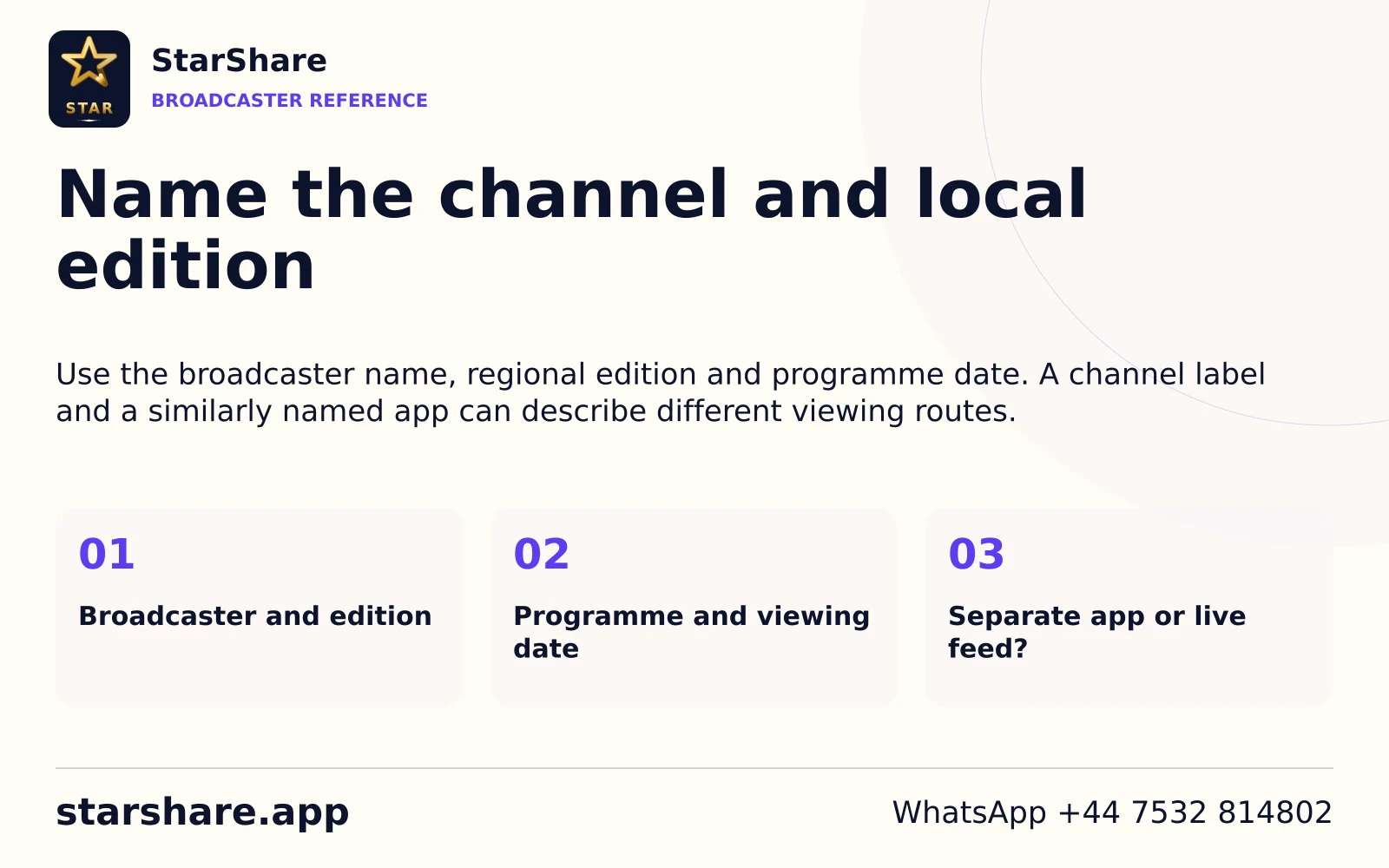
Use the broadcaster name, regional edition and programme date. A channel label and a similarly named app can describe different viewing routes.
Open artwork
A parent network and an individual station can have separate schedules. Name the station or edition you need.
Open artwork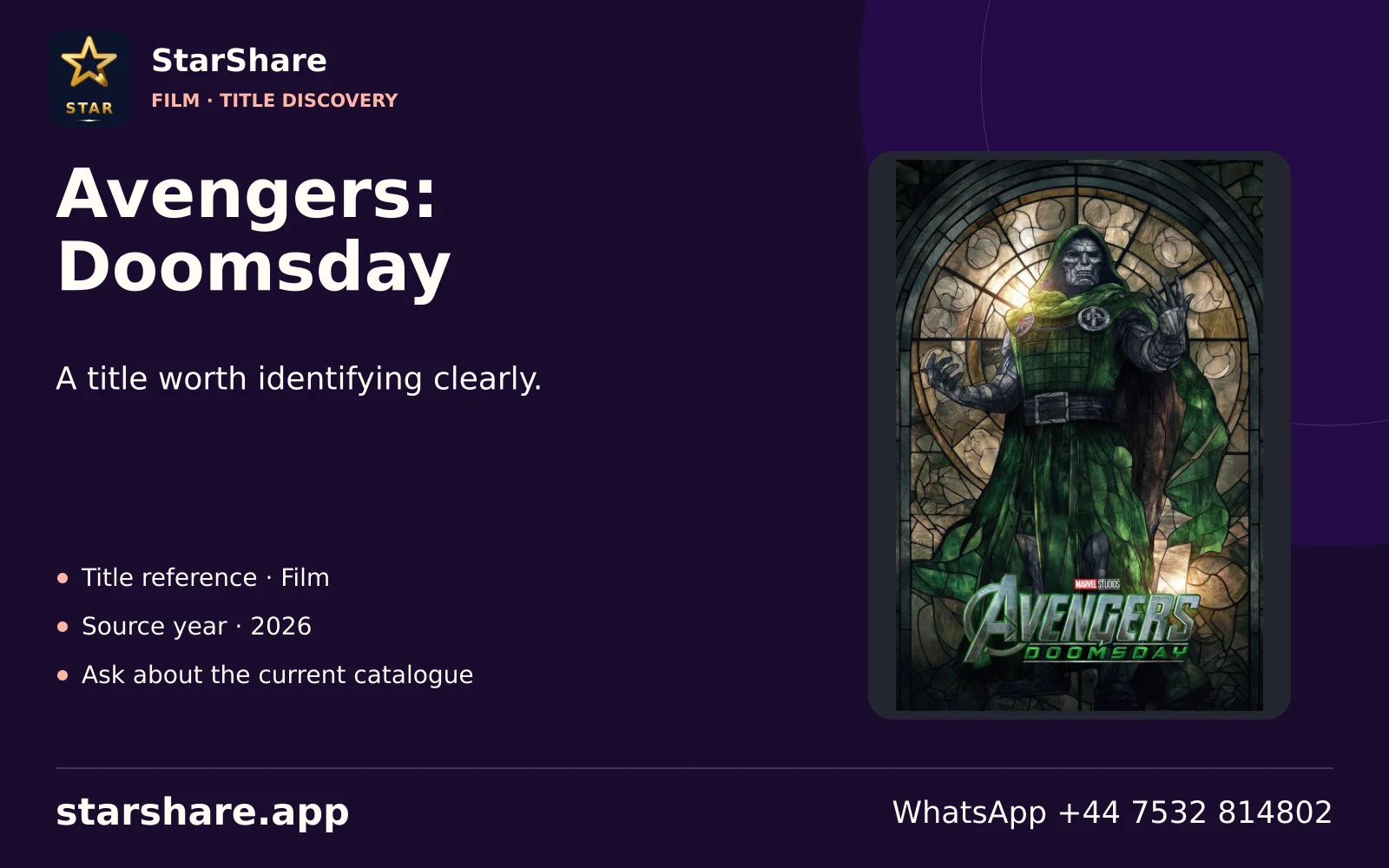
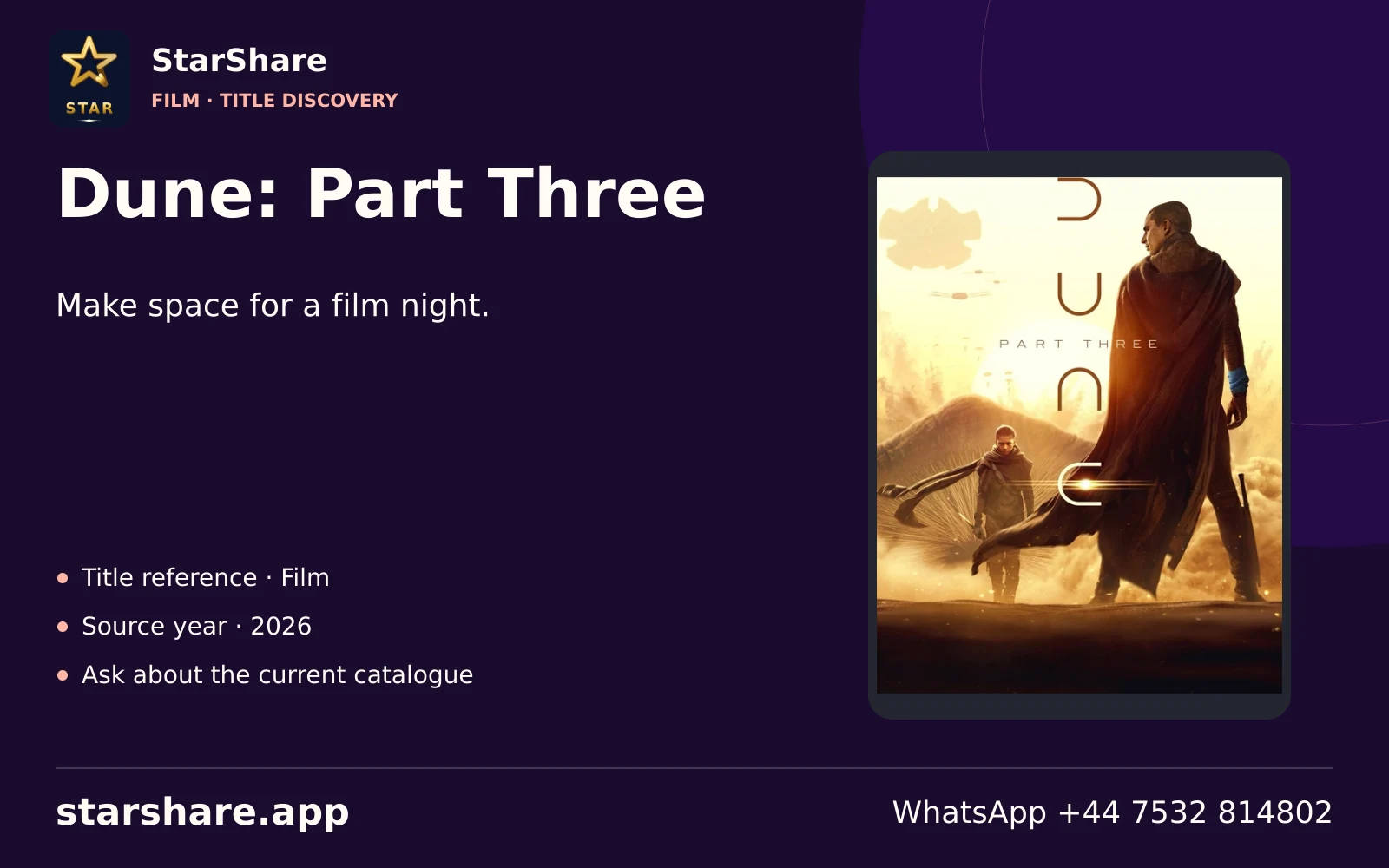
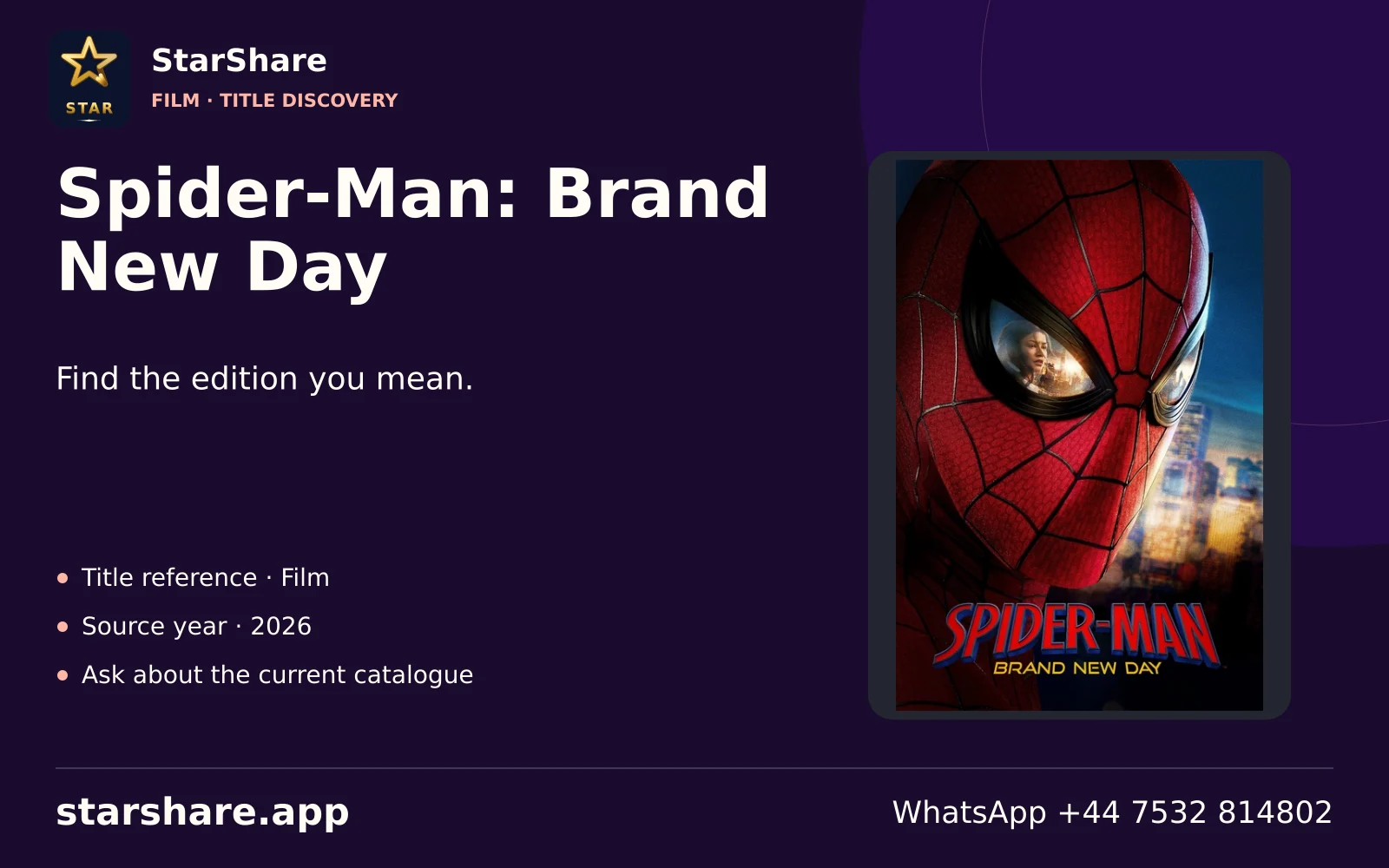
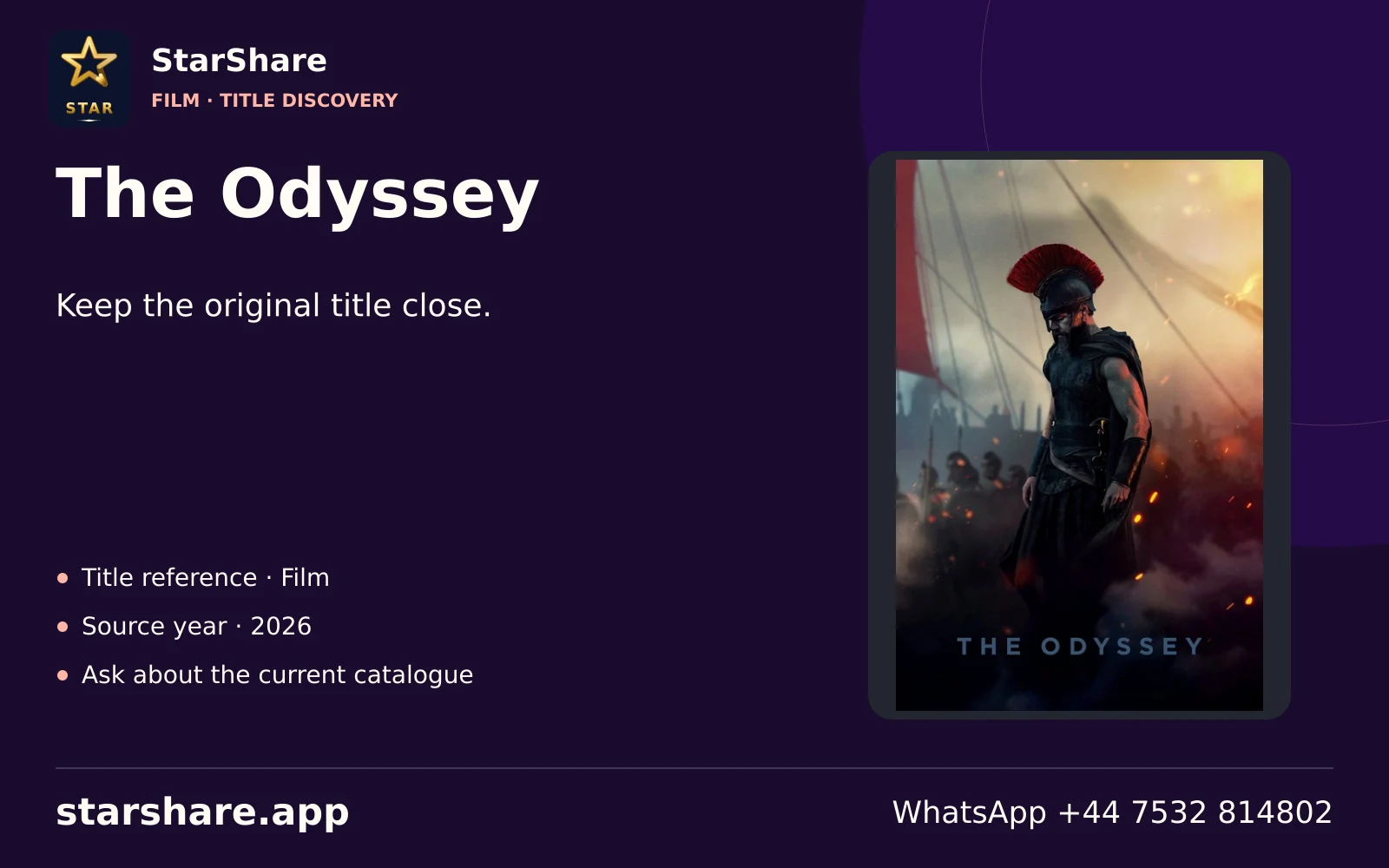
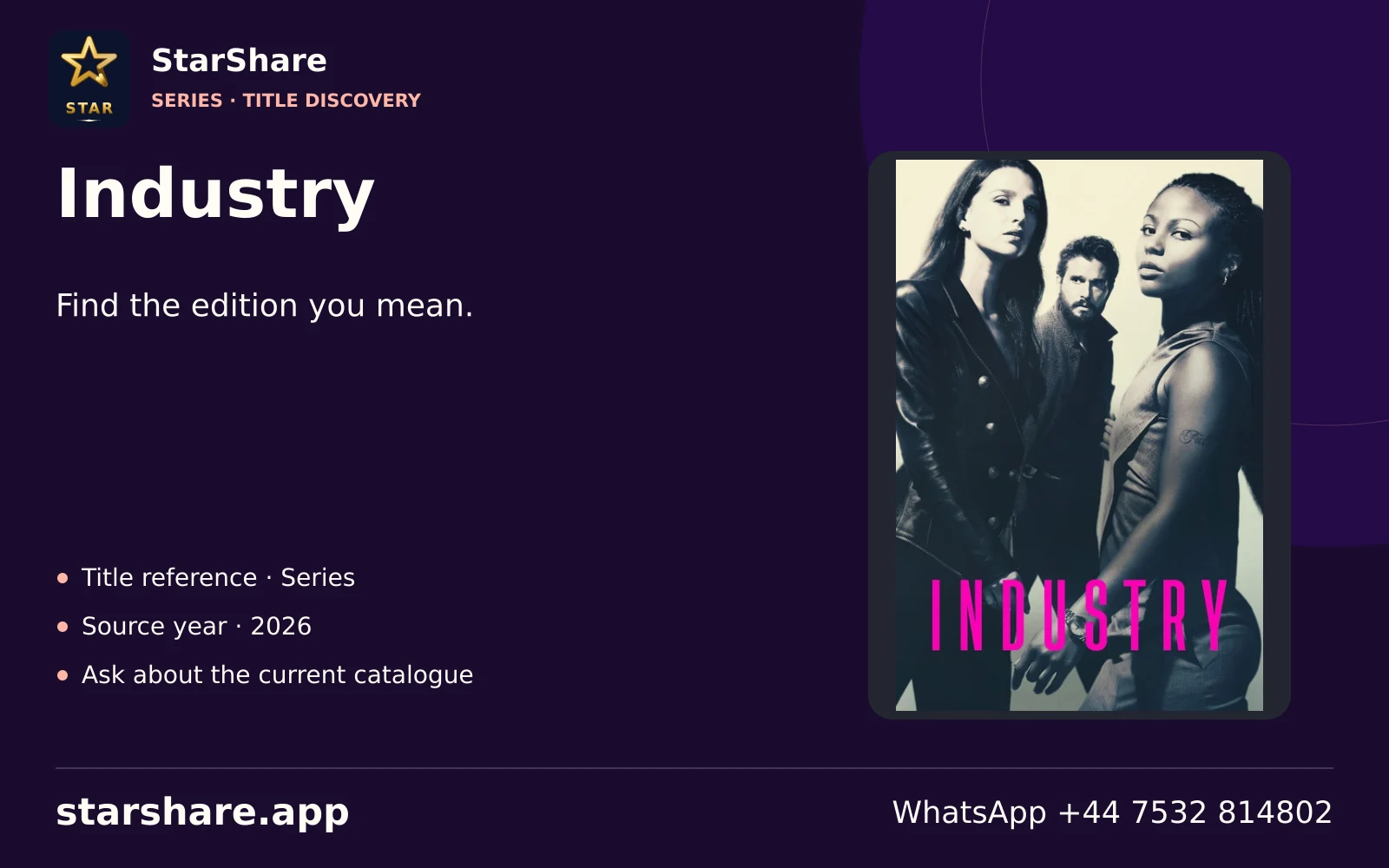
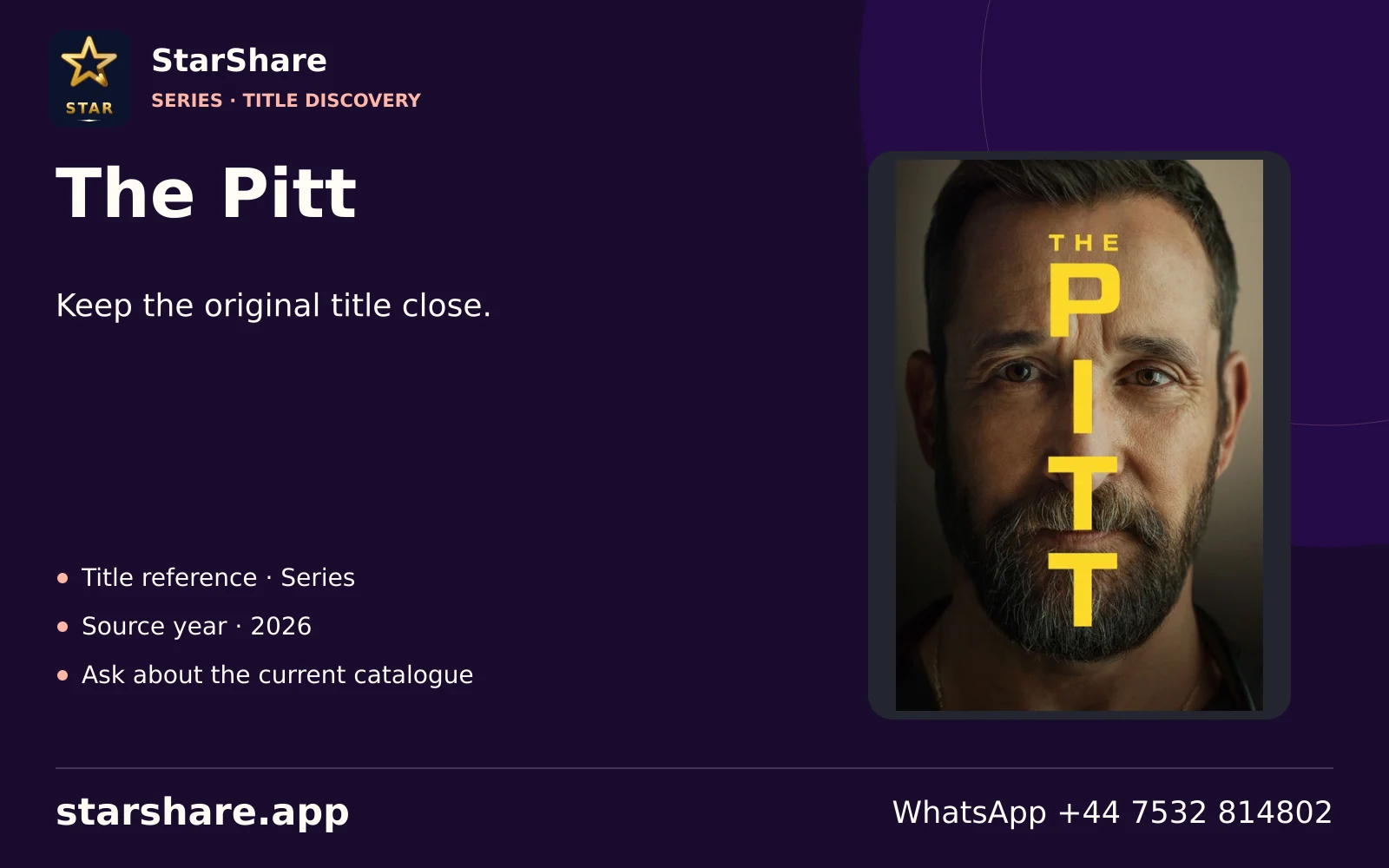
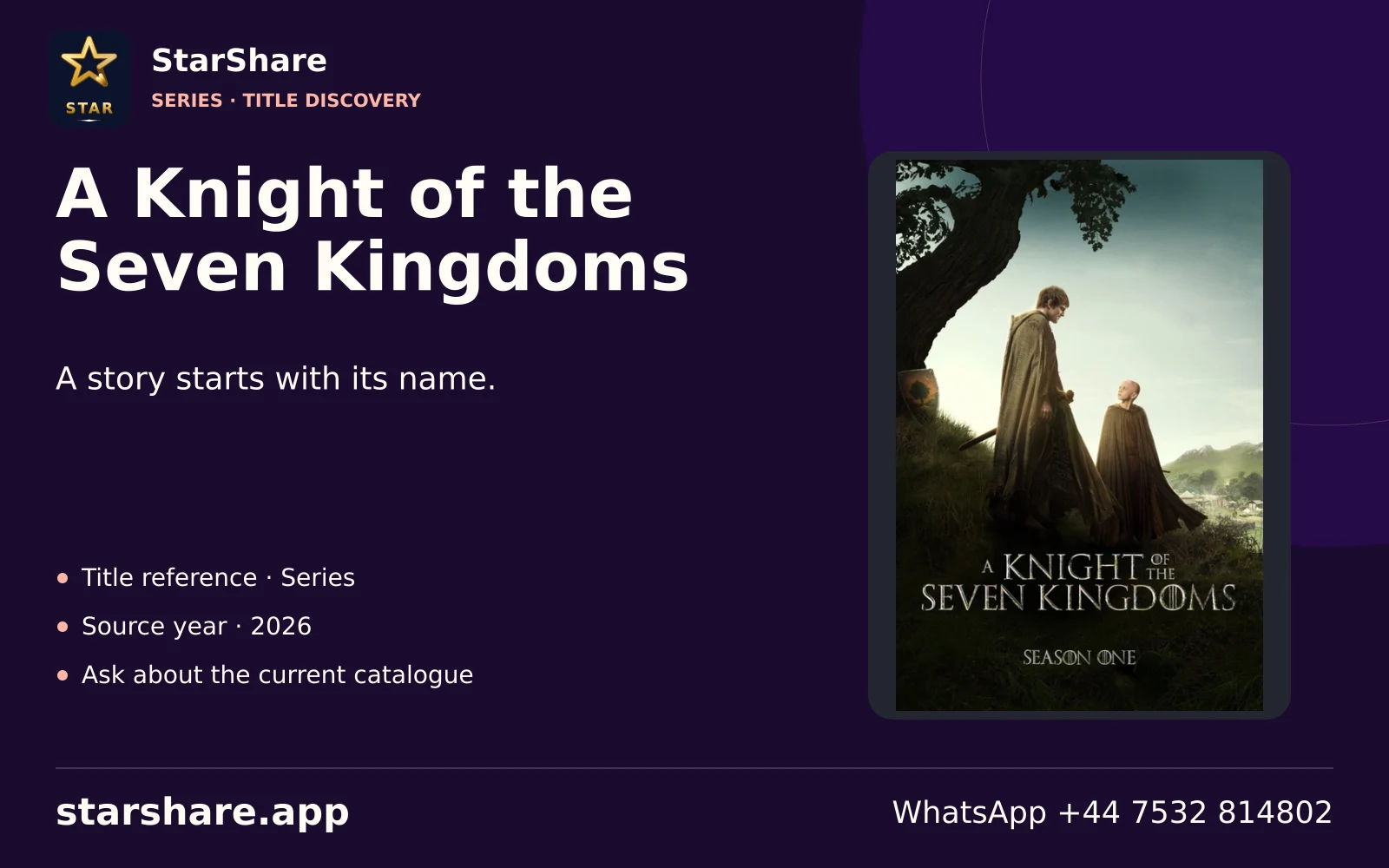
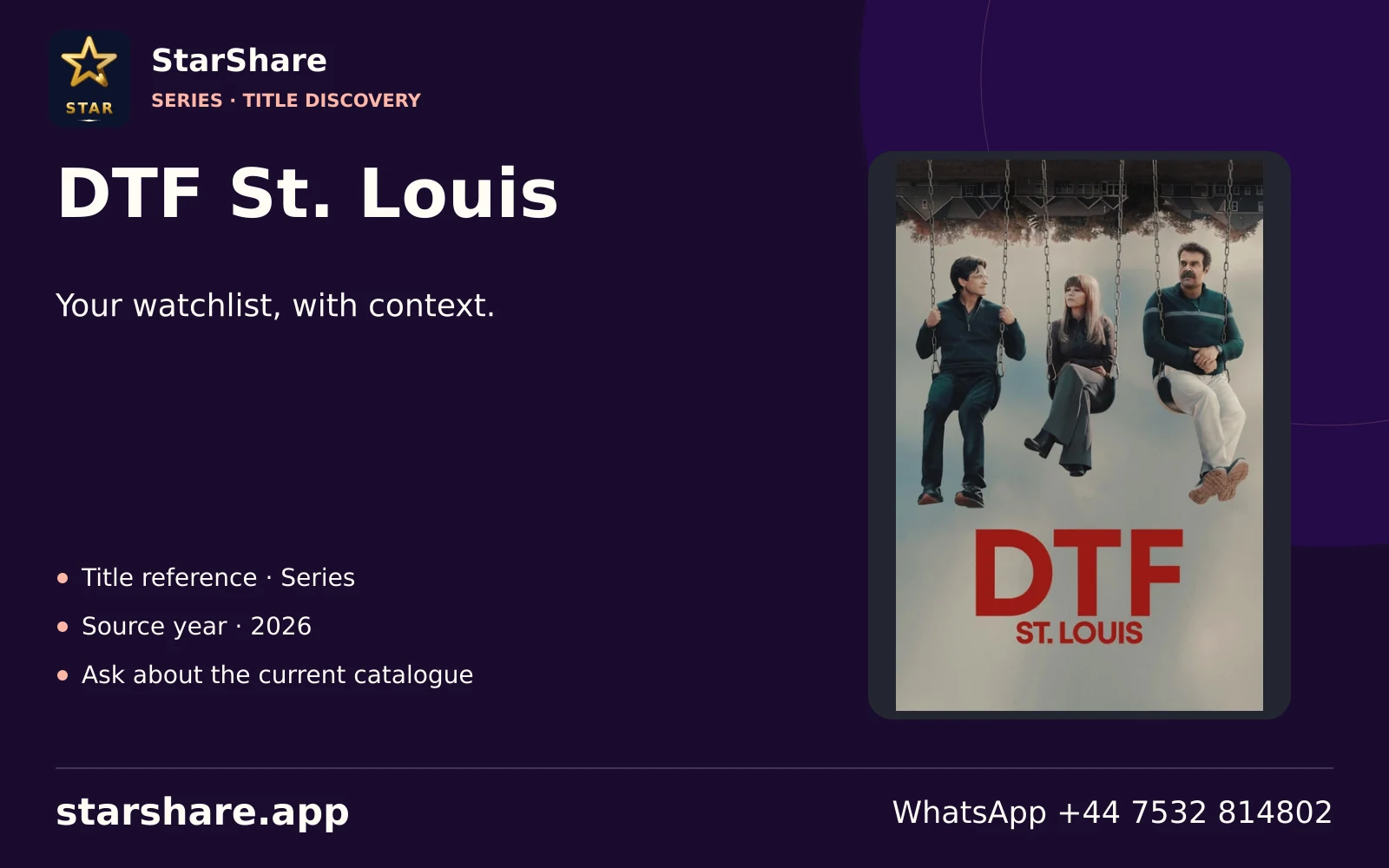
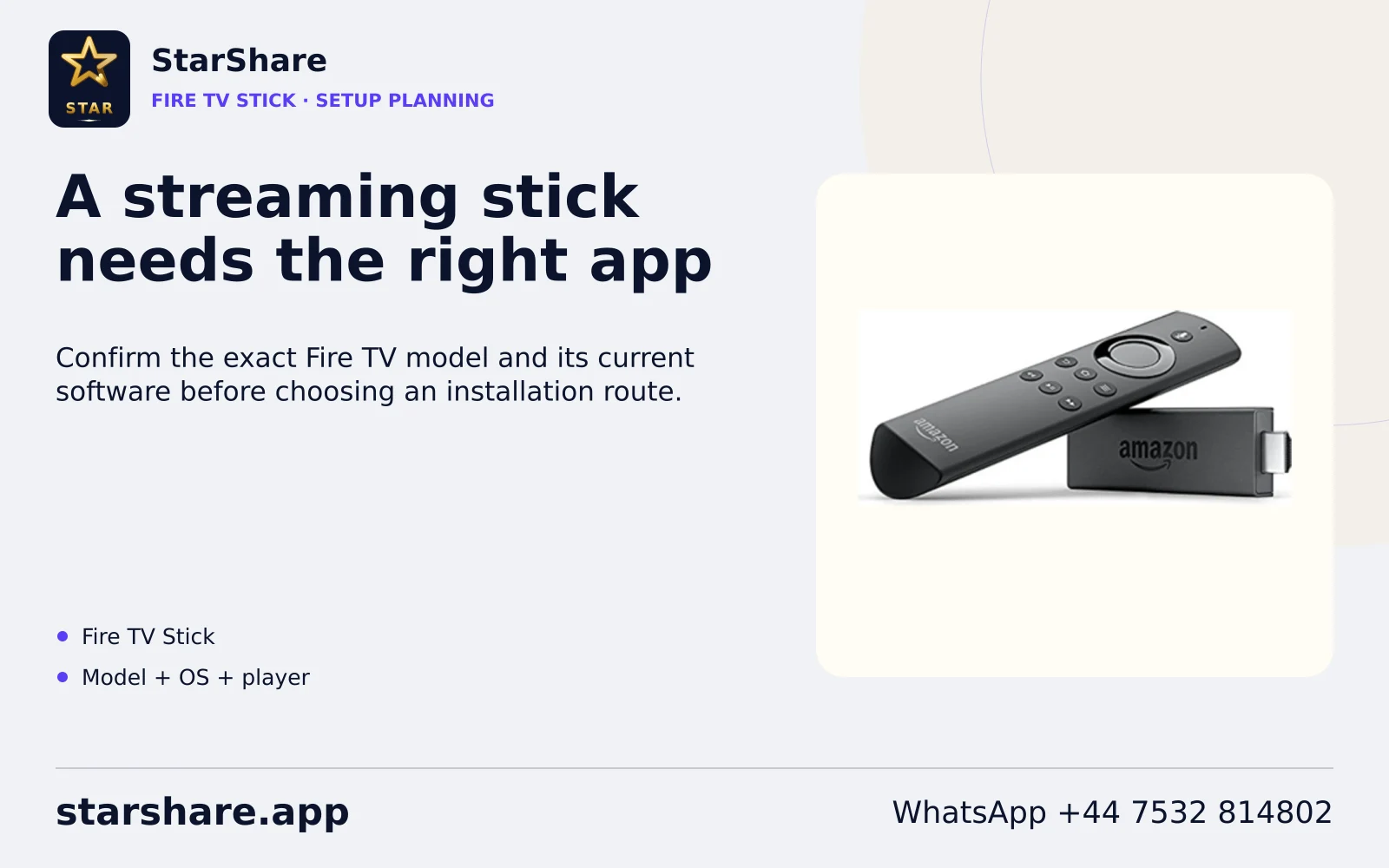
Confirm the exact Fire TV model and its current software before choosing an installation route.
Open artwork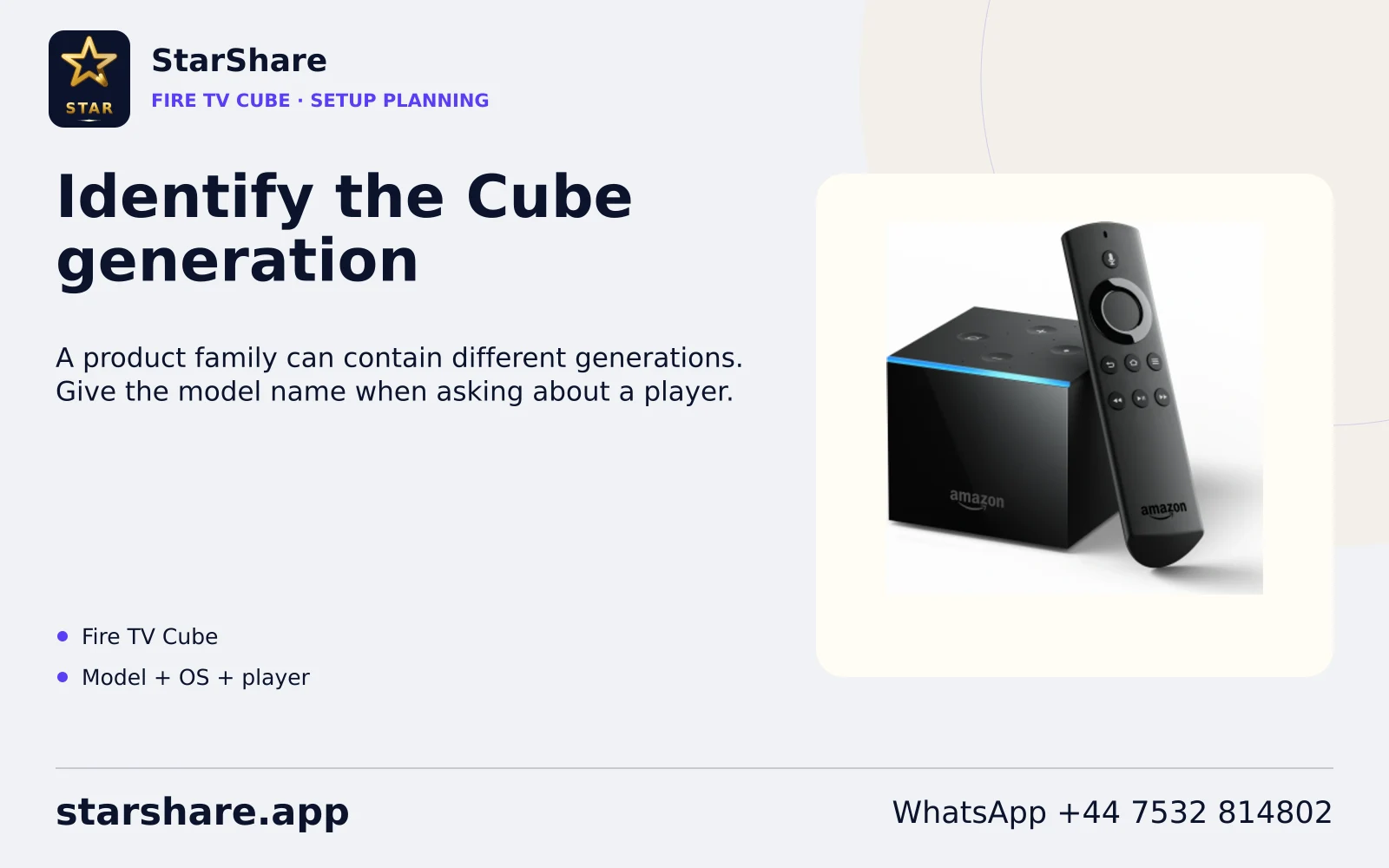
A product family can contain different generations. Give the model name when asking about a player.
Open artwork
An app designed for touch can behave differently from a television app designed for a remote.
Open artwork
Choose an app built for a TV interface when that option is available from a trusted publisher.
Open artwork
The home-screen interface helps you open apps; a content subscription still has its own access details.
Open artwork
Check the player publisher and supported account format before entering private access details.
Open artwork
A MAC device address and Apple’s macOS are different terms. Tell support which one you mean.
Open artwork
Check the current app listing for the iPhone model and software version you use.
Open artwork
A tablet’s screen shape can affect controls and subtitles. Check the actual app’s layout and account method.
Open artwork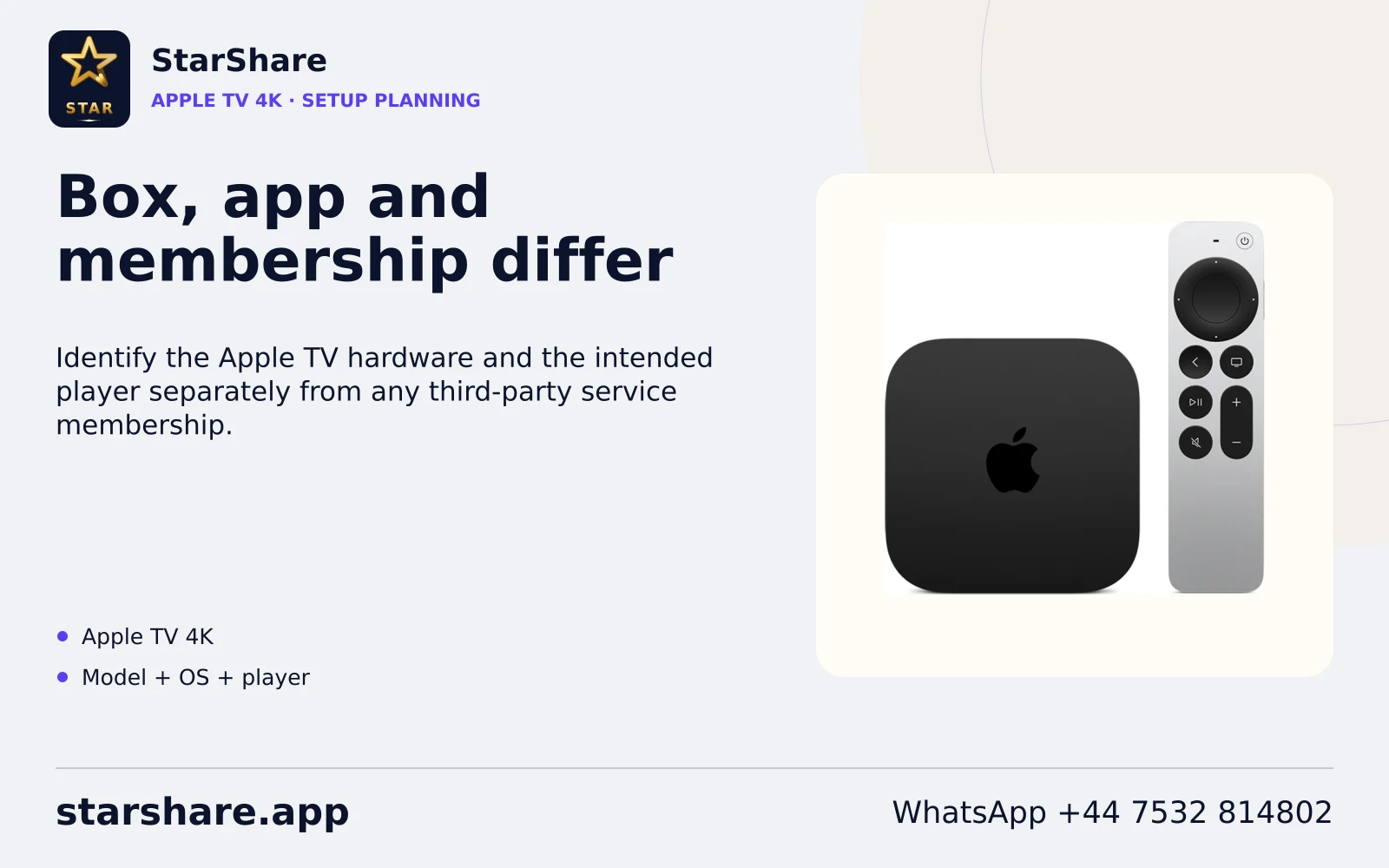
Identify the Apple TV hardware and the intended player separately from any third-party service membership.
Open artwork
An iPhone app is not automatically an Apple TV app. Check the publisher’s tvOS listing.
Open artwork
Televisions from one brand can have different app-store support. Send the exact model and software.
Open artwork
Check the current store on the actual television rather than assuming an Android package installs on it.
Open artwork
Check which operating system the television actually runs before following setup instructions.
Open artwork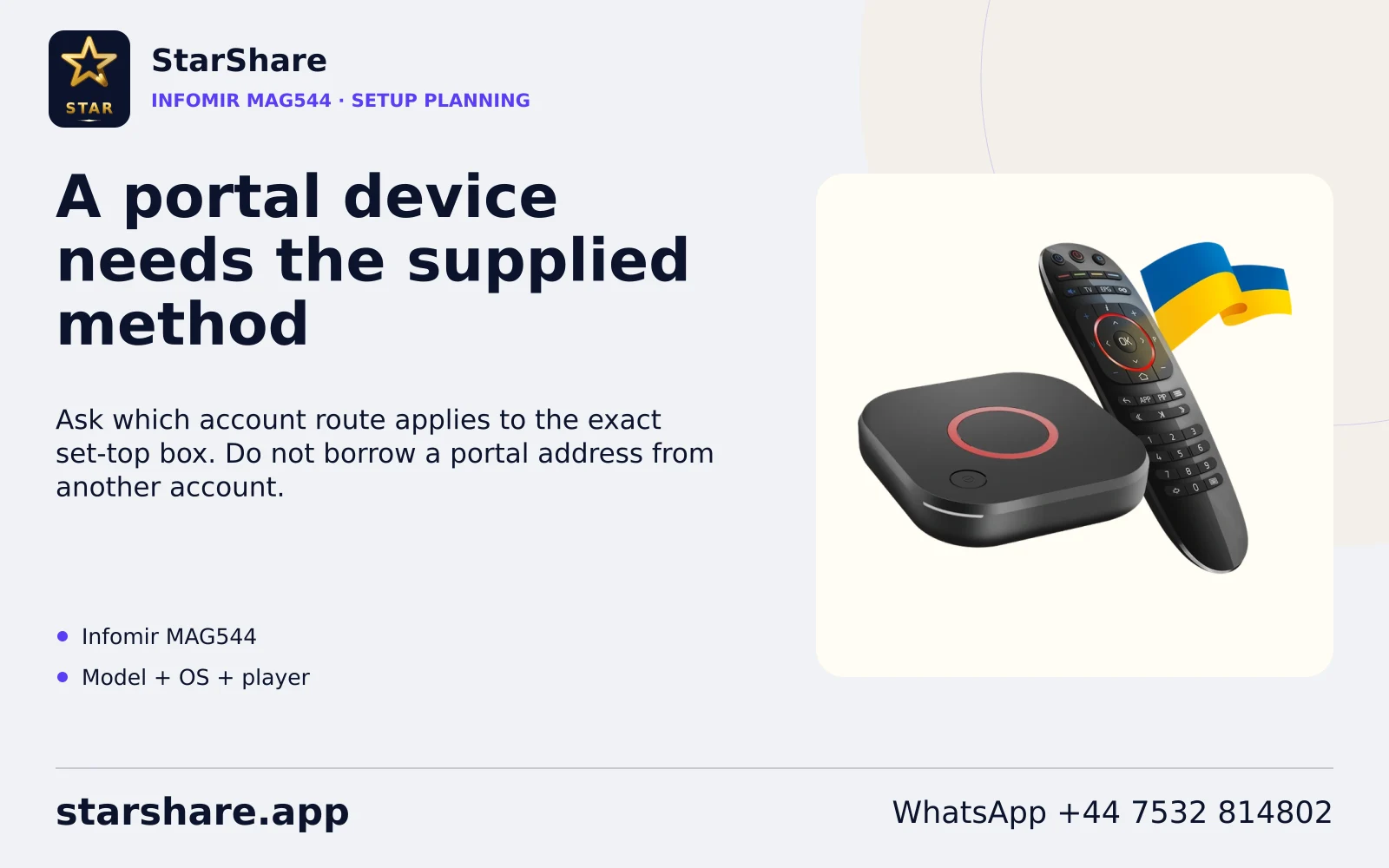
Ask which account route applies to the exact set-top box. Do not borrow a portal address from another account.
Open artwork
The device model and installed software both matter when discussing an account method.
Open artwork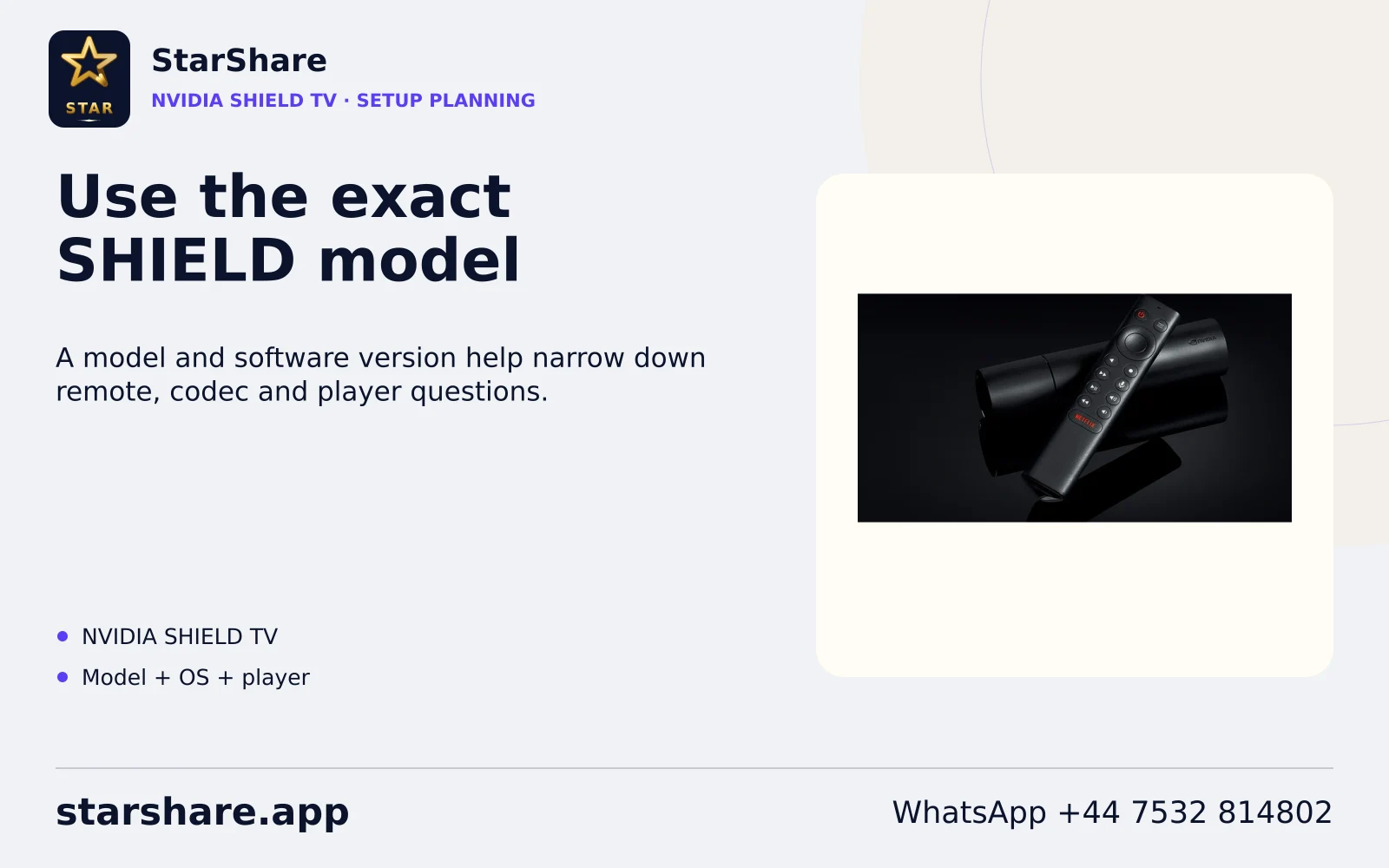
A model and software version help narrow down remote, codec and player questions.
Open artwork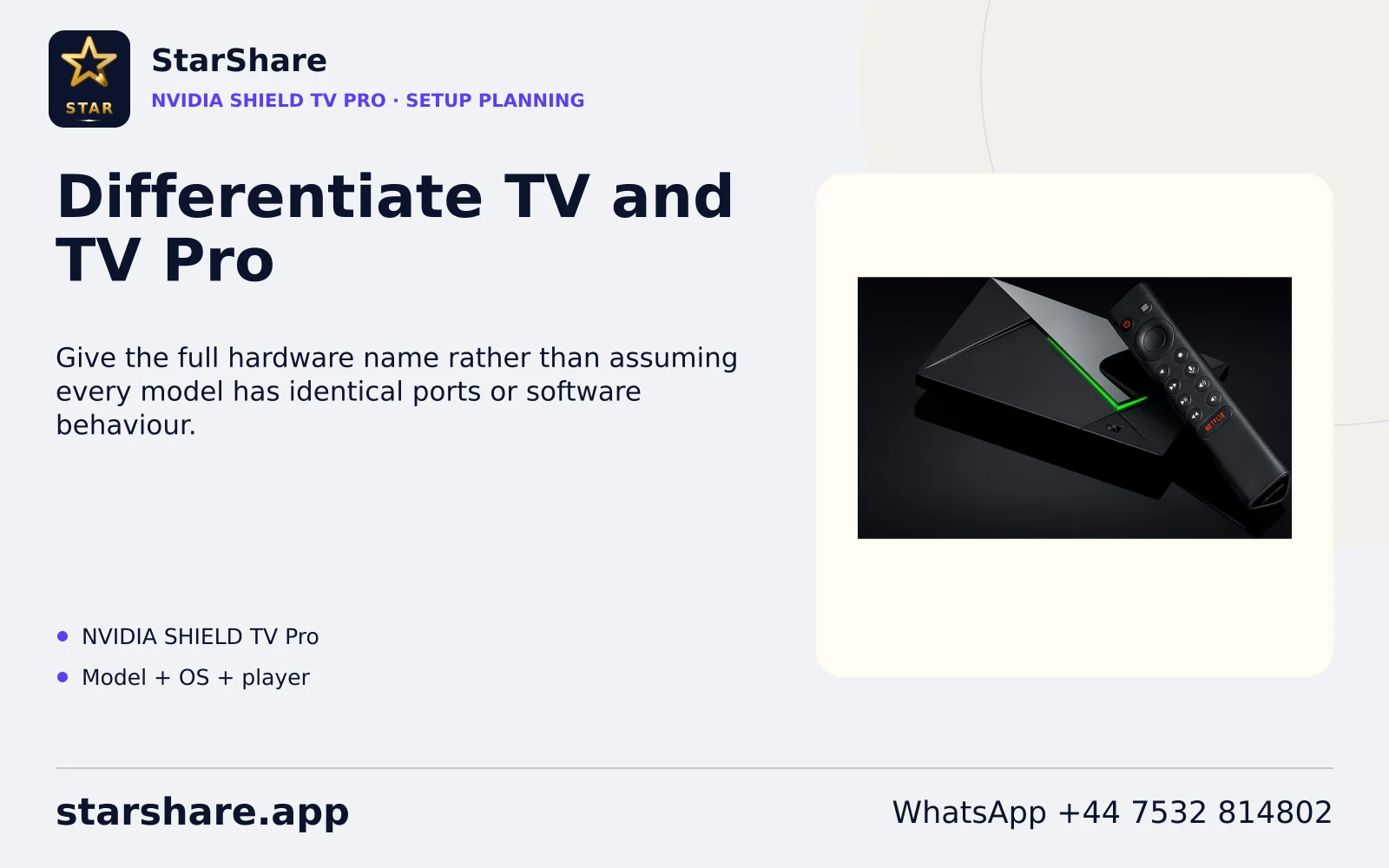
Give the full hardware name rather than assuming every model has identical ports or software behaviour.
Open artwork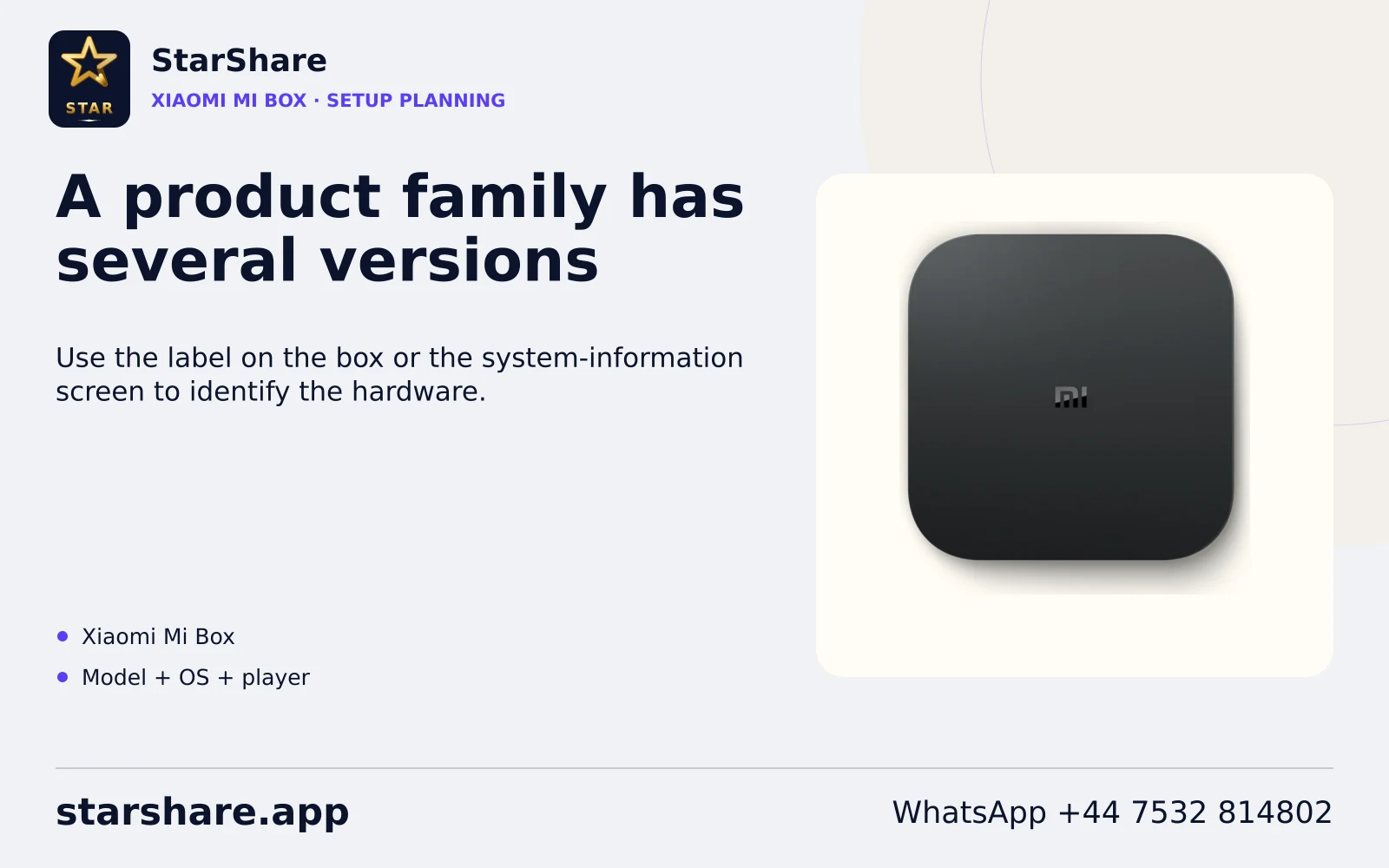
Use the label on the box or the system-information screen to identify the hardware.
Open artwork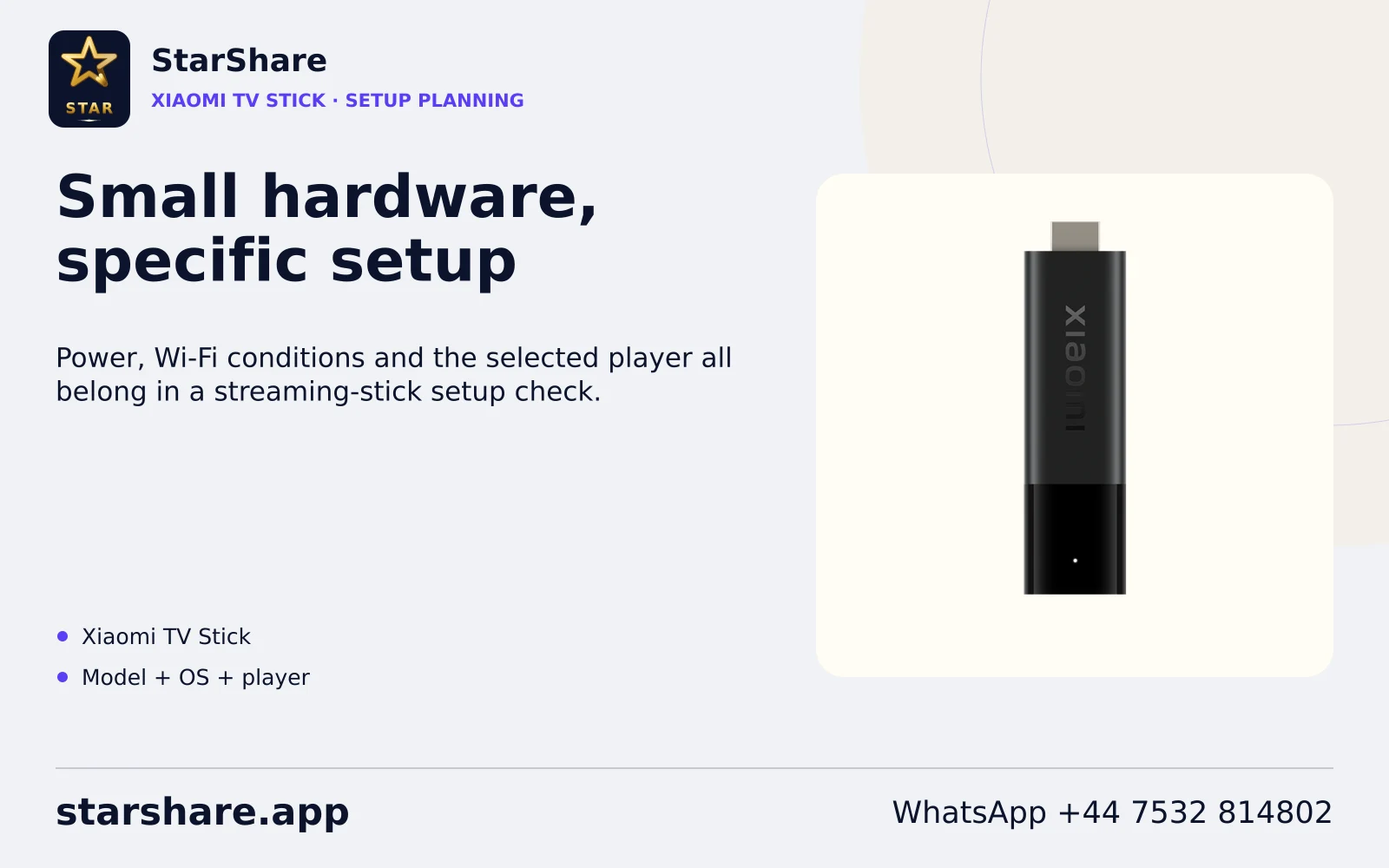
Power, Wi-Fi conditions and the selected player all belong in a streaming-stick setup check.
Open artwork
Check the sending app and receiving device. Seeing a cast icon does not prove every source can be cast.
Open artwork
A casting route needs support at both ends. Confirm the exact devices and app before relying on it.
Open artwork
A web page and a native player can support different account methods. Use only the route supplied for your account.
Open artwork
A browser’s presence does not establish that a service provides compatible browser playback.
Open artwork
If a service supplies a web player, use its confirmed address. Do not paste credentials into an unrelated site.
Open artwork
Identify the distribution and selected player before applying package or codec guidance.
Open artwork
Installation guidance should match the software version and application you actually use.
Open artwork
Use a trusted software source and the intended application name rather than an unrelated download.
Open artwork
Similar device names can use different operating systems. Confirm the platform before choosing an app.
Open artwork
Use the television’s system-information screen to confirm its platform and software.
Open artwork
Ask about the supported viewing route before buying hardware for a particular subscription.
Open artwork
The exact model helps distinguish device software, ports and installation options.
Open artwork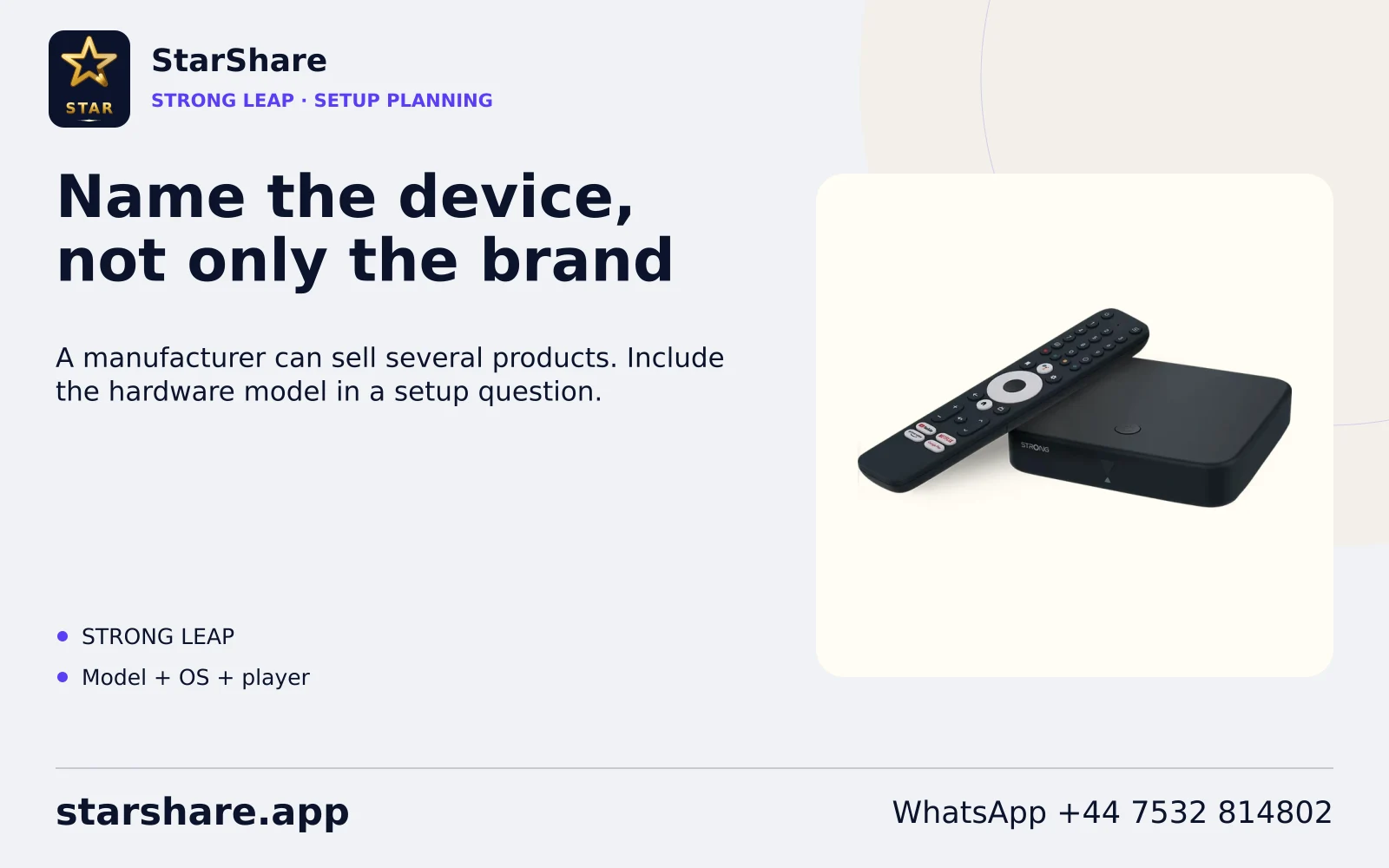
A manufacturer can sell several products. Include the hardware model in a setup question.
Open artwork
Where a native app is unavailable, discuss a suitable external-device route before purchasing extra hardware.
Open artwork
Test text size, contrast and remote controls on the actual television you use.
Open artwork
Choose instructions for the actual hardware and operating system rather than following a brand name alone.
Open artwork
Confirm the player name and the account method supplied to you. A portal, playlist and username form are different routes.
Open artwork
Copy the supplied username and password exactly. Avoid extra spaces introduced when pasting from a message.
Open artwork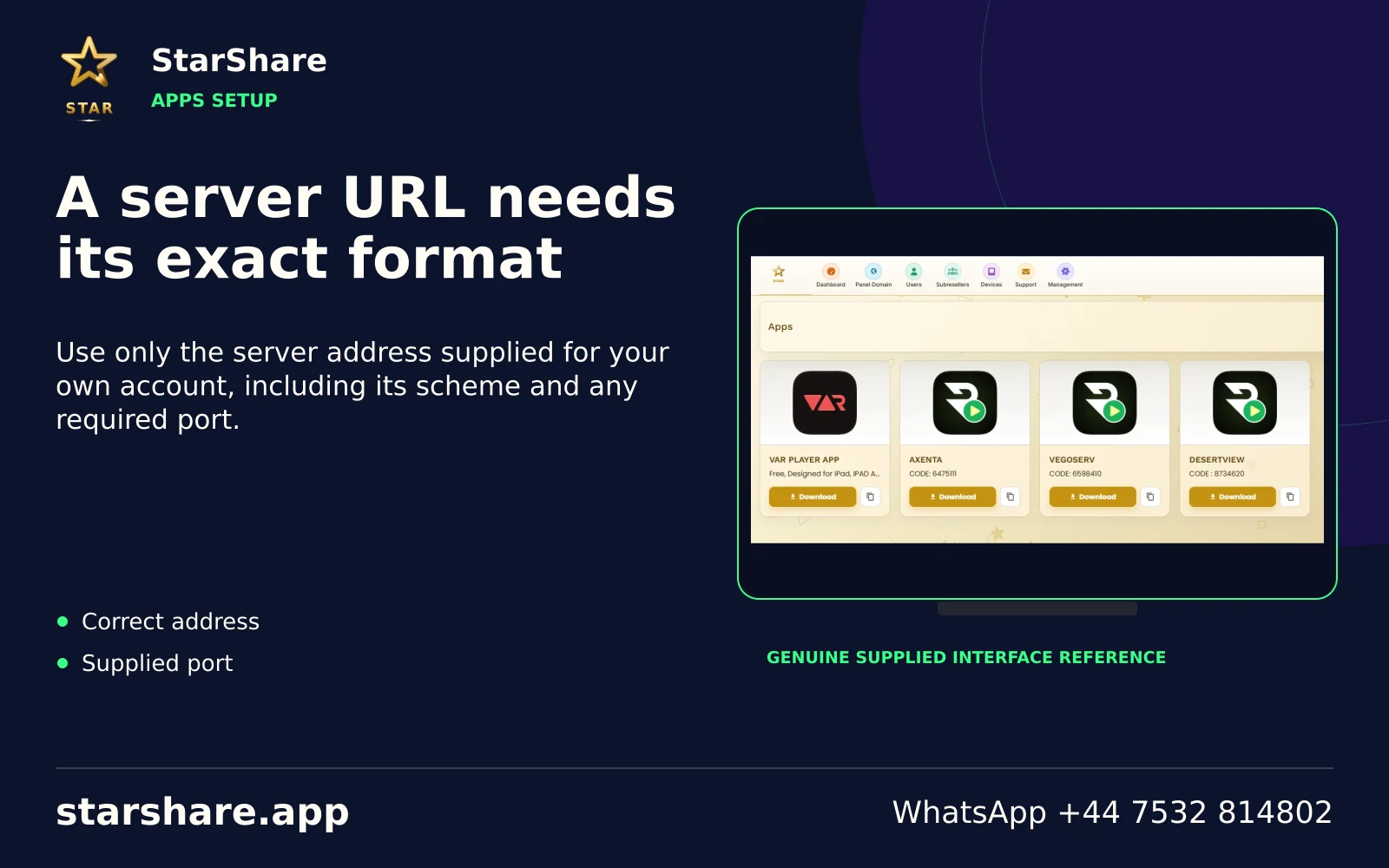
Use only the server address supplied for your own account, including its scheme and any required port.
Open artwork
A full playlist link can contain credentials. Keep it out of public screenshots, forums and shared documents.
Open artwork
Use a portal only when it was supplied for the exact device and account you are configuring.
Open artwork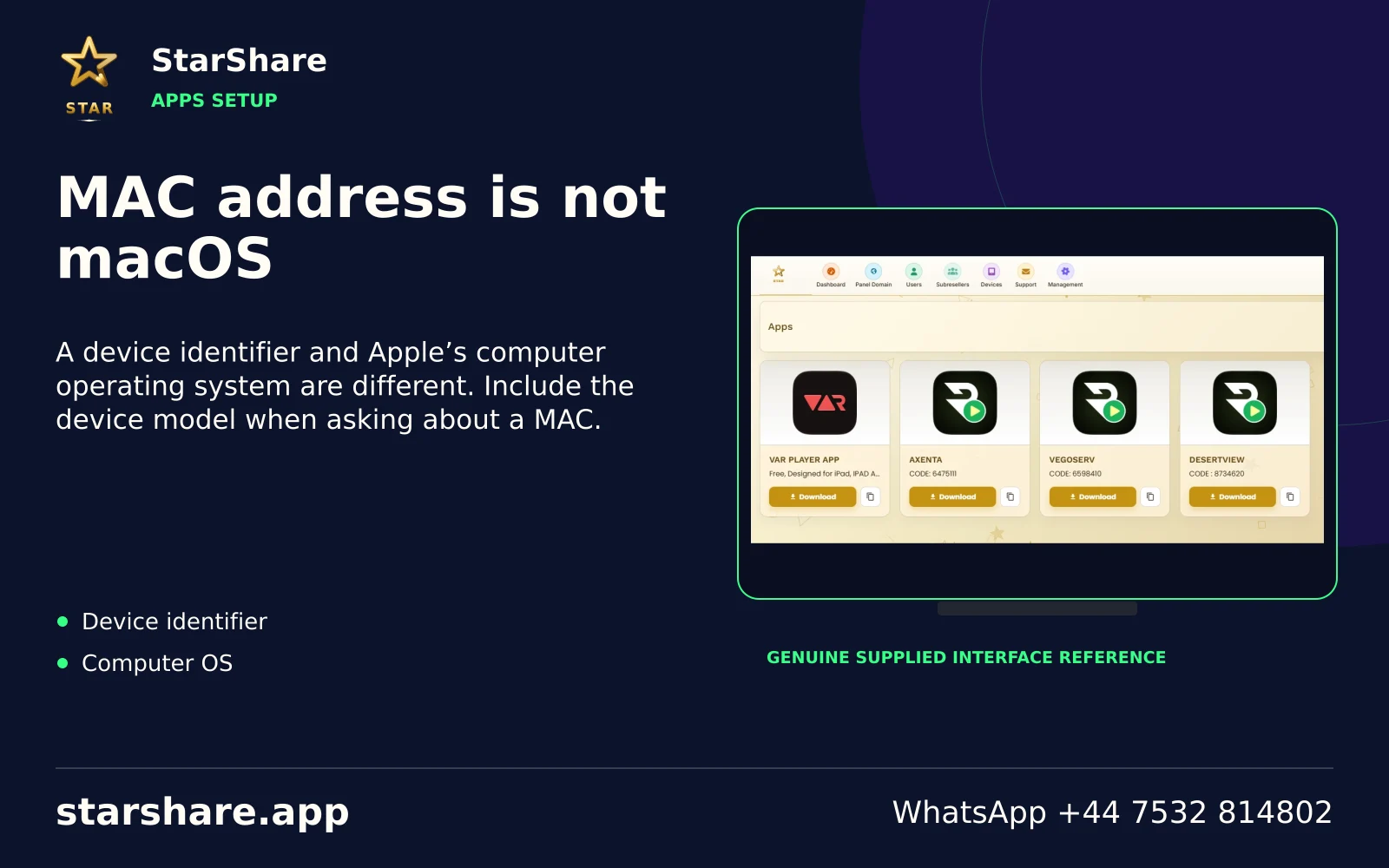
A device identifier and Apple’s computer operating system are different. Include the device model when asking about a MAC.
Open artwork
A separate player licence or store payment does not automatically purchase a StarShare subscription.
Open artwork
Prefer the app’s recognised store listing or a confirmed publisher distribution route. Check the developer identity.
Open artwork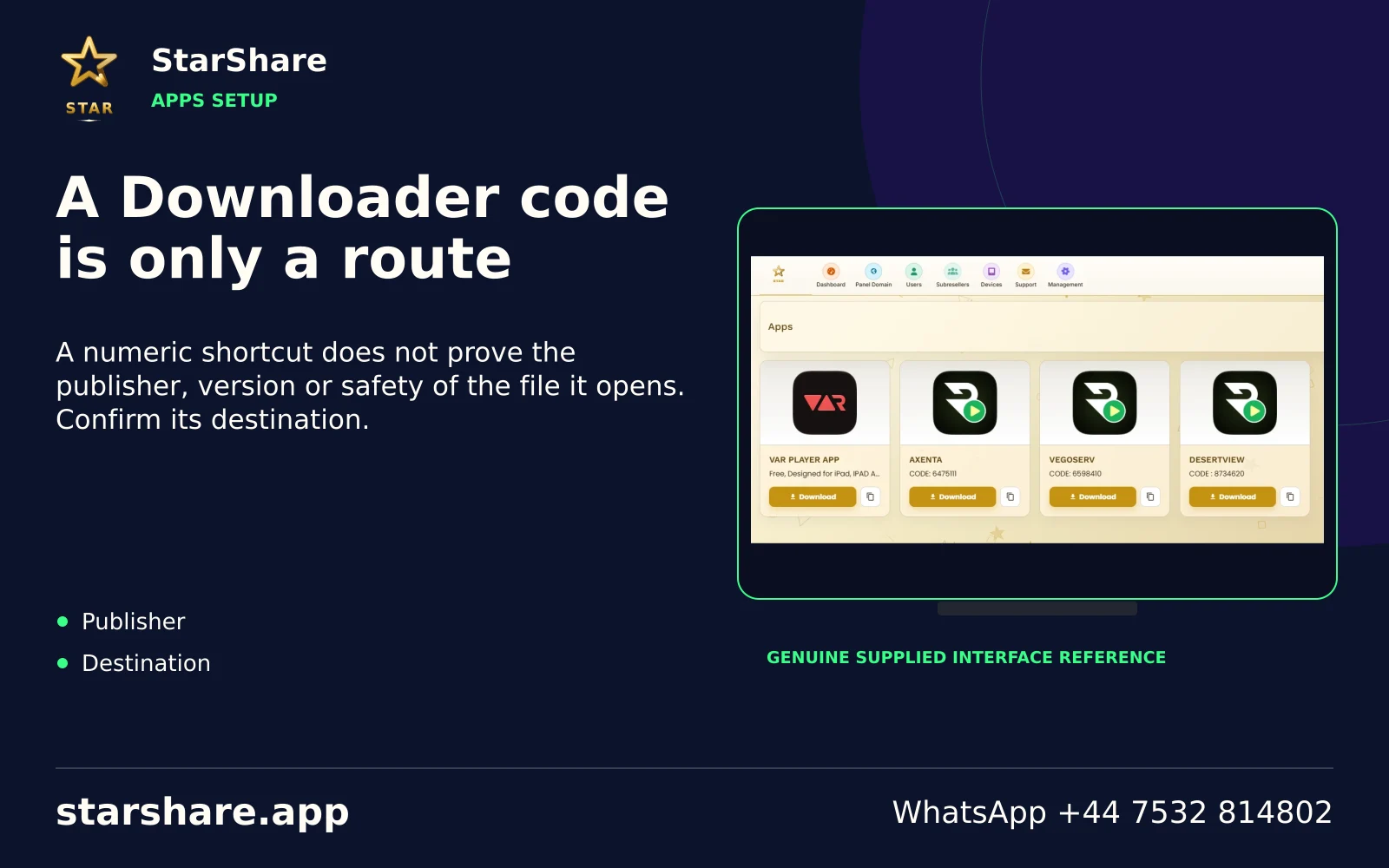
A numeric shortcut does not prove the publisher, version or safety of the file it opens. Confirm its destination.
Open artwork
Similar application names and icons can refer to unrelated products. Compare the developer and actual store listing.
Open artwork
Do not try a website password, app-store login or third-party platform membership in an unrelated IPTV account form.
Open artwork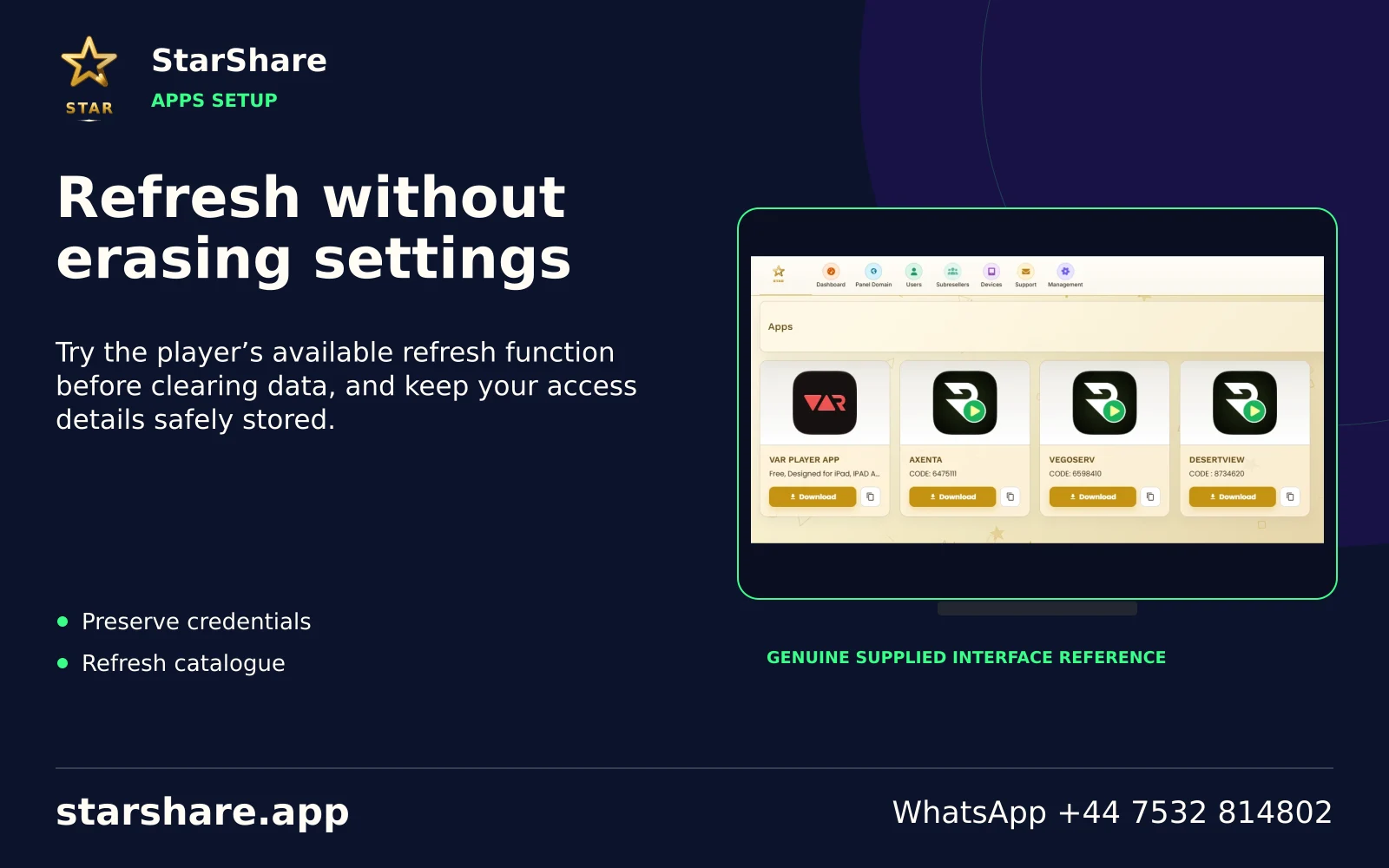
Try the player’s available refresh function before clearing data, and keep your access details safely stored.
Open artwork
Check the exact message, supplied access format and current account status before repeatedly reinstalling the player.
Open artwork
If playback works, check guide data and the player’s guide-refresh options rather than changing the account password.
Open artwork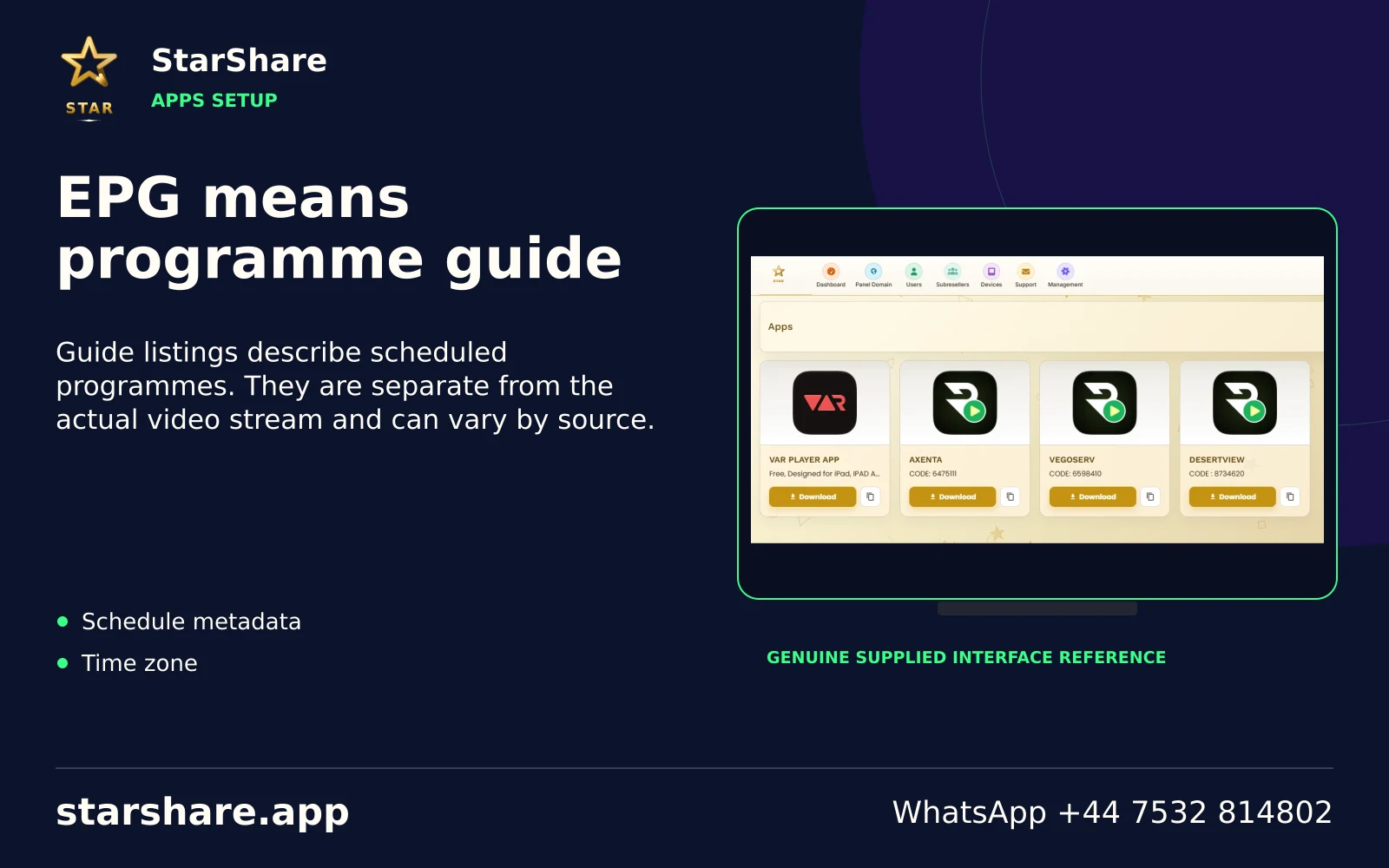
Guide listings describe scheduled programmes. They are separate from the actual video stream and can vary by source.
Open artwork
Past-programme access depends on the source, the account and the player. A programme-guide entry is not a guarantee of replay.
Open artwork
If your player supports favourites, add a short list of the sources you actually use. Menu labels vary between apps.
Open artwork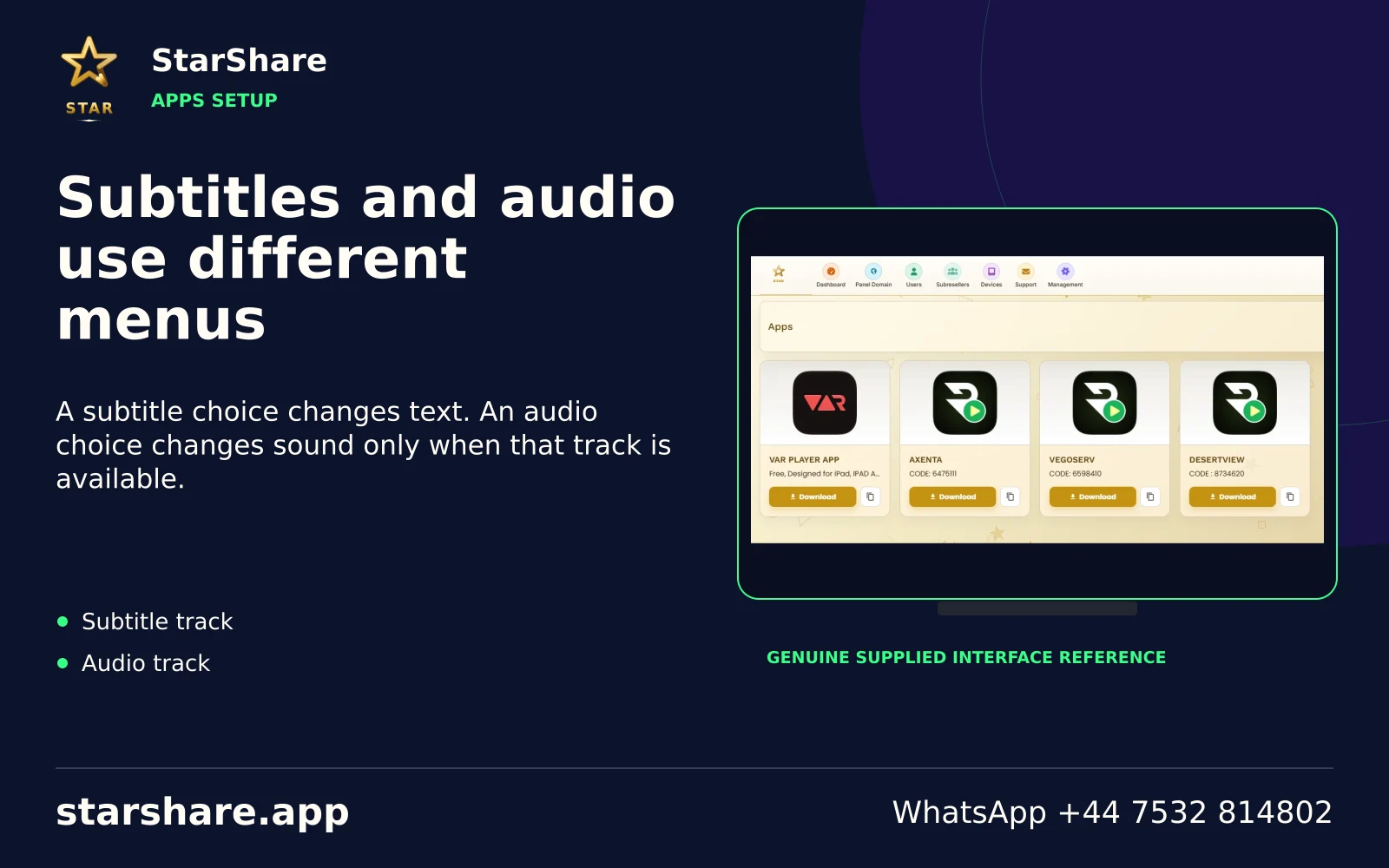
A subtitle choice changes text. An audio choice changes sound only when that track is available.
Open artwork
An incorrect clock or time zone can make programme listings confusing. Check system time before changing guide offsets.
Open artwork
Read the publisher’s update notes and keep account details safe before applying an available application update.
Open artwork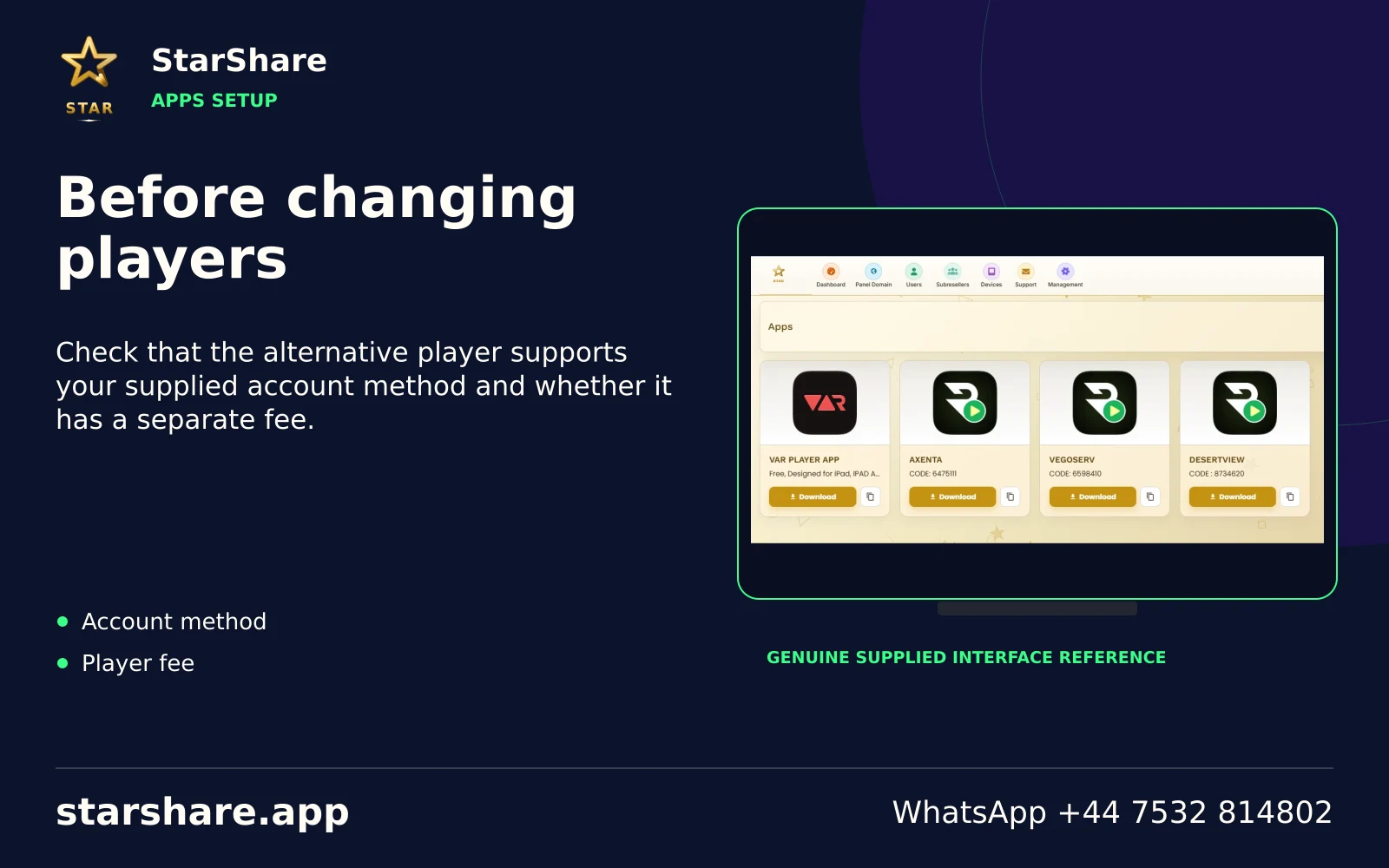
Check that the alternative player supports your supplied account method and whether it has a separate fee.
Open artwork
Do not share a setup code publicly unless you know what it contains. It may identify a device or account.
Open artwork
Include the relevant error while hiding passwords, usernames, private URLs and personal payment information.
Open artwork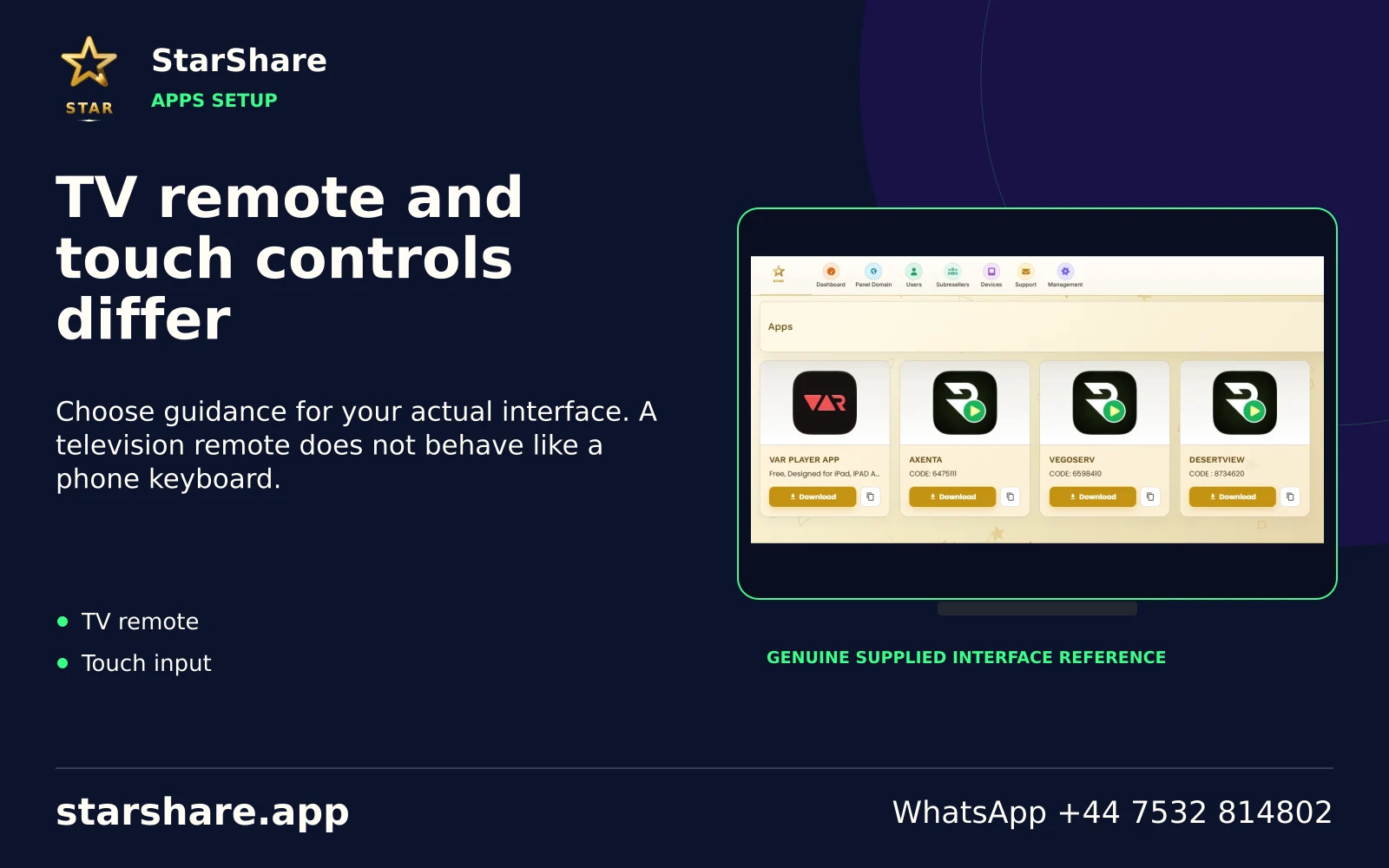
Choose guidance for your actual interface. A television remote does not behave like a phone keyboard.
Open artwork
Clearing app data can remove saved settings. Keep the access method and details before using a reset option.
Open artwork
A device key, MAC address or activation QR can be account-related information. Share it only through the intended support route.
Open artwork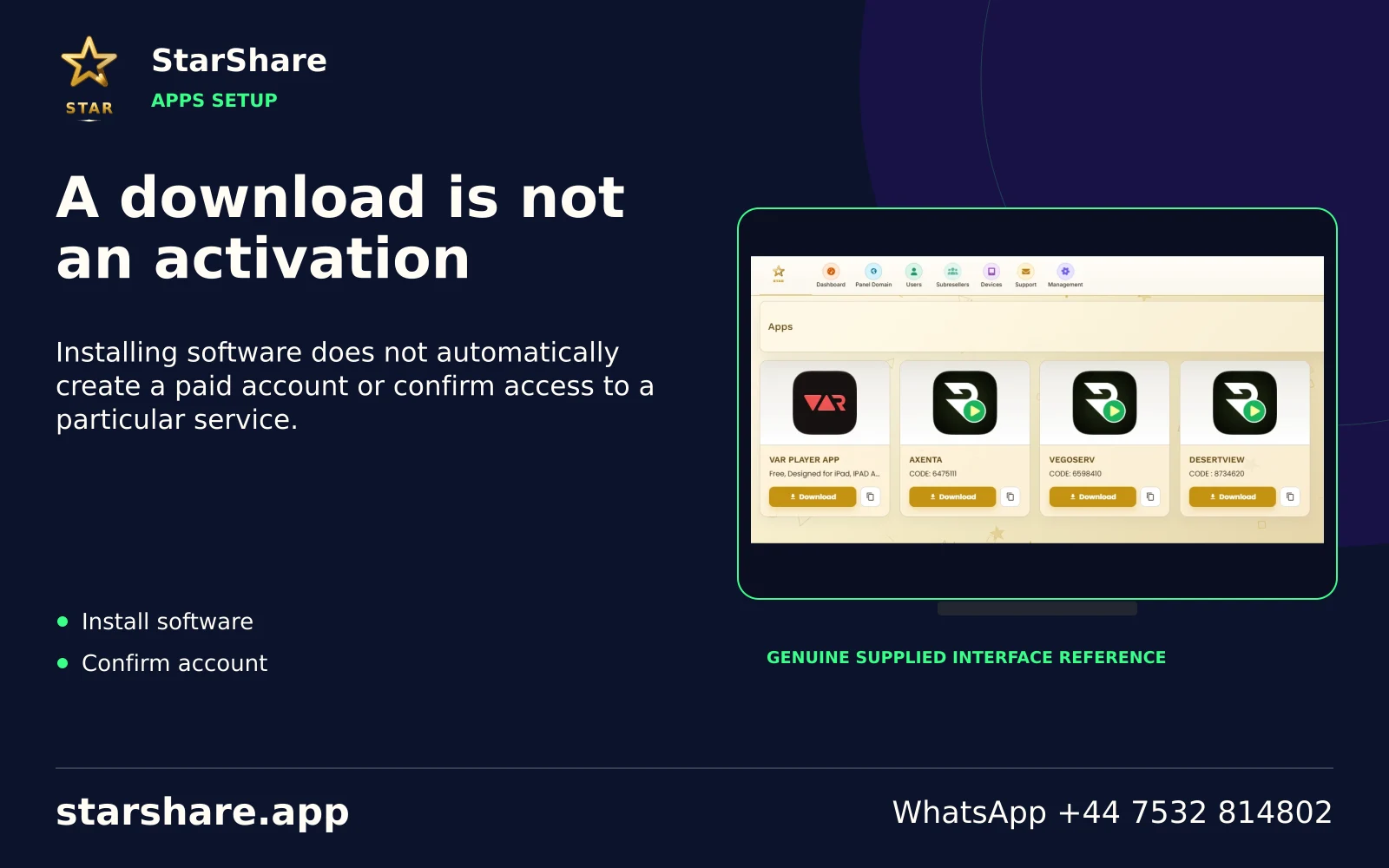
Installing software does not automatically create a paid account or confirm access to a particular service.
Open artwork
Change one relevant setting and retest. Several simultaneous changes make the actual cause harder to identify.
Open artwork
Store the app name and account method securely. Avoid putting passwords in ordinary shared notes or public links.
Open artwork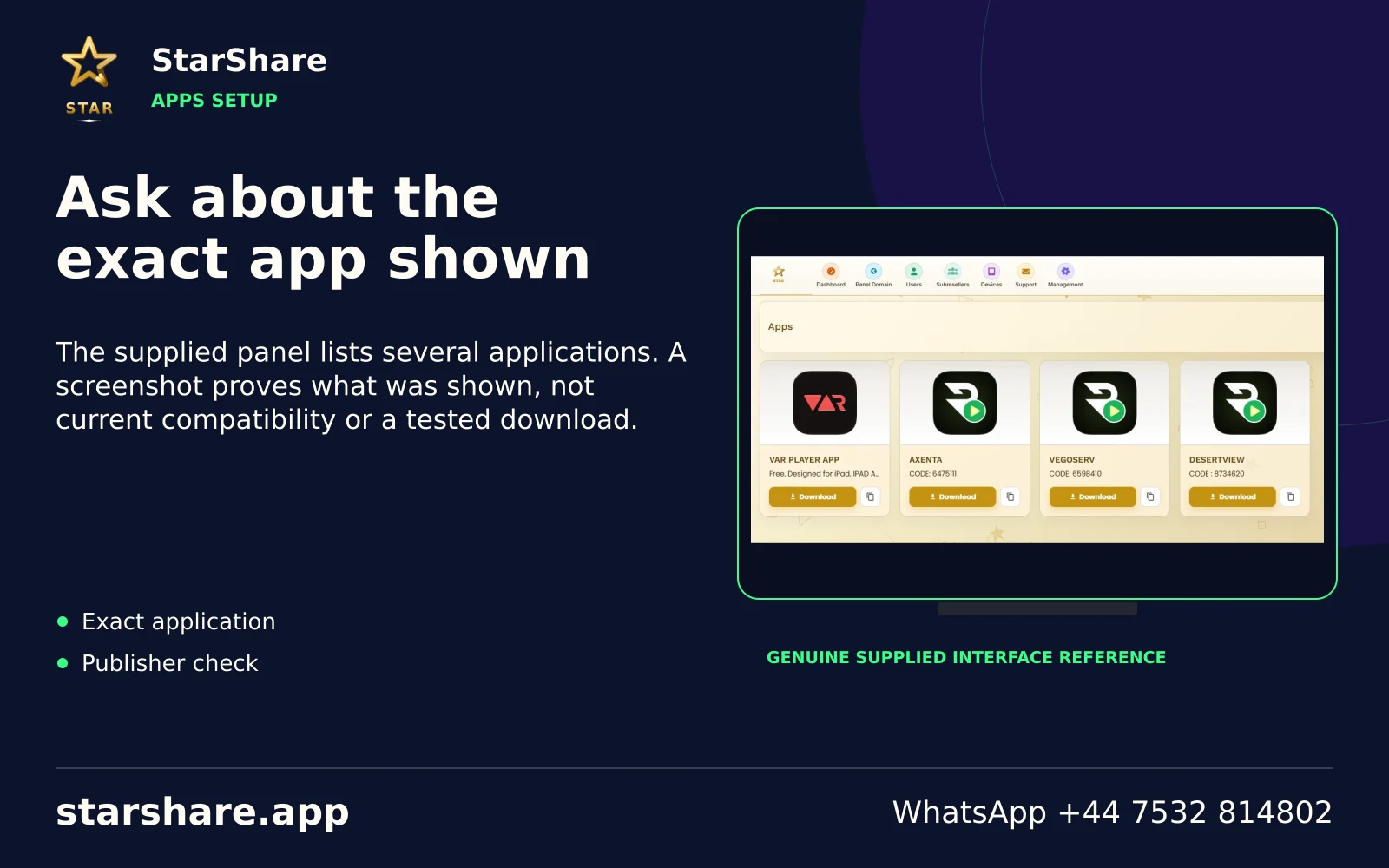
The supplied panel lists several applications. A screenshot proves what was shown, not current compatibility or a tested download.
Open artwork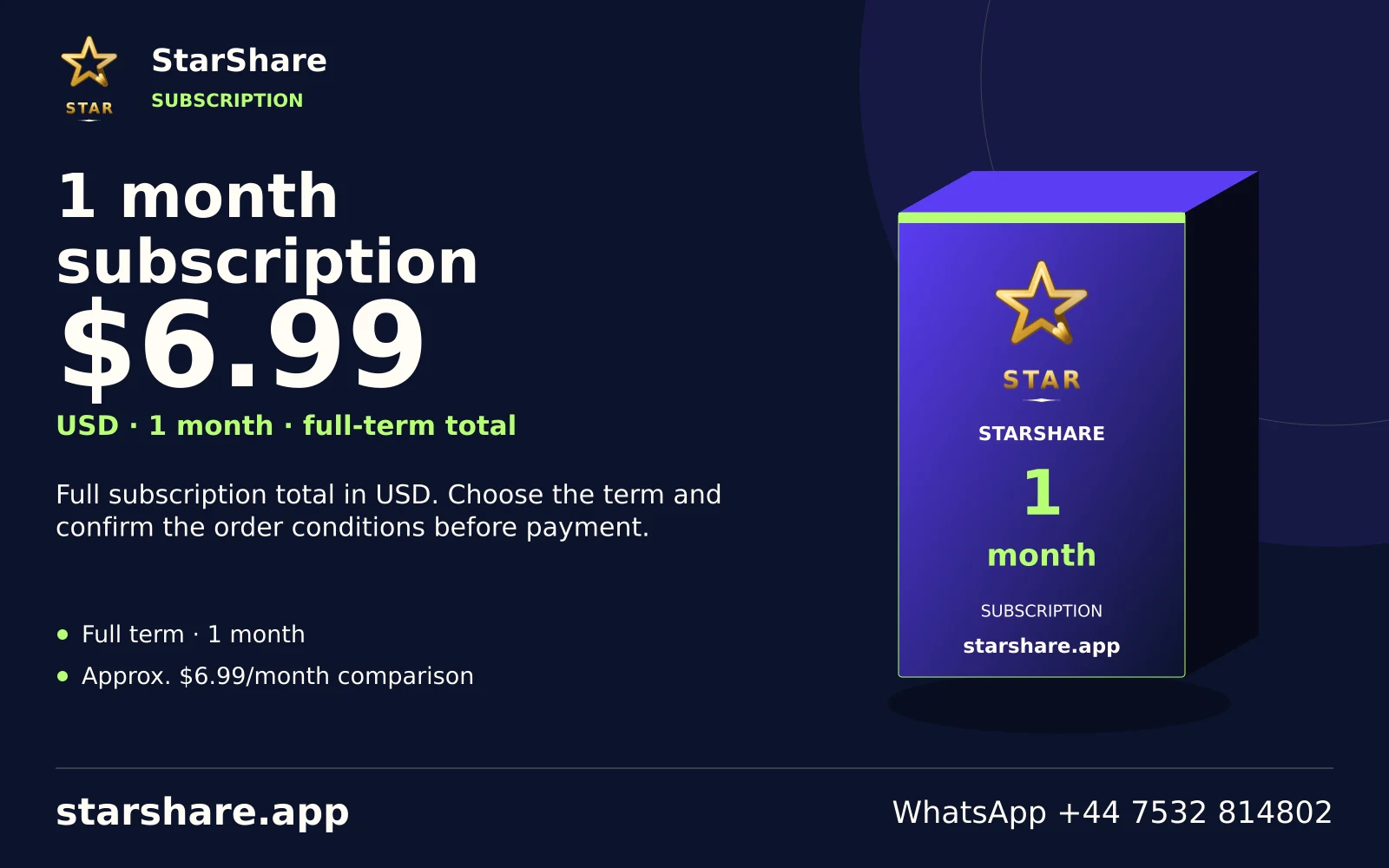
Full subscription total in USD. Choose the term and confirm the order conditions before payment.
Open artwork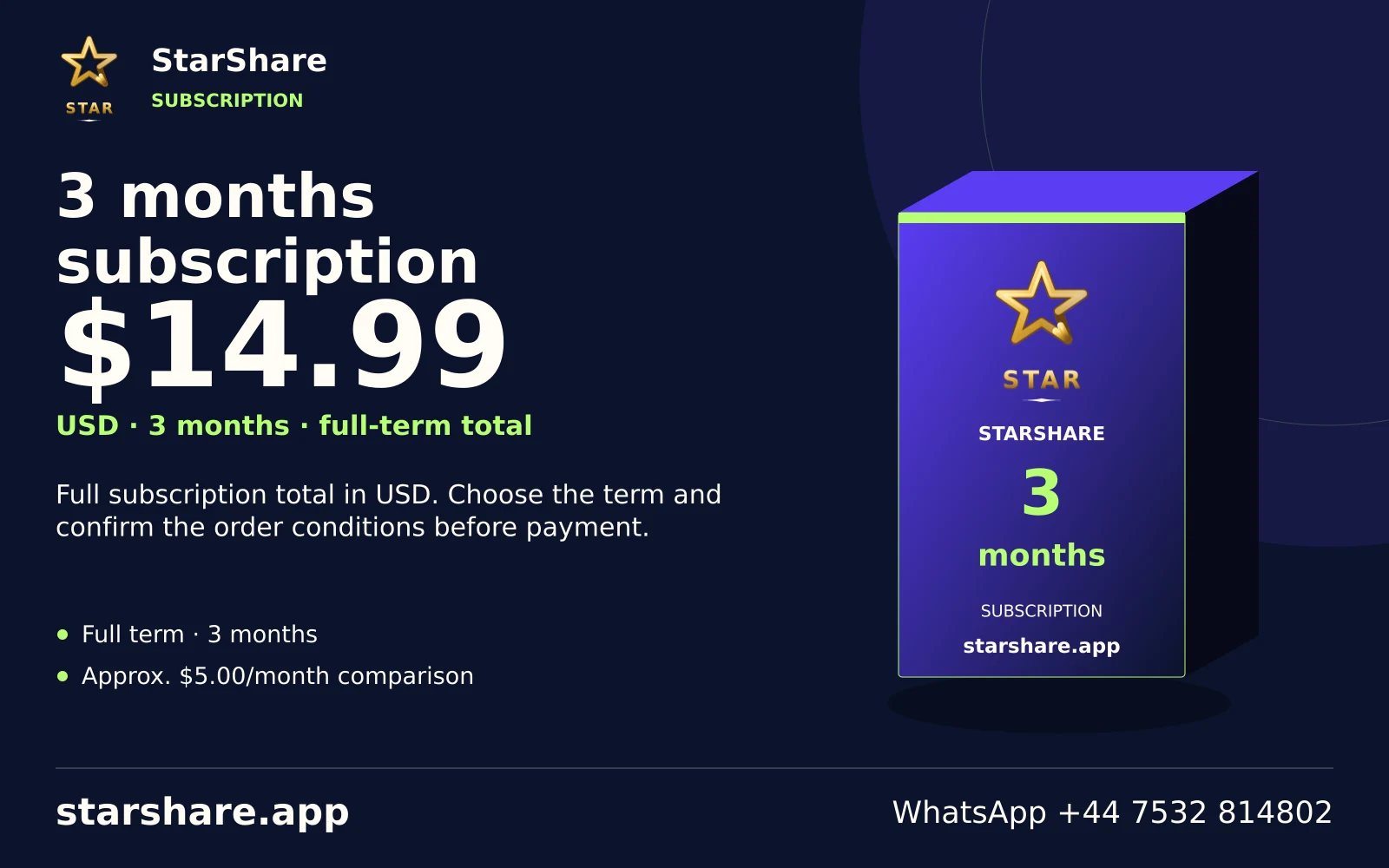
Full subscription total in USD. Choose the term and confirm the order conditions before payment.
Open artwork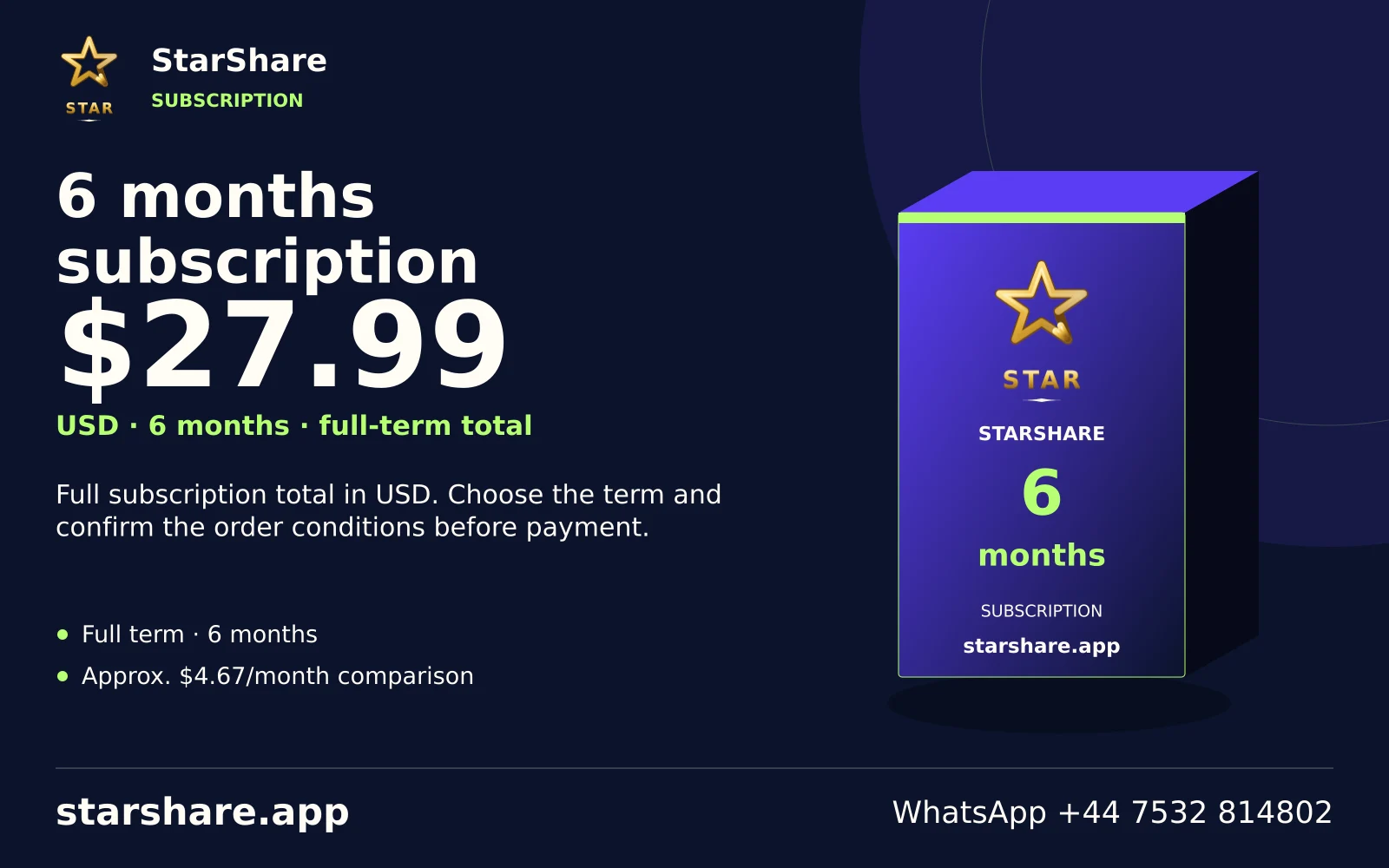
Full subscription total in USD. Choose the term and confirm the order conditions before payment.
Open artwork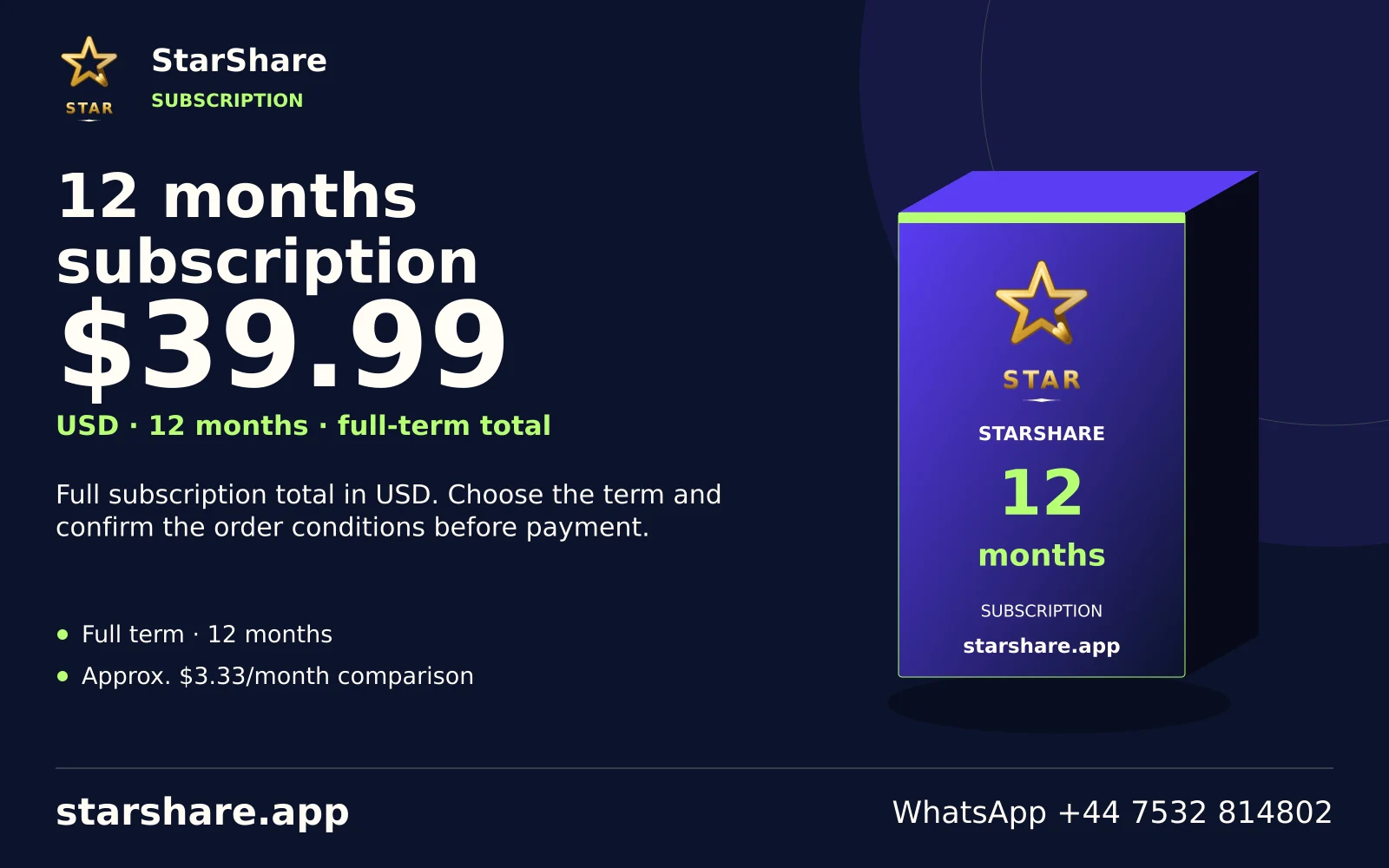
Full subscription total in USD. Choose the term and confirm the order conditions before payment.
Open artwork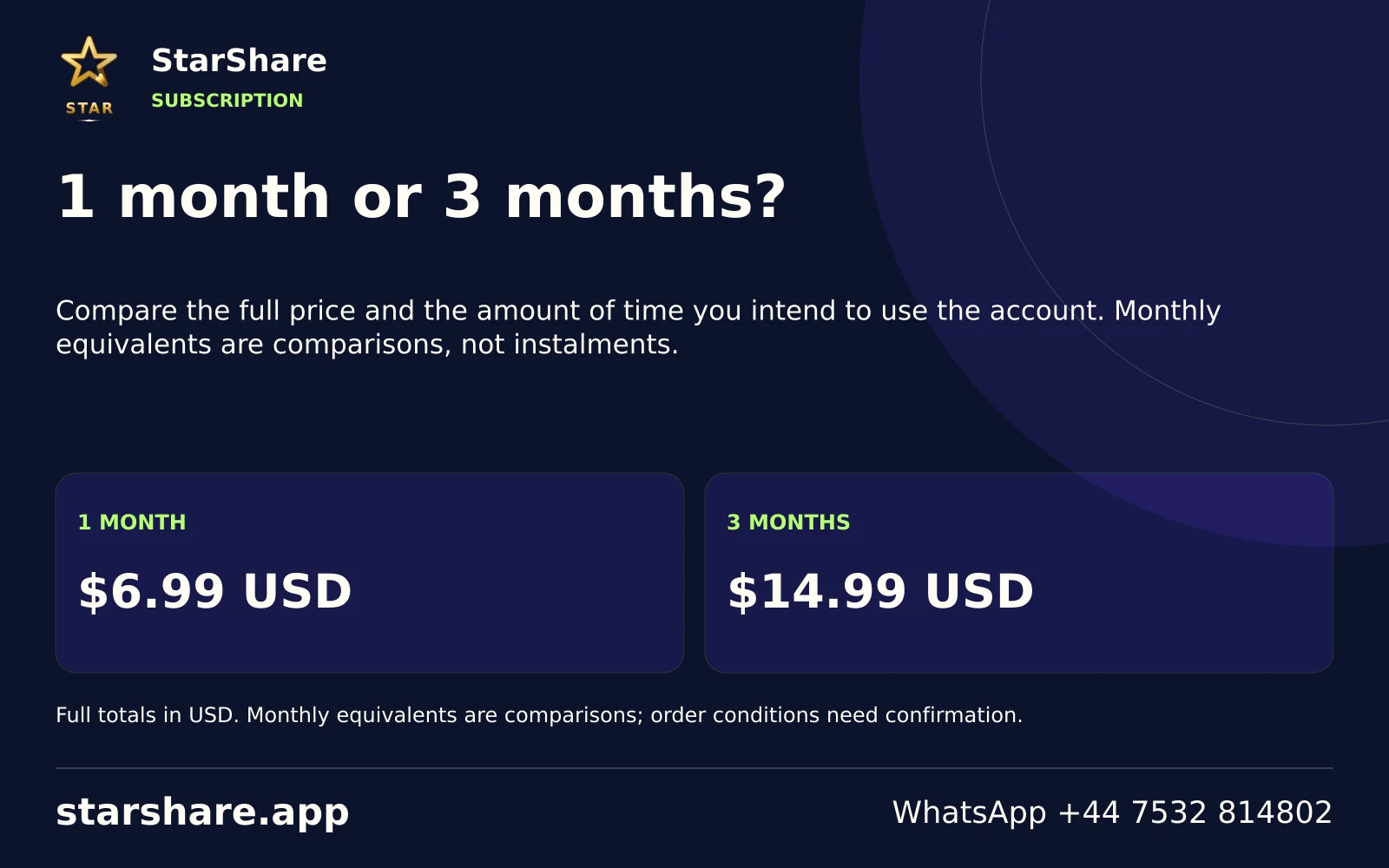
Compare the full price and the amount of time you intend to use the account. Monthly equivalents are comparisons, not instalments.
Open artwork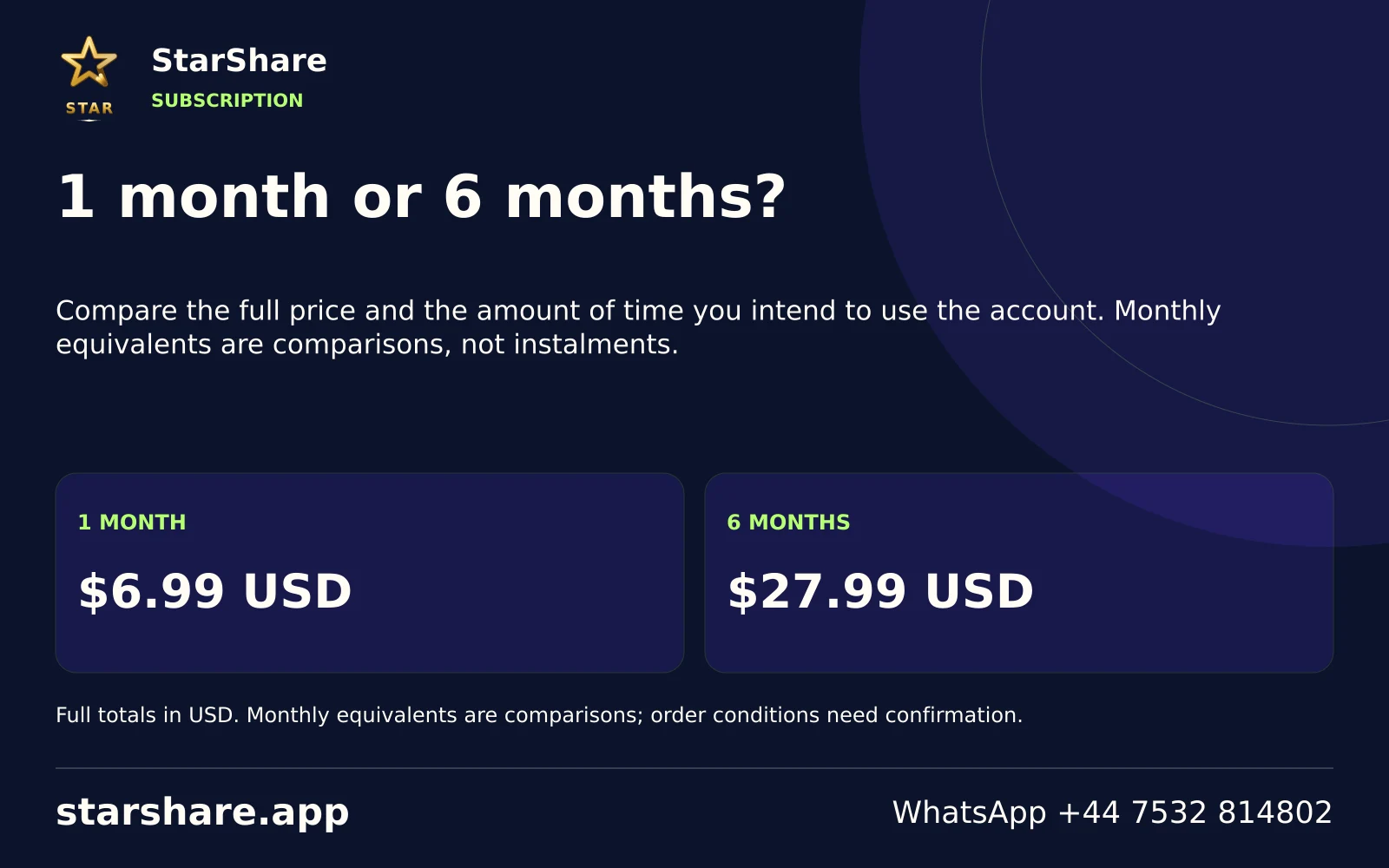
Compare the full price and the amount of time you intend to use the account. Monthly equivalents are comparisons, not instalments.
Open artwork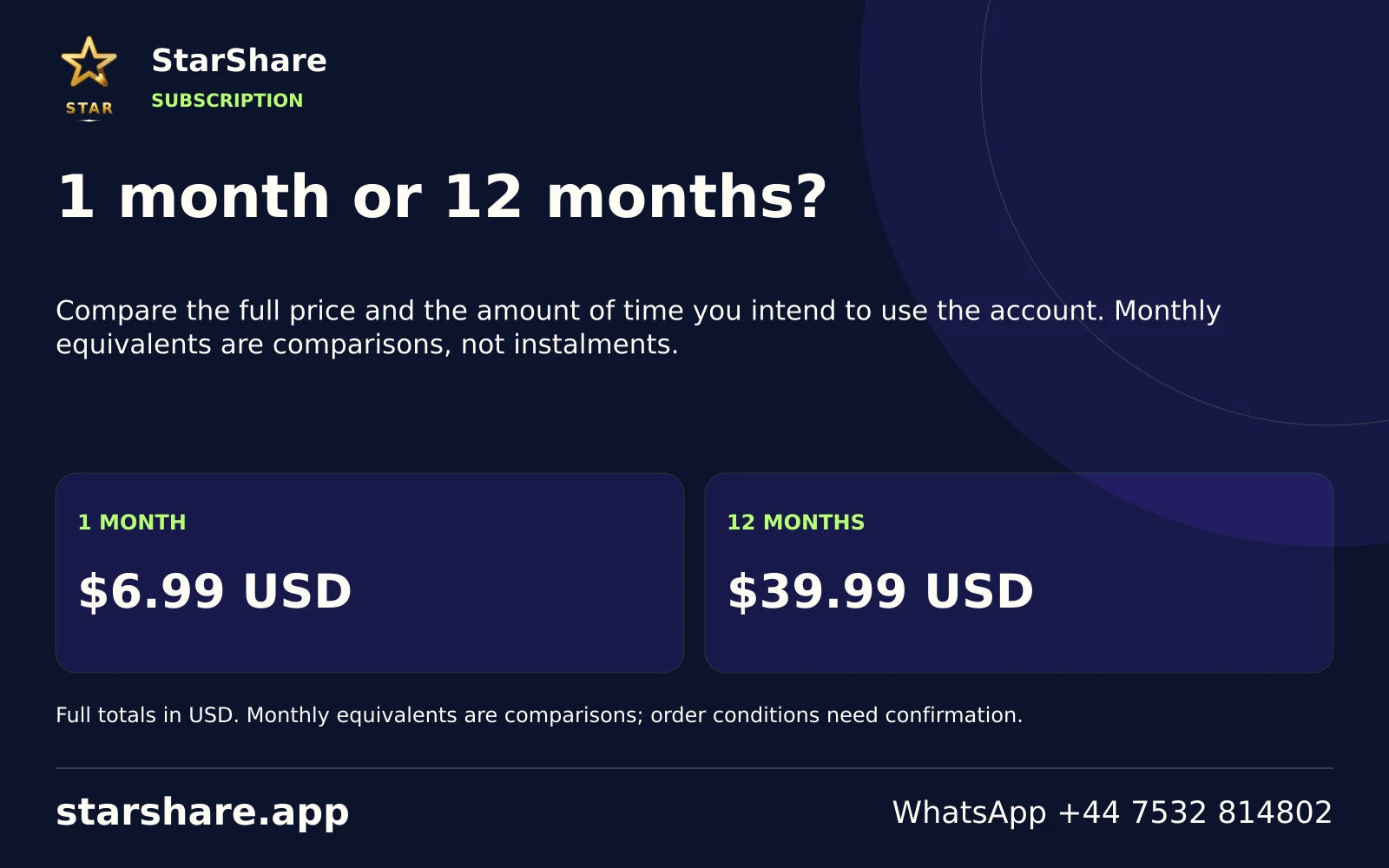
Compare the full price and the amount of time you intend to use the account. Monthly equivalents are comparisons, not instalments.
Open artwork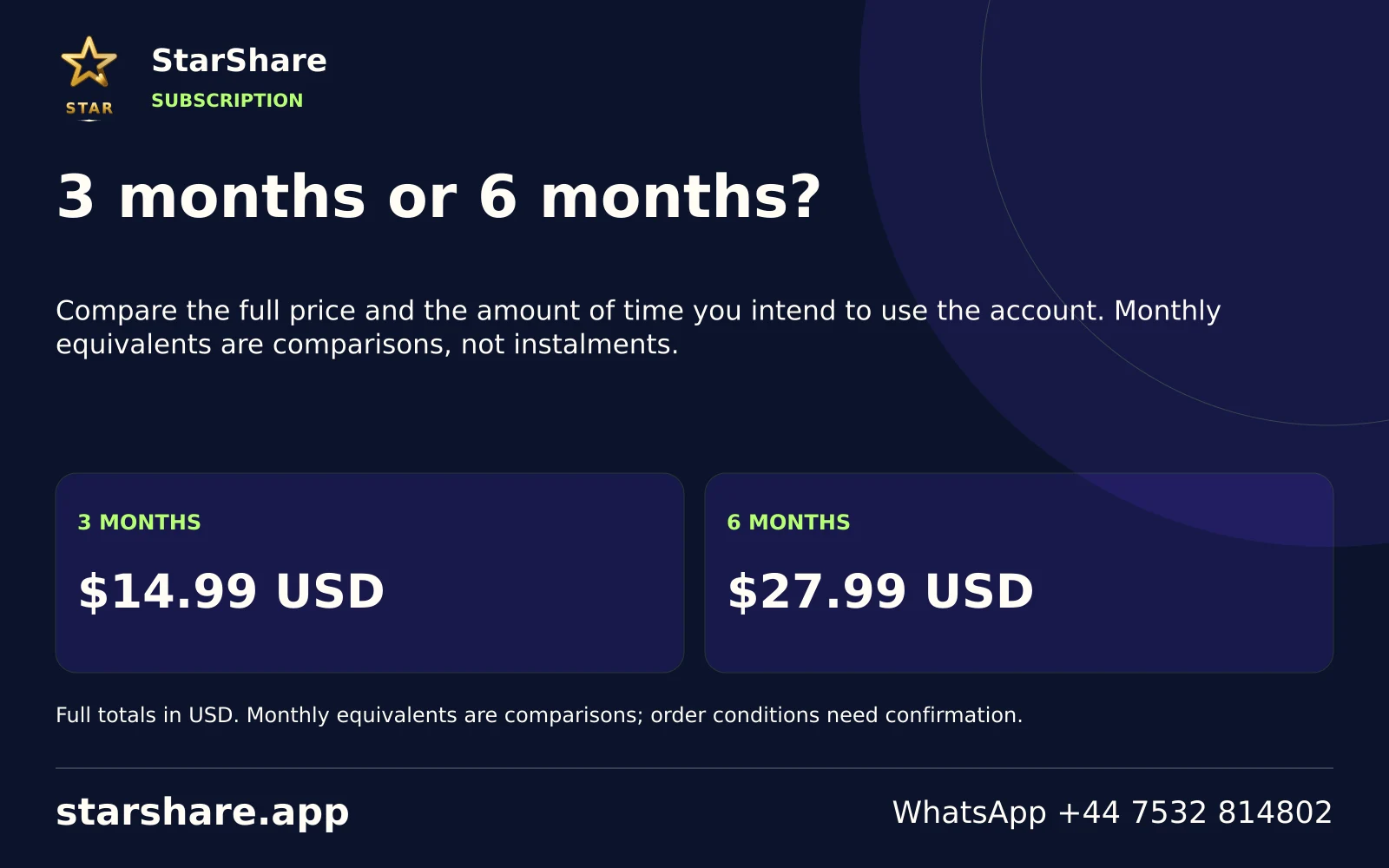
Compare the full price and the amount of time you intend to use the account. Monthly equivalents are comparisons, not instalments.
Open artwork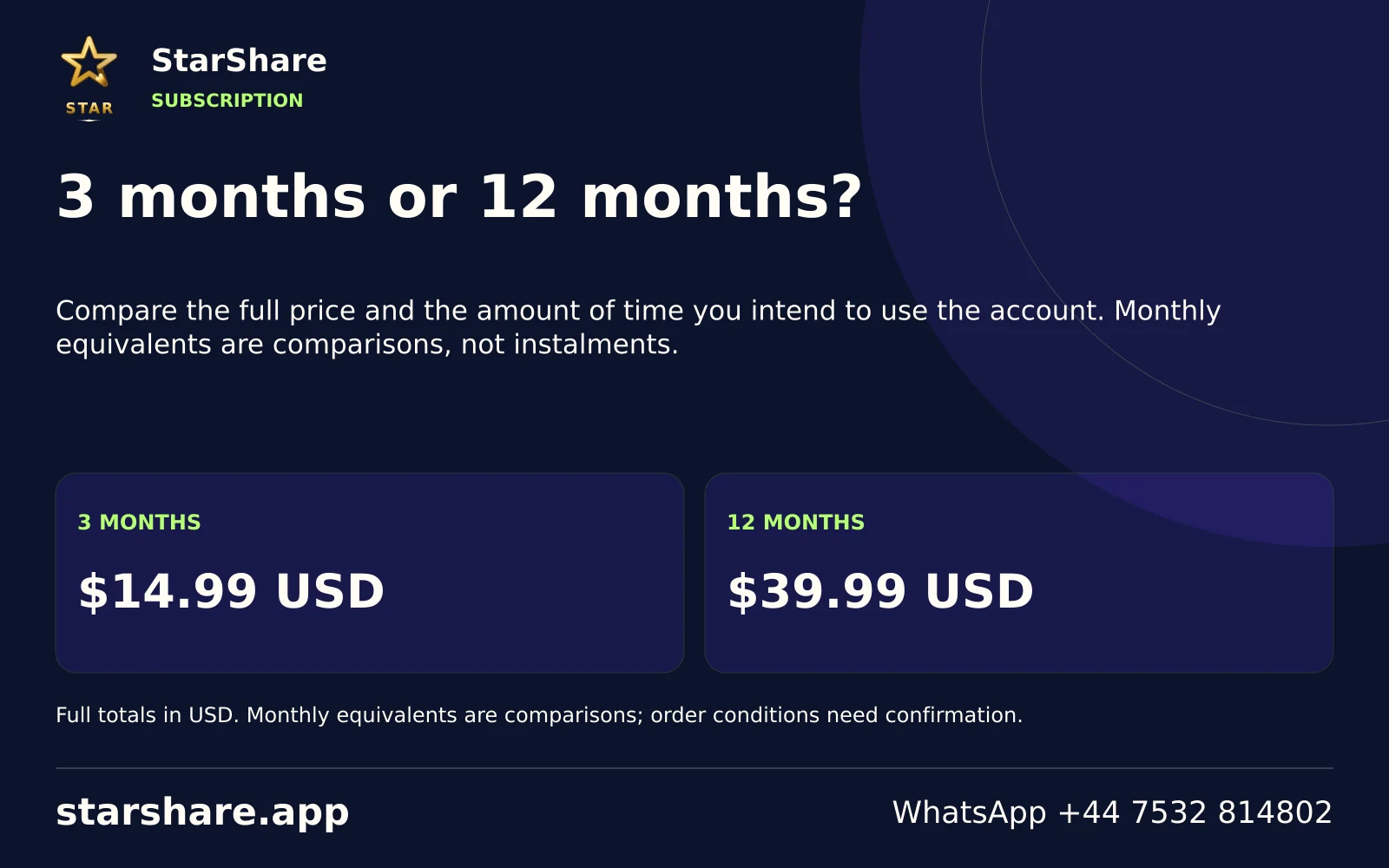
Compare the full price and the amount of time you intend to use the account. Monthly equivalents are comparisons, not instalments.
Open artwork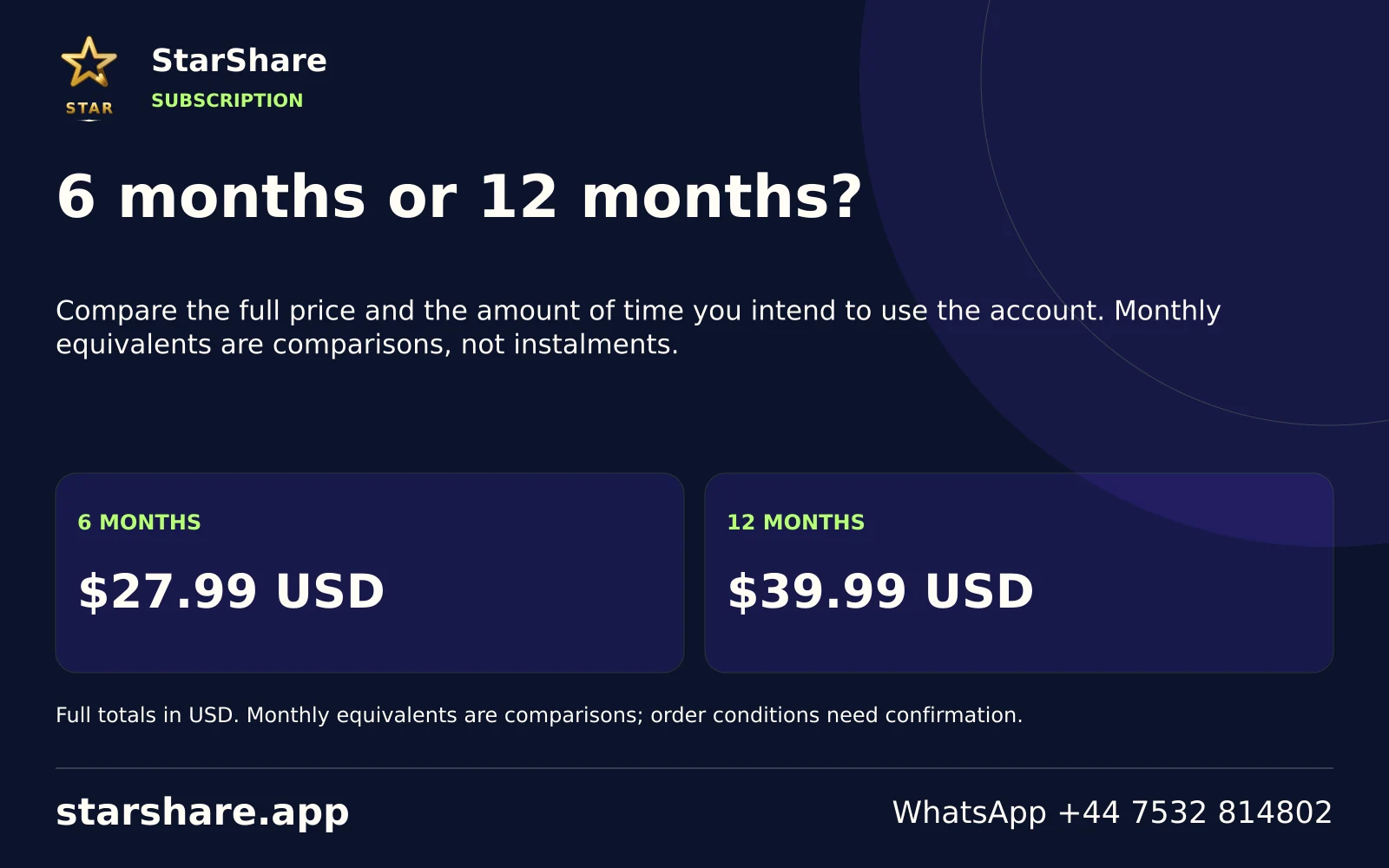
Compare the full price and the amount of time you intend to use the account. Monthly equivalents are comparisons, not instalments.
Open artwork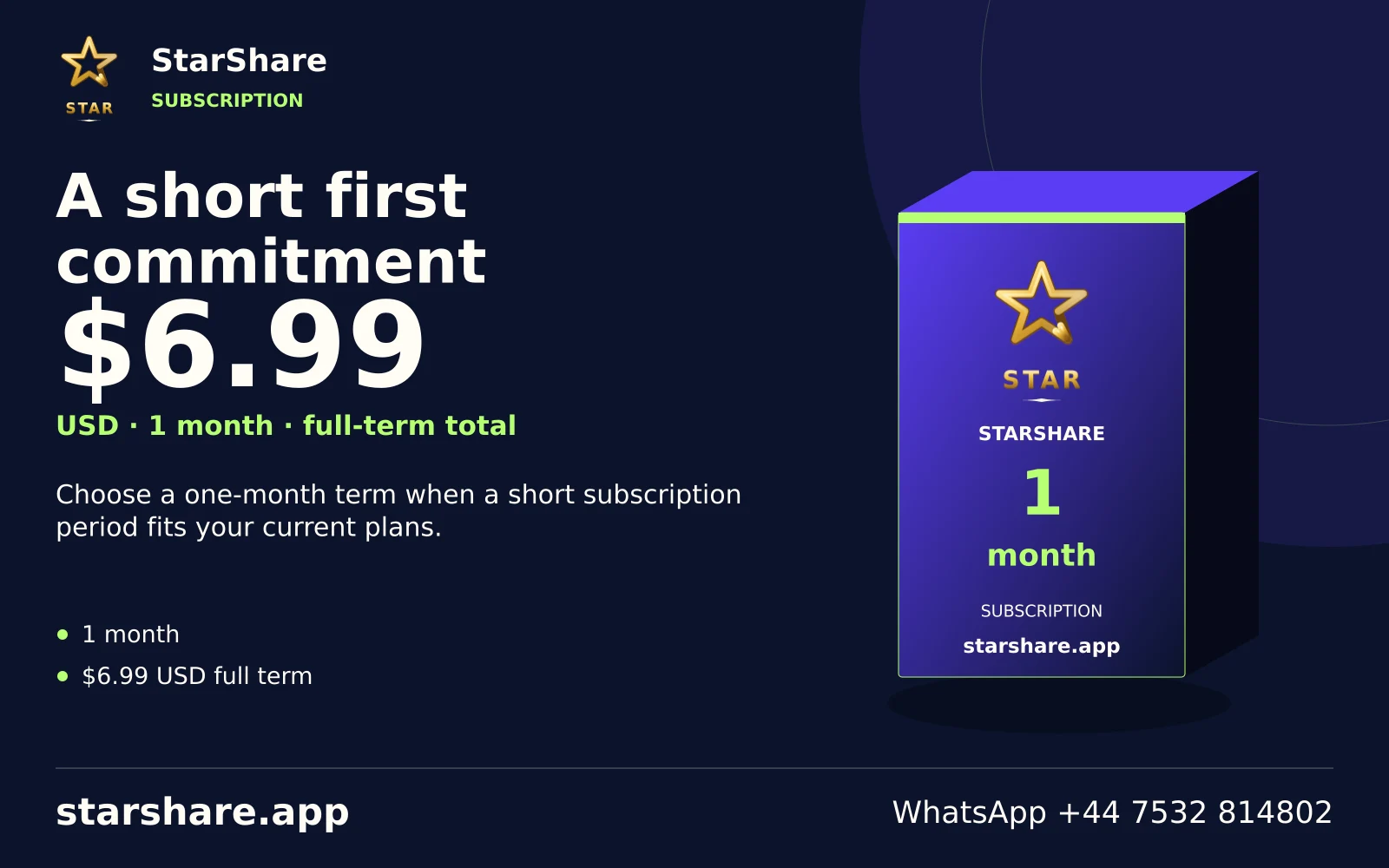
Choose a one-month term when a short subscription period fits your current plans.
Open artwork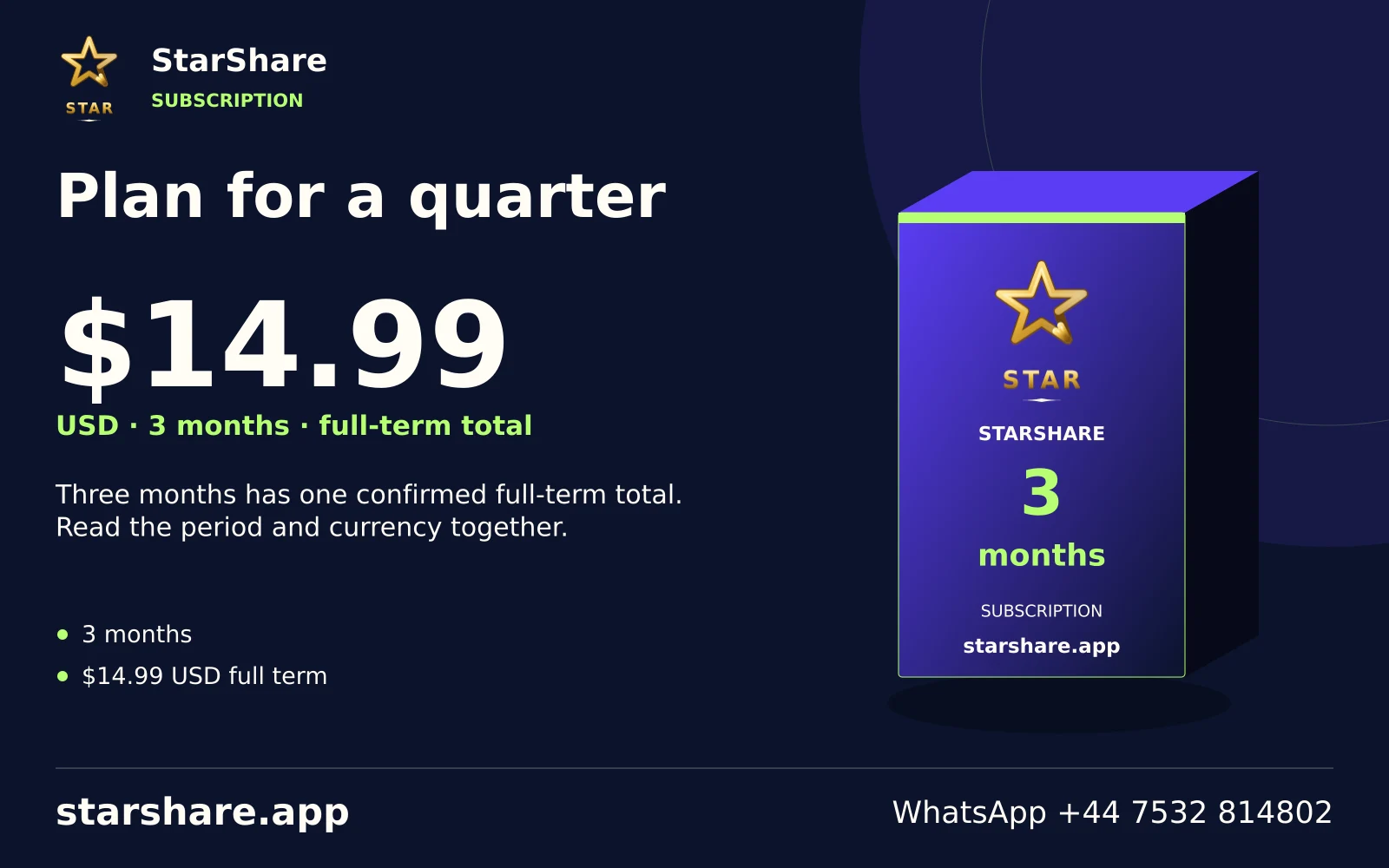
Three months has one confirmed full-term total. Read the period and currency together.
Open artwork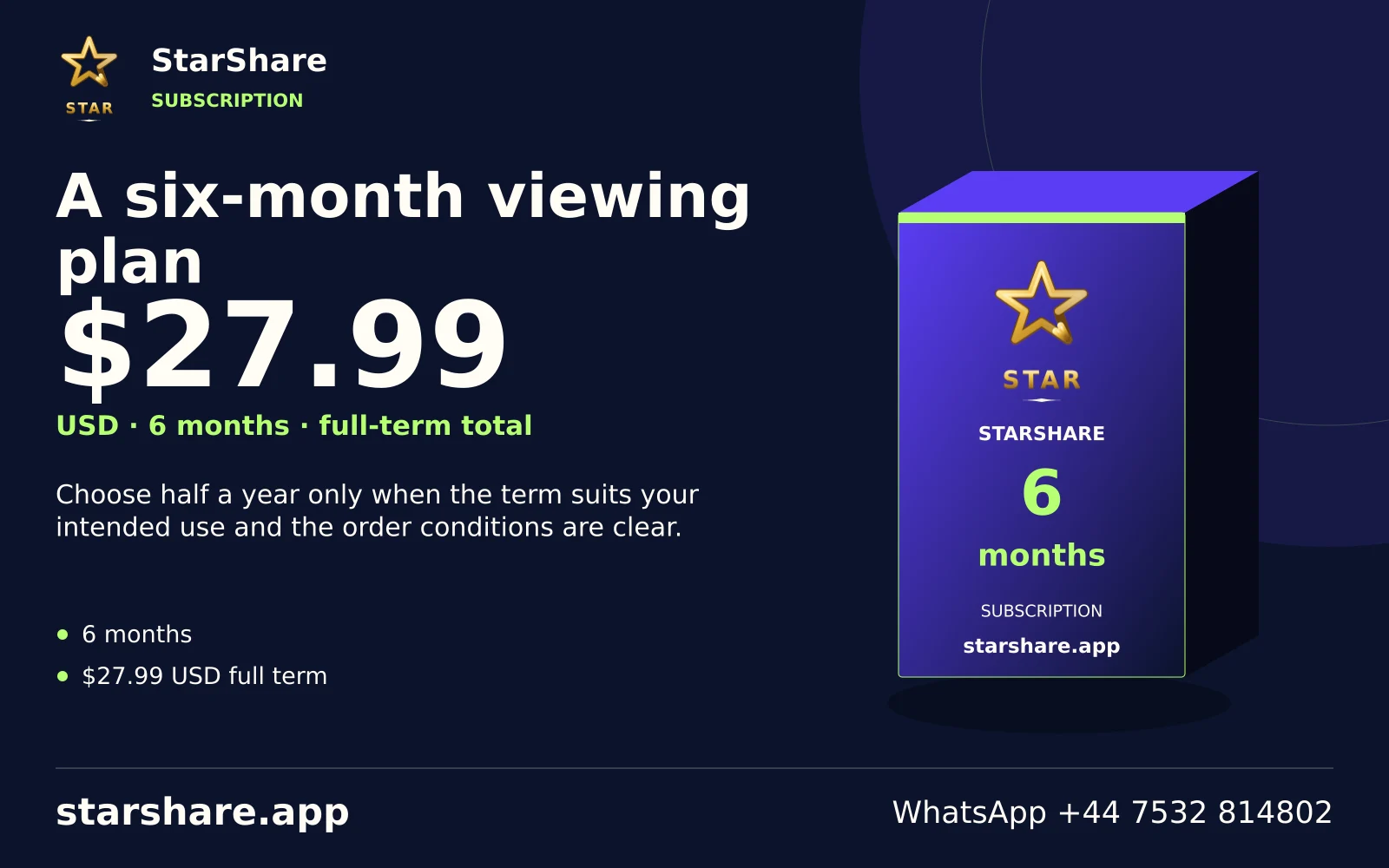
Choose half a year only when the term suits your intended use and the order conditions are clear.
Open artwork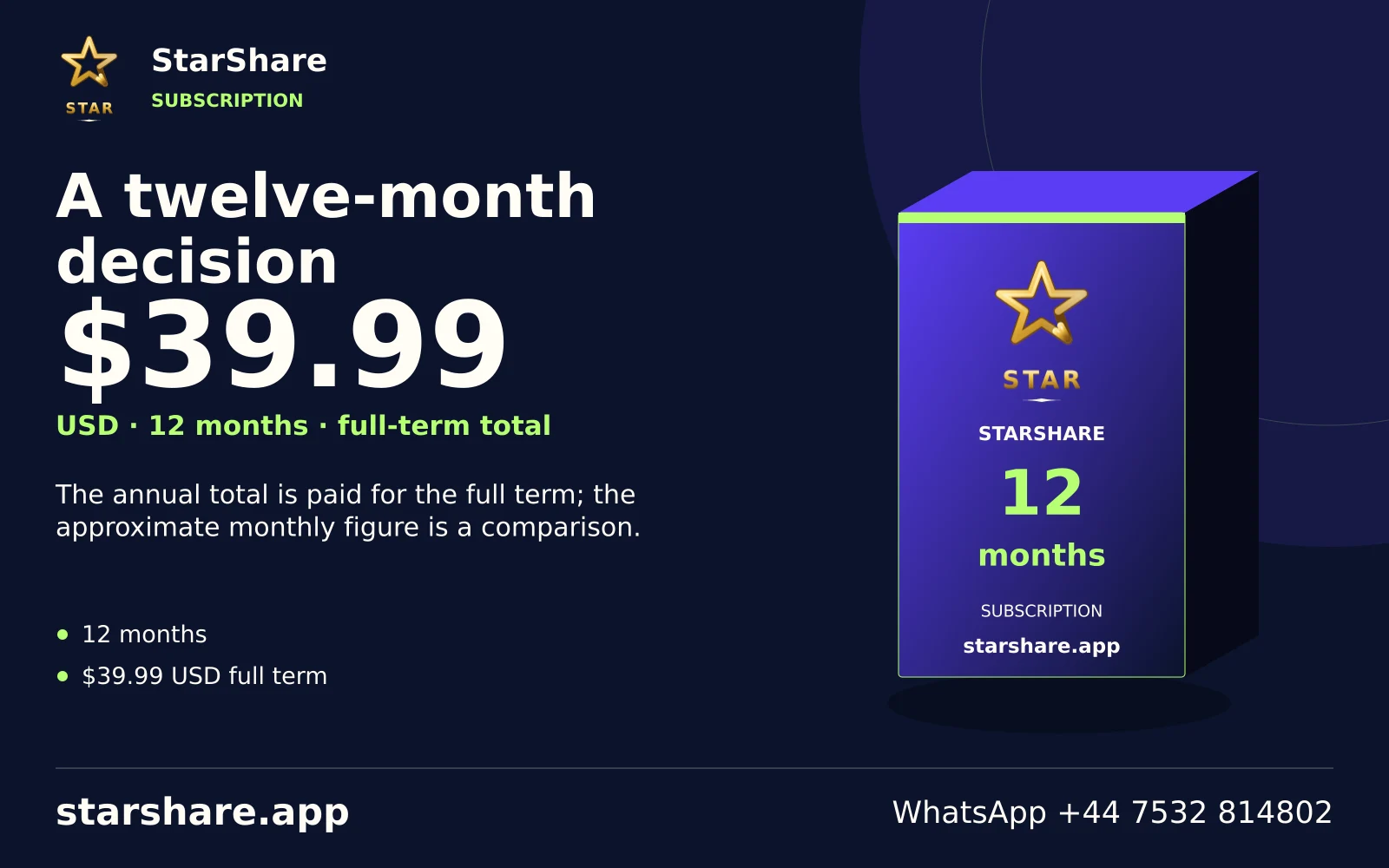
The annual total is paid for the full term; the approximate monthly figure is a comparison.
Open artwork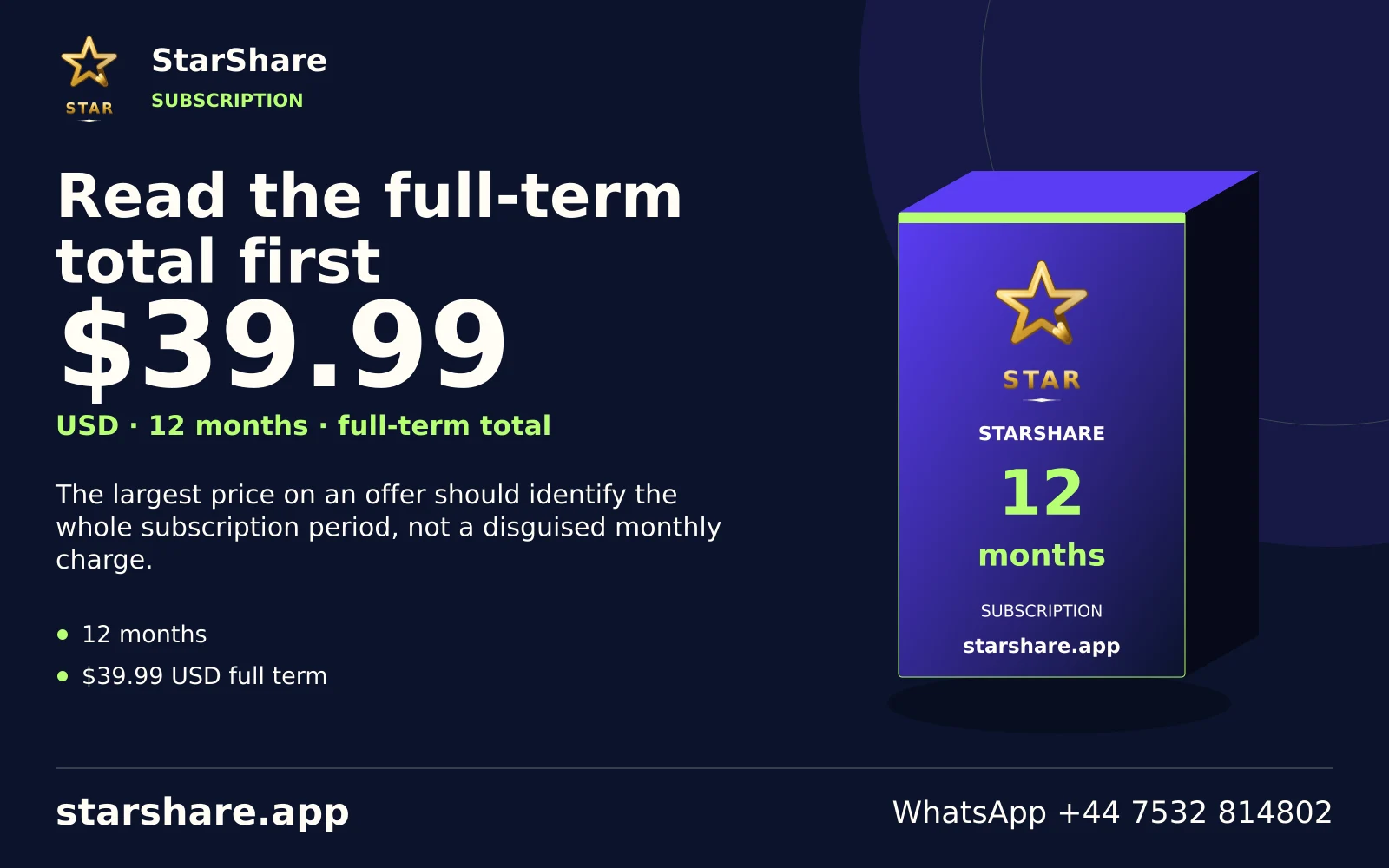
The largest price on an offer should identify the whole subscription period, not a disguised monthly charge.
Open artwork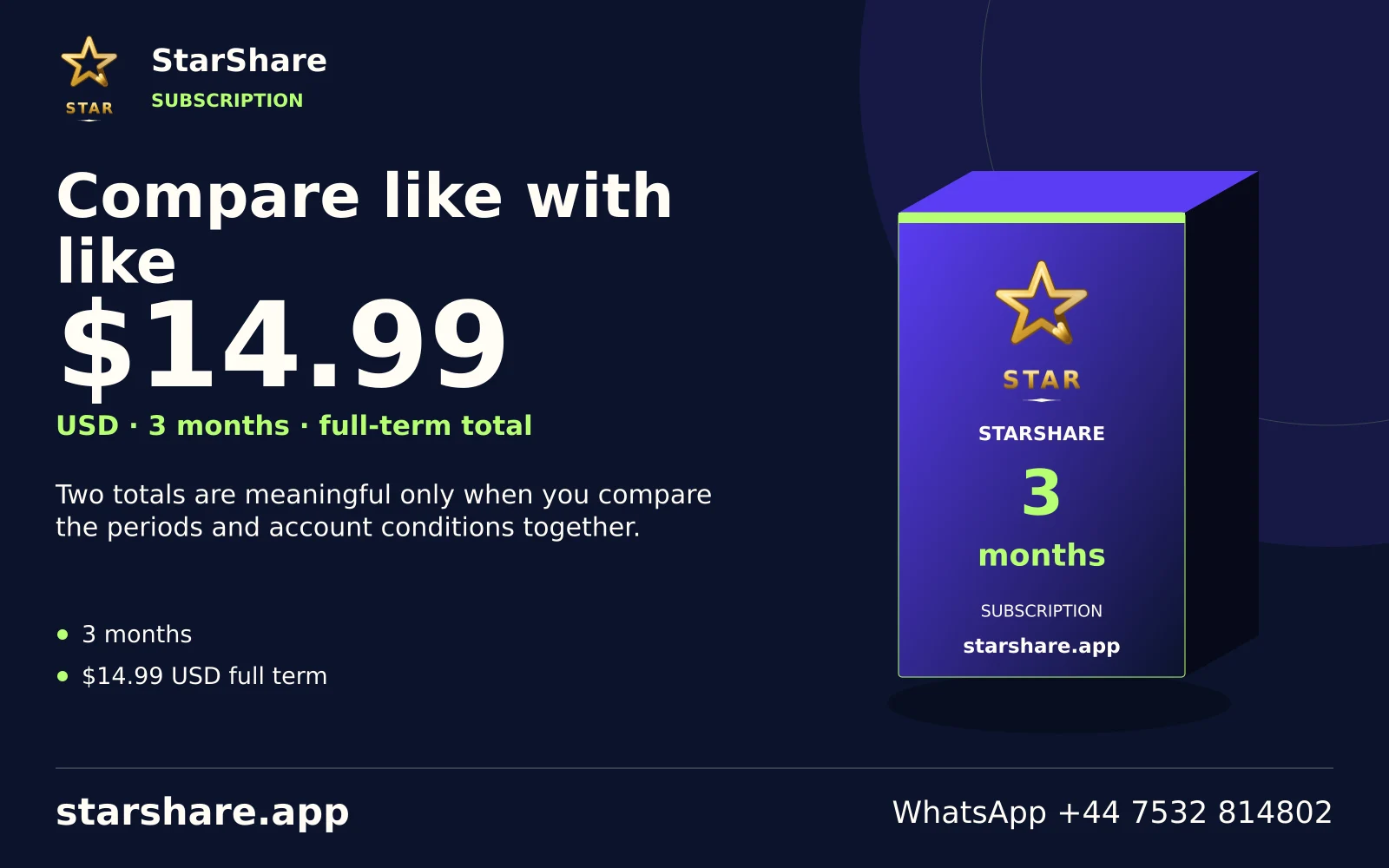
Two totals are meaningful only when you compare the periods and account conditions together.
Open artwork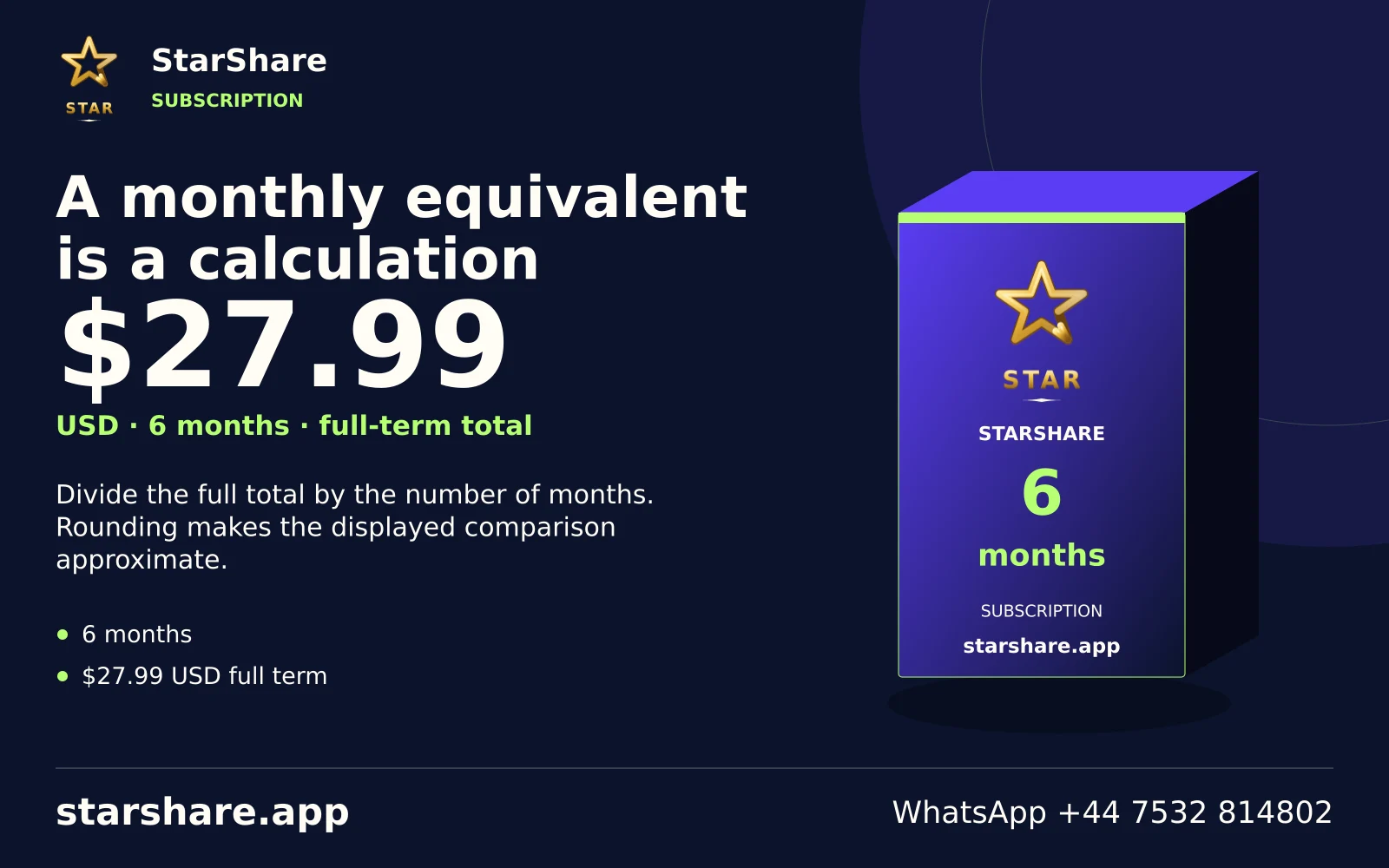
Divide the full total by the number of months. Rounding makes the displayed comparison approximate.
Open artwork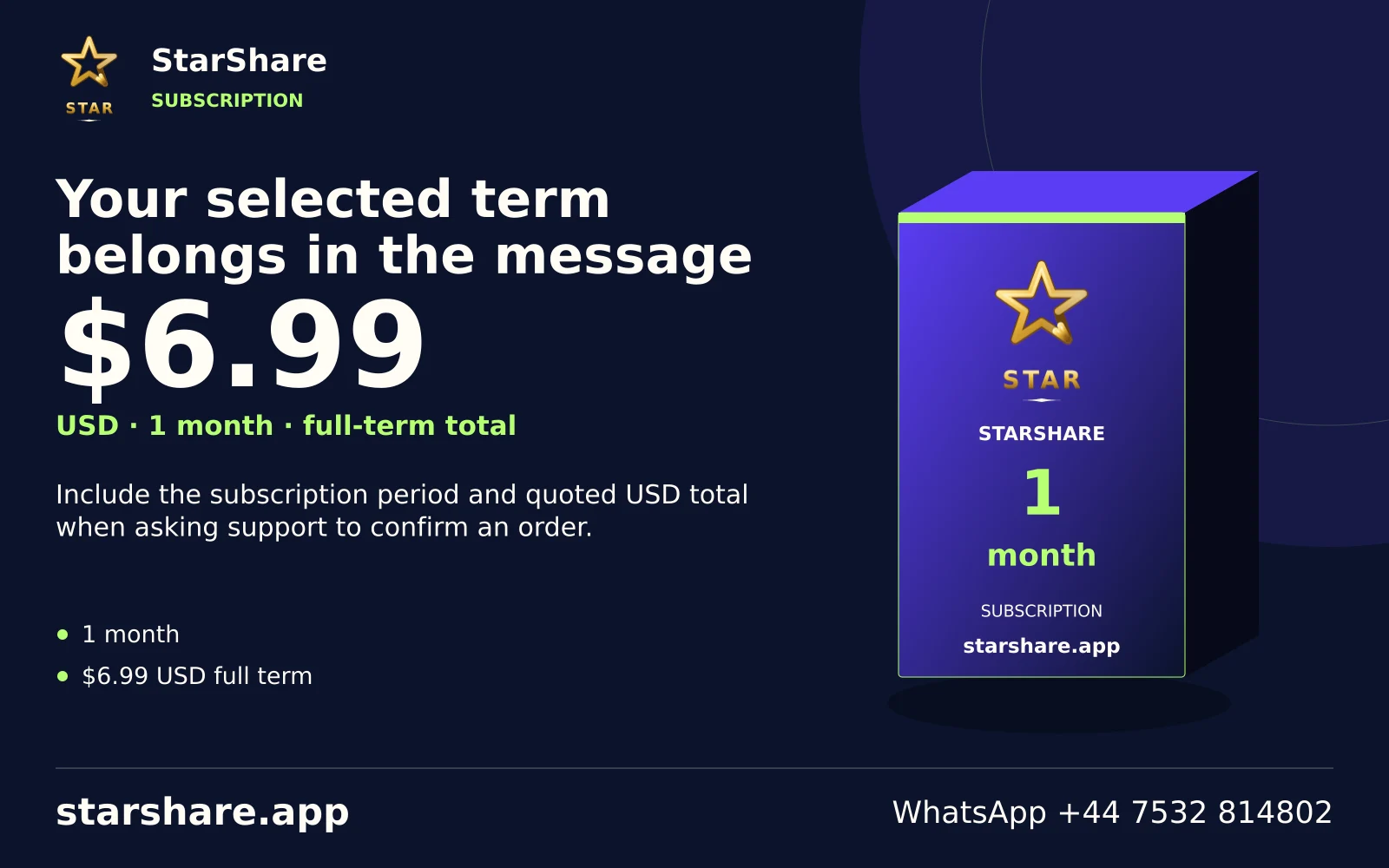
Include the subscription period and quoted USD total when asking support to confirm an order.
Open artwork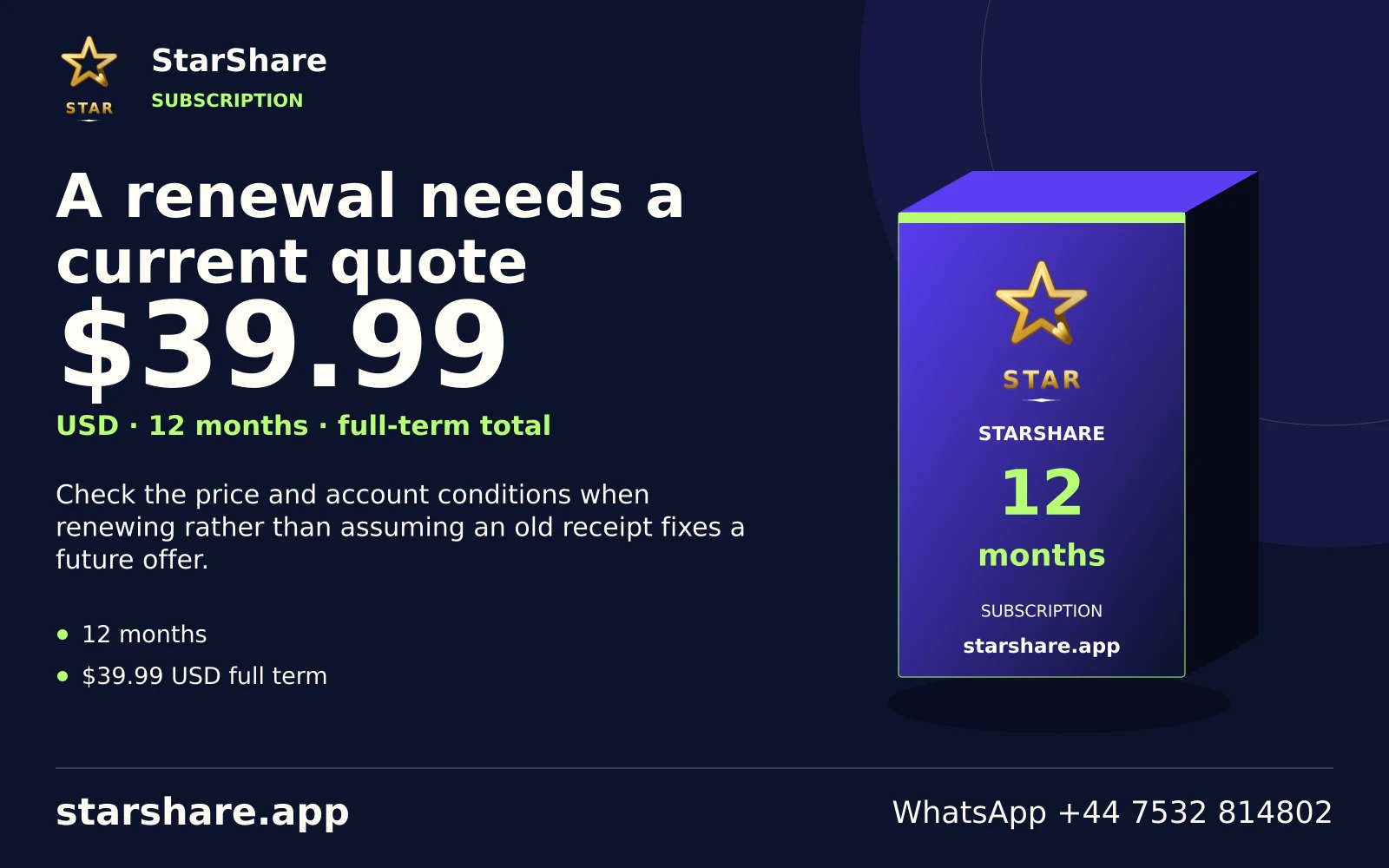
Check the price and account conditions when renewing rather than assuming an old receipt fixes a future offer.
Open artwork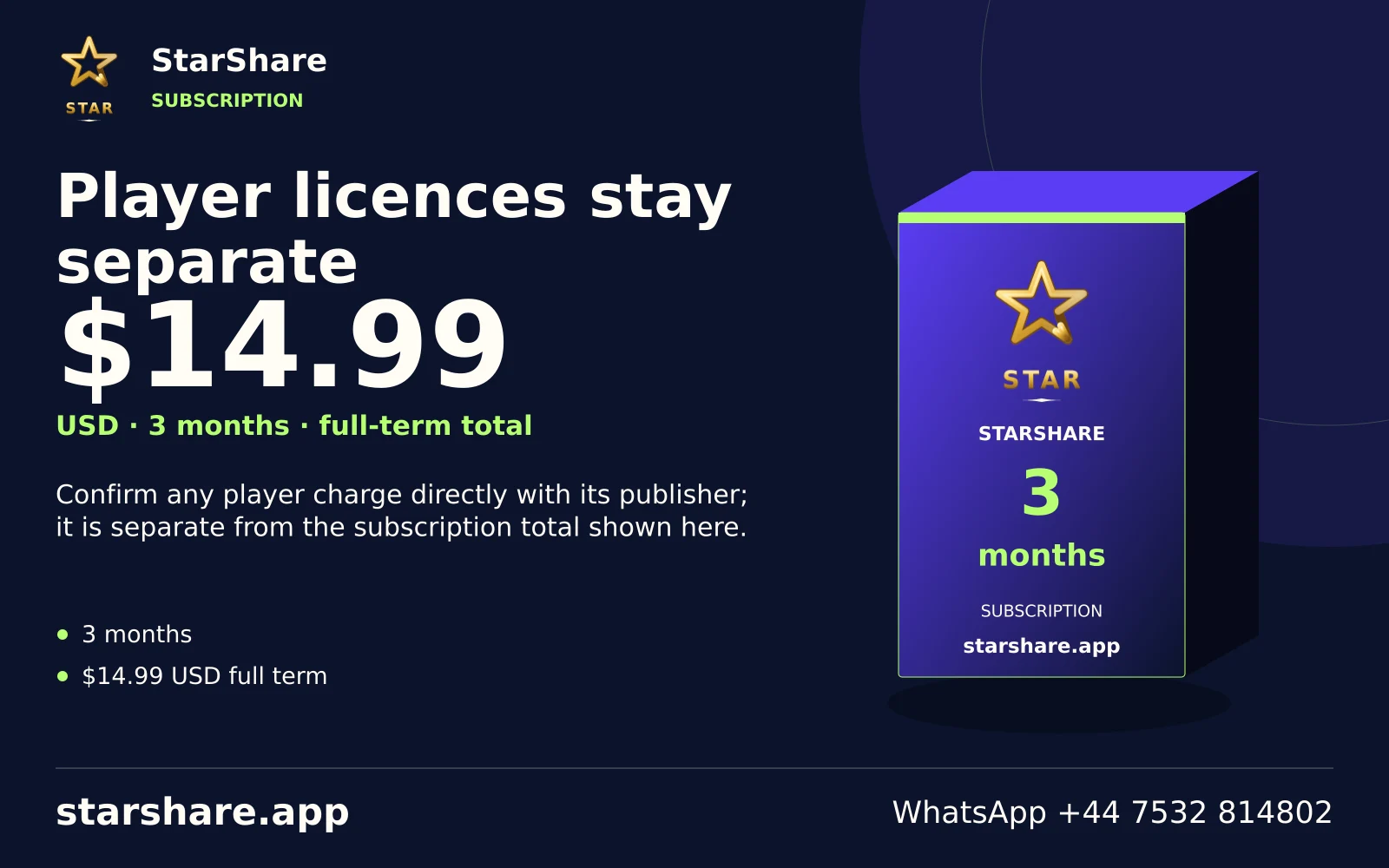
Confirm any player charge directly with its publisher; it is separate from the subscription total shown here.
Open artwork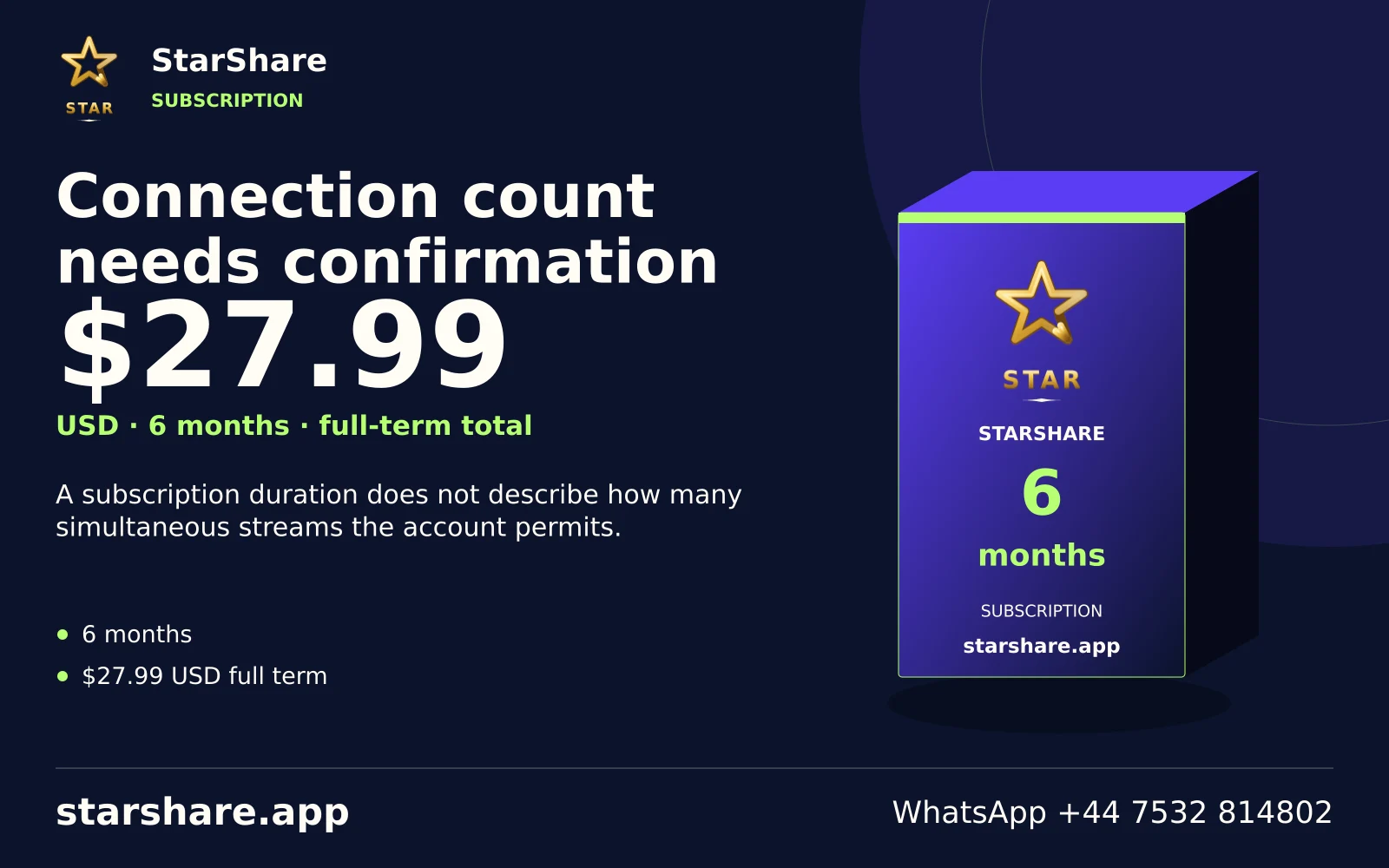
A subscription duration does not describe how many simultaneous streams the account permits.
Open artwork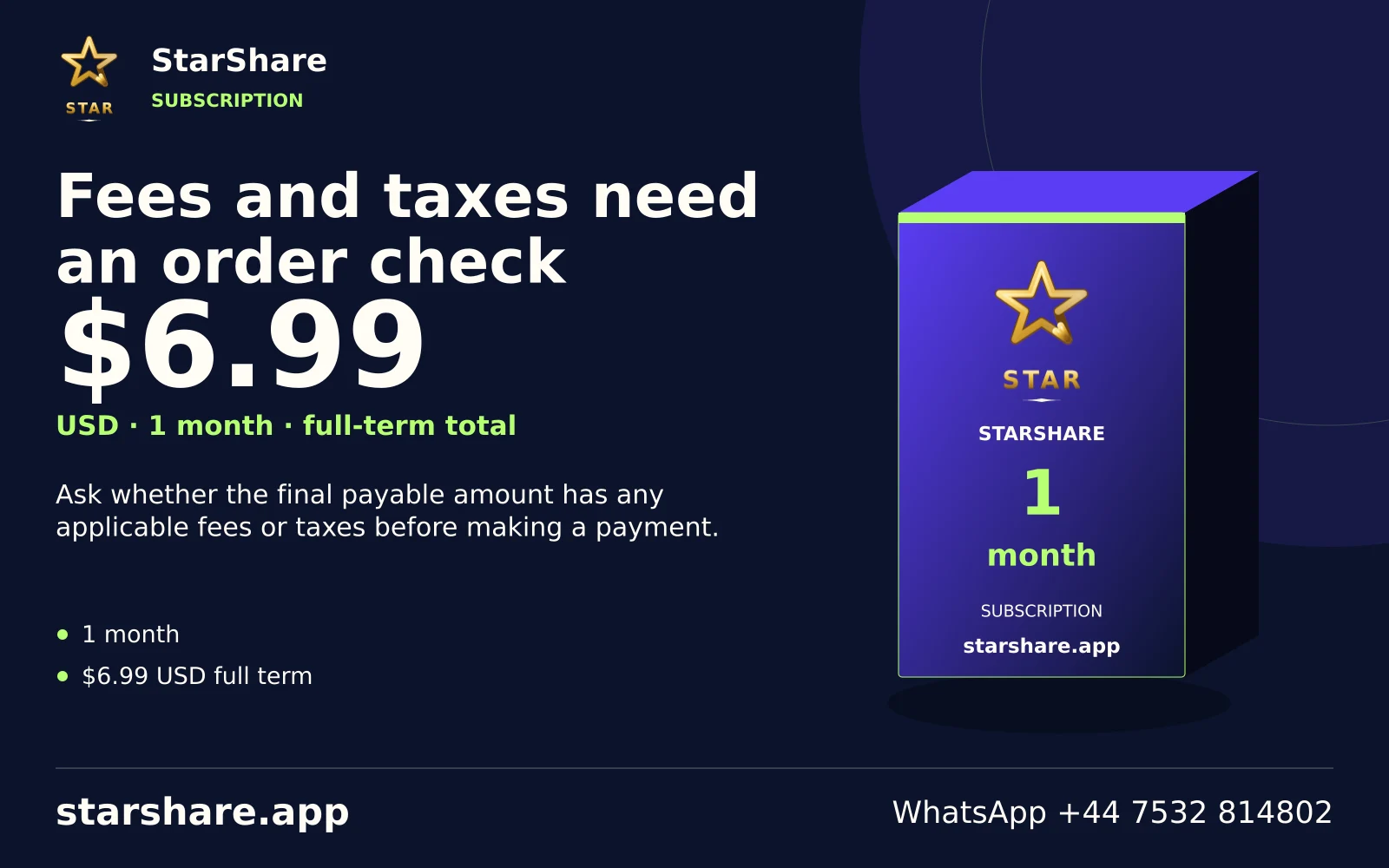
Ask whether the final payable amount has any applicable fees or taxes before making a payment.
Open artwork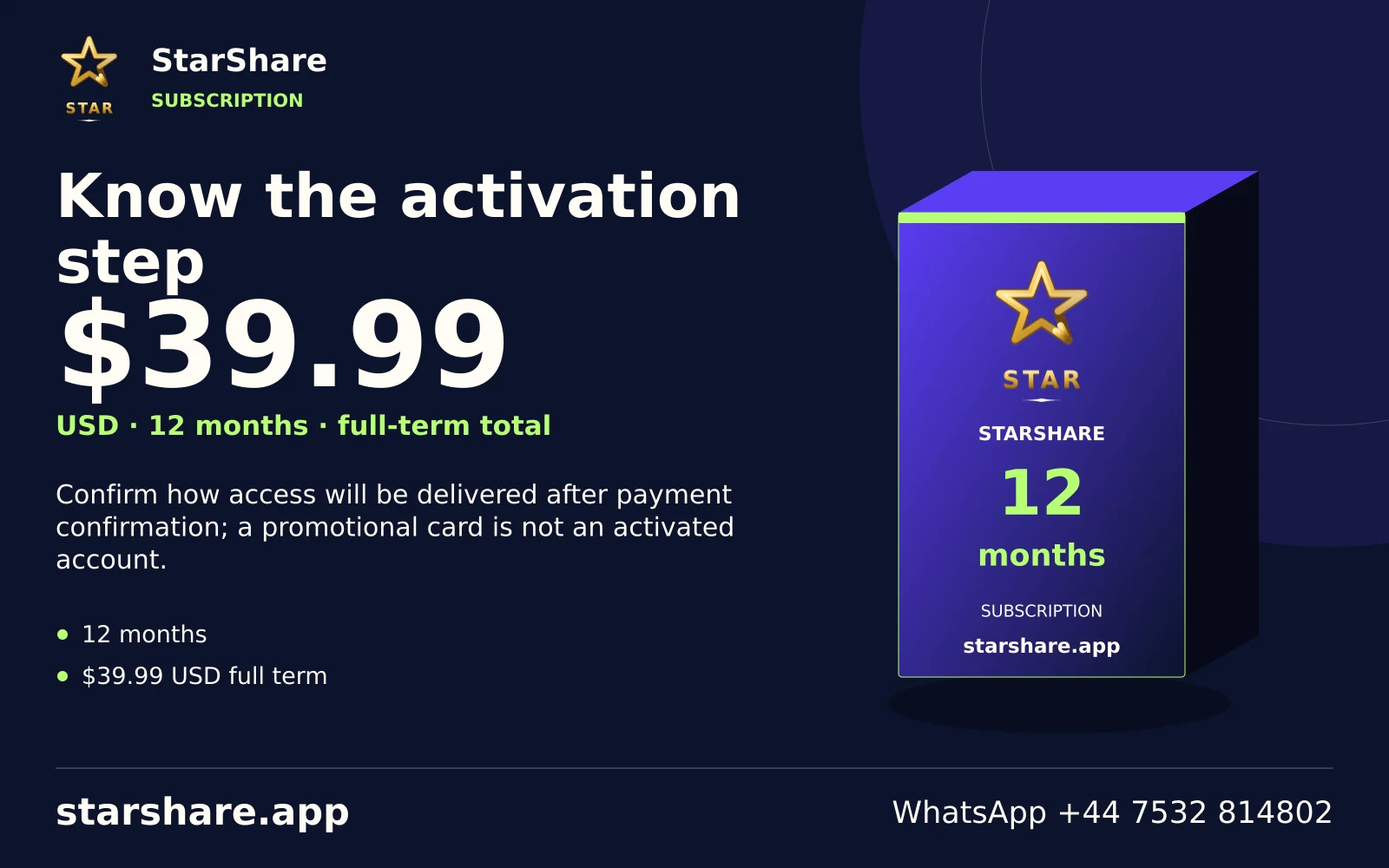
Confirm how access will be delivered after payment confirmation; a promotional card is not an activated account.
Open artwork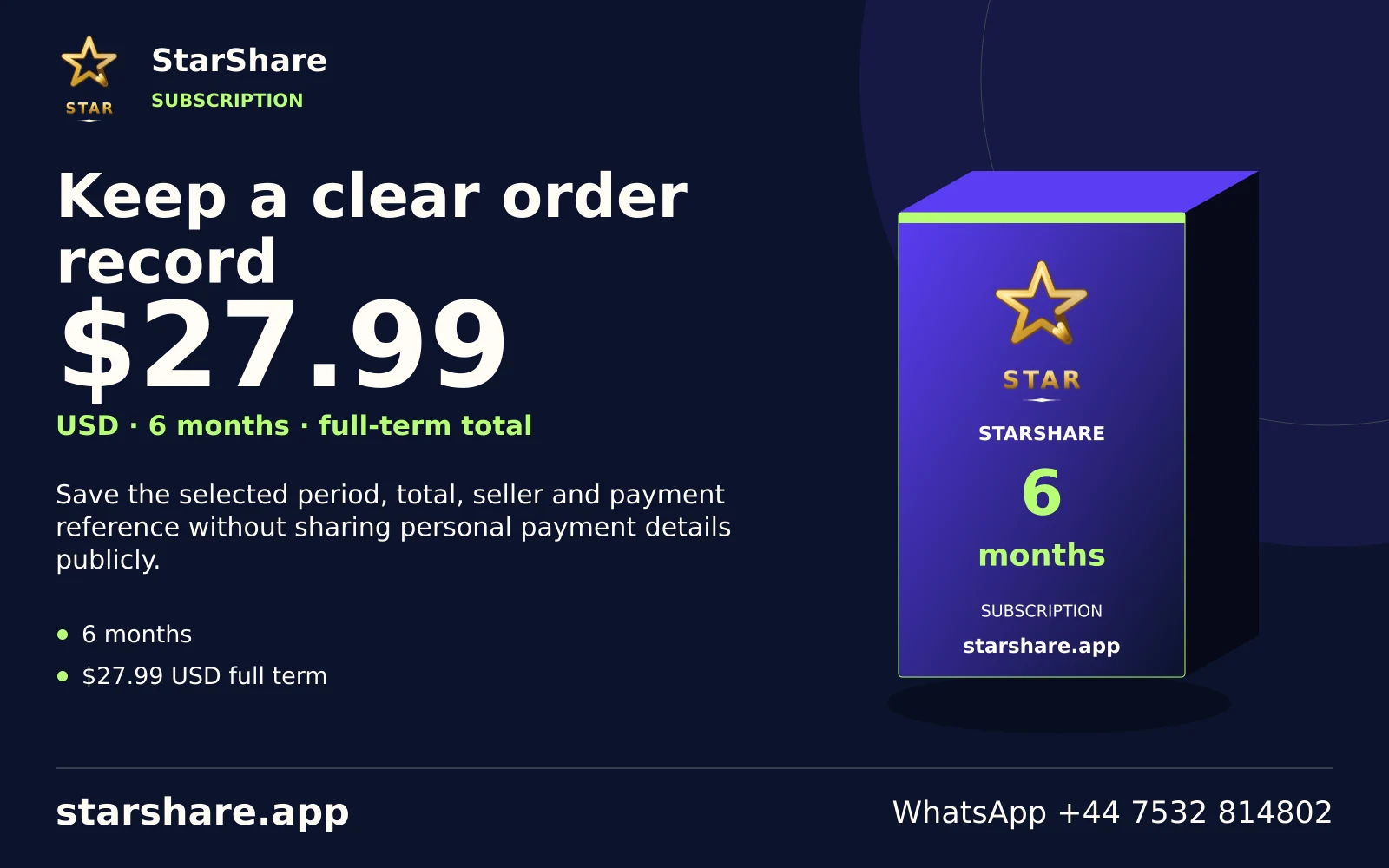
Save the selected period, total, seller and payment reference without sharing personal payment details publicly.
Open artwork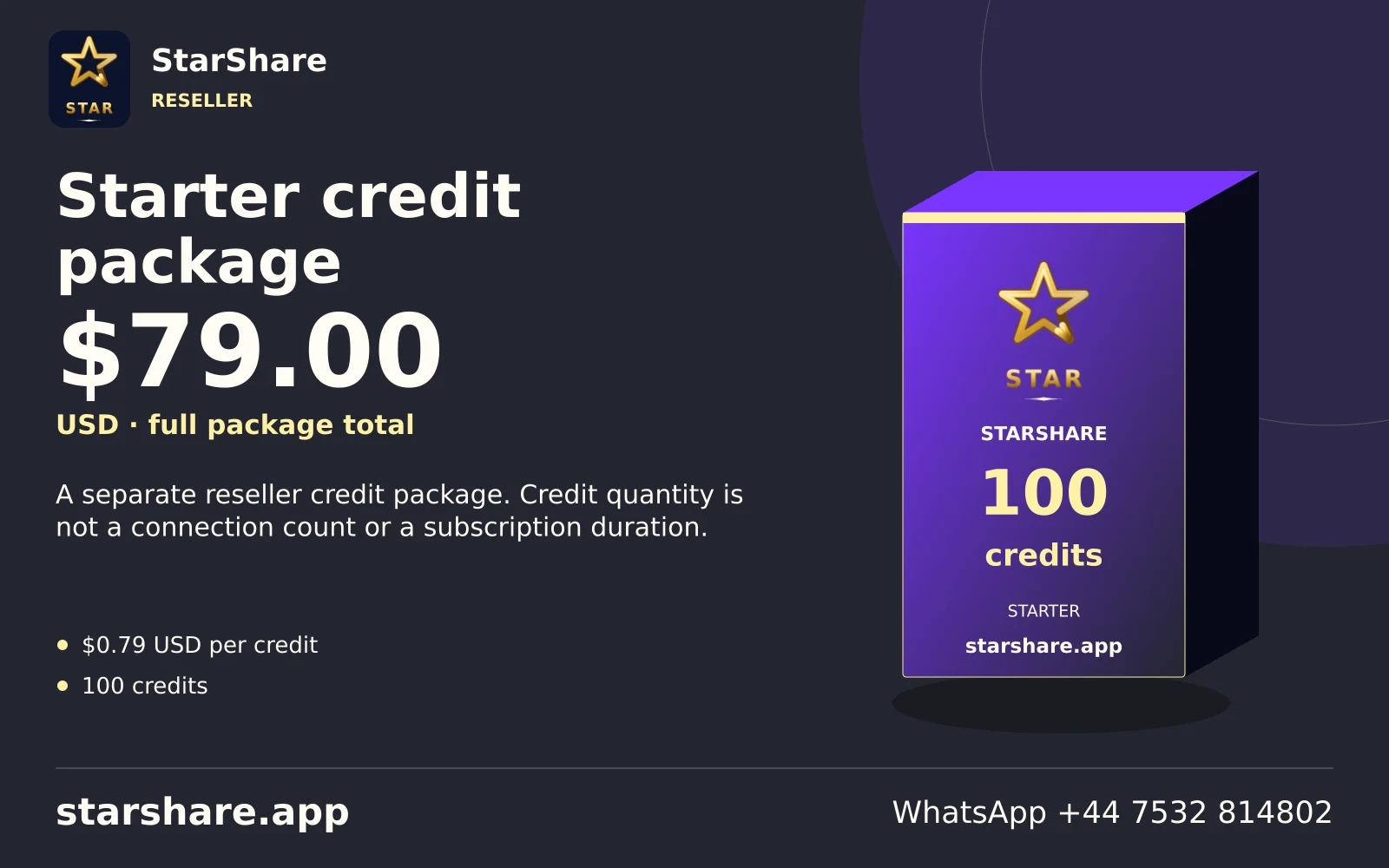
A separate reseller credit package. Credit quantity is not a connection count or a subscription duration.
Open artwork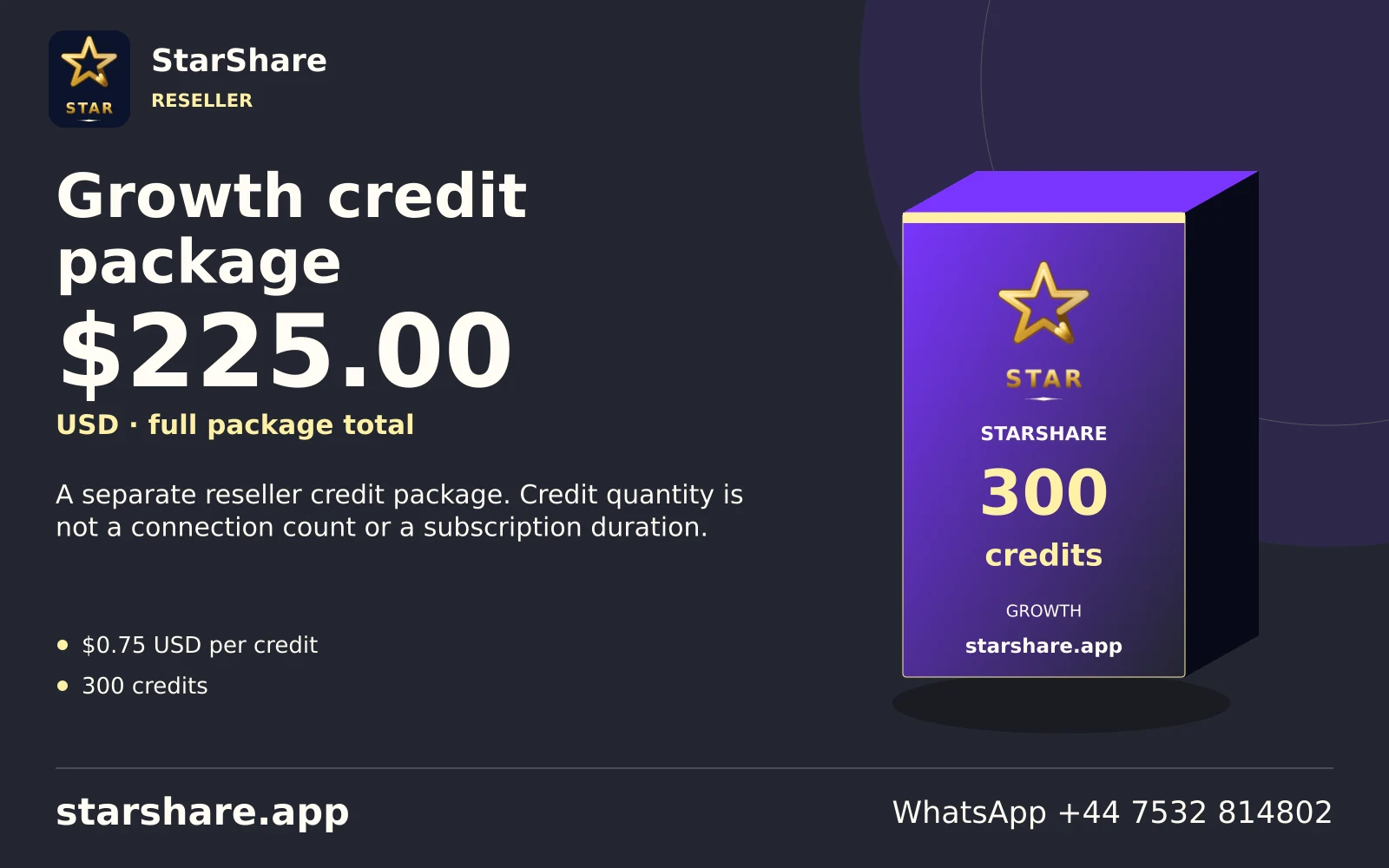
A separate reseller credit package. Credit quantity is not a connection count or a subscription duration.
Open artwork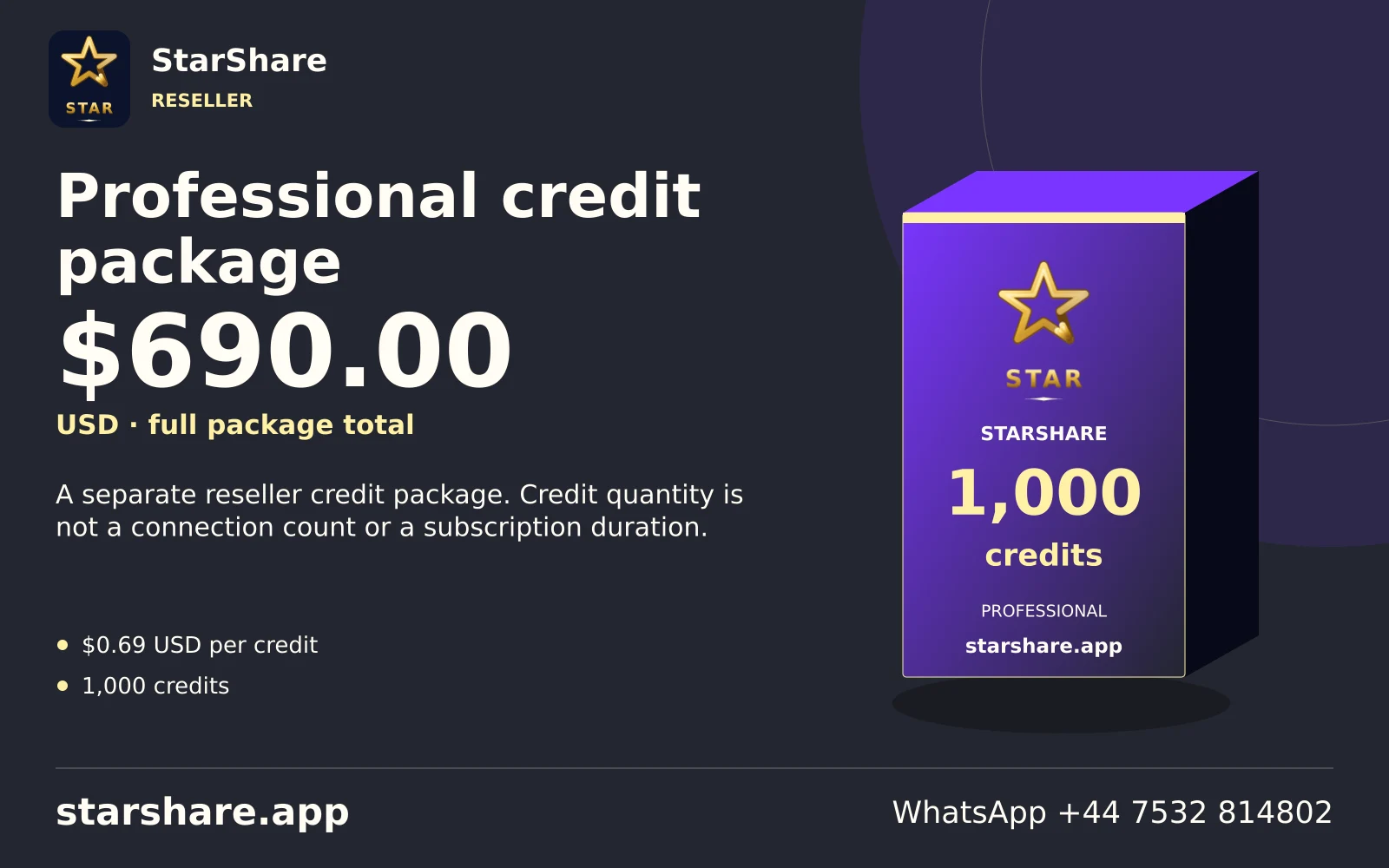
A separate reseller credit package. Credit quantity is not a connection count or a subscription duration.
Open artwork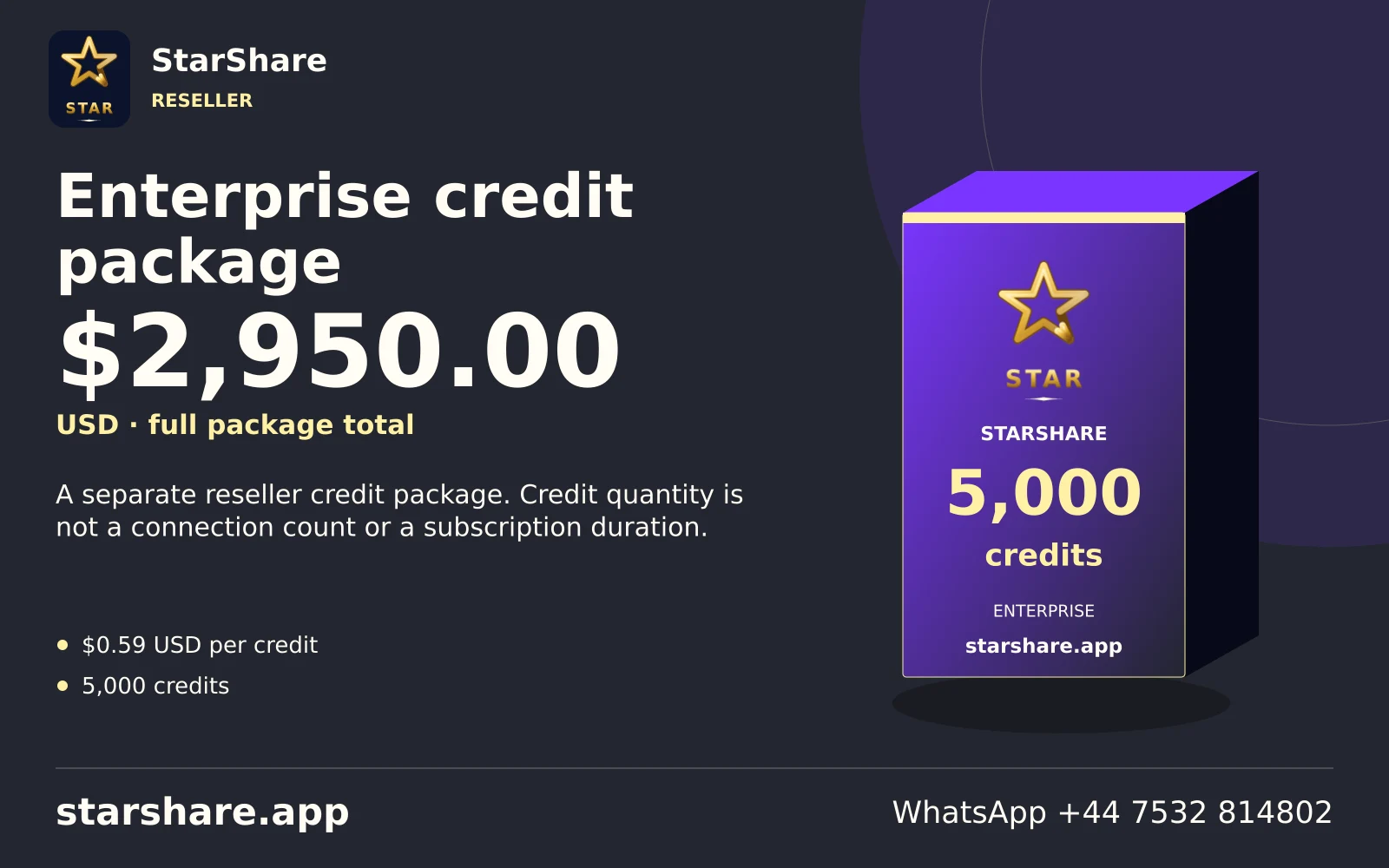
A separate reseller credit package. Credit quantity is not a connection count or a subscription duration.
Open artwork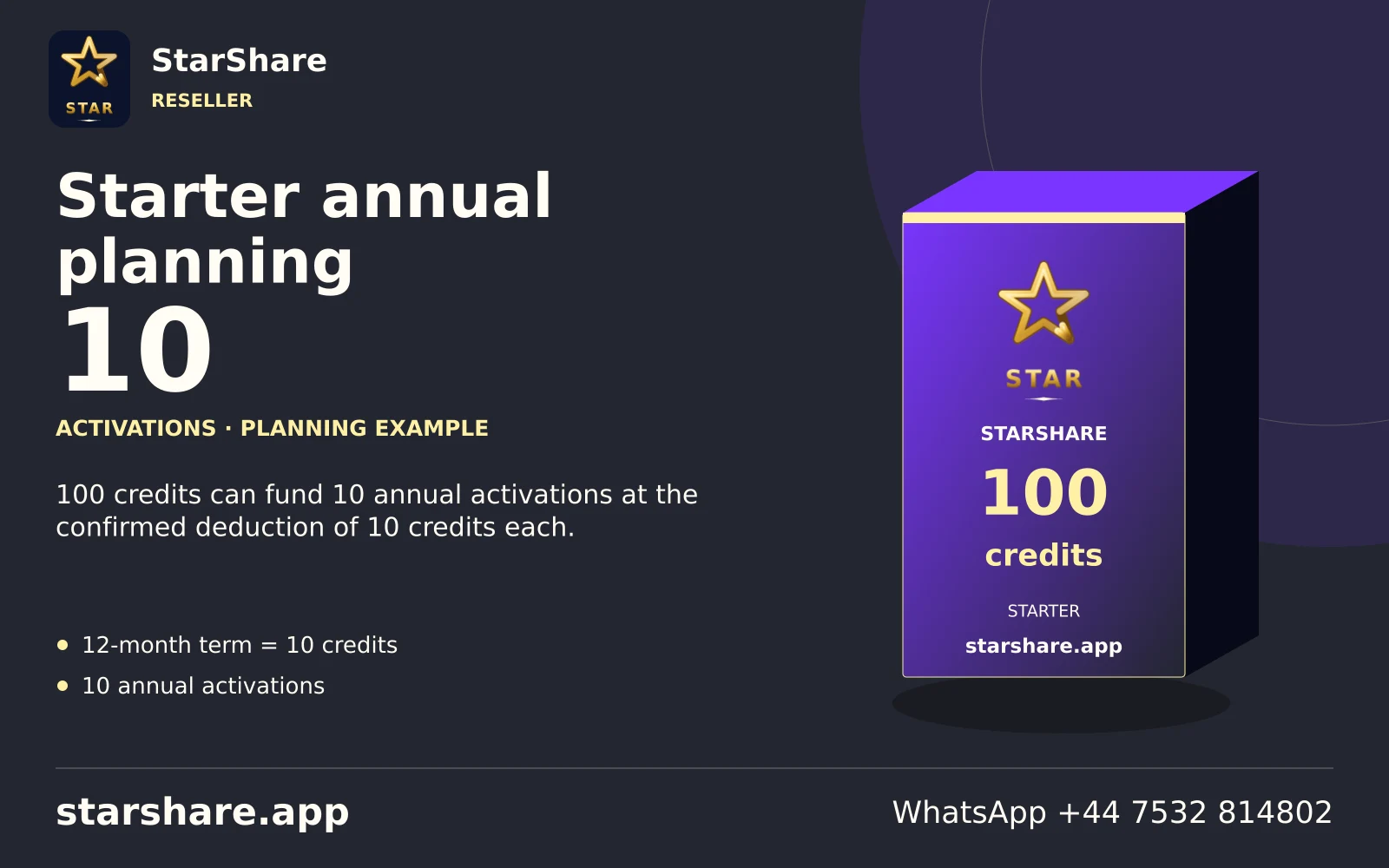
100 credits can fund 10 annual activations at the confirmed deduction of 10 credits each.
Open artwork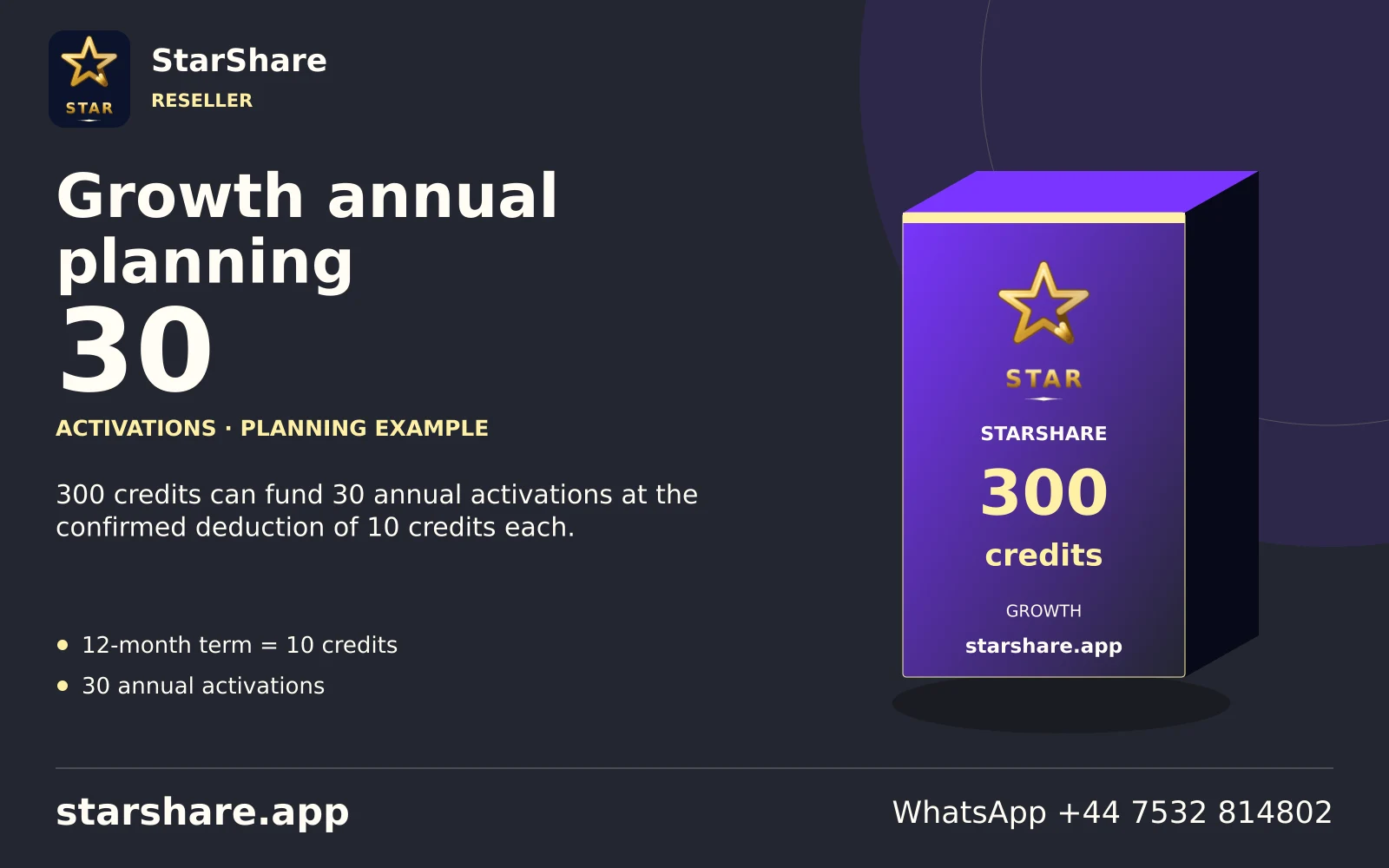
300 credits can fund 30 annual activations at the confirmed deduction of 10 credits each.
Open artwork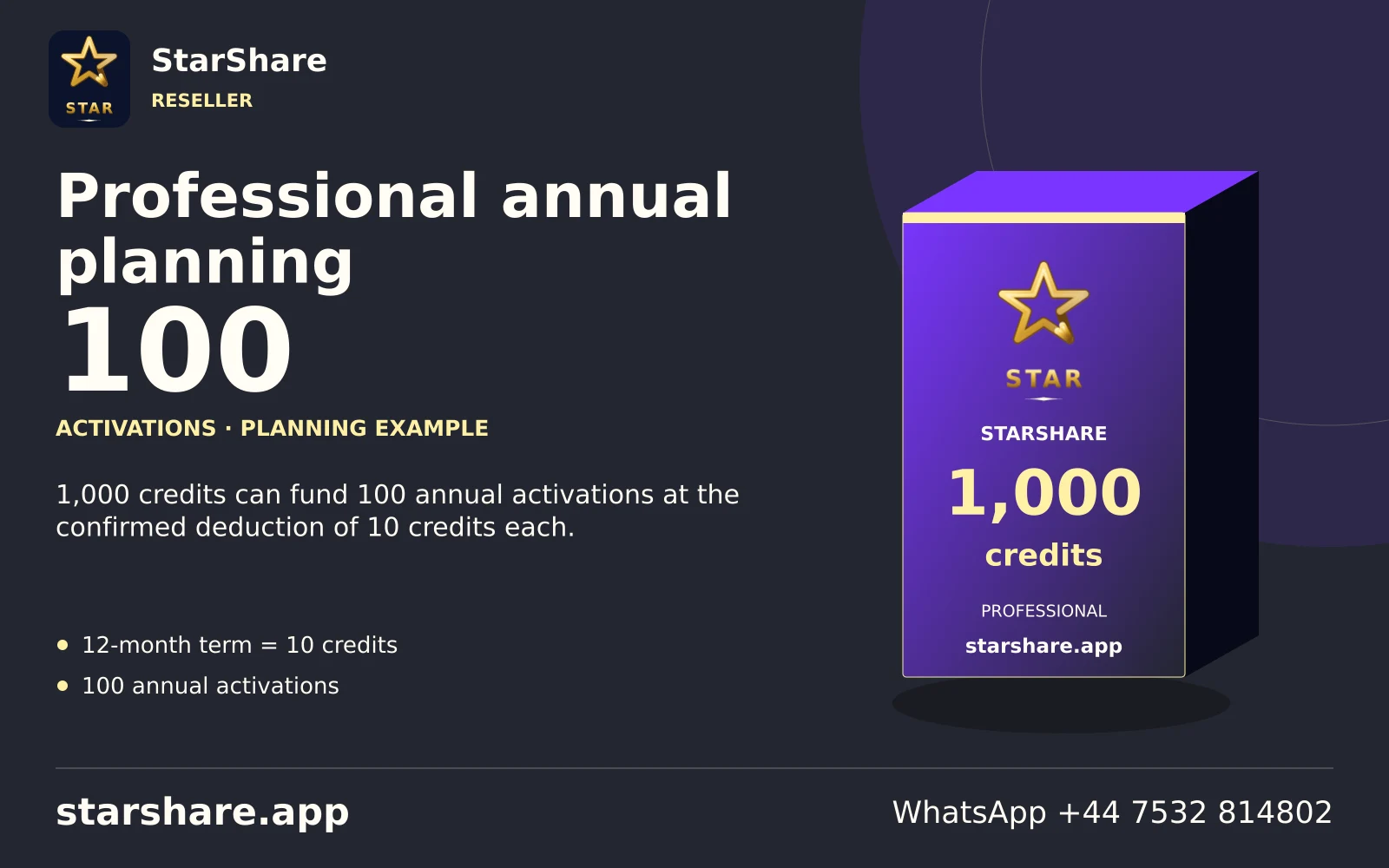
1,000 credits can fund 100 annual activations at the confirmed deduction of 10 credits each.
Open artwork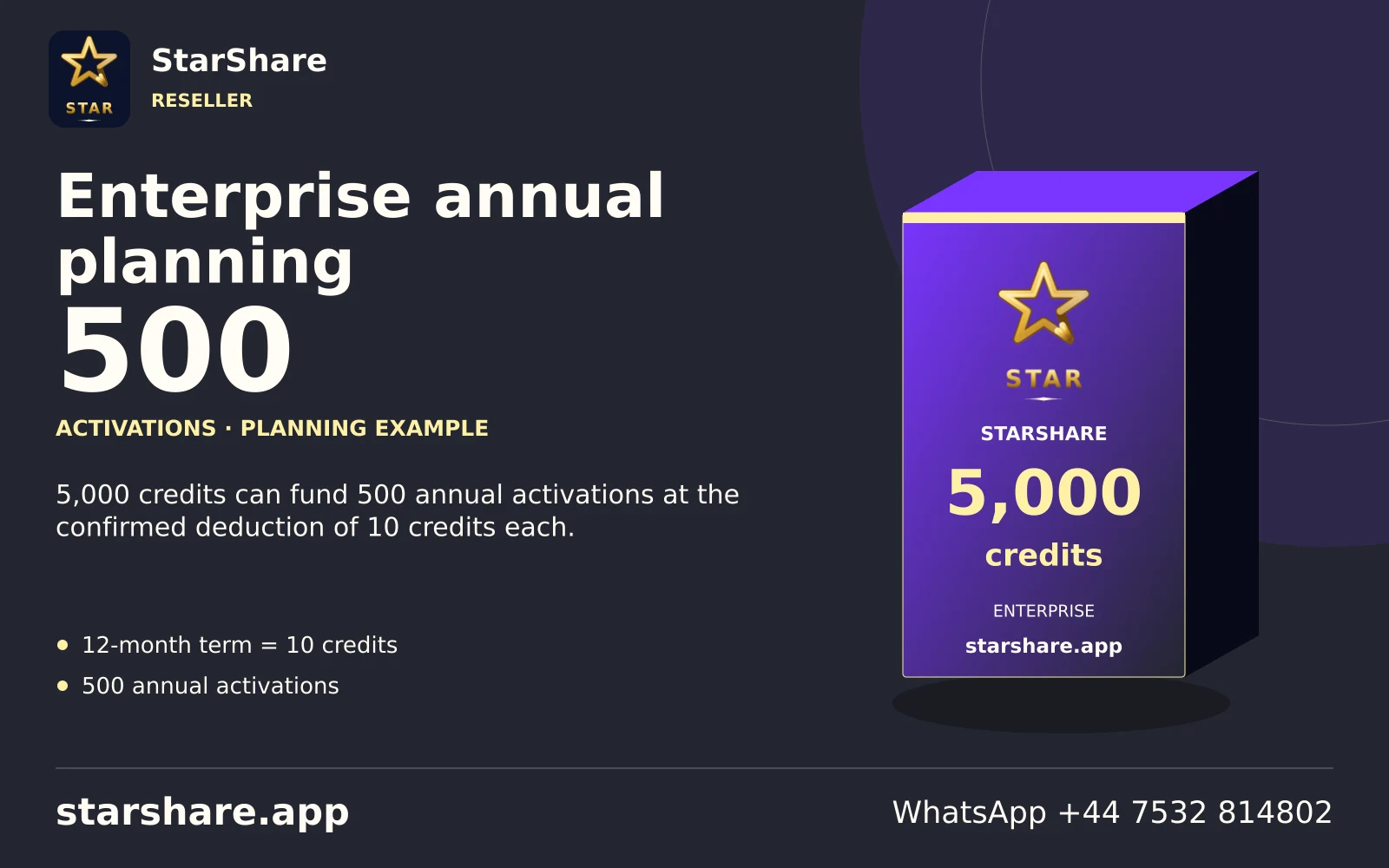
5,000 credits can fund 500 annual activations at the confirmed deduction of 10 credits each.
Open artwork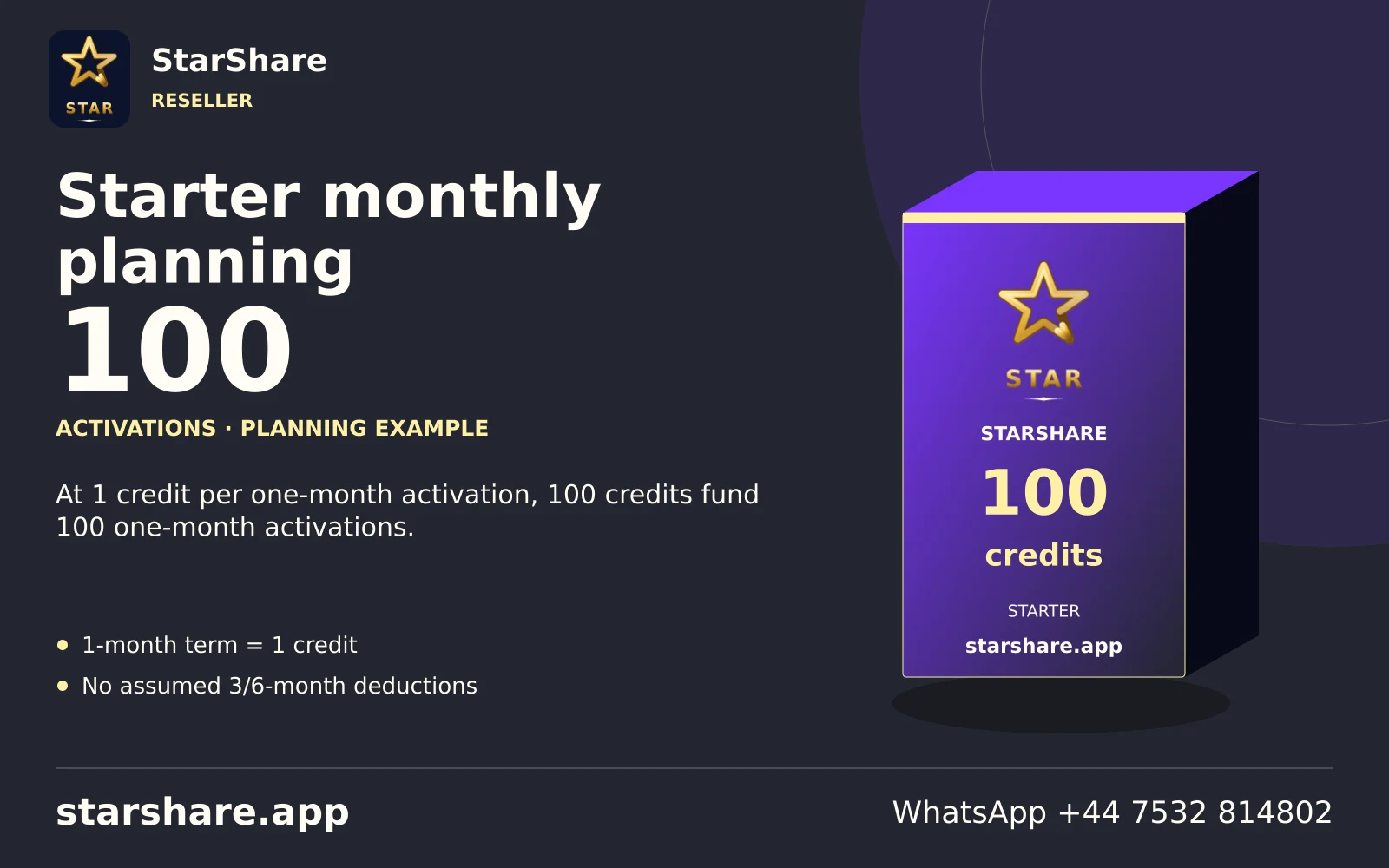
At 1 credit per one-month activation, 100 credits fund 100 one-month activations.
Open artwork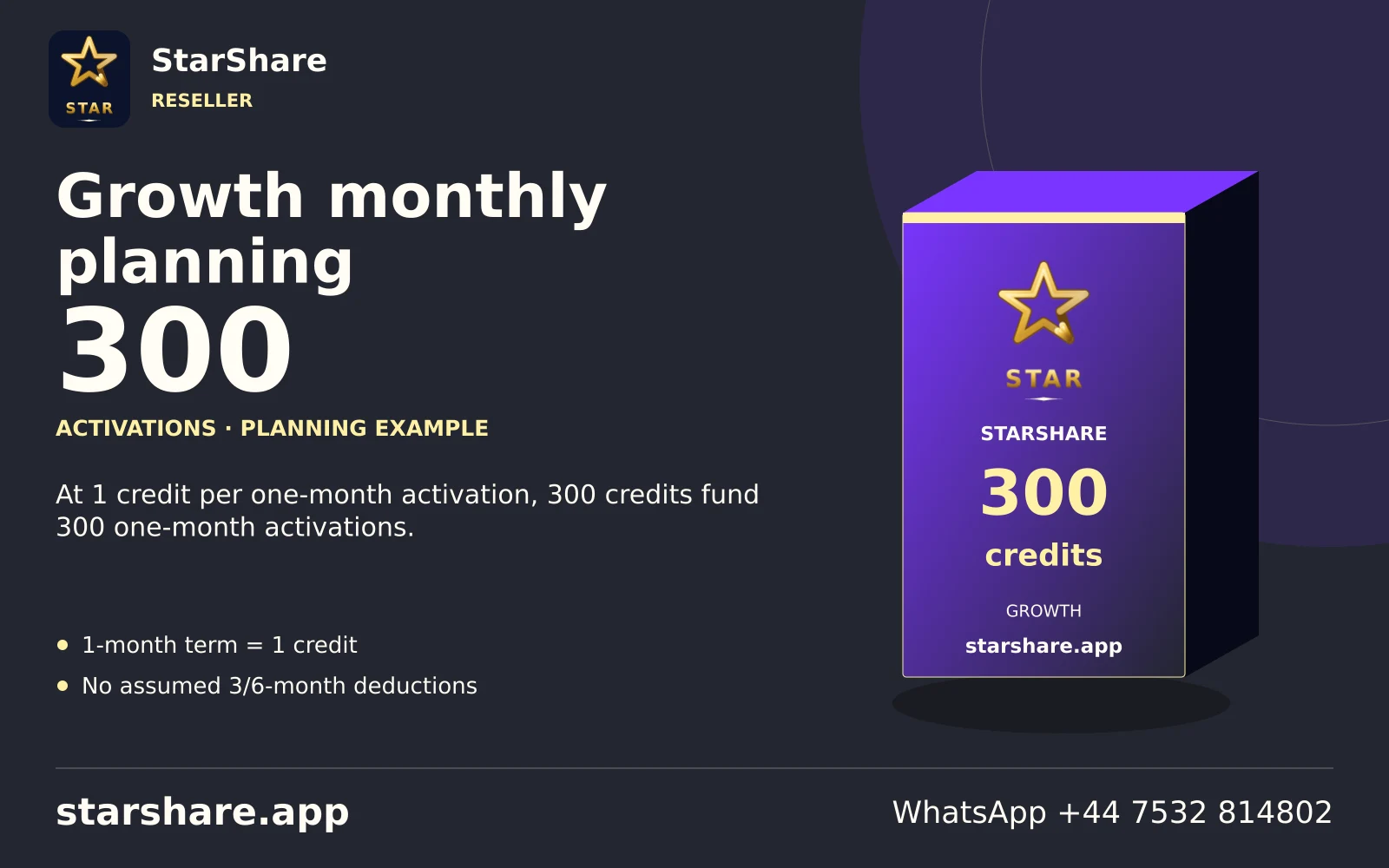
At 1 credit per one-month activation, 300 credits fund 300 one-month activations.
Open artwork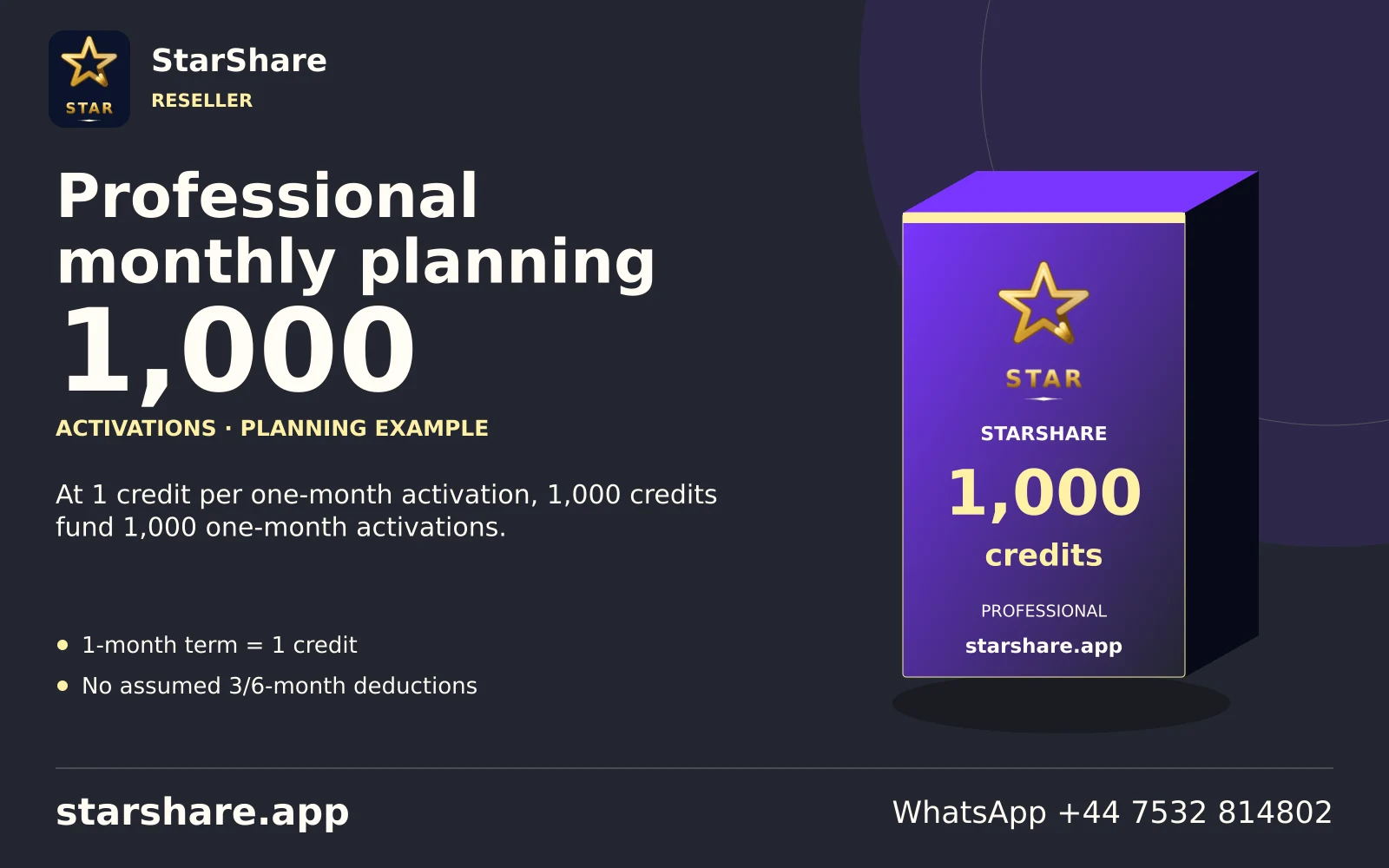
At 1 credit per one-month activation, 1,000 credits fund 1,000 one-month activations.
Open artwork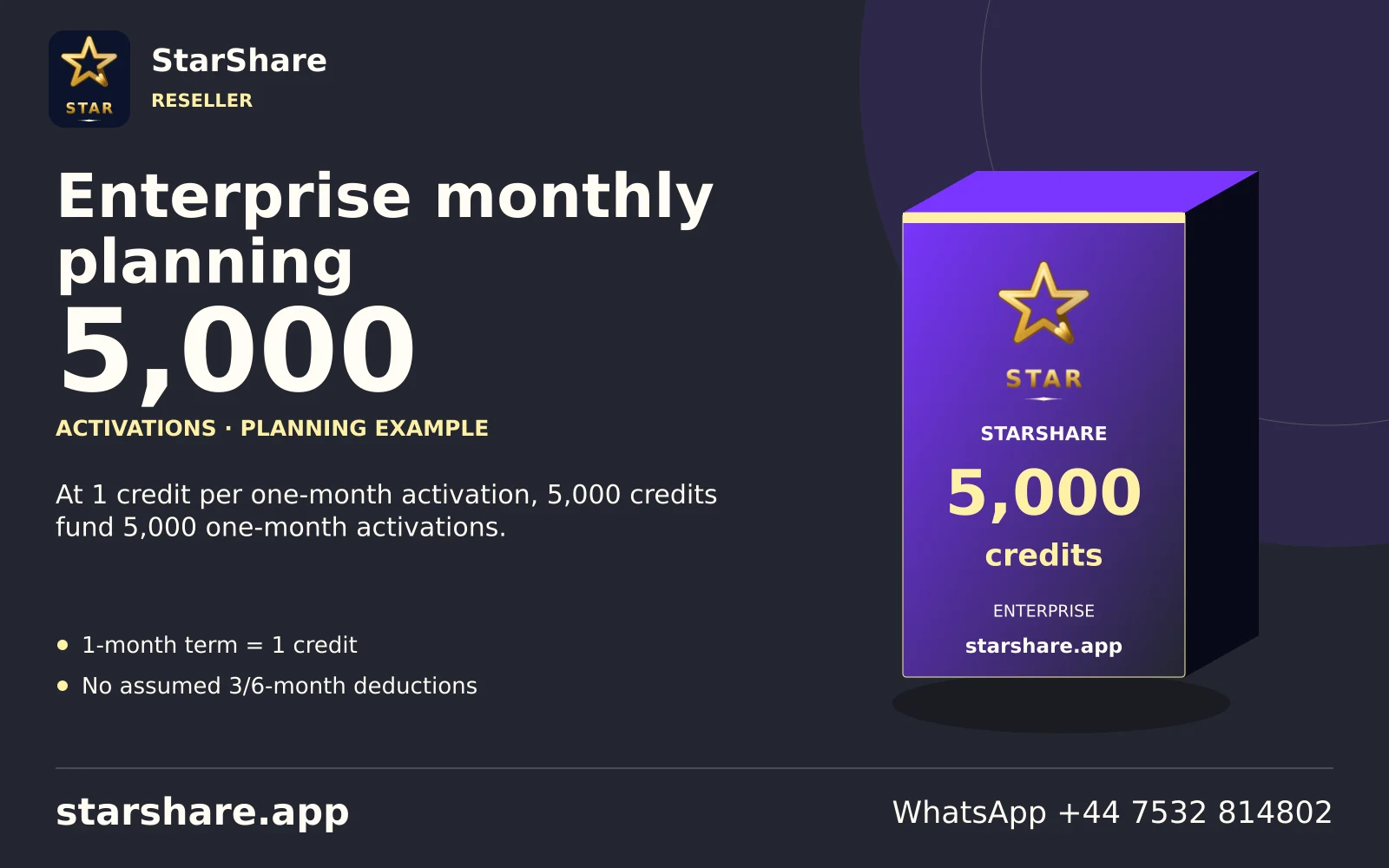
At 1 credit per one-month activation, 5,000 credits fund 5,000 one-month activations.
Open artwork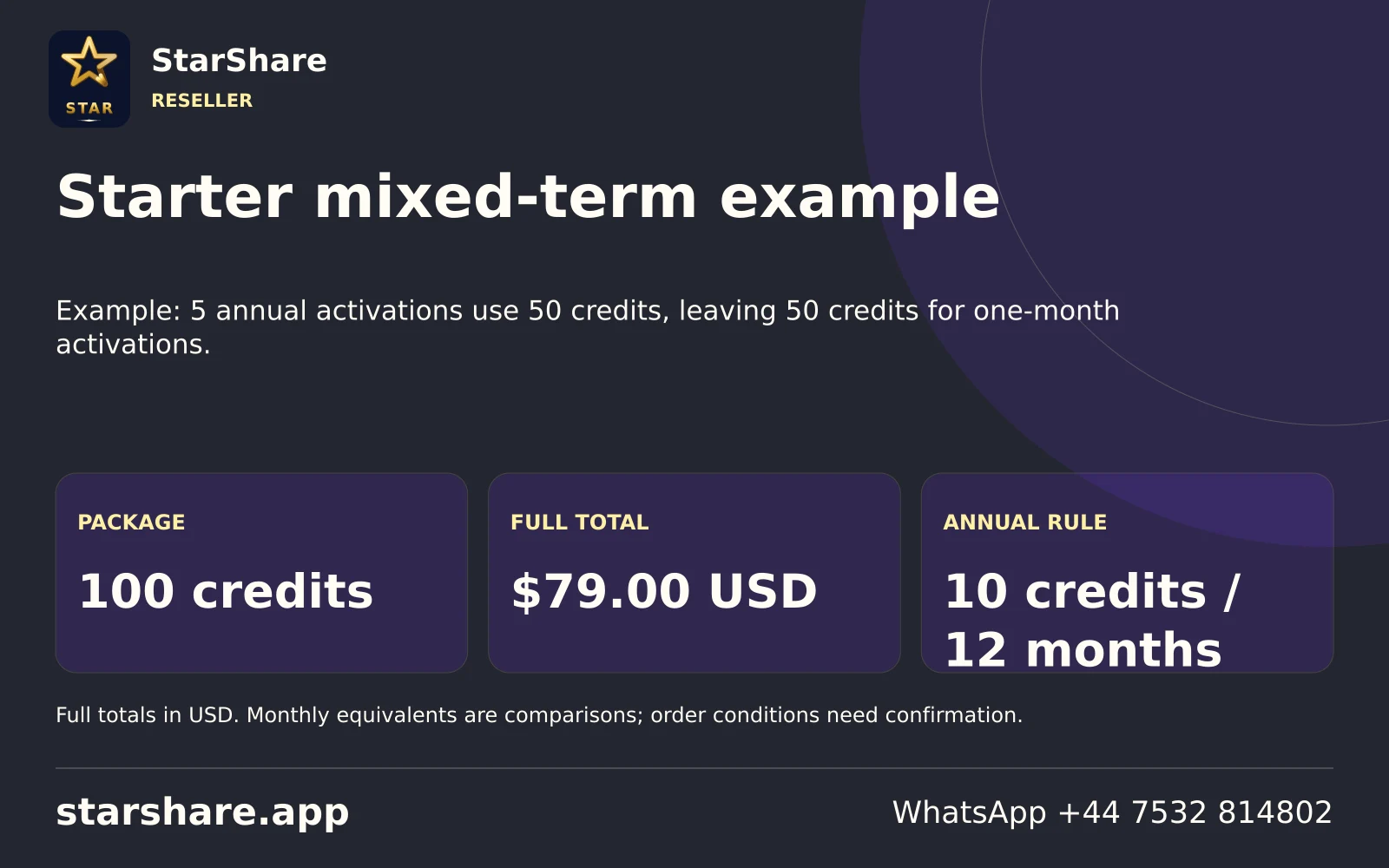
Example: 5 annual activations use 50 credits, leaving 50 credits for one-month activations.
Open artwork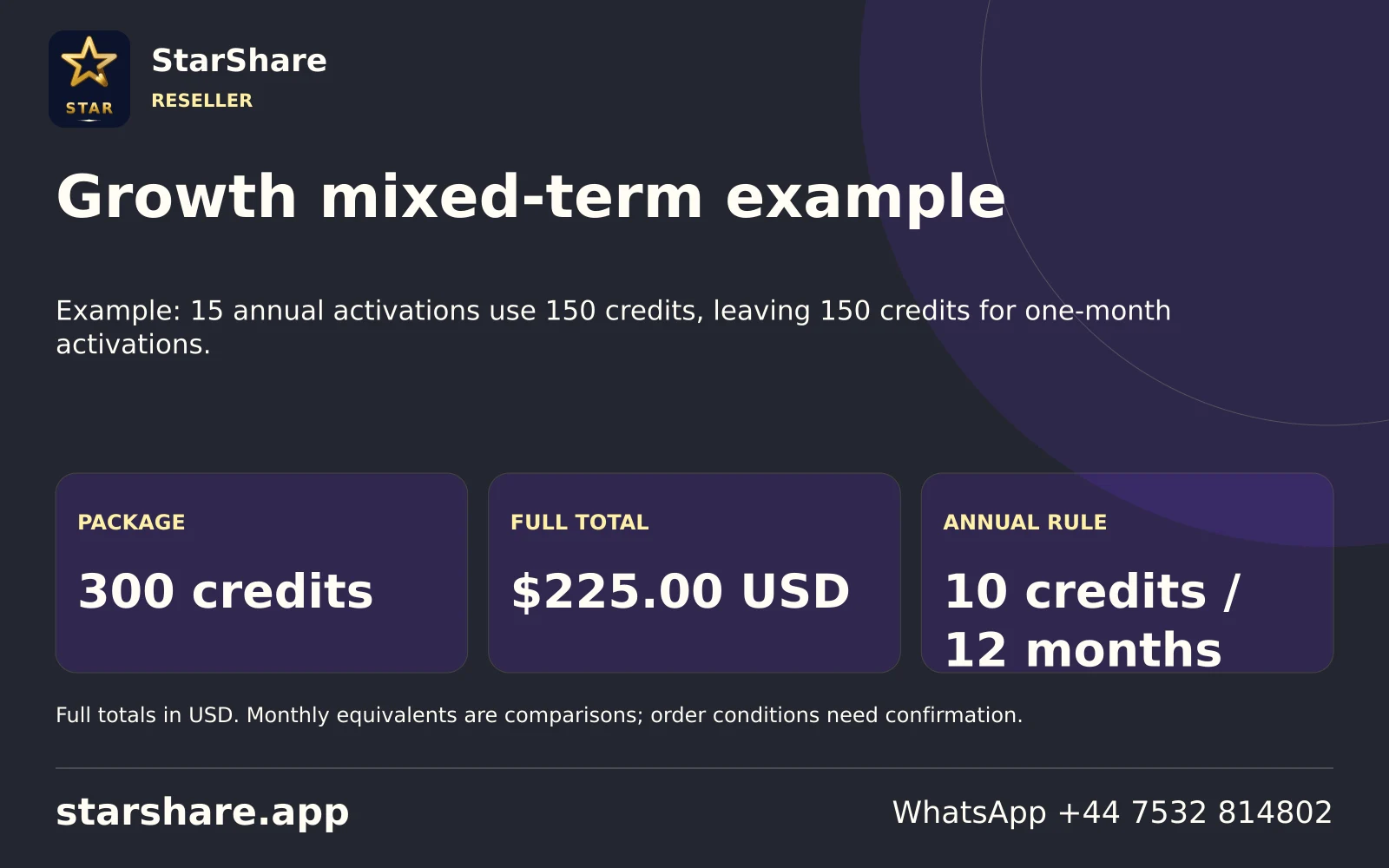
Example: 15 annual activations use 150 credits, leaving 150 credits for one-month activations.
Open artwork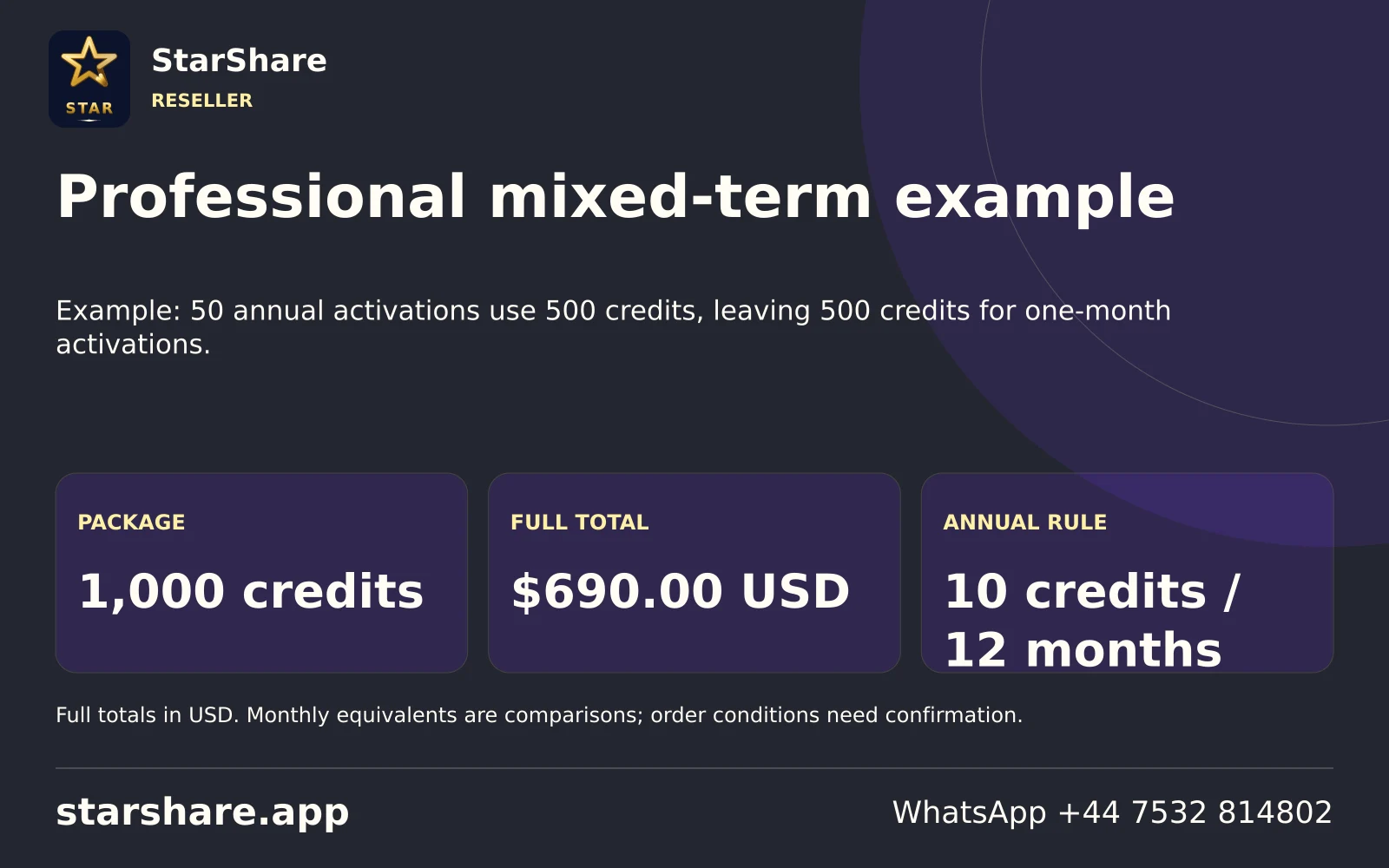
Example: 50 annual activations use 500 credits, leaving 500 credits for one-month activations.
Open artwork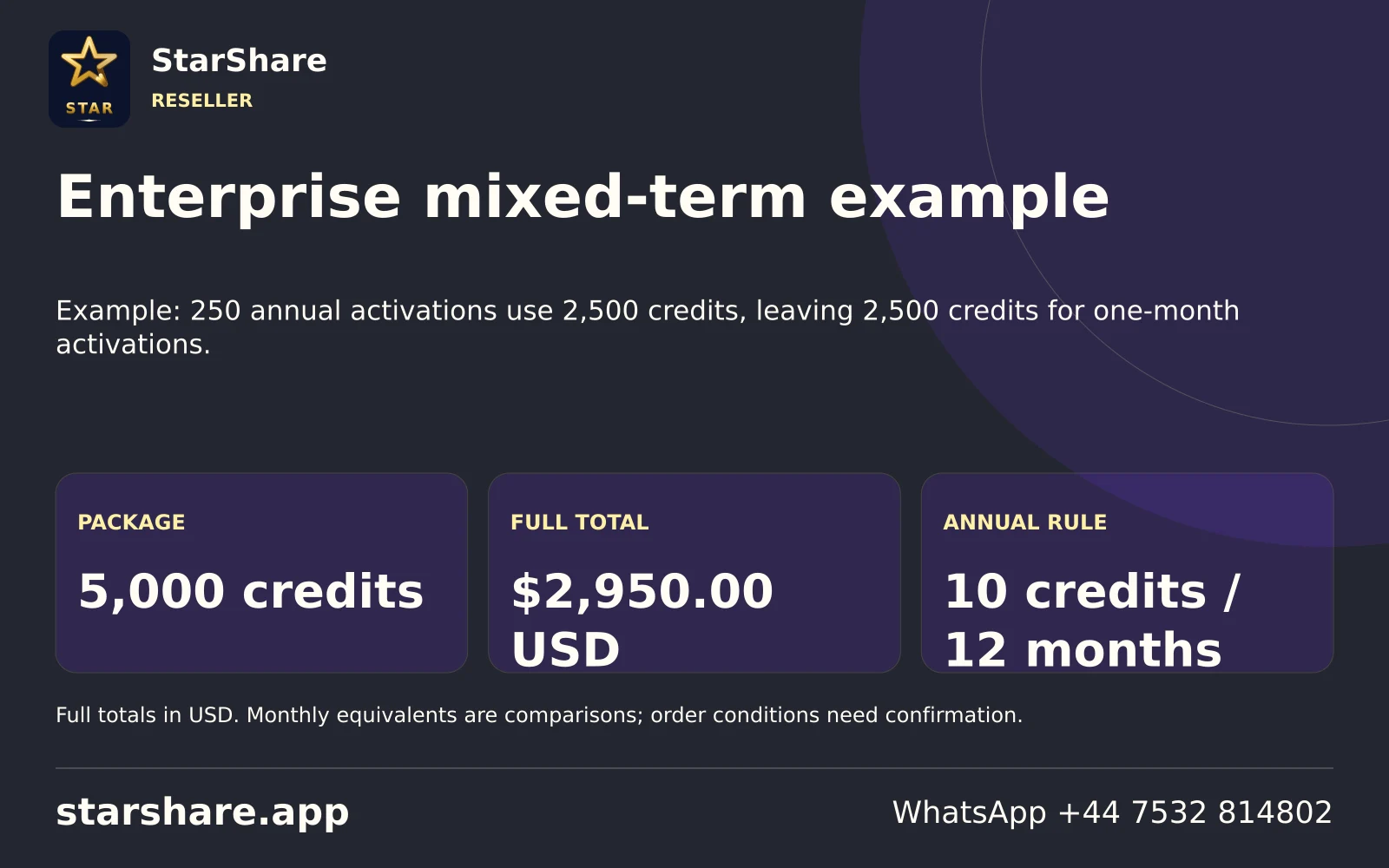
Example: 250 annual activations use 2,500 credits, leaving 2,500 credits for one-month activations.
Open artwork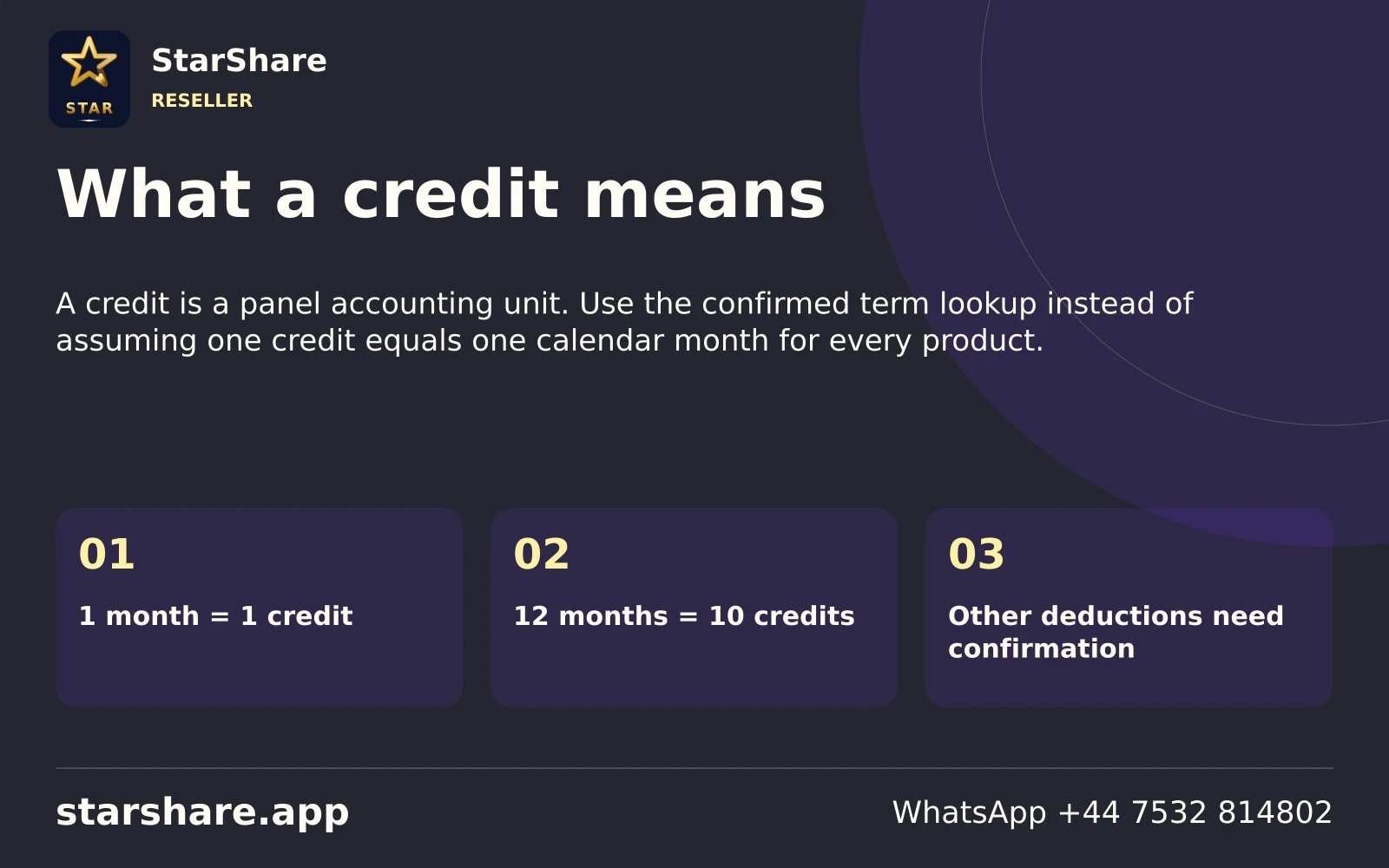
A credit is a panel accounting unit. Use the confirmed term lookup instead of assuming one credit equals one calendar month for every product.
Open artwork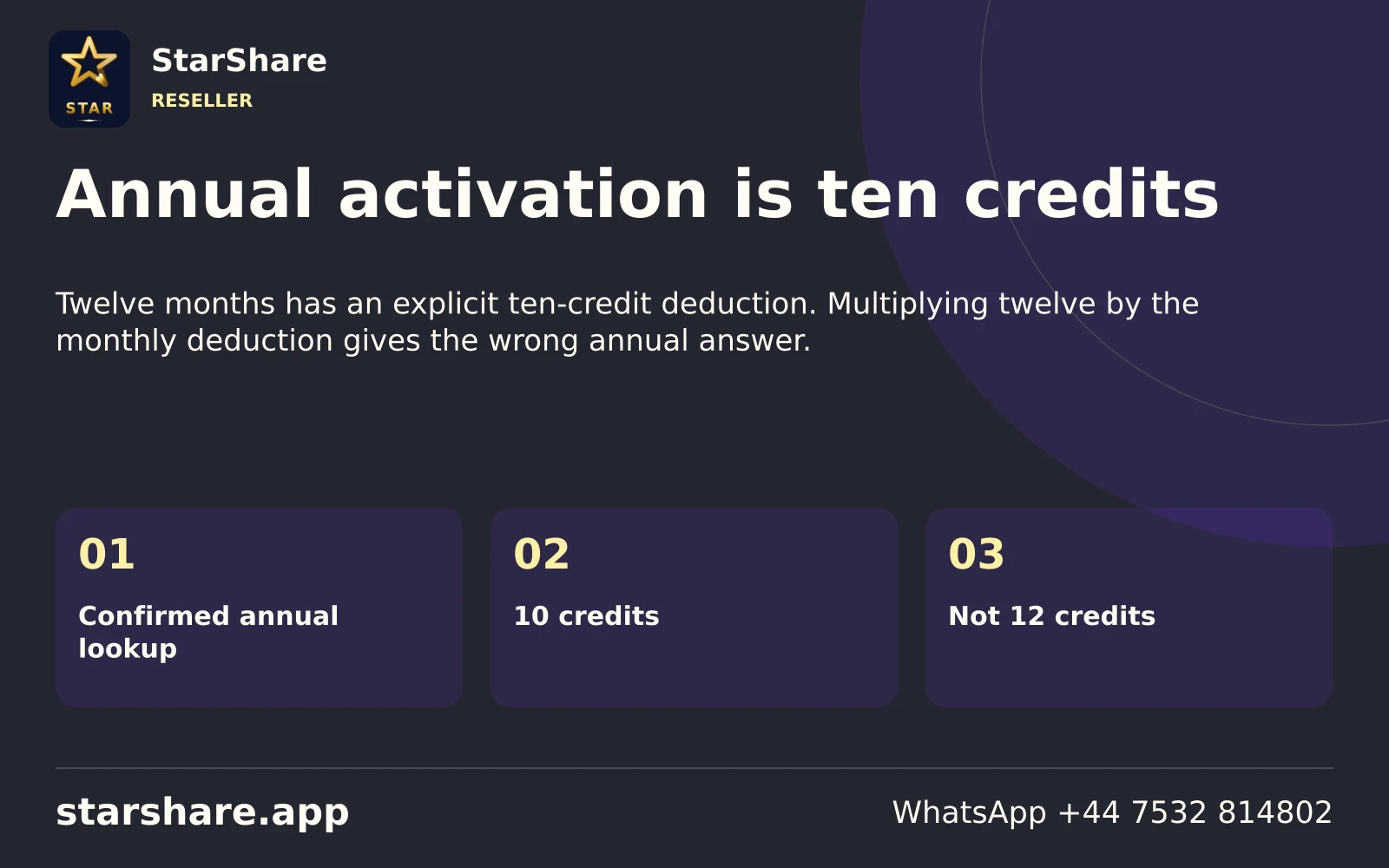
Twelve months has an explicit ten-credit deduction. Multiplying twelve by the monthly deduction gives the wrong annual answer.
Open artwork
Retail prices for these terms are confirmed. Their direct activation deductions have not been supplied.
Open artwork
A package cost is what you pay for credits. Customer prices, revenue and profit are different quantities.
Open artwork
Confirm account access, credit conditions and the intended activation terms before choosing a reseller package.
Open artwork
A household viewing subscription and a credit-based account-management product serve different purposes.
Open artwork
No expiry rule was supplied for these packages. Ask support for the current credit conditions before purchase.
Open artwork
Read the full USD package total and included credit quantity together. Unit rates are comparisons for that package.
Open artwork
Try another permitted source and note whether the issue affects only one feed.
Open artwork
Check other household traffic and the connection between the device and router before changing account settings.
Open artwork
Check mute, volume output and an available audio track in the actual player.
Open artwork
Record the source and player, then test another permitted item to narrow down a source or playback issue.
Open artwork
Compare the same source at another time and note other network activity rather than assuming a single cause.
Open artwork
Check the system clock and time zone first, then the player’s applicable guide settings.
Open artwork
Playback and programme metadata are separate. Try a guide refresh if your player provides one.
Open artwork
Ask support to confirm the account’s actual end date and renewal status.
Open artwork
Check the supplied access format and exact spelling without posting the credentials publicly.
Open artwork
Record the app version, device model and what happened immediately before it closed.
Open artwork
Check storage pressure and other running applications using the device’s normal controls.
Open artwork
Note whether the first load completes, the exact message and whether a normal refresh changes the result.
Open artwork
Try another available item and report the title, edition and player rather than only the category.
Open artwork
Check whether a subtitle track is available for that source and selected in the player.
Open artwork
Look for an available audio or commentary choice; subtitle settings affect text separately.
Open artwork
Confirm the app is designed for the television interface and check the device’s normal remote controls.
Open artwork
Use the device’s normal keyboard controls and check that the app matches your screen type.
Open artwork
Check the player and display aspect settings before assuming the source is the wrong resolution.
Open artwork
Check zoom and display scaling on the actual device. Cropping and stream resolution are different issues.
Open artwork
Check the device’s network connection through system settings before changing the player account.
Open artwork
Compare the device’s location and obstructions; a working phone near the router does not test the television’s location.
Open artwork
Compare stability on your actual setup where both options exist. A wired route avoids the device’s Wi-Fi link.
Open artwork
Downloads, cloud sync and other streams can share the same connection. Retest with ordinary competing traffic reduced.
Open artwork
A speed test measures a route at one moment. It does not establish the behaviour of every video source.
Open artwork
Note which available source settings work, then describe the result without treating the setting label as a quality guarantee.
Open artwork
A label and the actual delivered source can differ. Device, player and network conditions also affect the picture.
Open artwork
A display’s capability does not mean every source supplies a 4K picture.
Open artwork
A brand name or badge does not measure the resolution of a particular programme.
Open artwork
A refresh is usually less disruptive to saved account information than deleting application data.
Open artwork
A full device reset can remove apps and settings. Use it only with a clear reason and a safe copy of necessary details.
Open artwork
A normal close and reopen can be a simple diagnostic step. Record whether it changes the same symptom.
Open artwork
Use the manufacturer’s normal restart procedure and retest the same item afterward.
Open artwork
Keep the existing network details and understand other connected devices before changing router settings.
Open artwork
Change a network setting only when you understand the diagnostic purpose and can restore the original value.
Open artwork
A playlist address may contain account credentials, even when it looks like an ordinary web link.
Open artwork
Cover usernames, passwords, private URLs, device identifiers and payment details before sharing an image.
Open artwork
Send the reference and selected term through the intended support route without sending full card information.
Open artwork
Copy the message and say what action produced it. This is more useful than only saying the app is broken.
Open artwork
Include when the issue occurred and your time zone so the report identifies the relevant moment.
Open artwork
Working channels or functions help narrow down the affected part of the setup.
Open artwork
Write down one change and one observed result at a time, then share the useful findings.
Open artwork
A twelve-month subscription does not mean twelve concurrent streams. Confirm the actual allowance for the order.
Open artwork
Check the account conditions before moving or using the account on an additional device.
Open artwork
A player purchase does not automatically include the service subscription you want to use.
Open artwork
Include the familiar and current name, plus the developer, when asking about an application.
Open artwork
Compare the publisher and actual store listing before assuming two similar icons identify the same software.
Open artwork
Treat a published count as a dated inventory rather than a promise that a particular item is always available.
Open artwork
Regional, language and quality editions can share a familiar brand. Use the complete displayed label.
Open artwork
A guide listing does not establish that past programmes can be replayed on your account and player.
Open artwork
Use only the functions actually supplied by the player and source. A visible button alone does not confirm service support.
Open artwork
Check player capability, storage and the relevant permissions before assuming a record control is usable.
Open artwork
Metadata can use an original or translated name. Compare the title, year and episode.
Open artwork
A missing poster and a playback failure are separate problems. Report which part is affected.
Open artwork
Compare season, language, edition and source labels before removing or choosing an entry.
Open artwork
Pick the titles and channels the household actually uses and check suitability before ordering.
Open artwork
Install the confirmed compatible app, then contact StarShare on WhatsApp to request a one-day free trial.
Open artwork
Give your device model, selected player and the specific functions you need to check.
Open artwork
A message, receipt or artwork does not itself confirm that an account has been created and can connect.
Open artwork
Contact support with the order reference and selected term, keeping payment details private.
Open artwork
Confirm the account reference, current expiry and requested new term before arranging a renewal.
Open artwork
Store the term, amount and order reference so future support questions can identify the actual transaction.
Open artwork
Tell support the new device model and account method before assuming the old setup transfers unchanged.
Open artwork
Record the device software and app version before and after the observed change if available.
Open artwork
Check the actual device store and region. Ask about a supported alternative before buying another player.
Open artwork
Ask the relevant publisher or support for the correct distribution route rather than using an unknown mirror.
Open artwork
A package quantity, Downloader shortcut and account password are different kinds of information.
Open artwork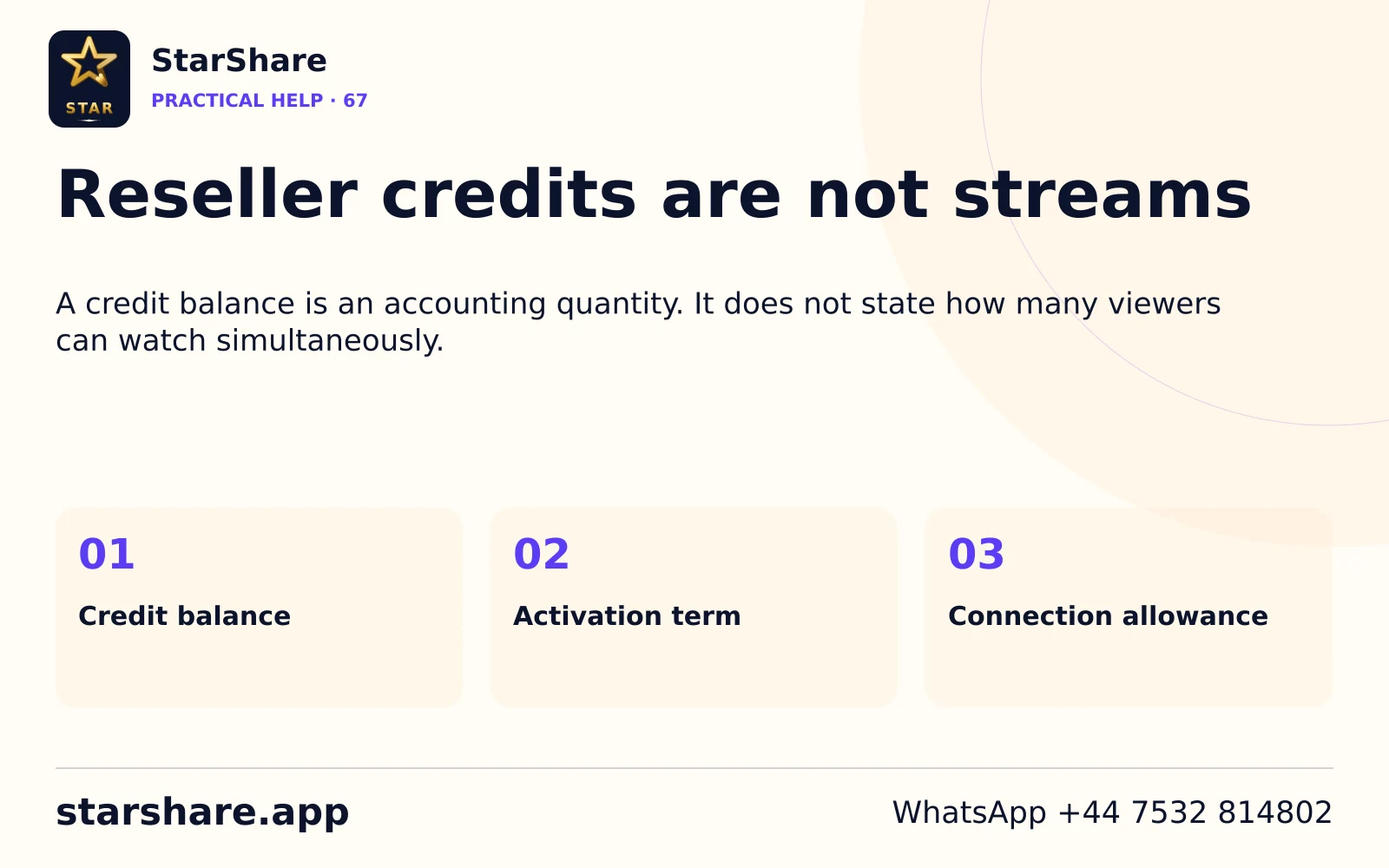
A credit balance is an accounting quantity. It does not state how many viewers can watch simultaneously.
Open artwork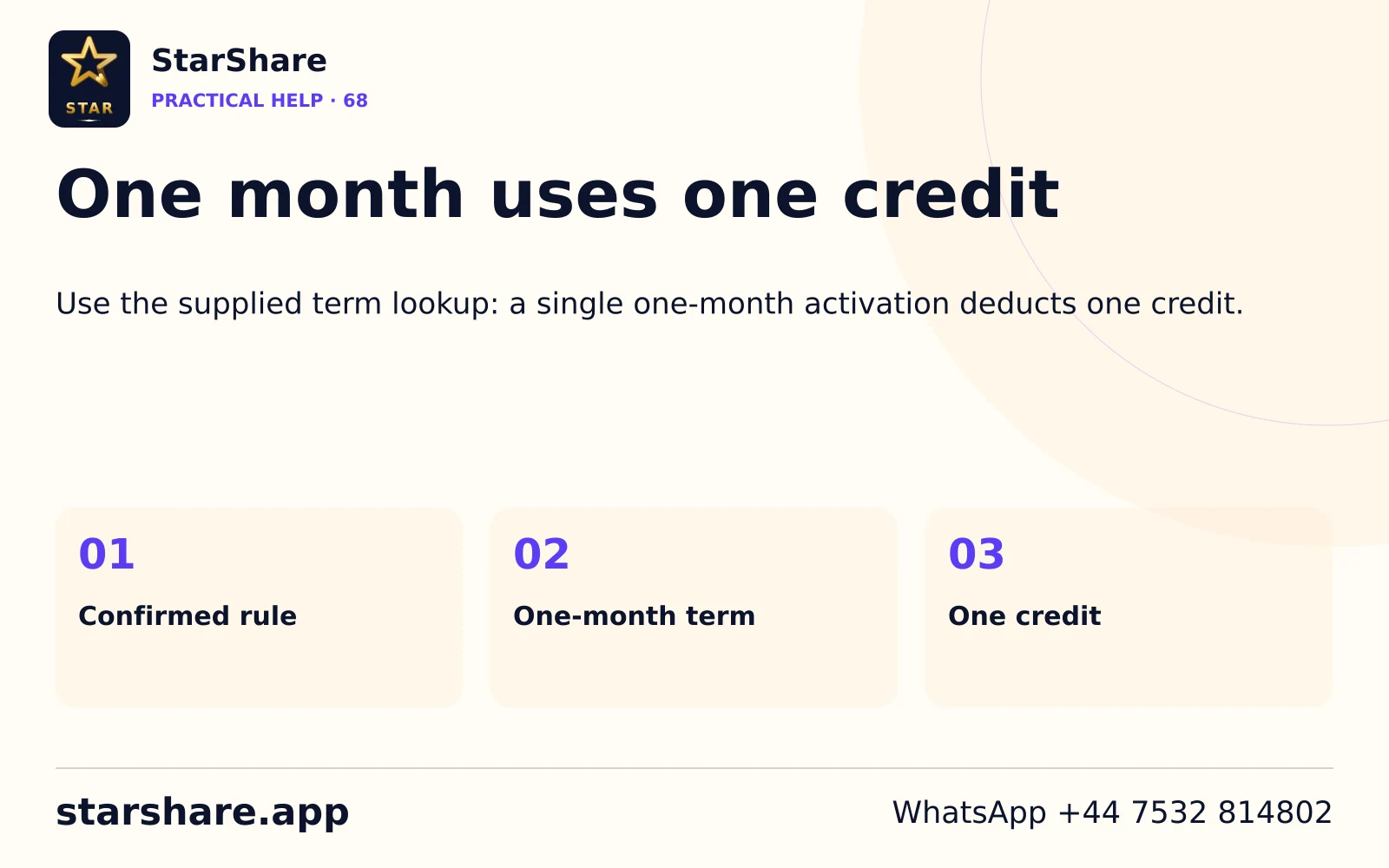
Use the supplied term lookup: a single one-month activation deducts one credit.
Open artwork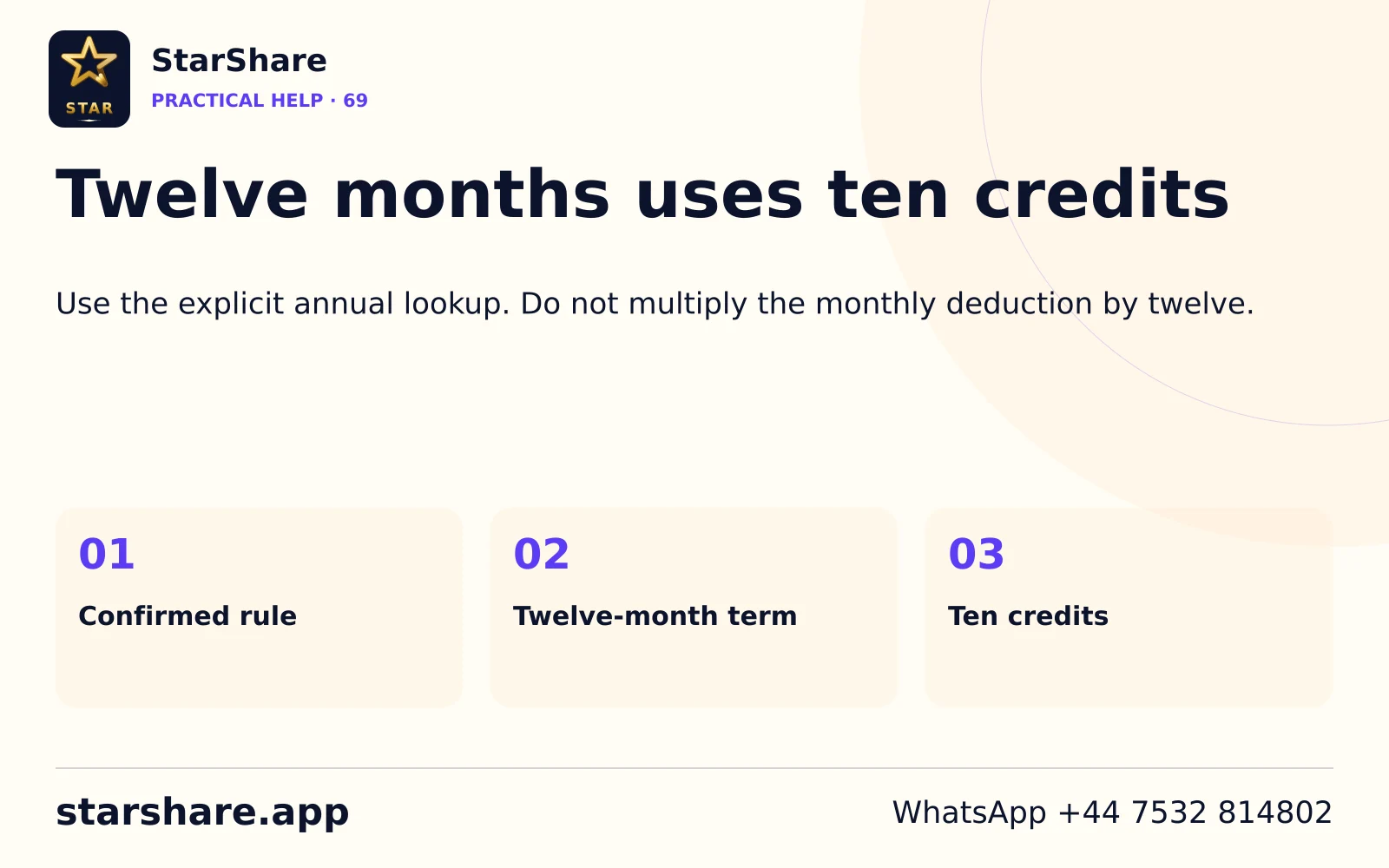
Use the explicit annual lookup. Do not multiply the monthly deduction by twelve.
Open artwork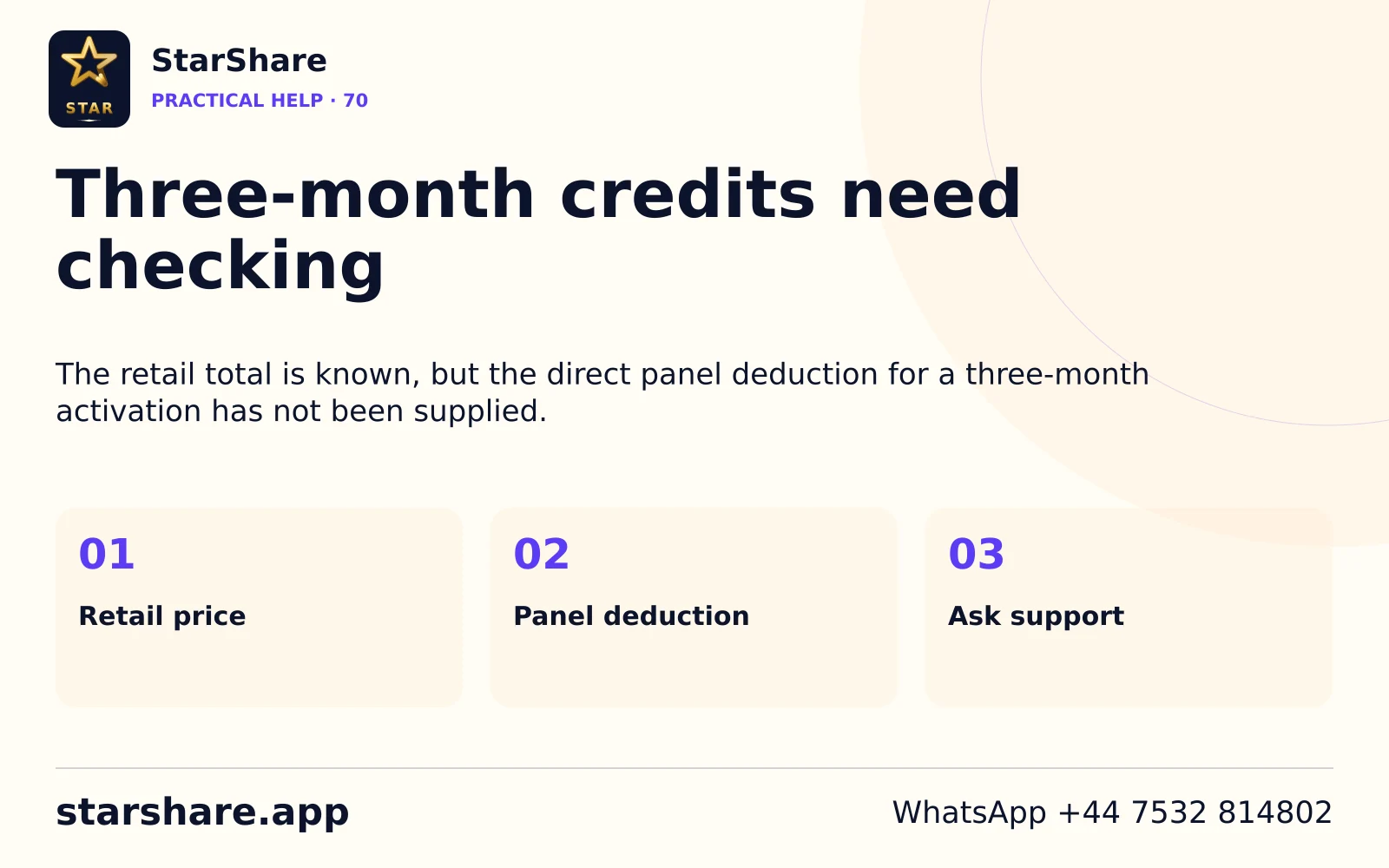
The retail total is known, but the direct panel deduction for a three-month activation has not been supplied.
Open artwork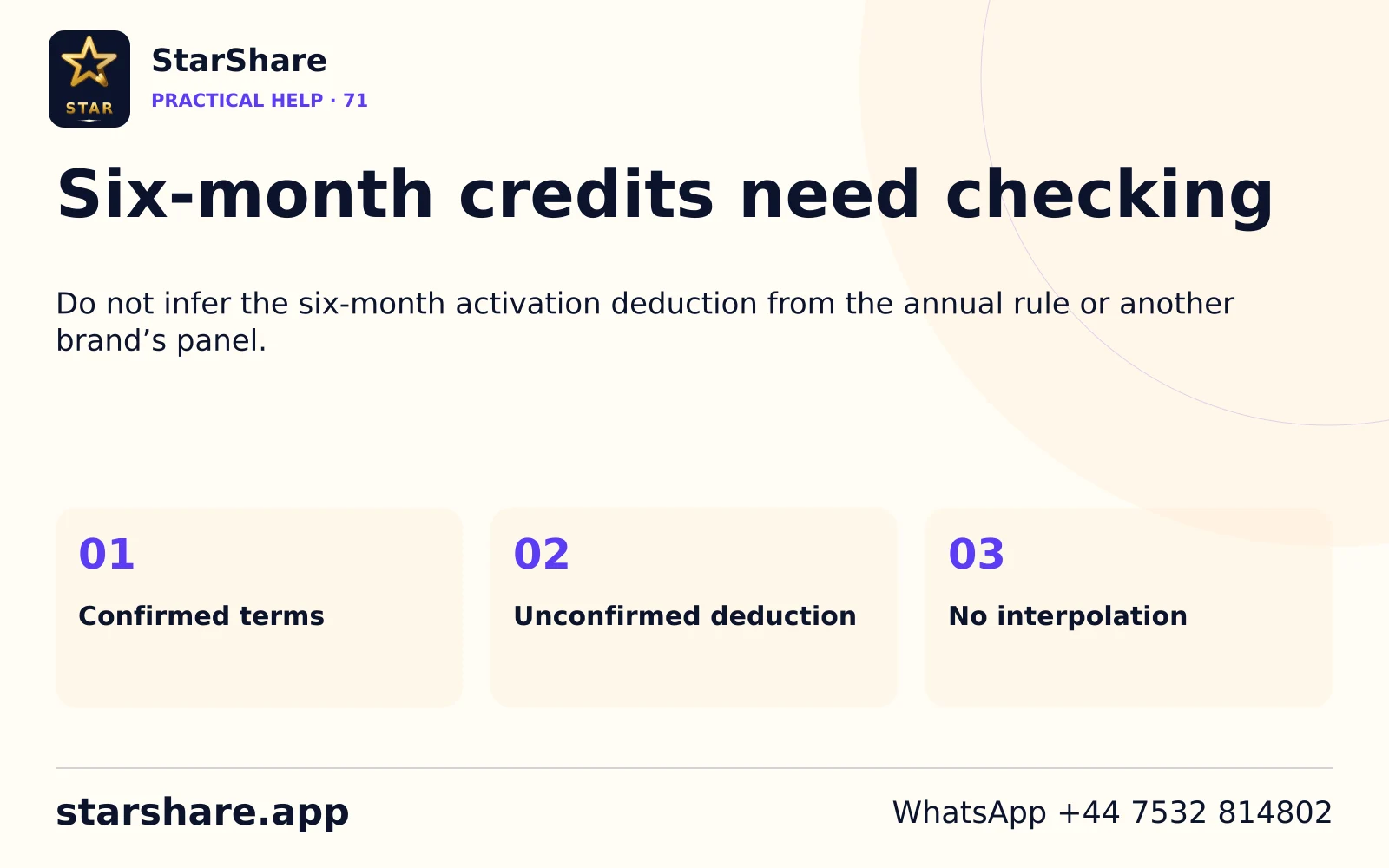
Do not infer the six-month activation deduction from the annual rule or another brand’s panel.
Open artwork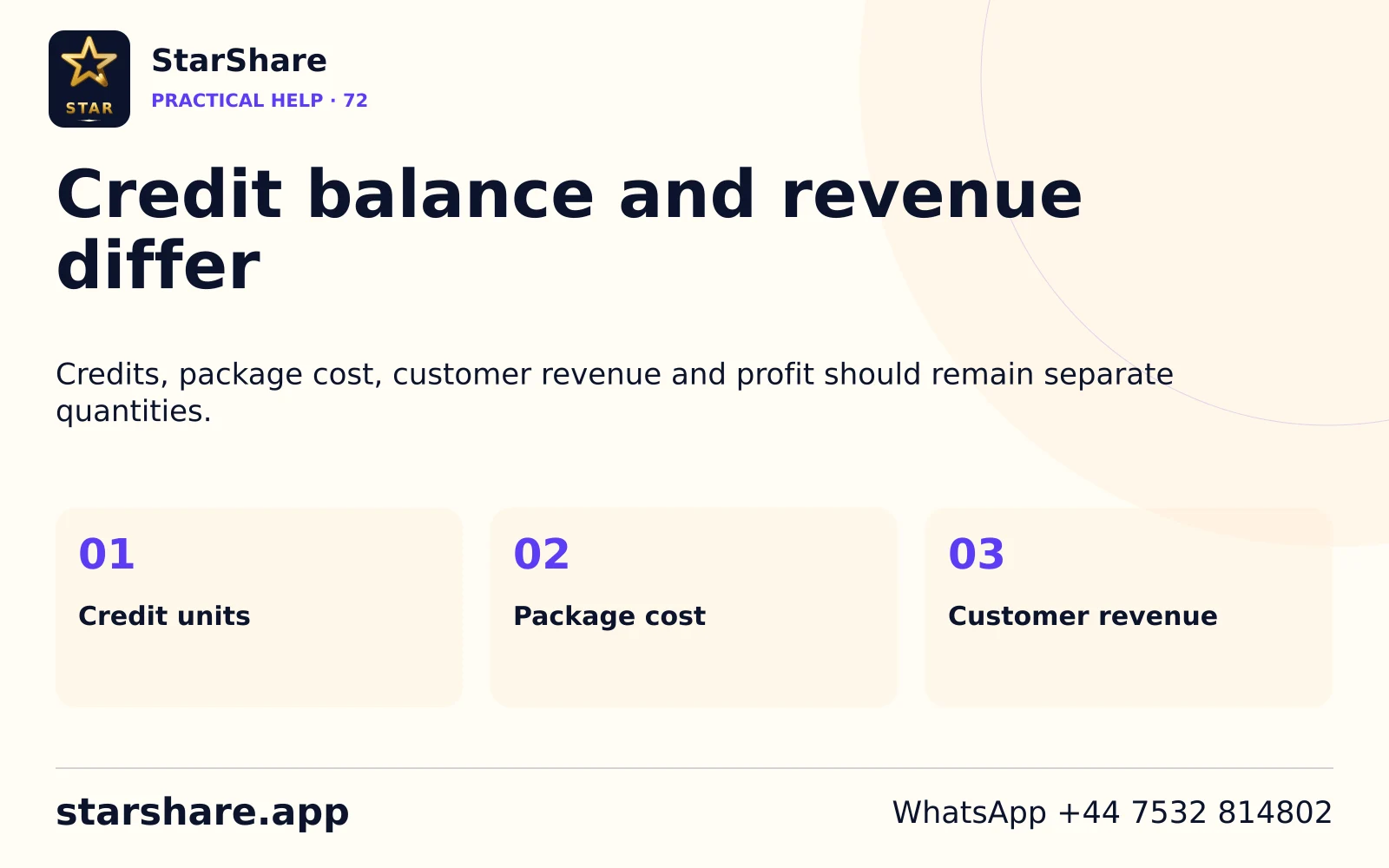
Credits, package cost, customer revenue and profit should remain separate quantities.
Open artwork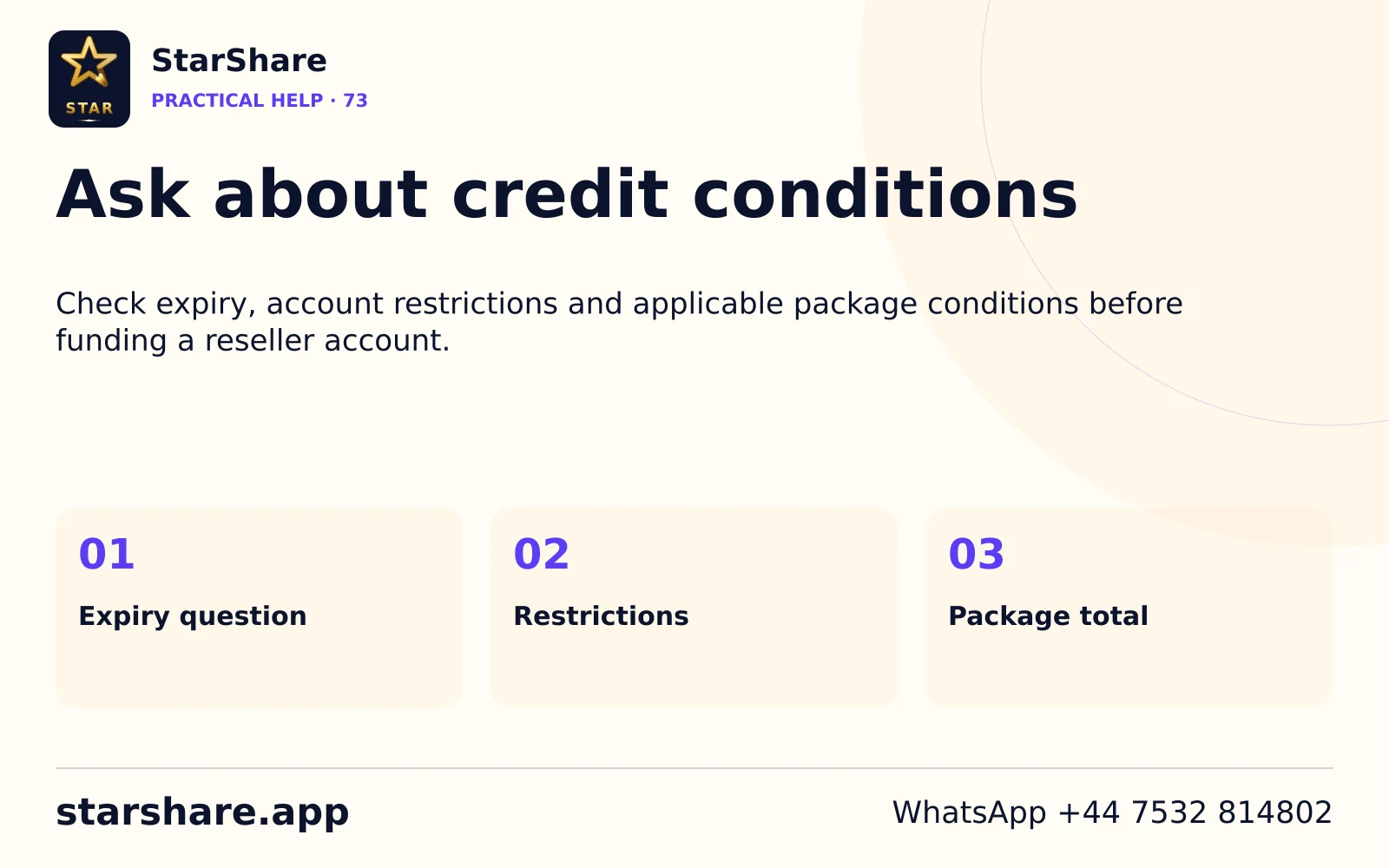
Check expiry, account restrictions and applicable package conditions before funding a reseller account.
Open artwork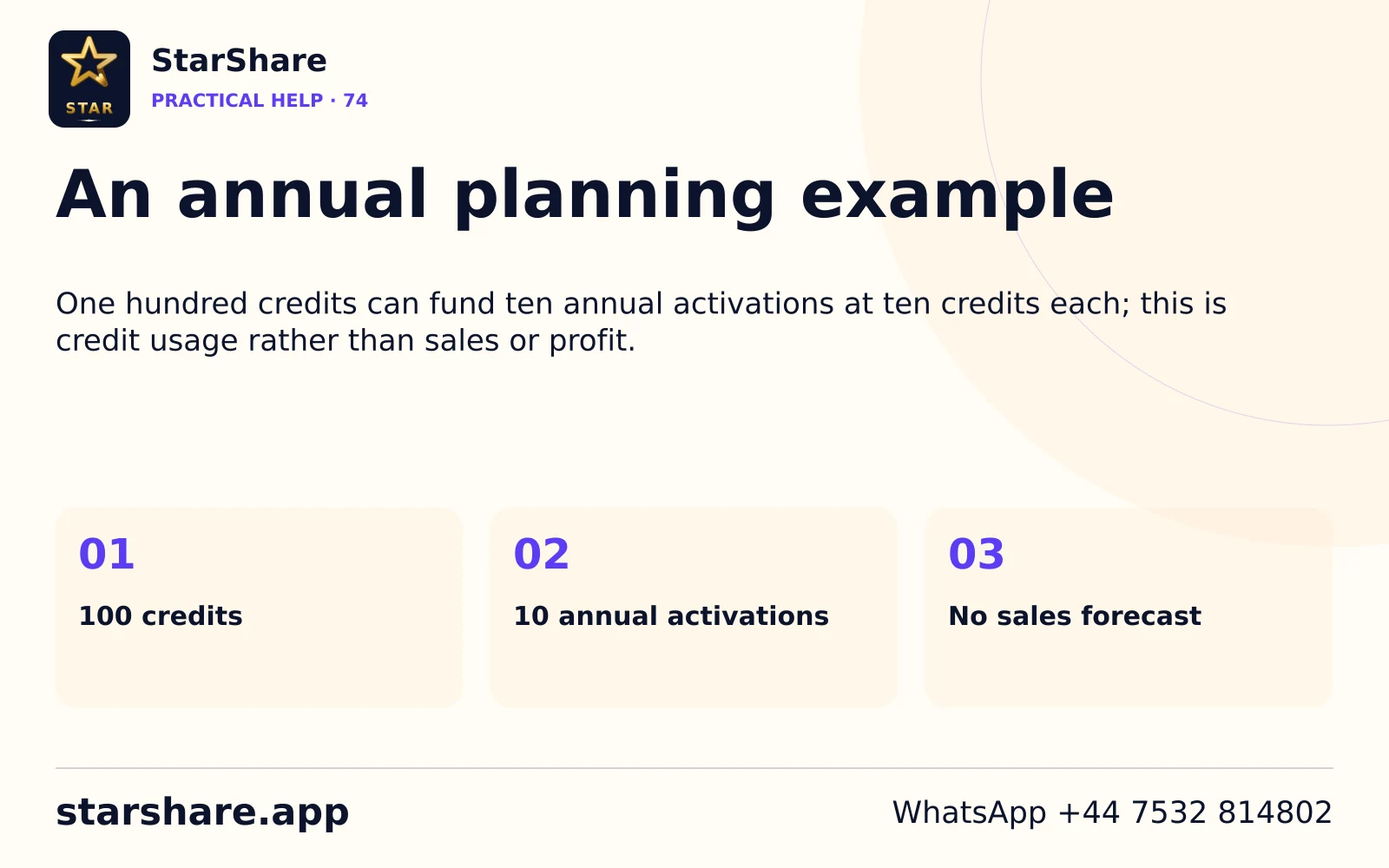
One hundred credits can fund ten annual activations at ten credits each; this is credit usage rather than sales or profit.
Open artwork
Send the order reference and issue privately and read the supplied conditions before paying.
Open artwork
Ask about the conditions that affect your own order, including the period, allowance and applicable fees.
Open artwork
A platform mark does not mean its membership is bundled with a StarShare subscription.
Open artwork
A flag identifies a country edition. It does not establish local offices or confirmed service availability.
Open artwork
A contact number does not establish round-the-clock availability or a promised response time.
Open artwork
Include your device, player and specific question while keeping private credentials out of the message preview.
Open artwork
A renewal should identify the account you already use before a new term is arranged.
Open artwork
Ask about the account end date before assuming a calendar reminder is the service expiry.
Open artwork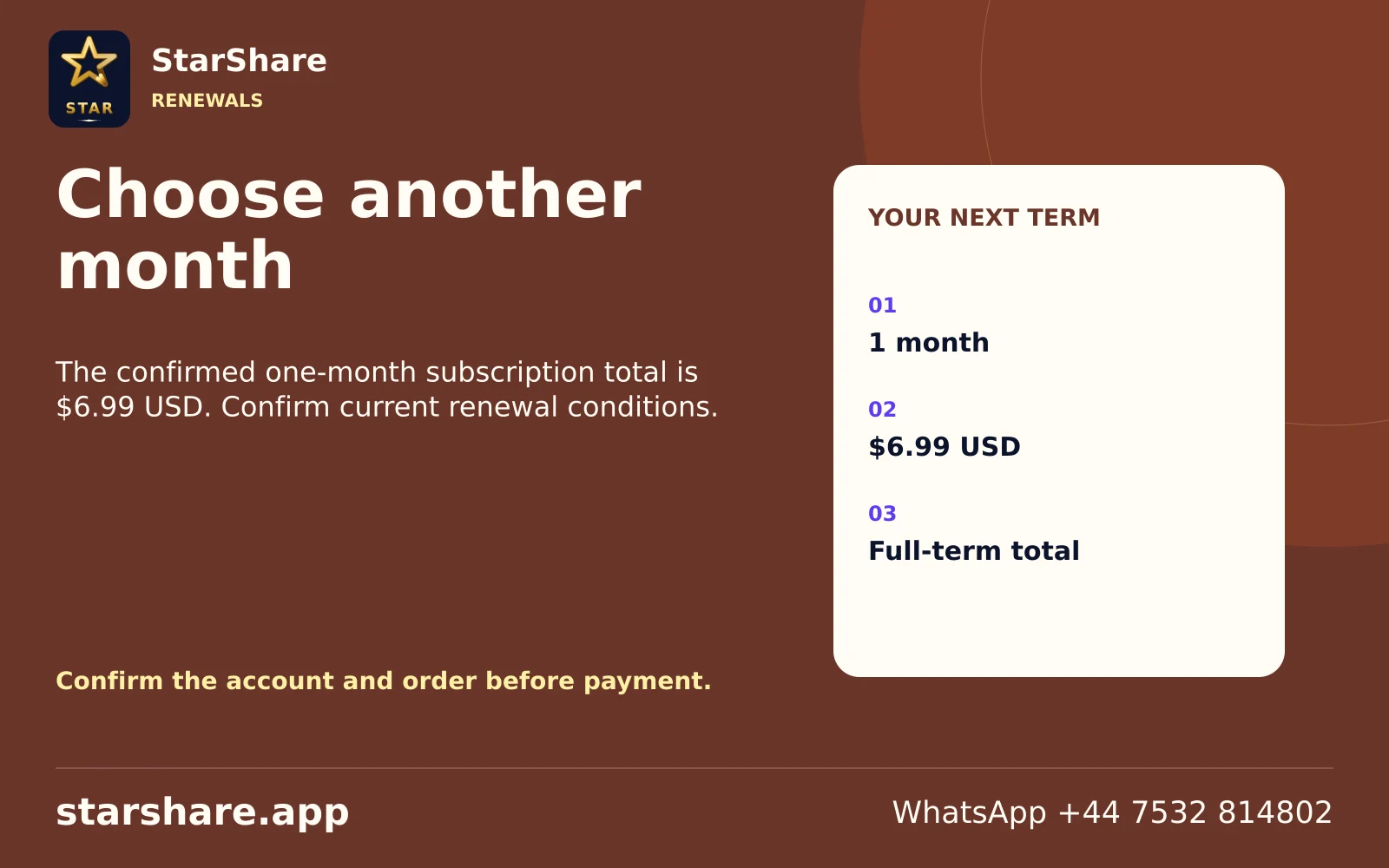
The confirmed one-month subscription total is $6.99 USD. Confirm current renewal conditions.
Open artwork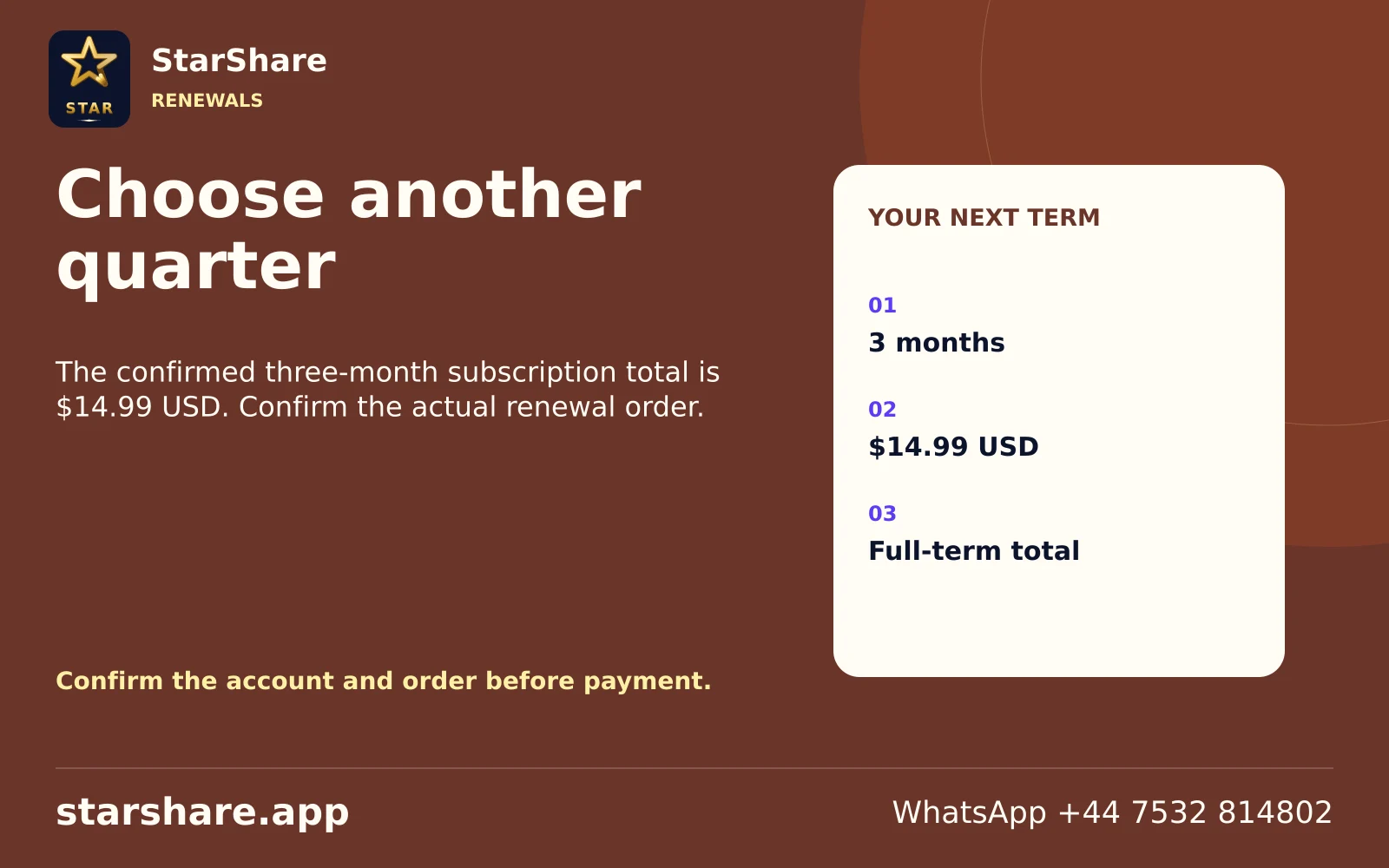
The confirmed three-month subscription total is $14.99 USD. Confirm the actual renewal order.
Open artwork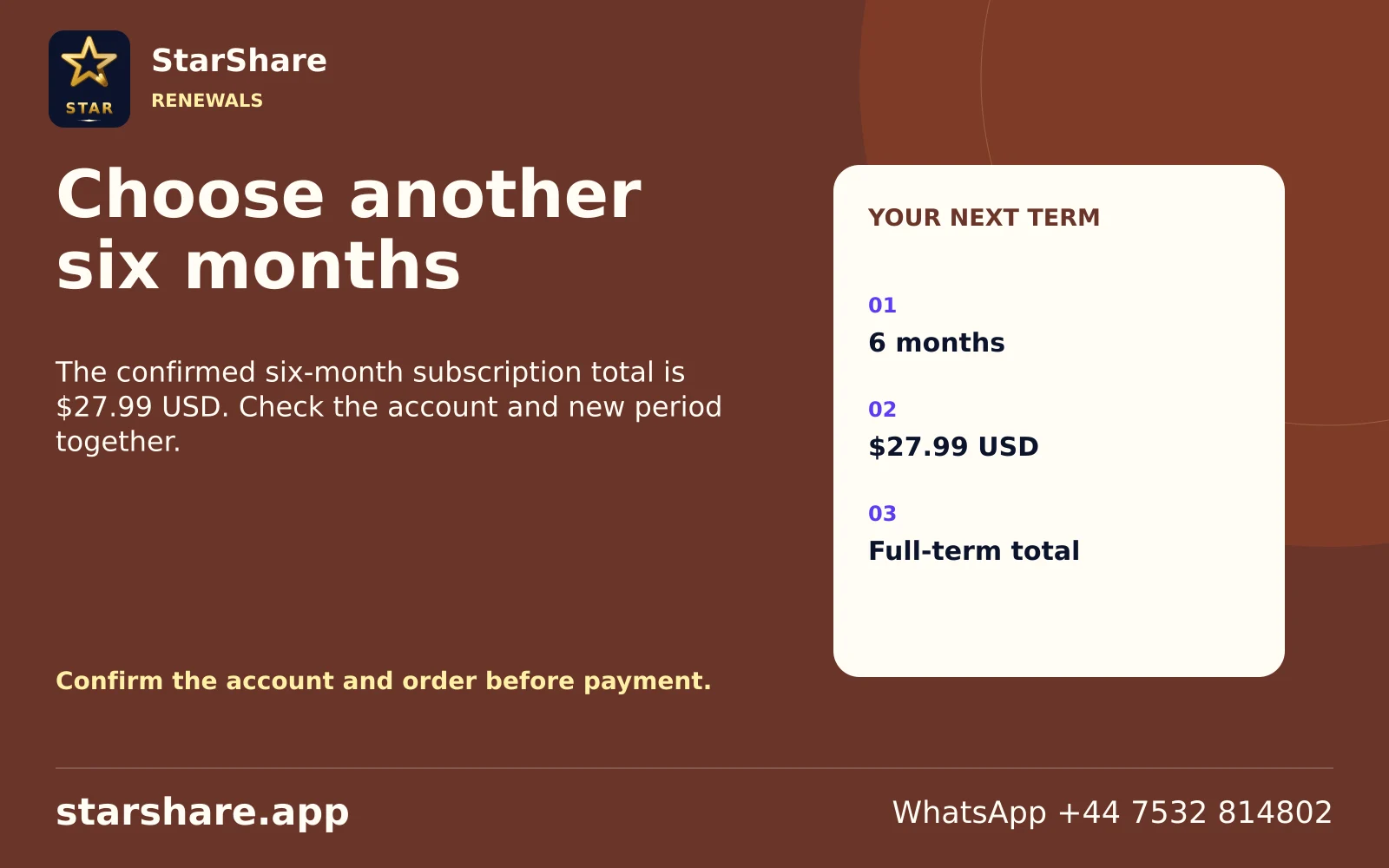
The confirmed six-month subscription total is $27.99 USD. Check the account and new period together.
Open artwork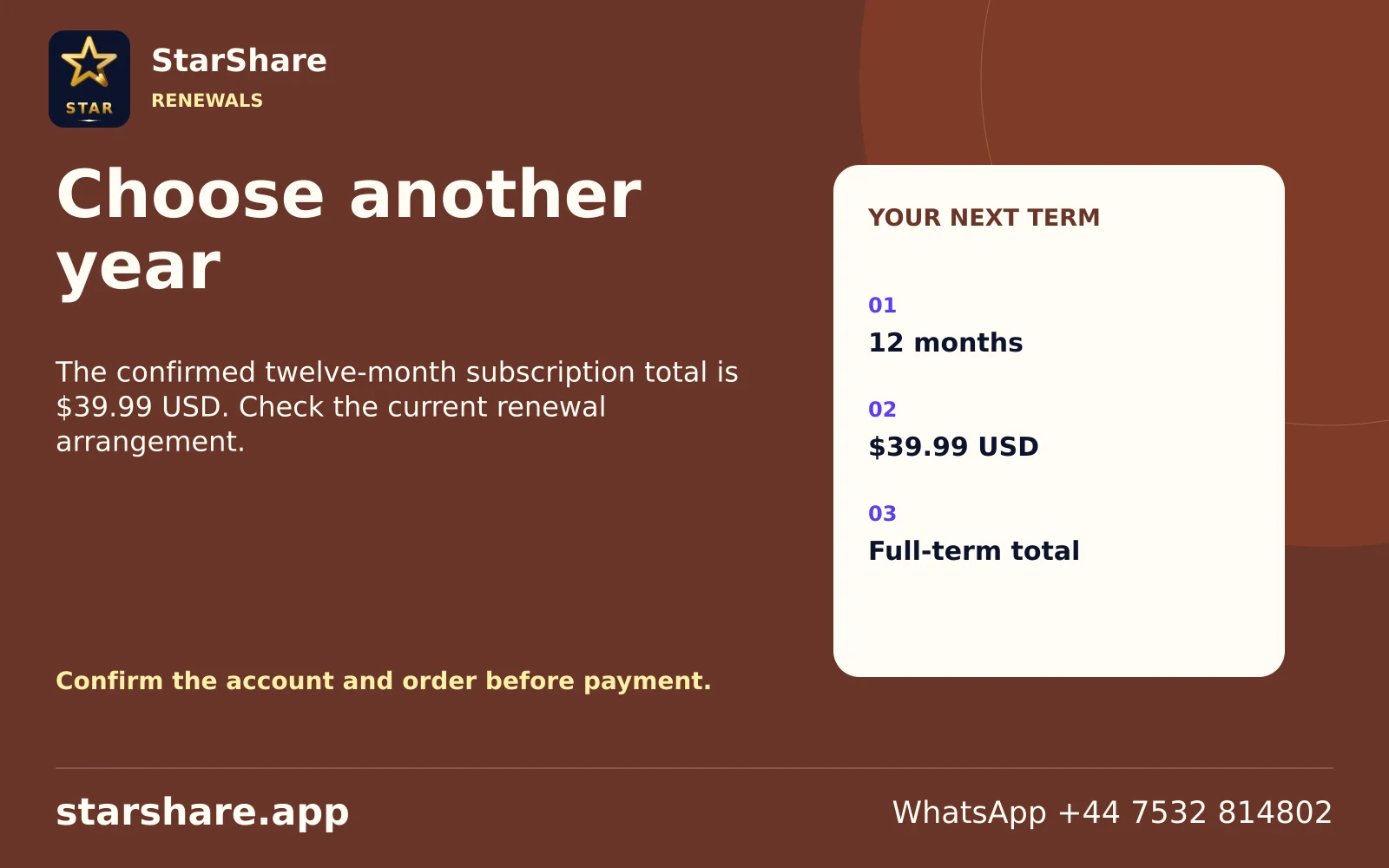
The confirmed twelve-month subscription total is $39.99 USD. Check the current renewal arrangement.
Open artwork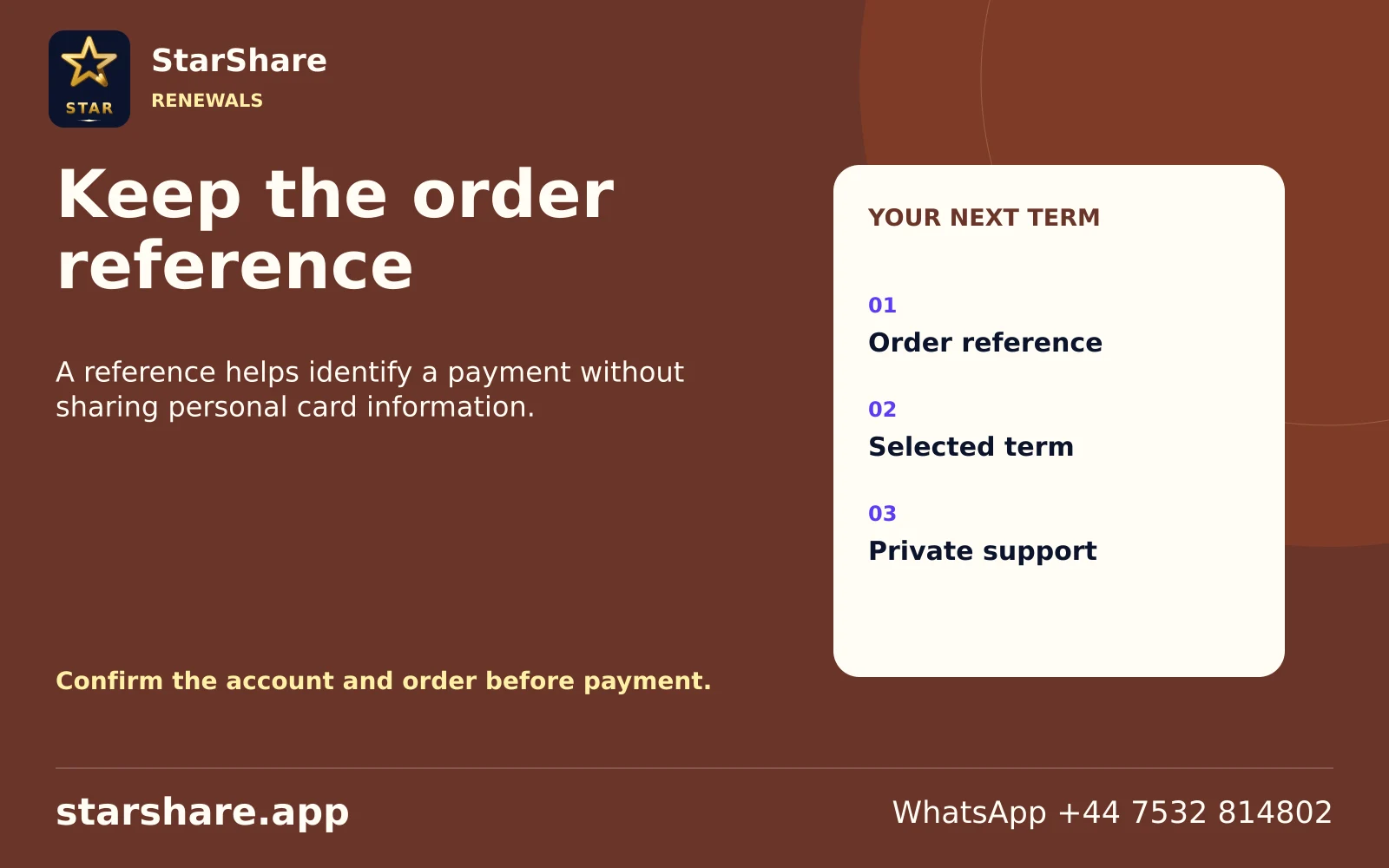
A reference helps identify a payment without sharing personal card information.
Open artwork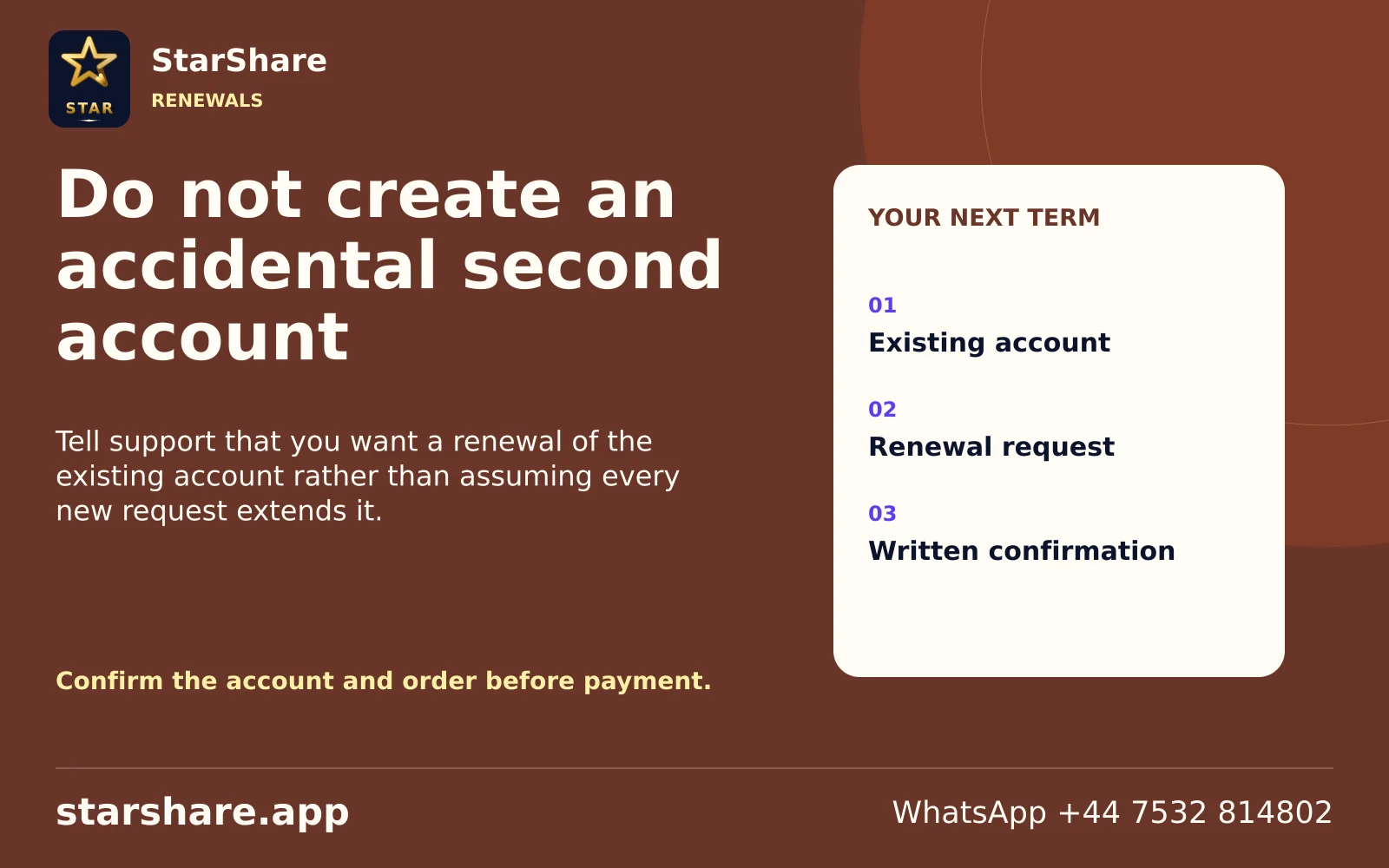
Tell support that you want a renewal of the existing account rather than assuming every new request extends it.
Open artwork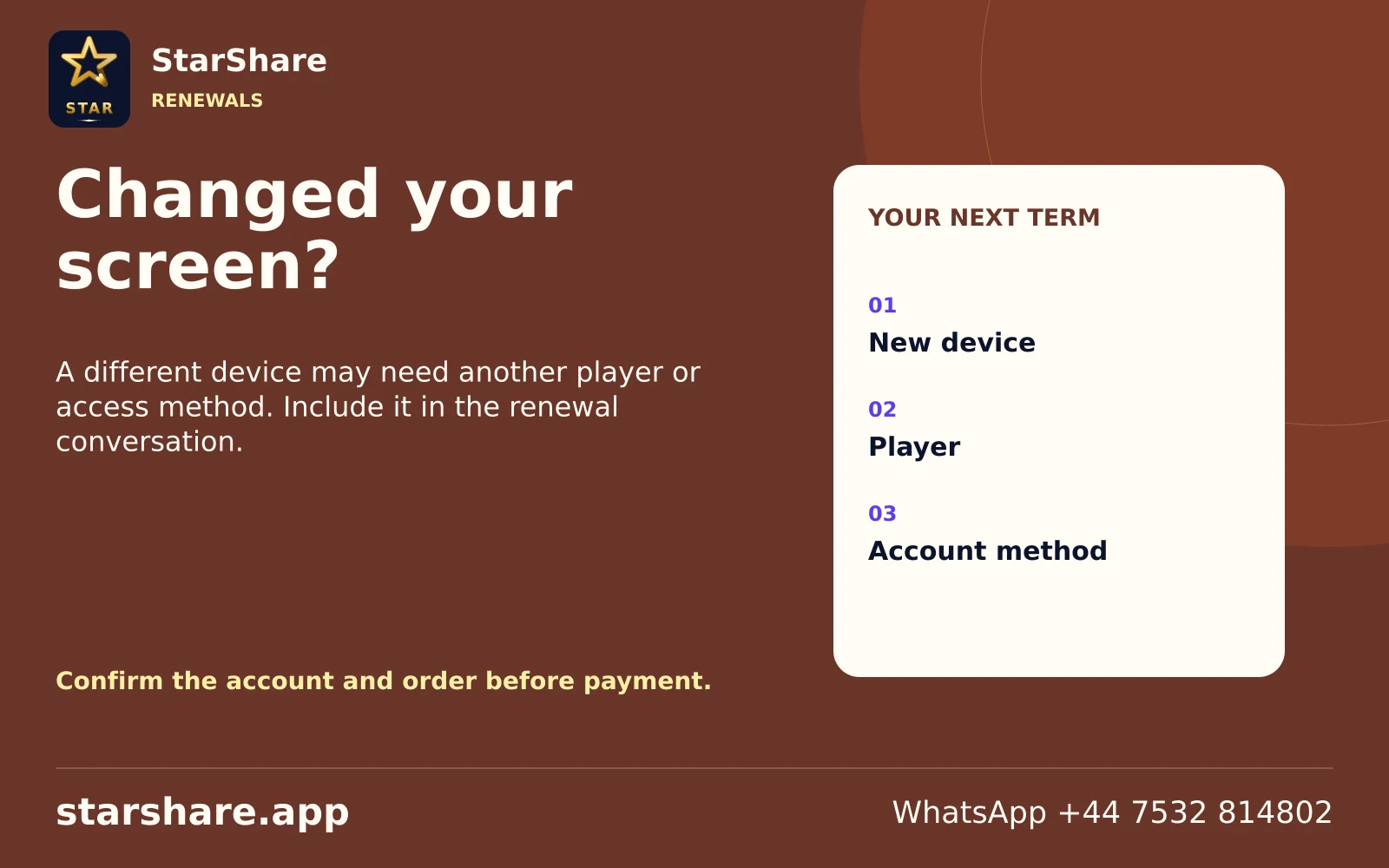
A different device may need another player or access method. Include it in the renewal conversation.
Open artwork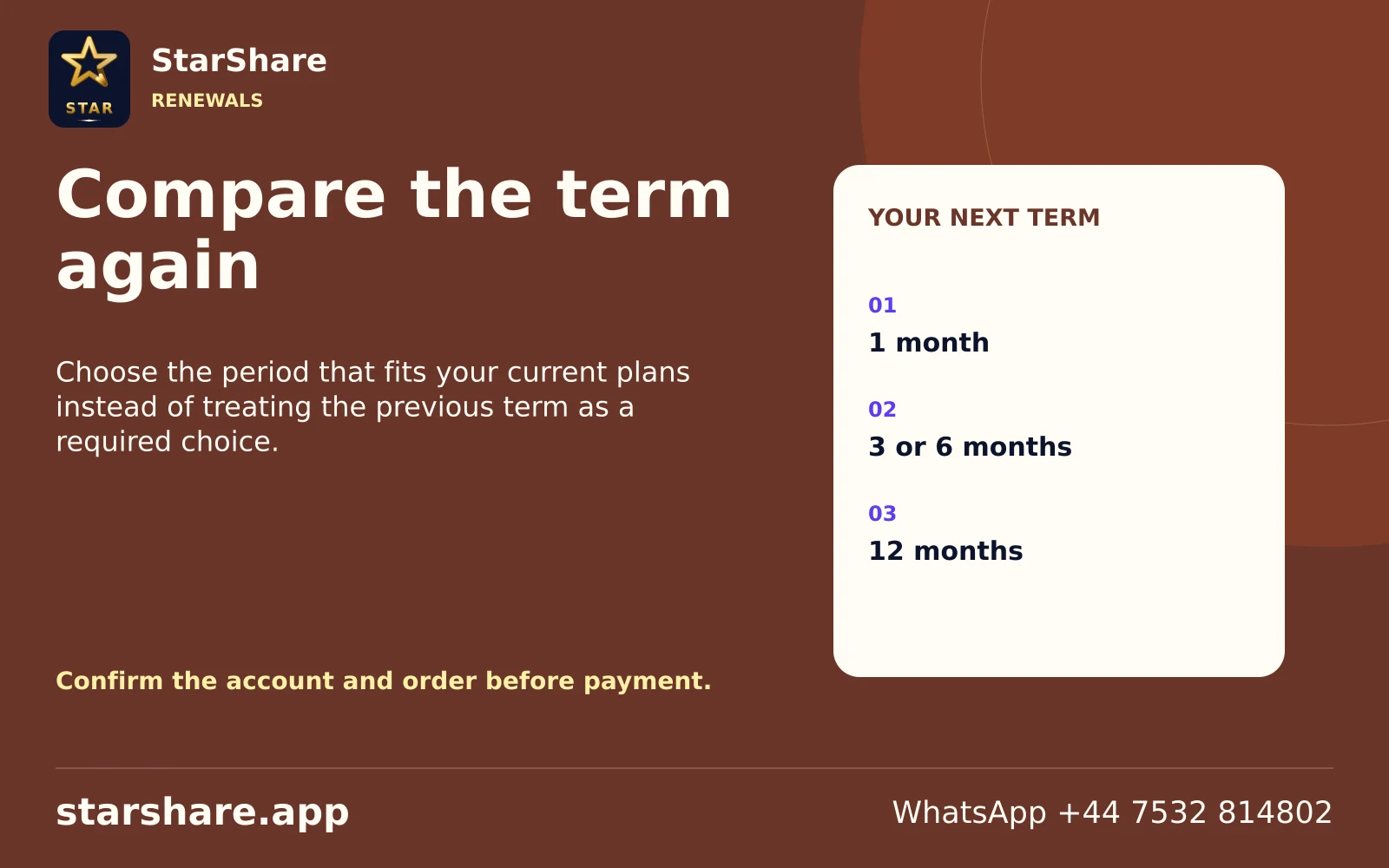
Choose the period that fits your current plans instead of treating the previous term as a required choice.
Open artwork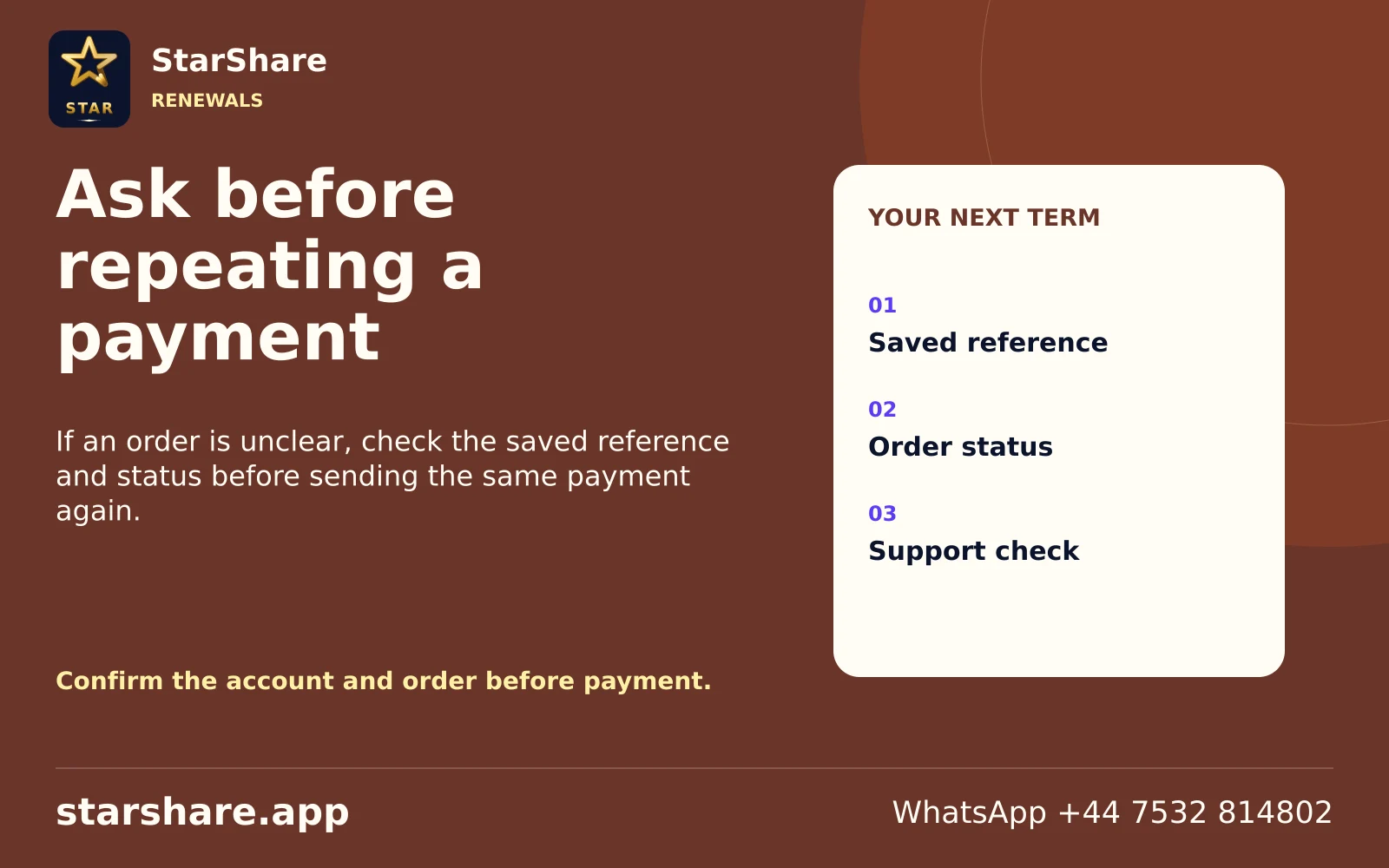
If an order is unclear, check the saved reference and status before sending the same payment again.
Open artwork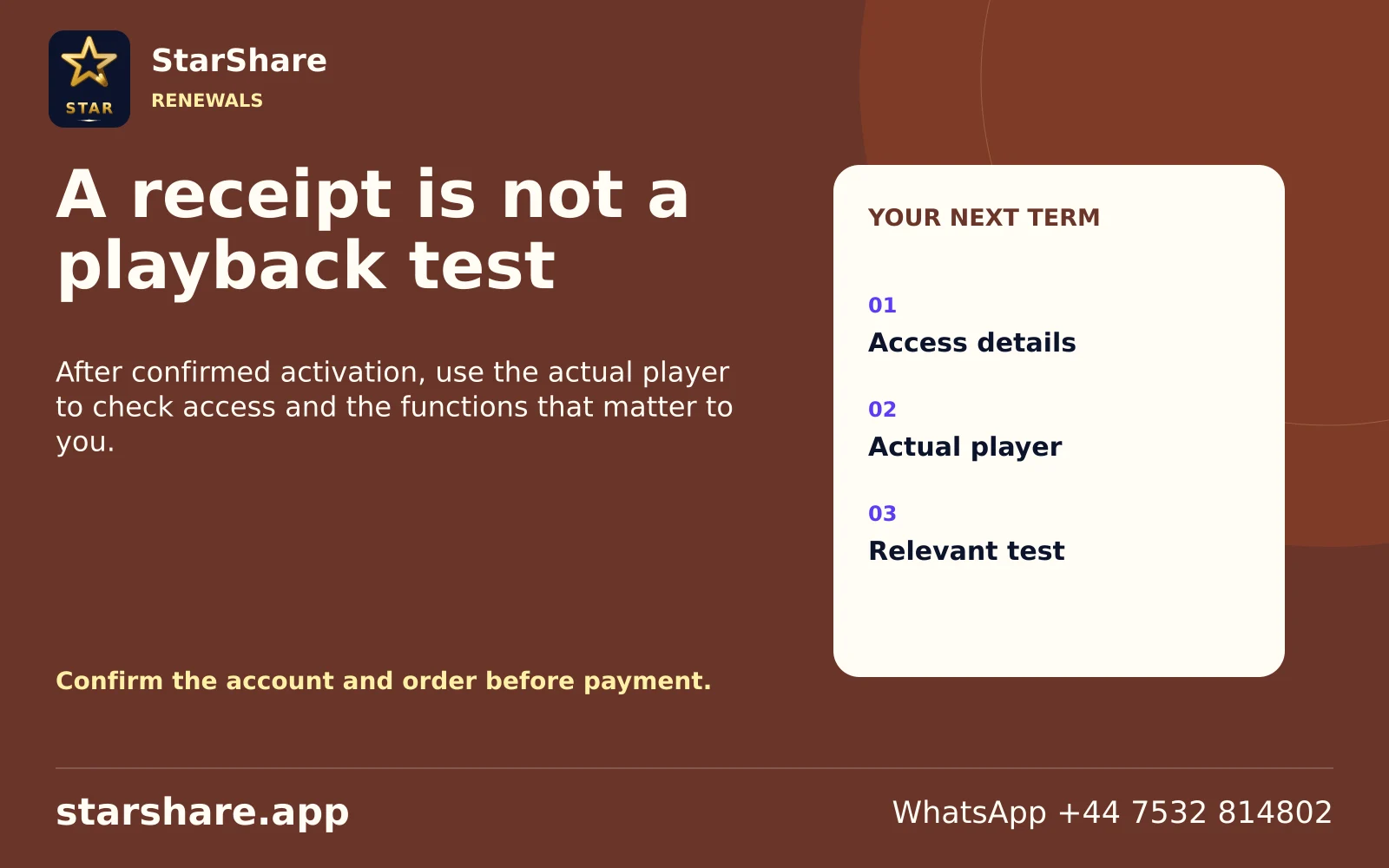
After confirmed activation, use the actual player to check access and the functions that matter to you.
Open artwork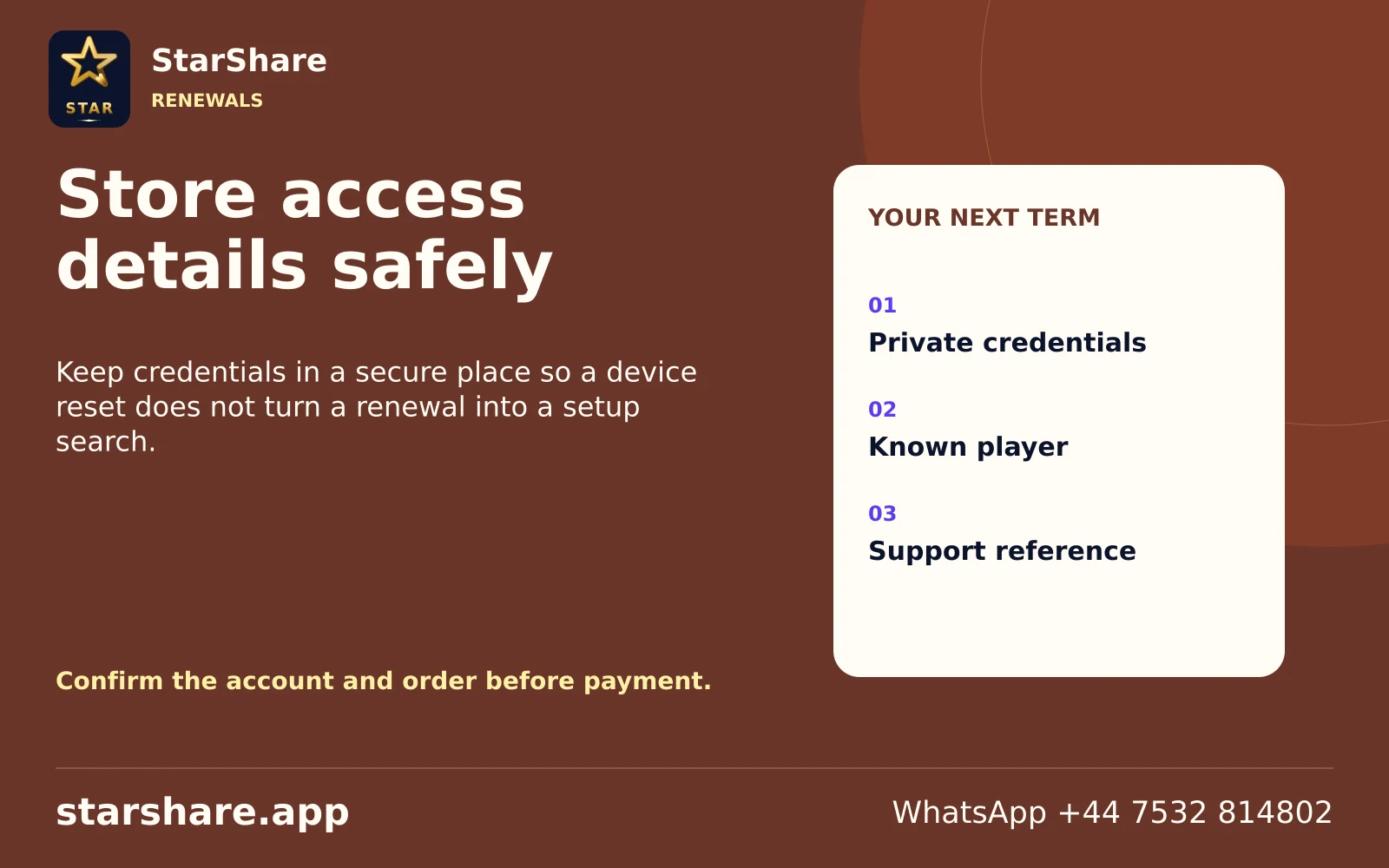
Keep credentials in a secure place so a device reset does not turn a renewal into a setup search.
Open artwork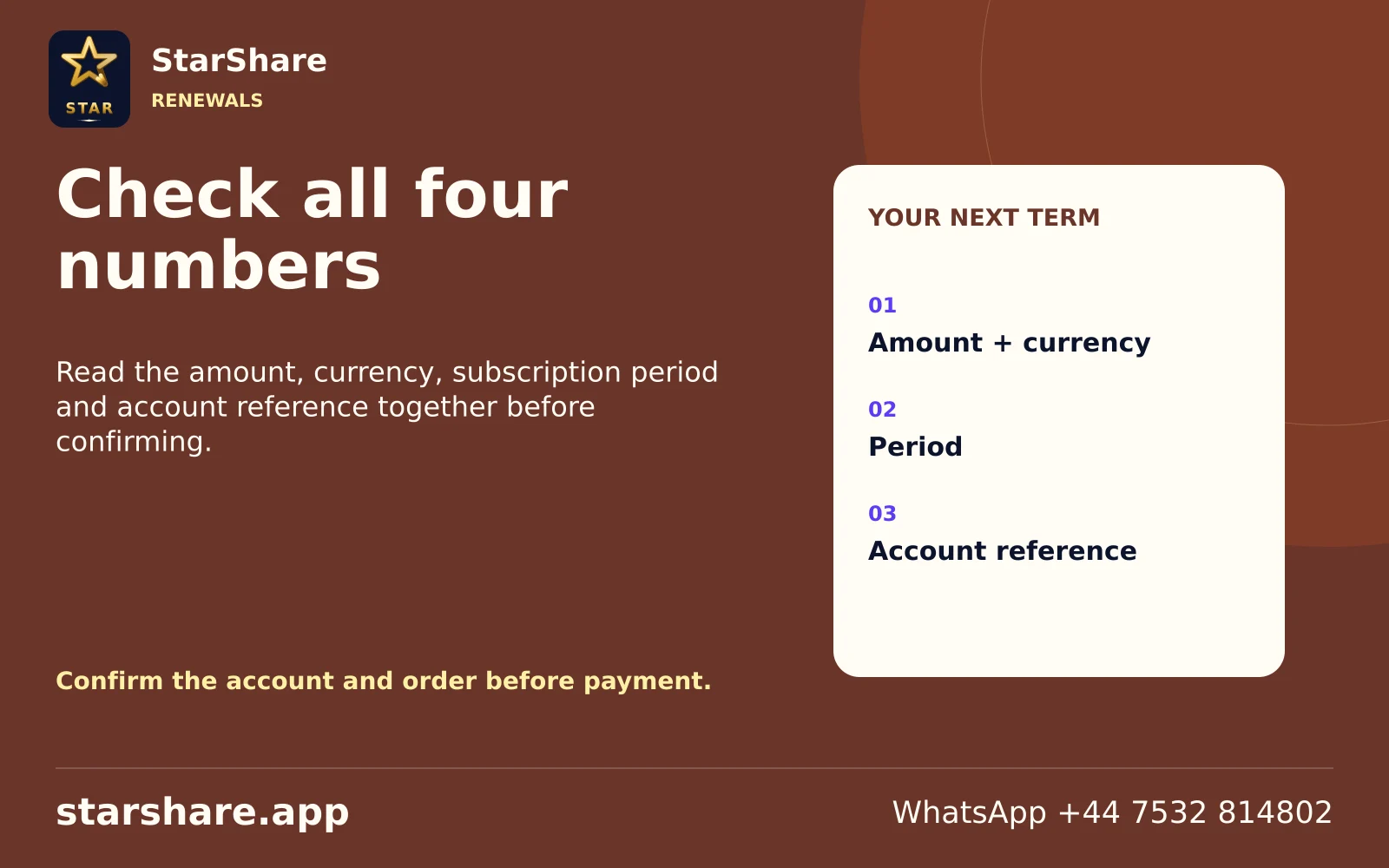
Read the amount, currency, subscription period and account reference together before confirming.
Open artwork
Send the current account reference and requested term through StarShare’s published WhatsApp contact.
Open artwork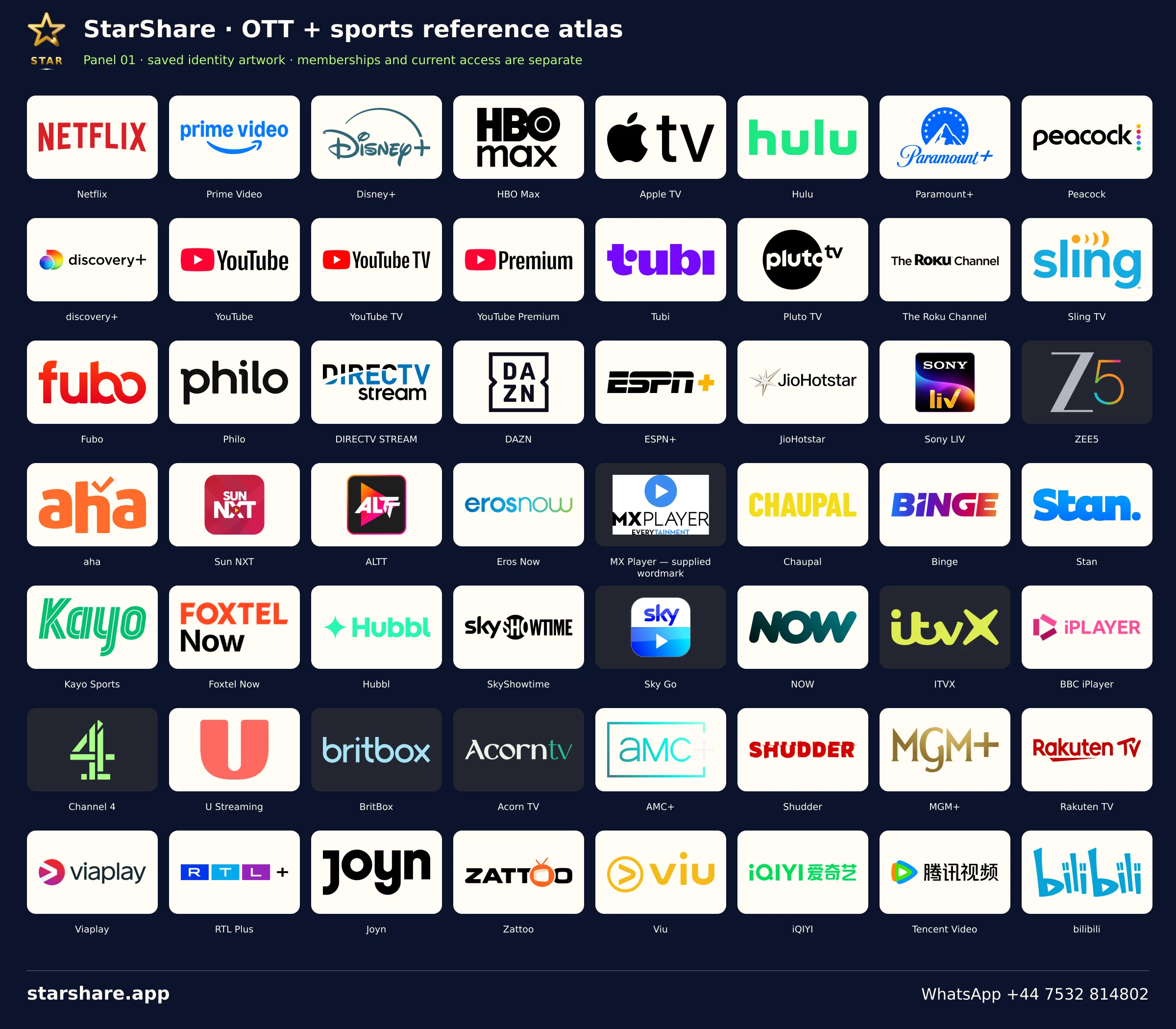
A reconciled, multi-panel visual directory of the saved OTT/provider and sports identity records. Reference artwork does not establish a bundled subscription.
Open artwork
Plan viewing around Afghanistan with your preferred languages, exact programme names and actual device.
Open artwork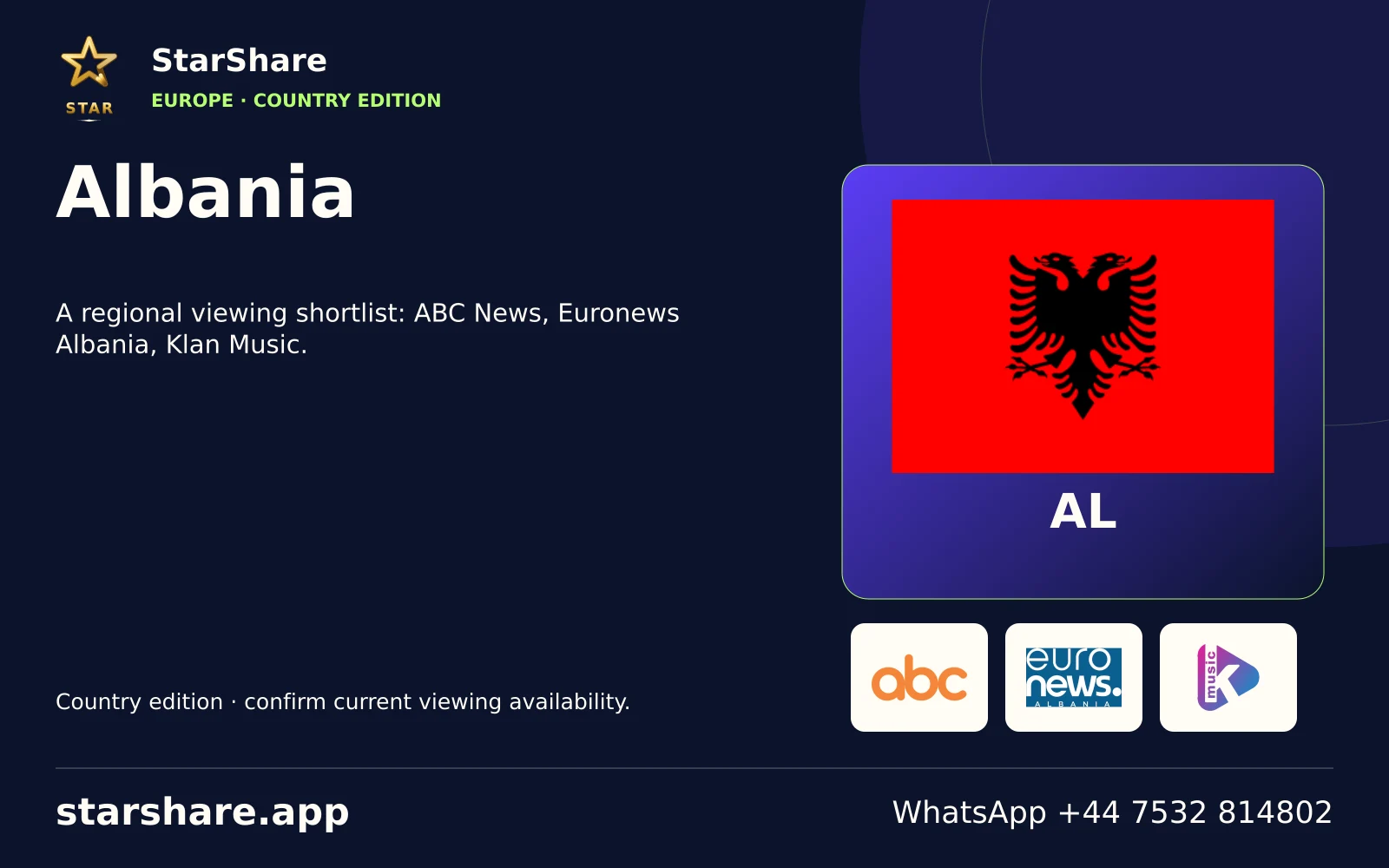
A regional viewing shortlist: ABC News, Euronews Albania, Klan Music.
Open artwork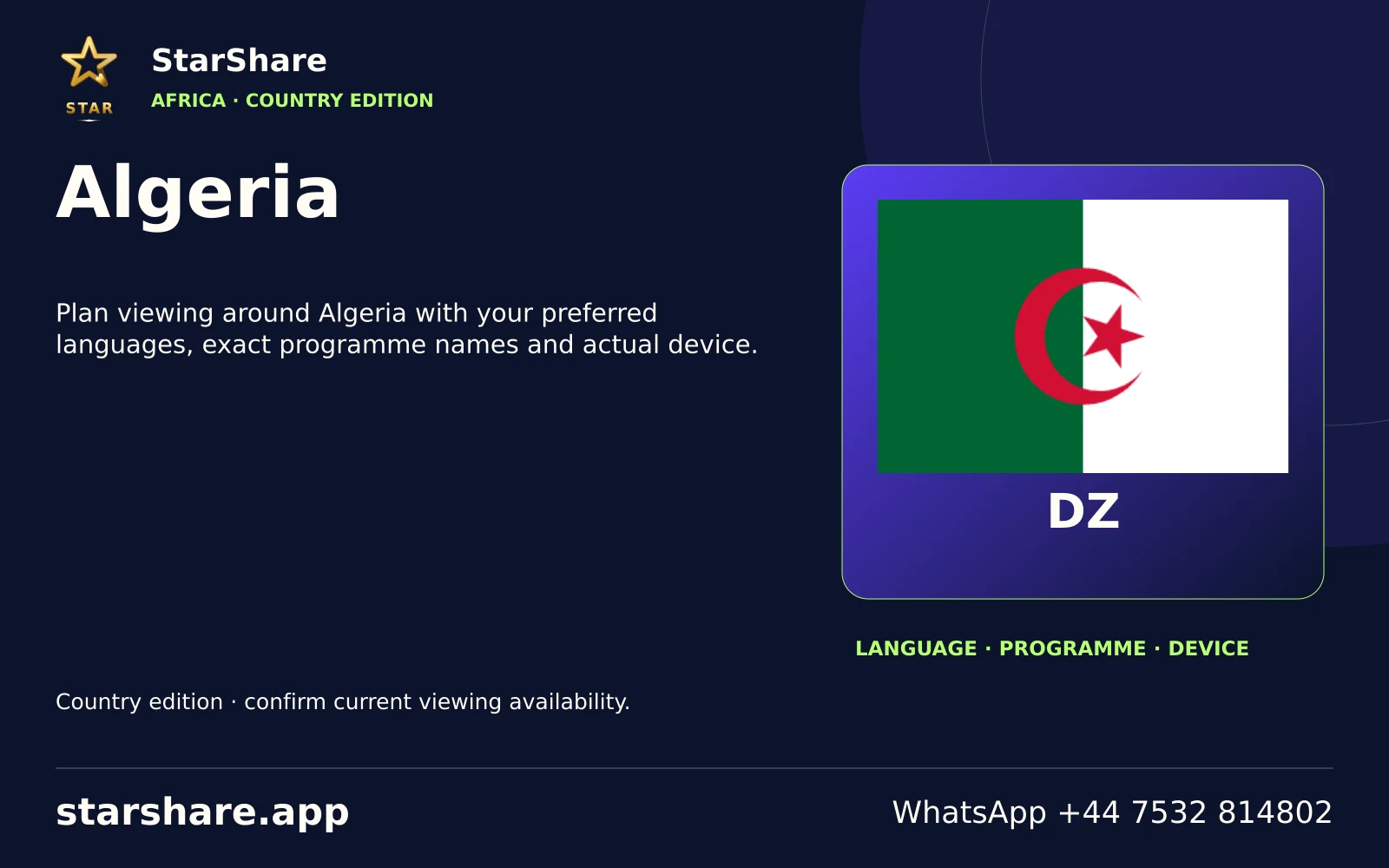
Plan viewing around Algeria with your preferred languages, exact programme names and actual device.
Open artwork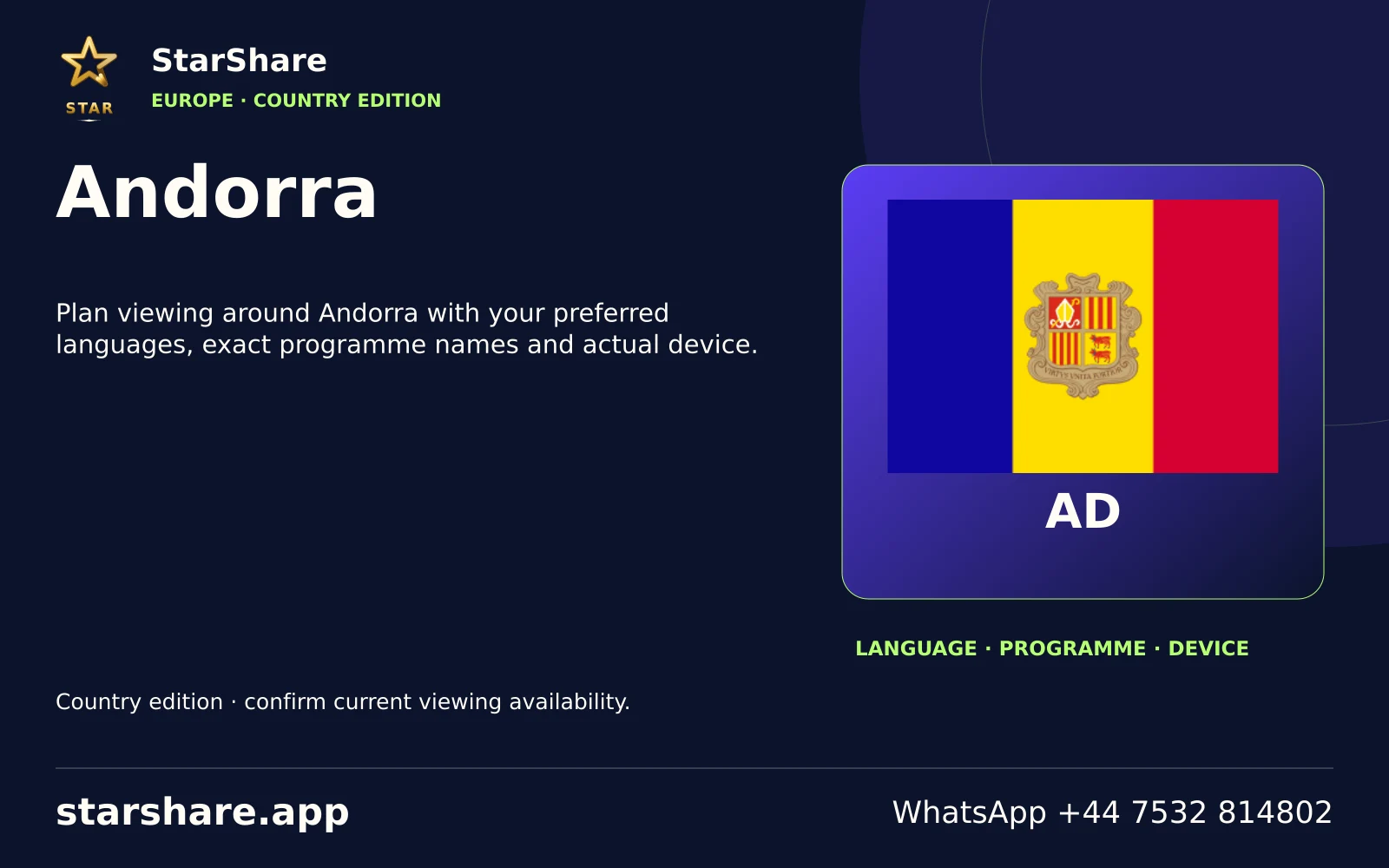
Plan viewing around Andorra with your preferred languages, exact programme names and actual device.
Open artwork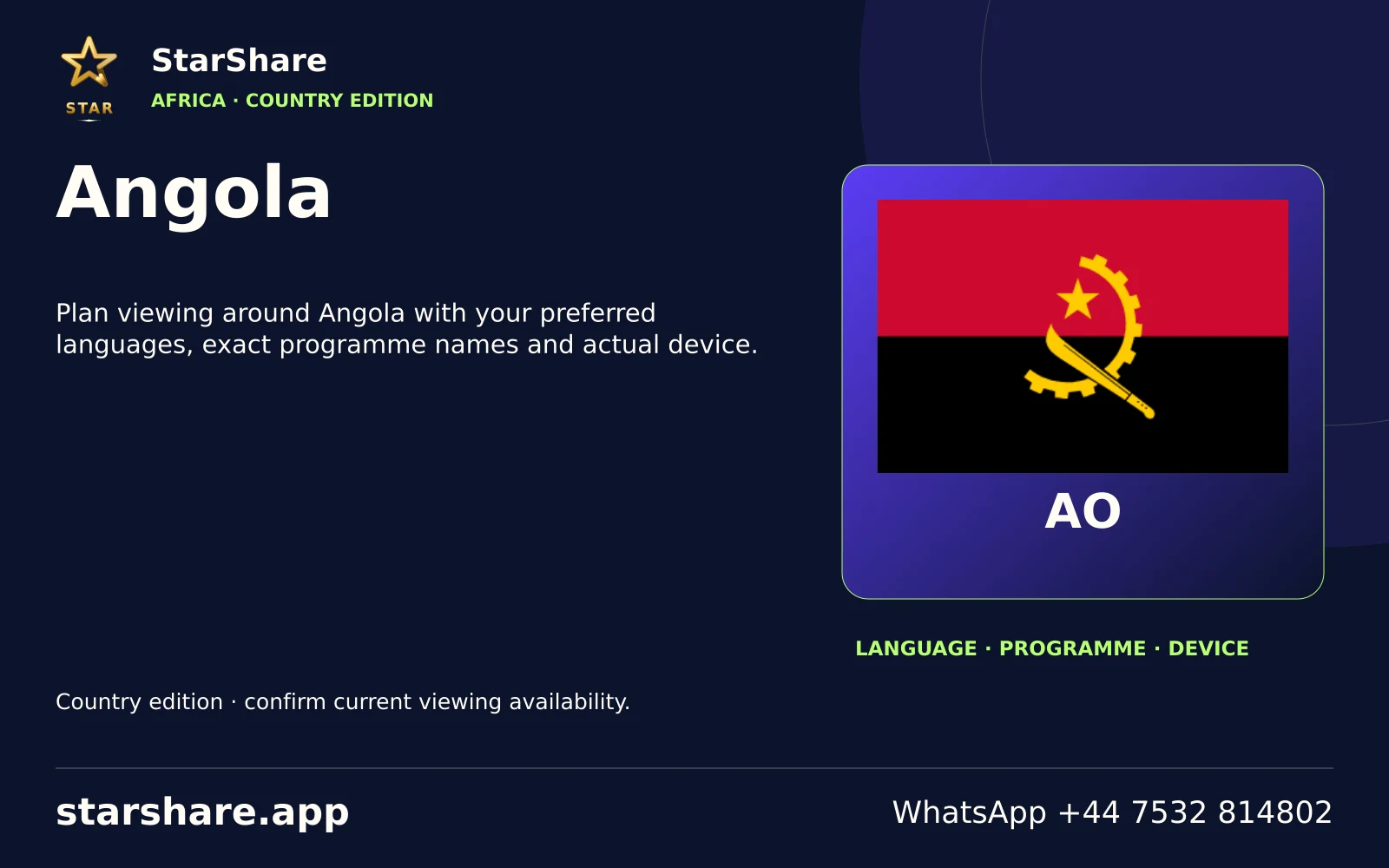
Plan viewing around Angola with your preferred languages, exact programme names and actual device.
Open artwork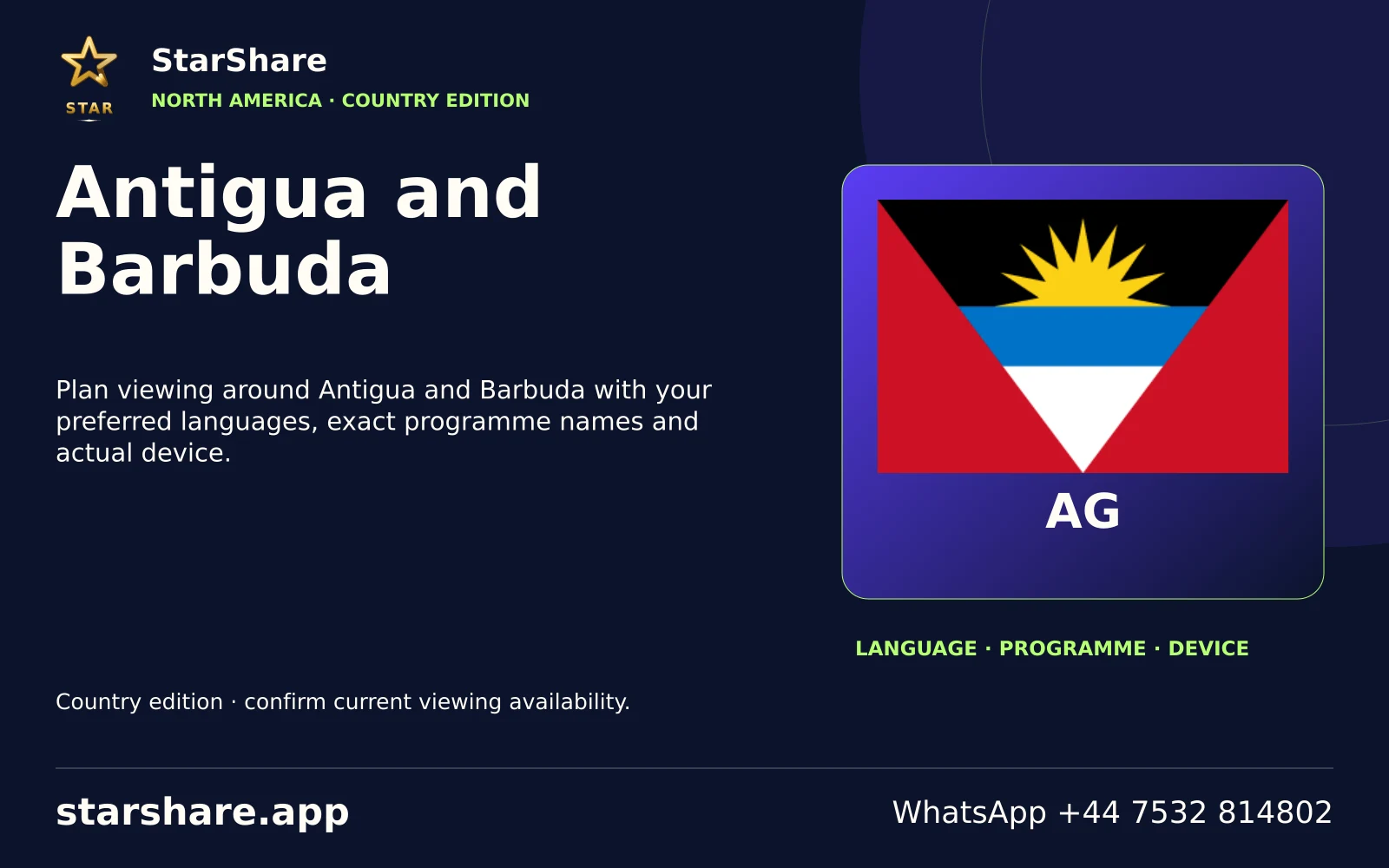
Plan viewing around Antigua and Barbuda with your preferred languages, exact programme names and actual device.
Open artwork
Plan viewing around Armenia with your preferred languages, exact programme names and actual device.
Open artwork
Plan viewing around Bahamas with your preferred languages, exact programme names and actual device.
Open artwork
Plan viewing around Bahrain with your preferred languages, exact programme names and actual device.
Open artwork
Plan viewing around Bangladesh with your preferred languages, exact programme names and actual device.
Open artwork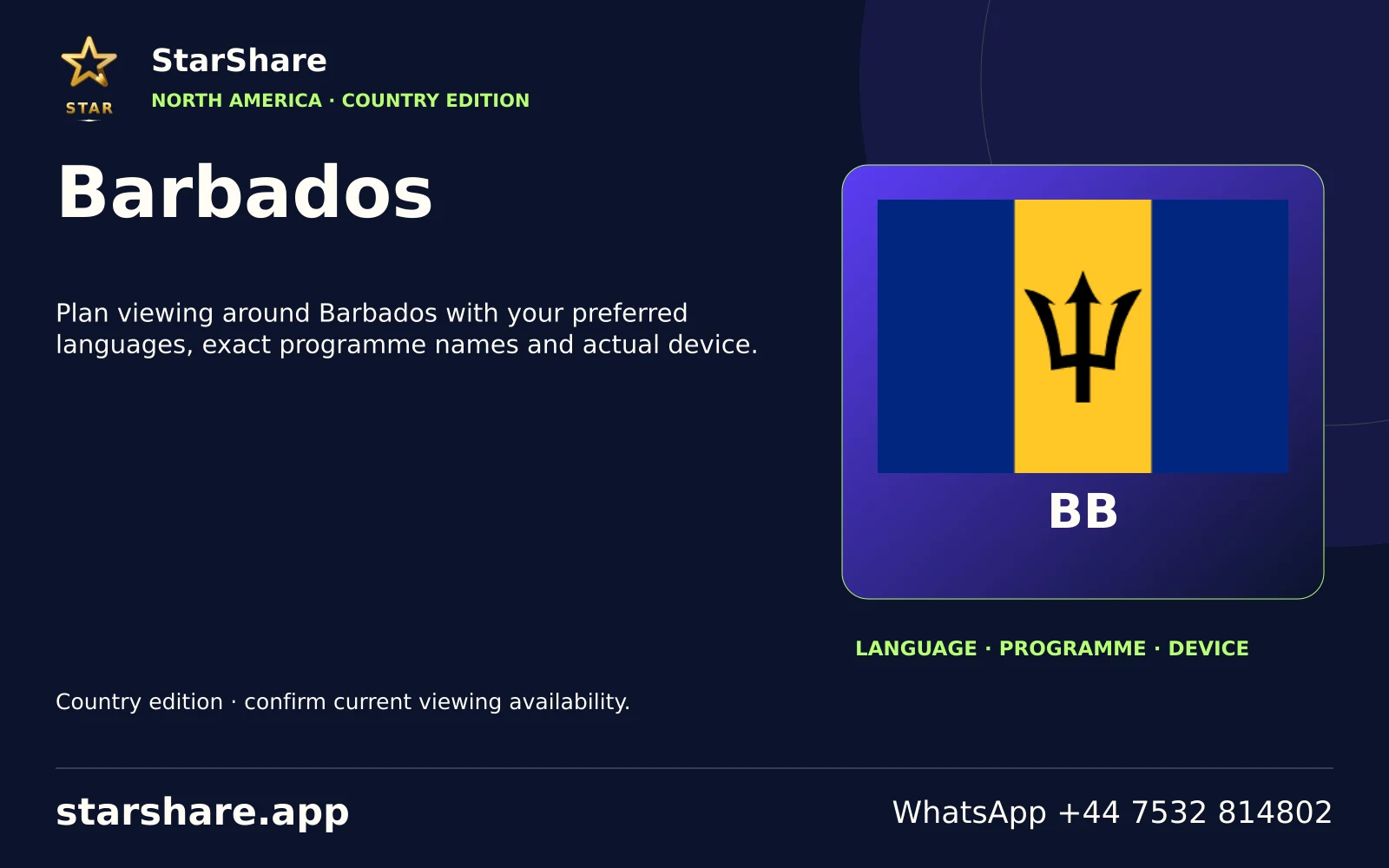
Plan viewing around Barbados with your preferred languages, exact programme names and actual device.
Open artwork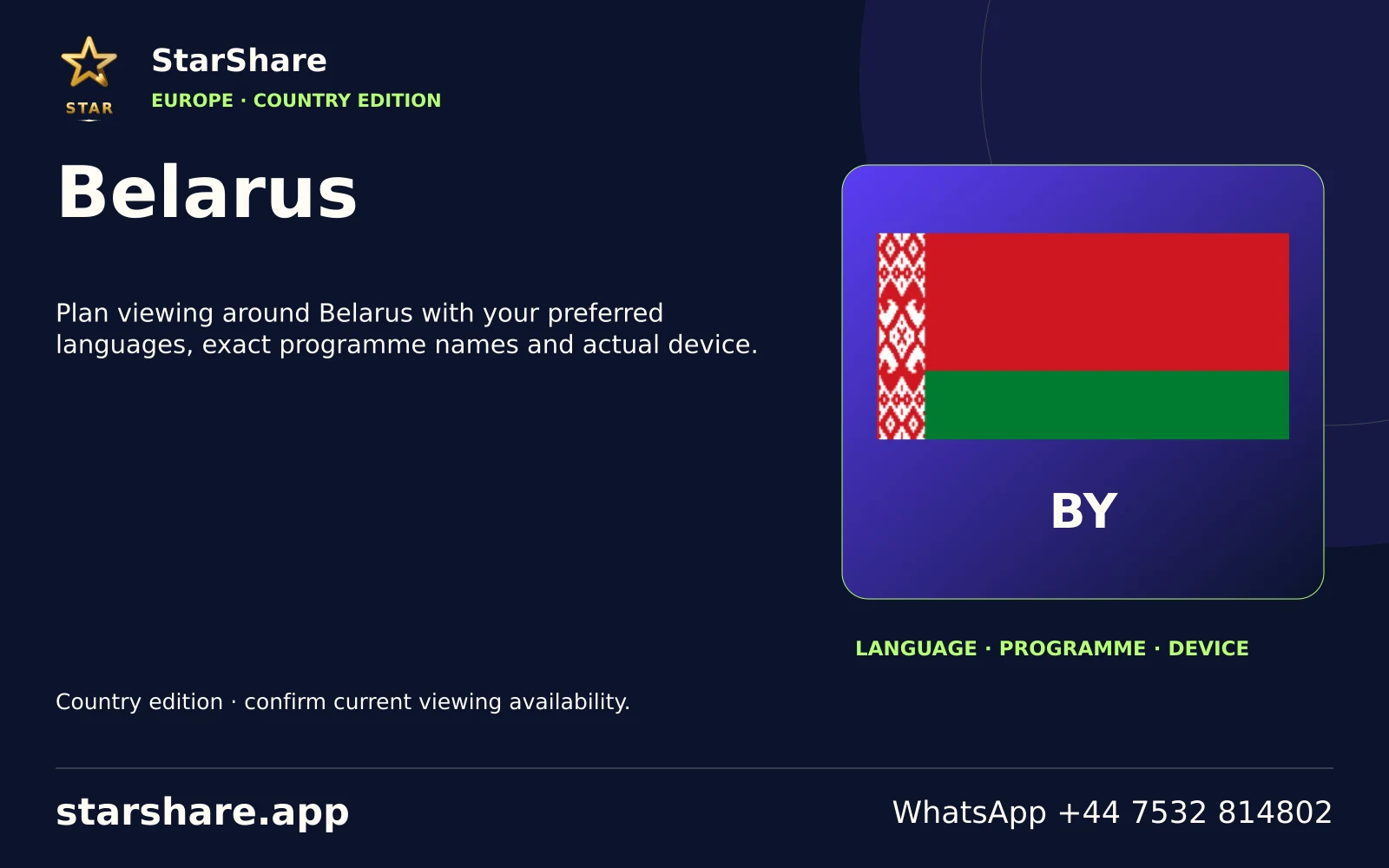
Plan viewing around Belarus with your preferred languages, exact programme names and actual device.
Open artwork
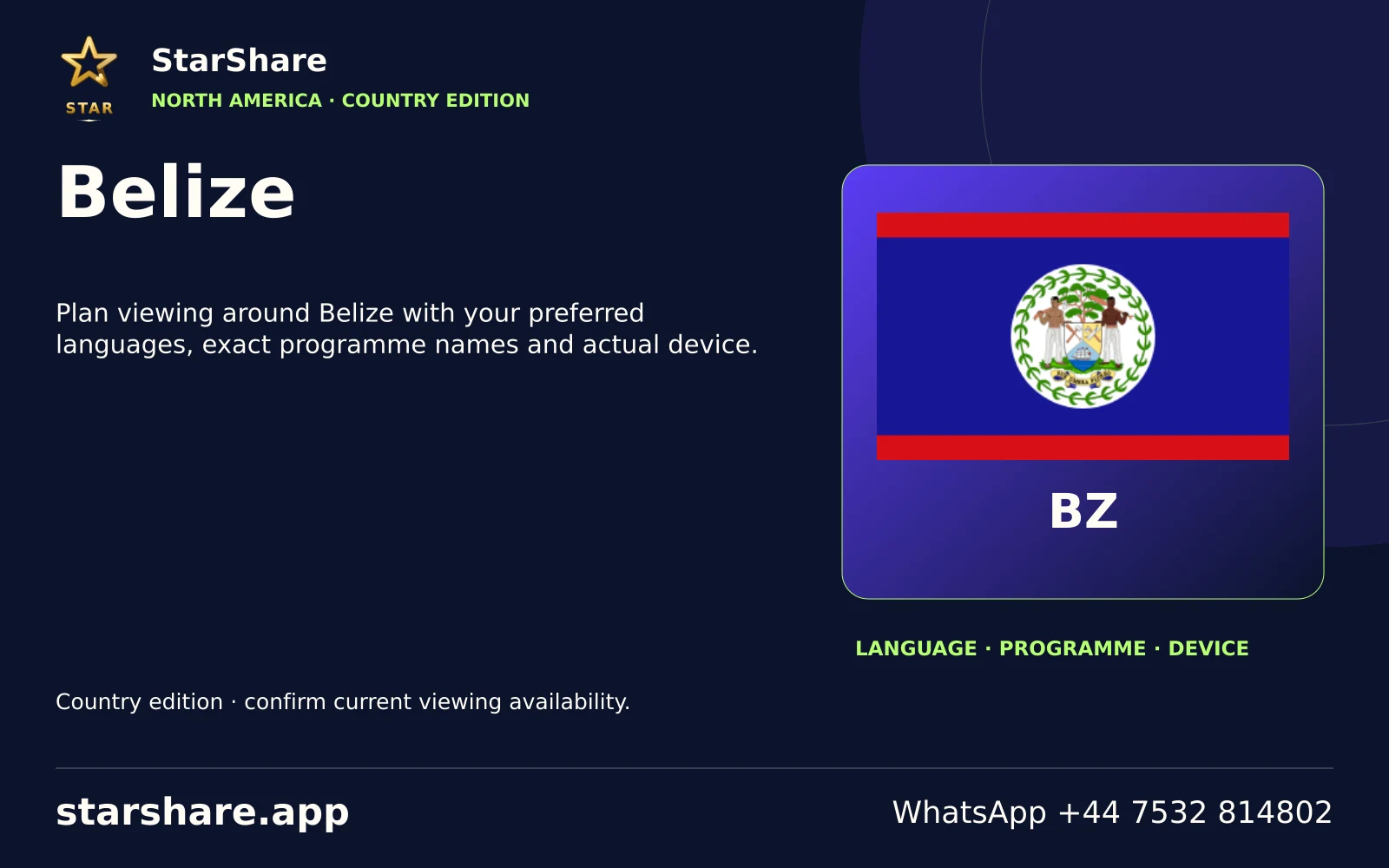
Plan viewing around Belize with your preferred languages, exact programme names and actual device.
Open artwork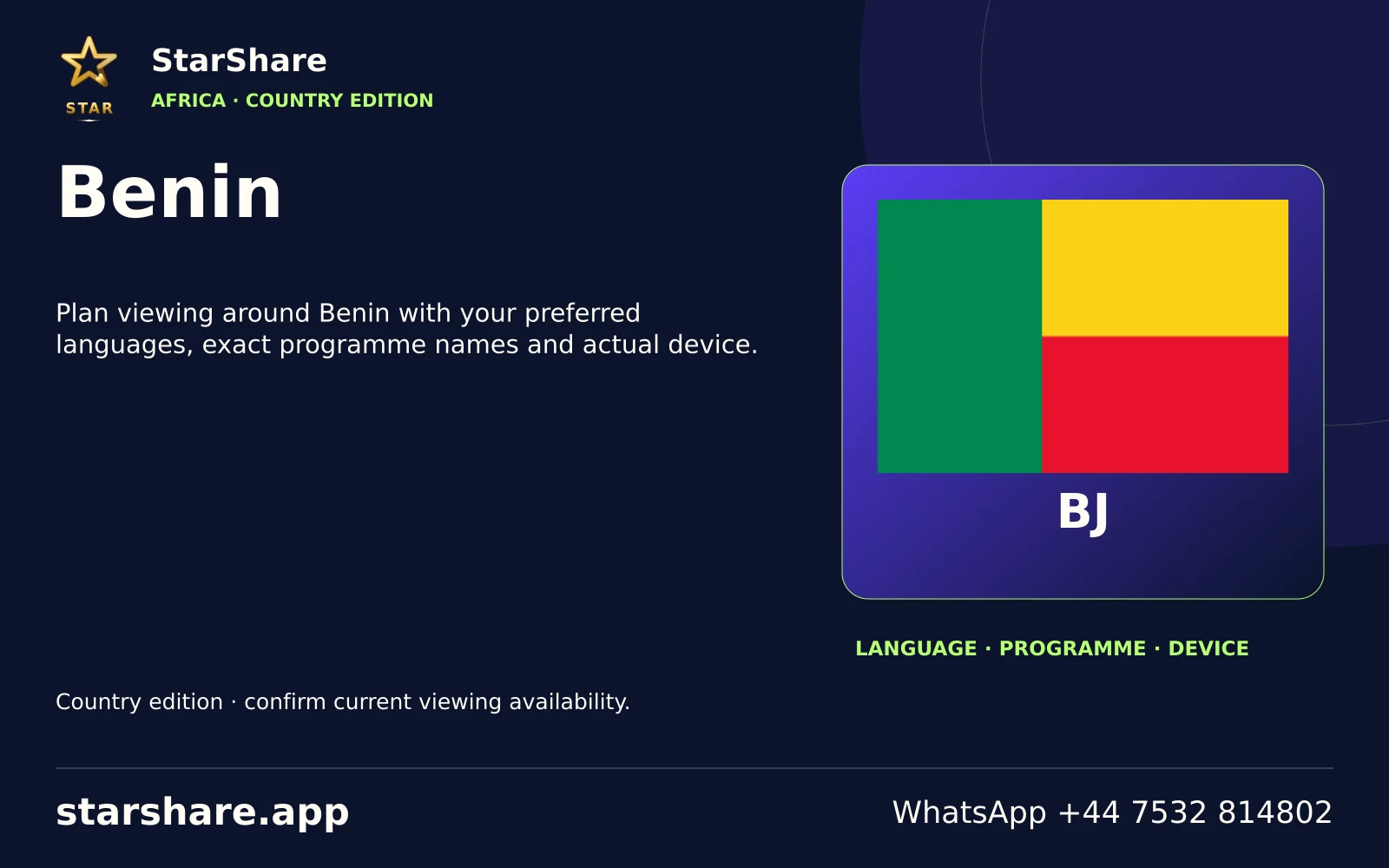
Plan viewing around Benin with your preferred languages, exact programme names and actual device.
Open artwork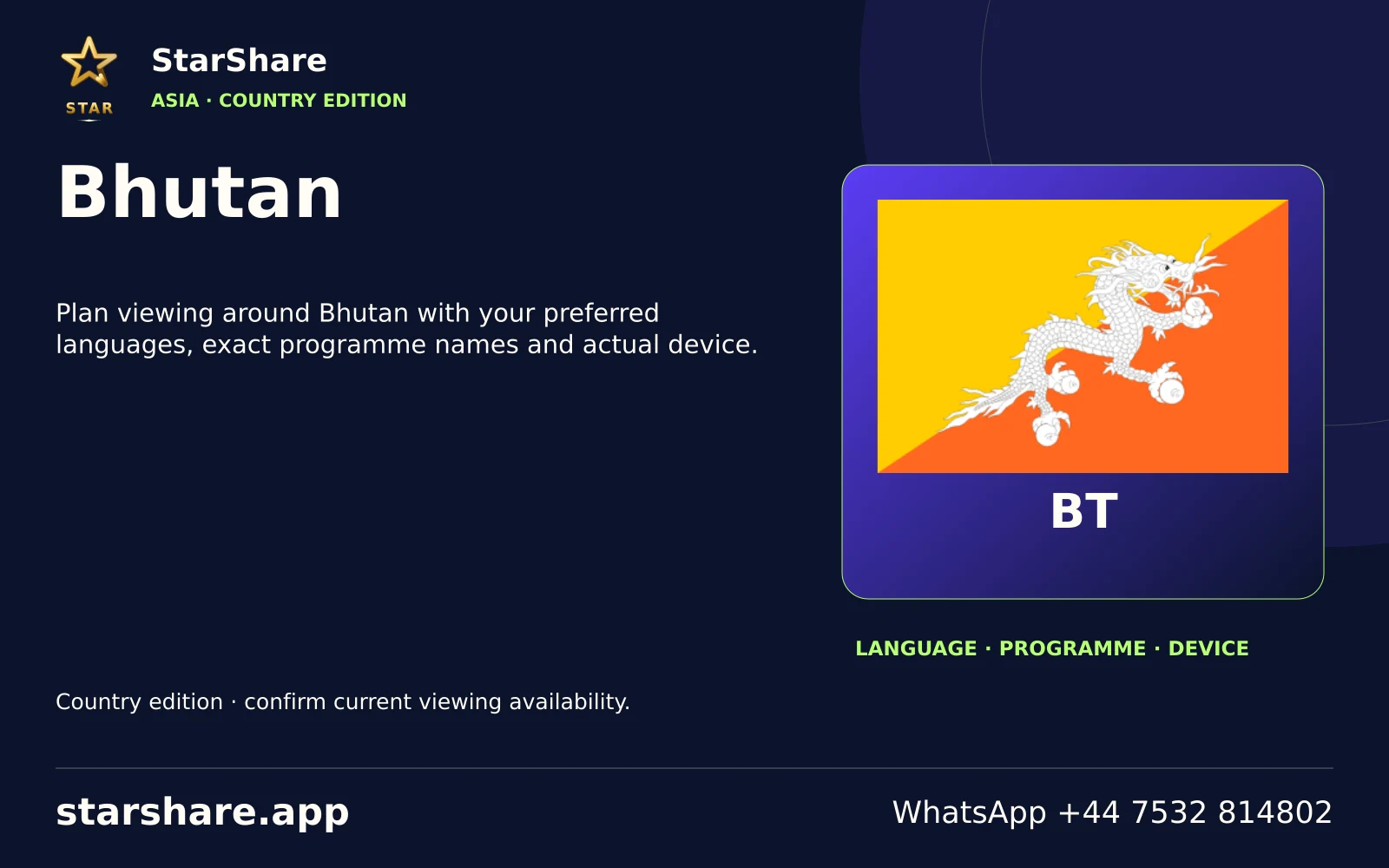
Plan viewing around Bhutan with your preferred languages, exact programme names and actual device.
Open artwork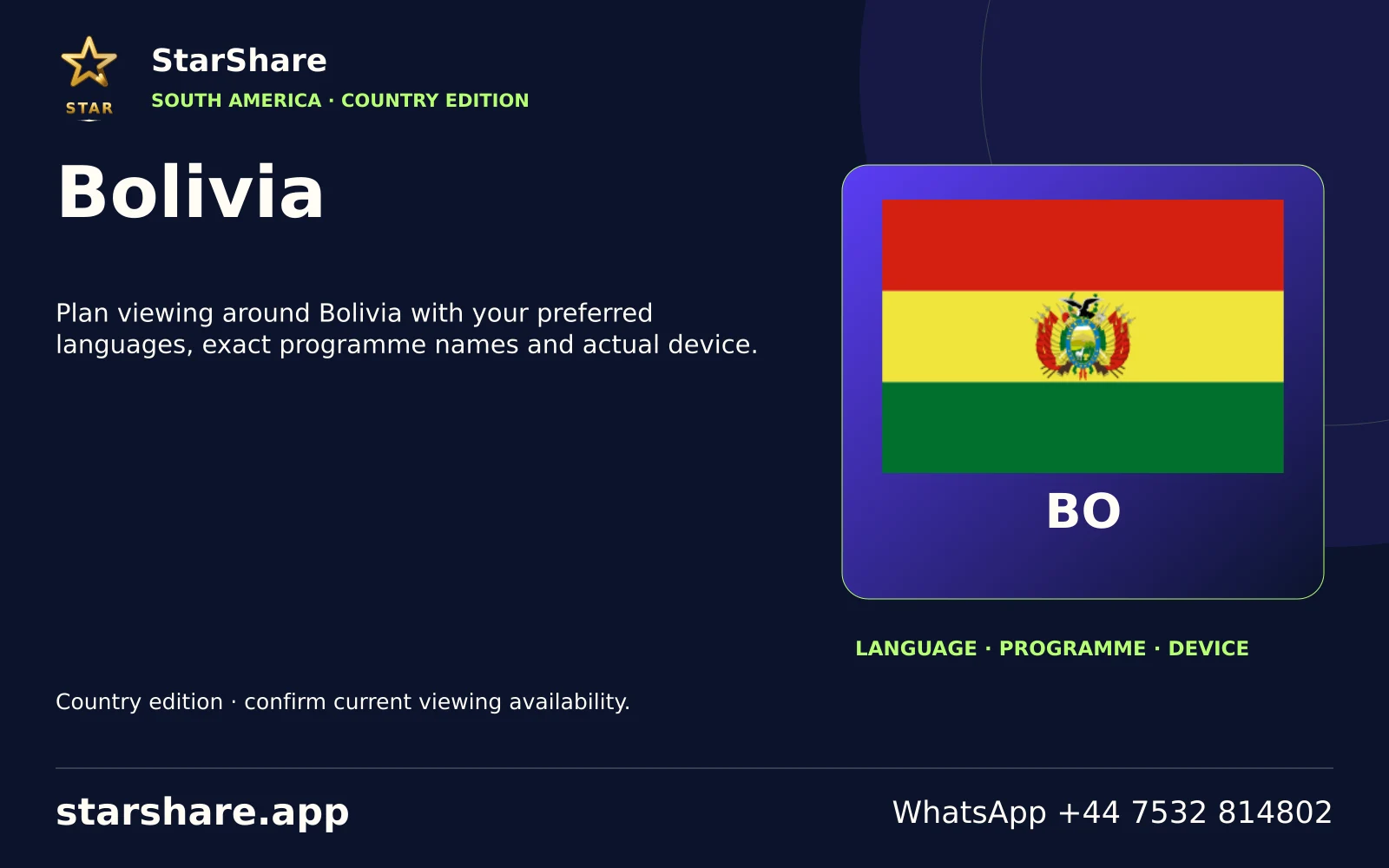
Plan viewing around Bolivia with your preferred languages, exact programme names and actual device.
Open artwork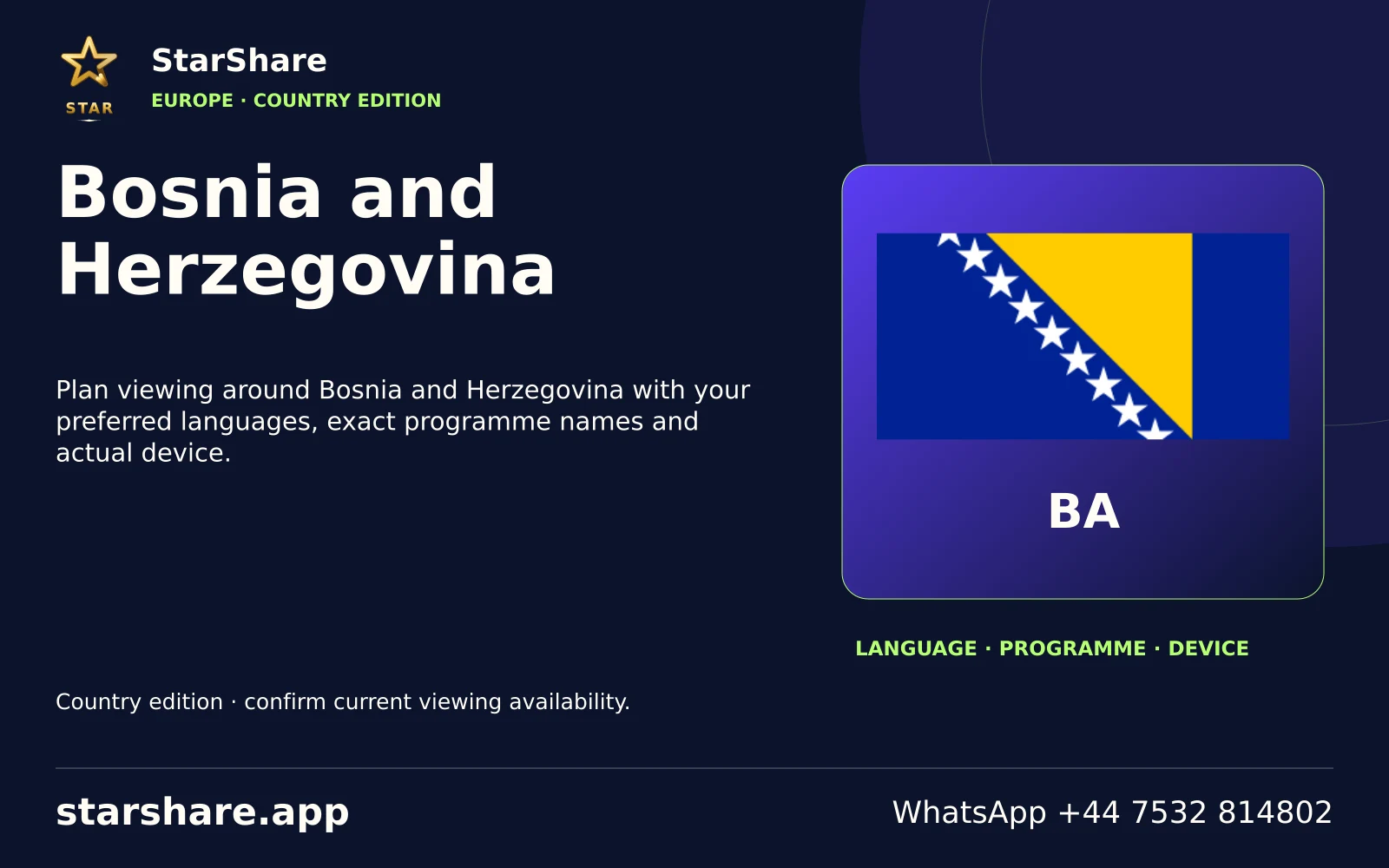
Plan viewing around Bosnia and Herzegovina with your preferred languages, exact programme names and actual device.
Open artwork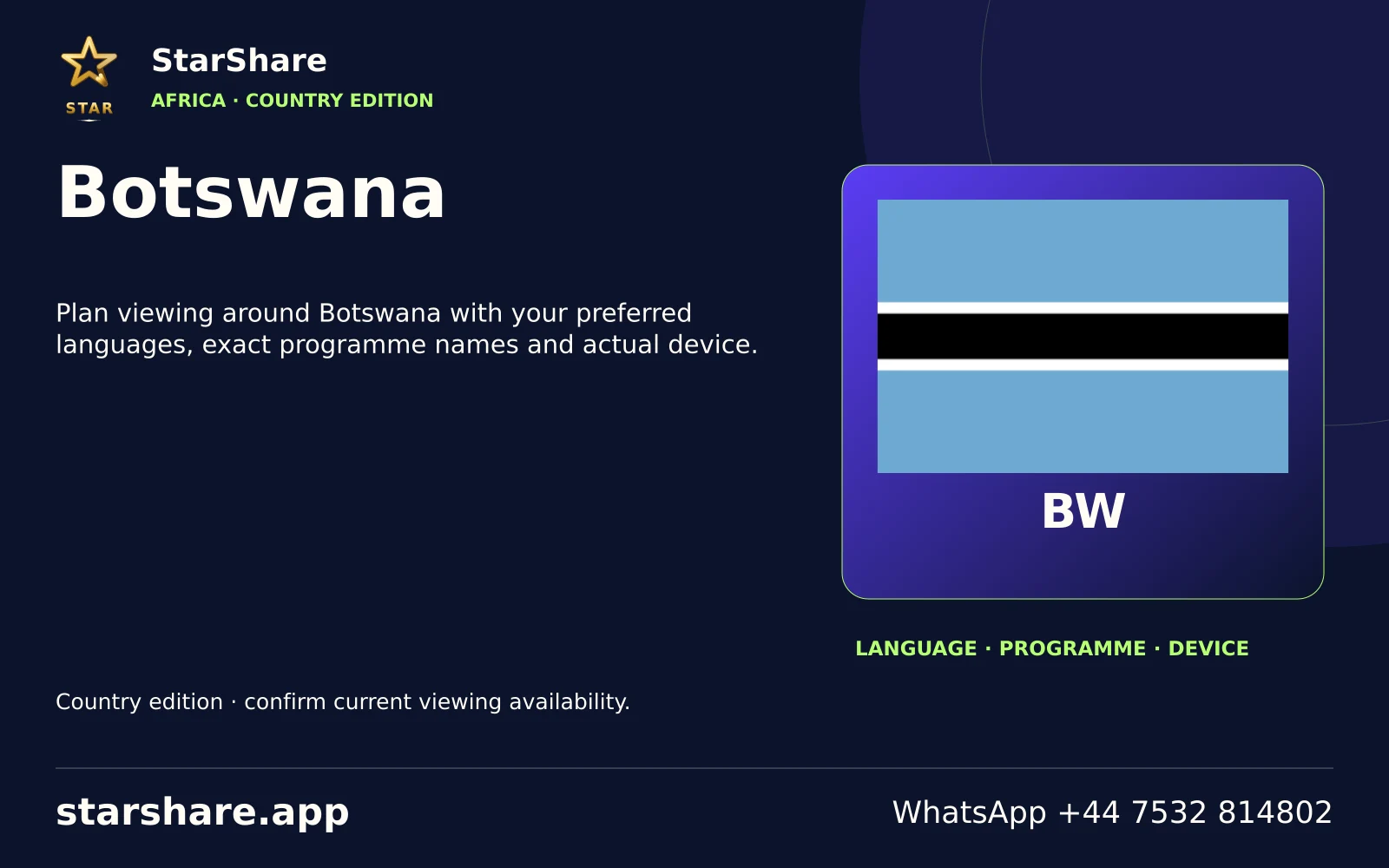
Plan viewing around Botswana with your preferred languages, exact programme names and actual device.
Open artwork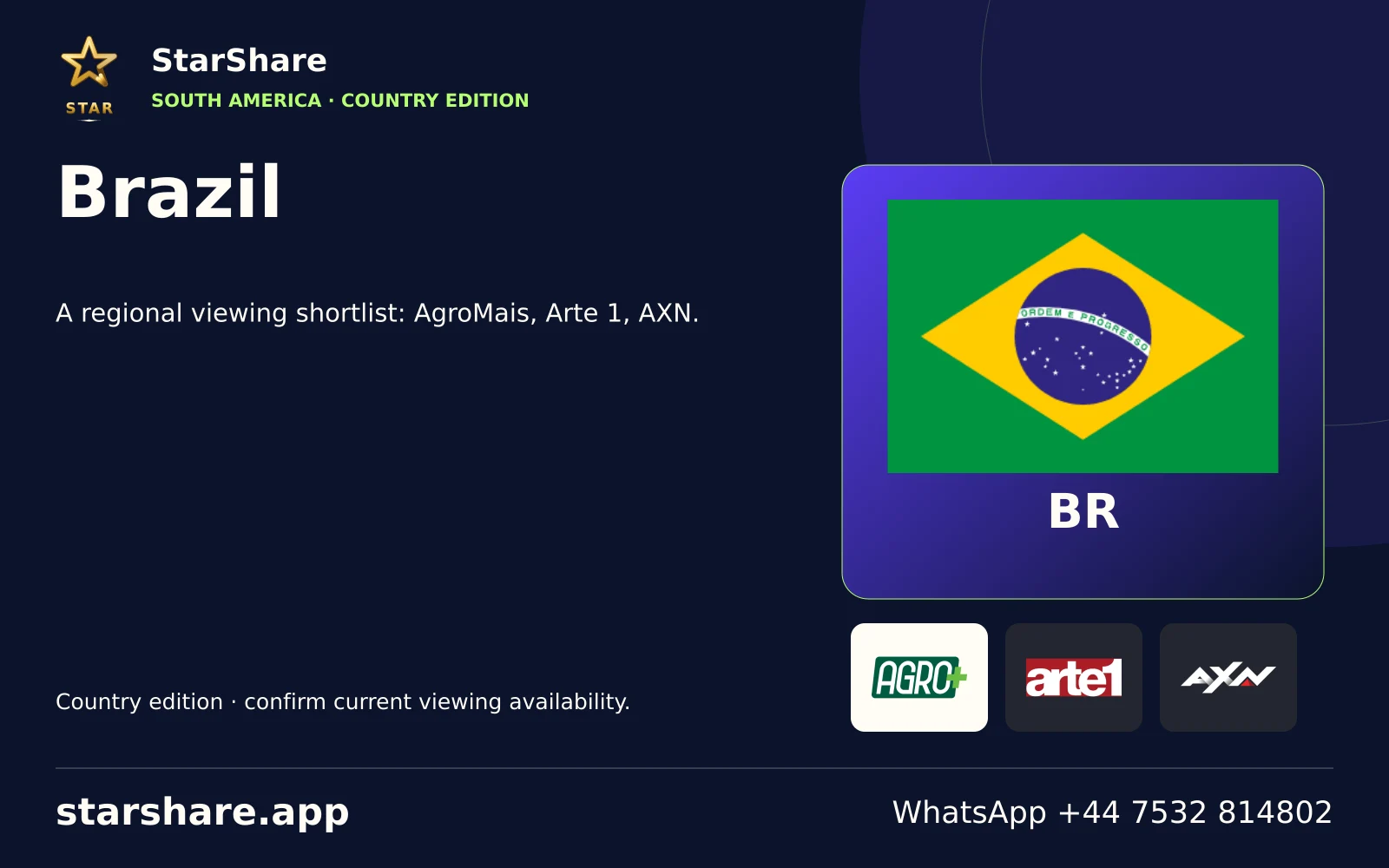
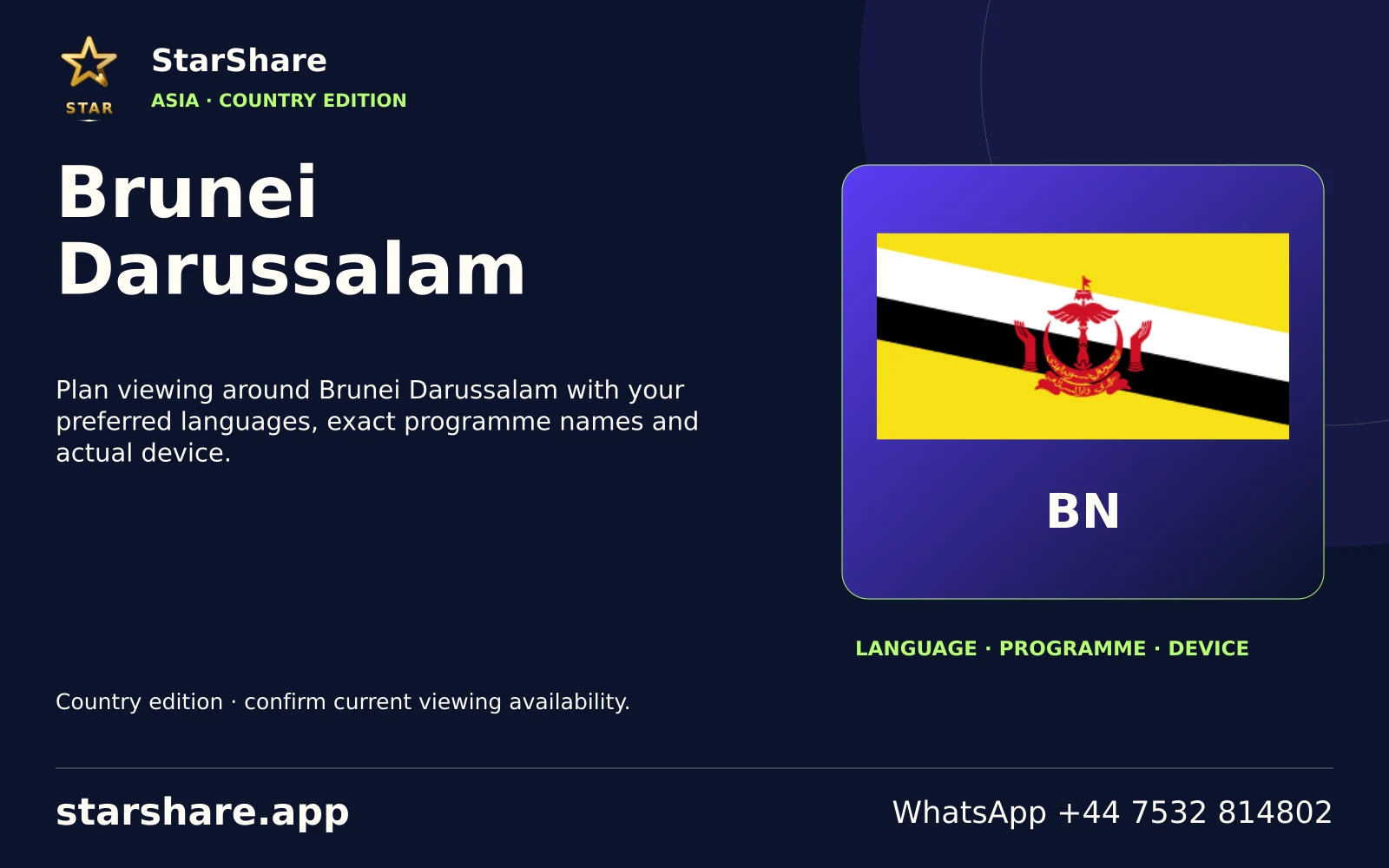
Plan viewing around Brunei Darussalam with your preferred languages, exact programme names and actual device.
Open artwork
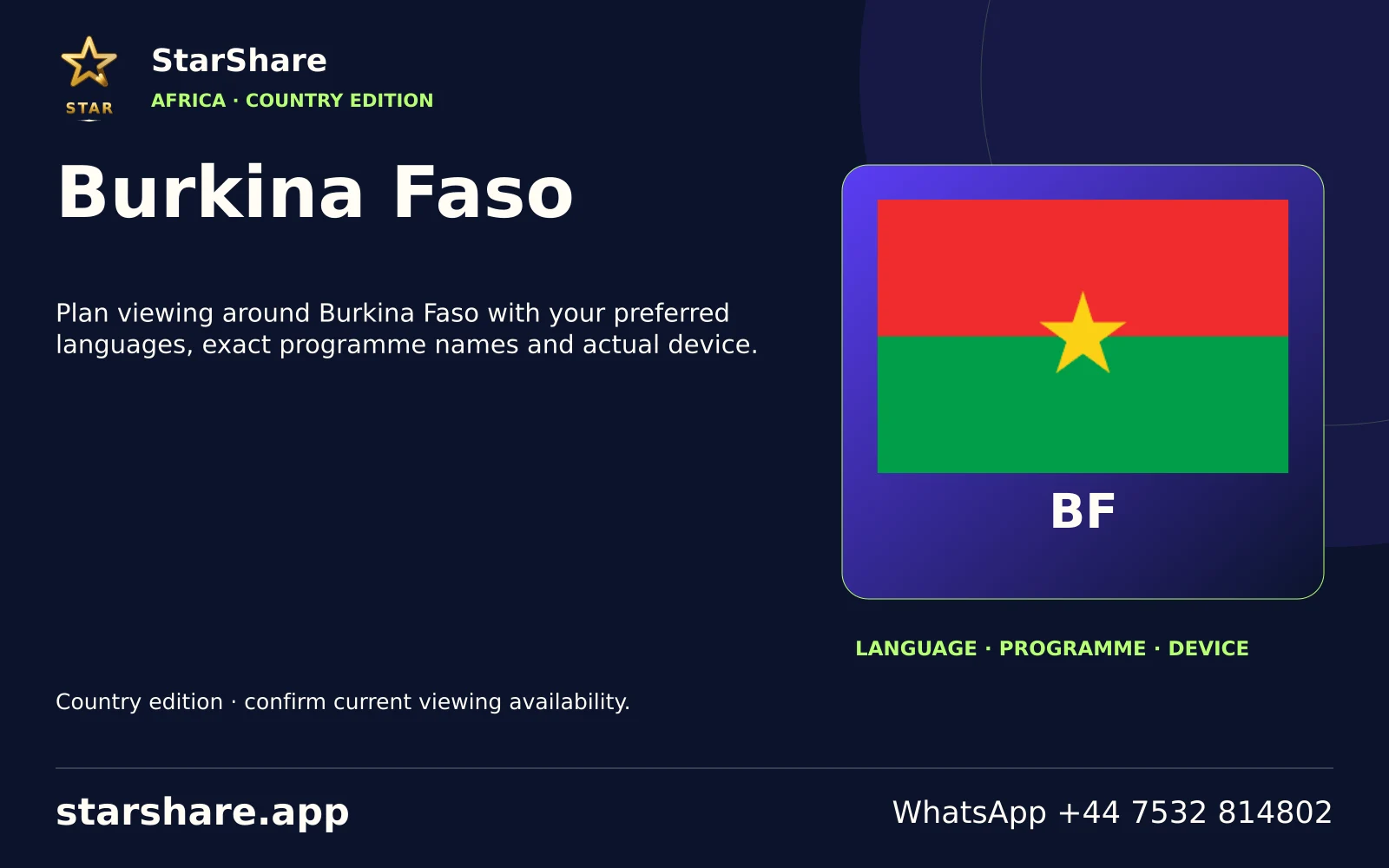
Plan viewing around Burkina Faso with your preferred languages, exact programme names and actual device.
Open artwork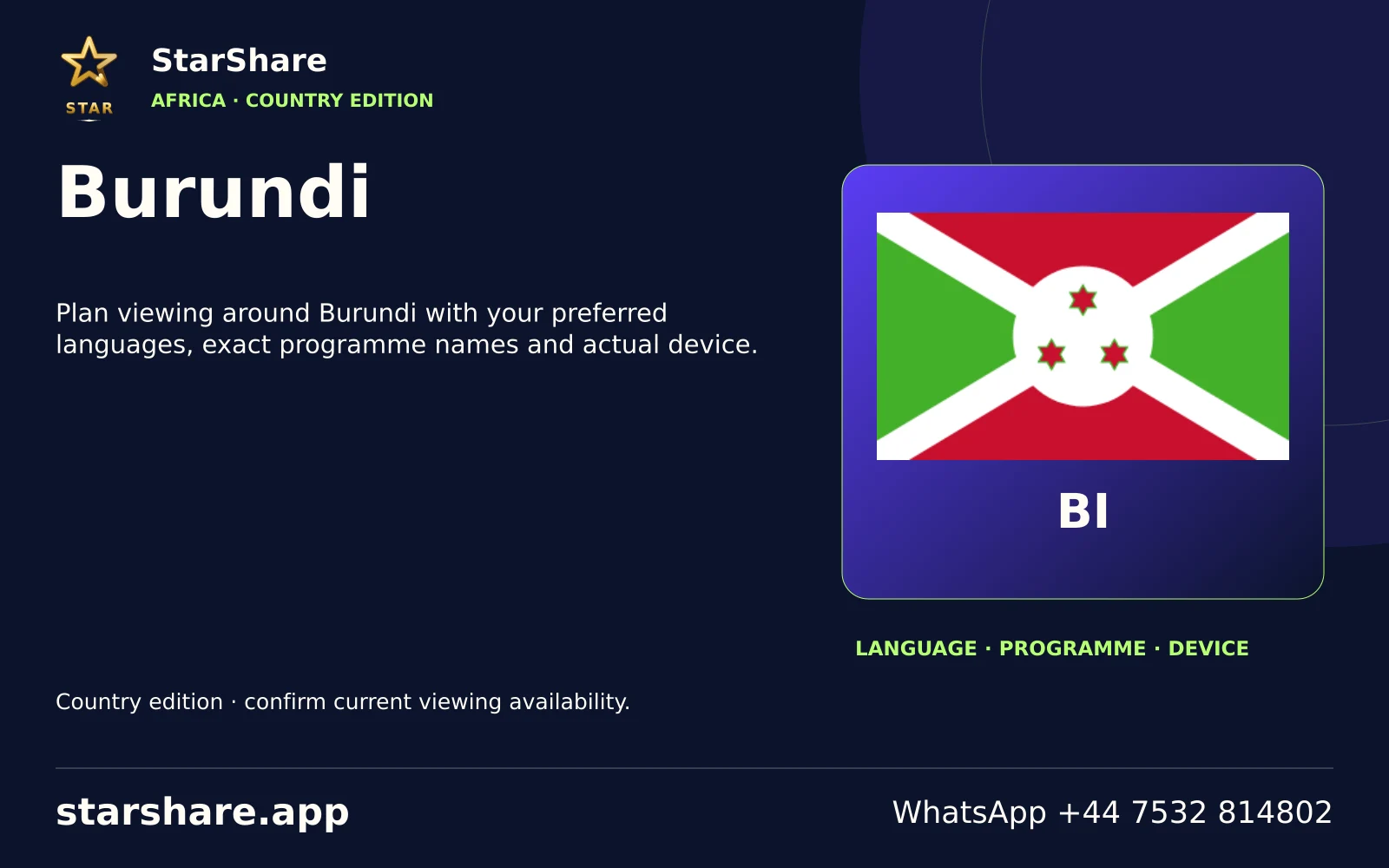
Plan viewing around Burundi with your preferred languages, exact programme names and actual device.
Open artwork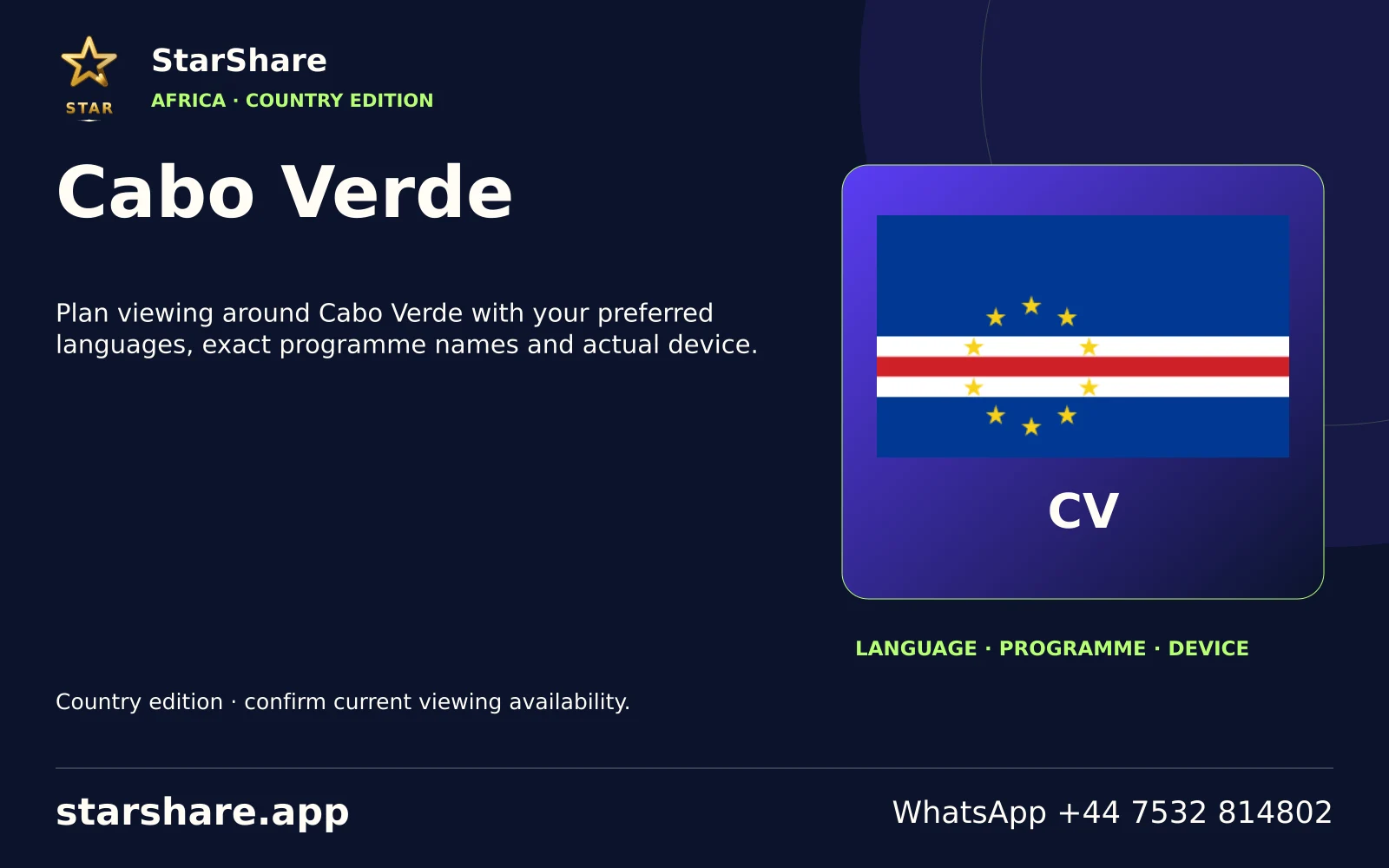
Plan viewing around Cabo Verde with your preferred languages, exact programme names and actual device.
Open artwork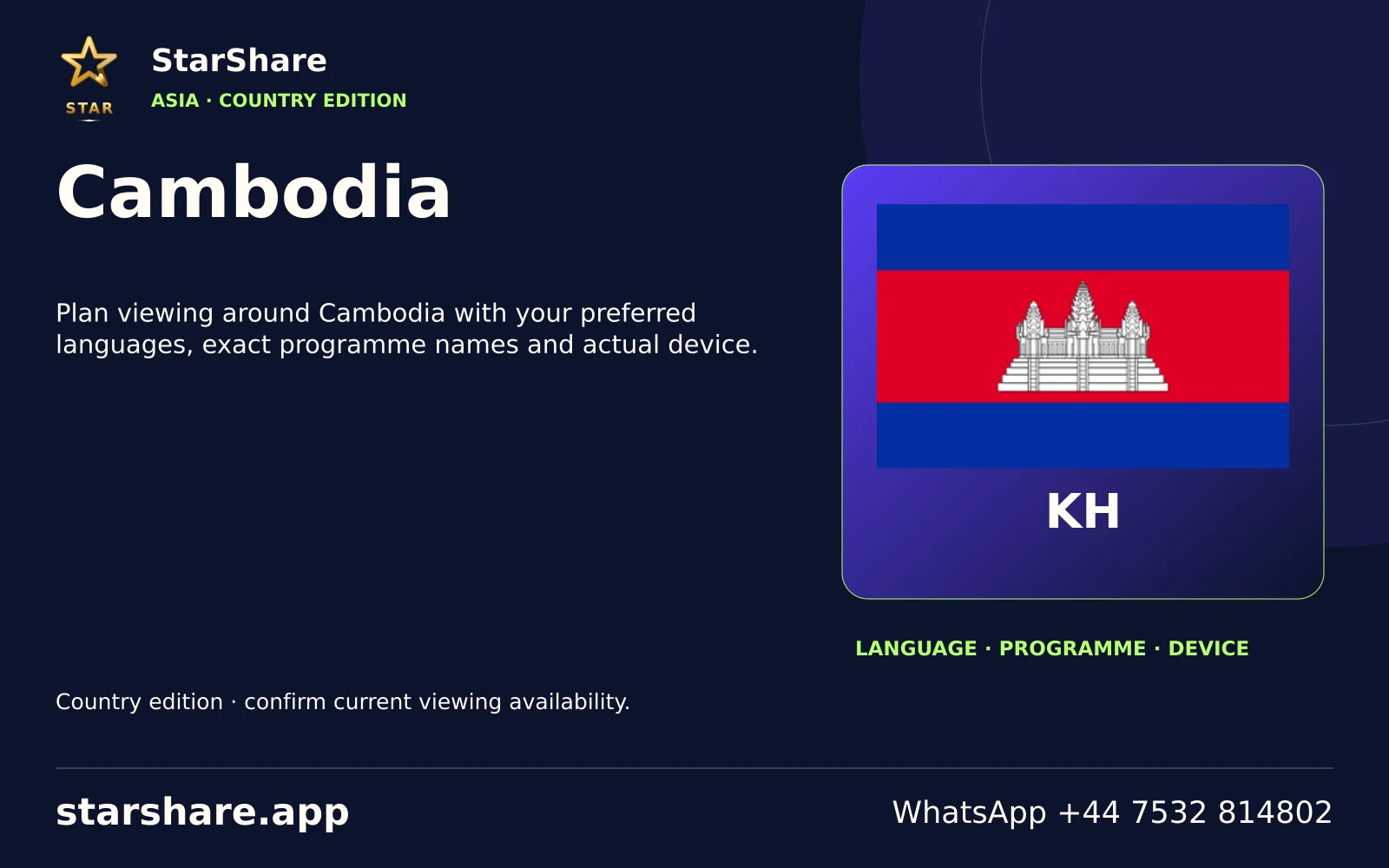
Plan viewing around Cambodia with your preferred languages, exact programme names and actual device.
Open artwork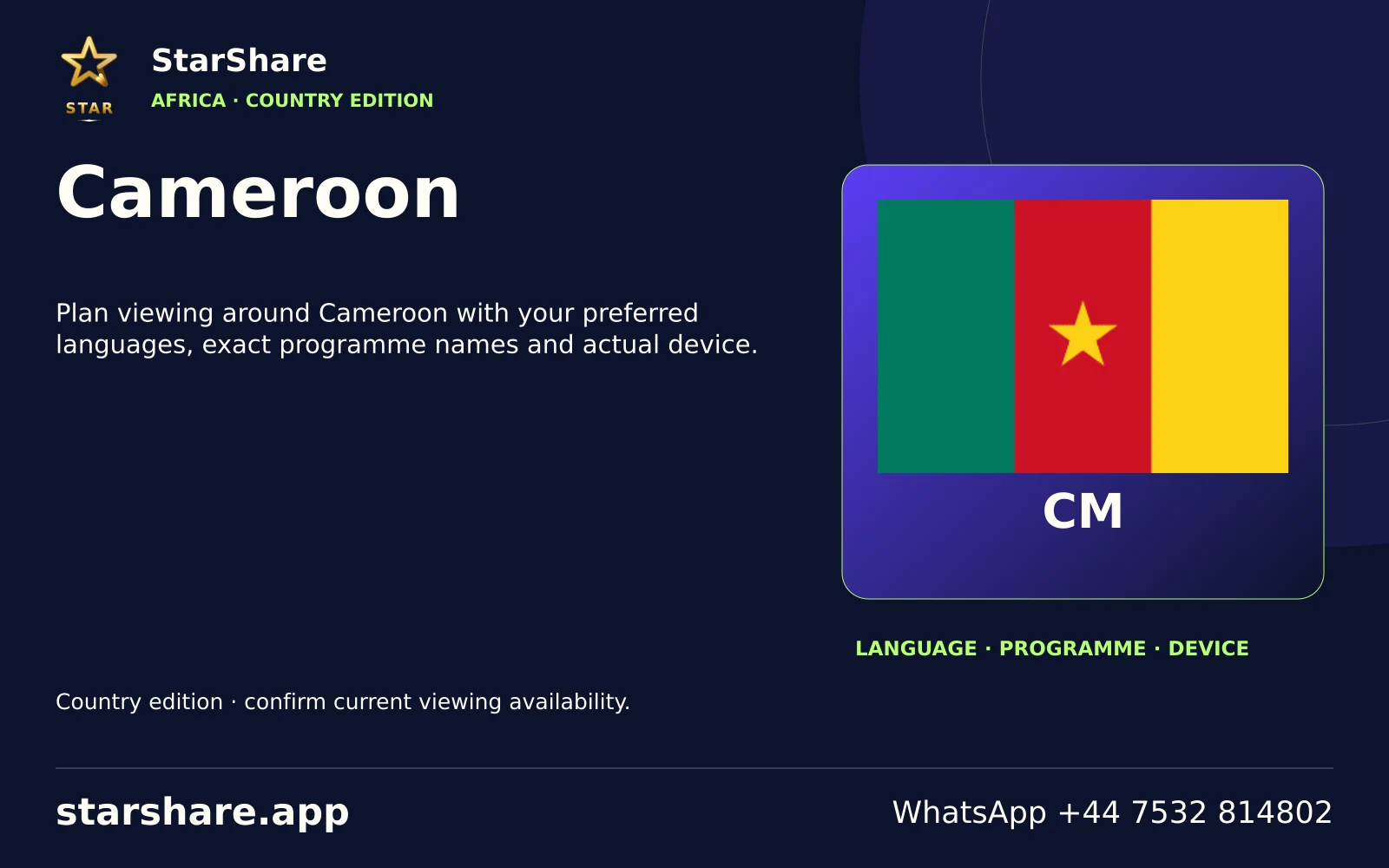
Plan viewing around Cameroon with your preferred languages, exact programme names and actual device.
Open artwork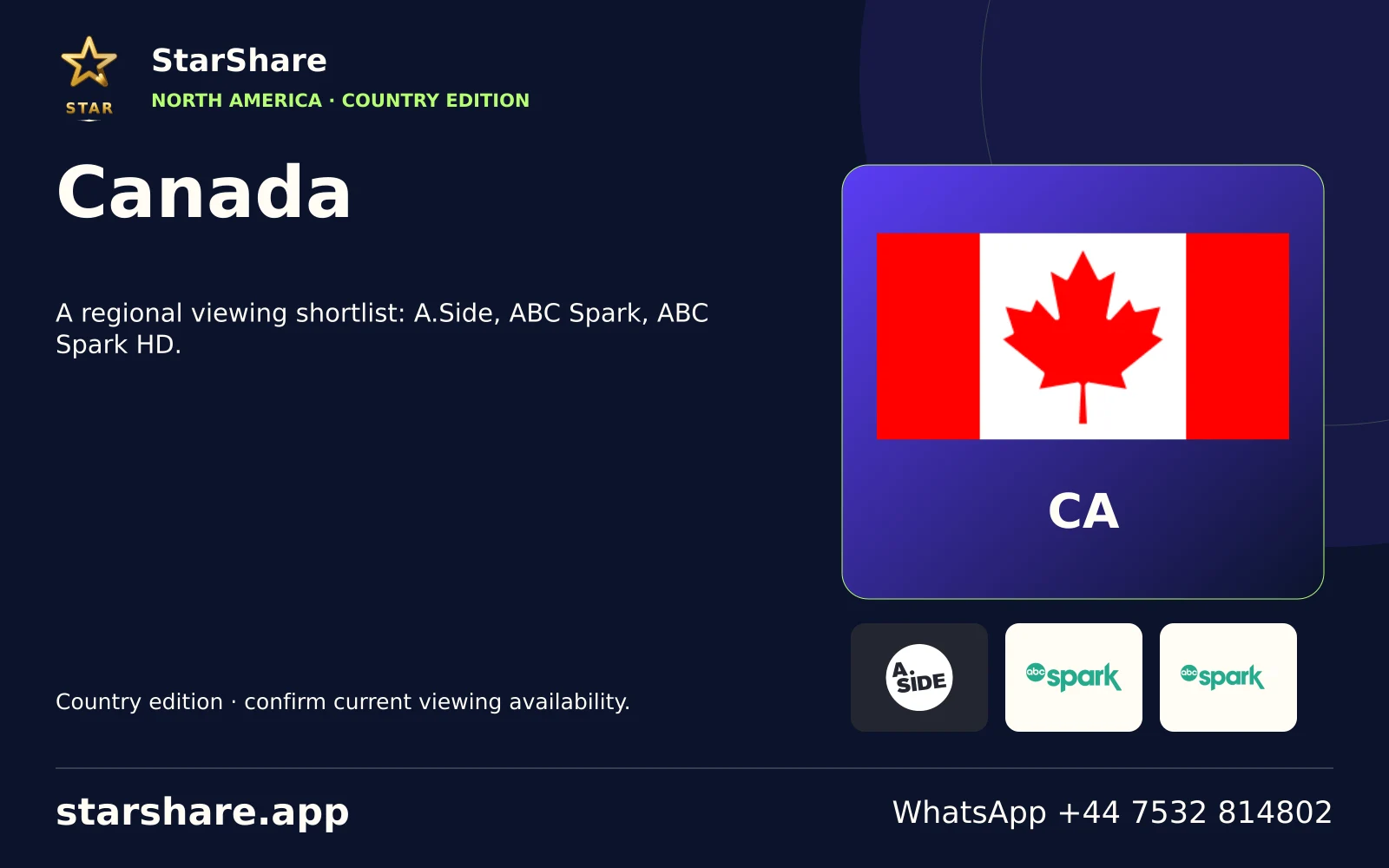
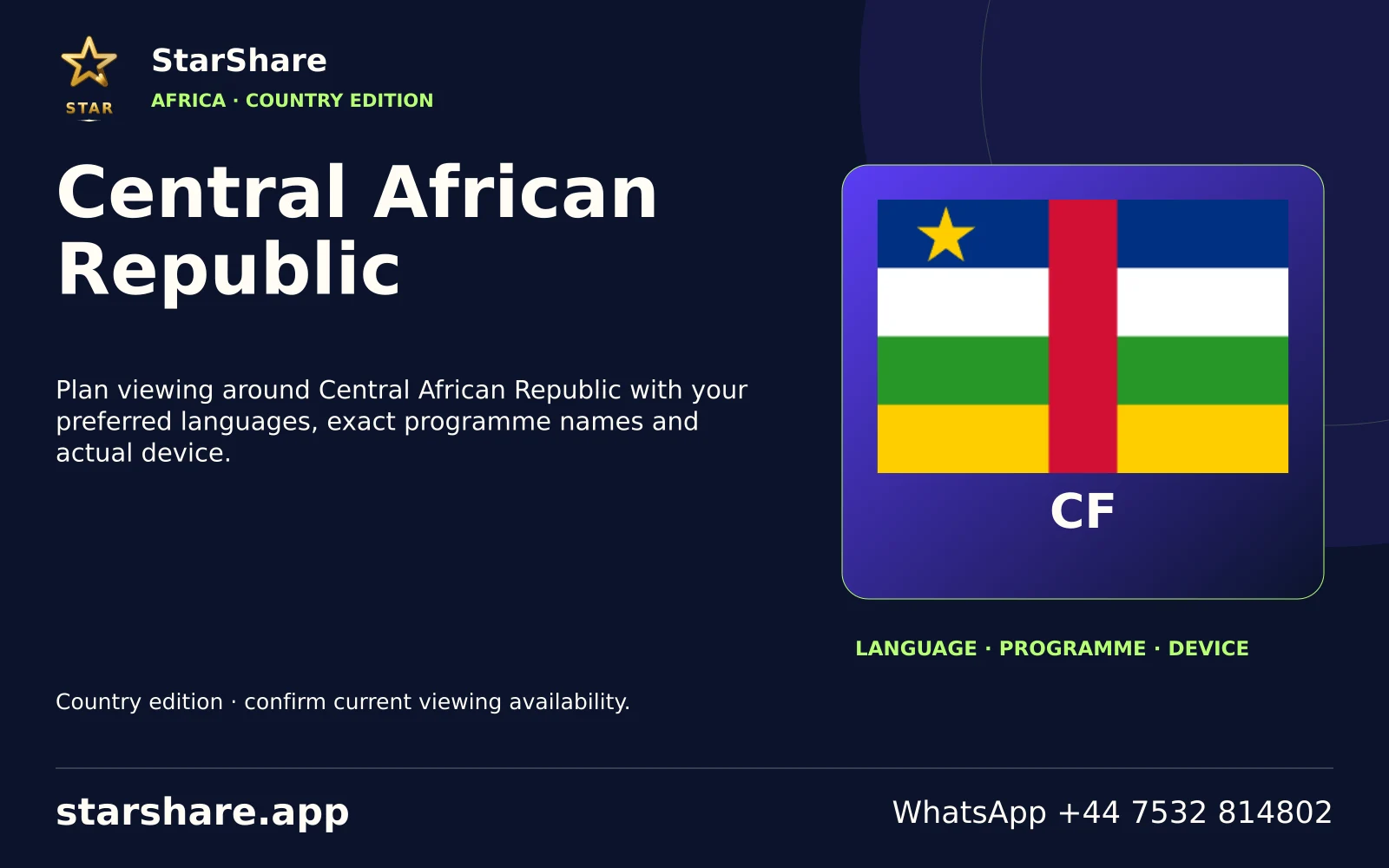
Plan viewing around Central African Republic with your preferred languages, exact programme names and actual device.
Open artwork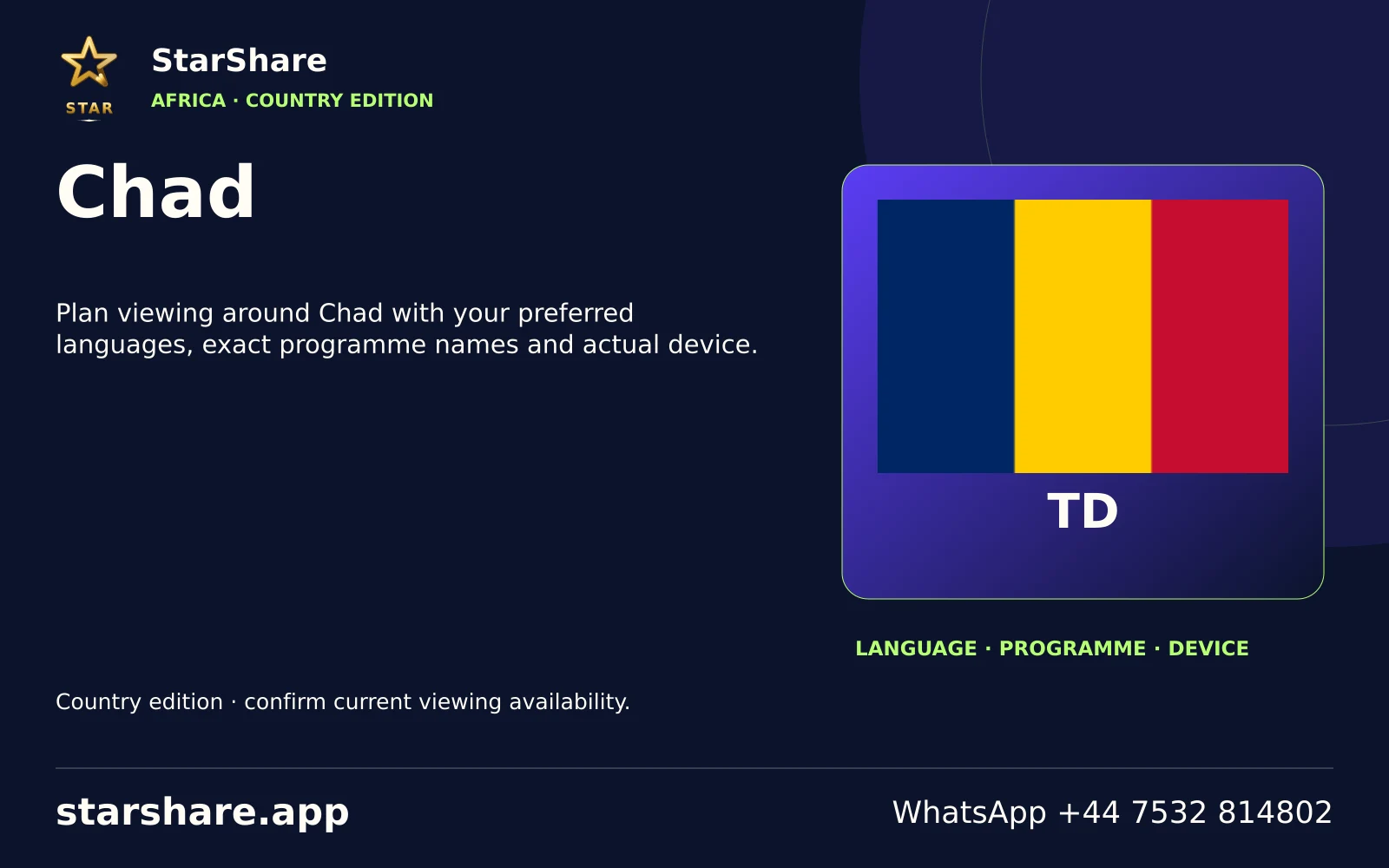
Plan viewing around Chad with your preferred languages, exact programme names and actual device.
Open artwork
Plan viewing around China with your preferred languages, exact programme names and actual device.
Open artwork
Plan viewing around Colombia with your preferred languages, exact programme names and actual device.
Open artwork
Plan viewing around Comoros with your preferred languages, exact programme names and actual device.
Open artwork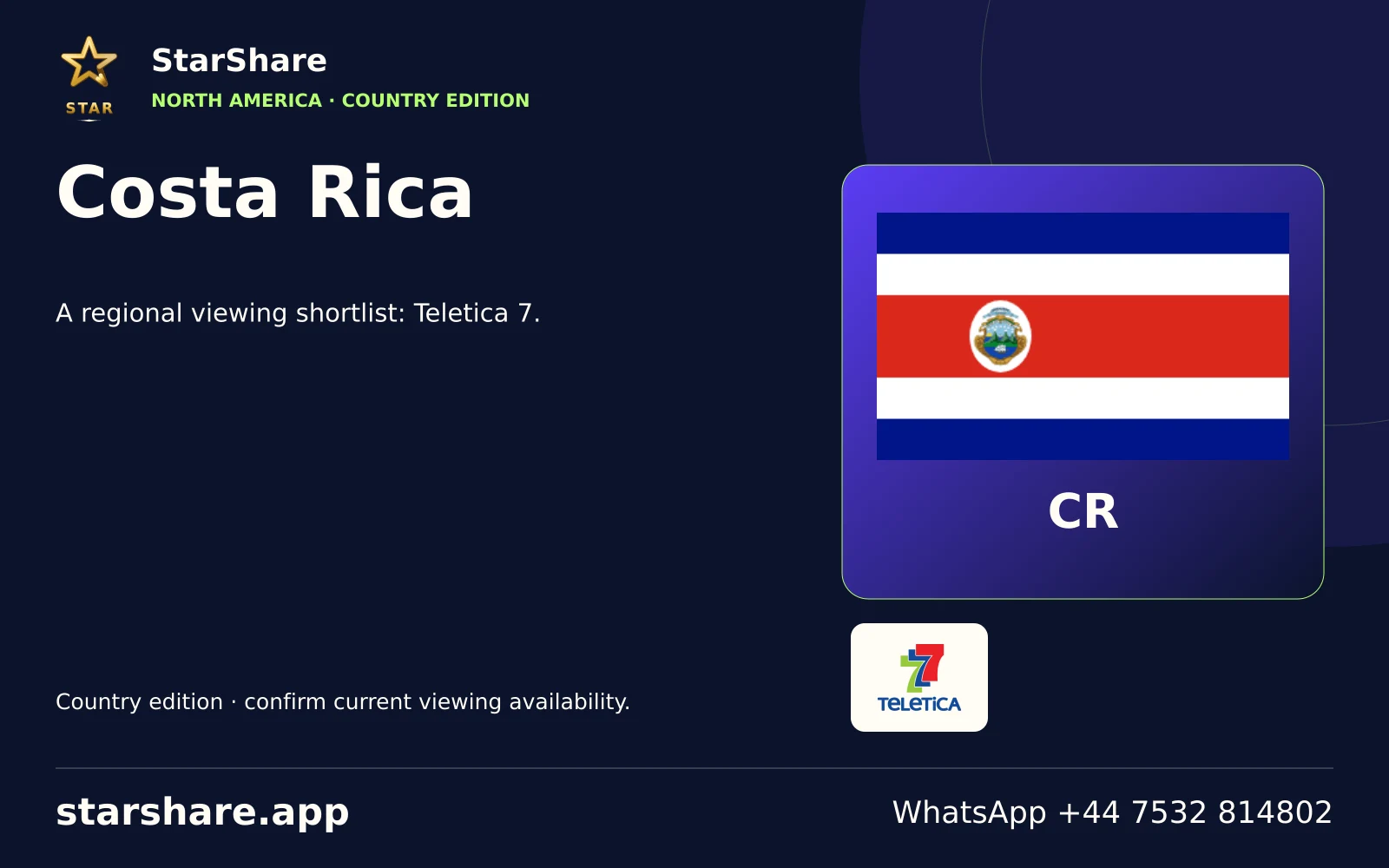
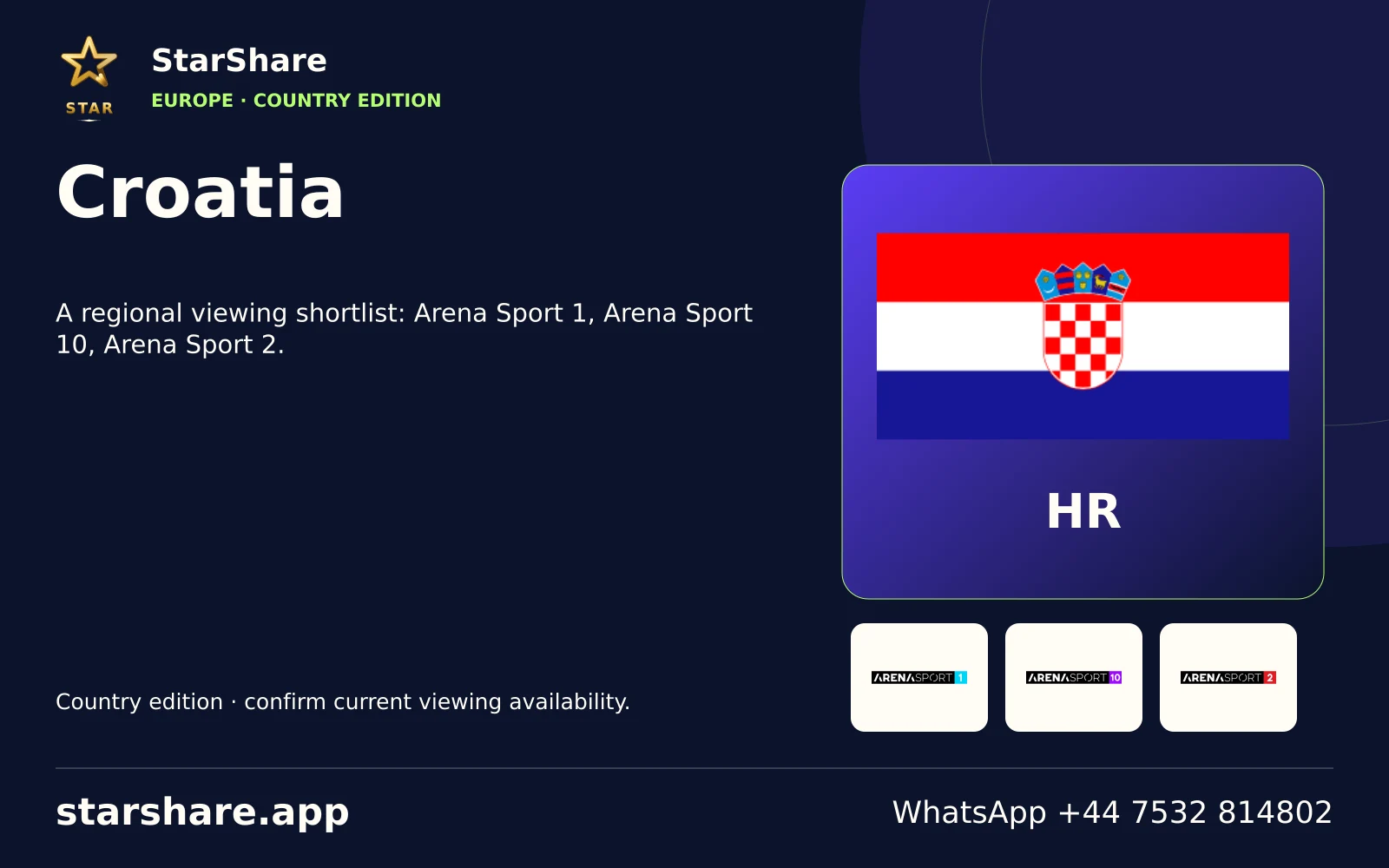
A regional viewing shortlist: Arena Sport 1, Arena Sport 10, Arena Sport 2.
Open artwork
Plan viewing around Cuba with your preferred languages, exact programme names and actual device.
Open artwork
Plan viewing around Cyprus with your preferred languages, exact programme names and actual device.
Open artwork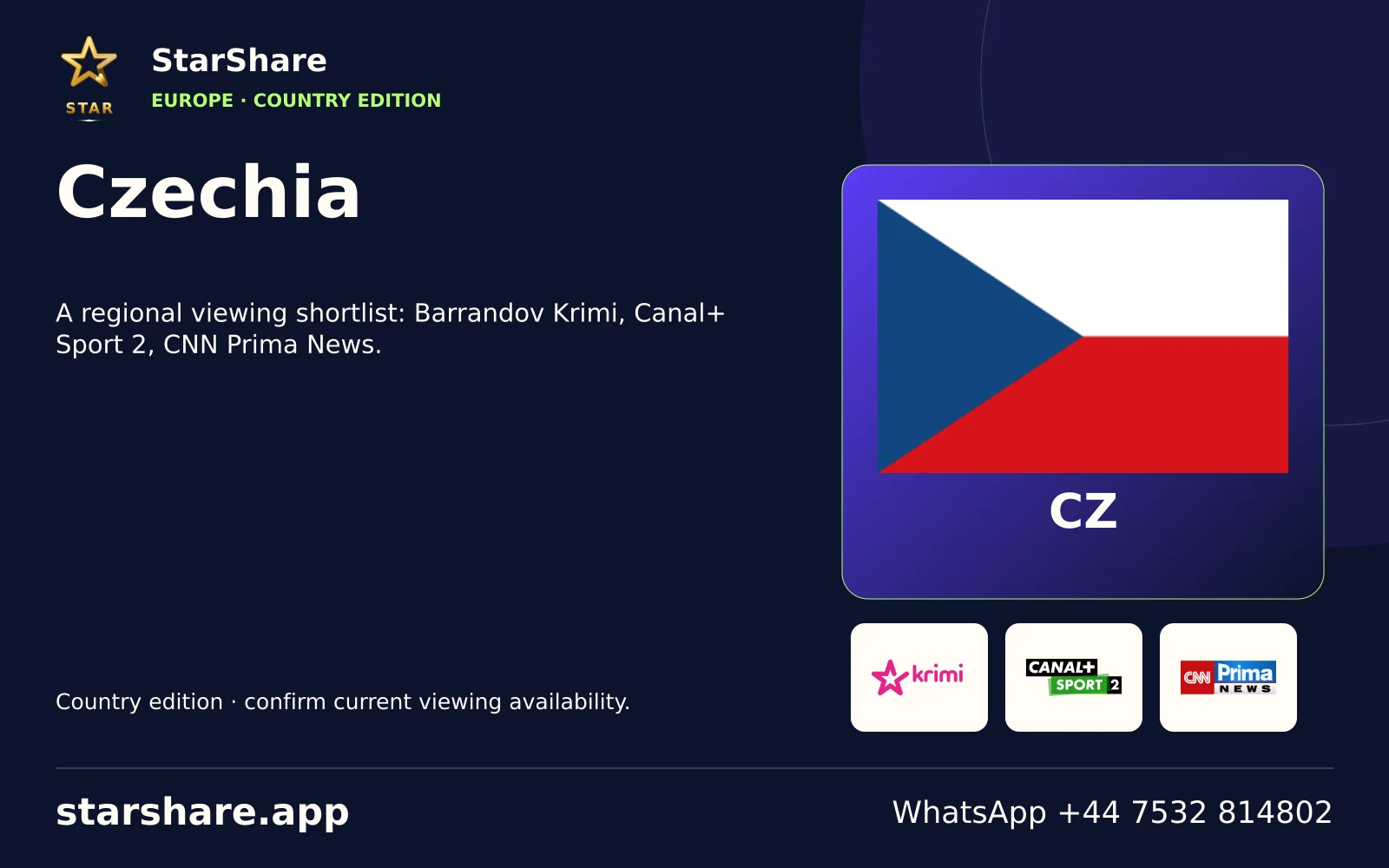
A regional viewing shortlist: Barrandov Krimi, Canal+ Sport 2, CNN Prima News.
Open artwork
Plan viewing around Côte d’Ivoire with your preferred languages, exact programme names and actual device.
Open artwork
Plan viewing around DR Congo with your preferred languages, exact programme names and actual device.
Open artwork
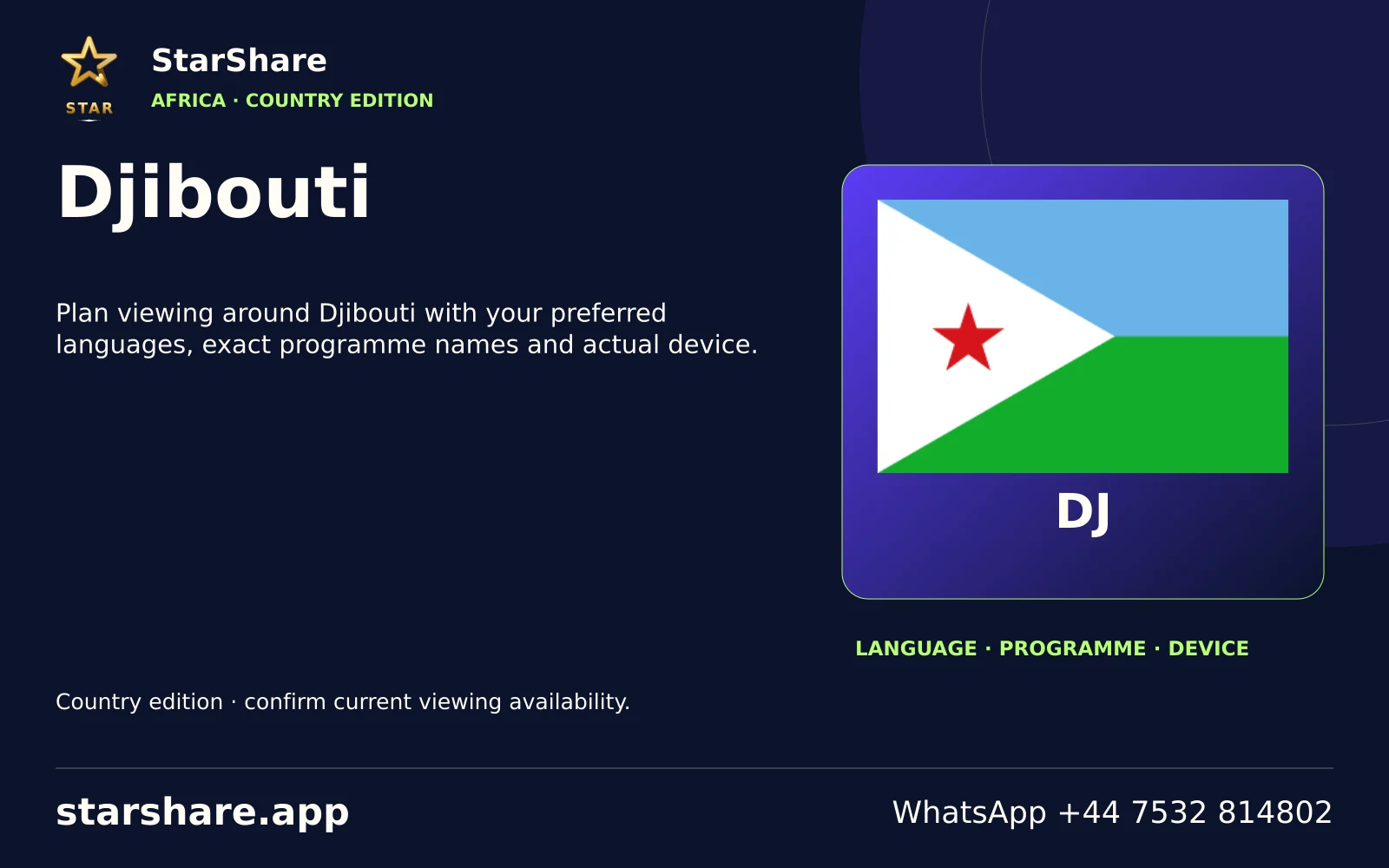
Plan viewing around Djibouti with your preferred languages, exact programme names and actual device.
Open artwork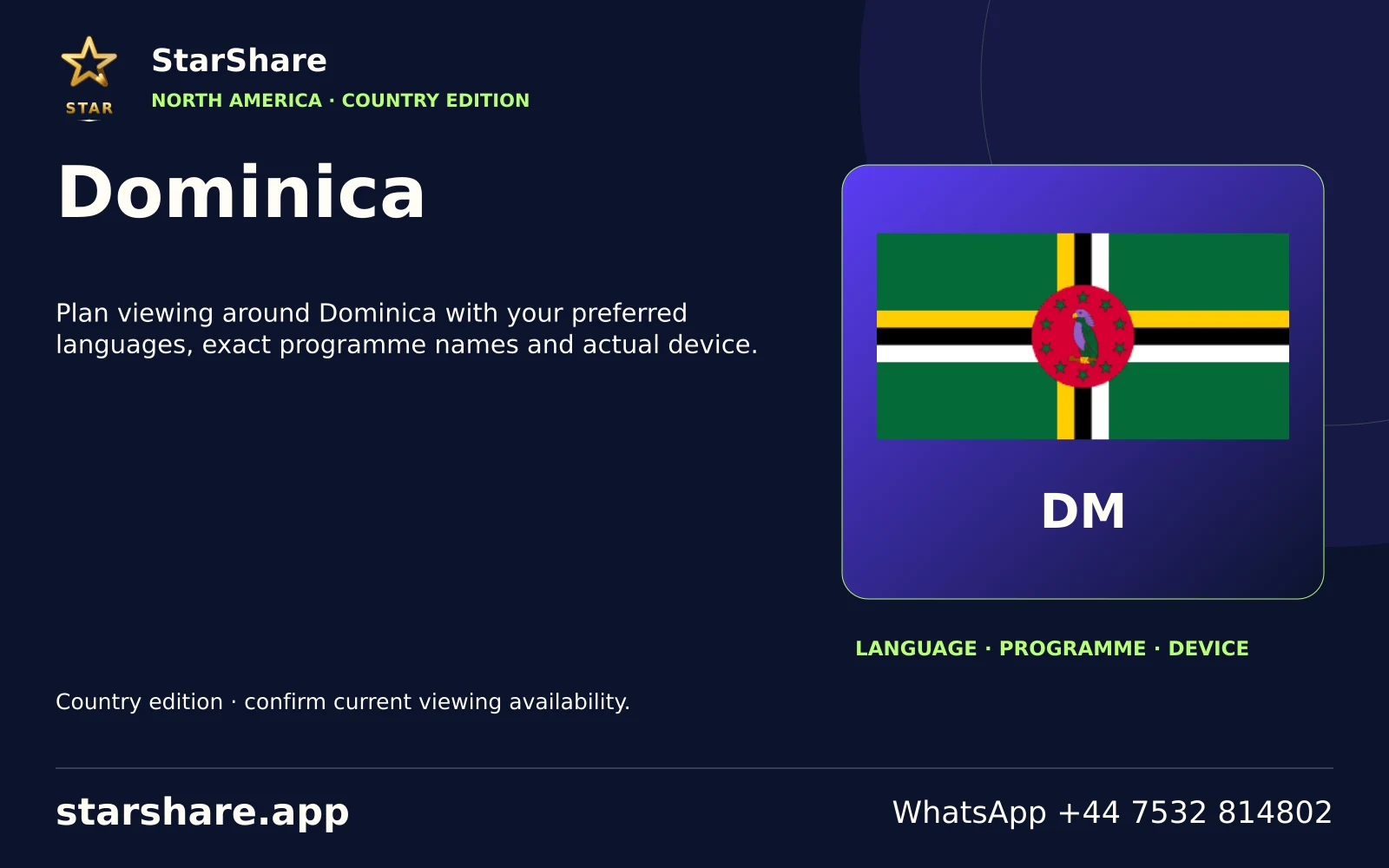
Plan viewing around Dominica with your preferred languages, exact programme names and actual device.
Open artwork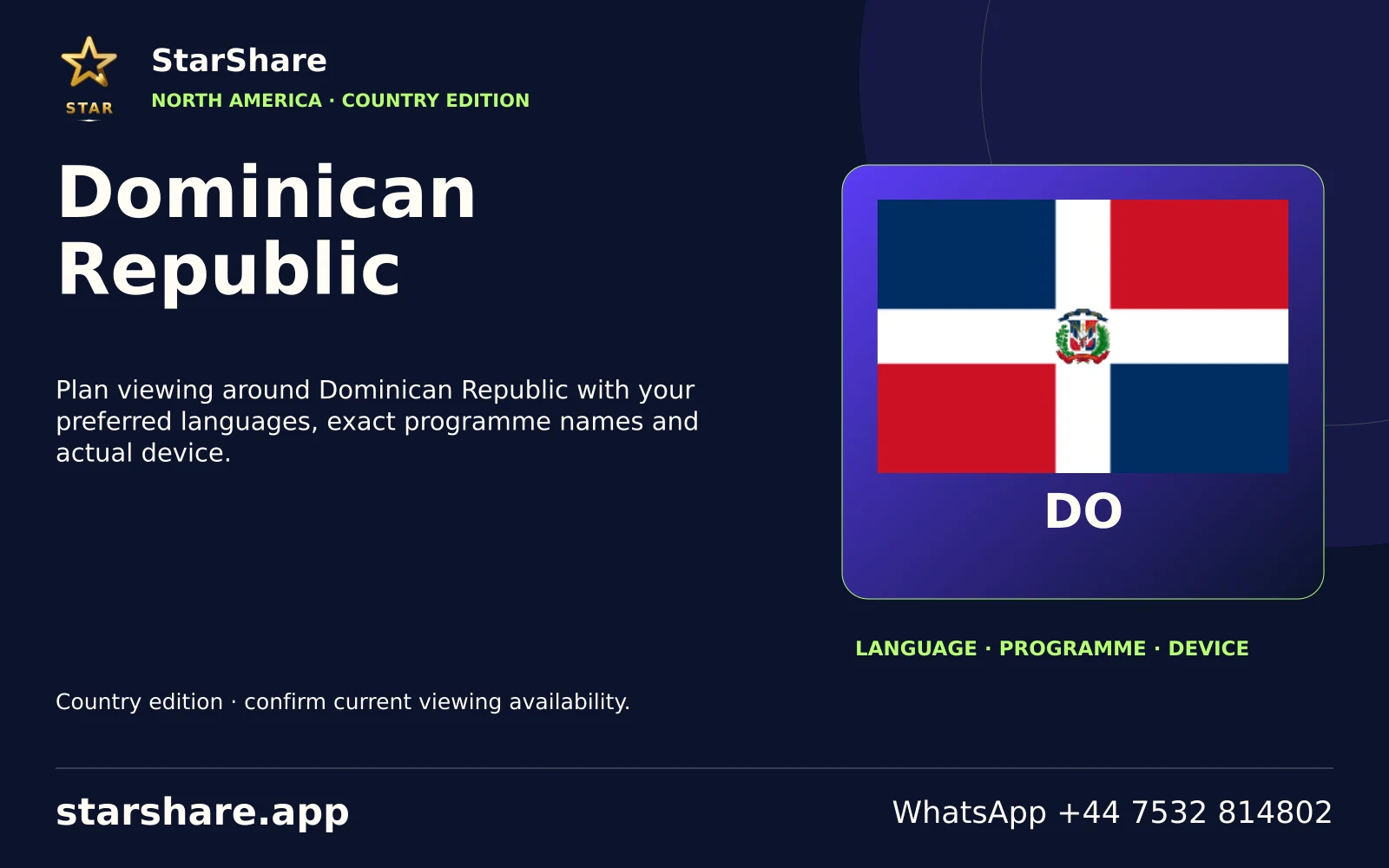
Plan viewing around Dominican Republic with your preferred languages, exact programme names and actual device.
Open artwork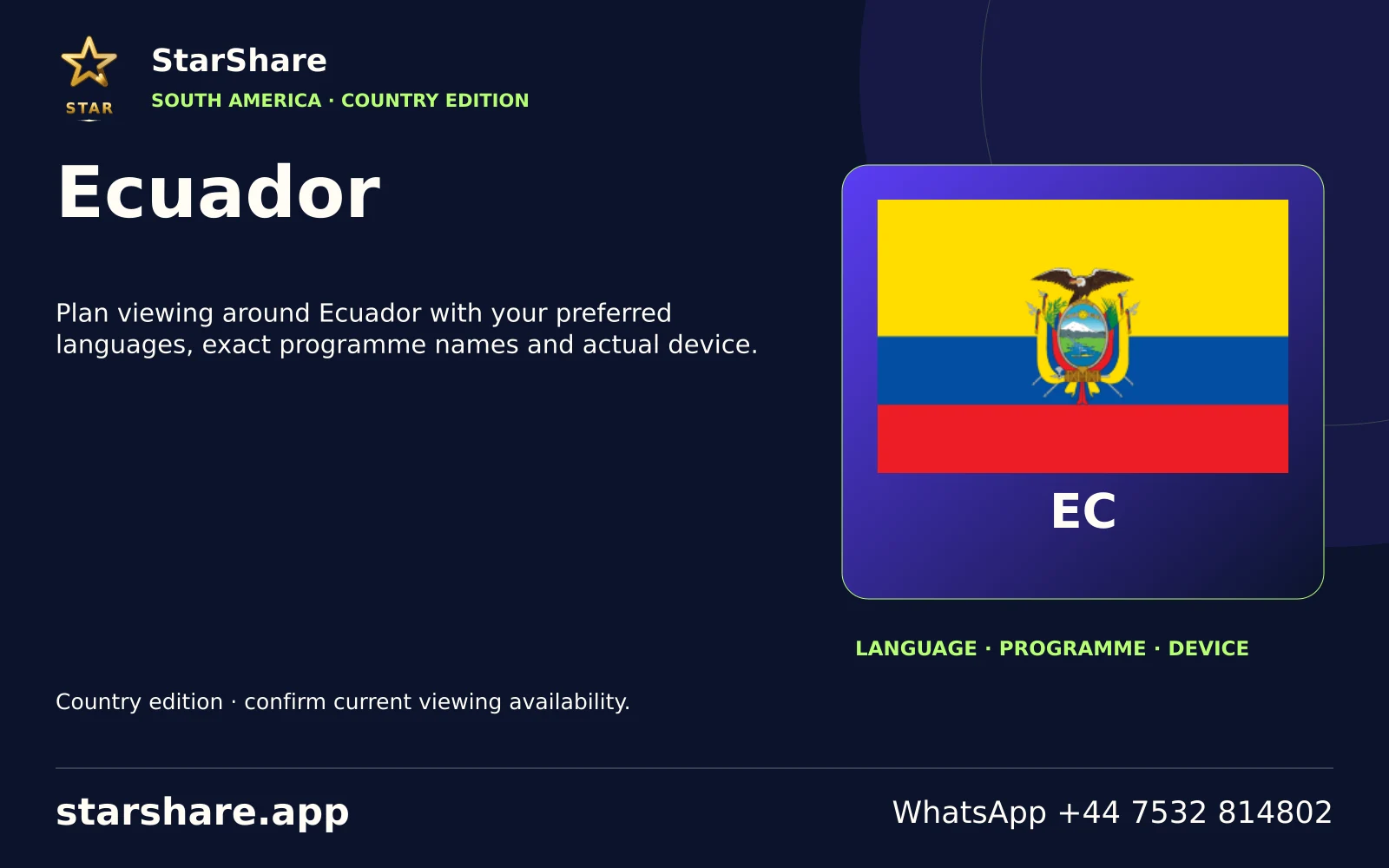
Plan viewing around Ecuador with your preferred languages, exact programme names and actual device.
Open artwork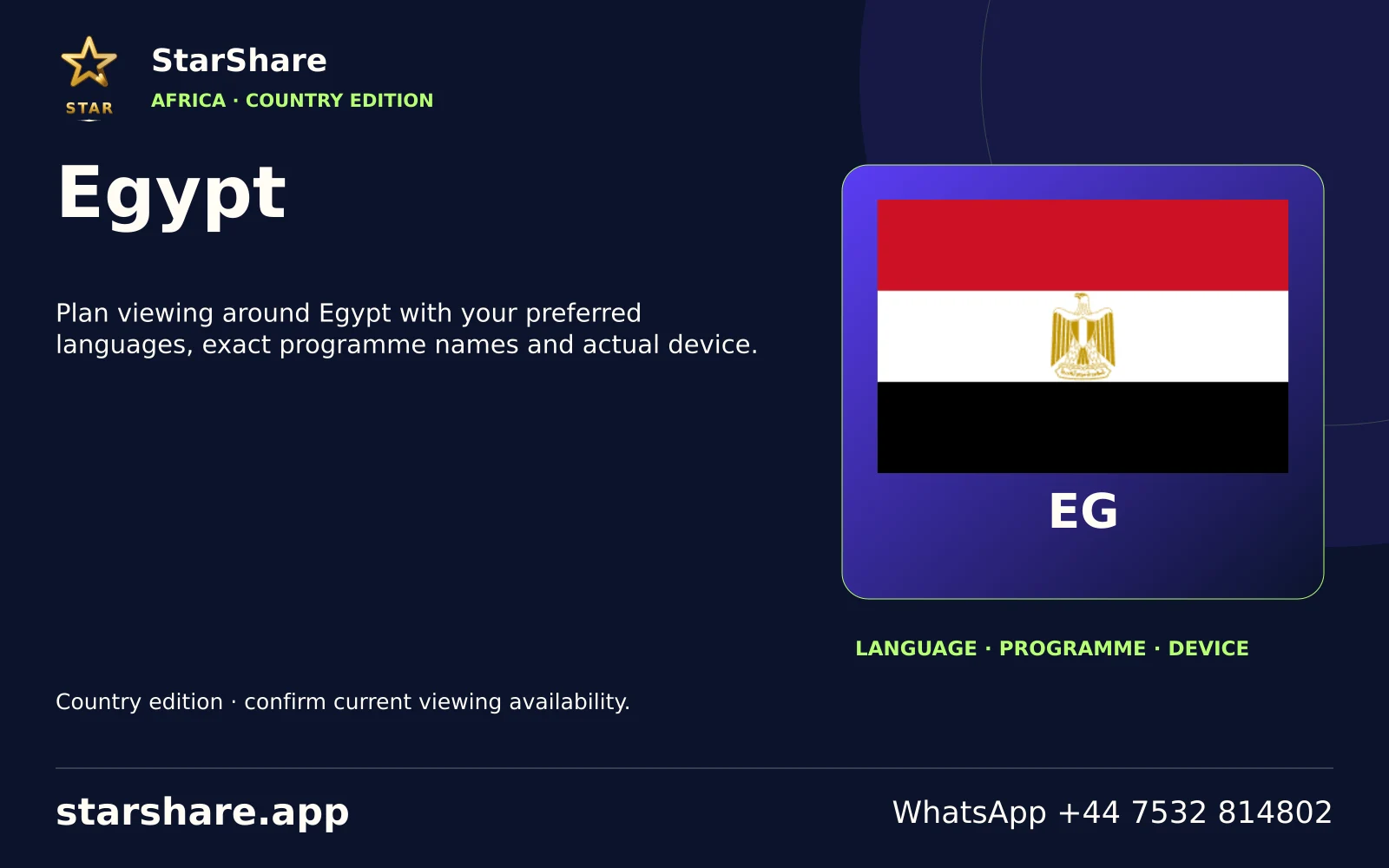
Plan viewing around Egypt with your preferred languages, exact programme names and actual device.
Open artwork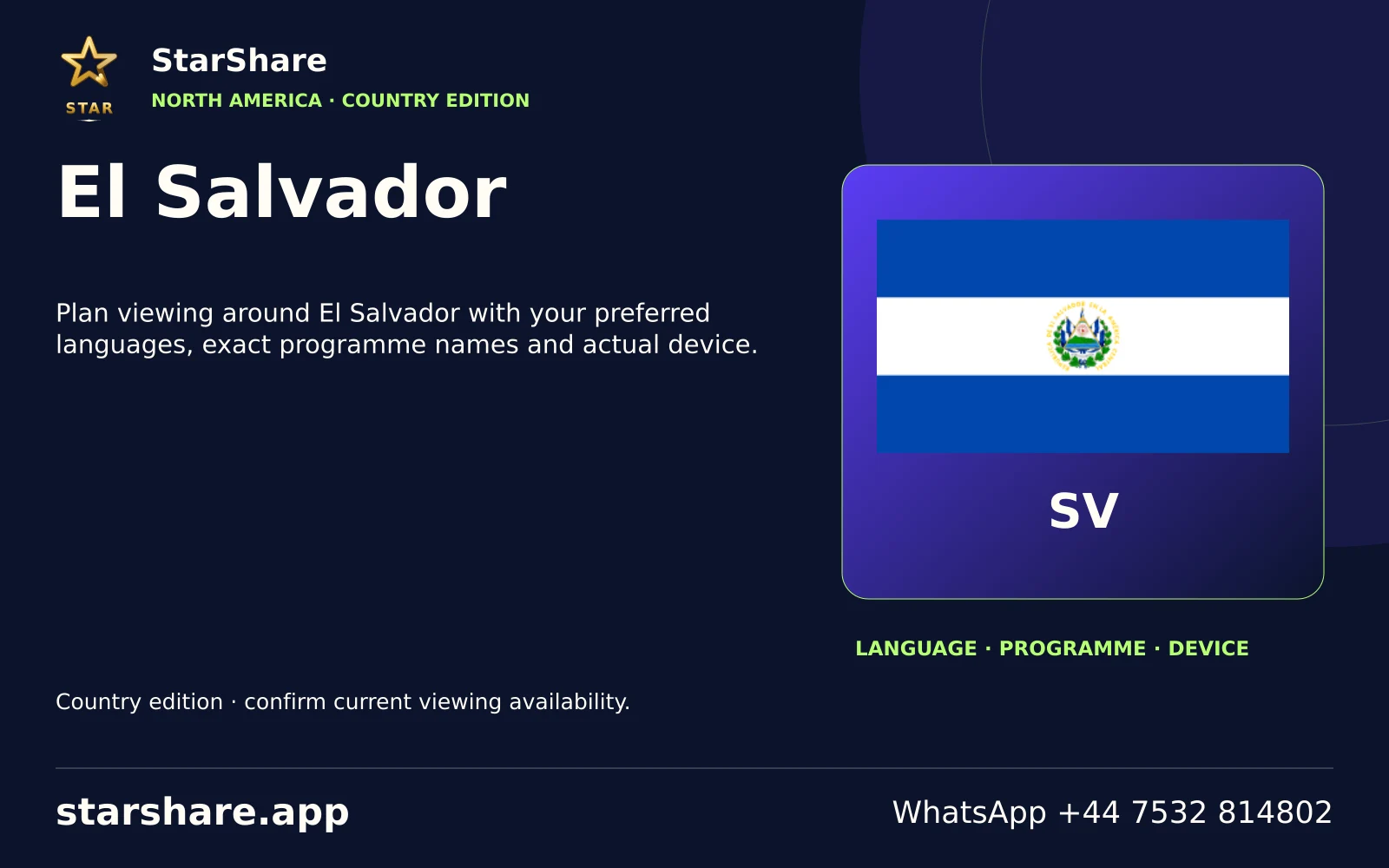
Plan viewing around El Salvador with your preferred languages, exact programme names and actual device.
Open artwork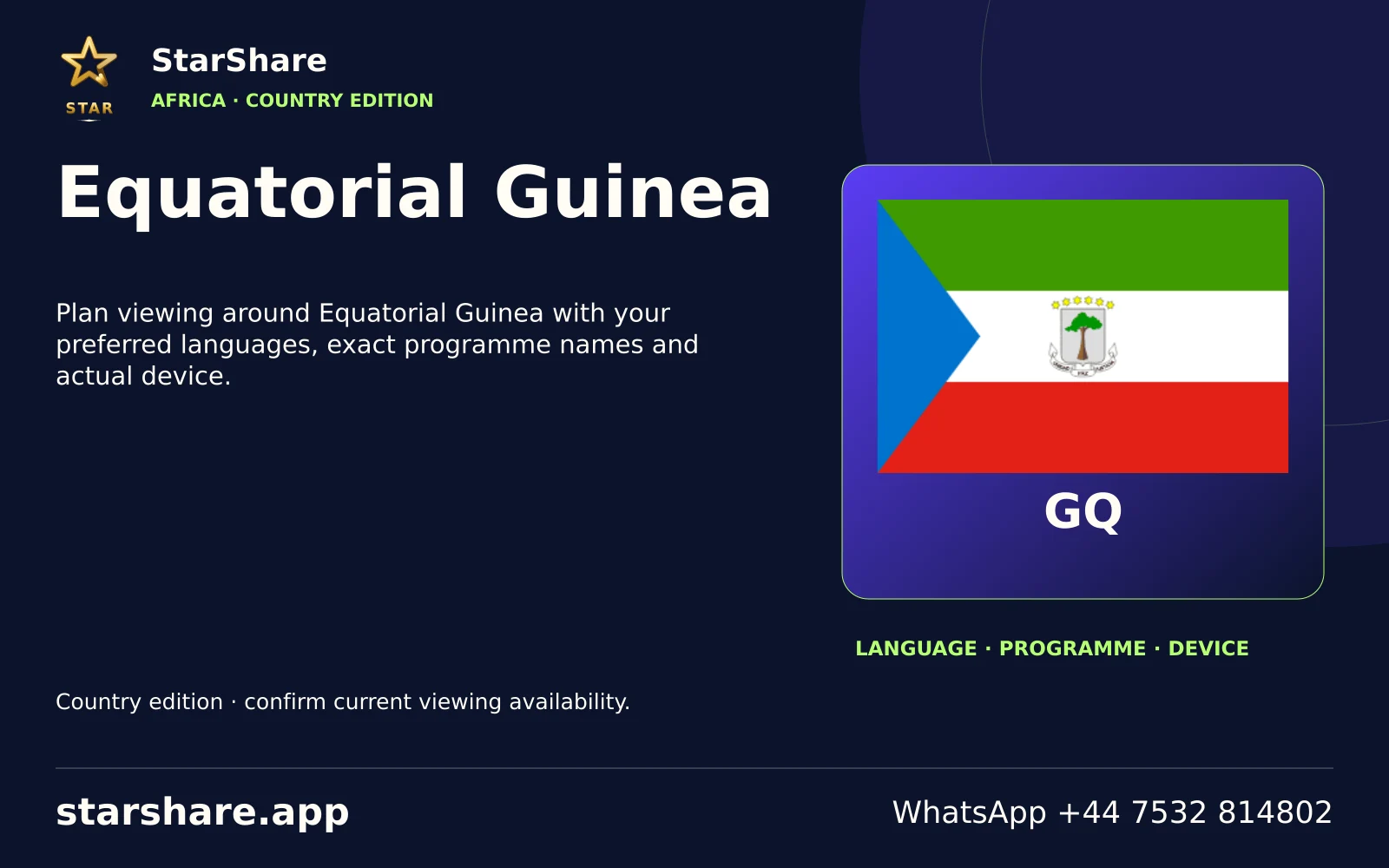
Plan viewing around Equatorial Guinea with your preferred languages, exact programme names and actual device.
Open artwork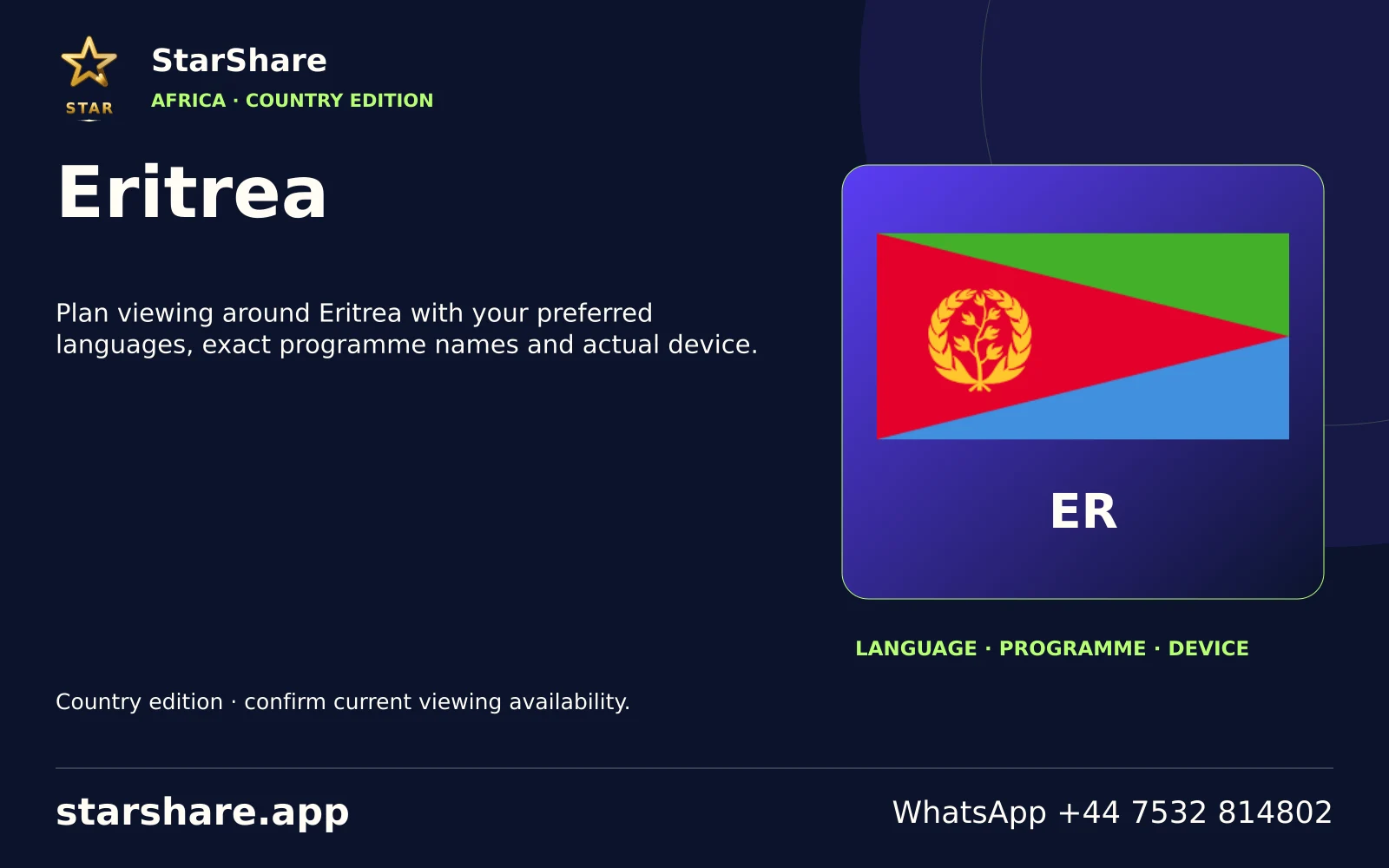
Plan viewing around Eritrea with your preferred languages, exact programme names and actual device.
Open artwork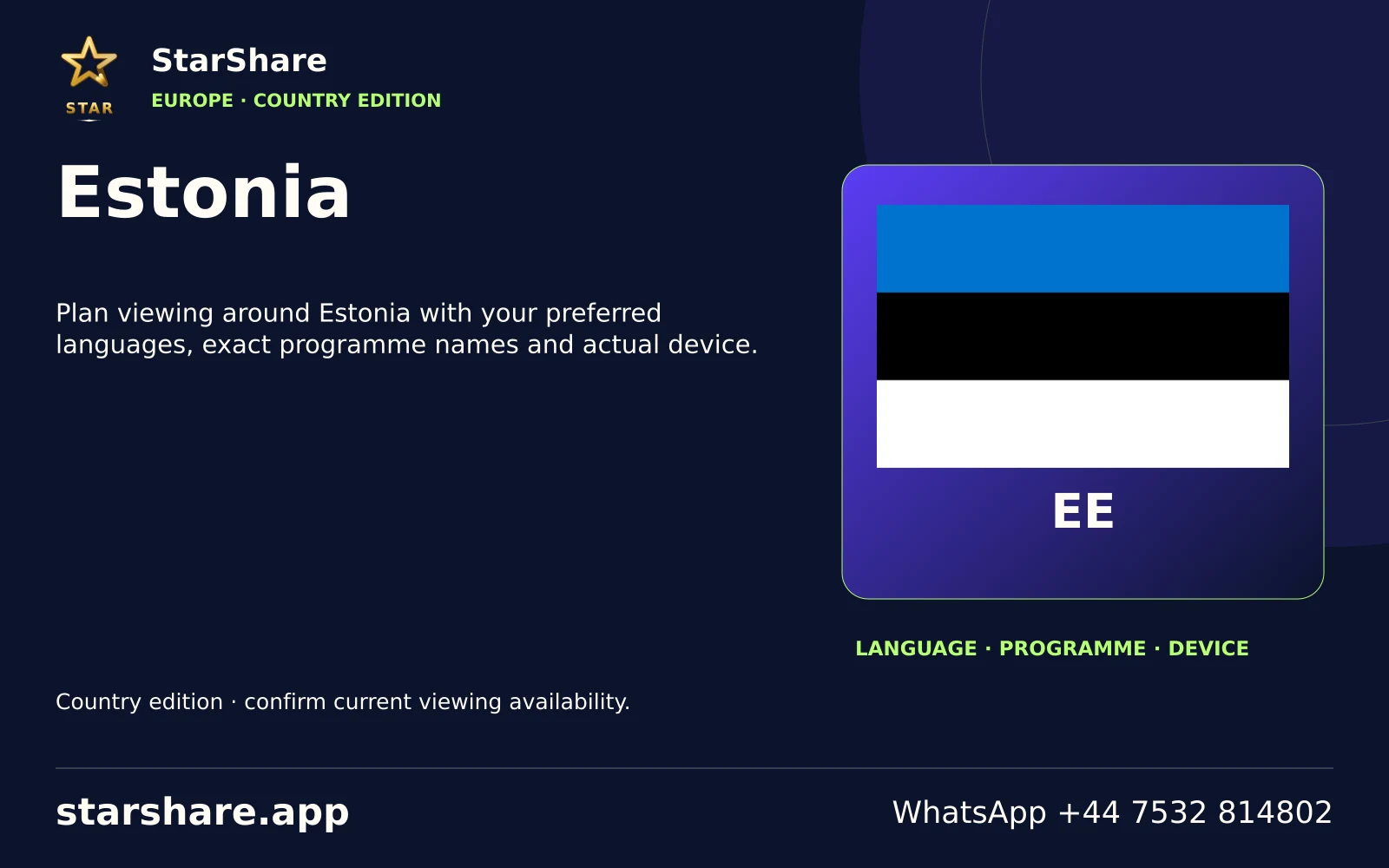
Plan viewing around Estonia with your preferred languages, exact programme names and actual device.
Open artwork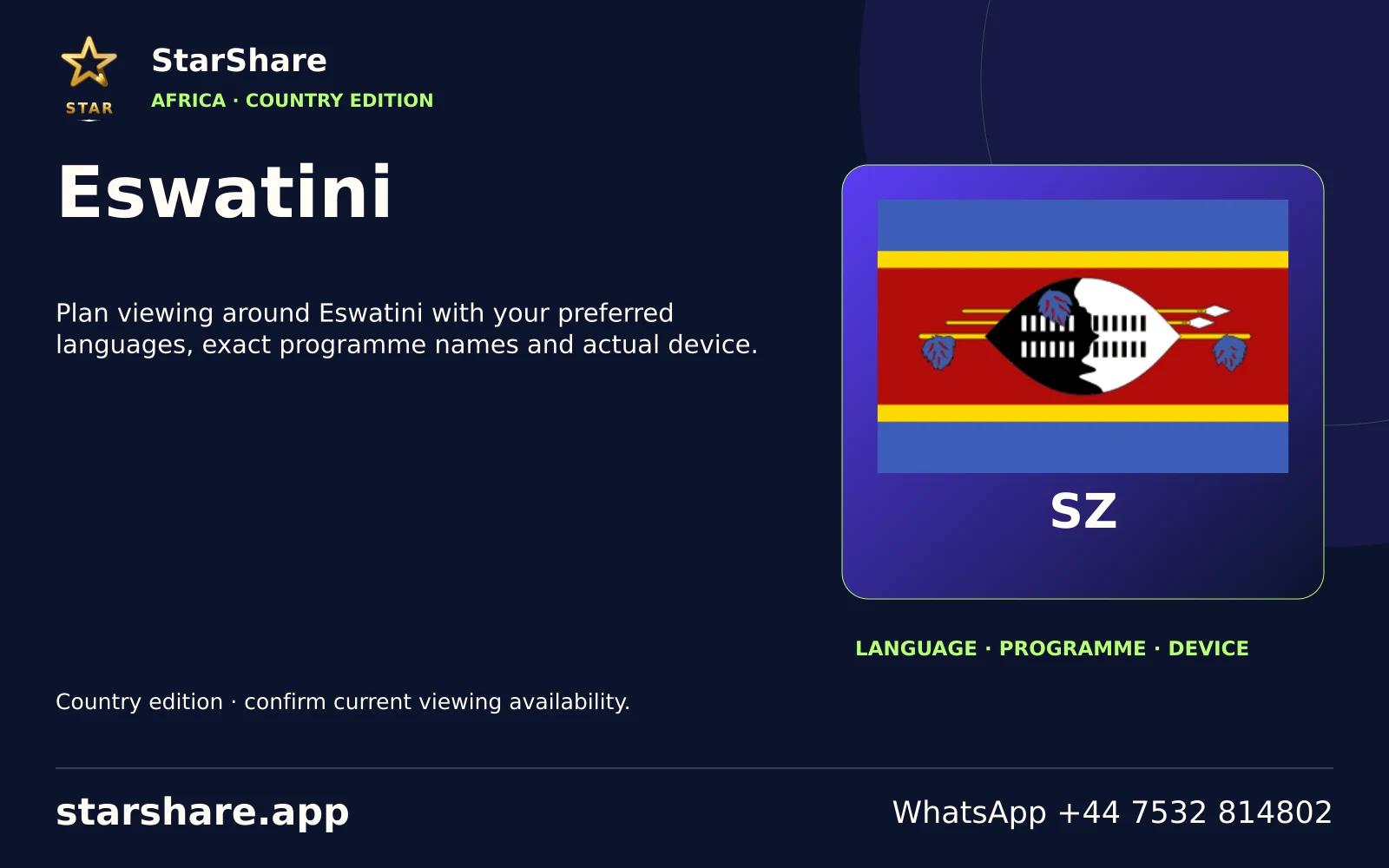
Plan viewing around Eswatini with your preferred languages, exact programme names and actual device.
Open artwork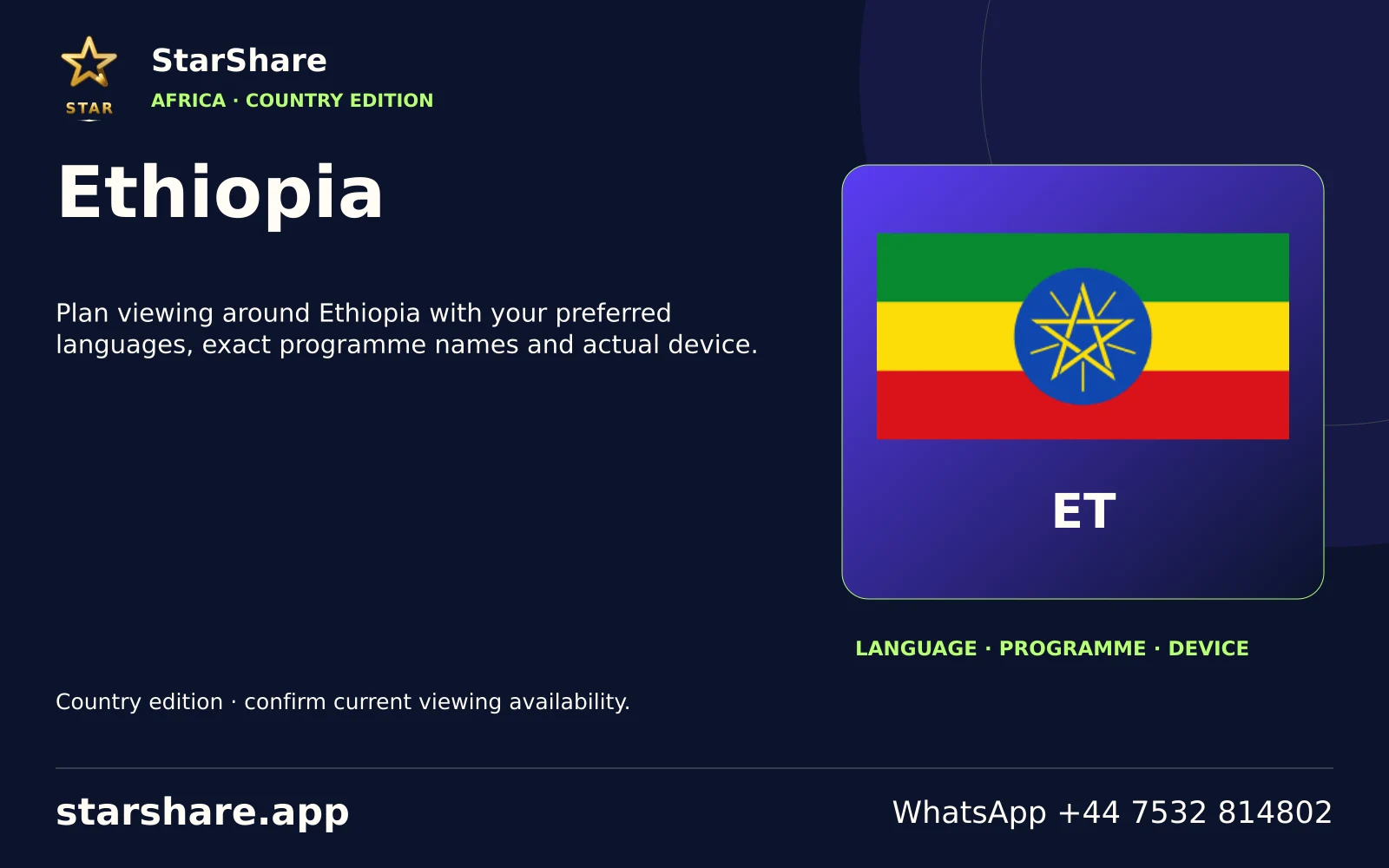
Plan viewing around Ethiopia with your preferred languages, exact programme names and actual device.
Open artwork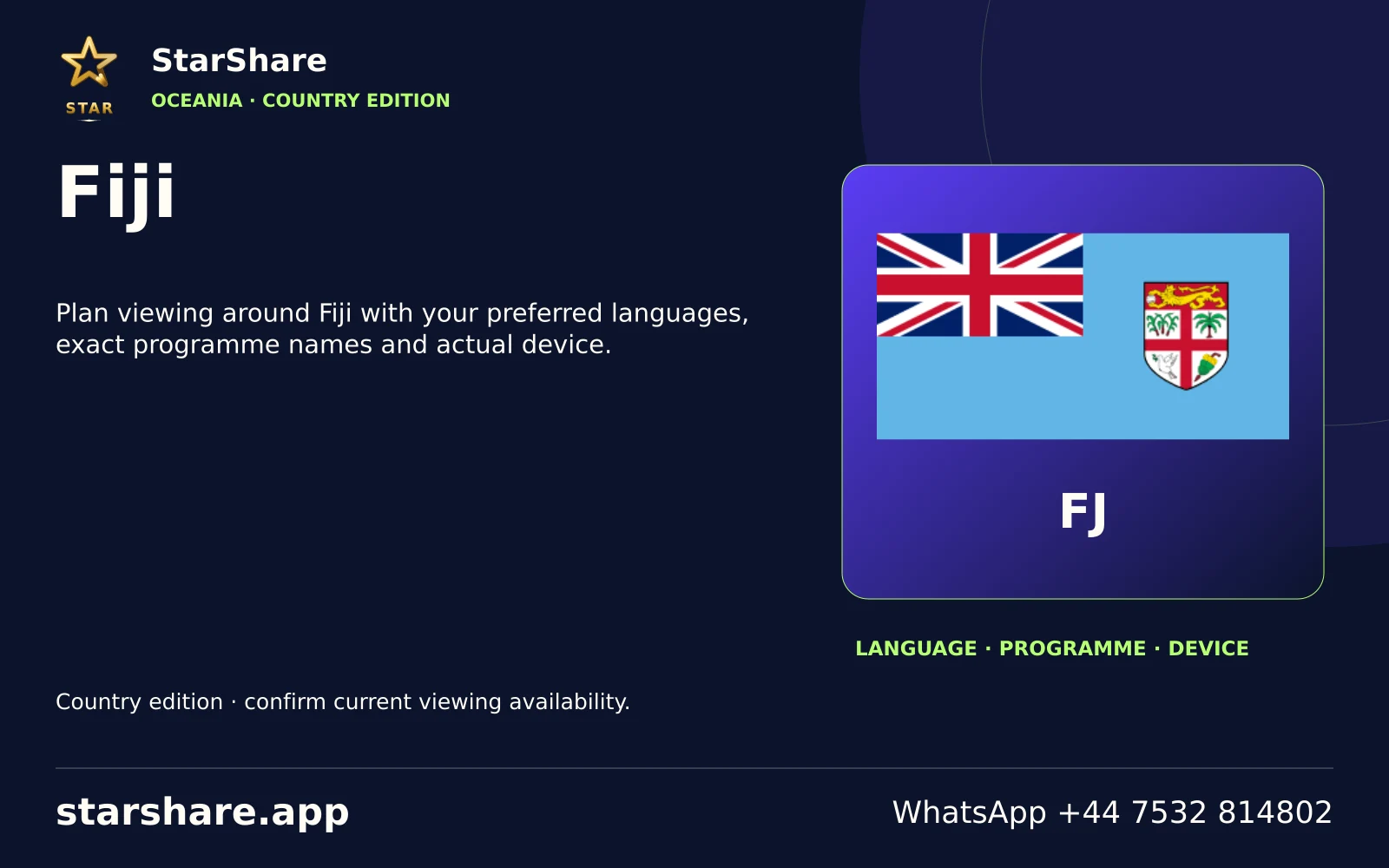
Plan viewing around Fiji with your preferred languages, exact programme names and actual device.
Open artwork
Plan viewing around Gabon with your preferred languages, exact programme names and actual device.
Open artwork
Plan viewing around Gambia with your preferred languages, exact programme names and actual device.
Open artwork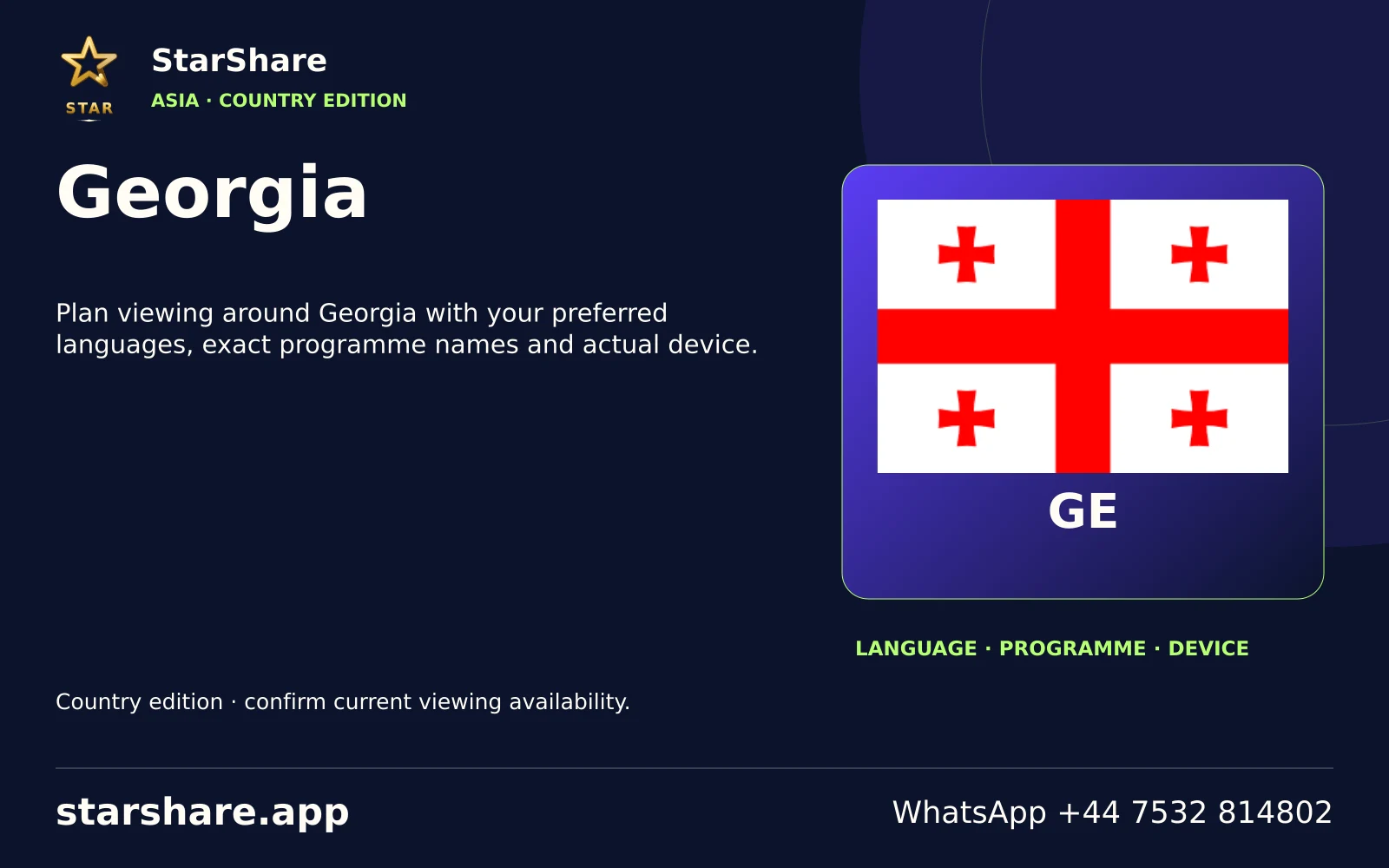
Plan viewing around Georgia with your preferred languages, exact programme names and actual device.
Open artwork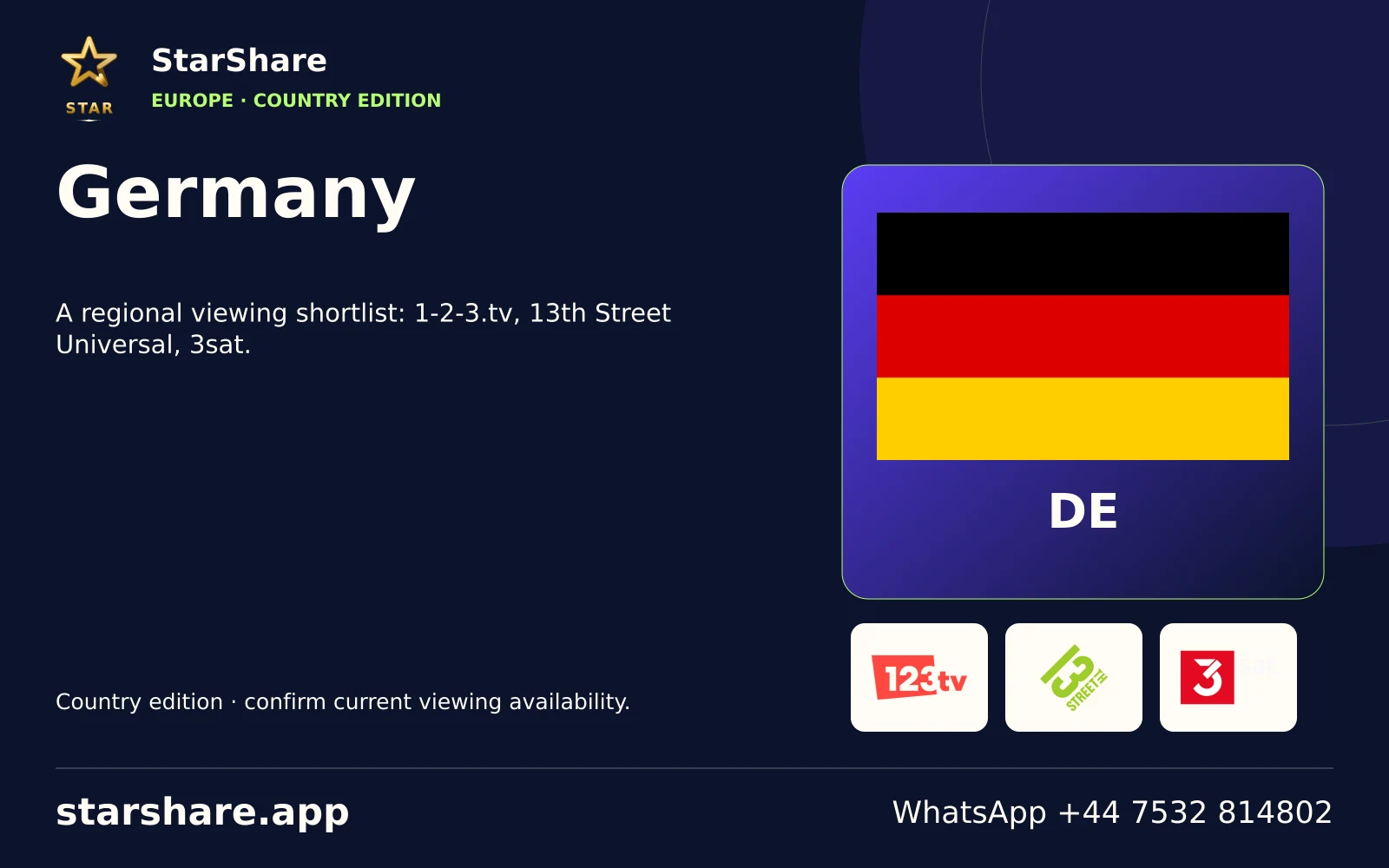
A regional viewing shortlist: 1-2-3.tv, 13th Street Universal, 3sat.
Open artwork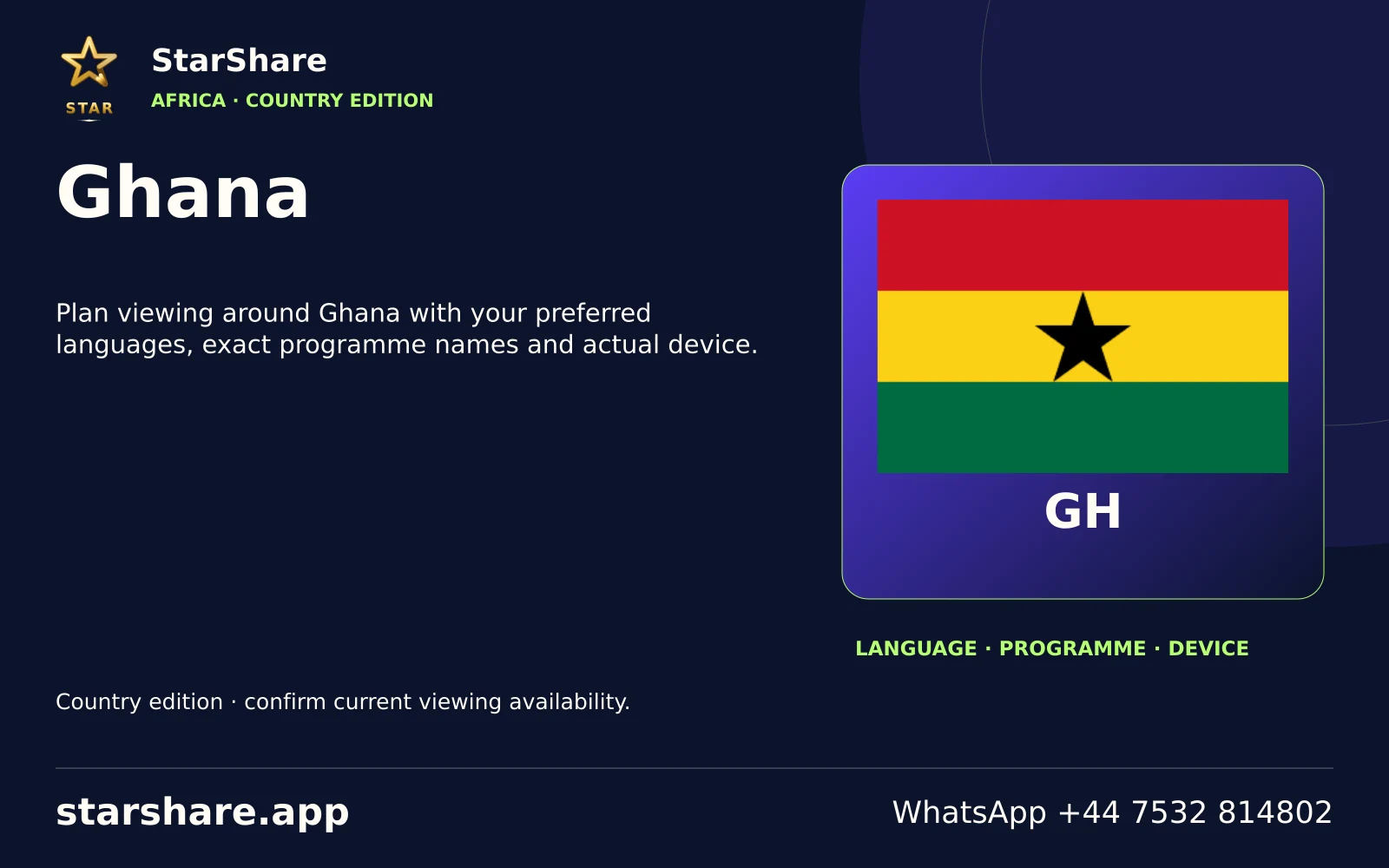
Plan viewing around Ghana with your preferred languages, exact programme names and actual device.
Open artwork
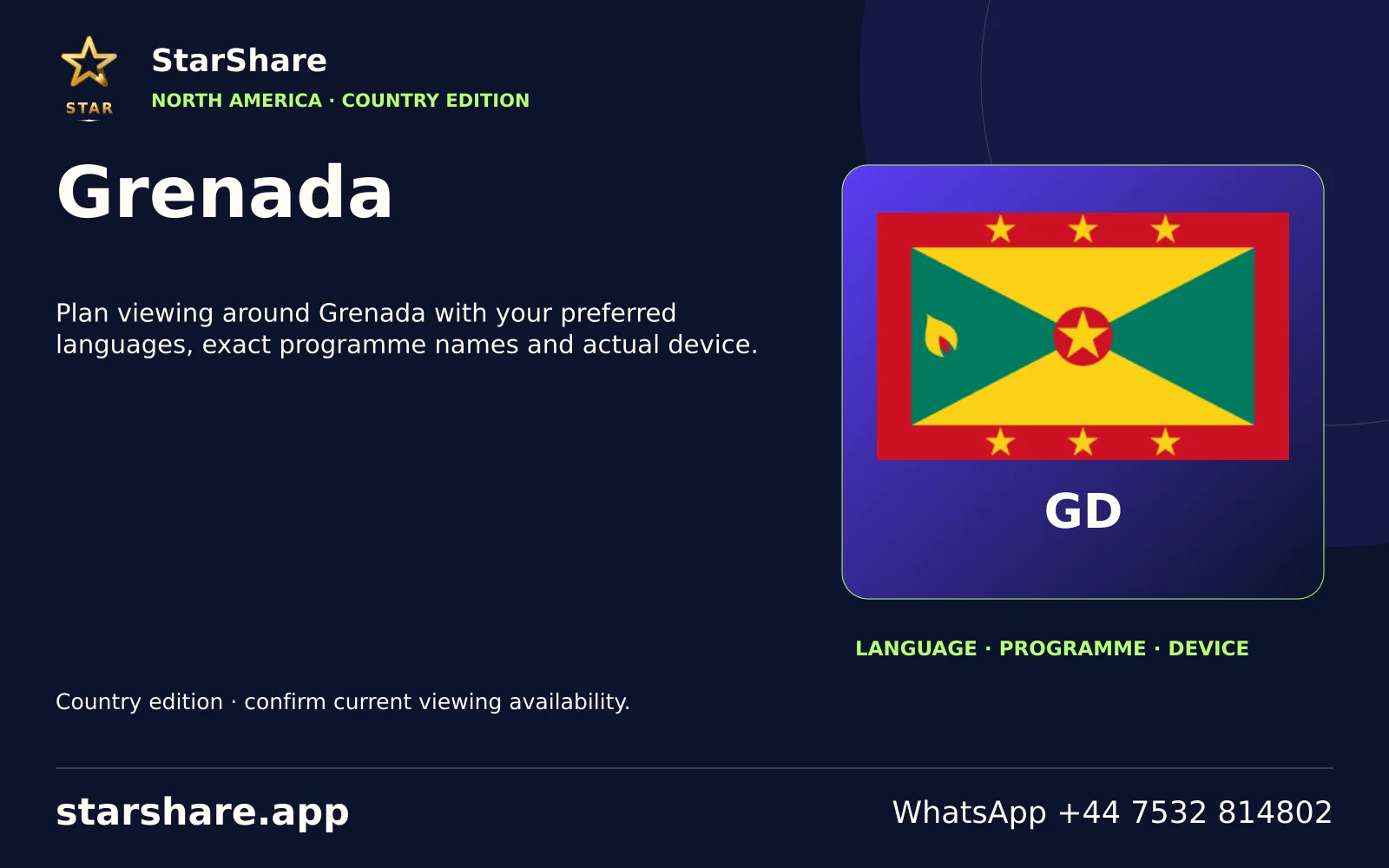
Plan viewing around Grenada with your preferred languages, exact programme names and actual device.
Open artwork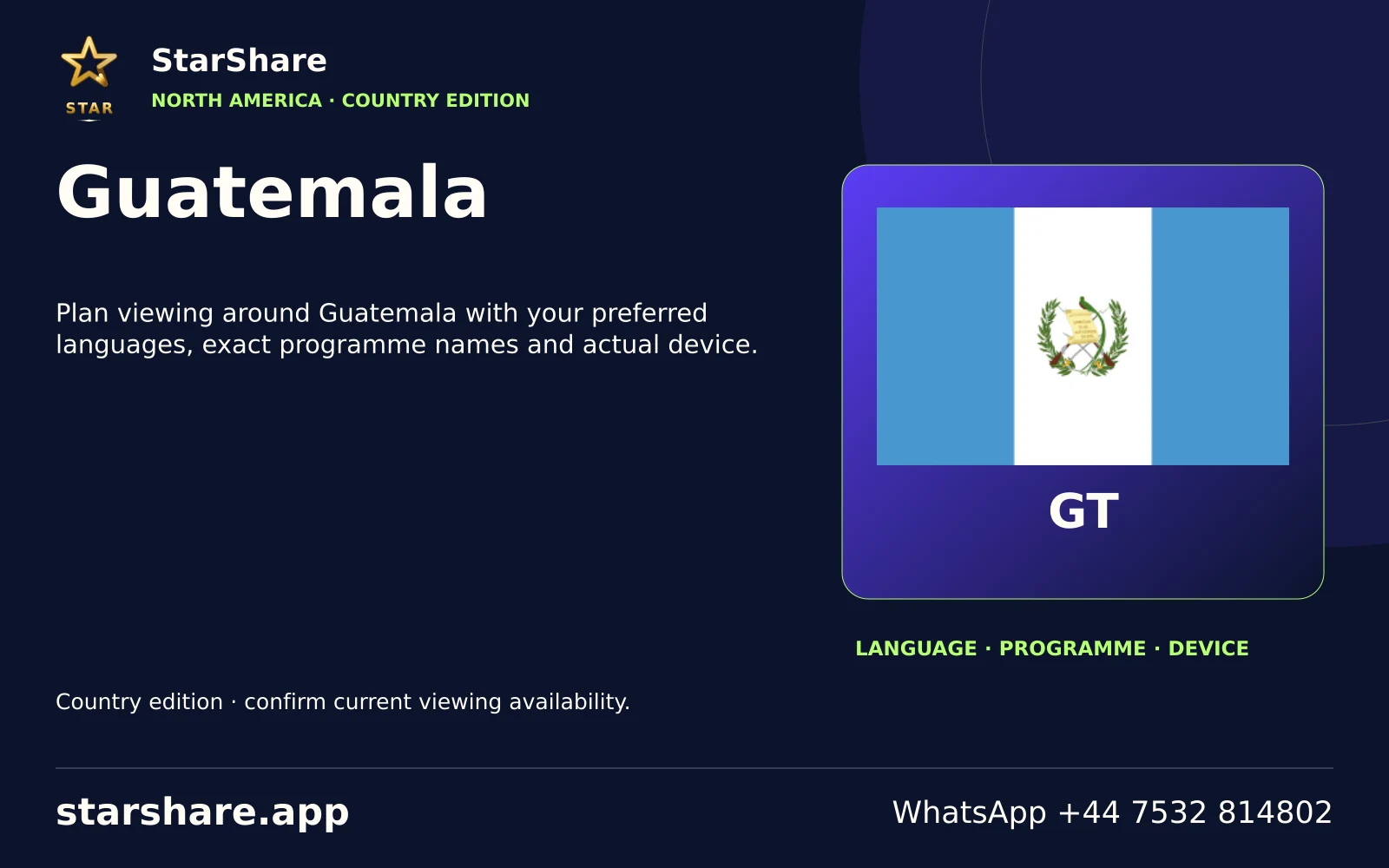
Plan viewing around Guatemala with your preferred languages, exact programme names and actual device.
Open artwork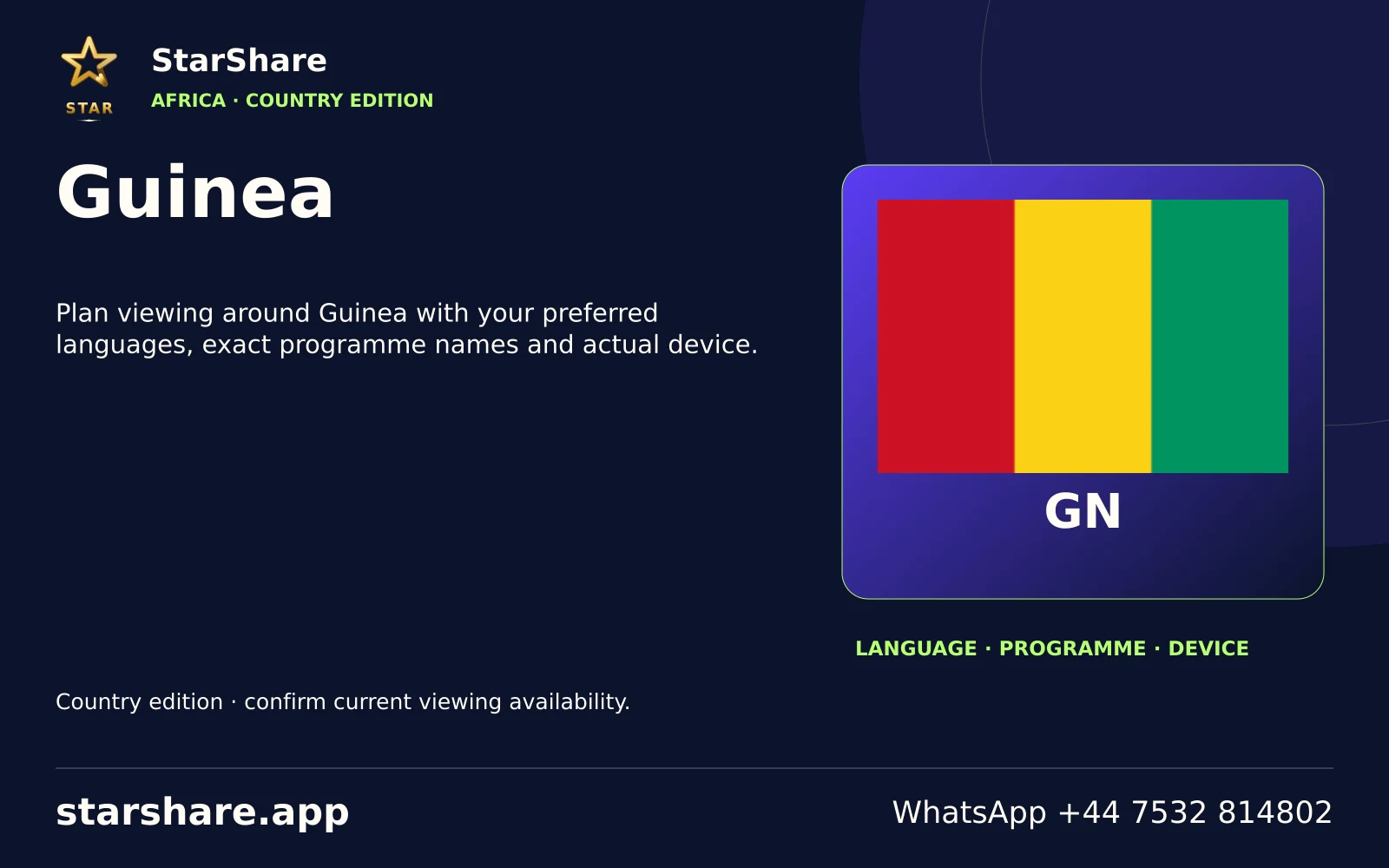
Plan viewing around Guinea with your preferred languages, exact programme names and actual device.
Open artwork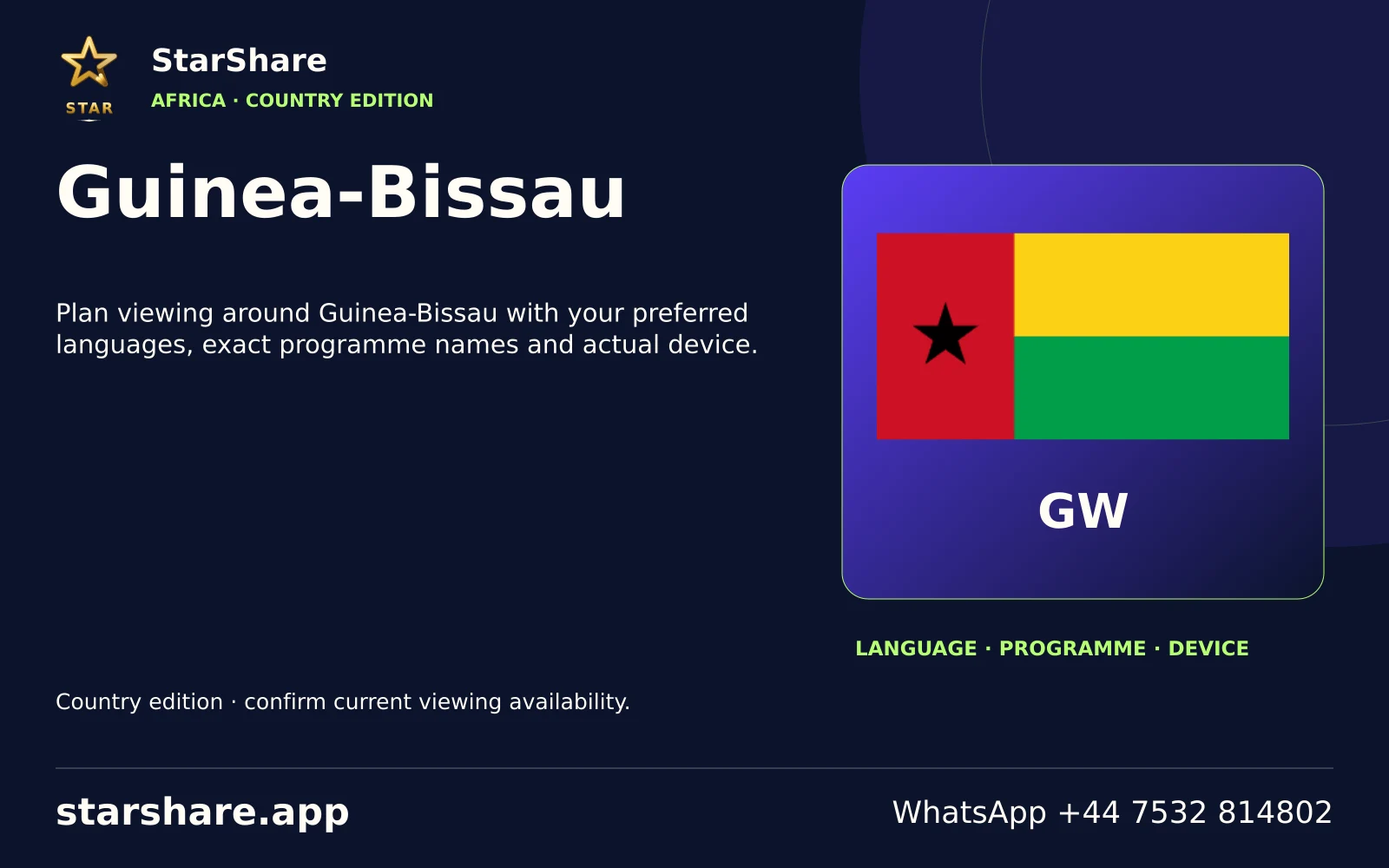
Plan viewing around Guinea-Bissau with your preferred languages, exact programme names and actual device.
Open artwork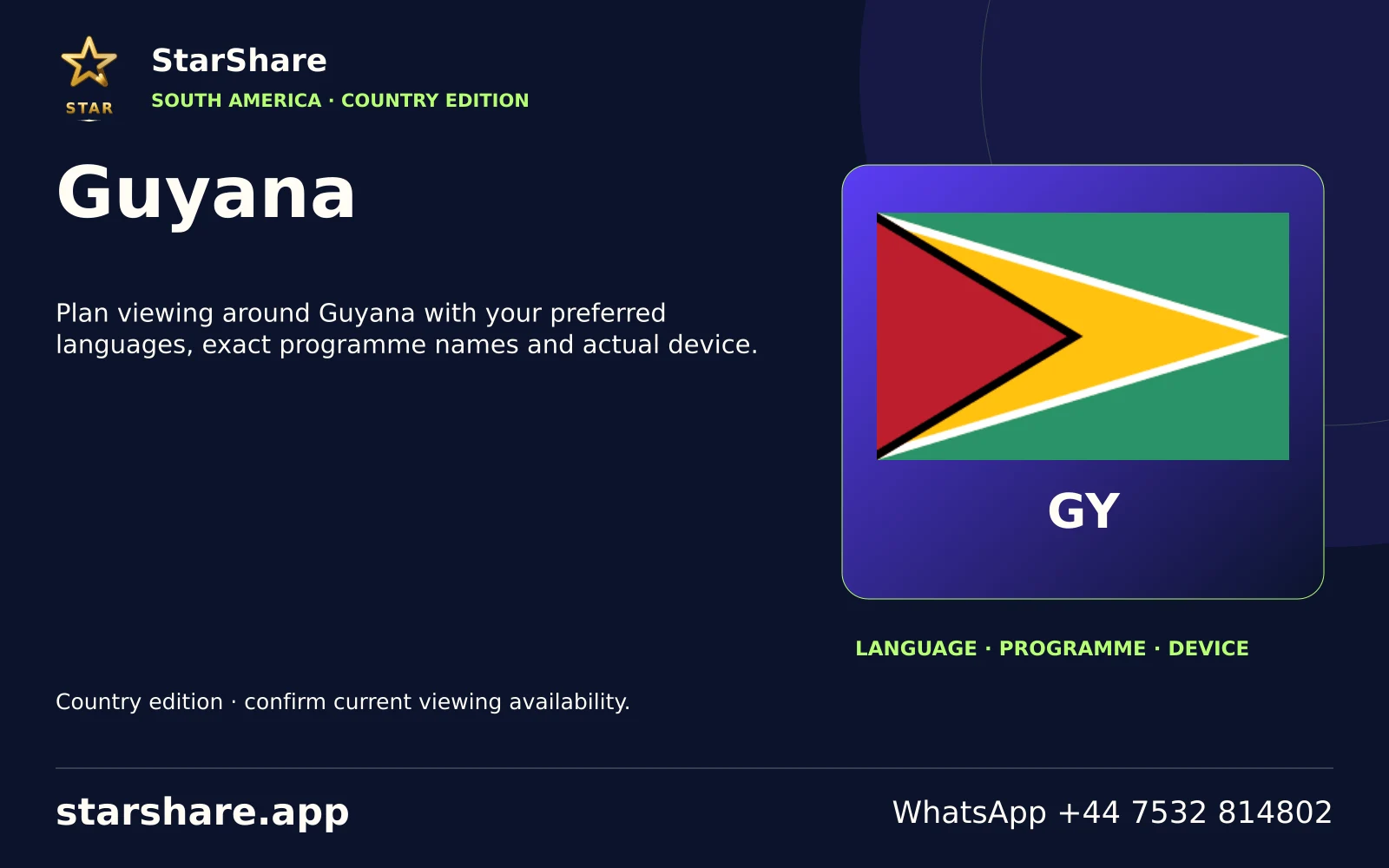
Plan viewing around Guyana with your preferred languages, exact programme names and actual device.
Open artwork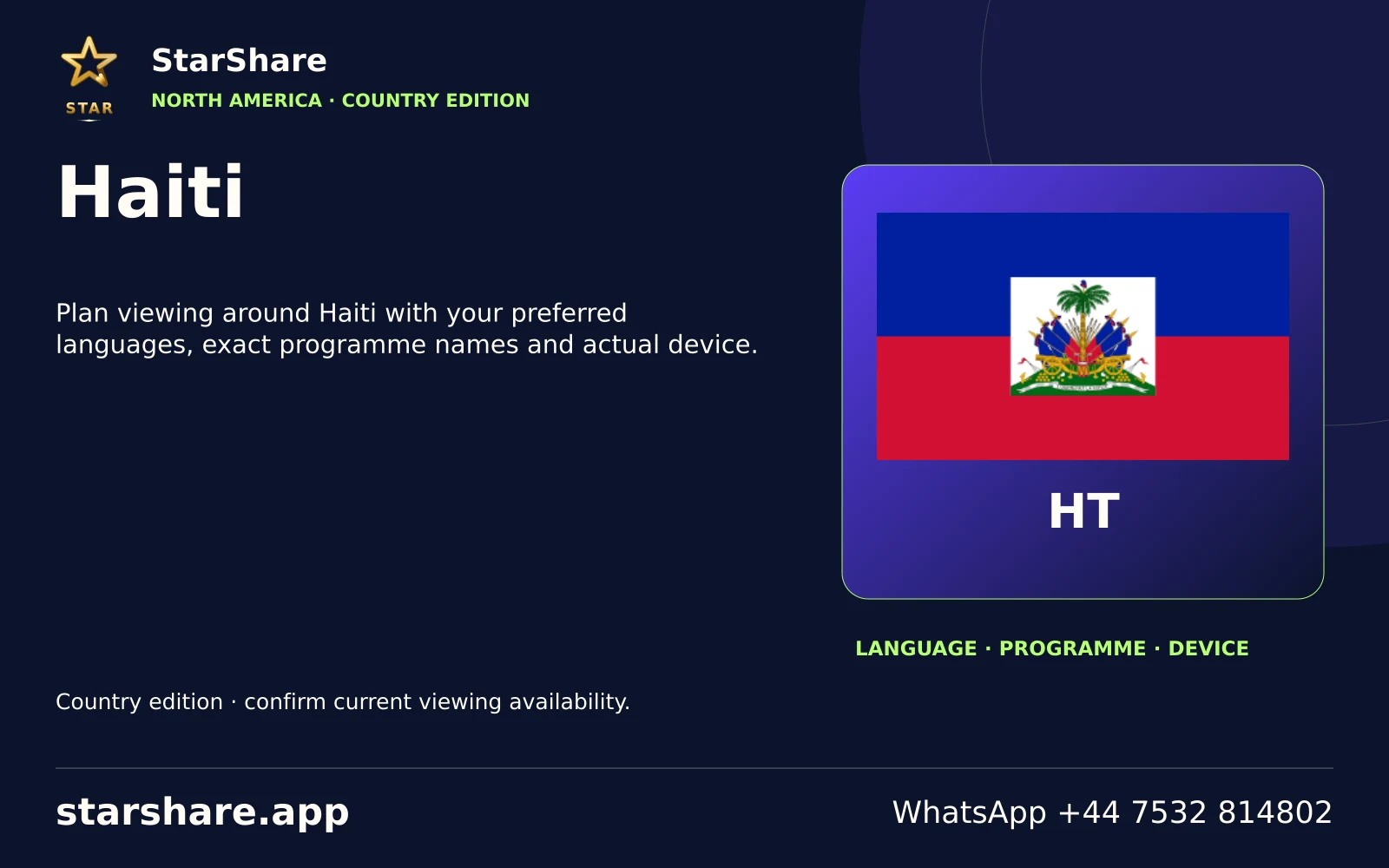
Plan viewing around Haiti with your preferred languages, exact programme names and actual device.
Open artwork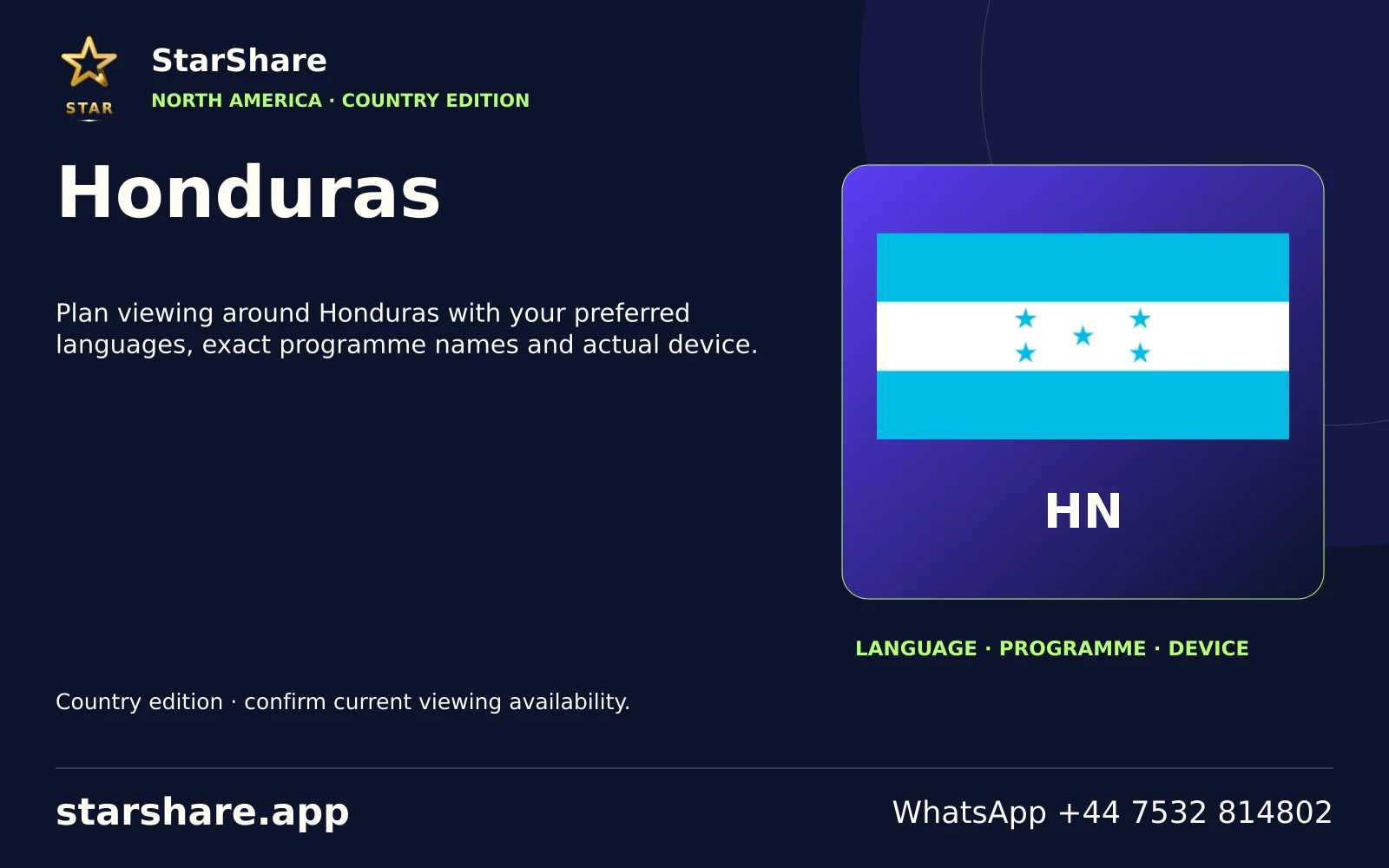
Plan viewing around Honduras with your preferred languages, exact programme names and actual device.
Open artwork
Plan viewing around Iran with your preferred languages, exact programme names and actual device.
Open artwork
Plan viewing around Iraq with your preferred languages, exact programme names and actual device.
Open artwork
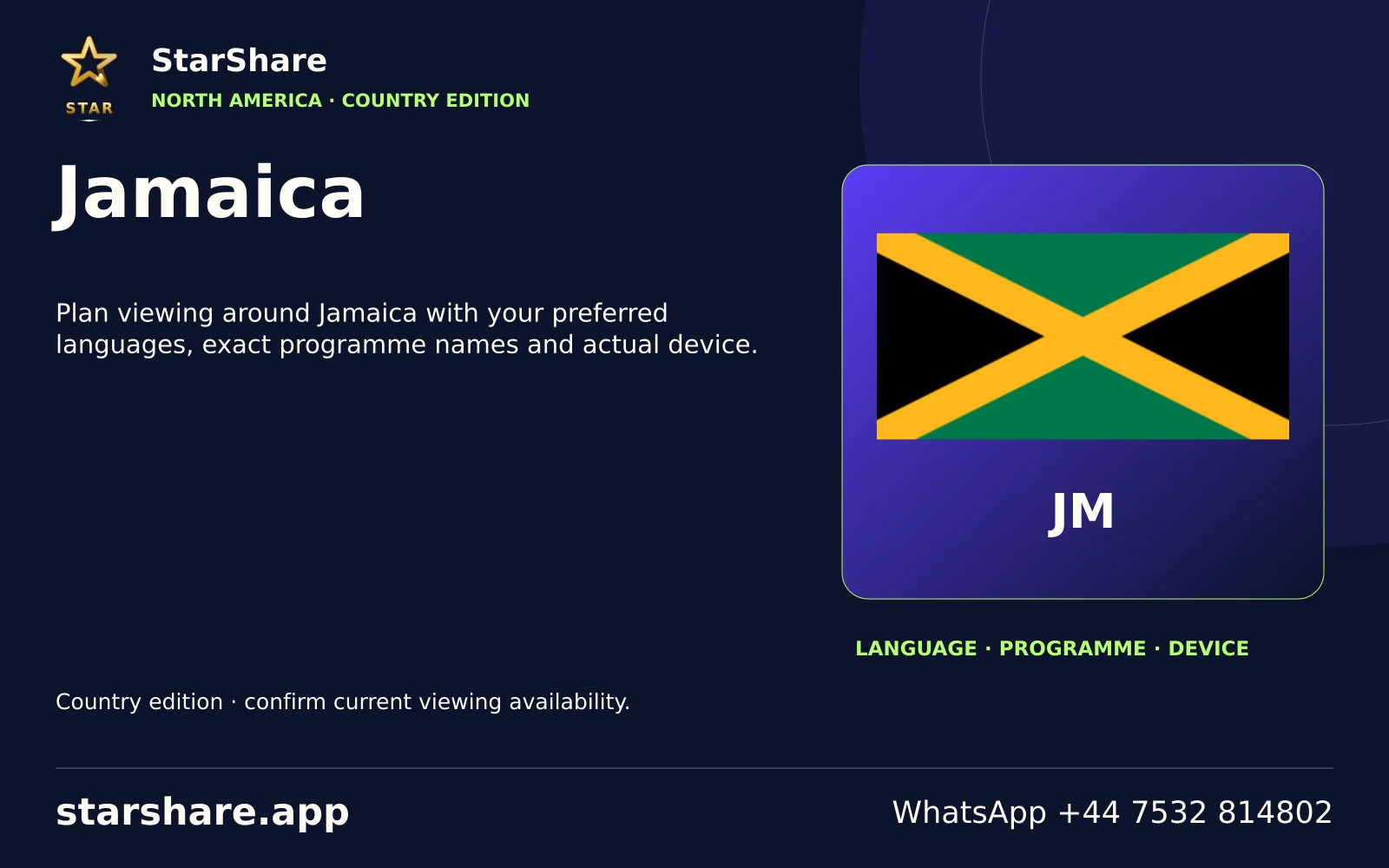
Plan viewing around Jamaica with your preferred languages, exact programme names and actual device.
Open artwork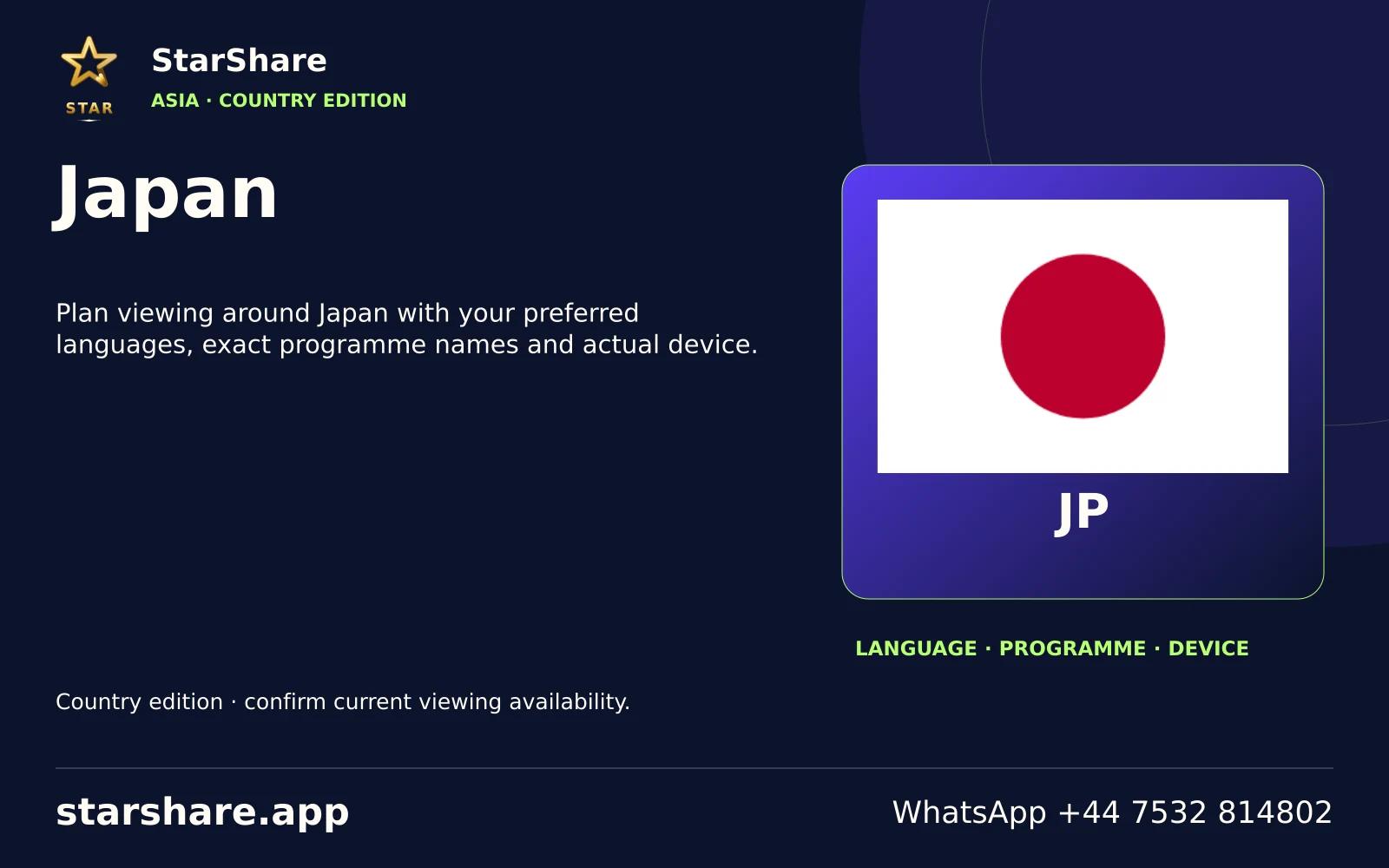
Plan viewing around Japan with your preferred languages, exact programme names and actual device.
Open artwork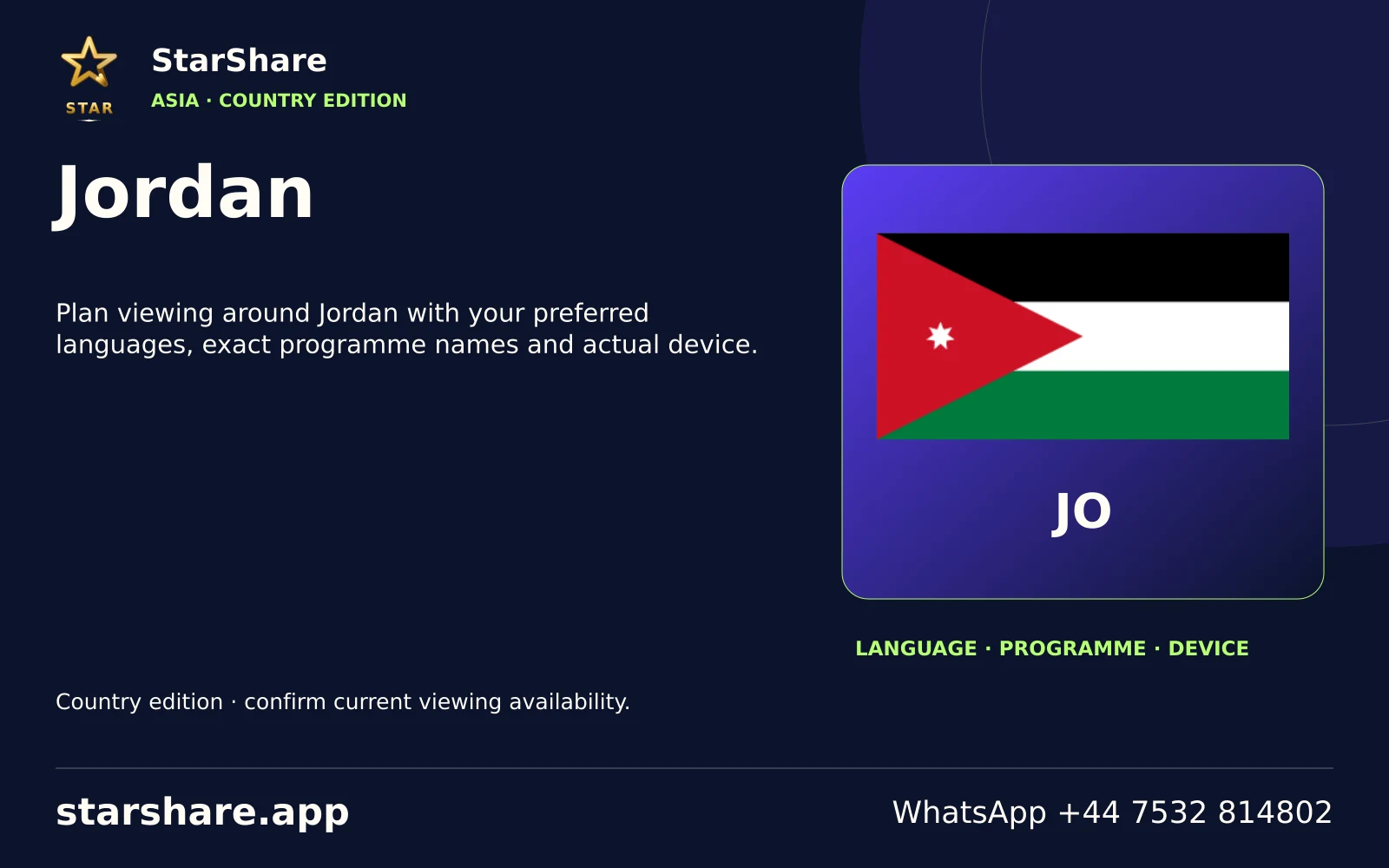
Plan viewing around Jordan with your preferred languages, exact programme names and actual device.
Open artwork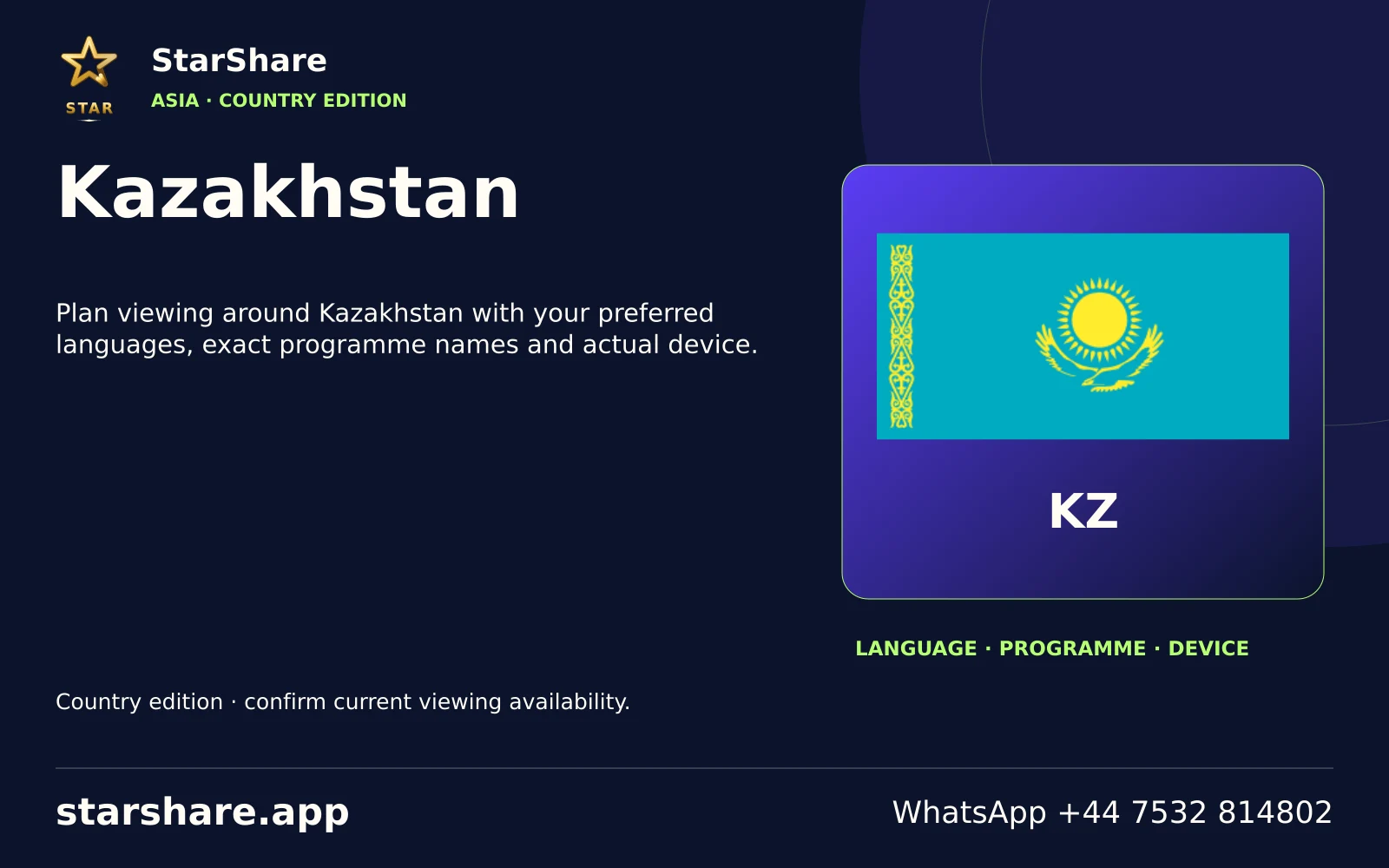
Plan viewing around Kazakhstan with your preferred languages, exact programme names and actual device.
Open artwork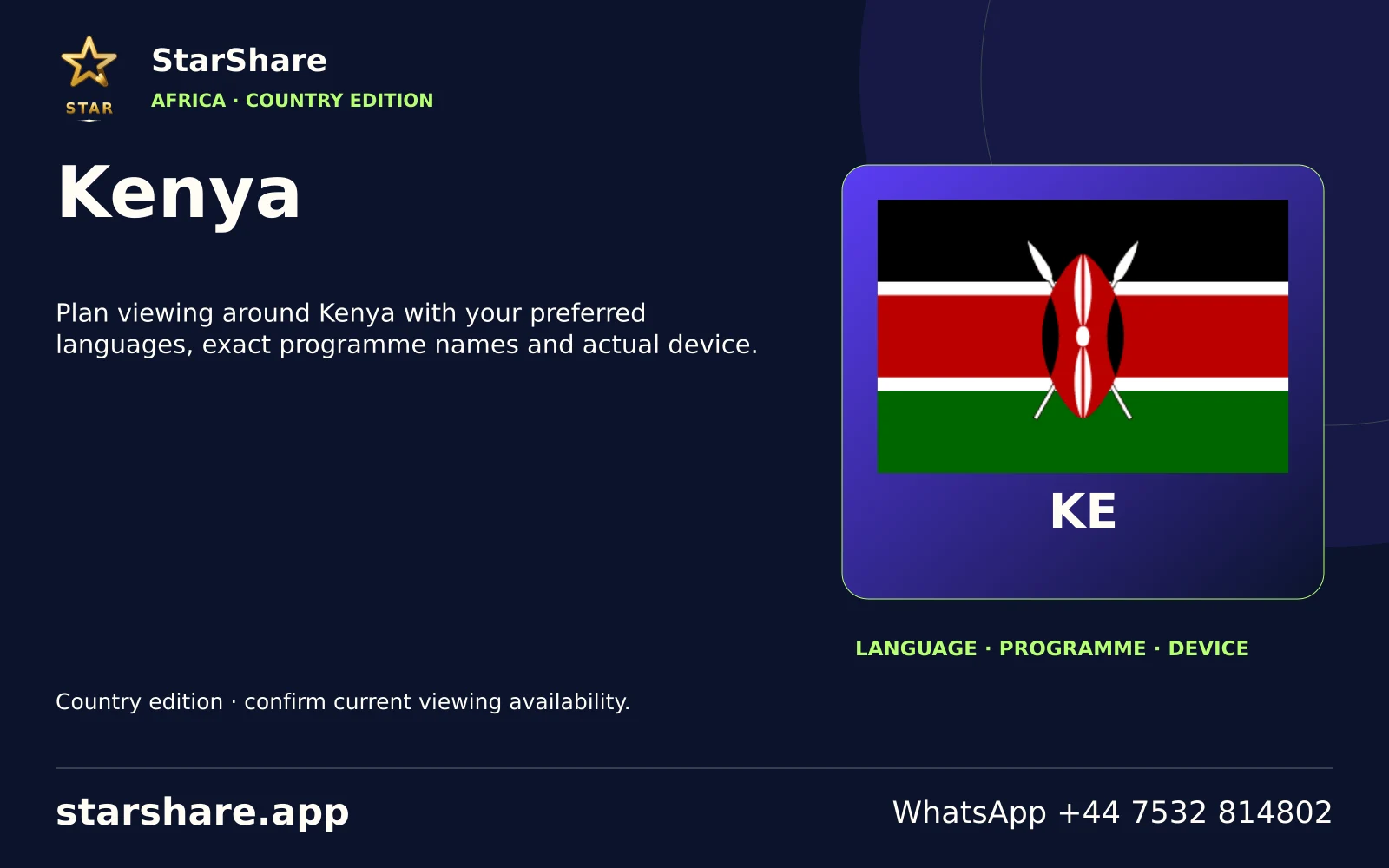
Plan viewing around Kenya with your preferred languages, exact programme names and actual device.
Open artwork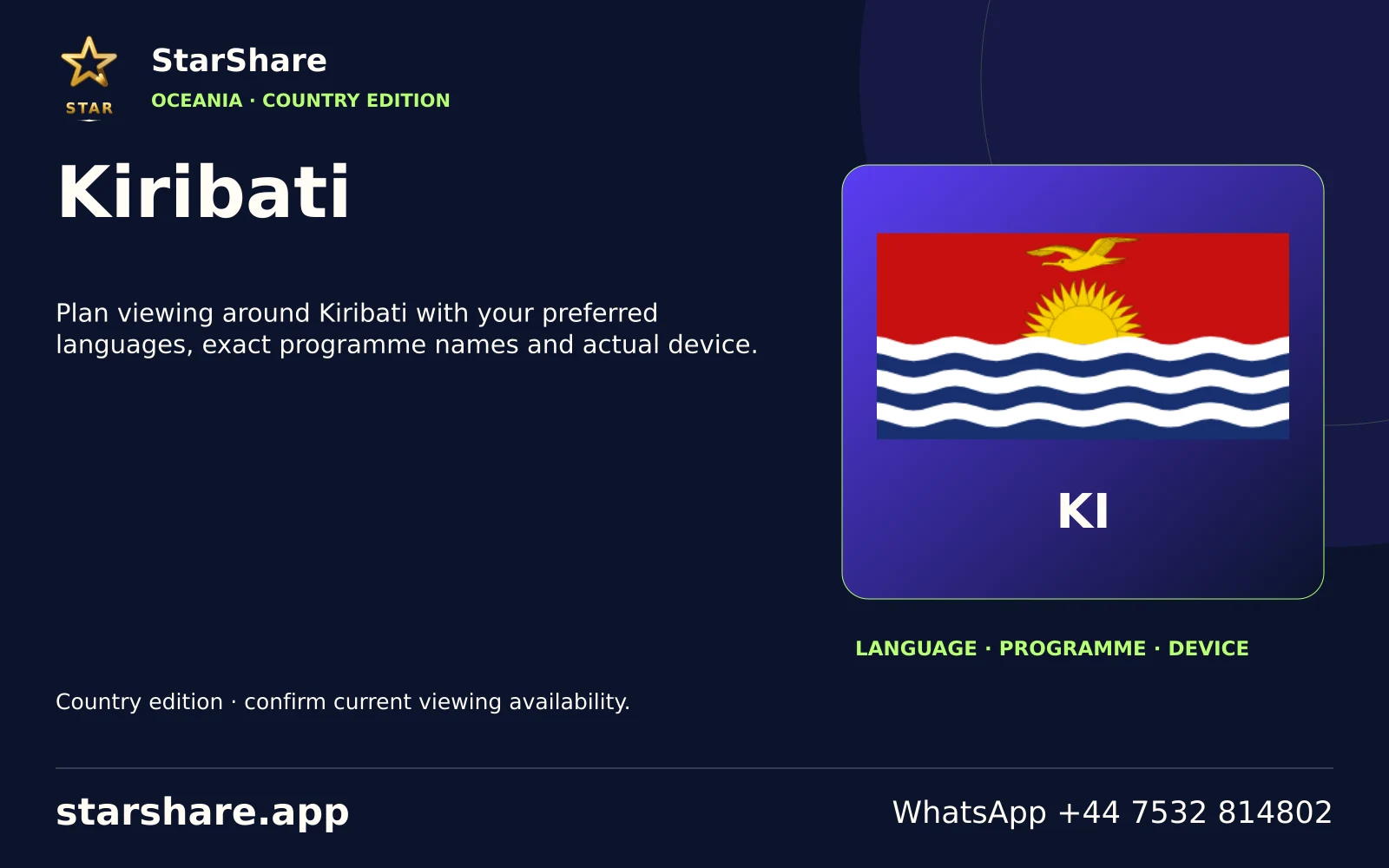
Plan viewing around Kiribati with your preferred languages, exact programme names and actual device.
Open artwork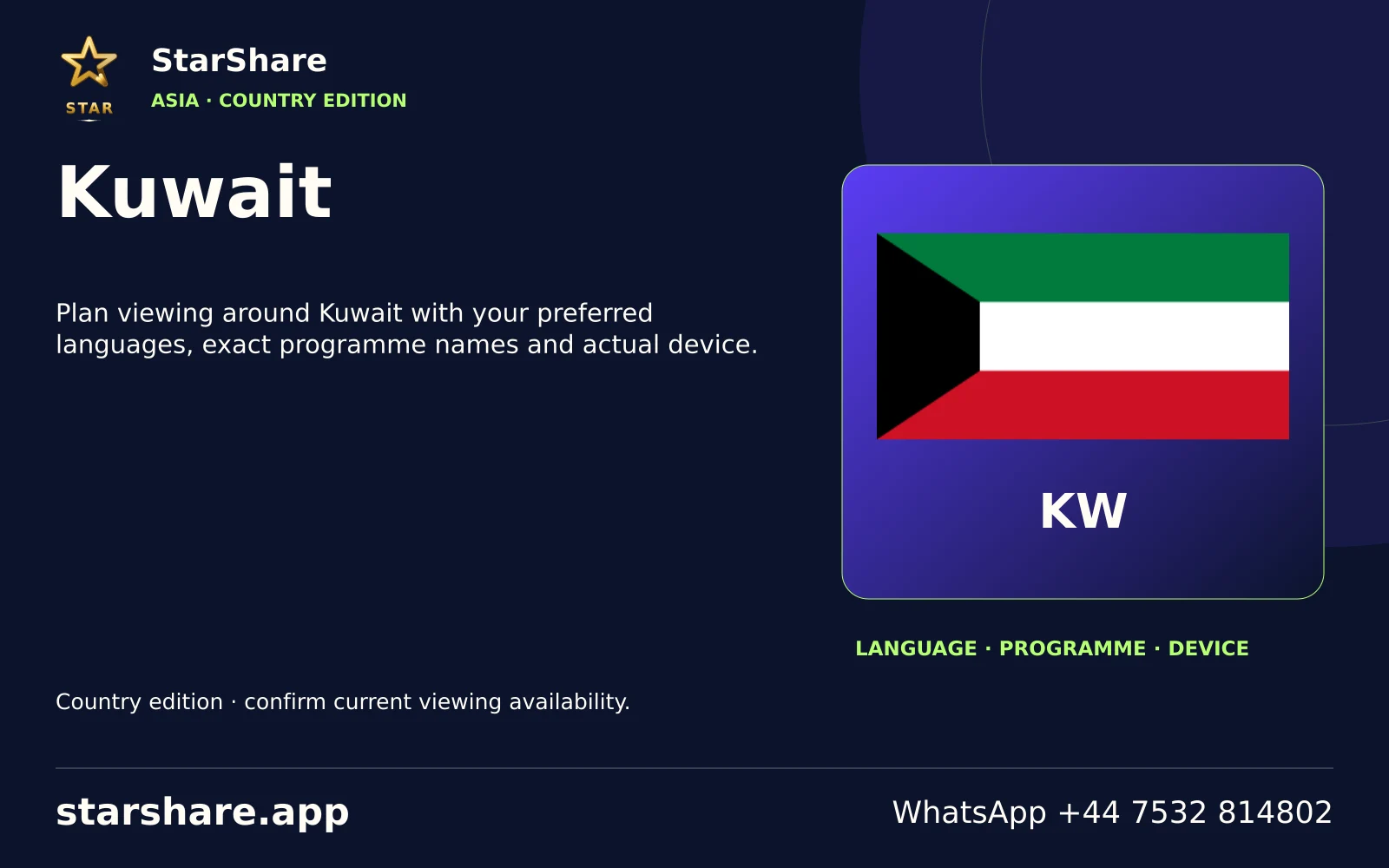
Plan viewing around Kuwait with your preferred languages, exact programme names and actual device.
Open artwork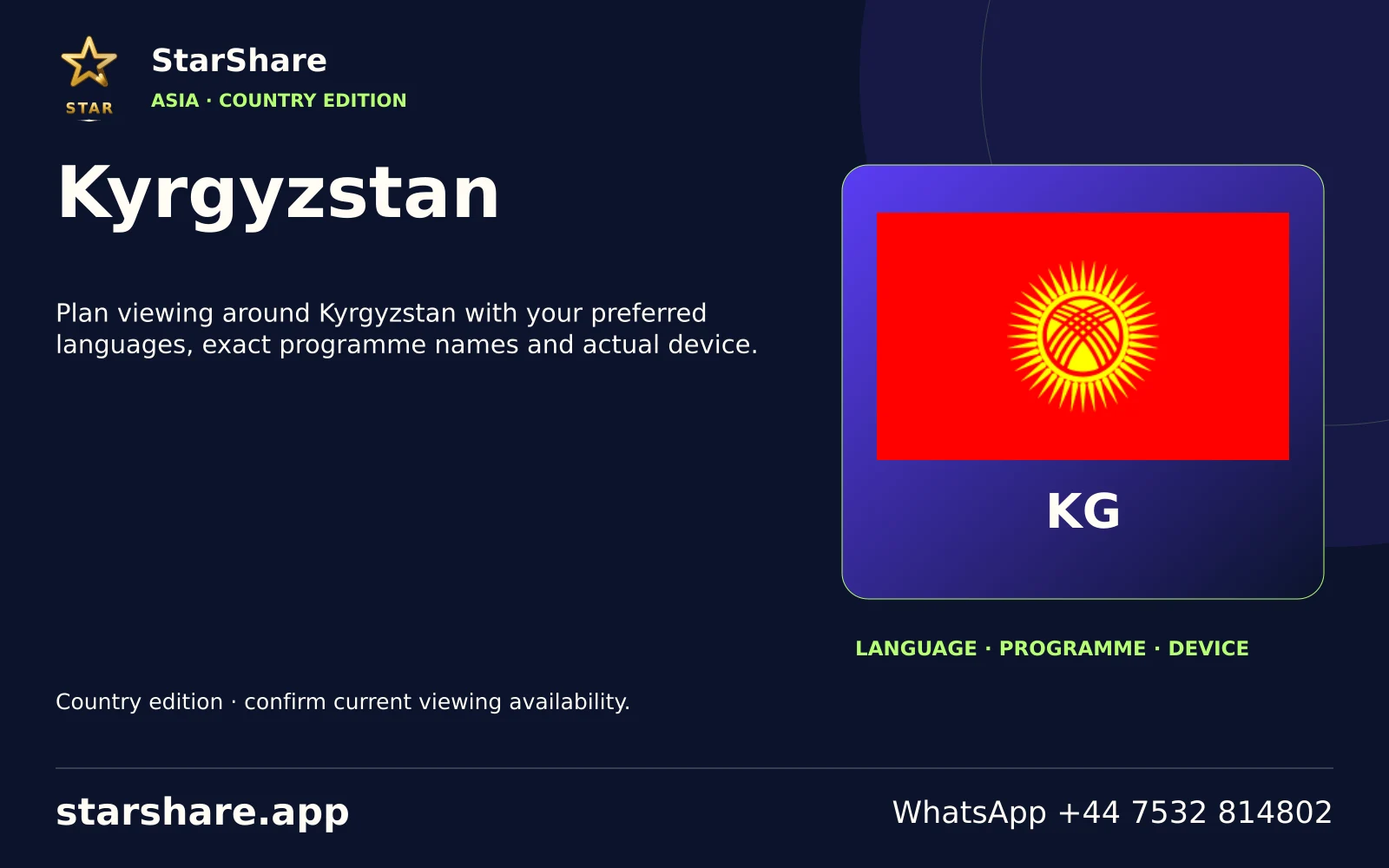
Plan viewing around Kyrgyzstan with your preferred languages, exact programme names and actual device.
Open artwork
Plan viewing around Laos with your preferred languages, exact programme names and actual device.
Open artwork
Plan viewing around Latvia with your preferred languages, exact programme names and actual device.
Open artwork
Plan viewing around Lesotho with your preferred languages, exact programme names and actual device.
Open artwork
Plan viewing around Liberia with your preferred languages, exact programme names and actual device.
Open artwork
Plan viewing around Libya with your preferred languages, exact programme names and actual device.
Open artwork
Plan viewing around Liechtenstein with your preferred languages, exact programme names and actual device.
Open artwork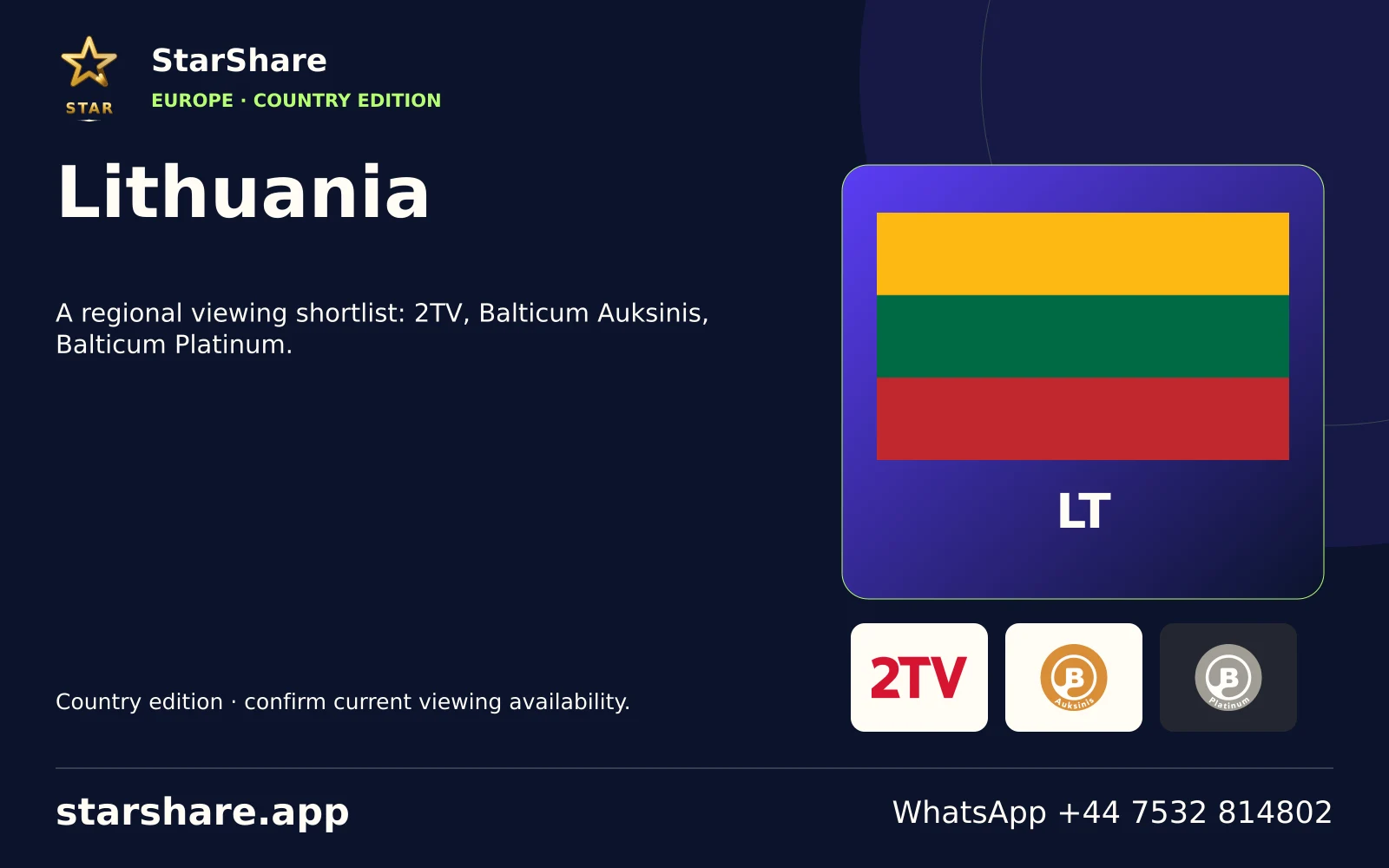
A regional viewing shortlist: 2TV, Balticum Auksinis, Balticum Platinum.
Open artwork
Plan viewing around Madagascar with your preferred languages, exact programme names and actual device.
Open artwork
Plan viewing around Malawi with your preferred languages, exact programme names and actual device.
Open artwork
Plan viewing around Maldives with your preferred languages, exact programme names and actual device.
Open artwork
Plan viewing around Mali with your preferred languages, exact programme names and actual device.
Open artwork
Plan viewing around Marshall Islands with your preferred languages, exact programme names and actual device.
Open artwork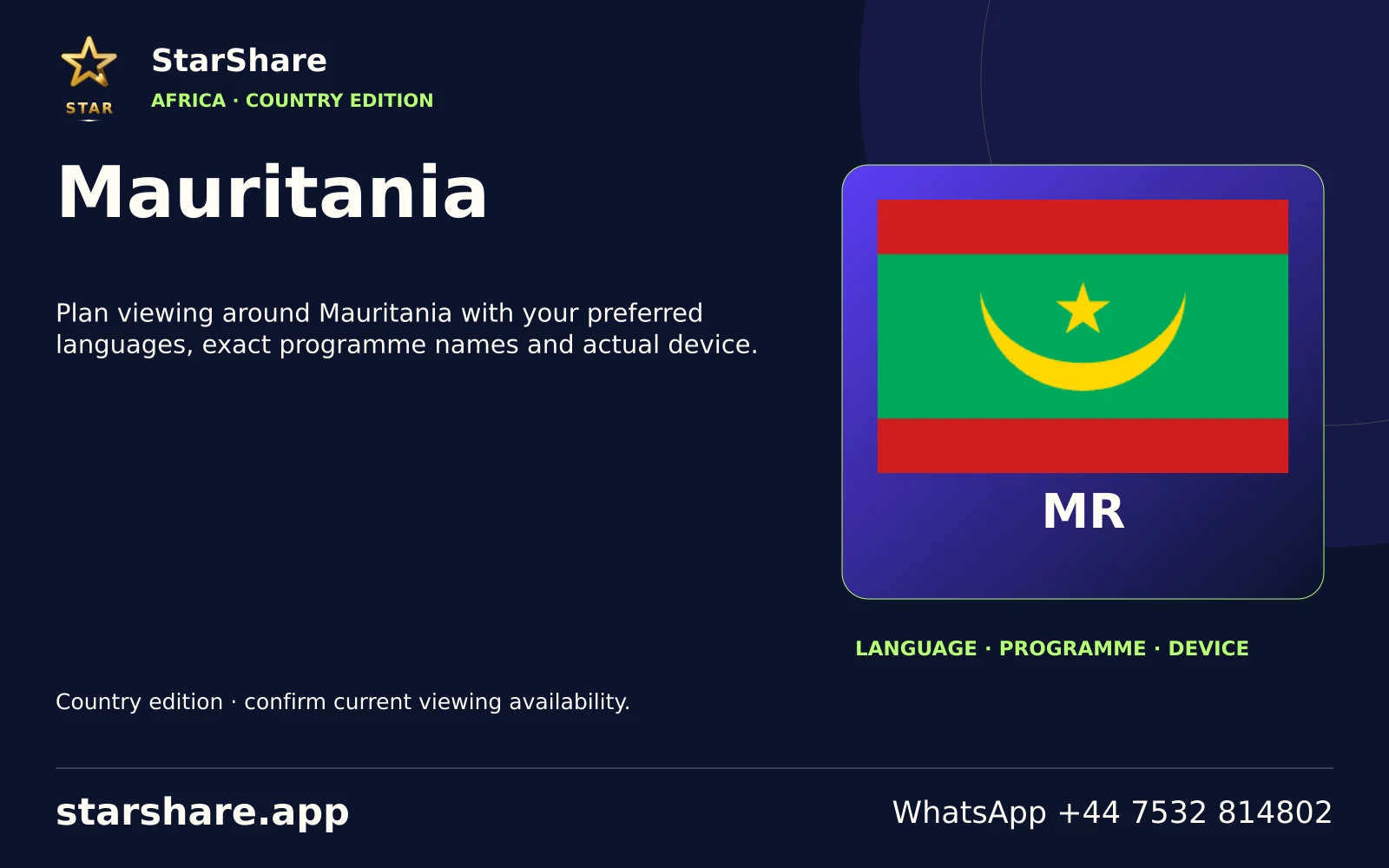
Plan viewing around Mauritania with your preferred languages, exact programme names and actual device.
Open artwork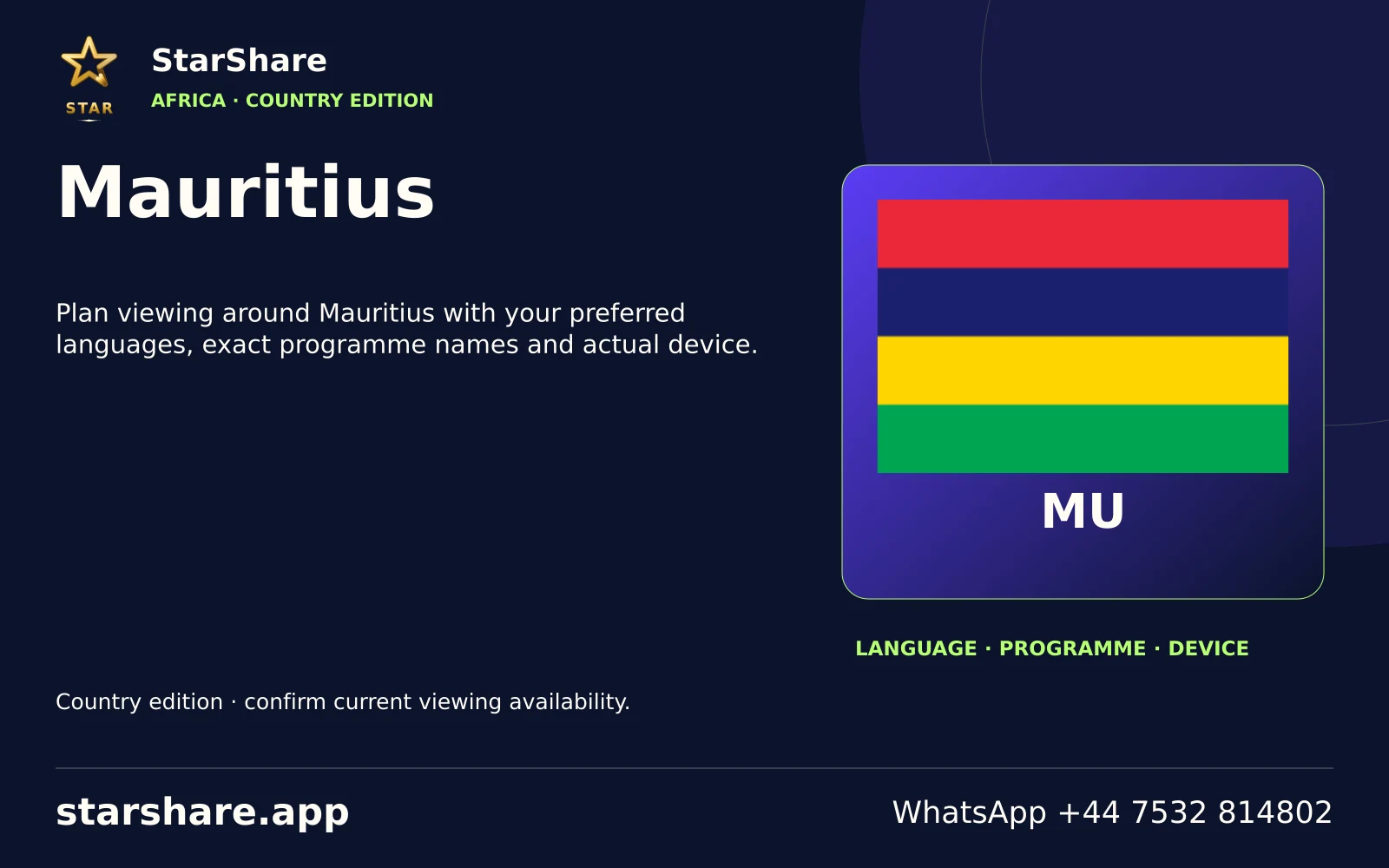
Plan viewing around Mauritius with your preferred languages, exact programme names and actual device.
Open artwork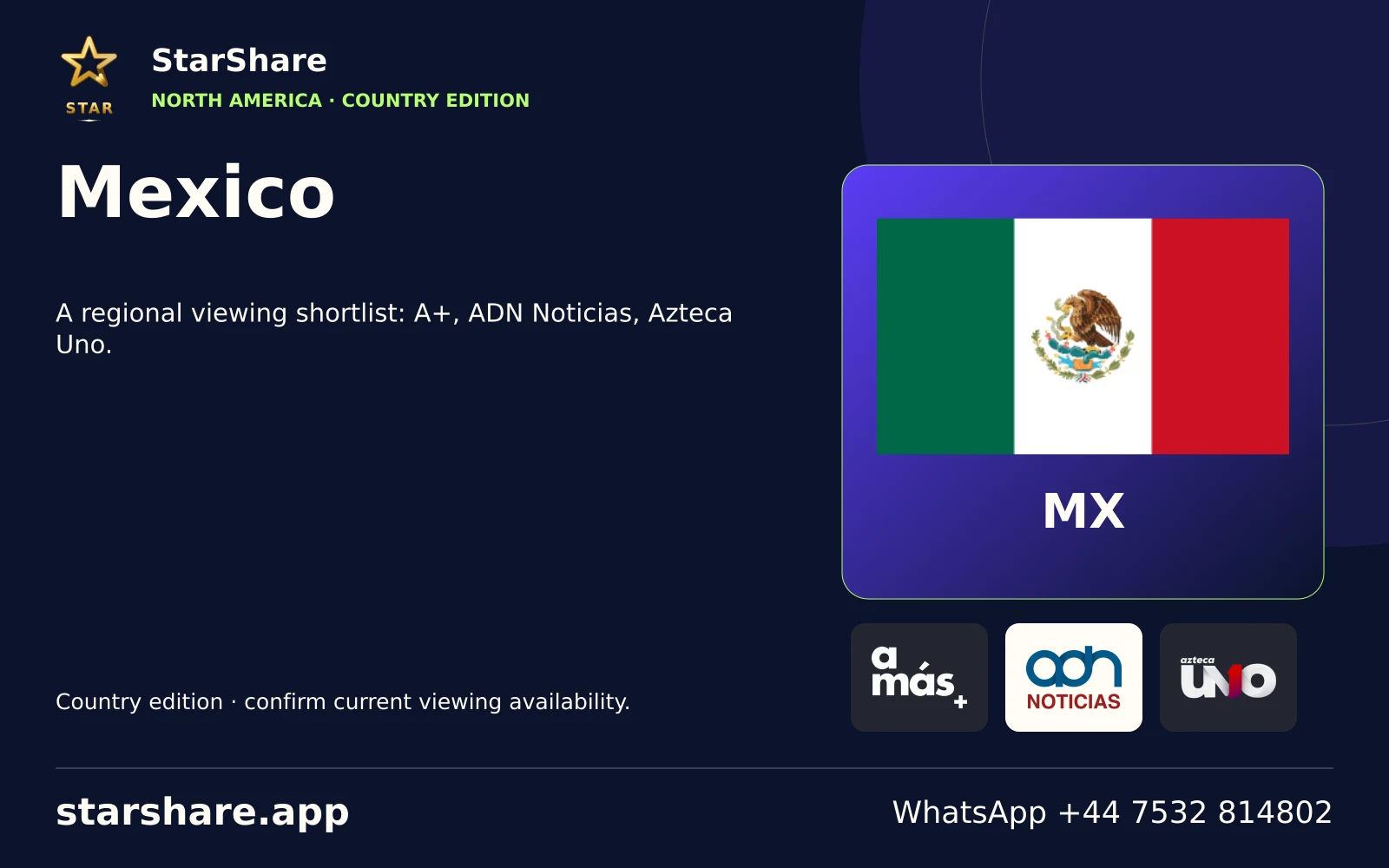
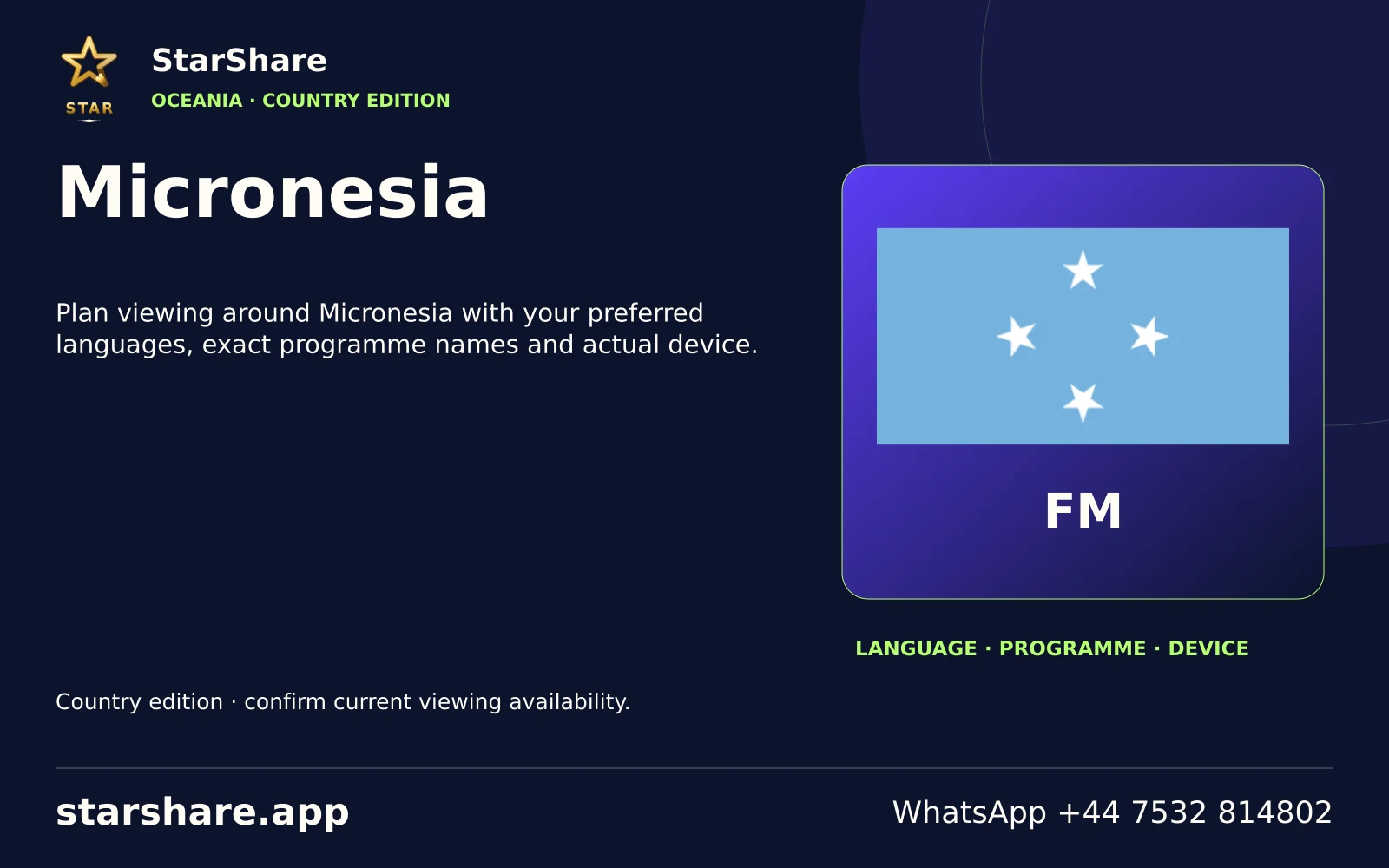
Plan viewing around Micronesia with your preferred languages, exact programme names and actual device.
Open artwork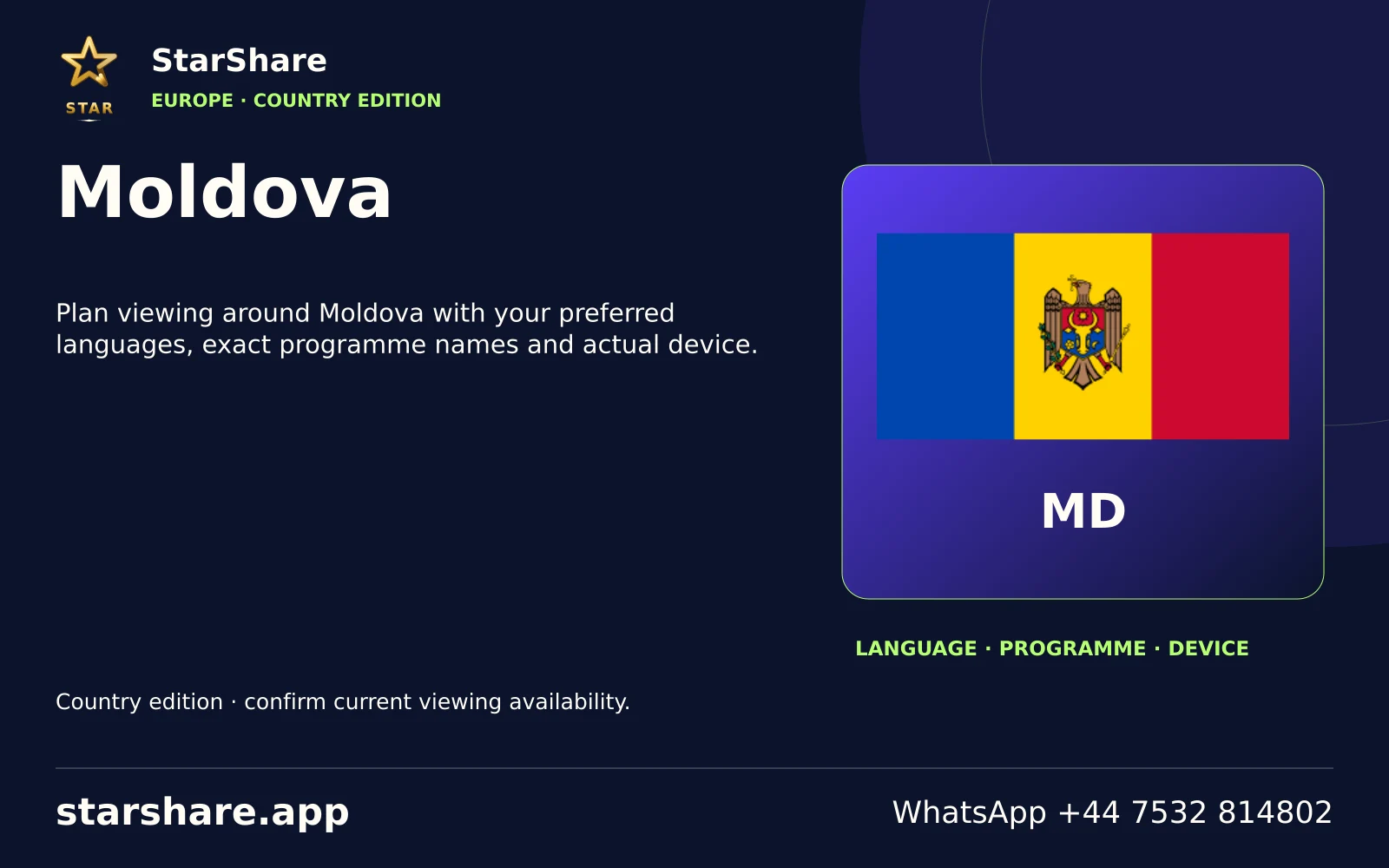
Plan viewing around Moldova with your preferred languages, exact programme names and actual device.
Open artwork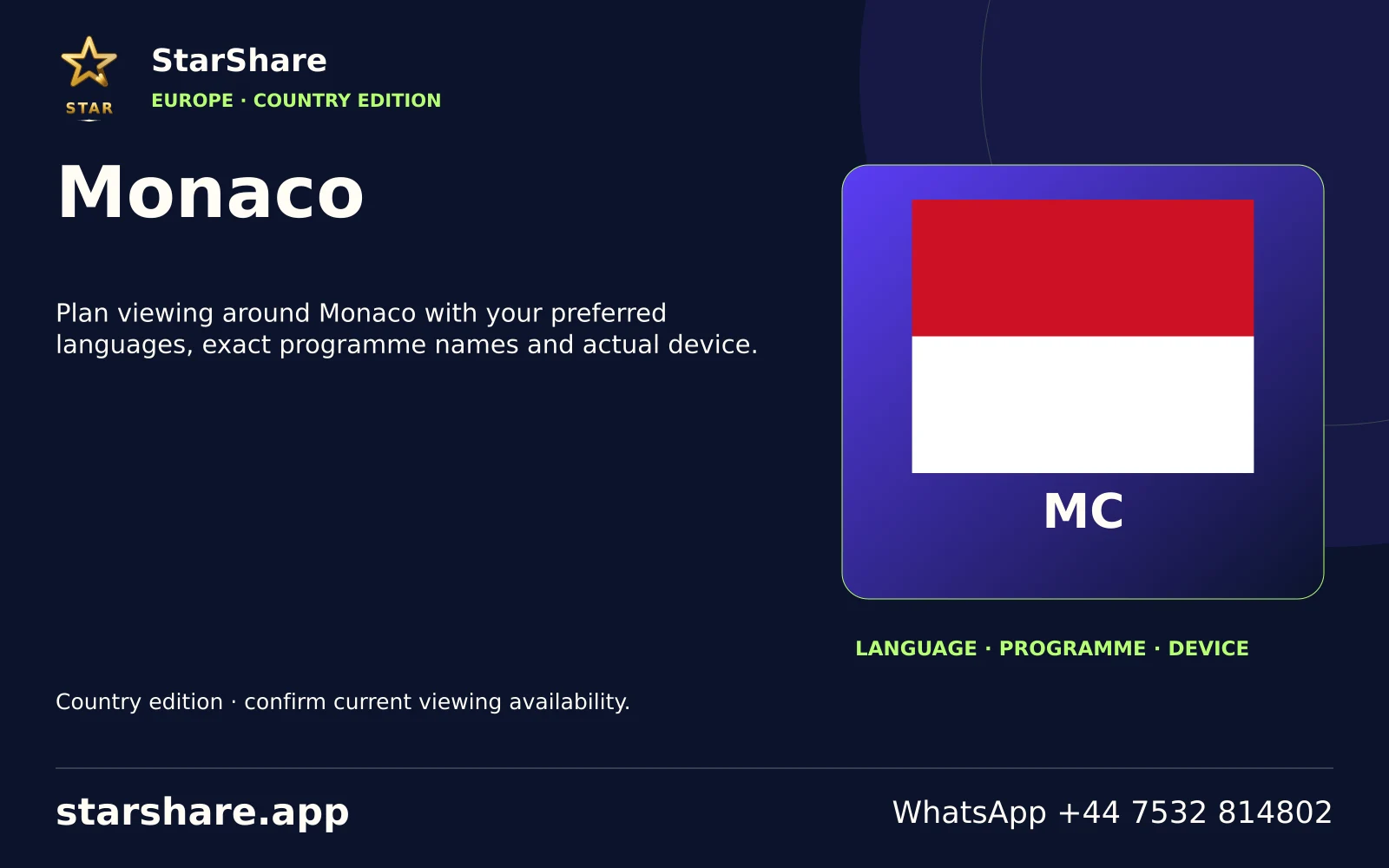
Plan viewing around Monaco with your preferred languages, exact programme names and actual device.
Open artwork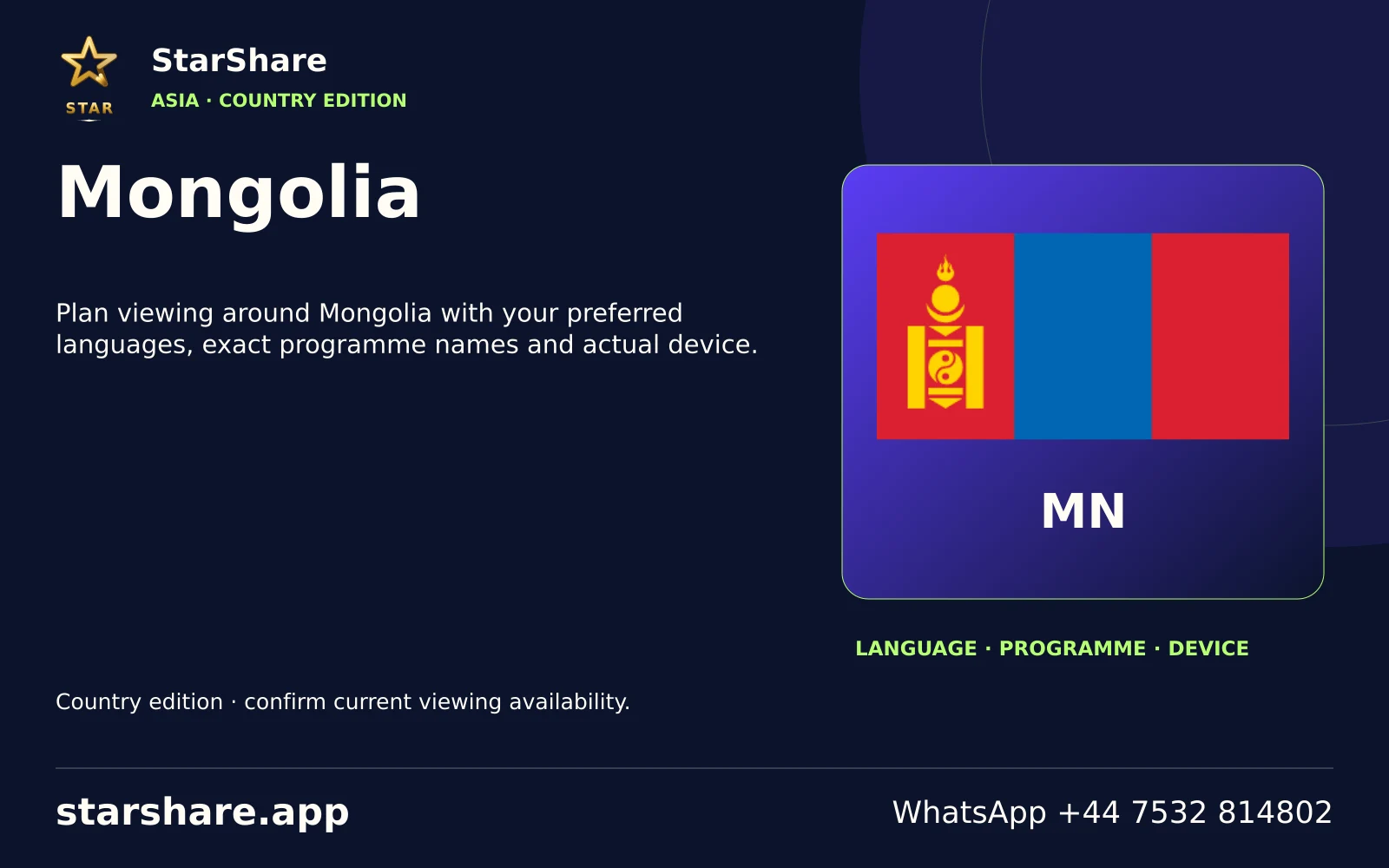
Plan viewing around Mongolia with your preferred languages, exact programme names and actual device.
Open artwork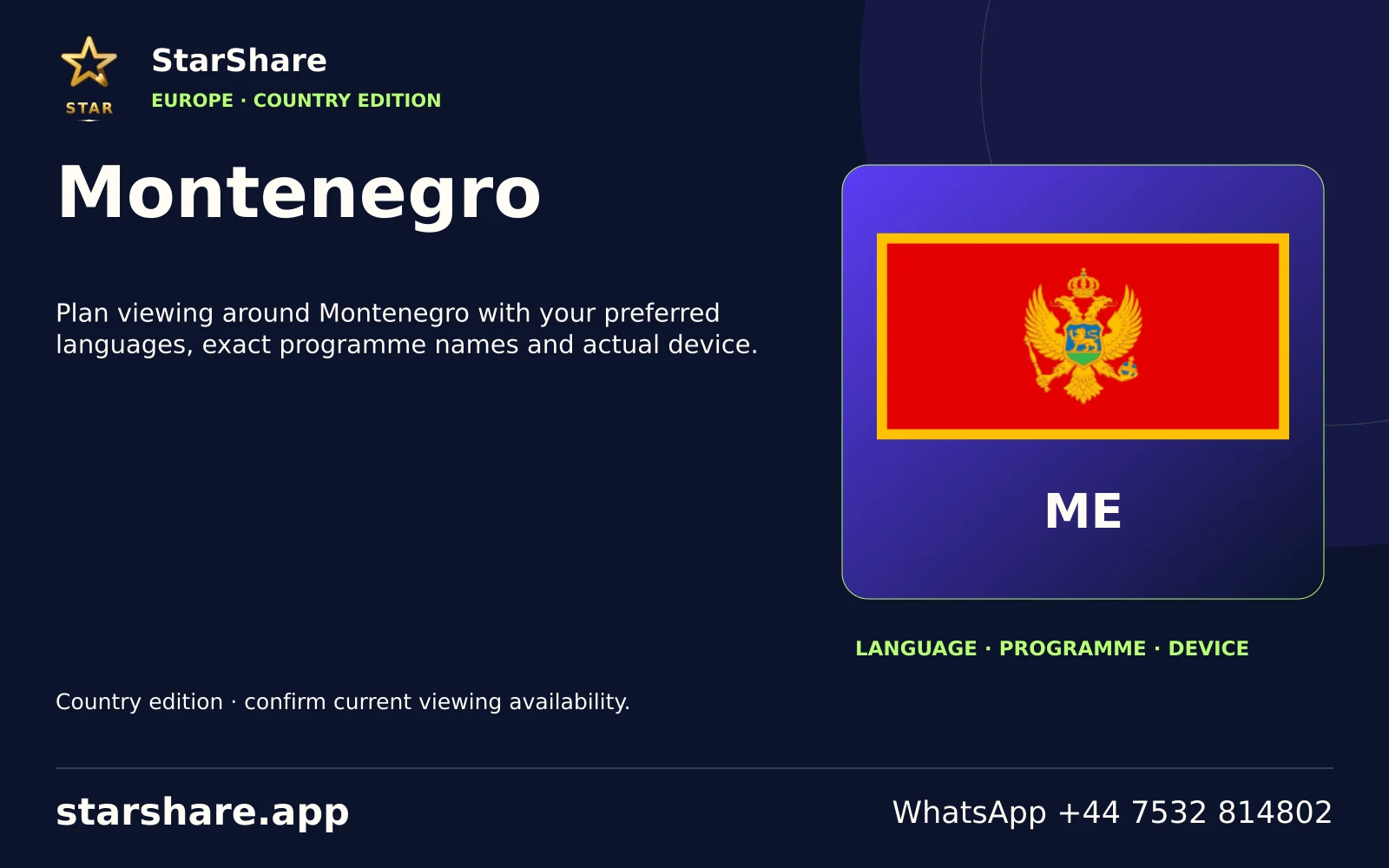
Plan viewing around Montenegro with your preferred languages, exact programme names and actual device.
Open artwork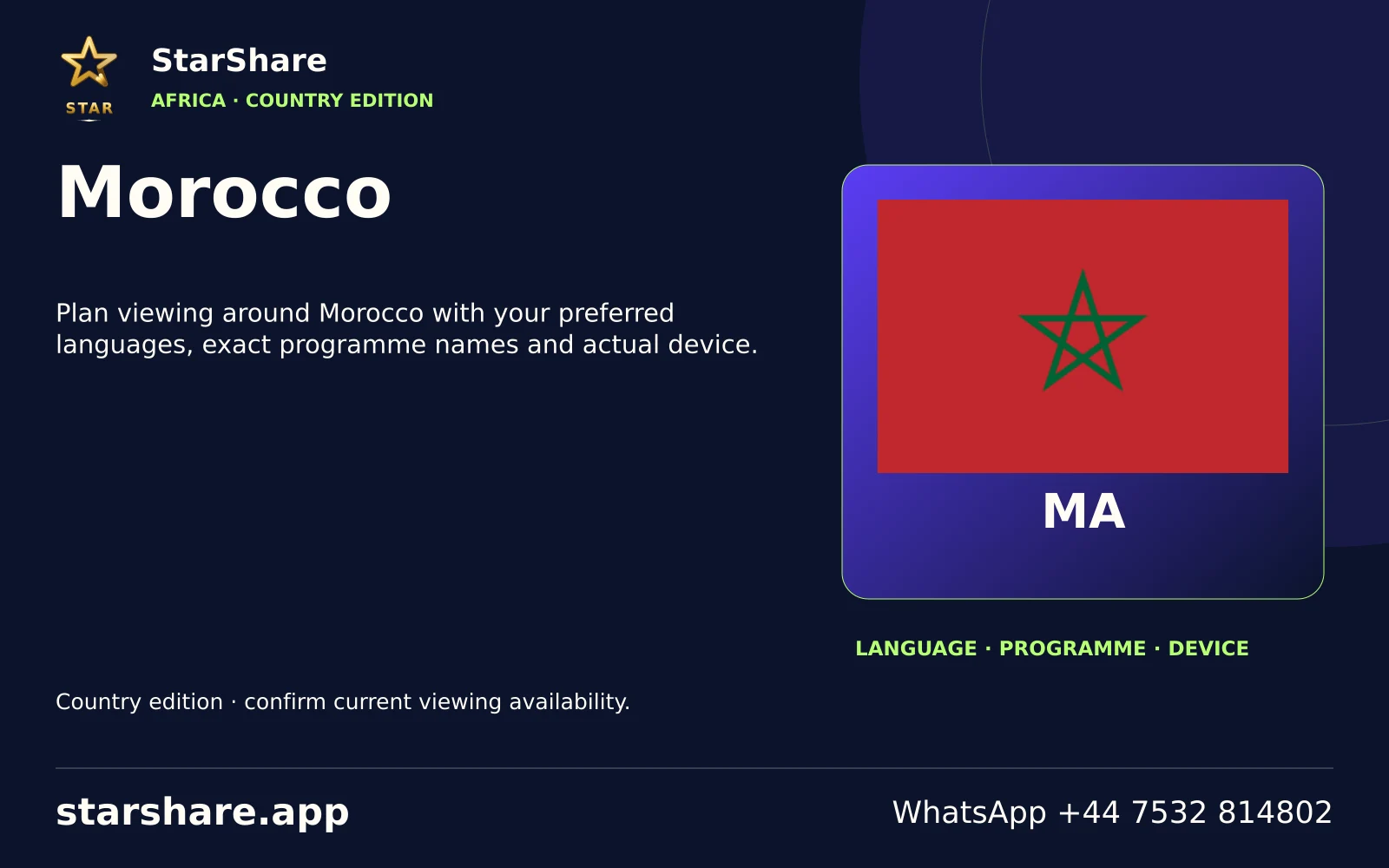
Plan viewing around Morocco with your preferred languages, exact programme names and actual device.
Open artwork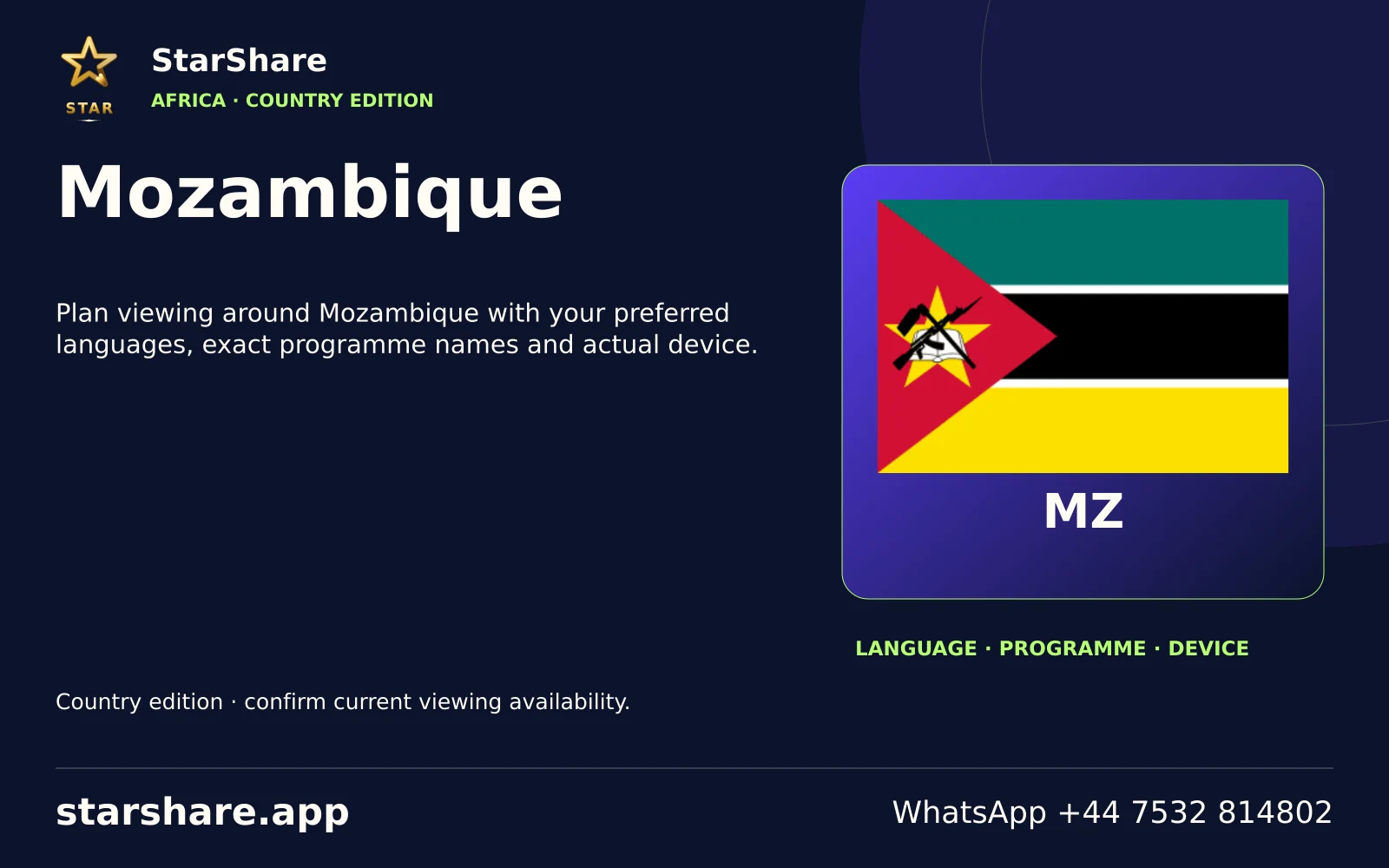
Plan viewing around Mozambique with your preferred languages, exact programme names and actual device.
Open artwork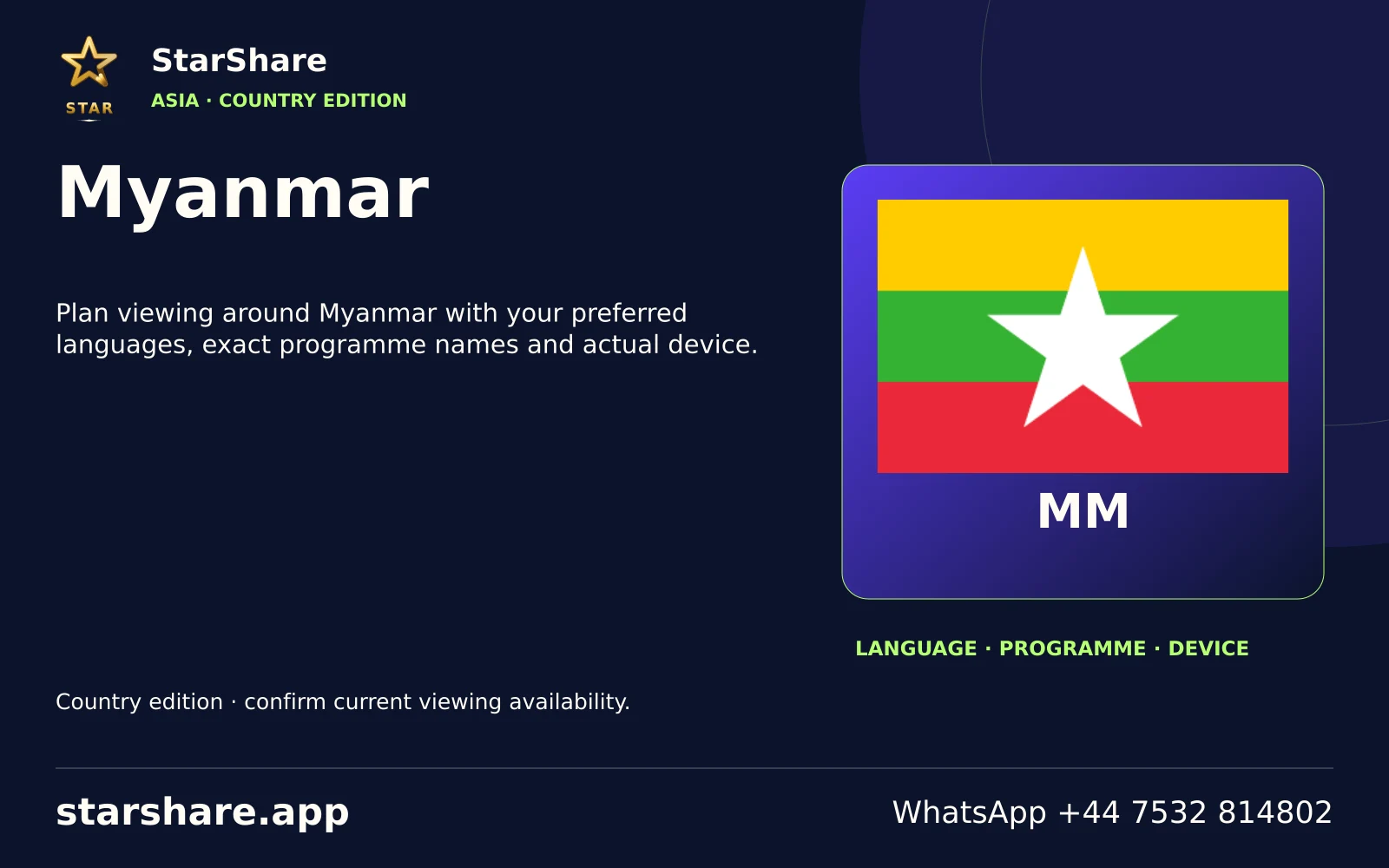
Plan viewing around Myanmar with your preferred languages, exact programme names and actual device.
Open artwork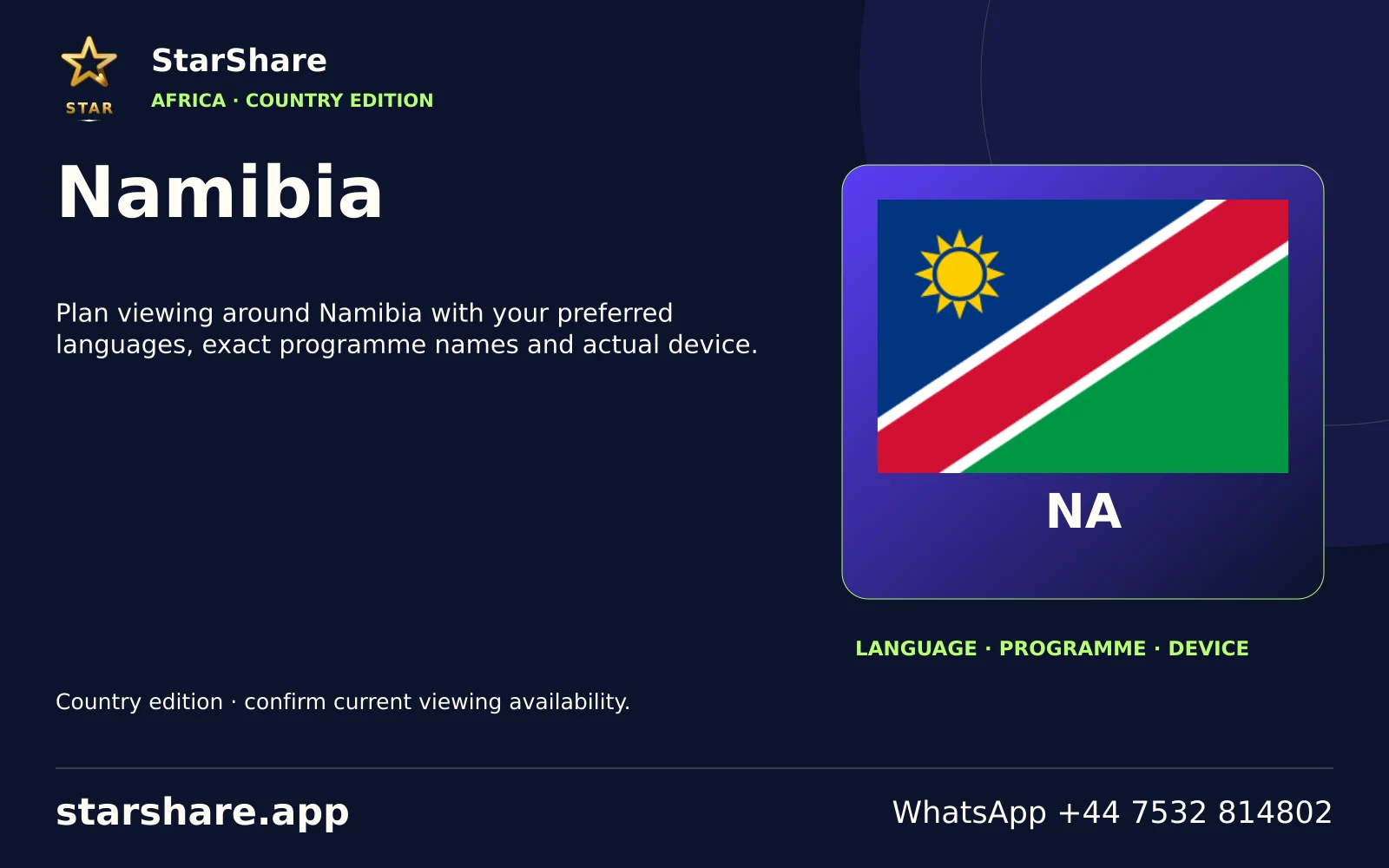
Plan viewing around Namibia with your preferred languages, exact programme names and actual device.
Open artwork
Plan viewing around Nauru with your preferred languages, exact programme names and actual device.
Open artwork
Plan viewing around Nepal with your preferred languages, exact programme names and actual device.
Open artwork
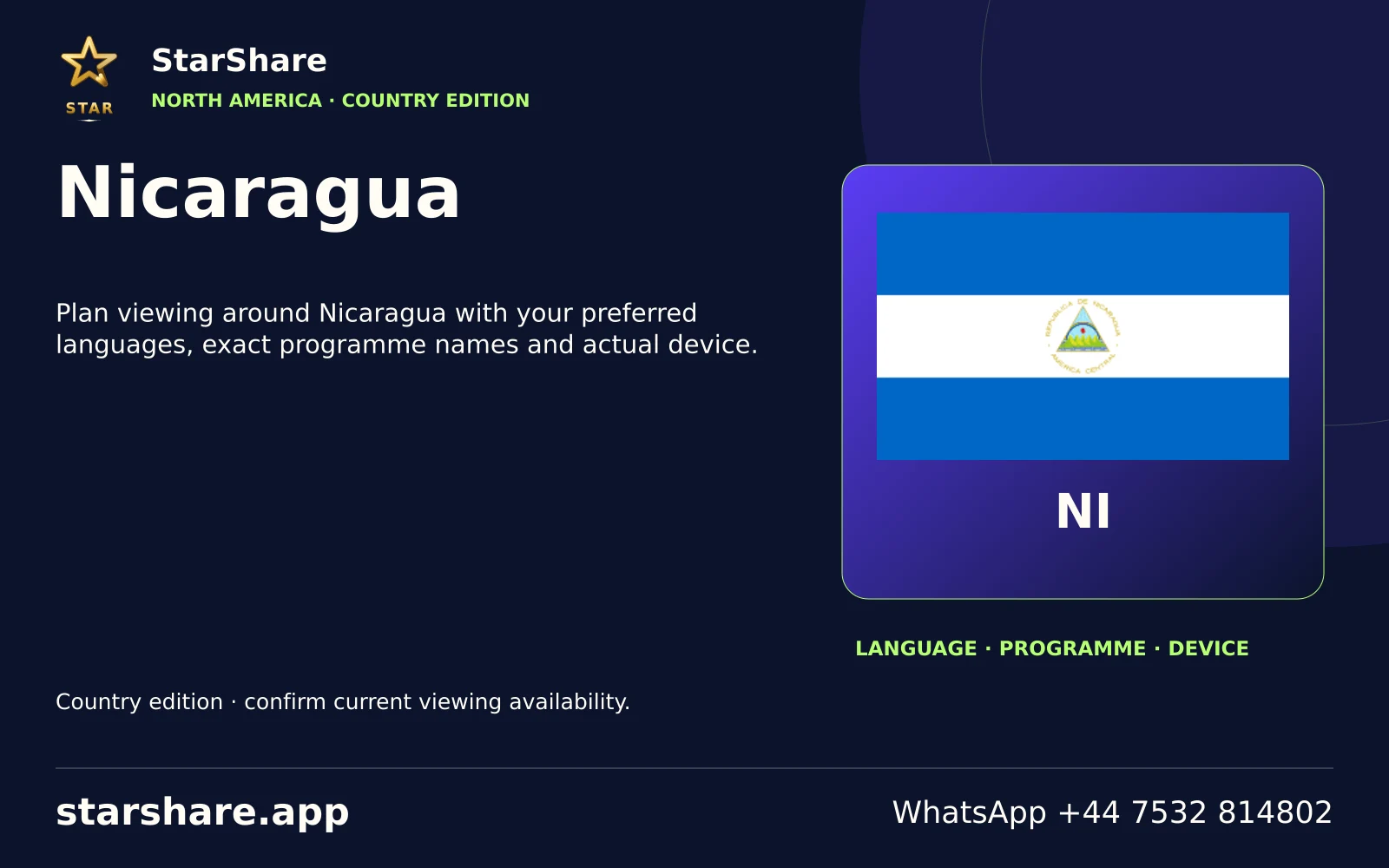
Plan viewing around Nicaragua with your preferred languages, exact programme names and actual device.
Open artwork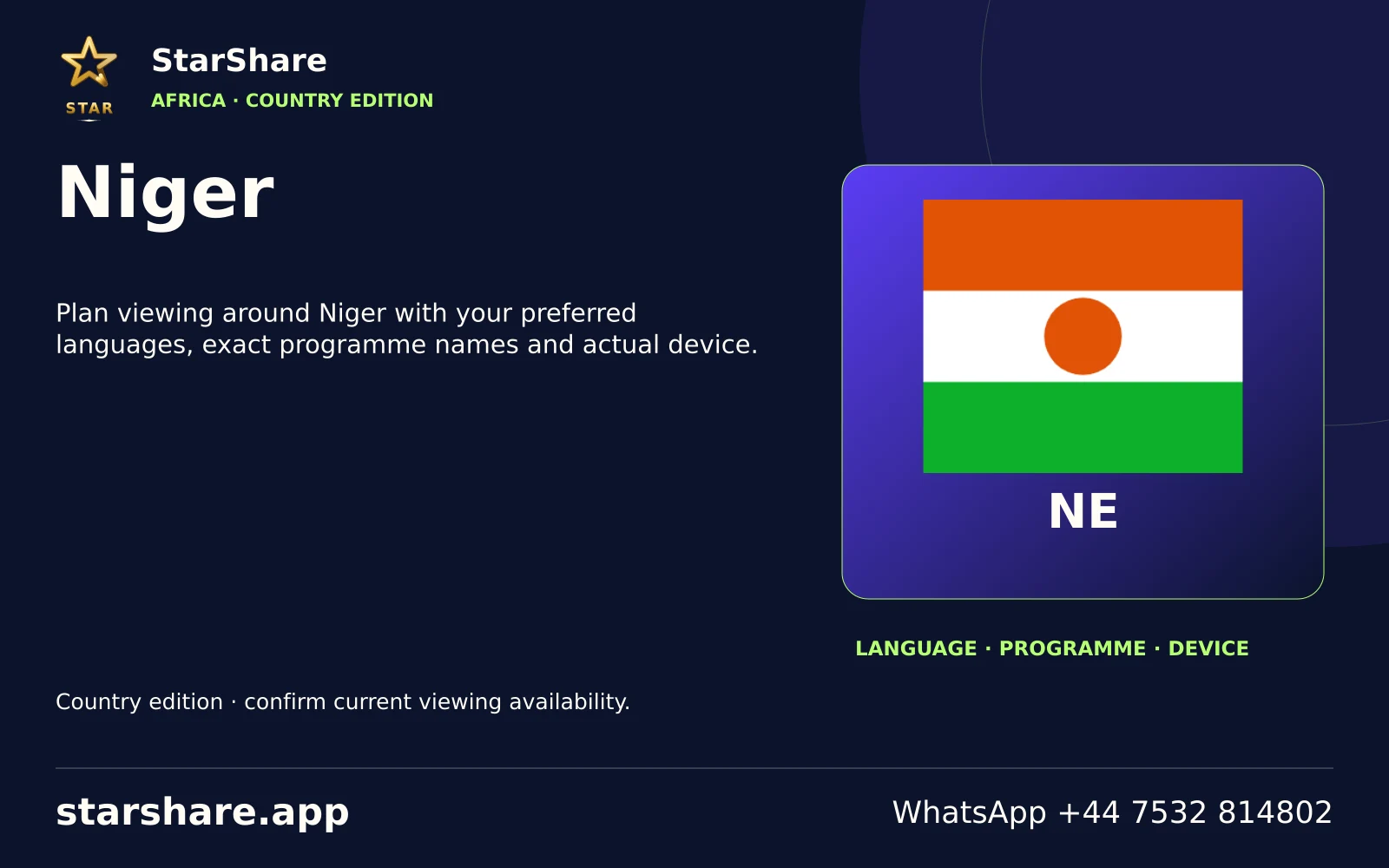
Plan viewing around Niger with your preferred languages, exact programme names and actual device.
Open artwork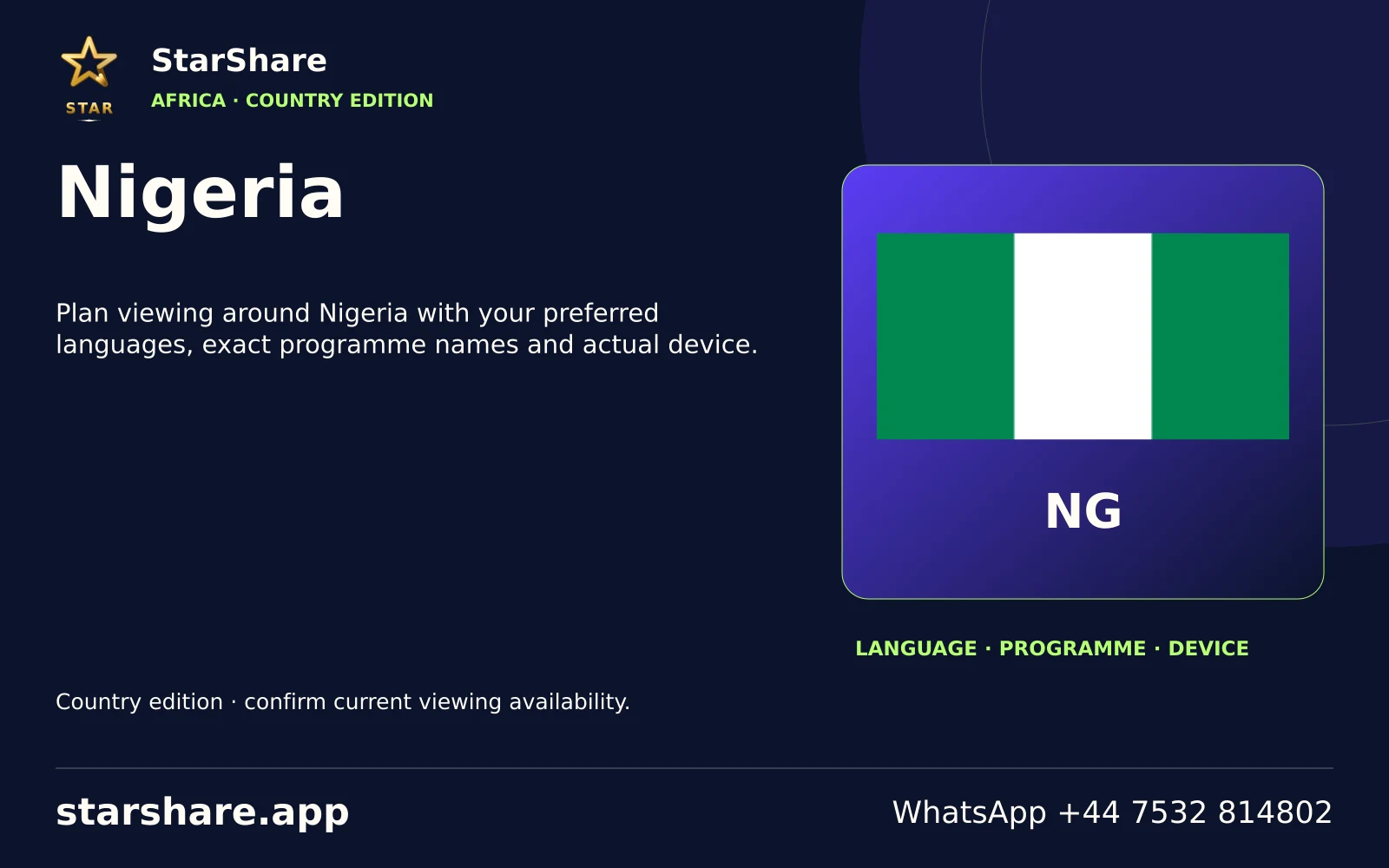
Plan viewing around Nigeria with your preferred languages, exact programme names and actual device.
Open artwork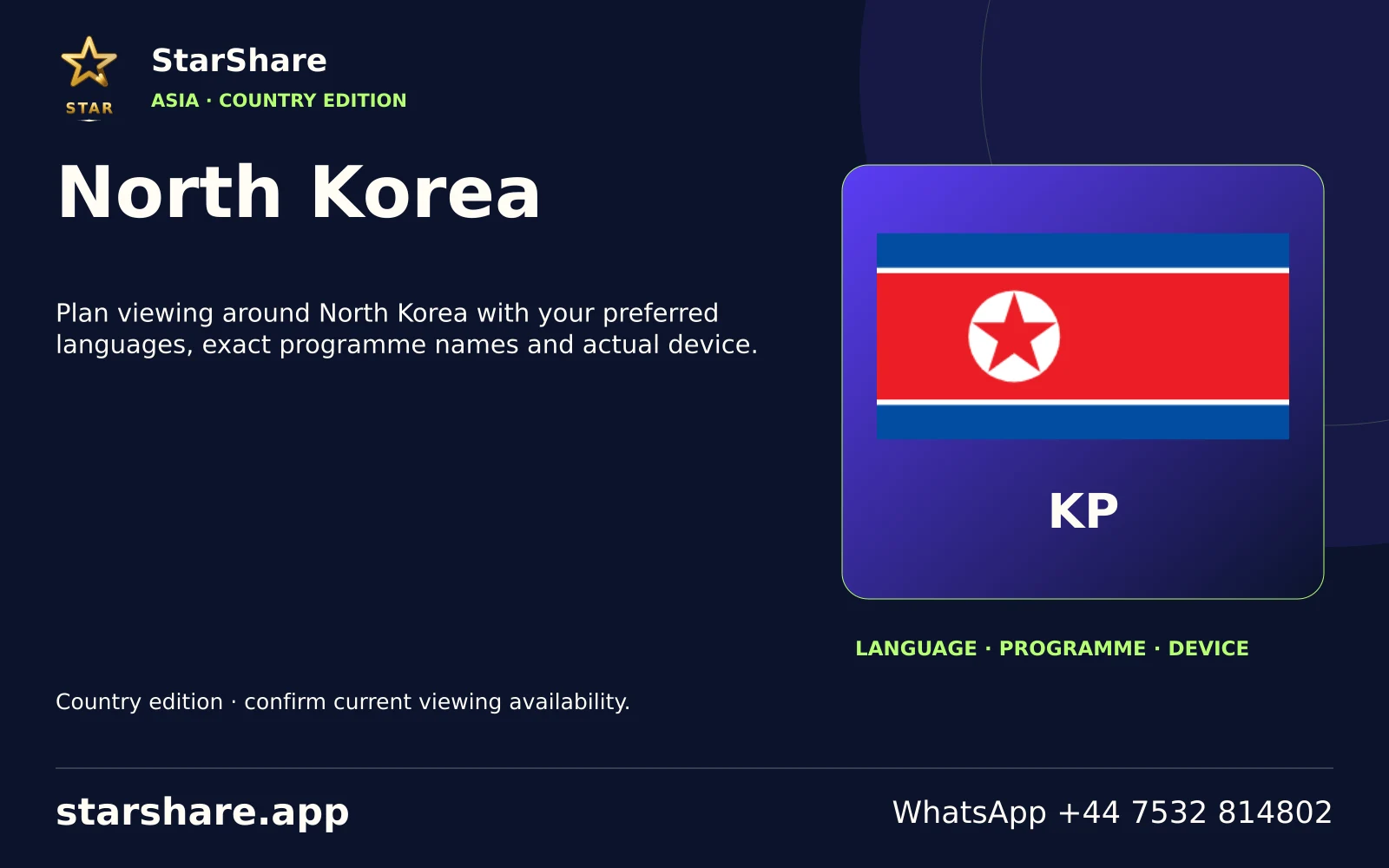
Plan viewing around North Korea with your preferred languages, exact programme names and actual device.
Open artwork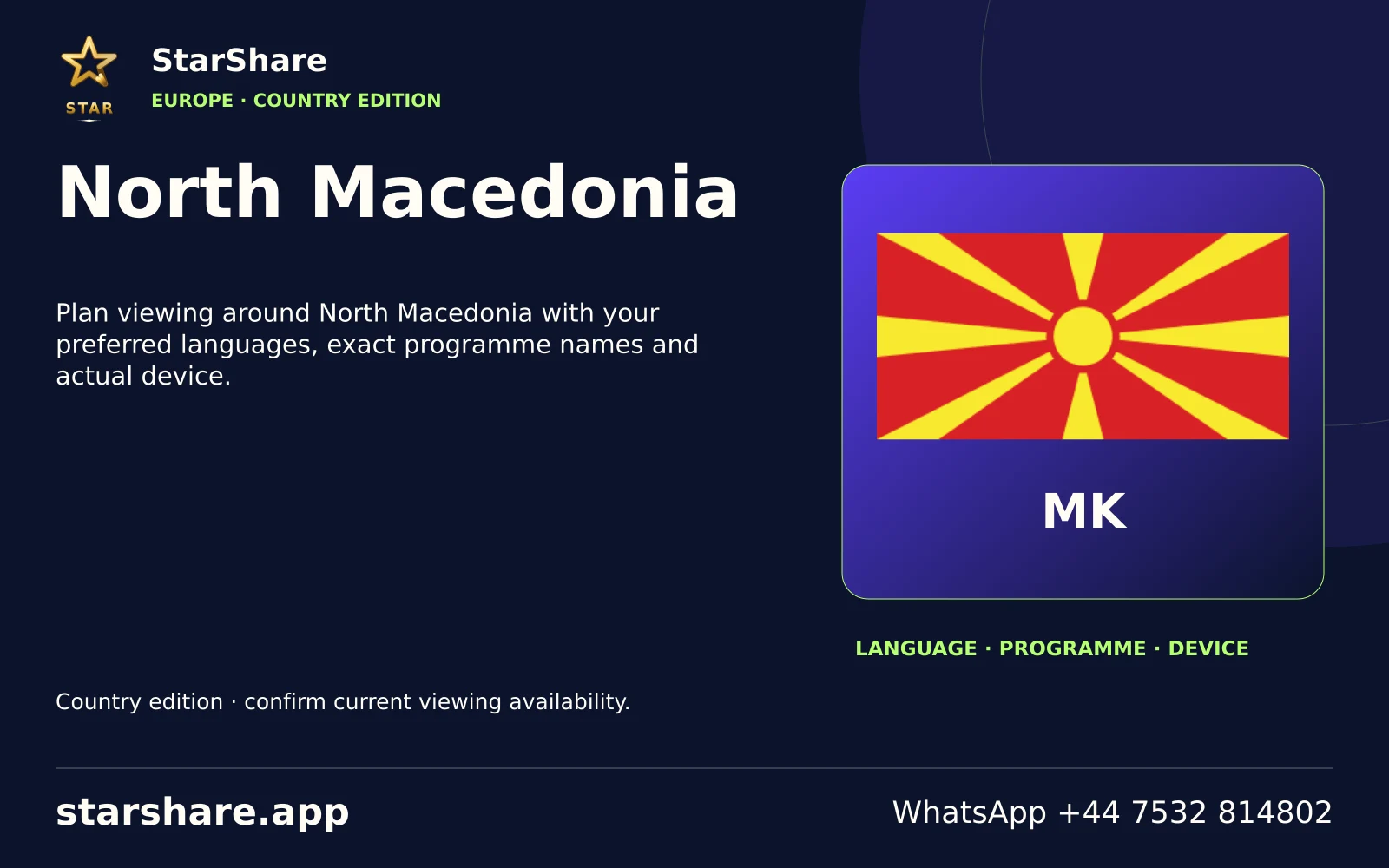
Plan viewing around North Macedonia with your preferred languages, exact programme names and actual device.
Open artwork
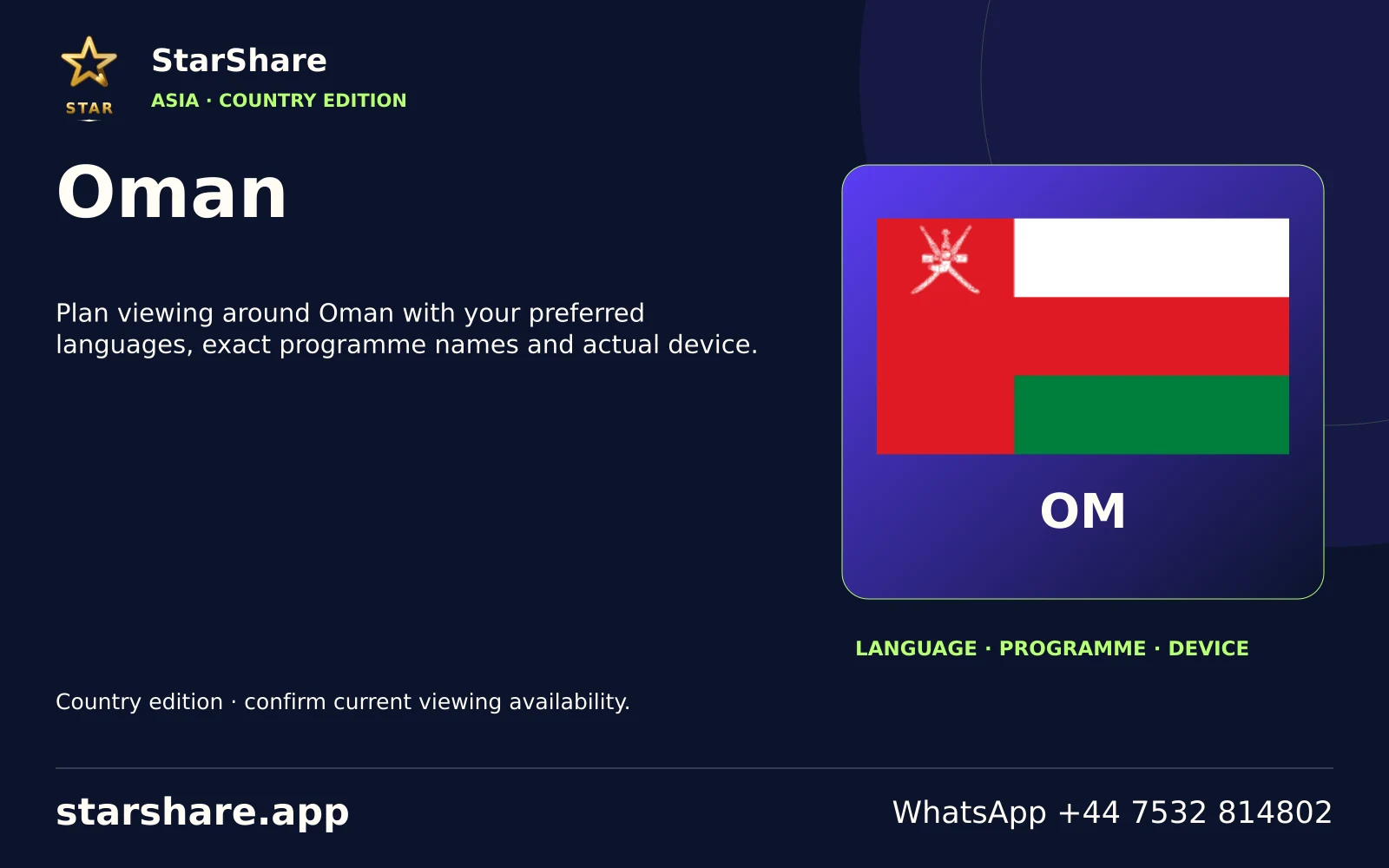
Plan viewing around Oman with your preferred languages, exact programme names and actual device.
Open artwork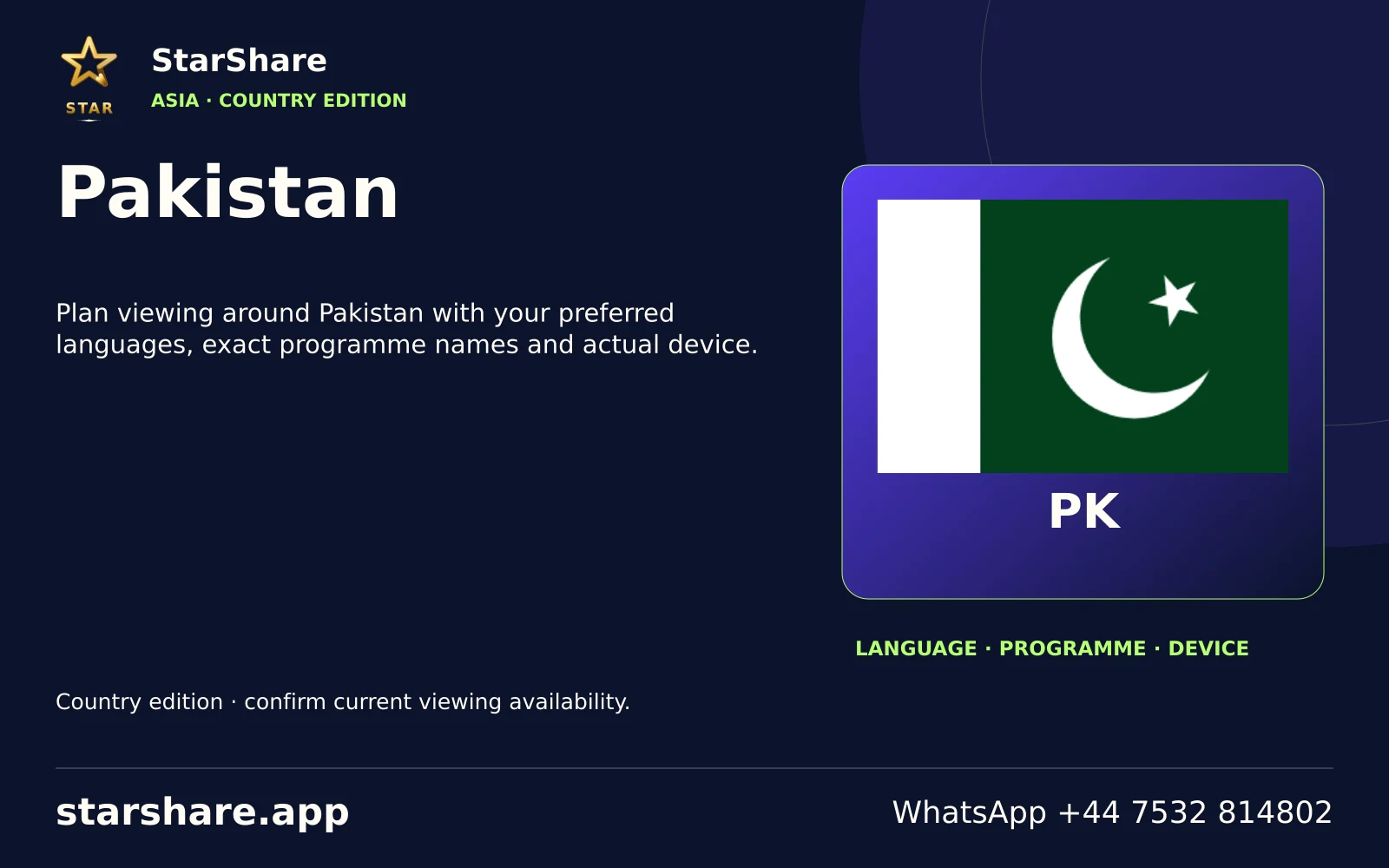
Plan viewing around Pakistan with your preferred languages, exact programme names and actual device.
Open artwork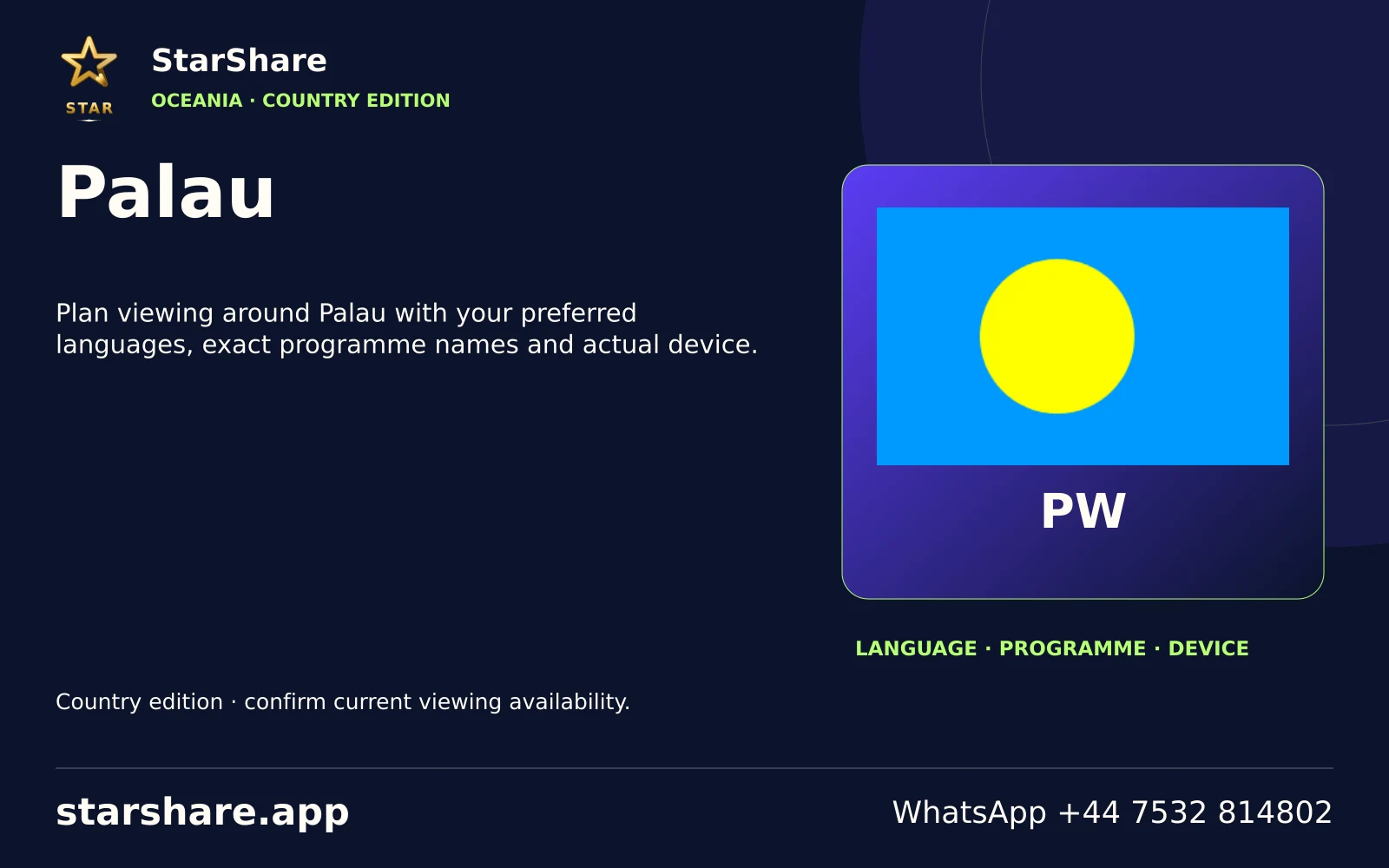
Plan viewing around Palau with your preferred languages, exact programme names and actual device.
Open artwork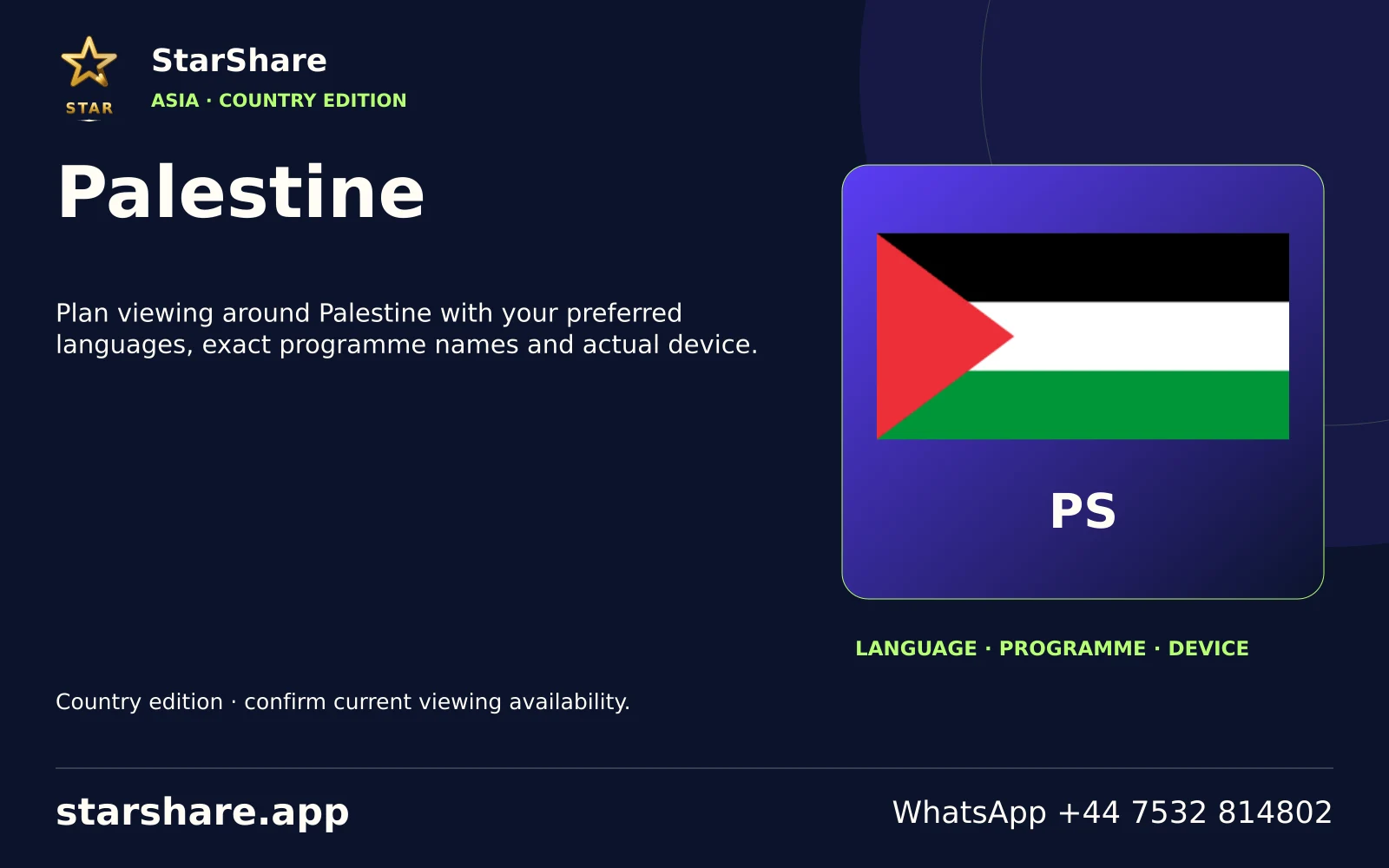
Plan viewing around Palestine with your preferred languages, exact programme names and actual device.
Open artwork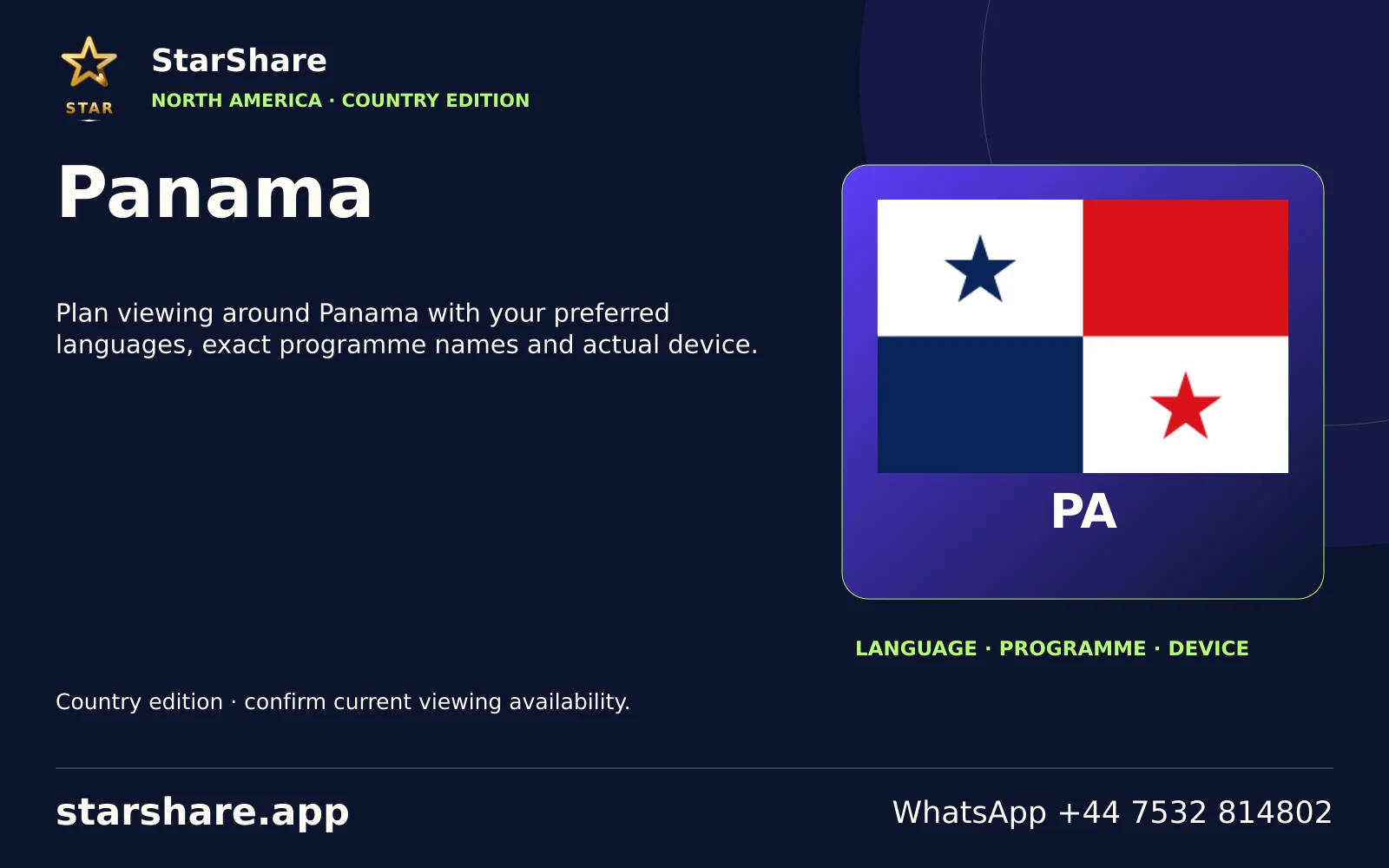
Plan viewing around Panama with your preferred languages, exact programme names and actual device.
Open artwork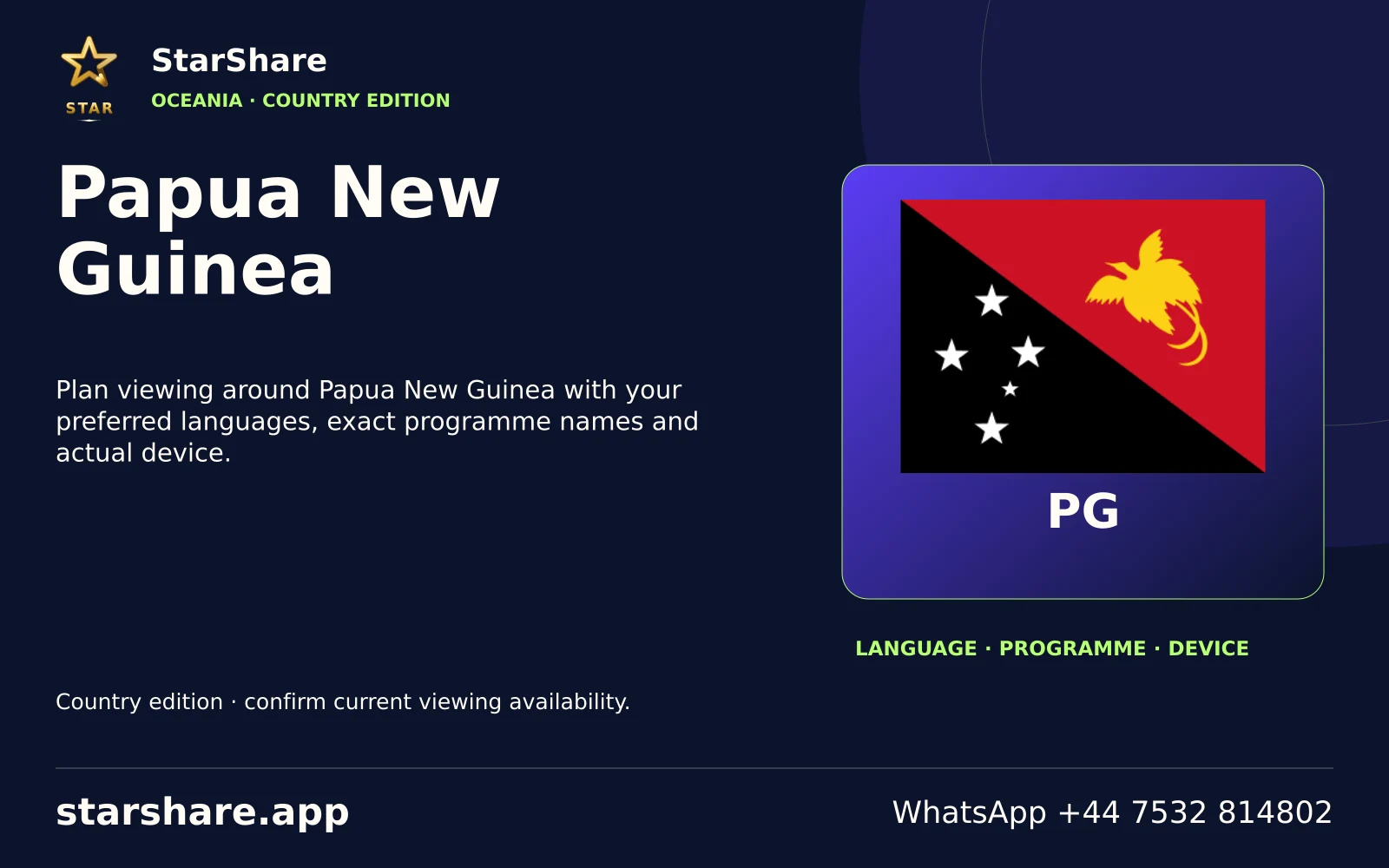
Plan viewing around Papua New Guinea with your preferred languages, exact programme names and actual device.
Open artwork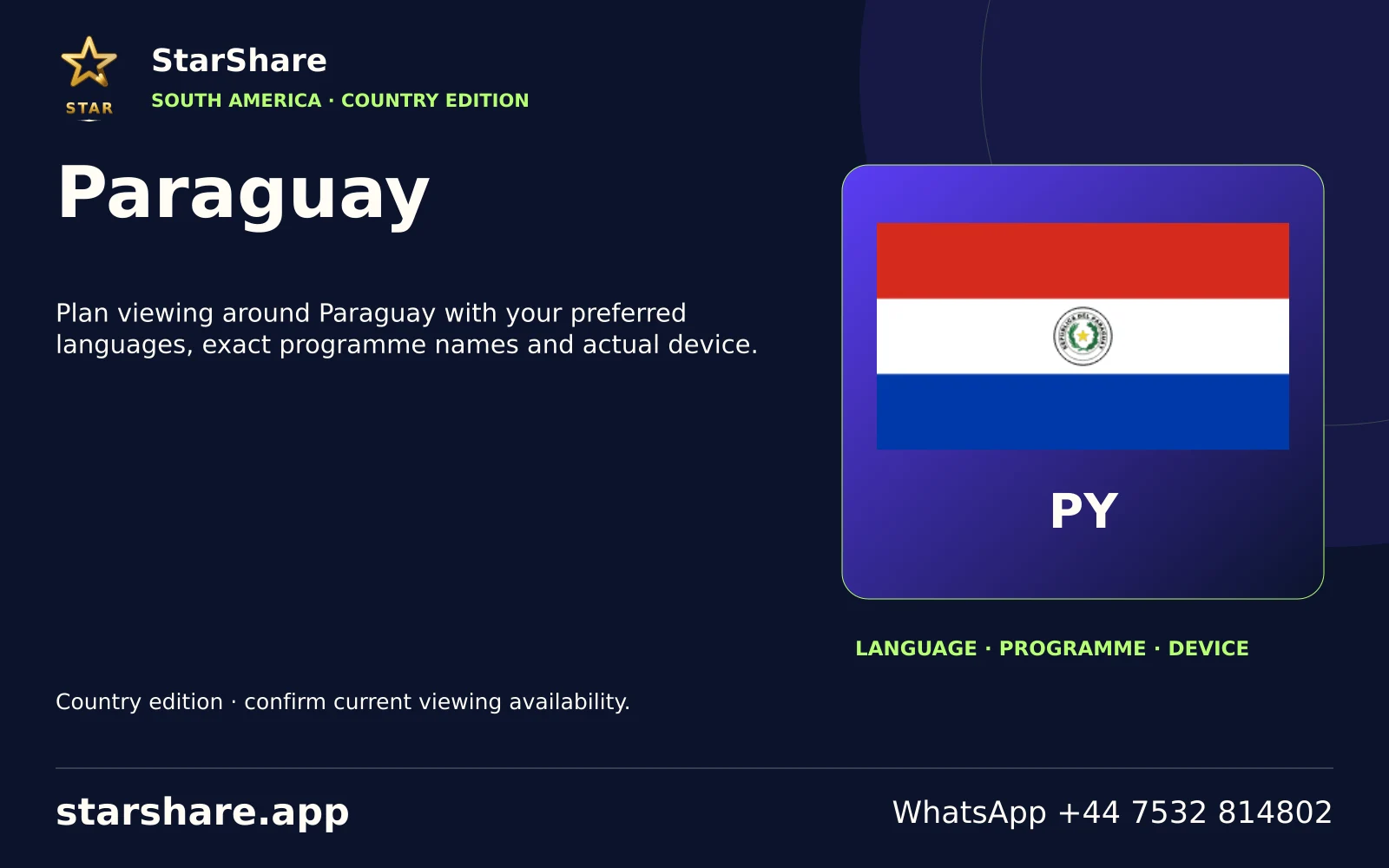
Plan viewing around Paraguay with your preferred languages, exact programme names and actual device.
Open artwork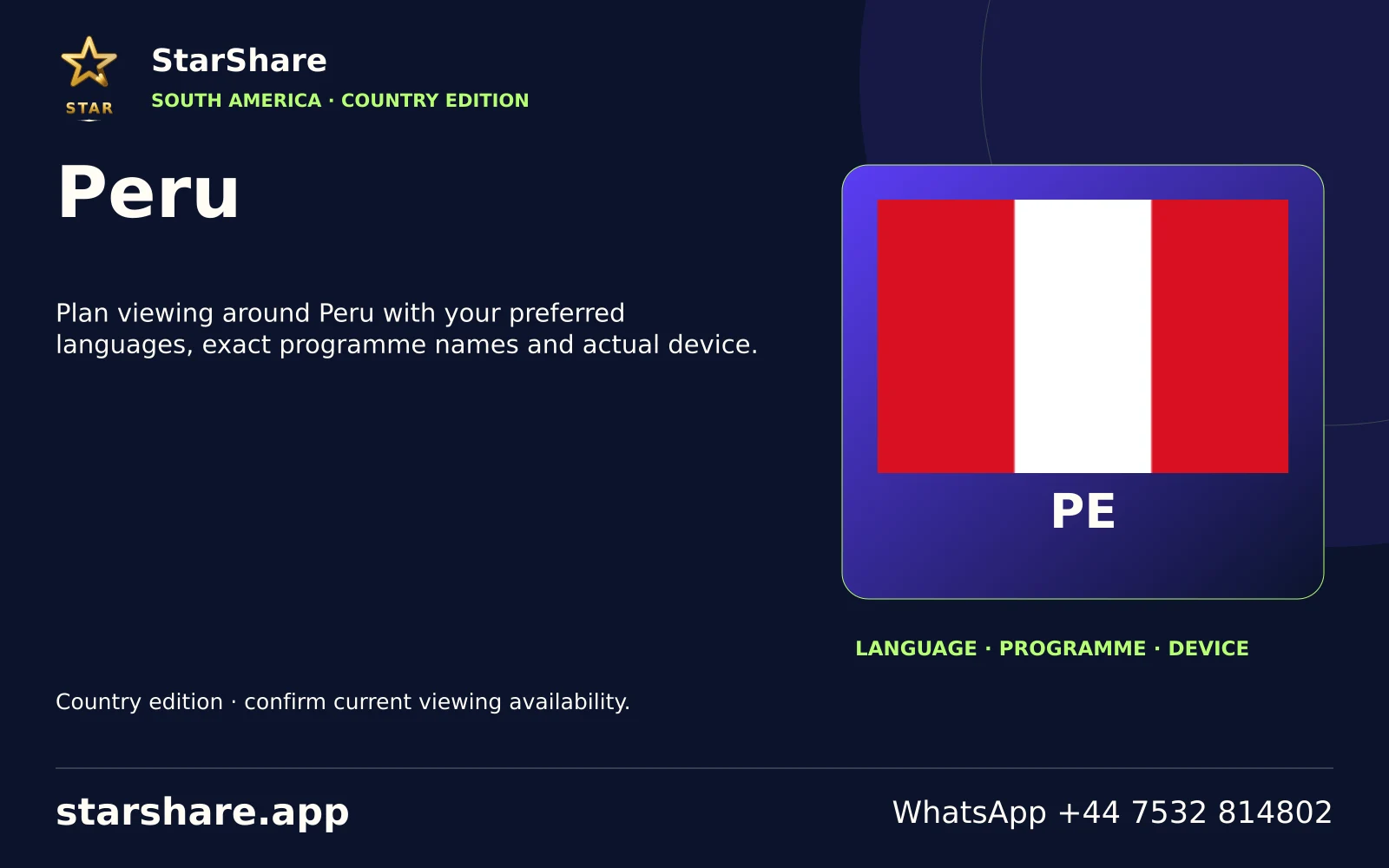
Plan viewing around Peru with your preferred languages, exact programme names and actual device.
Open artwork
Plan viewing around Qatar with your preferred languages, exact programme names and actual device.
Open artwork
Plan viewing around Republic of the Congo with your preferred languages, exact programme names and actual device.
Open artwork
Plan viewing around Rwanda with your preferred languages, exact programme names and actual device.
Open artwork
Plan viewing around Saint Kitts and Nevis with your preferred languages, exact programme names and actual device.
Open artwork
Plan viewing around Saint Lucia with your preferred languages, exact programme names and actual device.
Open artwork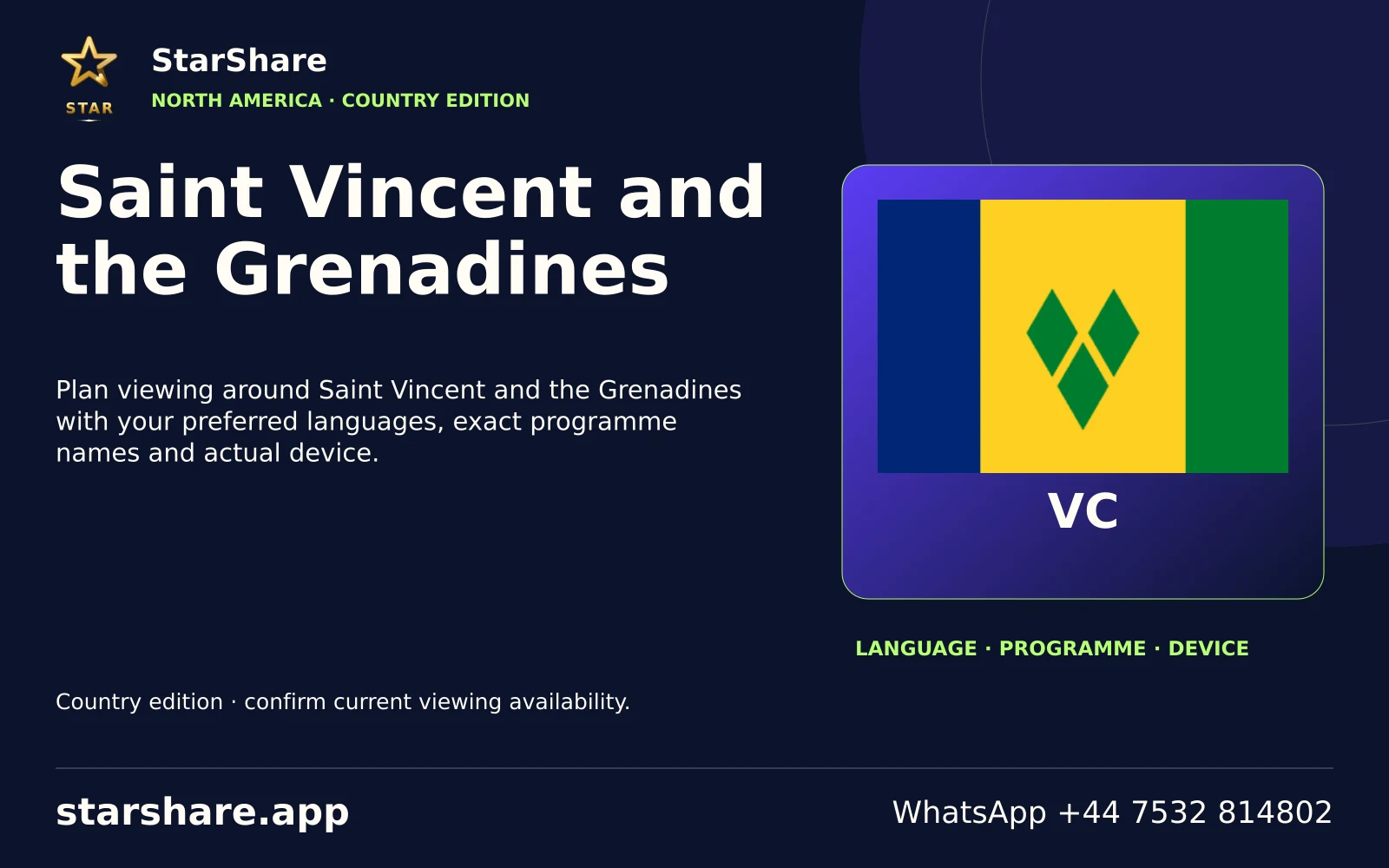
Plan viewing around Saint Vincent and the Grenadines with your preferred languages, exact programme names and actual device.
Open artwork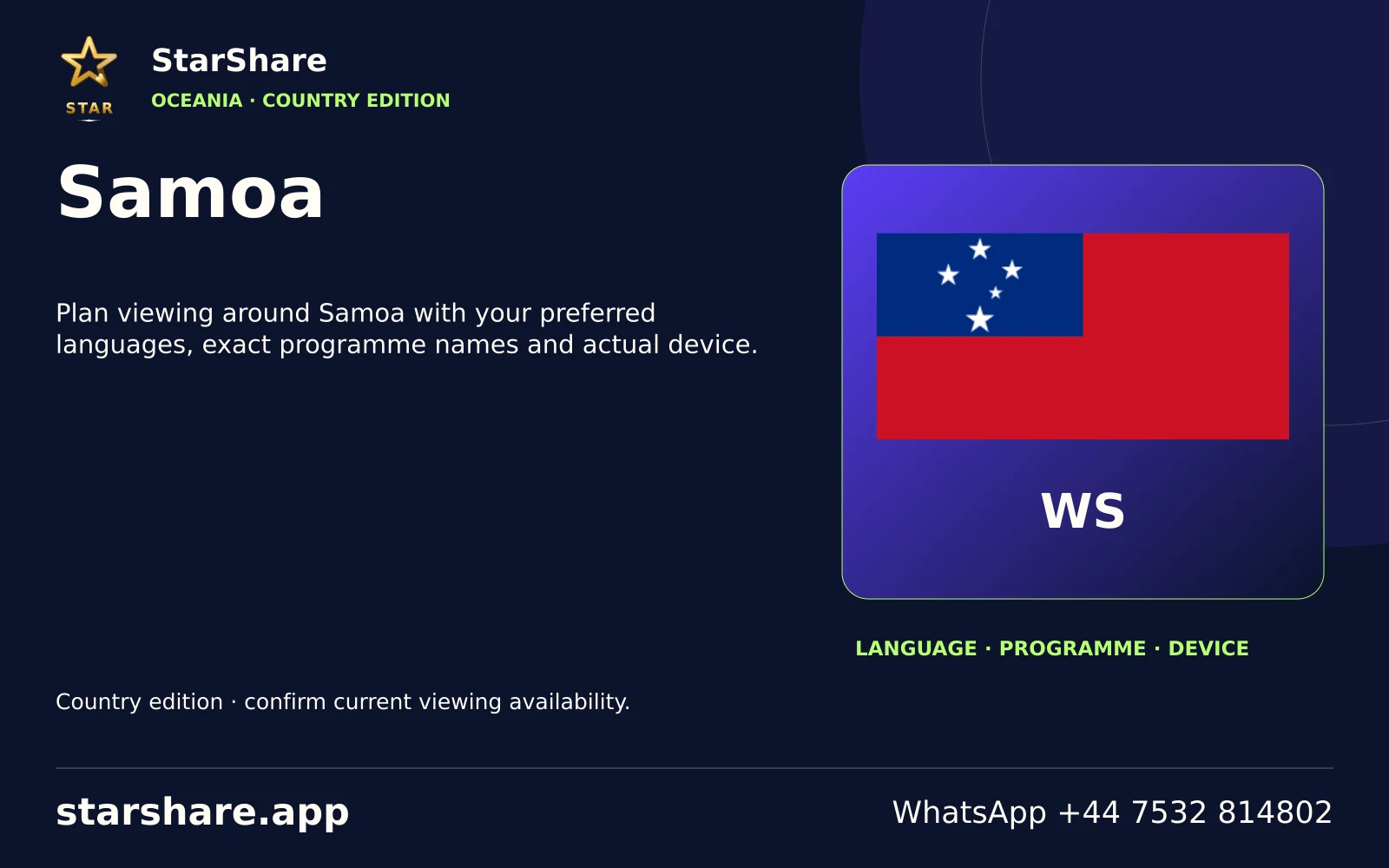
Plan viewing around Samoa with your preferred languages, exact programme names and actual device.
Open artwork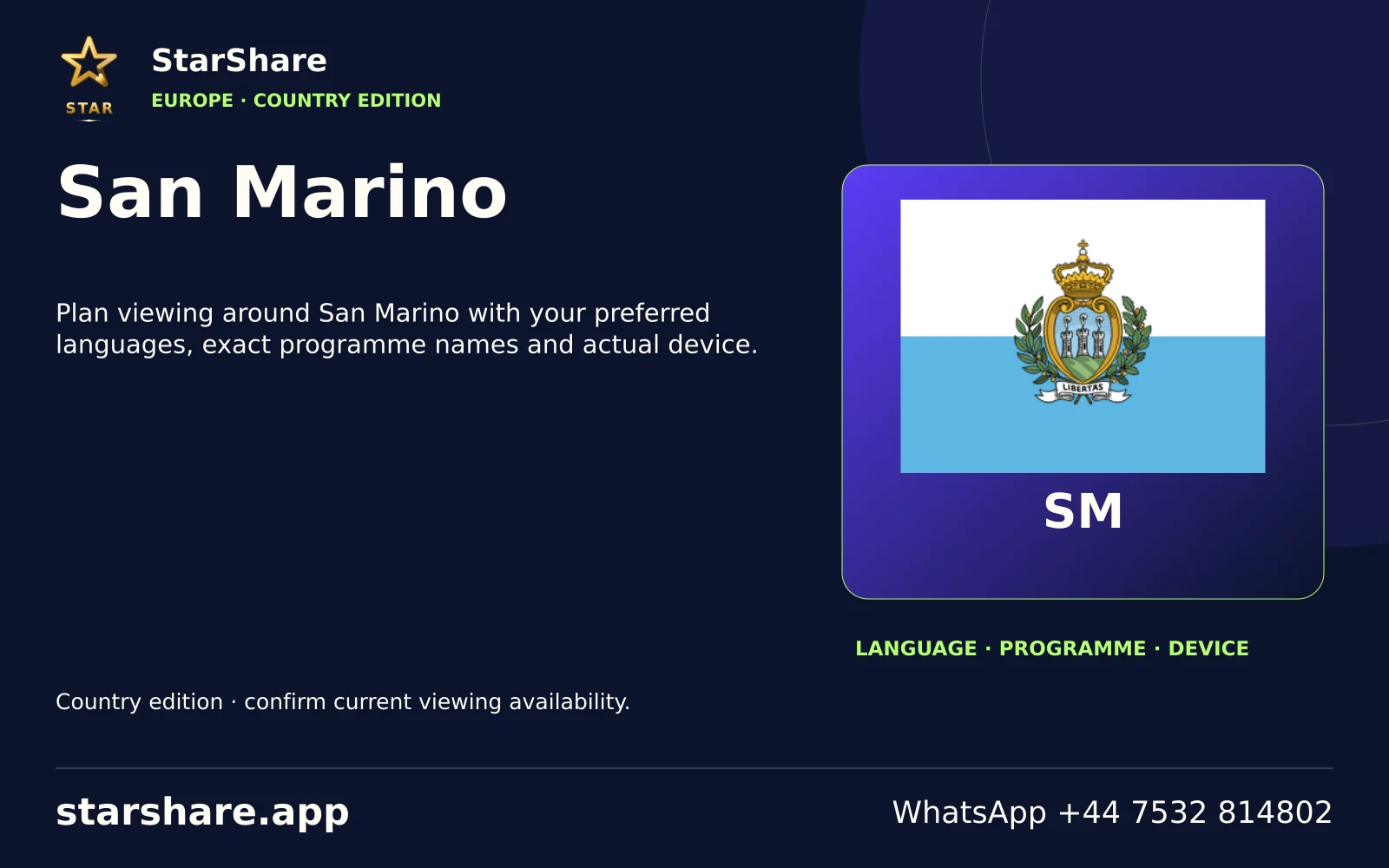
Plan viewing around San Marino with your preferred languages, exact programme names and actual device.
Open artwork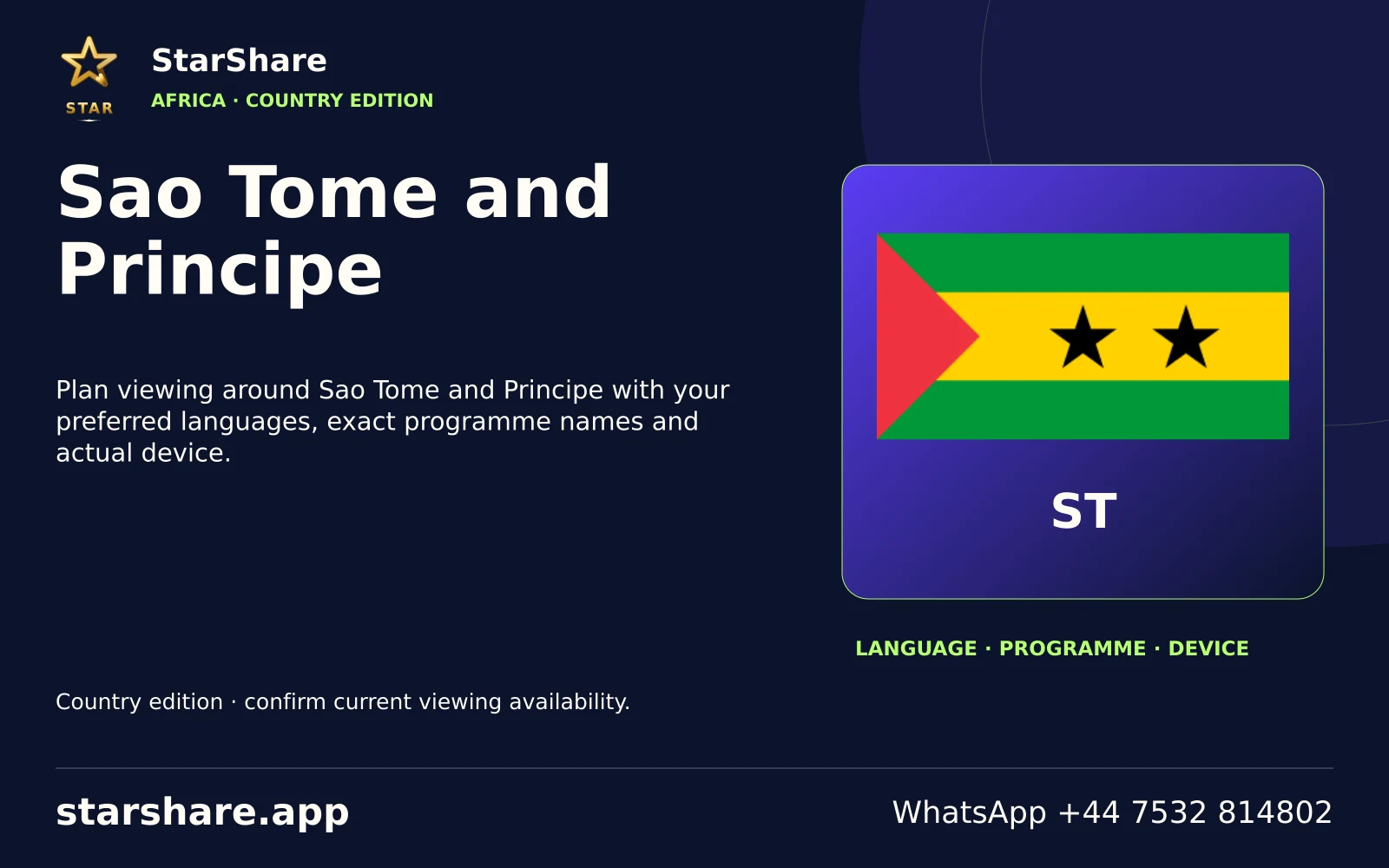
Plan viewing around Sao Tome and Principe with your preferred languages, exact programme names and actual device.
Open artwork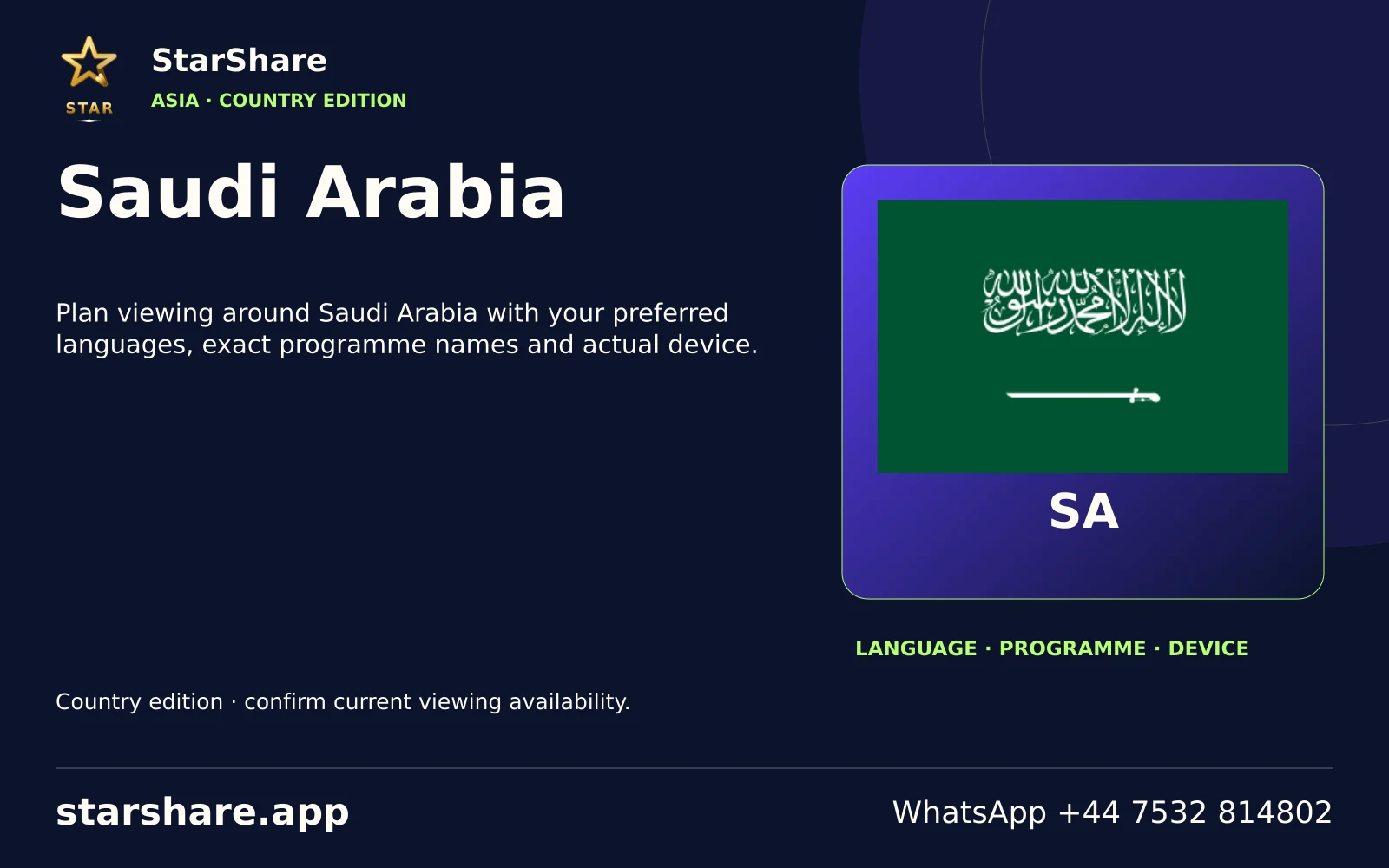
Plan viewing around Saudi Arabia with your preferred languages, exact programme names and actual device.
Open artwork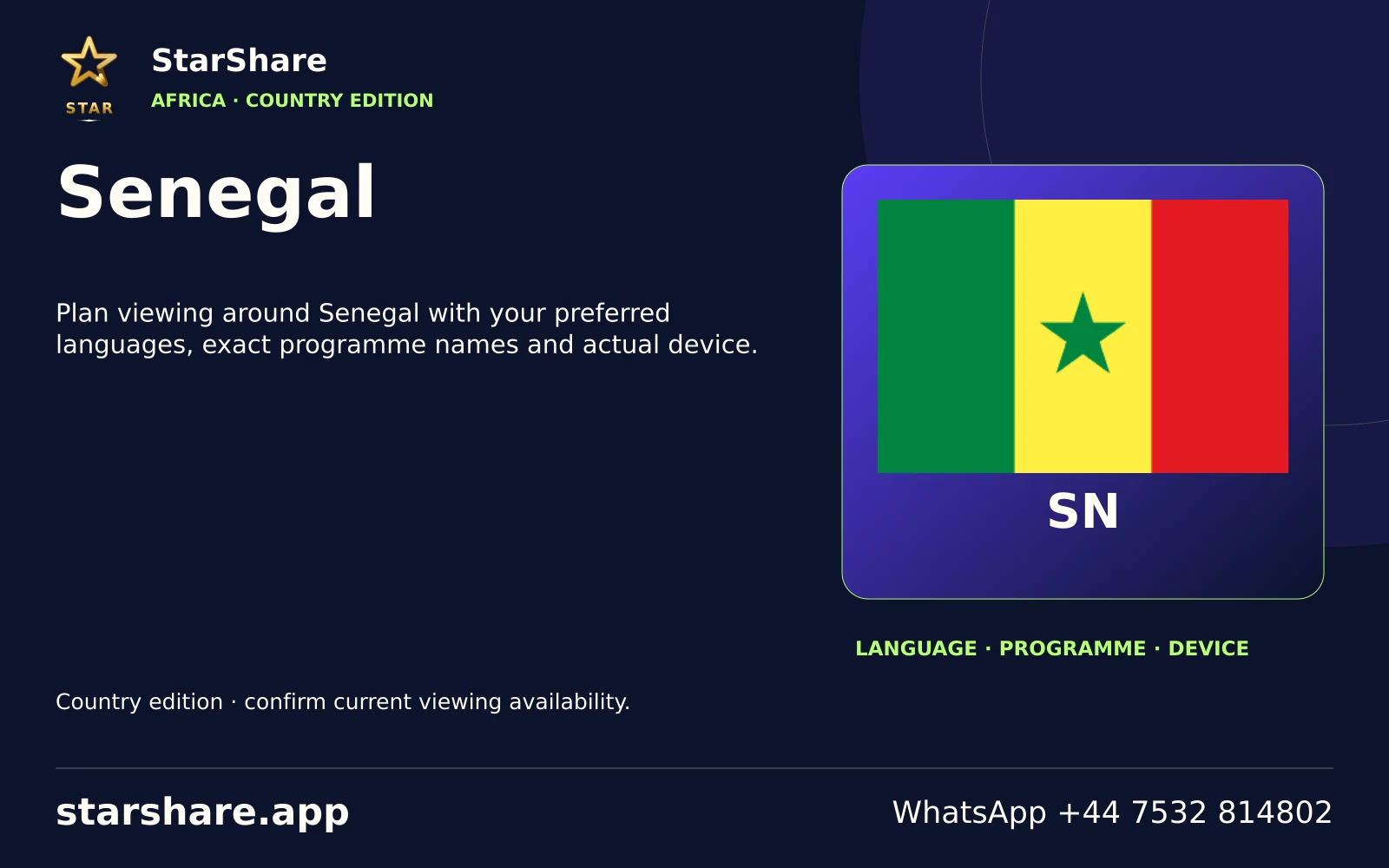
Plan viewing around Senegal with your preferred languages, exact programme names and actual device.
Open artwork
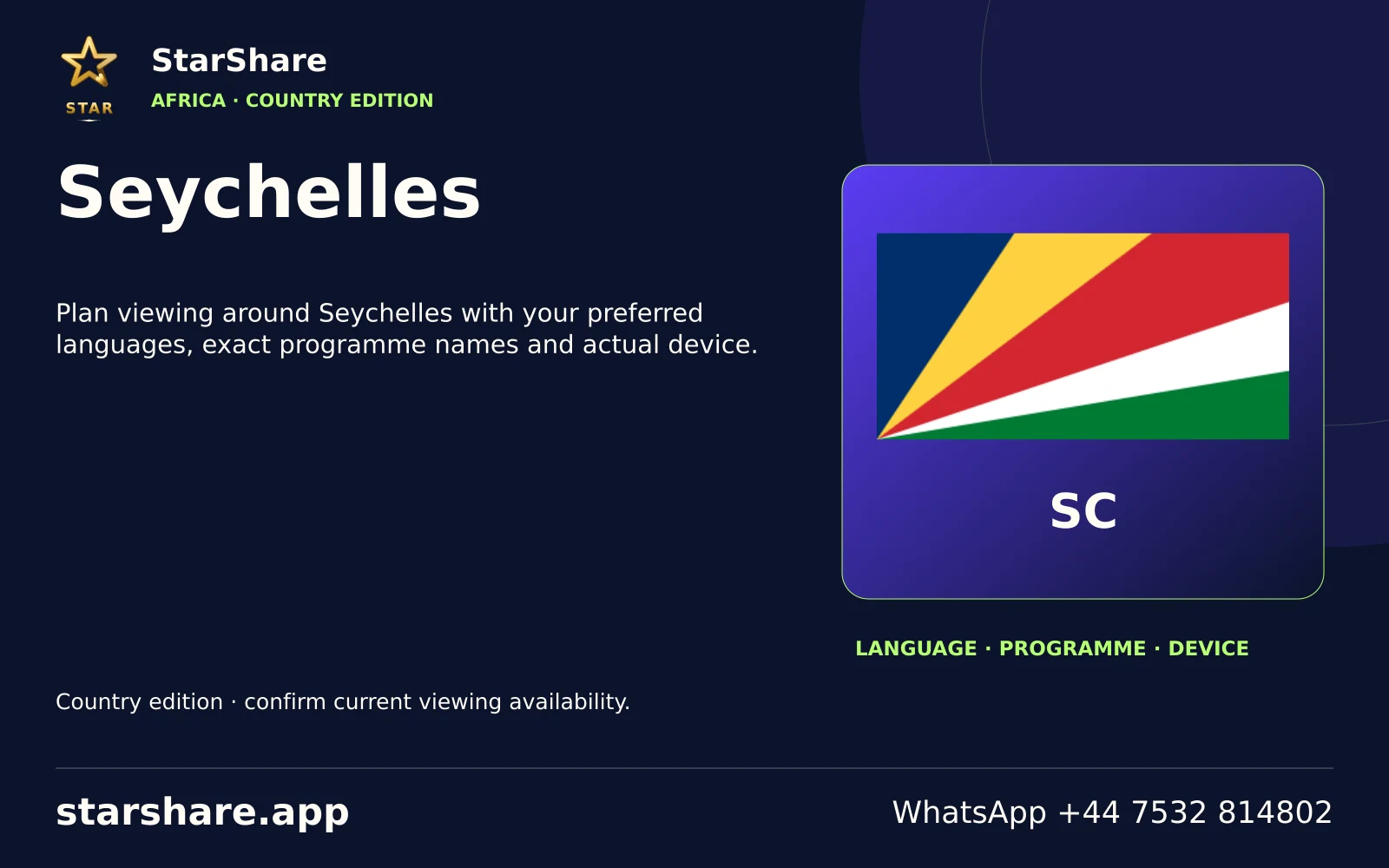
Plan viewing around Seychelles with your preferred languages, exact programme names and actual device.
Open artwork
Plan viewing around Sierra Leone with your preferred languages, exact programme names and actual device.
Open artwork
A regional viewing shortlist: Arena Sport 1, Arena Sport 2, Dvojka.
Open artwork
Plan viewing around Solomon Islands with your preferred languages, exact programme names and actual device.
Open artwork
Plan viewing around Somalia with your preferred languages, exact programme names and actual device.
Open artwork
A regional viewing shortlist: 1KZN TV, 1Magic, Mpuma Kapa TV.
Open artwork
Plan viewing around South Korea with your preferred languages, exact programme names and actual device.
Open artwork
Plan viewing around South Sudan with your preferred languages, exact programme names and actual device.
Open artwork
Plan viewing around Sri Lanka with your preferred languages, exact programme names and actual device.
Open artwork
Plan viewing around Sudan with your preferred languages, exact programme names and actual device.
Open artwork
Plan viewing around Suriname with your preferred languages, exact programme names and actual device.
Open artwork
Plan viewing around Syria with your preferred languages, exact programme names and actual device.
Open artwork
Plan viewing around Tajikistan with your preferred languages, exact programme names and actual device.
Open artwork
Plan viewing around Tanzania with your preferred languages, exact programme names and actual device.
Open artwork
Plan viewing around Thailand with your preferred languages, exact programme names and actual device.
Open artwork
Plan viewing around Timor-Leste with your preferred languages, exact programme names and actual device.
Open artwork
Plan viewing around Togo with your preferred languages, exact programme names and actual device.
Open artwork
Plan viewing around Tonga with your preferred languages, exact programme names and actual device.
Open artwork
Plan viewing around Trinidad and Tobago with your preferred languages, exact programme names and actual device.
Open artwork
Plan viewing around Tunisia with your preferred languages, exact programme names and actual device.
Open artwork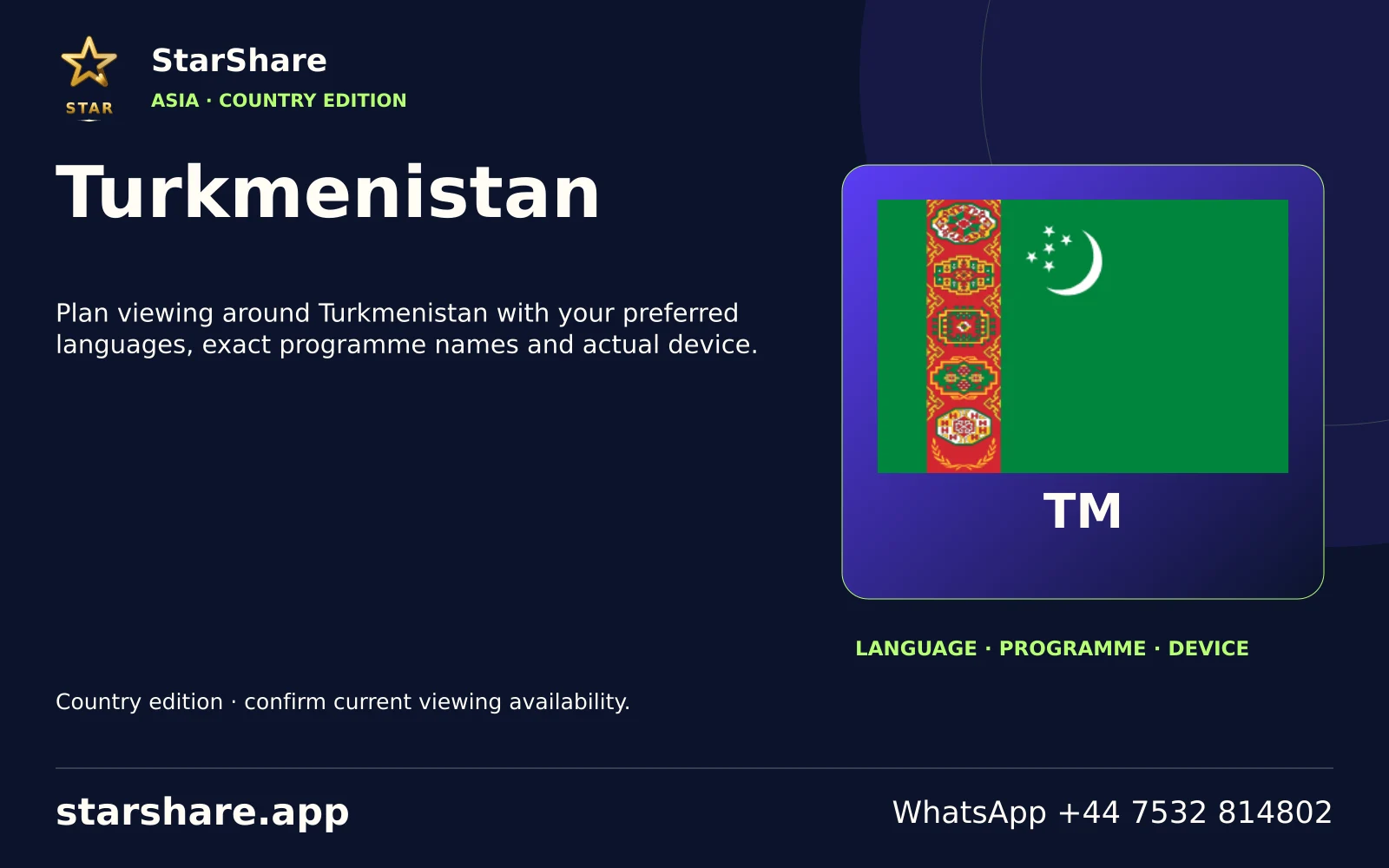
Plan viewing around Turkmenistan with your preferred languages, exact programme names and actual device.
Open artwork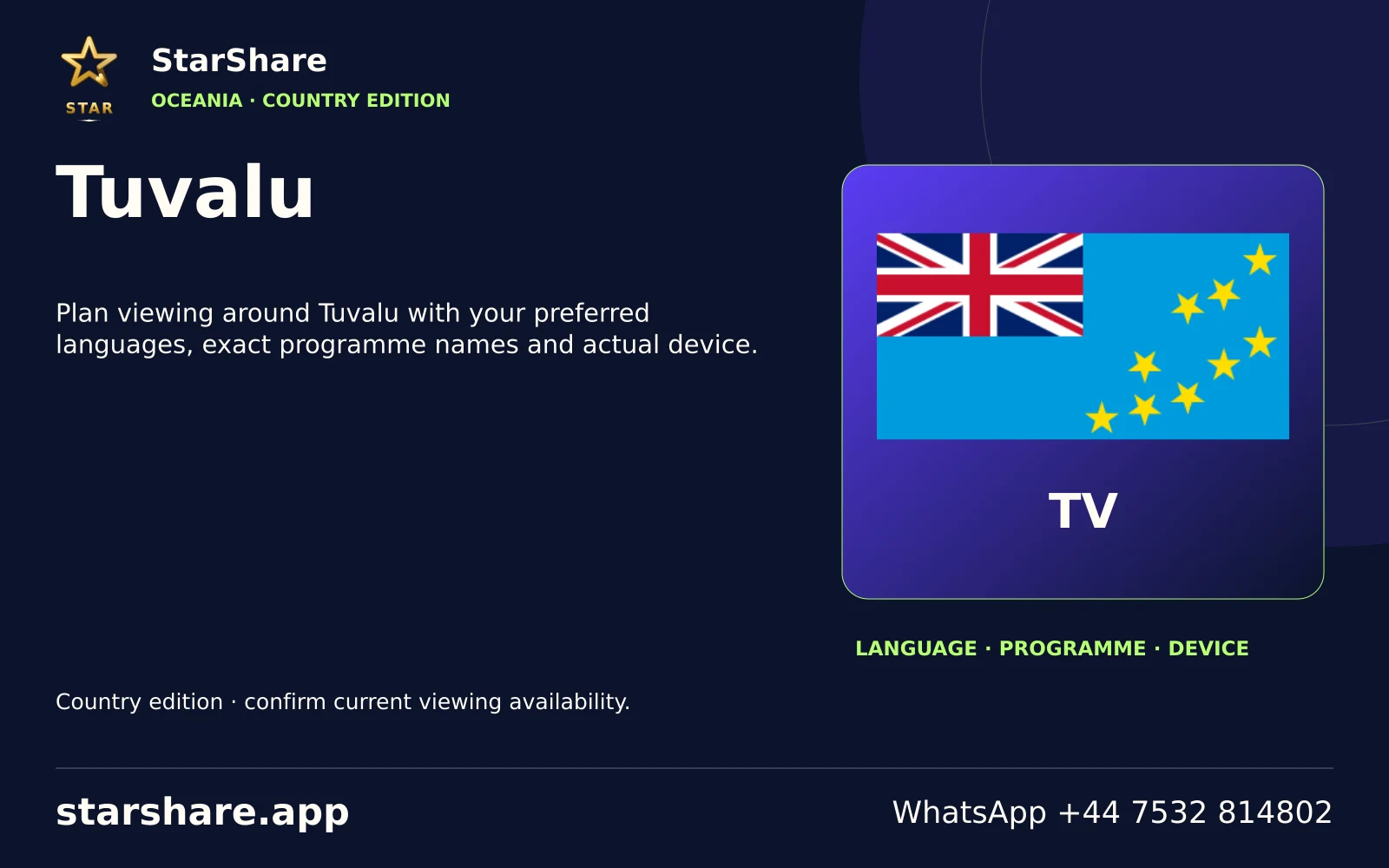
Plan viewing around Tuvalu with your preferred languages, exact programme names and actual device.
Open artwork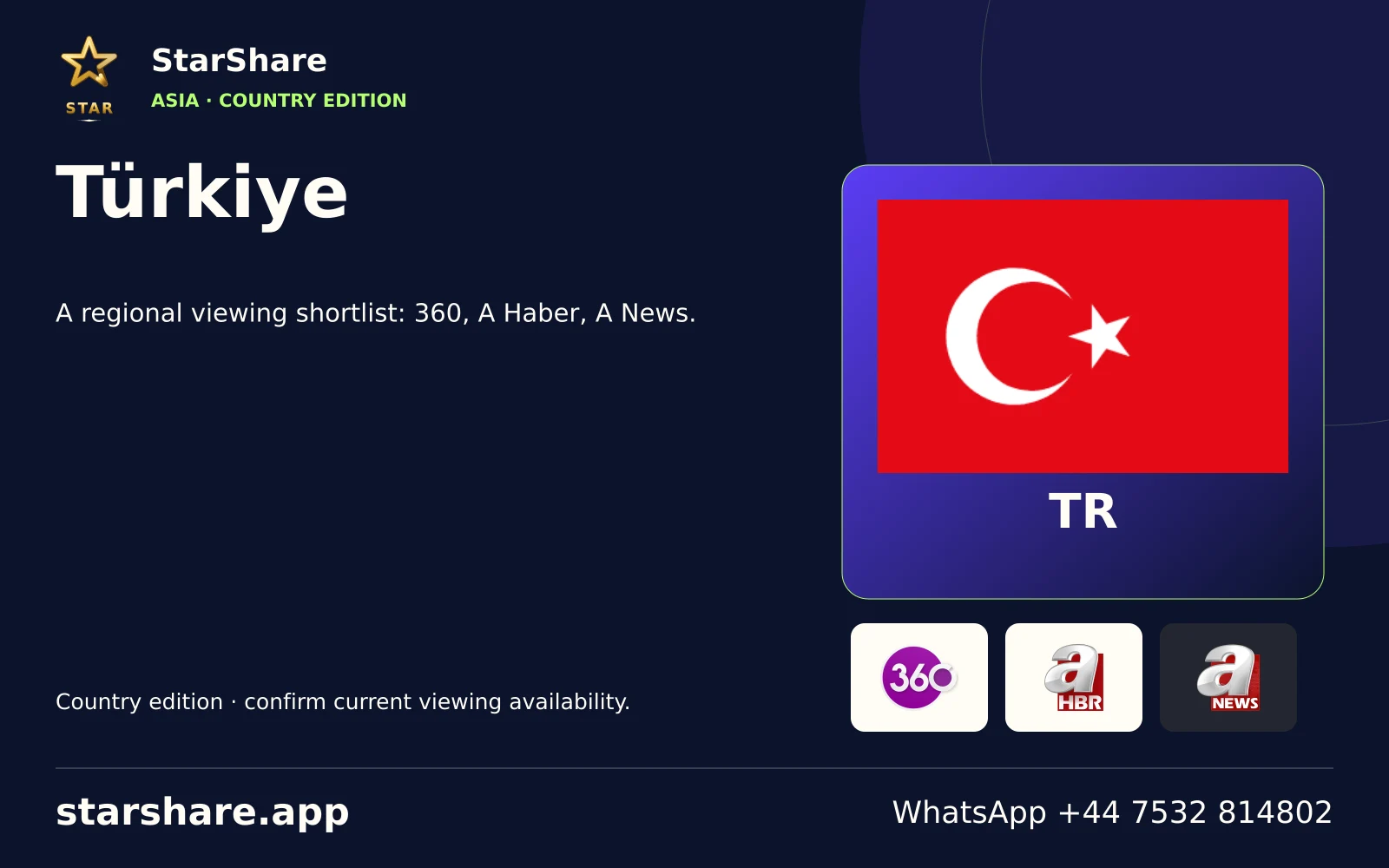
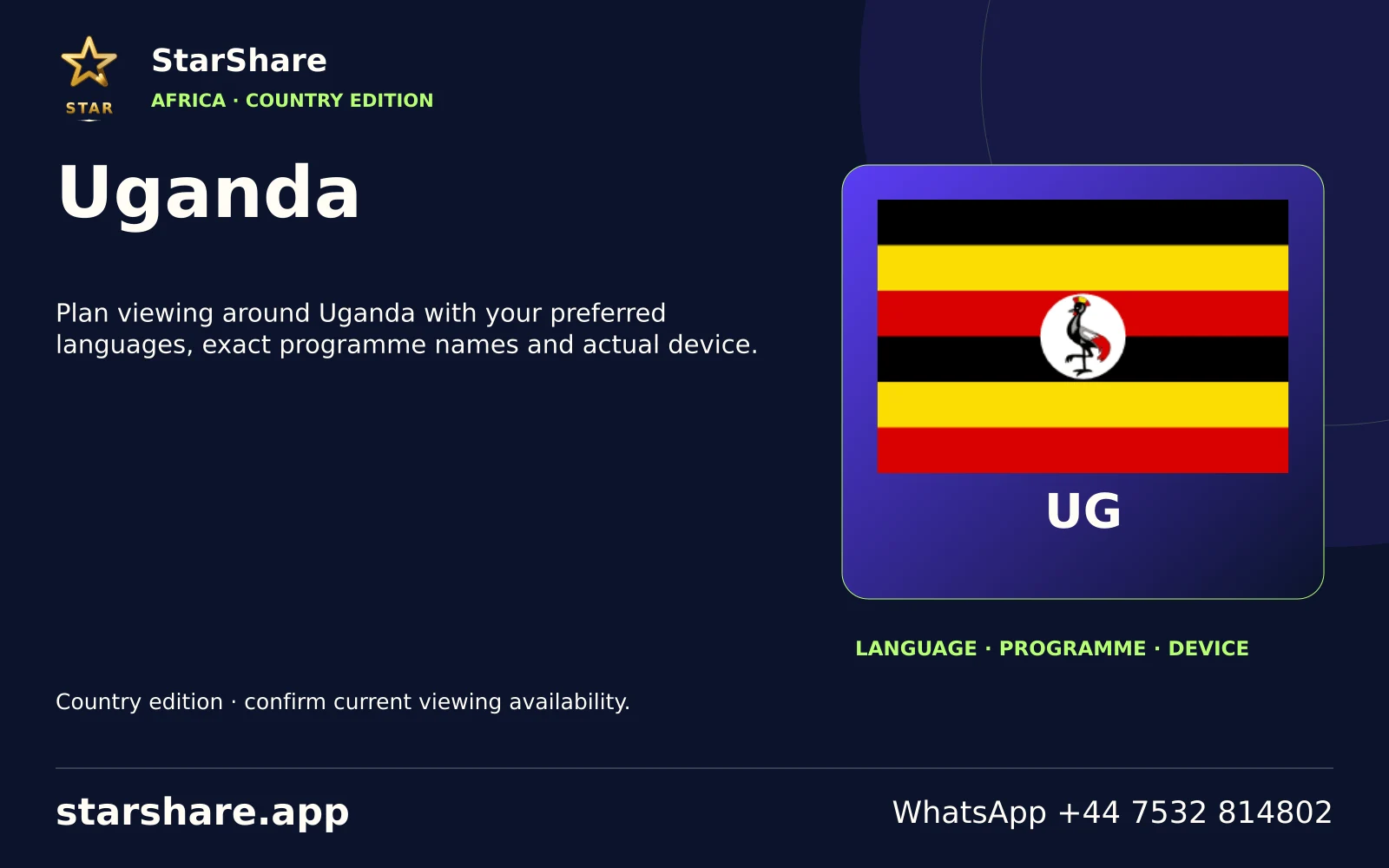
Plan viewing around Uganda with your preferred languages, exact programme names and actual device.
Open artwork
A regional viewing shortlist: 1+1 International, 1+1 Marafon, 1+1 Ukraina.
Open artwork
A regional viewing shortlist: Abu Dhabi TV, Ajman TV, Alarabiya.
Open artwork
Plan viewing around United Kingdom with your preferred languages, exact programme names and actual device.
Open artwork
A regional viewing shortlist: 3ABN Praise Him Music Network, 3ABN Proclaim! Network, A&E.
Open artwork
Plan viewing around Uruguay with your preferred languages, exact programme names and actual device.
Open artwork
Plan viewing around Uzbekistan with your preferred languages, exact programme names and actual device.
Open artwork
Plan viewing around Vanuatu with your preferred languages, exact programme names and actual device.
Open artwork
Plan viewing around Vatican City / Holy See with your preferred languages, exact programme names and actual device.
Open artwork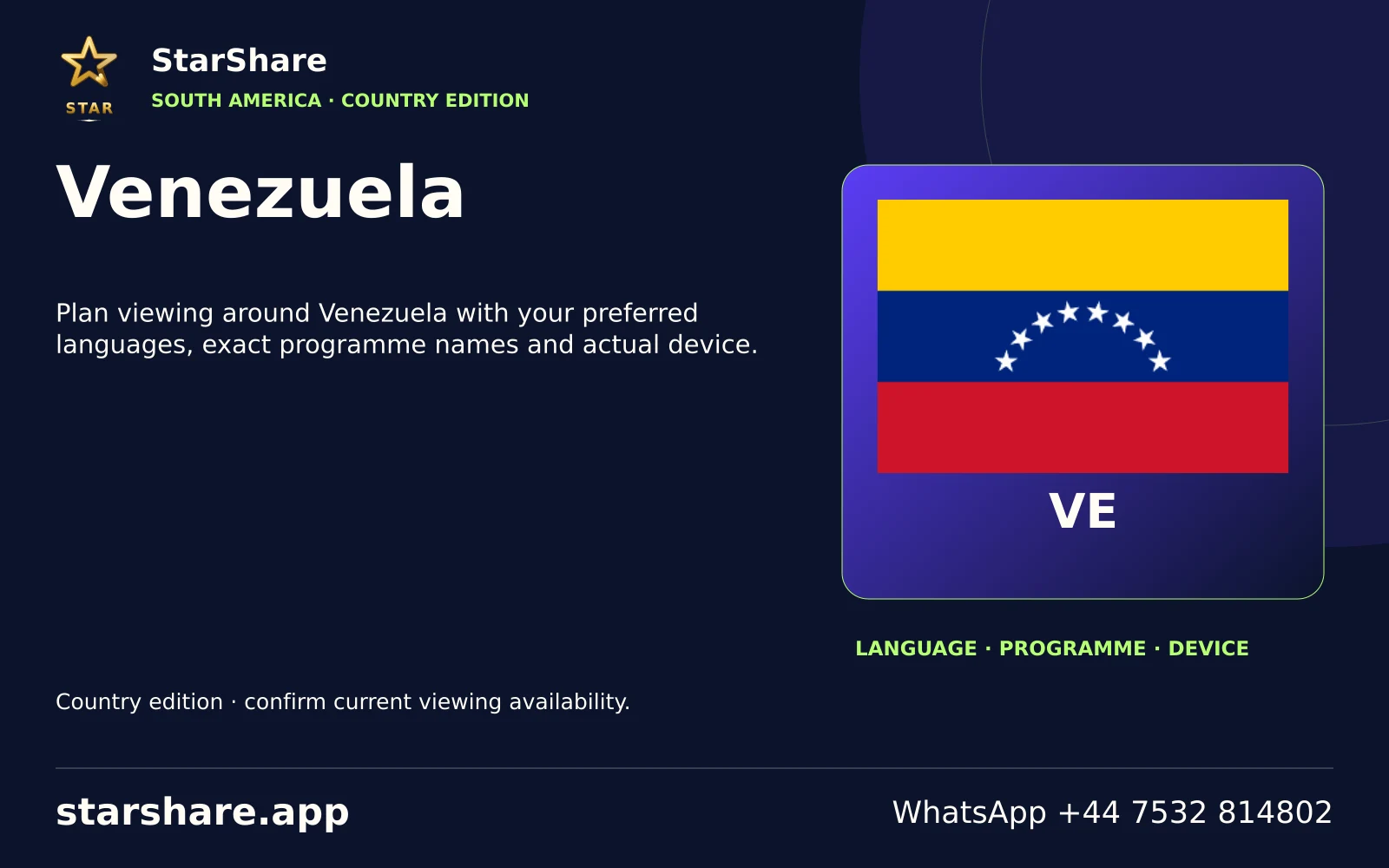
Plan viewing around Venezuela with your preferred languages, exact programme names and actual device.
Open artwork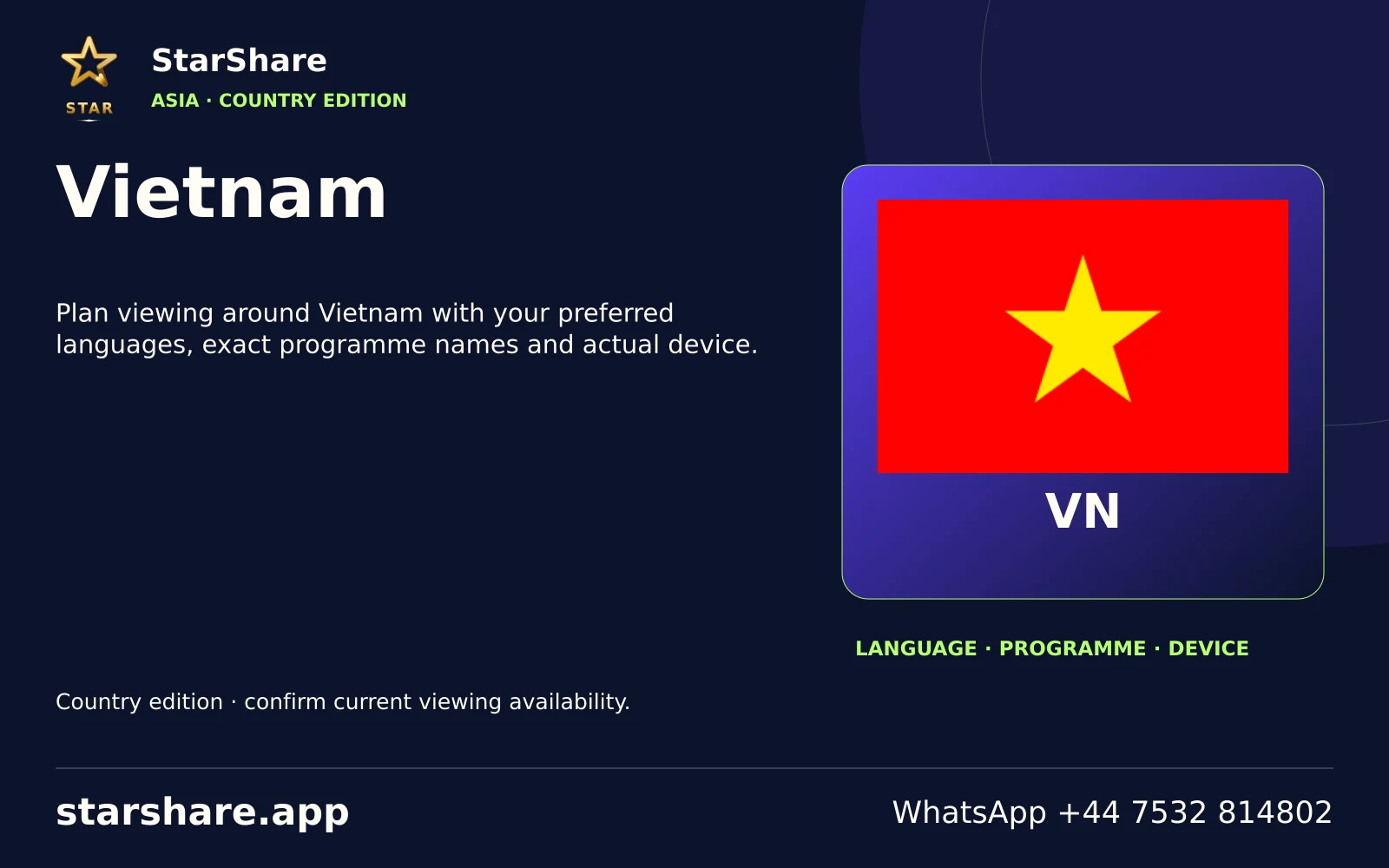
Plan viewing around Vietnam with your preferred languages, exact programme names and actual device.
Open artwork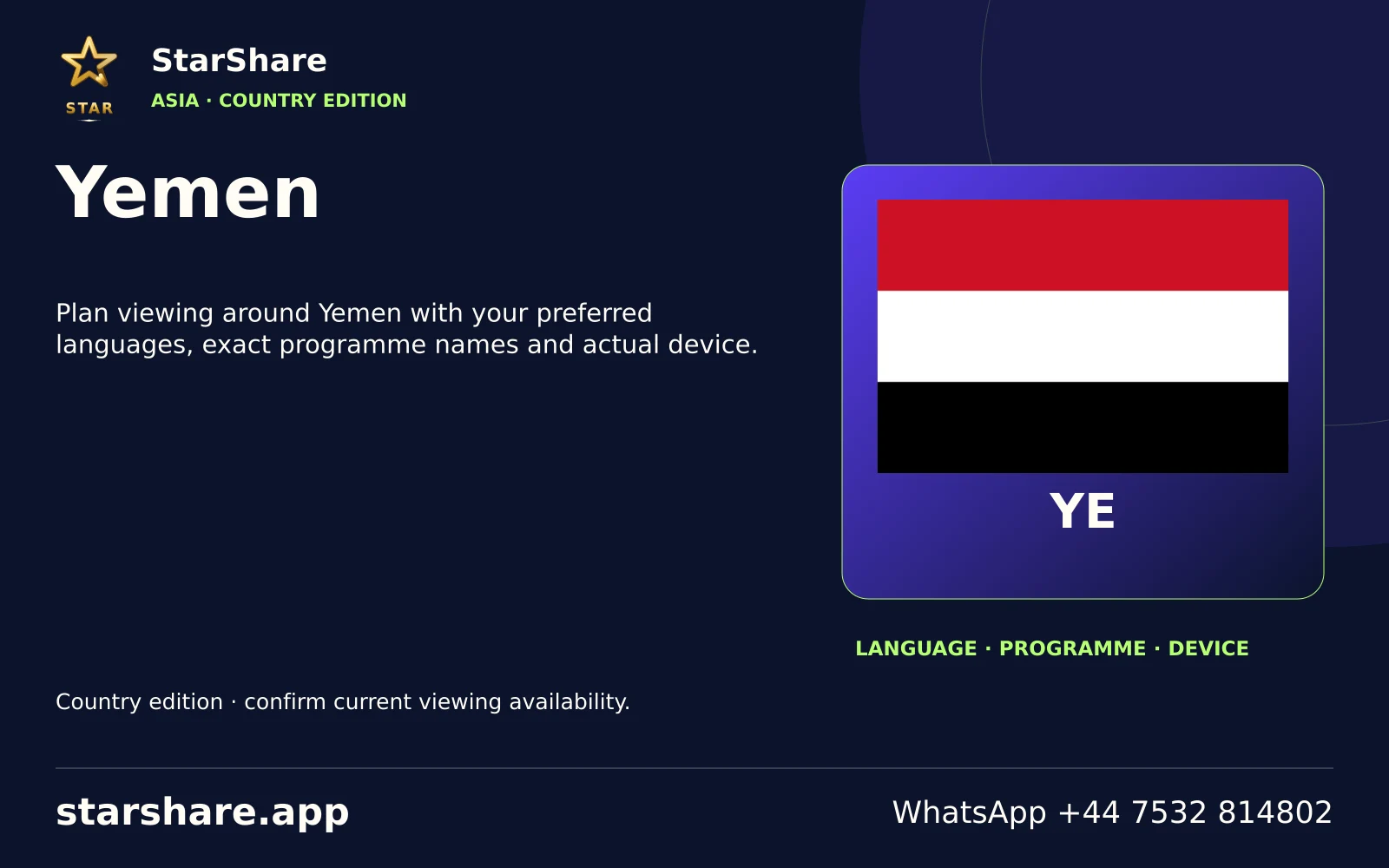
Plan viewing around Yemen with your preferred languages, exact programme names and actual device.
Open artwork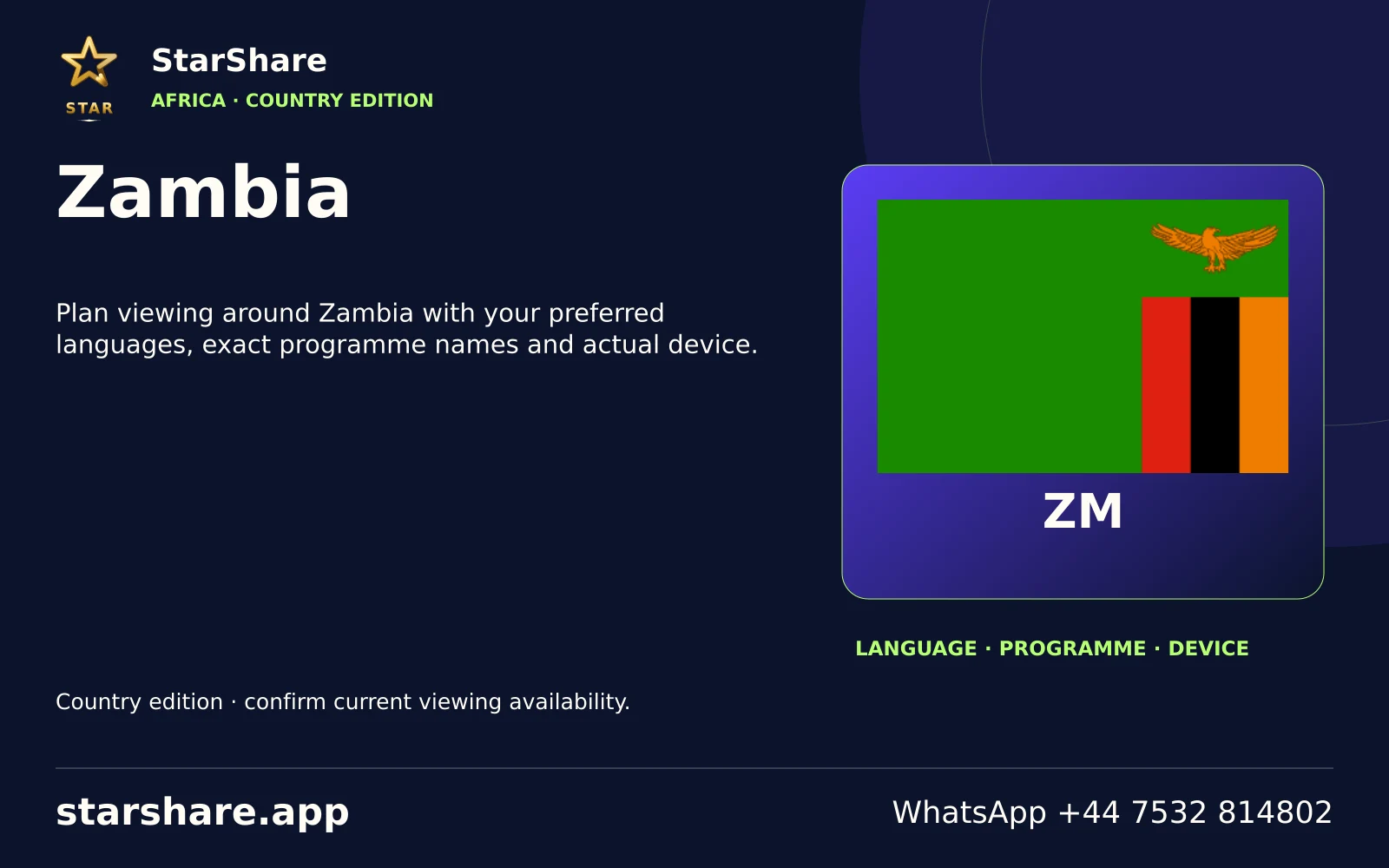
Plan viewing around Zambia with your preferred languages, exact programme names and actual device.
Open artwork
Plan viewing around Zimbabwe with your preferred languages, exact programme names and actual device.
Open artwork