
Infomir MAG receivers setup guide
Customized firmware can hide menu items. A model-specific portal compatibility issue should go to the operator or manufacturer. Do not publish real portal addresses or device identifiers.
A portal method must match the model and firmware.
Infomir’s Linux/WebKit documentation describes embedded portal settings, including separate network, server and device-information areas. That manual does not apply to every MAG model or customised operator firmware. Use a portal only when it has actually been supplied for this device and account.
The platform guidance below describes the manufacturer’s route. Current StarShare compatibility for the selected app, account and device still needs confirmation.
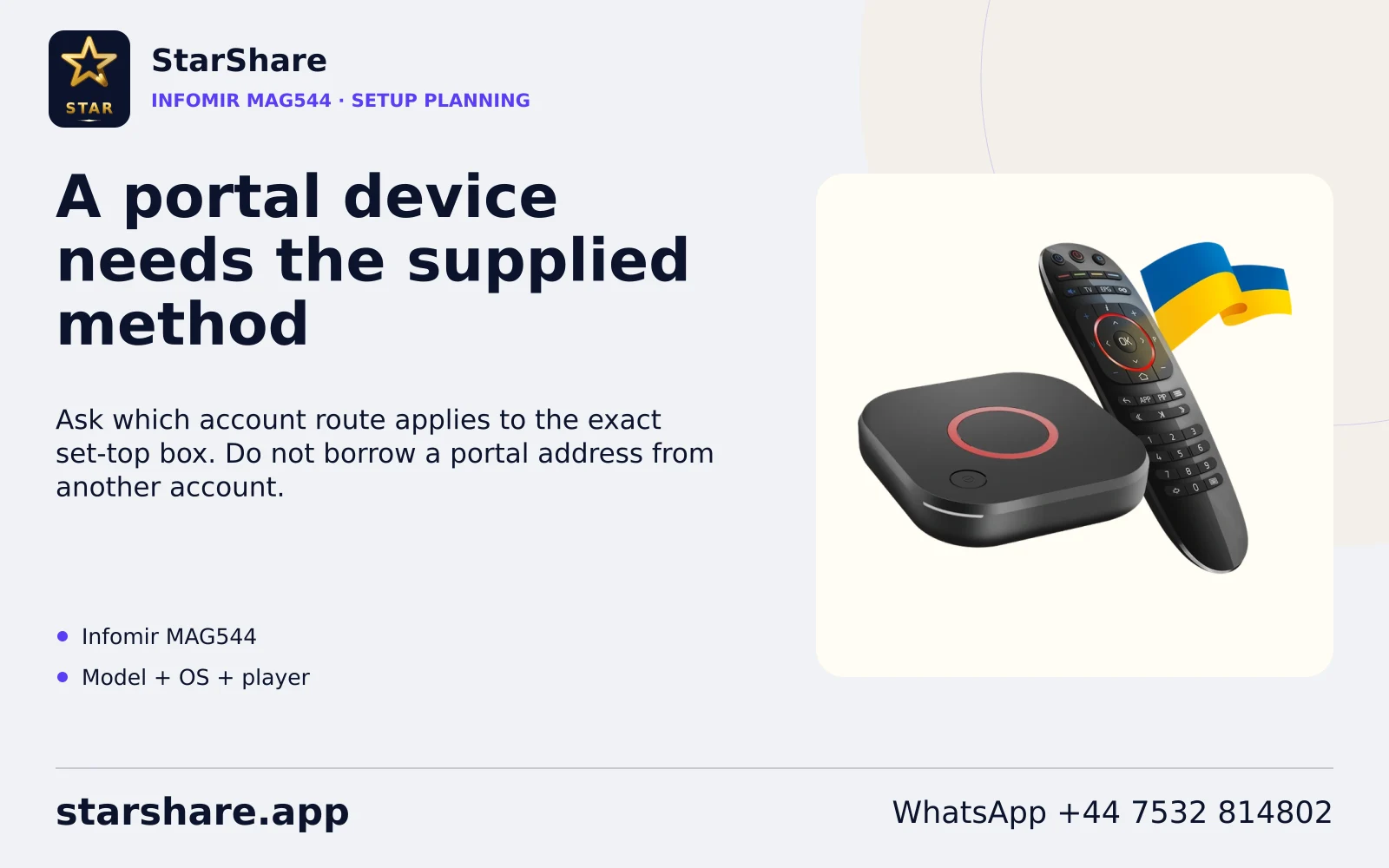
Before entering account details.
- Identify the MAG model, firmware and whether it uses the documented embedded portal.
- For that interface, inspect System settings and the relevant server/portal options.
- Enter only the address and account method supplied for that subscription.
Keep the hardware model, operating system, app publisher/version and account method together. Installing a player does not itself supply a StarShare subscription or a separate platform membership.
Use an observable first test.
Keep portal addresses and device identifiers private. Record the model, firmware and missing menu label rather than copying another customer’s portal.
After installing the confirmed compatible app, contact StarShare through WhatsApp to request the one-day free trial. Use your normal screen, output path and network. Check one known source, compare another permitted item and record the time of any failure.
Preserve credentials before changing a configuration. A refresh, app restart, data-clear operation and full device reset can have different effects. Use the actual platform prompt and avoid destructive recovery as the first diagnostic action.
Platform references and checking scope.
Manufacturer/platform documentation was reviewed on 7 November 2026. No physical-device, account or playback test is claimed by this guide.
Continue with a focused workflow.
Use the exact model and software version when following installation, remote-control, update or playback guidance.
Browse device workflows