
Xiaomi Mi Box / TV Box / TV Stick setup guide
The verified product source identifies Google TV on TV Box S second generation. Do not apply that software/version assumption to every older Mi Box or TV Stick.
The generation matters.
Xiaomi identifies TV Box S second generation as a Google TV model. That observation does not identify every Mi Box, TV Stick or other generation. Match the product label to the official model information before choosing a player or installation procedure.
The platform guidance below describes the manufacturer’s route. Current StarShare compatibility for the selected app, account and device still needs confirmation.
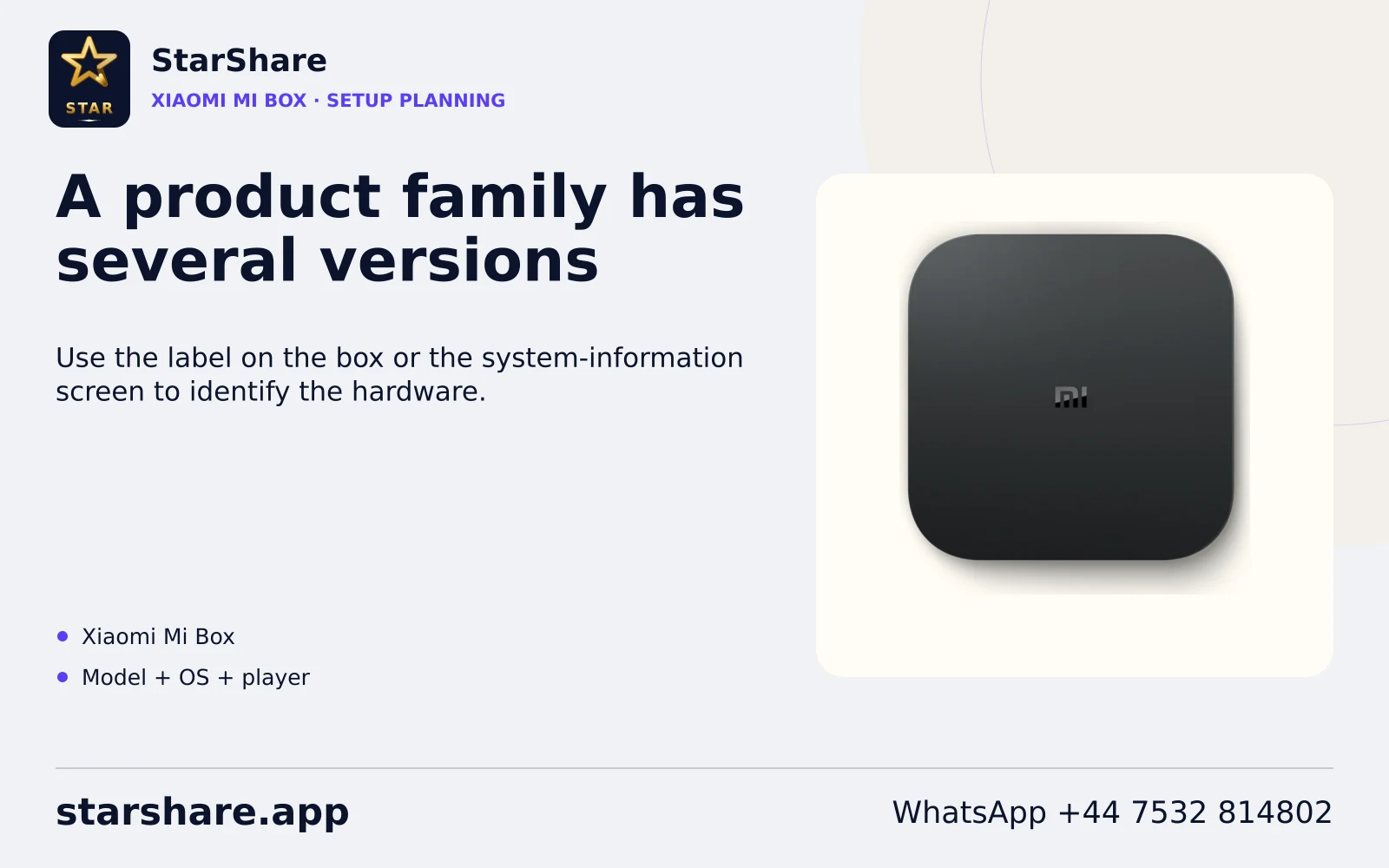
Before entering account details.
- Check the full model/generation rather than the Xiaomi brand alone.
- For the documented TV Box S second generation, use the Google TV app route.
- Use model-specific update or network checks if its store is unavailable.
Keep the hardware model, operating system, app publisher/version and account method together. Installing a player does not itself supply a StarShare subscription or a separate platform membership.
Use an observable first test.
Record the generation and OS. A similar-looking box or shared brand name is insufficient when troubleshooting app-store availability.
After installing the confirmed compatible app, contact StarShare through WhatsApp to request the one-day free trial. Use your normal screen, output path and network. Check one known source, compare another permitted item and record the time of any failure.
Preserve credentials before changing a configuration. A refresh, app restart, data-clear operation and full device reset can have different effects. Use the actual platform prompt and avoid destructive recovery as the first diagnostic action.
Platform references and checking scope.
Manufacturer/platform documentation was reviewed on 7 November 2026. No physical-device, account or playback test is claimed by this guide.
Continue with a focused workflow.
Use the exact model and software version when following installation, remote-control, update or playback guidance.
Browse device workflows