
Confirm the route
Ask which player and account format apply to the exact device. Check any separate software fee before installing.
Check the device and player first, then enter the exact private account details supplied for your intended access method.
Ask which player and account format apply to the exact device. Check any separate software fee before installing.
Keep usernames, passwords, playlist URLs and device identifiers private. Copy values exactly without added spaces.
Check the selected sources, audio, subtitles and guide behaviour available to your account and player. Report an exact issue if something fails.
30 setup compositions.
No matching subjects. Reset the filters to browse the collection.
Confirm the player name and the account method supplied to you. A portal, playlist and username form are different routes.
Open artwork
Copy the supplied username and password exactly. Avoid extra spaces introduced when pasting from a message.
Open artwork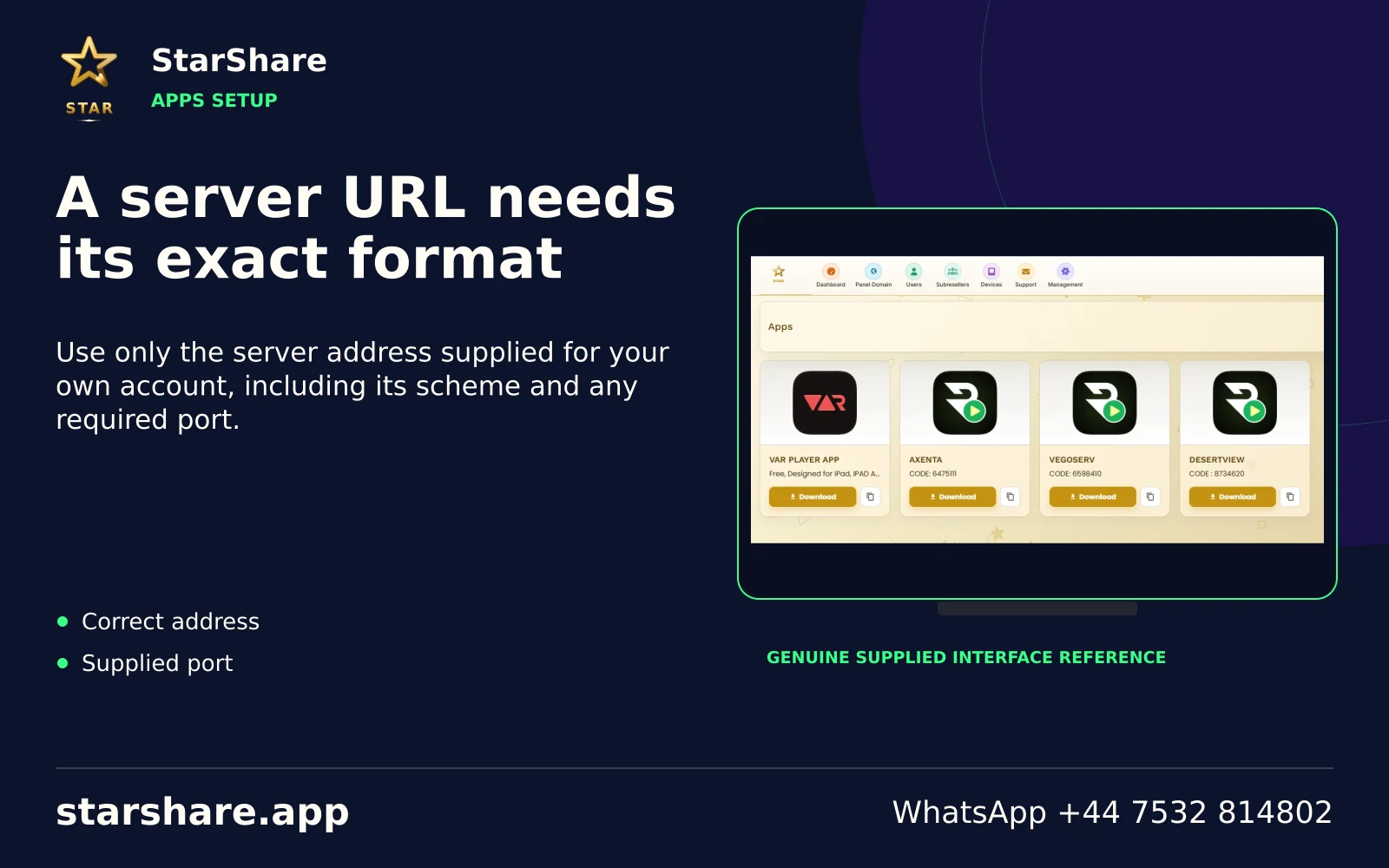
Use only the server address supplied for your own account, including its scheme and any required port.
Open artwork
A full playlist link can contain credentials. Keep it out of public screenshots, forums and shared documents.
Open artwork
Use a portal only when it was supplied for the exact device and account you are configuring.
Open artwork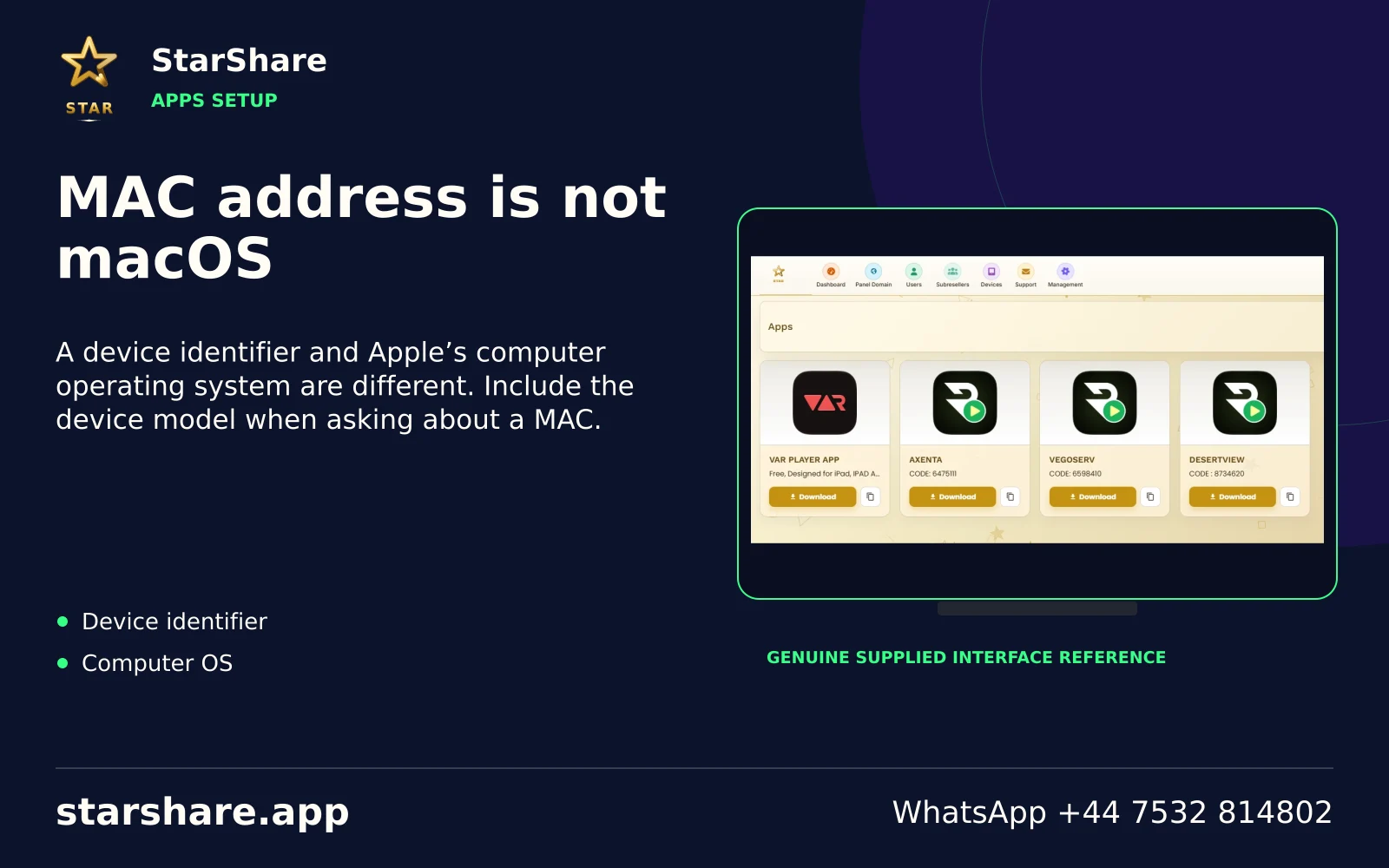
A device identifier and Apple’s computer operating system are different. Include the device model when asking about a MAC.
Open artwork
A separate player licence or store payment does not automatically purchase a StarShare subscription.
Open artwork
Prefer the app’s recognised store listing or a confirmed publisher distribution route. Check the developer identity.
Open artwork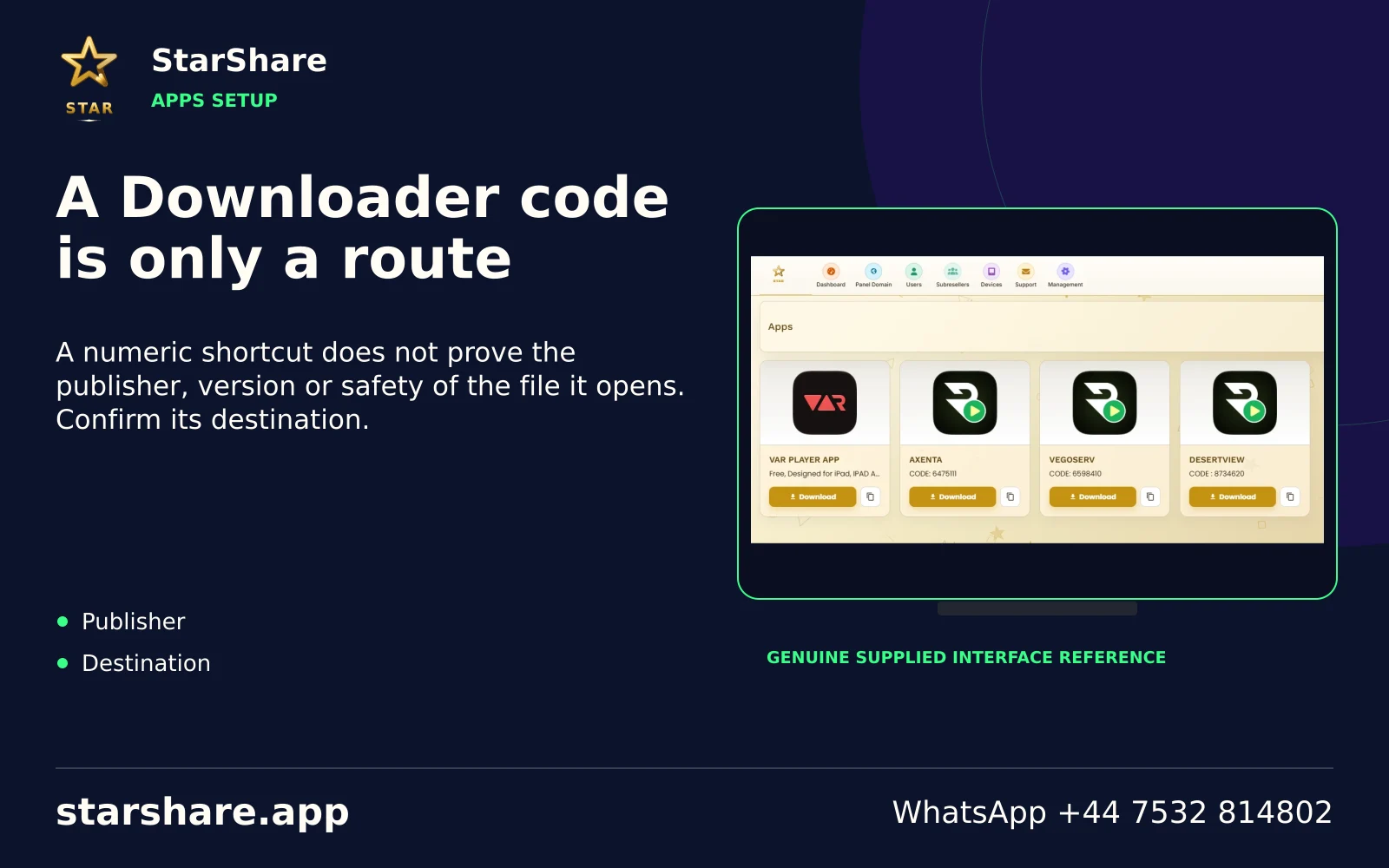
A numeric shortcut does not prove the publisher, version or safety of the file it opens. Confirm its destination.
Open artwork
Similar application names and icons can refer to unrelated products. Compare the developer and actual store listing.
Open artwork
Do not try a website password, app-store login or third-party platform membership in an unrelated IPTV account form.
Open artwork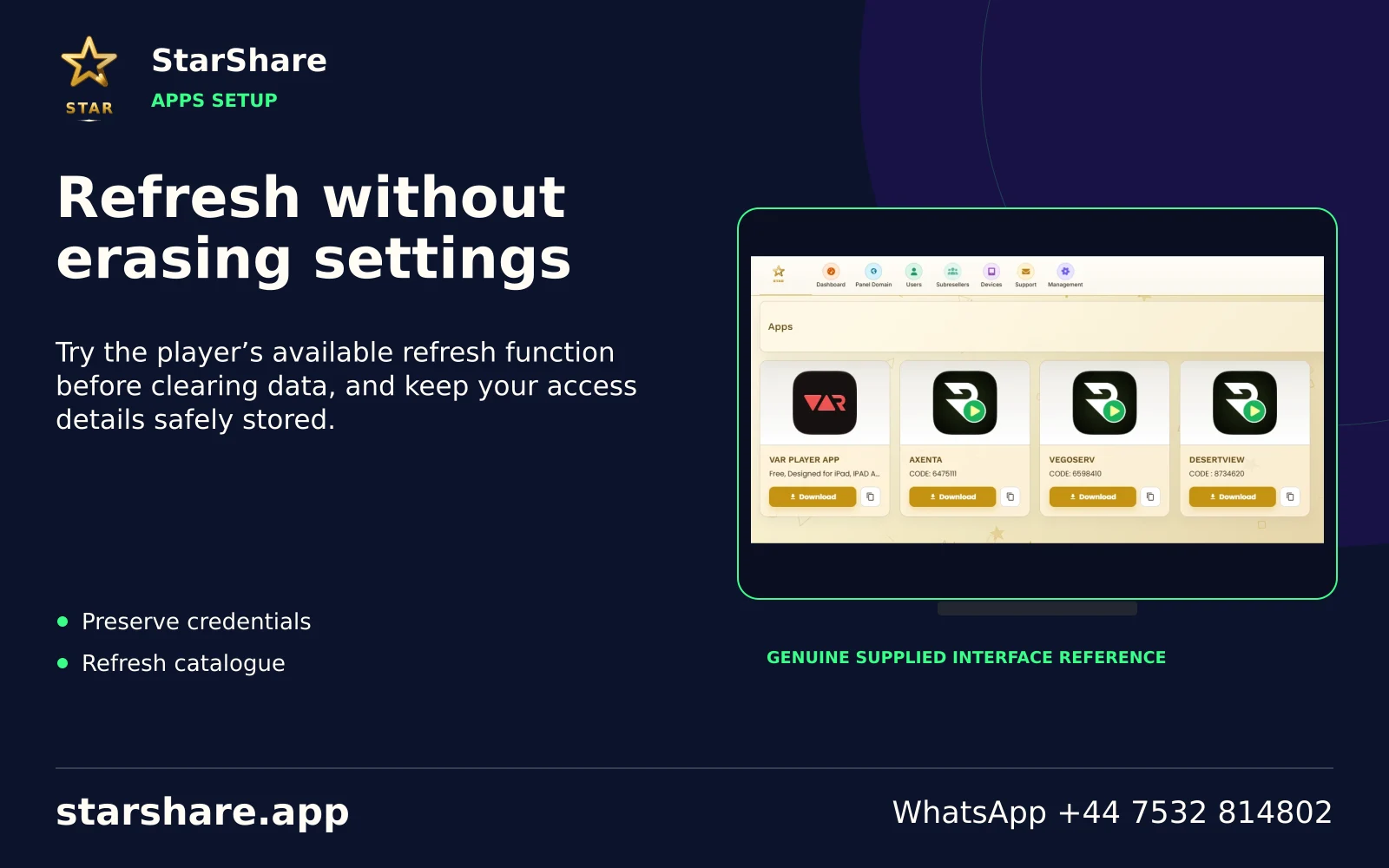
Try the player’s available refresh function before clearing data, and keep your access details safely stored.
Open artwork
Check the exact message, supplied access format and current account status before repeatedly reinstalling the player.
Open artwork
If playback works, check guide data and the player’s guide-refresh options rather than changing the account password.
Open artwork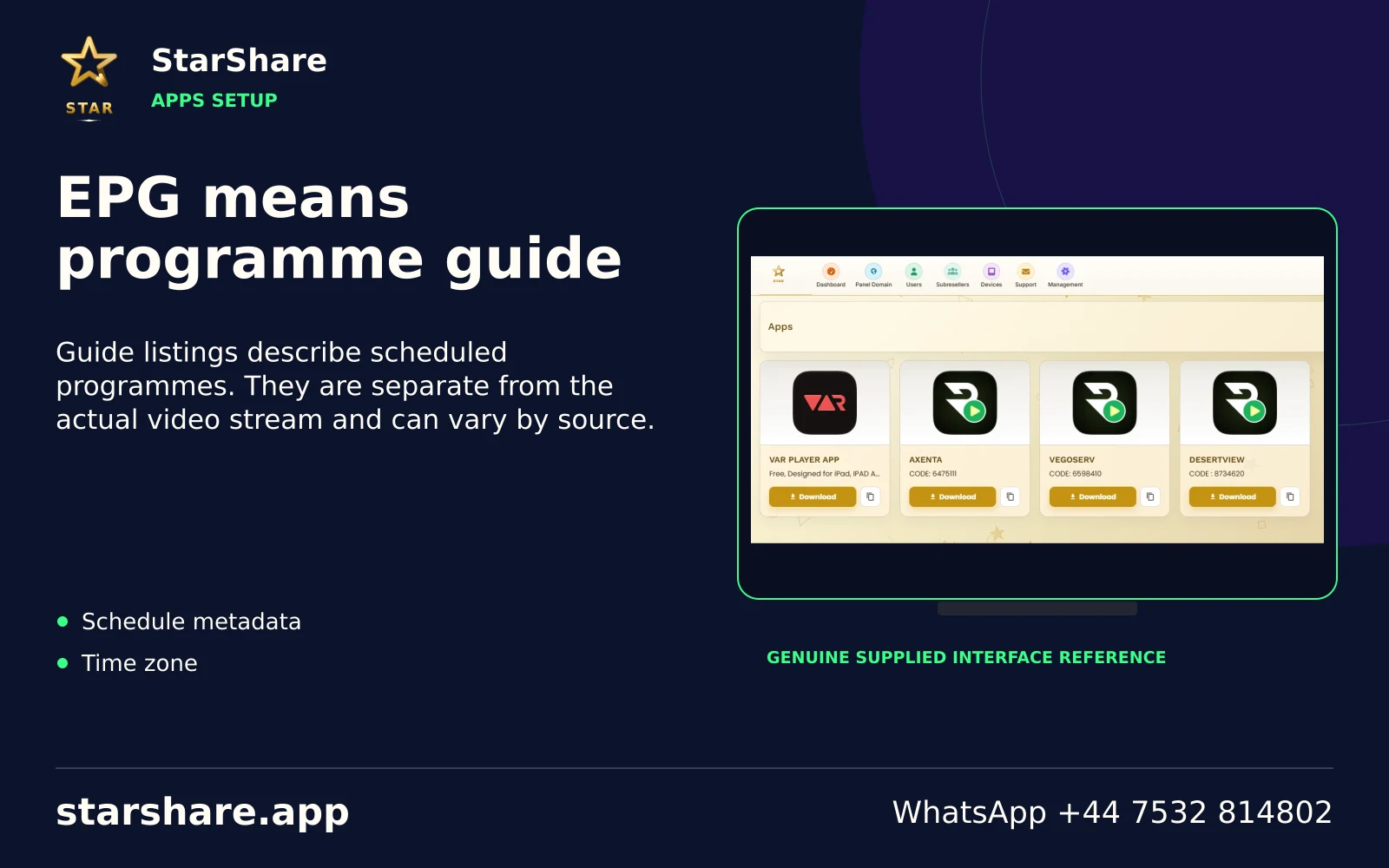
Guide listings describe scheduled programmes. They are separate from the actual video stream and can vary by source.
Open artwork
Past-programme access depends on the source, the account and the player. A programme-guide entry is not a guarantee of replay.
Open artwork
If your player supports favourites, add a short list of the sources you actually use. Menu labels vary between apps.
Open artwork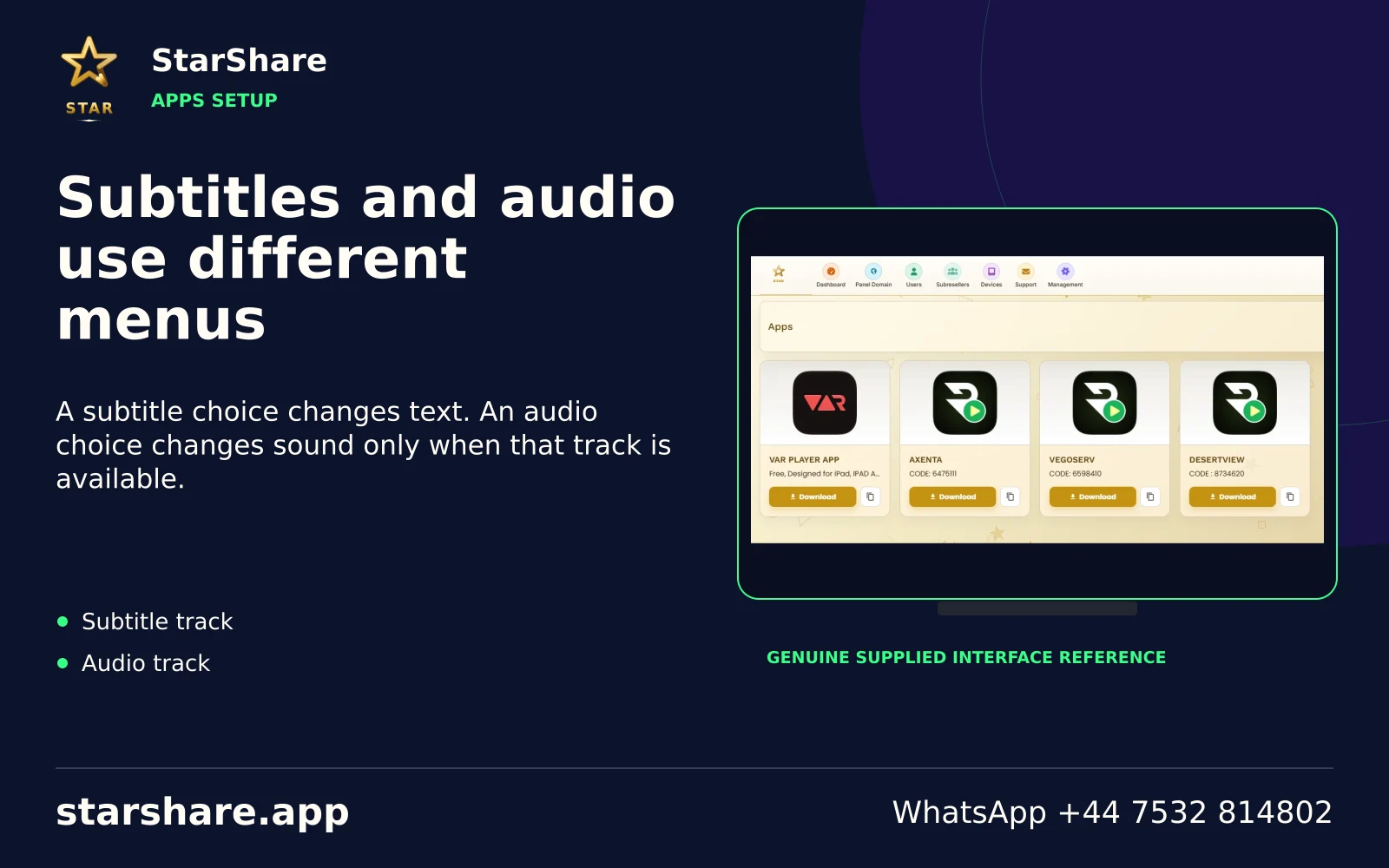
A subtitle choice changes text. An audio choice changes sound only when that track is available.
Open artwork
An incorrect clock or time zone can make programme listings confusing. Check system time before changing guide offsets.
Open artwork
Read the publisher’s update notes and keep account details safe before applying an available application update.
Open artwork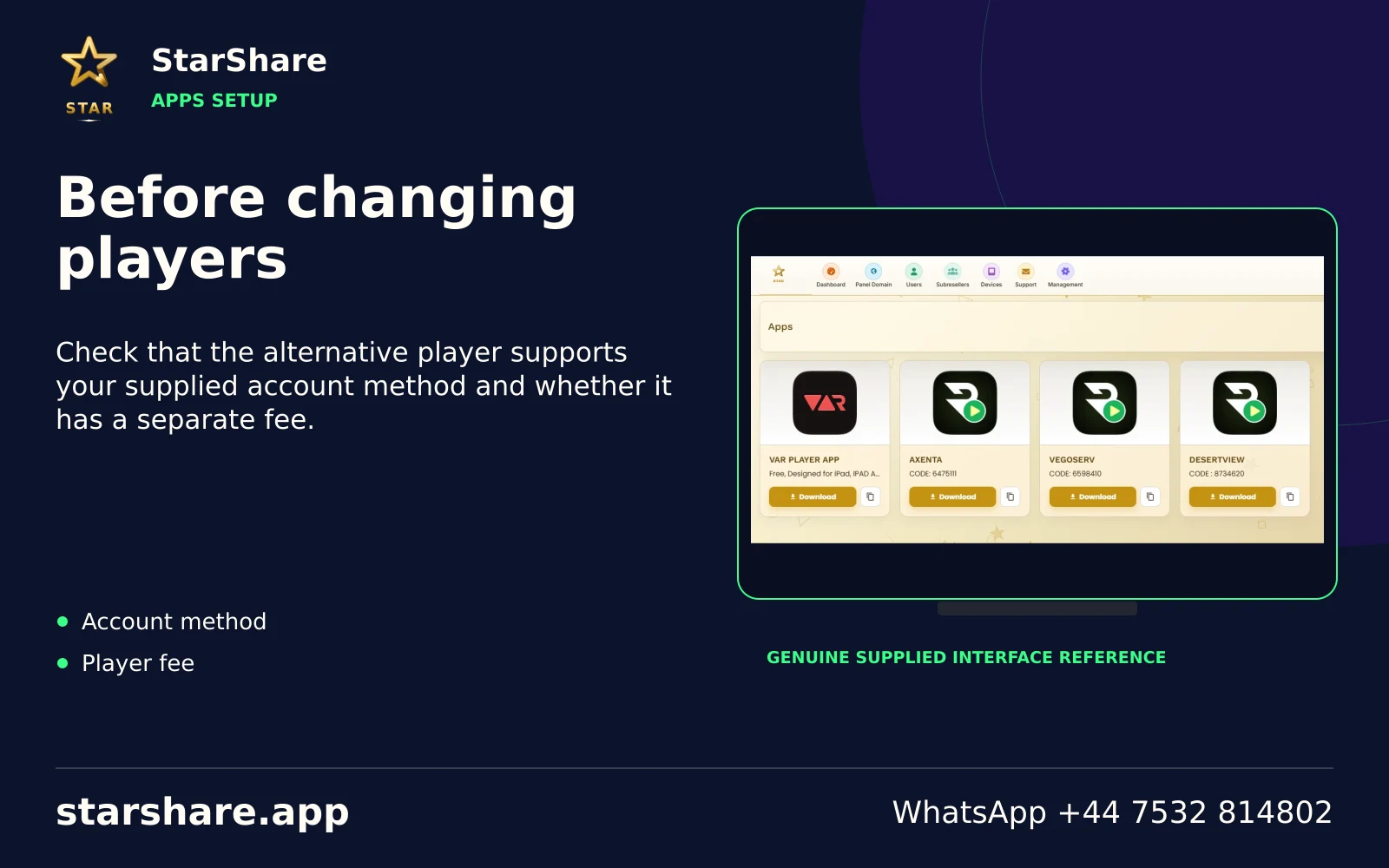
Check that the alternative player supports your supplied account method and whether it has a separate fee.
Open artwork
Do not share a setup code publicly unless you know what it contains. It may identify a device or account.
Open artwork
Include the relevant error while hiding passwords, usernames, private URLs and personal payment information.
Open artwork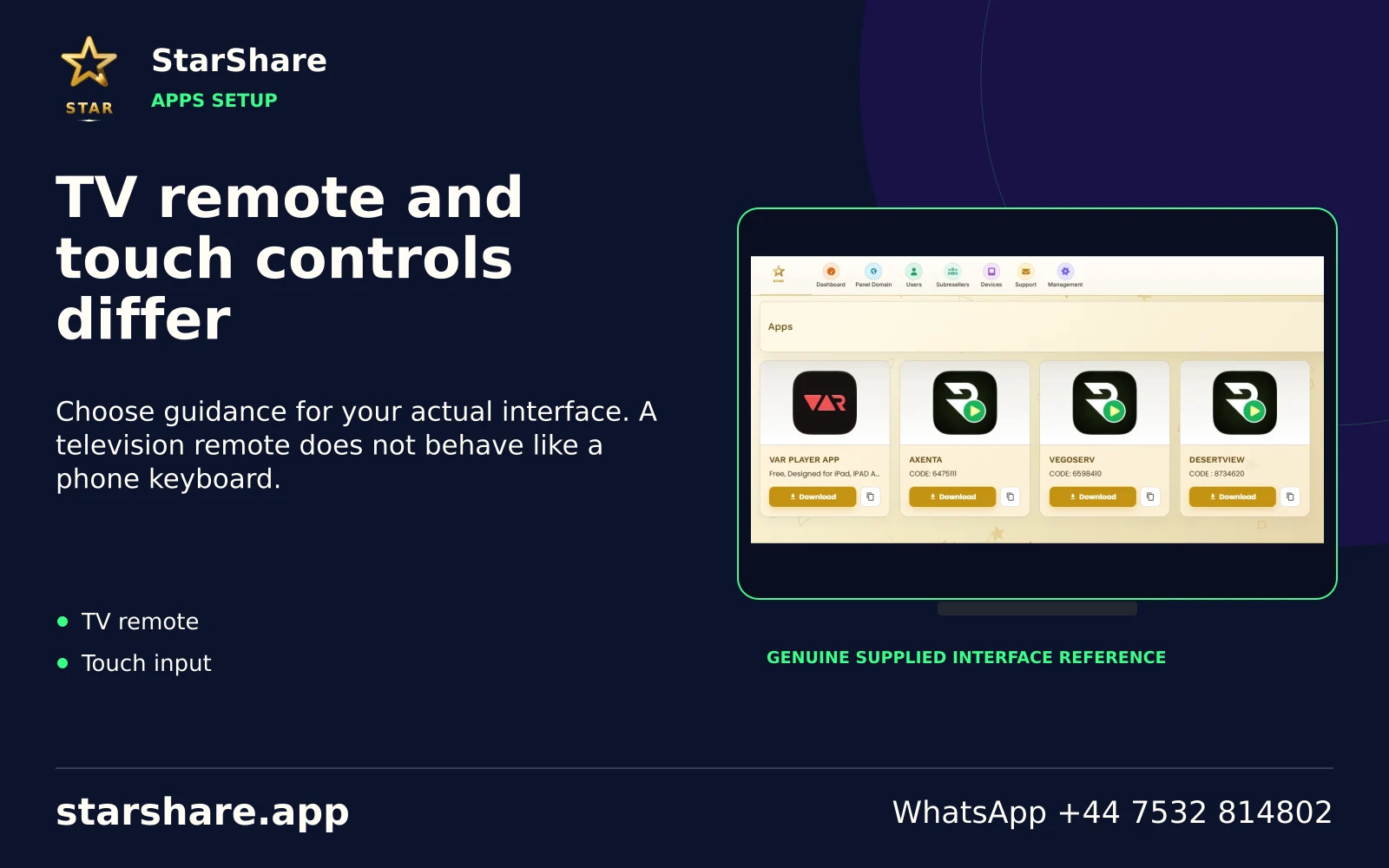
Choose guidance for your actual interface. A television remote does not behave like a phone keyboard.
Open artwork
Clearing app data can remove saved settings. Keep the access method and details before using a reset option.
Open artwork
A device key, MAC address or activation QR can be account-related information. Share it only through the intended support route.
Open artwork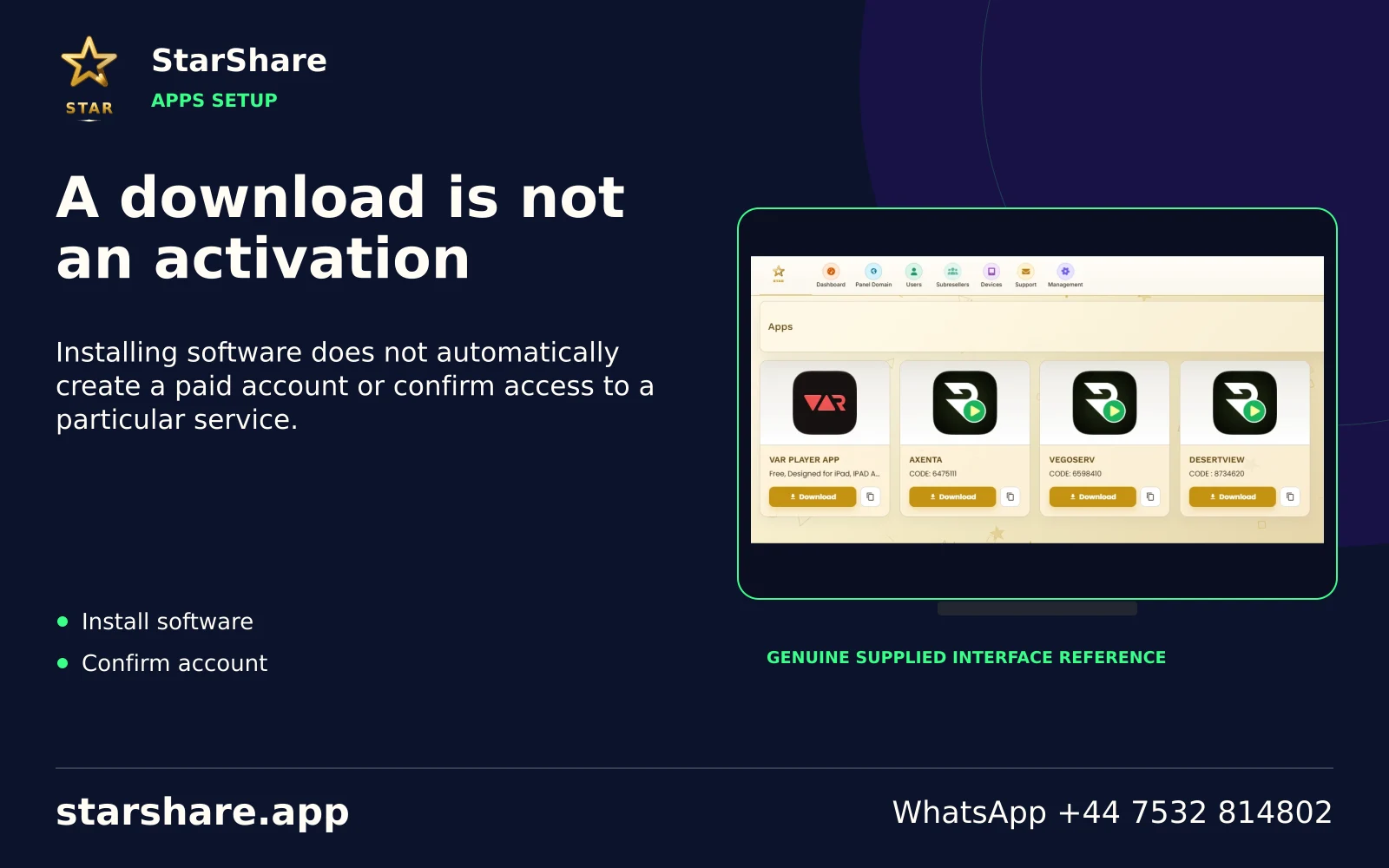
Installing software does not automatically create a paid account or confirm access to a particular service.
Open artwork
Change one relevant setting and retest. Several simultaneous changes make the actual cause harder to identify.
Open artwork
Store the app name and account method securely. Avoid putting passwords in ordinary shared notes or public links.
Open artwork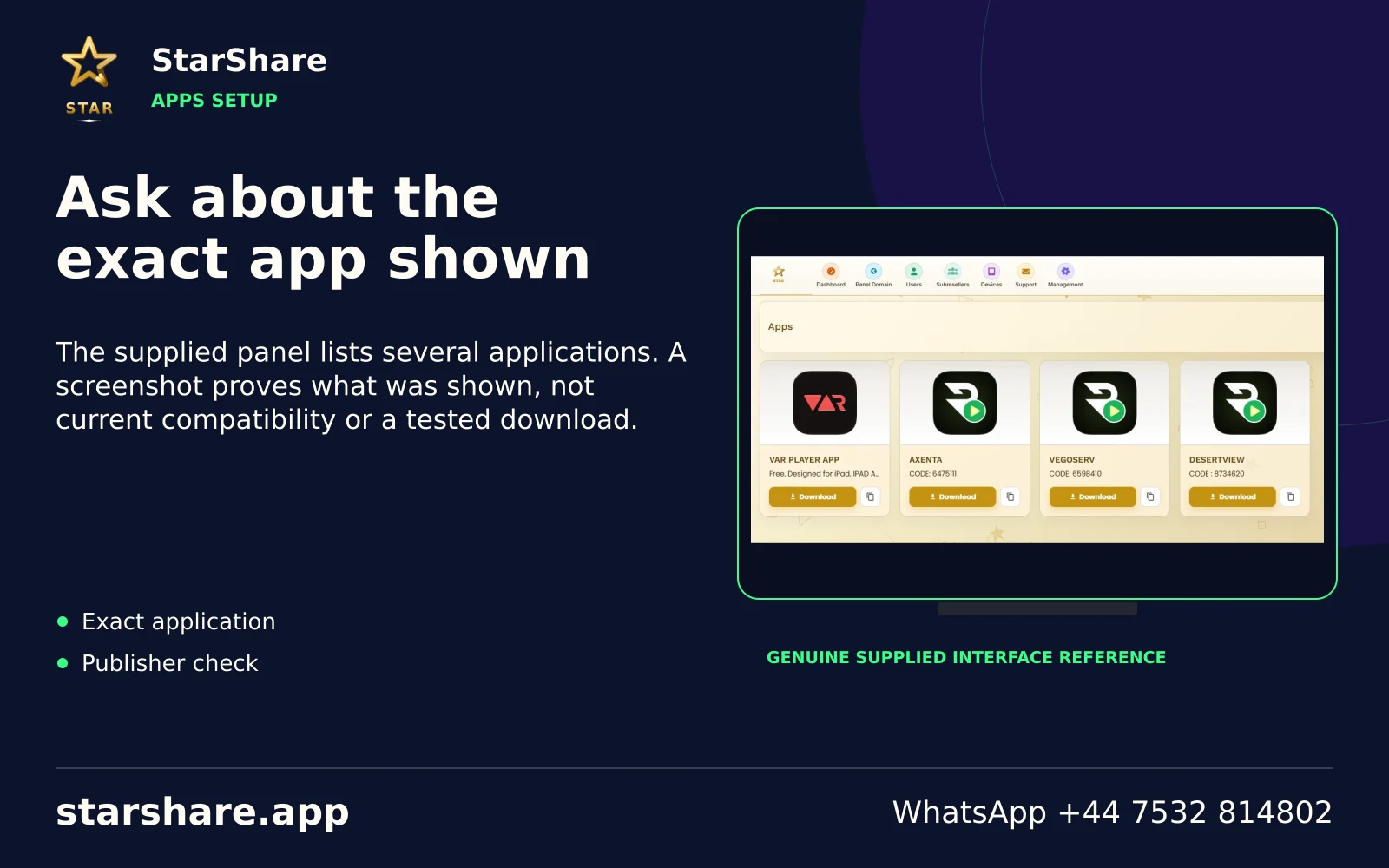
The supplied panel lists several applications. A screenshot proves what was shown, not current compatibility or a tested download.
Open artworkUse the exact model and software version when following installation, remote-control, update or playback guidance.
Browse device workflows