OTT & entertainment
Find the right title edition
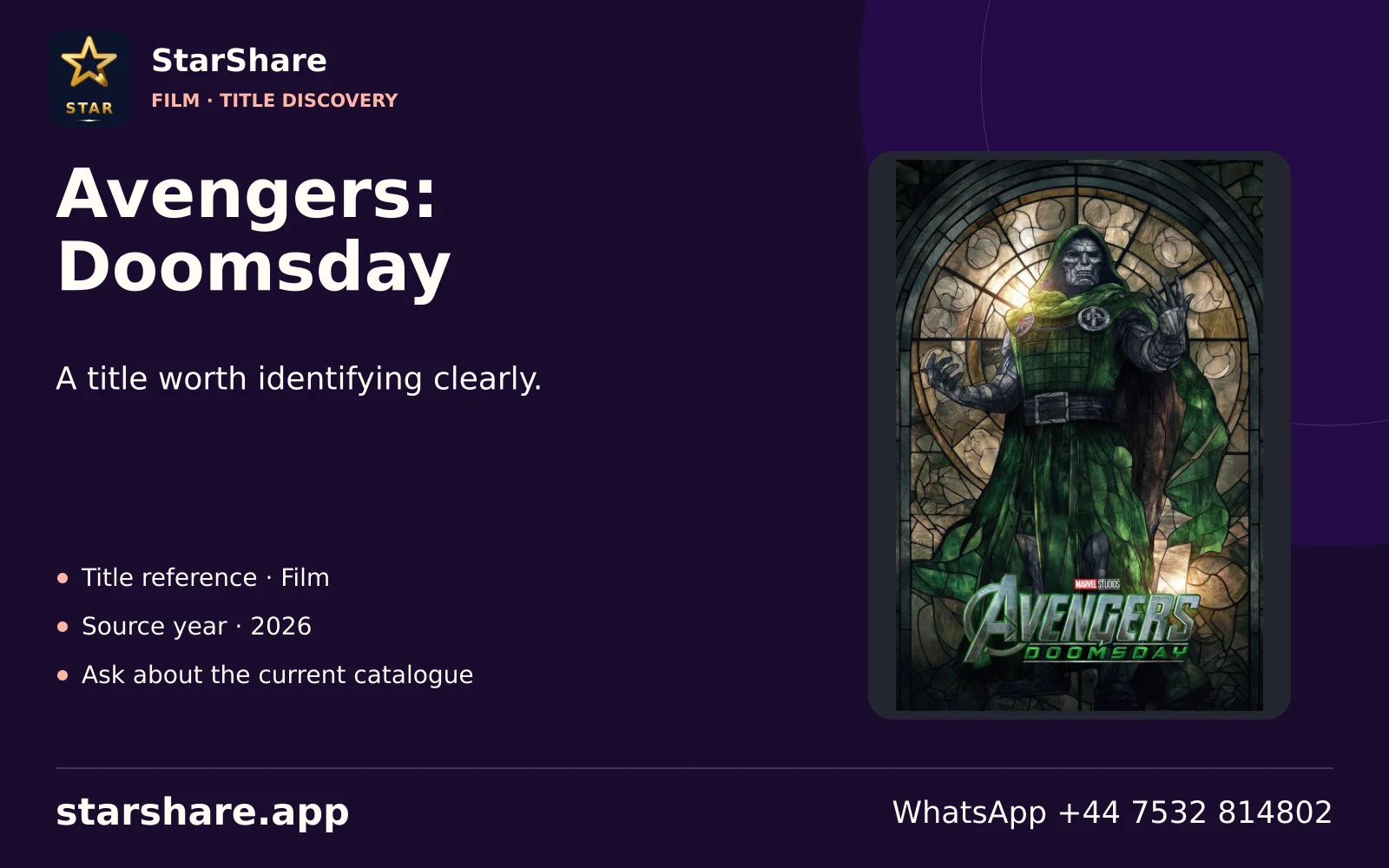
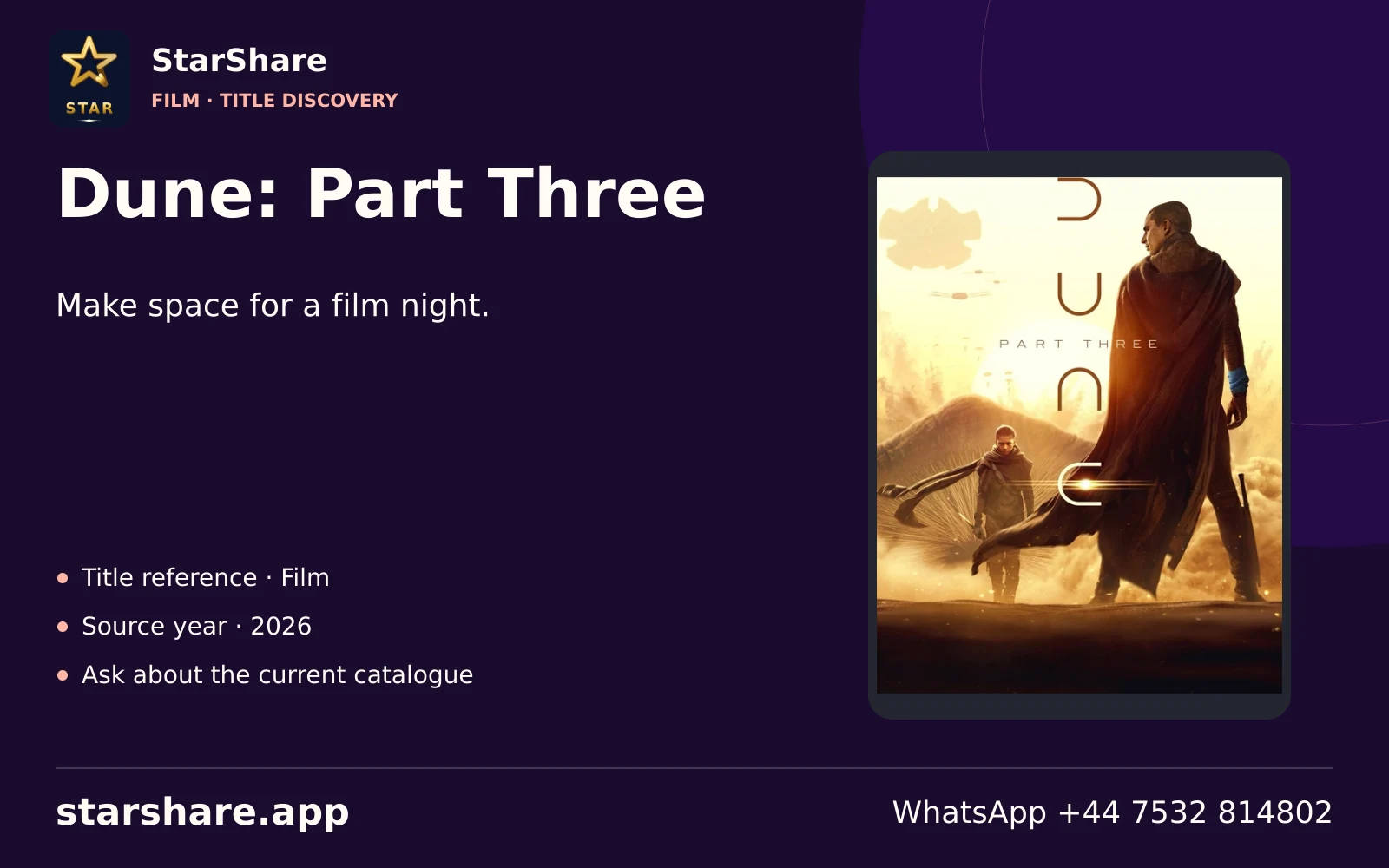
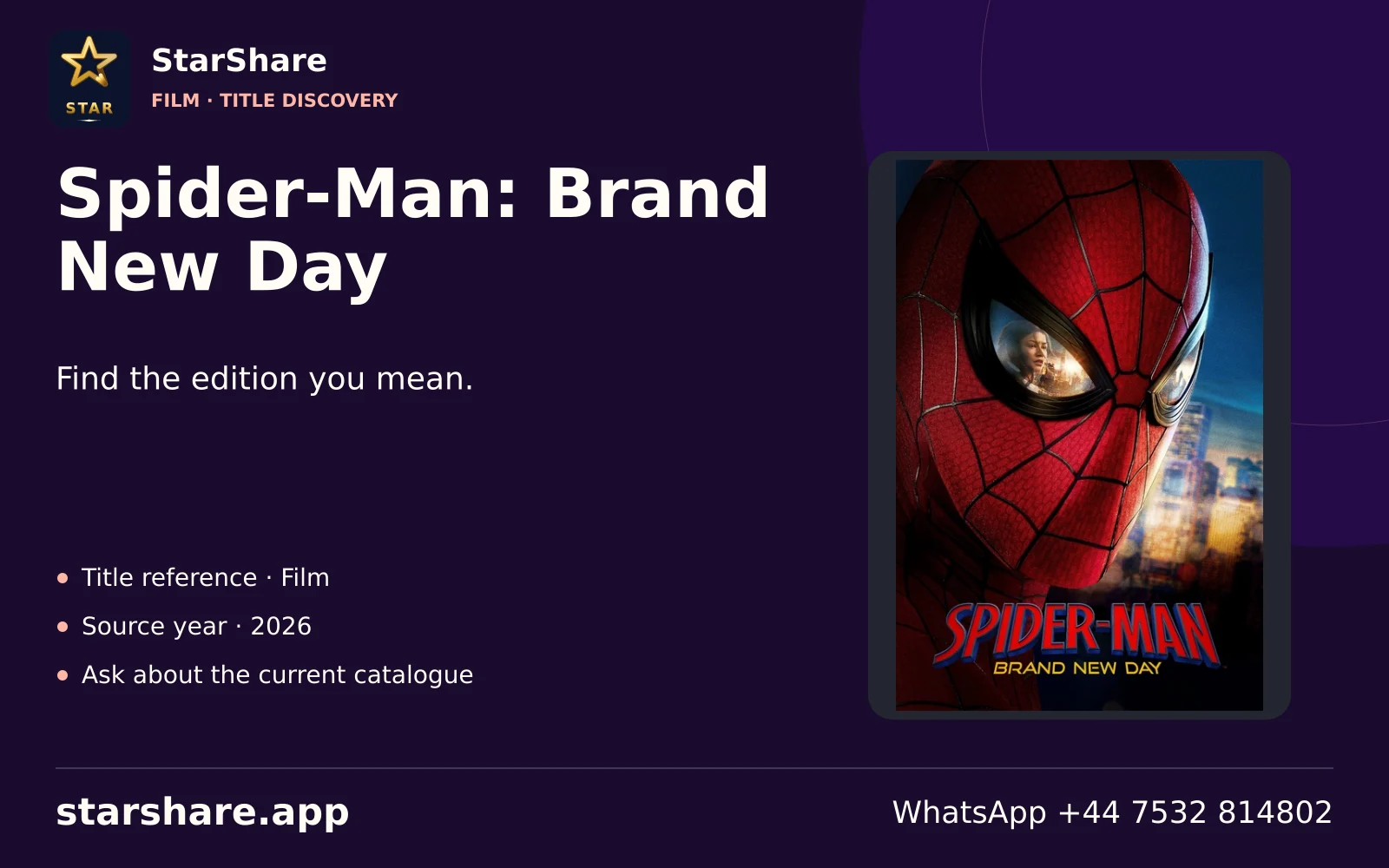
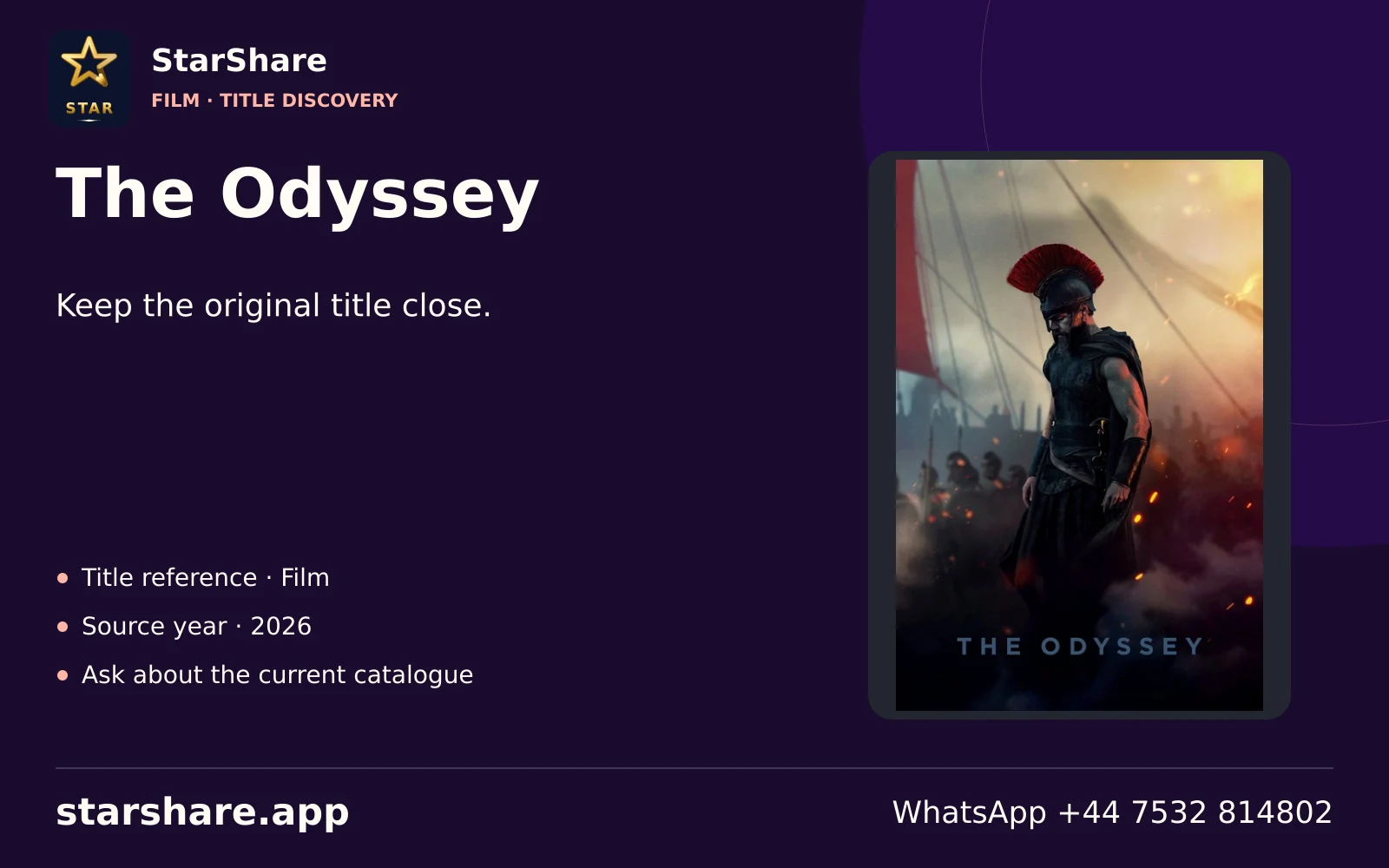
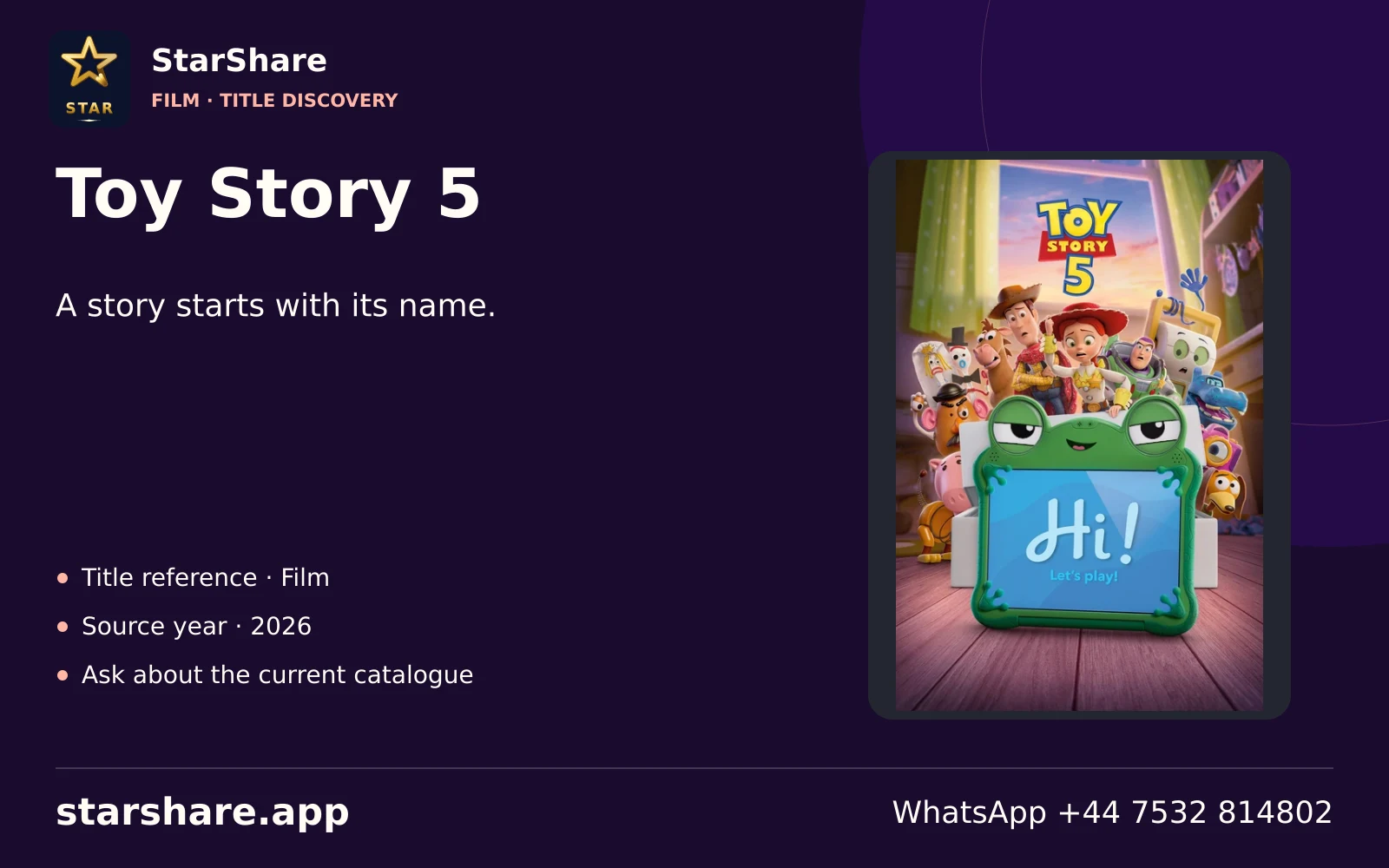
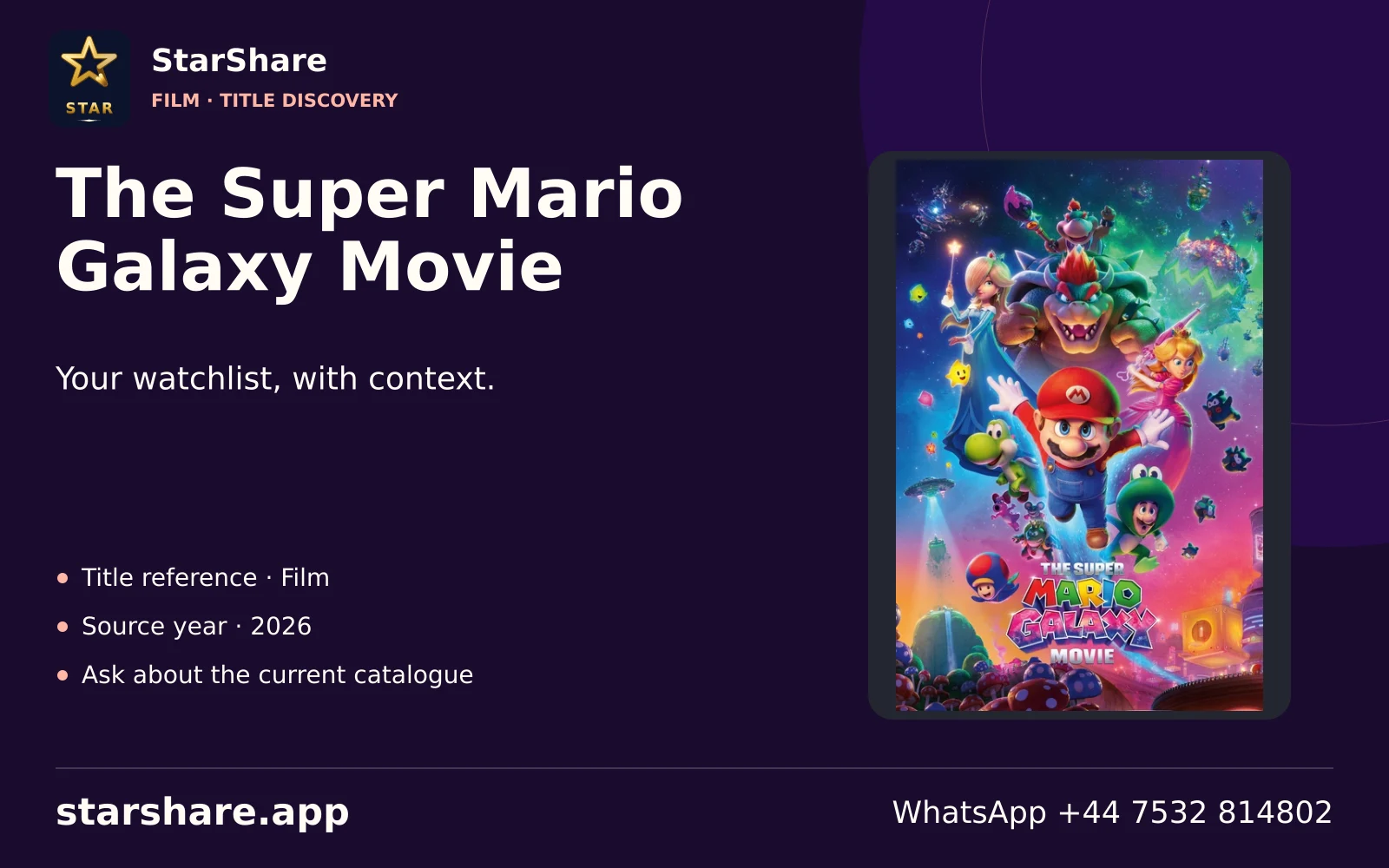
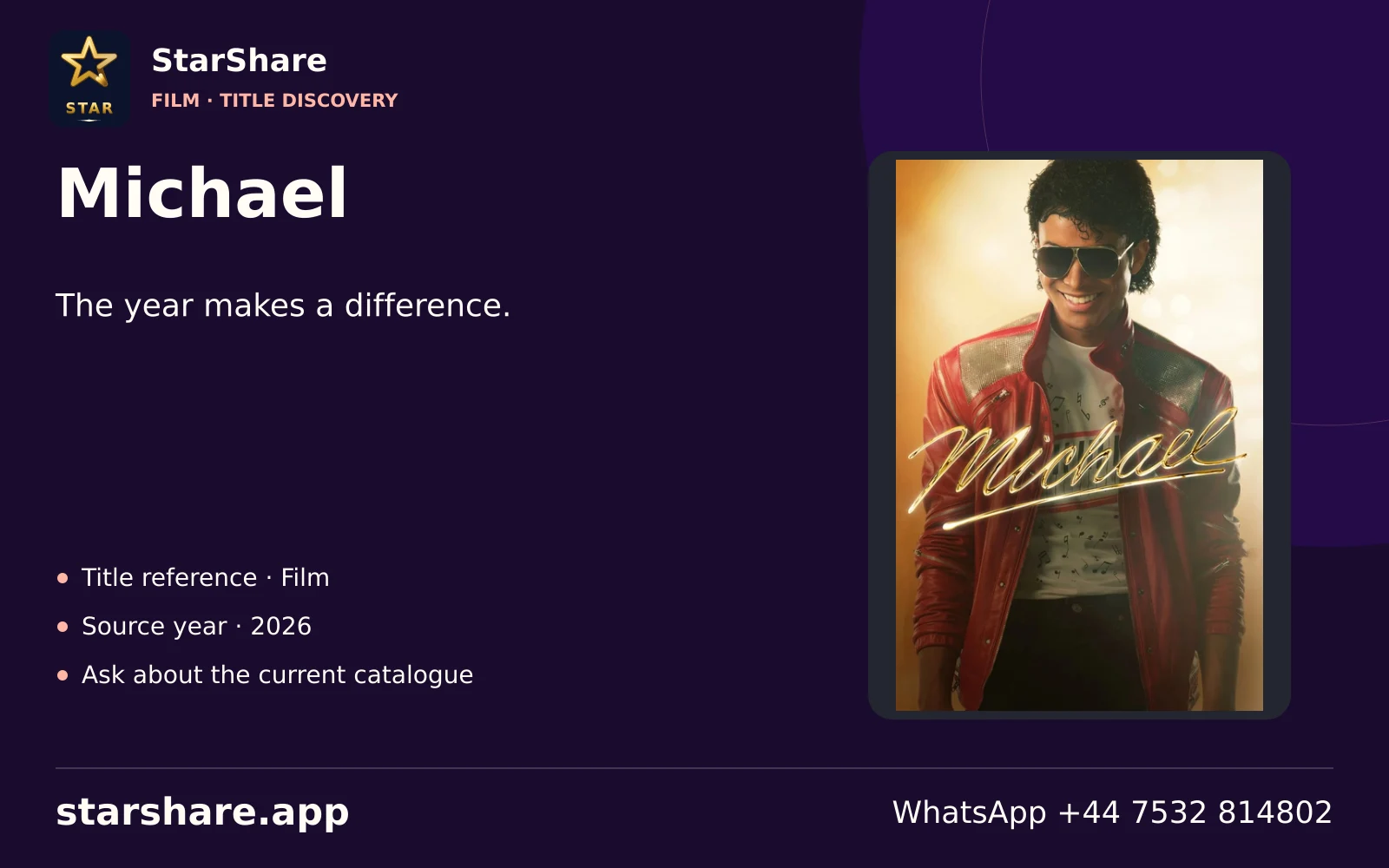
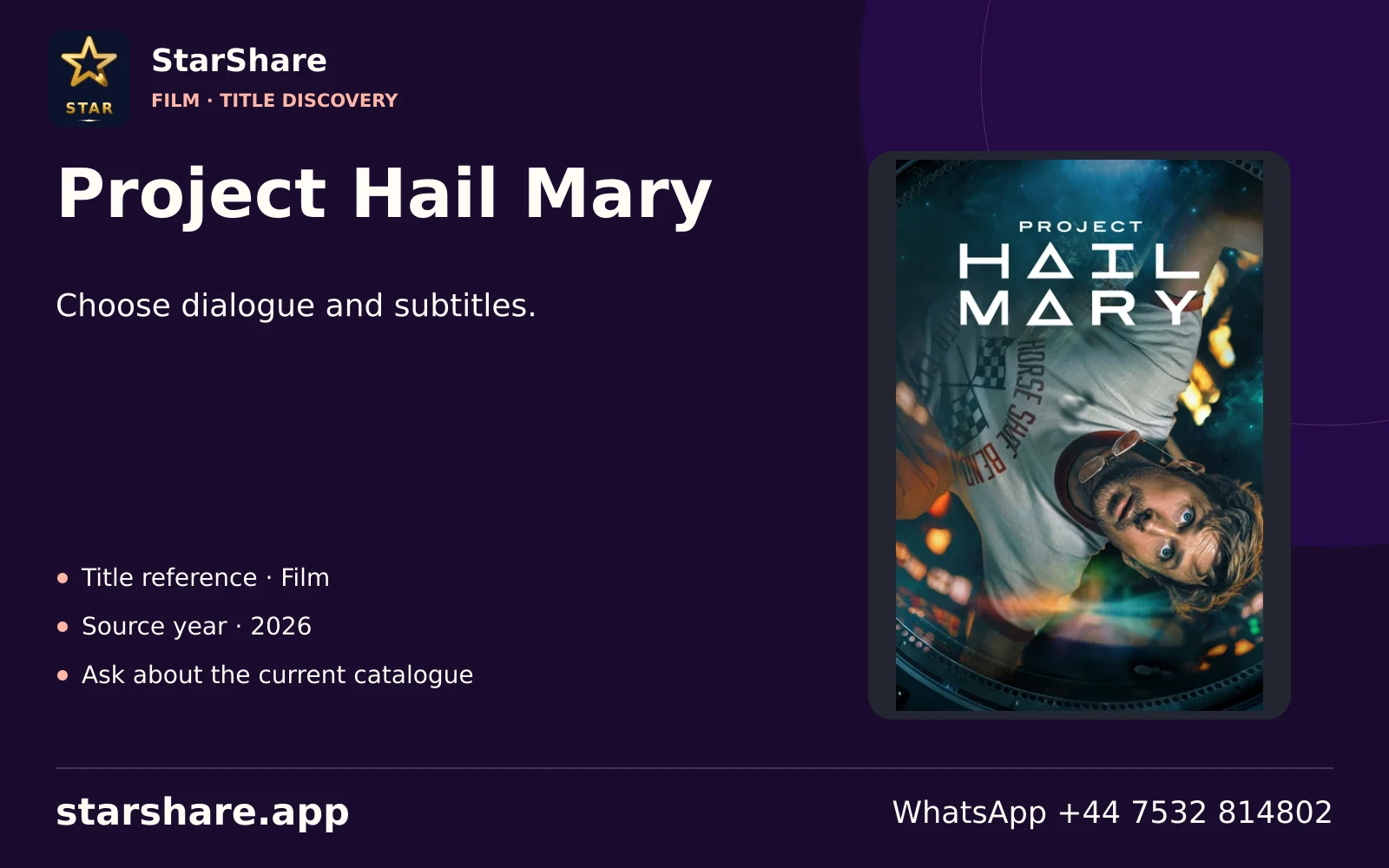
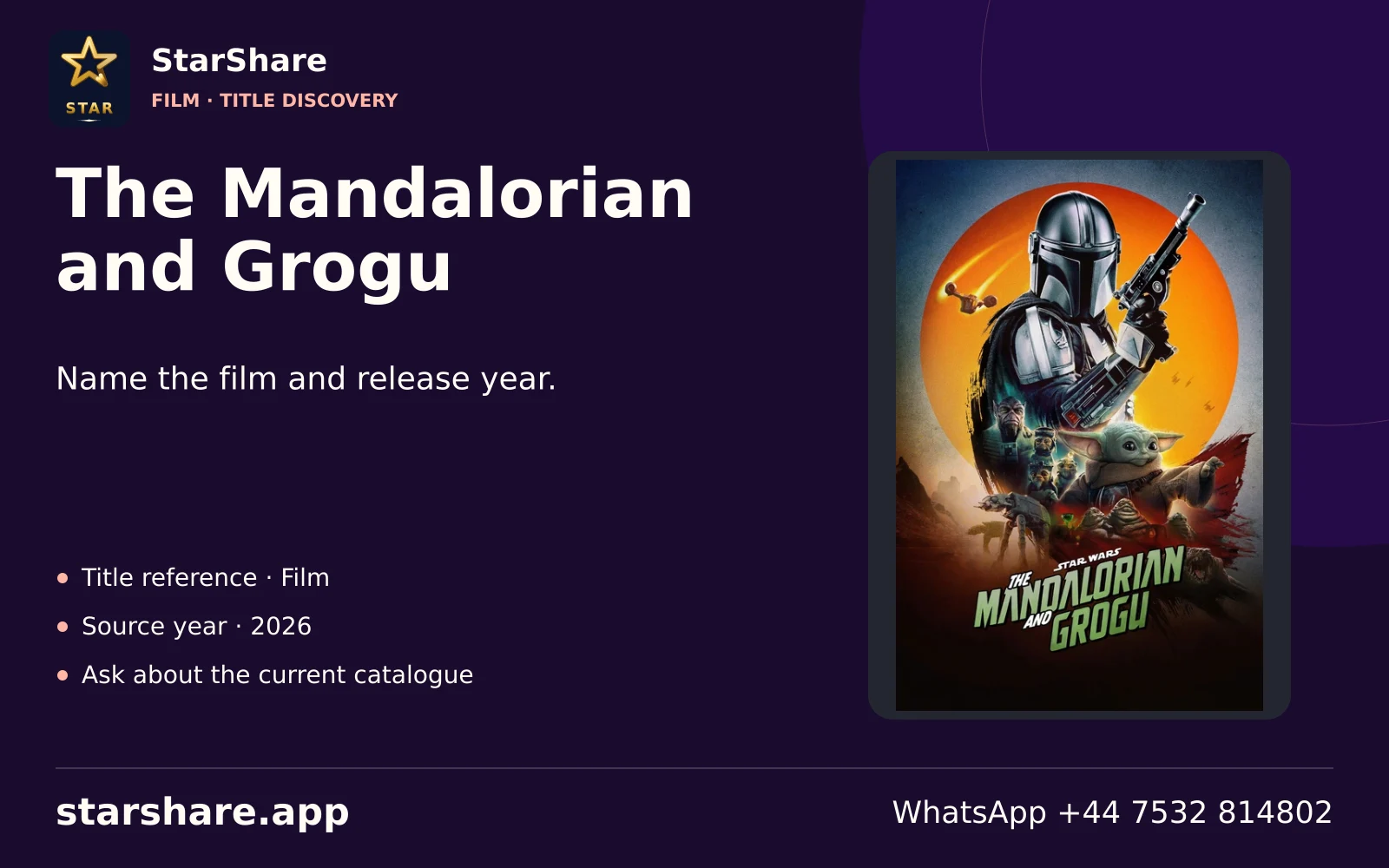
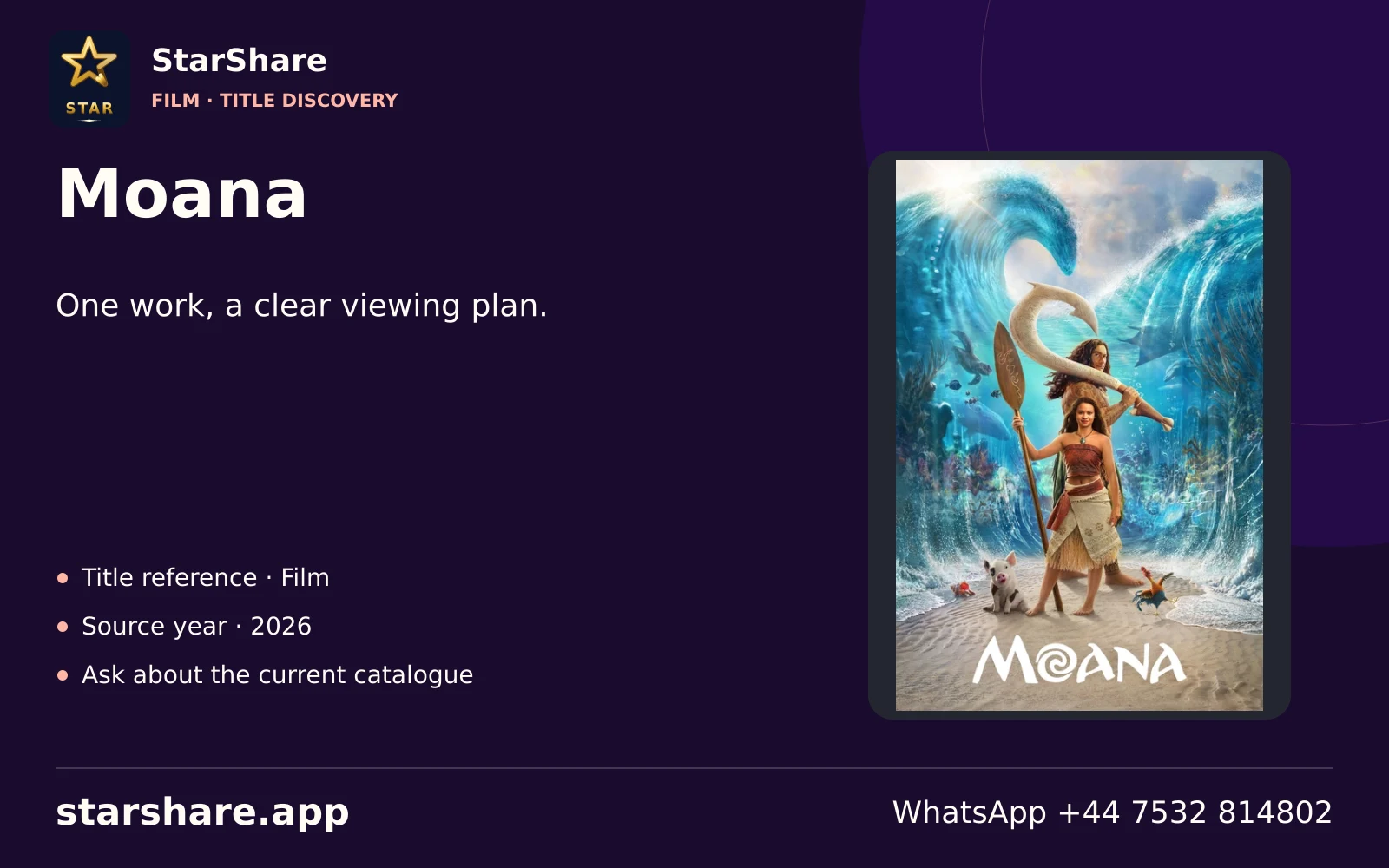
Match the title and release year before comparing an audio track, subtitle language or screen edition.
Open artworkExplore platform identities, film and series subjects, and the questions that help make a precise viewing shortlist.
100 entertainment compositions.
No matching subjects. Reset the filters to browse the collection.
Match the title and release year before comparing an audio track, subtitle language or screen edition.
Open artwork
Treat a rental or purchase separately from a platform membership and from your StarShare subscription.
Open artwork
Make a household shortlist by age suitability, language and the actual account you intend to use.
Open artwork
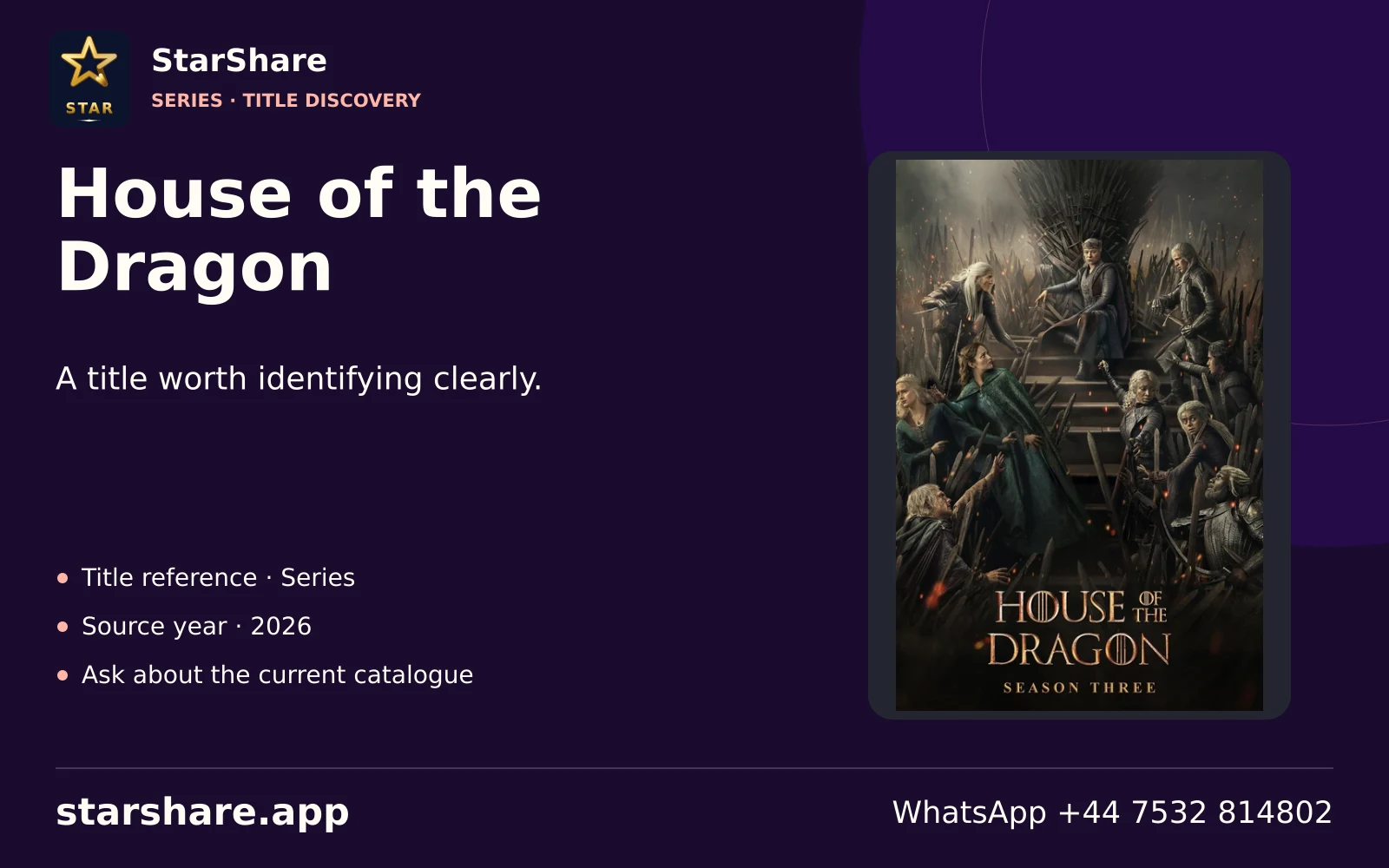
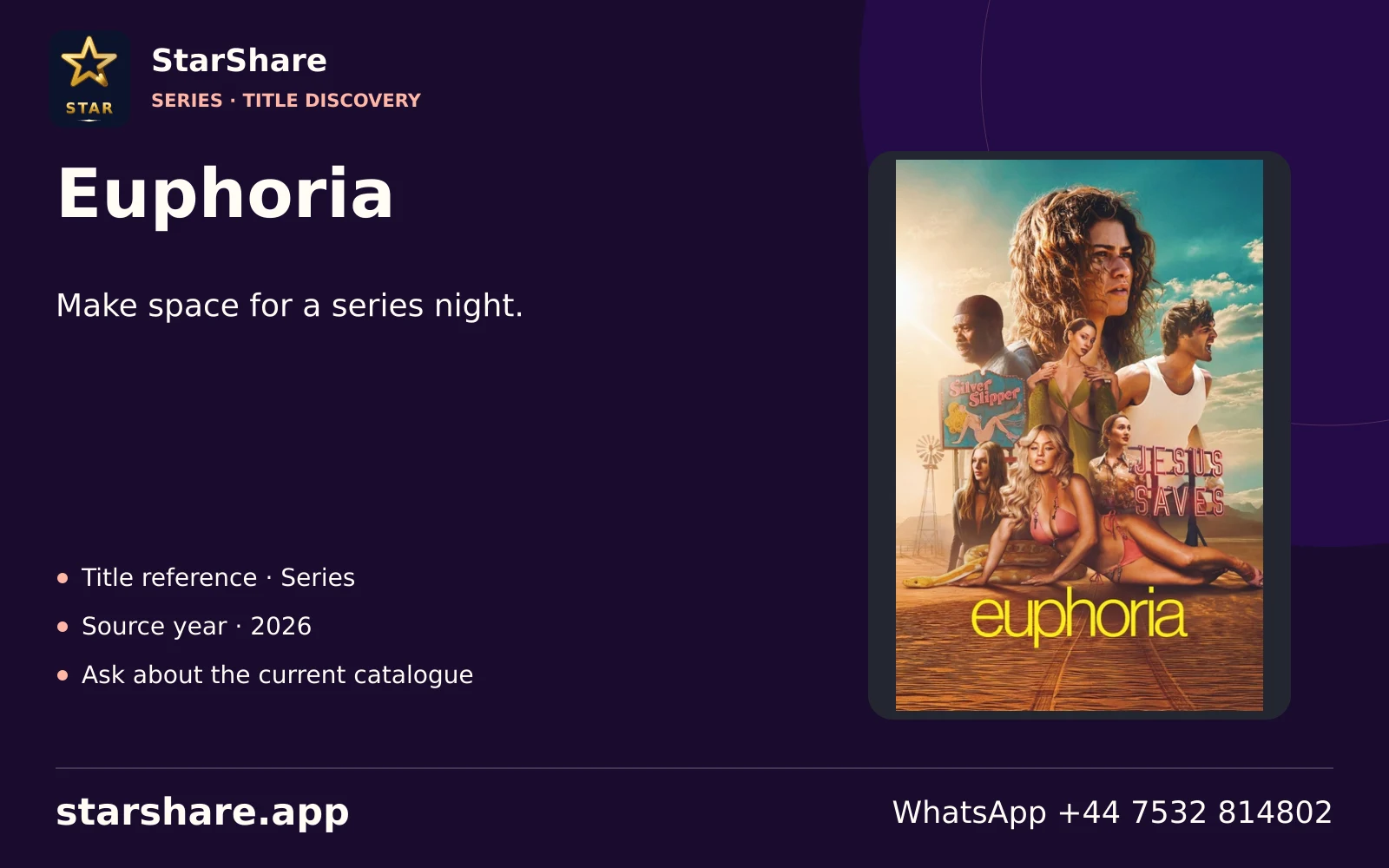
Include the programme name, season and episode when asking about a series rather than only the brand.
Open artwork
Separate Apple TV hardware, the Apple TV app and any paid membership when describing your setup.
Open artwork
A service name alone does not establish availability in your region. Check the provider’s current local terms.
Open artwork
A familiar franchise can have different distribution arrangements across markets. Name the exact programme.
Open artwork
A live event, a replay and an on-demand programme can follow different access rules.
Open artwork
Use the documentary or factual series title to compare editions and languages rather than only a genre.
Open artwork
A creator channel, a live broadcast and a paid product are different subjects even within one platform.
Open artwork
Keep a television subscription separate from an ordinary video account when checking access.
Open artwork
Do not enter a video-platform account into an IPTV login field. Use each service’s intended sign-in route.
Open artwork
An ad-supported service and a paid IPTV plan have separate catalogues, access methods and terms.
Open artwork
Distinguish a scheduled streaming channel from choosing an individual on-demand title.
Open artwork
Name whether you mean a Roku device, an app or The Roku Channel when asking for help.
Open artwork
Before buying a television package, check the exact current line-up and connection conditions with its provider.
Open artwork
An event, competition and broadcaster are useful details for a sports-focused viewing enquiry.
Open artwork
List the actual entertainment channels you use and compare current package terms directly with the provider.
Open artwork
Streaming and other television products can share a parent brand. Identify the product you already have.
Open artwork
Sports access can be sold by territory and event. Check the organiser or broadcaster for the relevant market.
Open artwork
A network channel, a streaming product and a sports event are not interchangeable entitlements.
Open artwork
A title and preferred commentary or dialogue language make a regional viewing request more precise.
Open artwork
Use the exact show or event name when discussing access, especially where names or editions overlap.
Open artwork
List your preferred programme language and subtitle needs before comparing a title across services.
Open artwork
Send the original title spelling alongside an English title where more than one programme has the same name.
Open artwork
A channel name and a specific on-demand episode can need different catalogue checks.
Open artwork
Check programme suitability and any account controls directly in the service you use.
Open artwork
Remakes and similarly named films are easier to distinguish when the release year accompanies the title.
Open artwork
Identify the developer and exact application before assuming that similarly named apps do the same job.
Open artwork
Keep a programme’s original title and chosen language together when preparing a viewing request.
Open artwork
A common word can also be a service brand. Include the app name and device to avoid confusion.
Open artwork
A platform membership does not establish access to every live event or additional package.
Open artwork
Specify whether you want live coverage, highlights or a full replay when discussing a sporting event.
Open artwork
Check the exact streaming product and current account conditions before adding another television service.
Open artwork
A device or interface helps you open apps; paid services still have their own terms.
Open artwork
The same programme can be distributed differently across countries. Confirm the local service listing.
Open artwork
A television-provider login is not automatically a username and password for an unrelated player.
Open artwork
Include the full product or membership name rather than only a short brand word in a support message.
Open artwork
Separate the linear channel, a live app stream and an on-demand programme when checking availability.
Open artwork
Ask for the programme and intended viewing route; a broadcaster identity alone does not specify access.
Open artwork
A channel number, broadcaster brand and streaming app can share a name. Be explicit about the source.
Open artwork
When a service changes its public name, include both the current and familiar name in your enquiry.
Open artwork
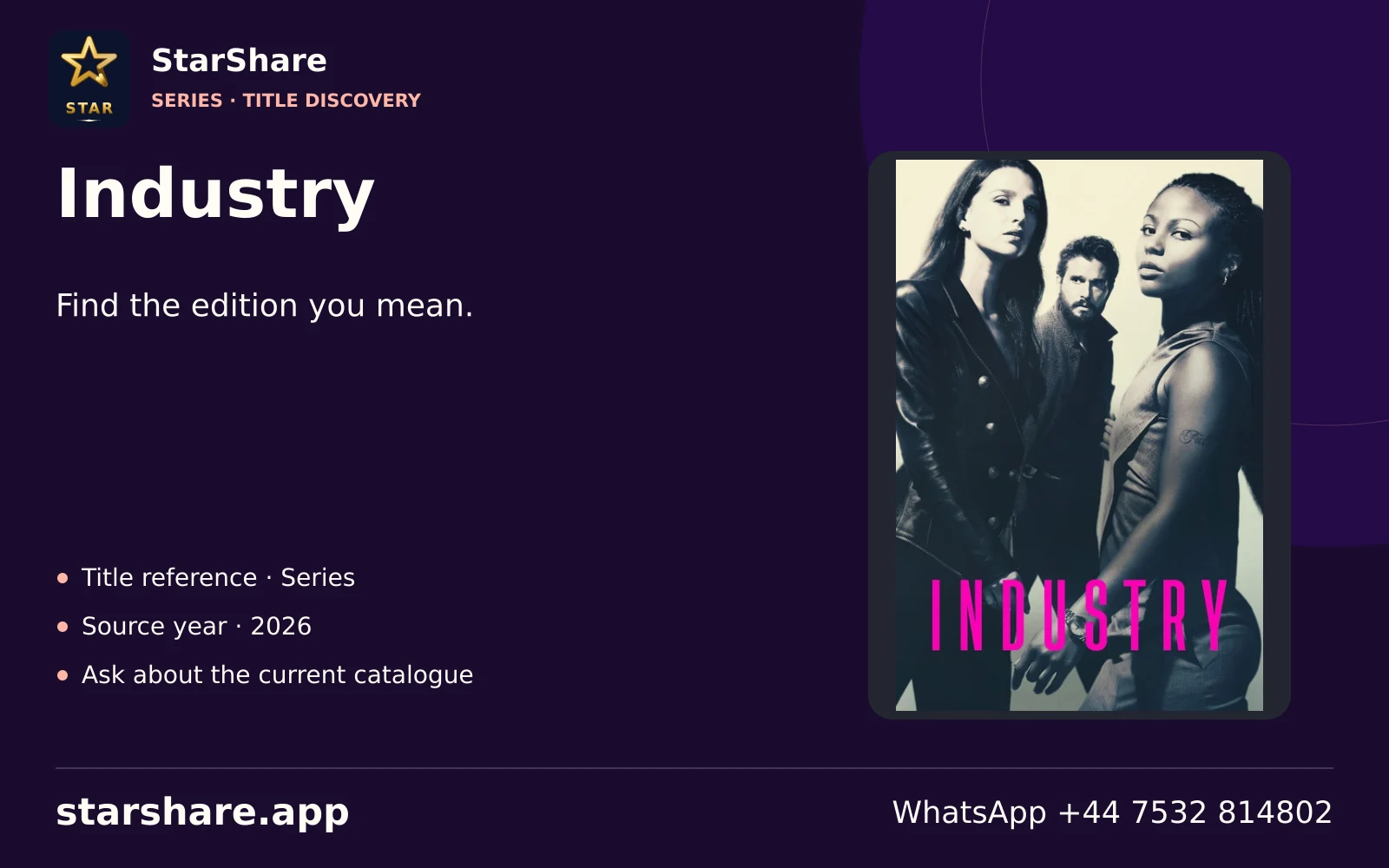
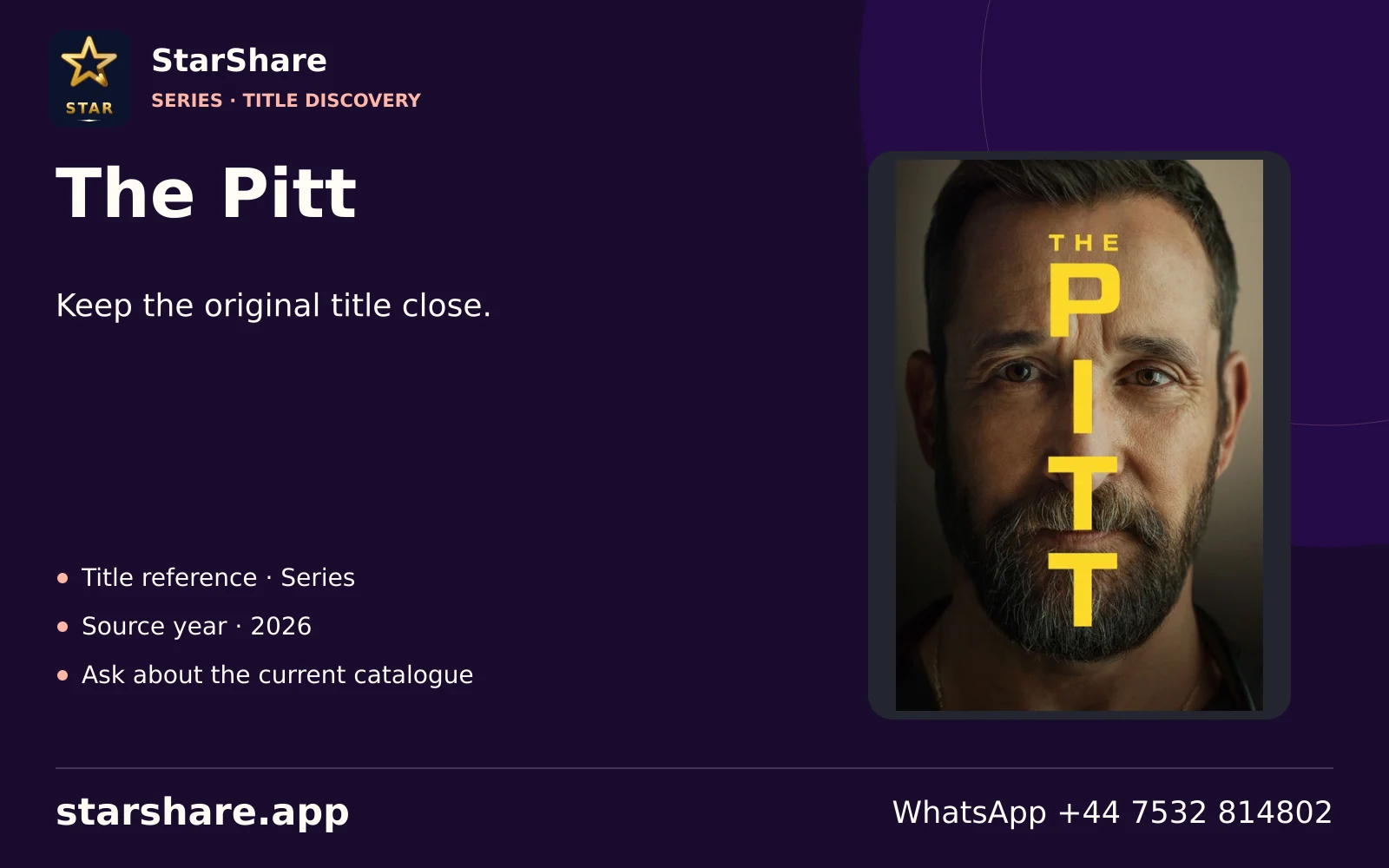
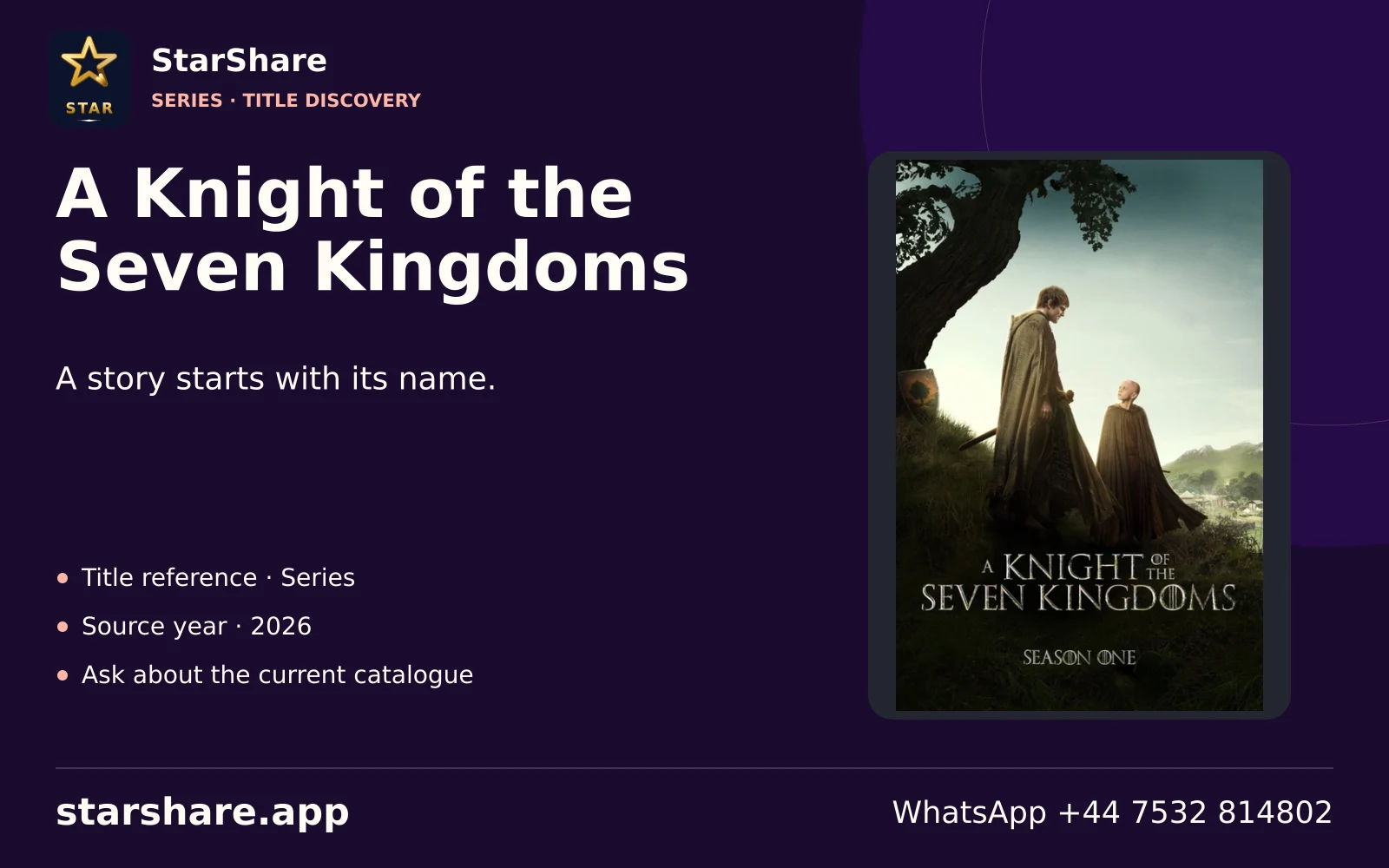
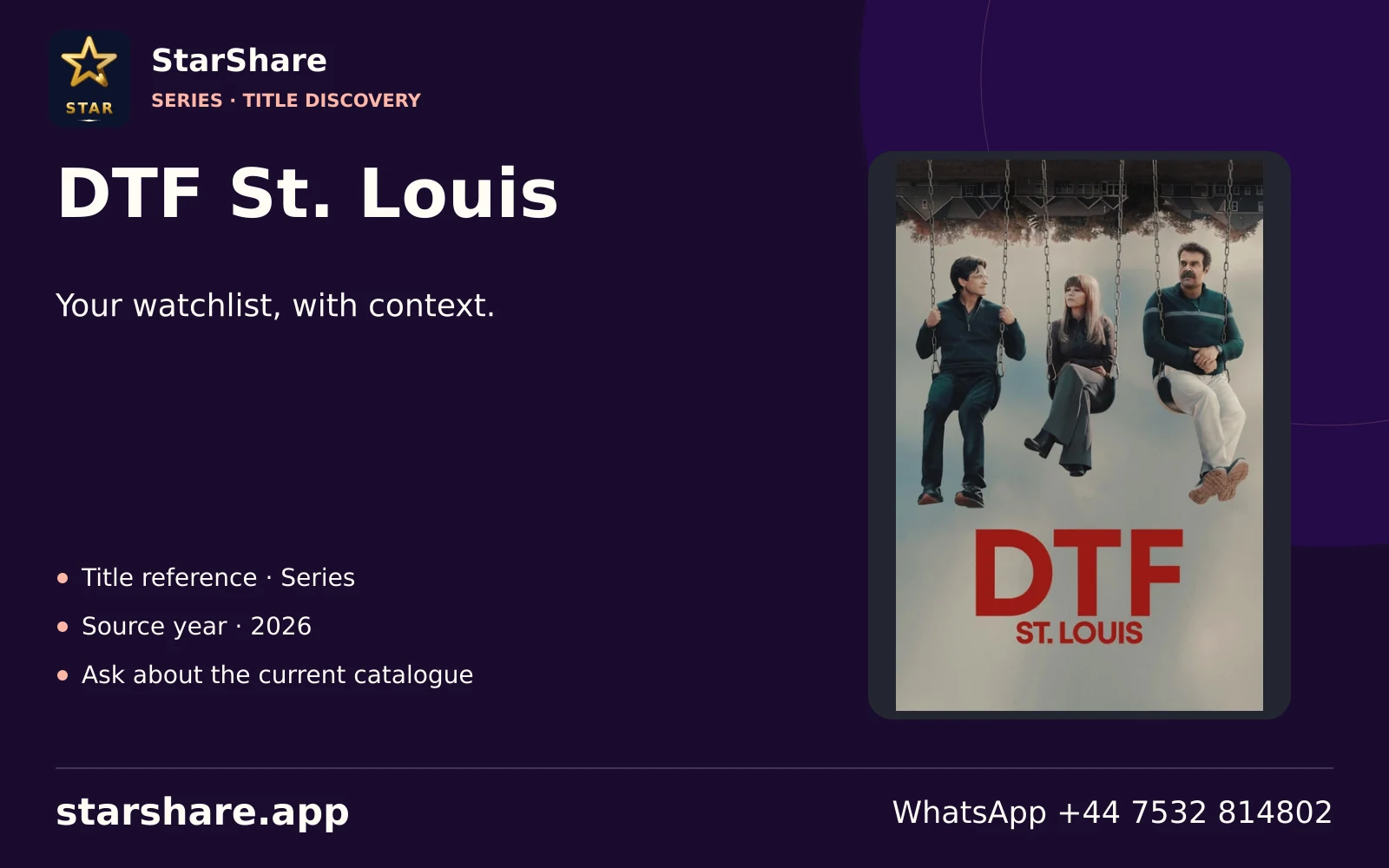
An original series, a remake and a special can share a title. Add the year and season to your shortlist.
Open artwork
A series title and episode number are more useful than a broad request for a genre or national style.
Open artwork
Check the current included services and billing terms directly rather than inferring them from a brand collage.
Open artwork
Content ratings and household preferences belong in a viewing decision as much as picture quality.
Open artwork
Use the actual film or series name when asking about a library, especially if the studio name is familiar.
Open artwork
A purchased title, a rental and a scheduled channel can have different access periods and costs.
Open artwork
A sports enquiry is easier to answer when it includes the event and the country of viewing.
Open artwork
Identify the channel or app you mean instead of treating every service with the same parent name as one.
Open artwork
Read the provider’s current account conditions before assuming a programme is included in a particular tier.
Open artwork
The regional station or feed can matter when comparing a television service across countries.
Open artwork
A preferred audio language and a readable subtitle track are separate requirements worth listing.
Open artwork
Alternate translated titles can point to different shows. Keep the original name when possible.
Open artwork
Add the programme year and season where translated titles are similar or shortened.
Open artwork
Keep a creator, an official programme page and a repost separate when deciding what you are watching.
Open artwork
Check the film year, language and any rental period with the service before buying access.
Open artwork
Name the language you read comfortably and the exact series edition you want to follow.
Open artwork
Ask the provider about local access and the programme you want rather than relying on a logo alone.
Open artwork
Read the relevant service’s current membership and device rules separately from StarShare’s plan totals.
Open artwork
The group brand can refer to several products. A precise source name avoids an unnecessary account change.
Open artwork
A broadcaster’s live channel and an individual archive programme can have different access conditions.
Open artwork
Include the original show name and intended live or on-demand route when discussing a Spanish-language title.
Open artwork
Include the broadcaster and programme name together so an older app name does not cause confusion.
Open artwork
Identify the national product and channel before comparing offers or asking about a sporting event.
Open artwork
State your preferred dialogue and subtitle languages, then identify the programme and edition.
Open artwork
Check the provider’s current product and programme availability for the country where you will watch.
Open artwork
A linear broadcast and an on-demand programme listing are separate viewing routes.
Open artwork
Say whether you want a live programme or an on-demand episode when checking the source.
Open artwork
A film or series name, year and preferred language help avoid confusion between similarly named editions.
Open artwork
Start with the director, exact title and year when comparing an edition of a film.
Open artwork
Send the documentary or series name, rather than assuming every factual programme belongs to one library.
Open artwork
A creator’s channel, a series and a paid platform page are separate identities.
Open artwork
A third-party access arrangement should be checked with the relevant provider before assuming membership.
Open artwork
A creator stream, an official event and a replay can have different rights and schedules.
Open artwork
Release year, original title and version help distinguish remakes, specials and restored editions.
Open artwork
A scheduled channel plays to a timetable. An on-demand item starts when you select an available title.
Open artwork
Check dialogue, commentary and subtitles independently instead of assuming one language setting changes them all.
Open artwork
A full platform membership and one rented title can have different prices, expiry rules and playback terms.
Open artwork
A group can publish channels, apps and programme archives with separate access arrangements.
Open artwork
Hardware displays the picture. Software opens an account. Neither creates a paid content entitlement by itself.
Open artwork
Write the service name, full price, billing period and renewal arrangement together before making a payment.
Open artwork
Agree on programme suitability, languages and the titles the household actually wants before comparing offers.
Open artwork
Choose the broadcaster and relevant regional edition when following a developing story.
Open artwork
An available replay, a catch-up window and a local recording can follow different rules.
Open artwork
A precise film or series title gives you a better way to check access than assuming a whole brand is included.
Open artwork
Read the seller and billing period in the actual checkout; a separate player or platform fee is not a StarShare plan.
Open artwork
A free or ad-supported service can have different availability and account conditions from a paid service.
Open artwork
Programme distribution and service availability can differ across markets even when the logo looks identical.
Open artwork
Original title, director and year help identify a particular film across language editions.
Open artwork
Specify the work and, where relevant, the season and episode when discussing a factual programme.
Open artwork
A creator’s own page, an event page and a repost are different sources and may have different permissions.
Open artwork
Use a trusted store or a confirmed publisher route. Artwork and installation instructions serve different jobs.
Open artwork
A television channel, add-on and separate streaming plan can share branding without sharing account access.
Open artwork
Check the exact language, track availability, size and contrast in the player you will actually use.
Open artwork
Ask the provider about its actual travel and account conditions before relying on a service in another country.
Open artwork
A payment reference for one platform does not identify an order placed with a different provider.
Open artwork
A plus sign in a brand can indicate a separate product; it is not a universal premium-access badge.
Open artwork
Name the title, add the language and identify the screen. Then check the current authorised viewing route.
Open artwork
Treat content, software, hardware and network conditions as separate checks in a viewing decision.
Open artworkThe saved poster set is a curated reference collection, rather than a popularity ranking or a confirmed release schedule.