
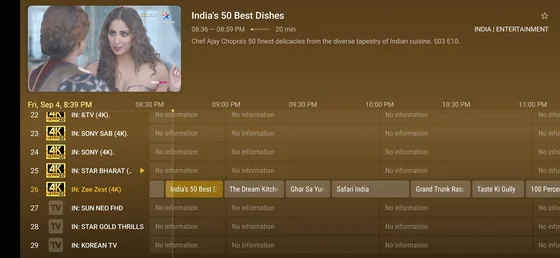
Begin with what the viewer wants to hear and read
“I want Hindi channels” can mean a Hindi news bulletin, the Hindi commentary on a match or an English-language film with Hindi dialogue. You can get a much better answer by finishing two short sentences. I want to hear these words or this language. I want to read these words or this language. Add the programme or station if you know it. A request such as “original Urdu dialogue and English subtitles for this episode” tells a provider what to look for and tells the family what to test.
Consider a household with one person who reads Devanagari, another who reads Urdu and a child who searches in English. They may all enjoy the same scene. The problem comes a minute earlier, when the person holding the remote has to find it. Let the person who watches most often choose a familiar title. Ask another family member to find the publisher's written name for it. Now you have the name the family actually uses and a search string that has appeared in a real catalogue.
The words Hindi and Urdu describe languages. Devanagari and the Arabic-derived script used to write Urdu describe writing systems. Roman Hindi and Roman Urdu use Latin letters to represent speech. A change among those written forms can make an item much easier to find even when the recording itself stays identical. Keep the familiar form to the left of your own notes and a publisher spelling on a fresh line. That layout leaves room to add a useful variant later.
For a StarShare enquiry, finish with where you will watch and what device opens the player. A Hindi news programme identified on an Indian broadcaster's website might be requested by somebody living in Qatar. Someone in Pakistan can ask about an English-language production with Urdu subtitles. The country of the screen belongs with the account question. The language and programme identity belong with the viewing question. Keeping each detail in its place saves a surprisingly long exchange of messages.